
Offline editor for Google Ads campaigns that allows you to download your accounts, make changes, and then upload the modifications #Google Ads #Ads Editor #AdWords Editor #AdWords #Google #Ads
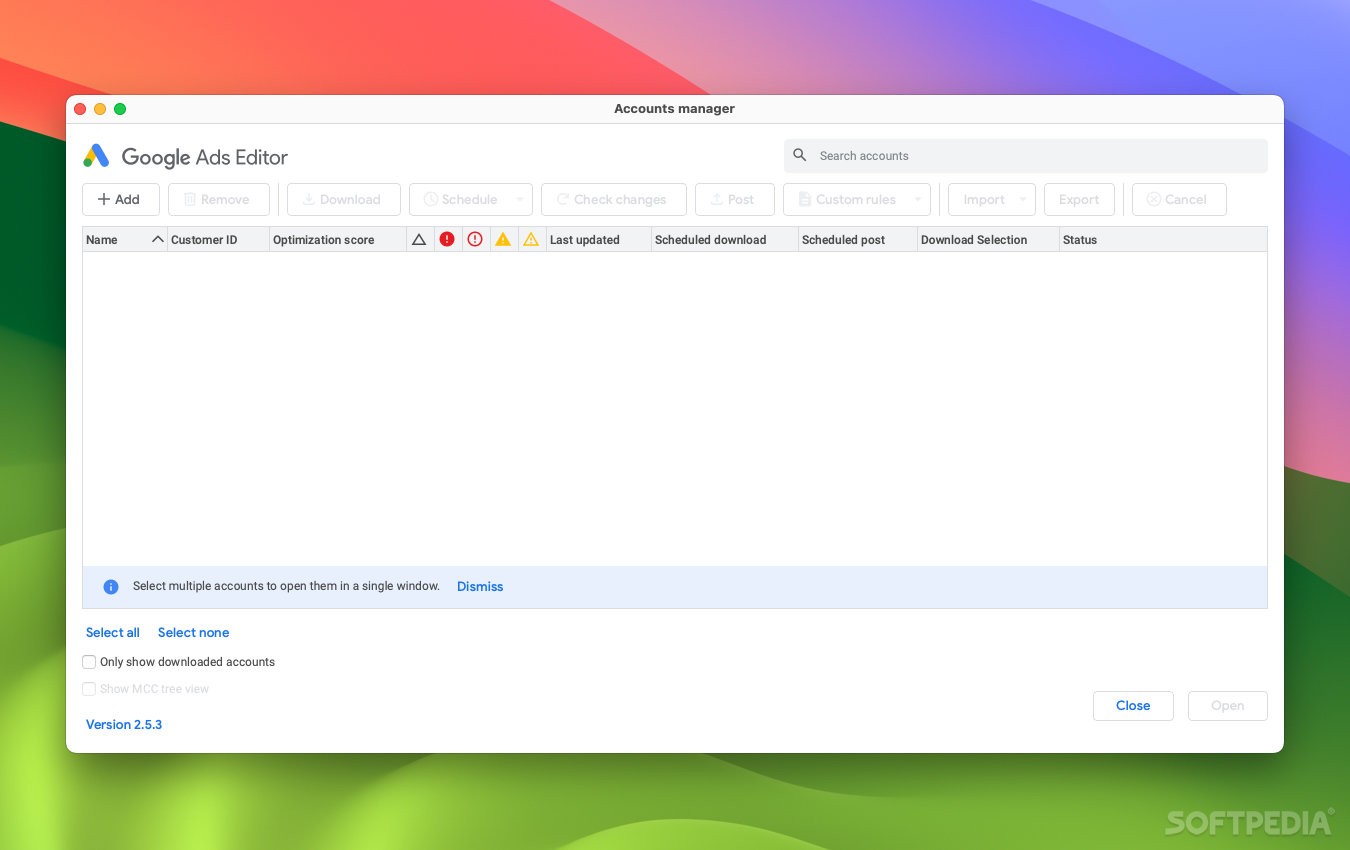
Google Ads is an online platform that allows users to configure and customize how their products are advertised via Google’s services. It comes with lots of features and is normally handled via a web or mobile app.
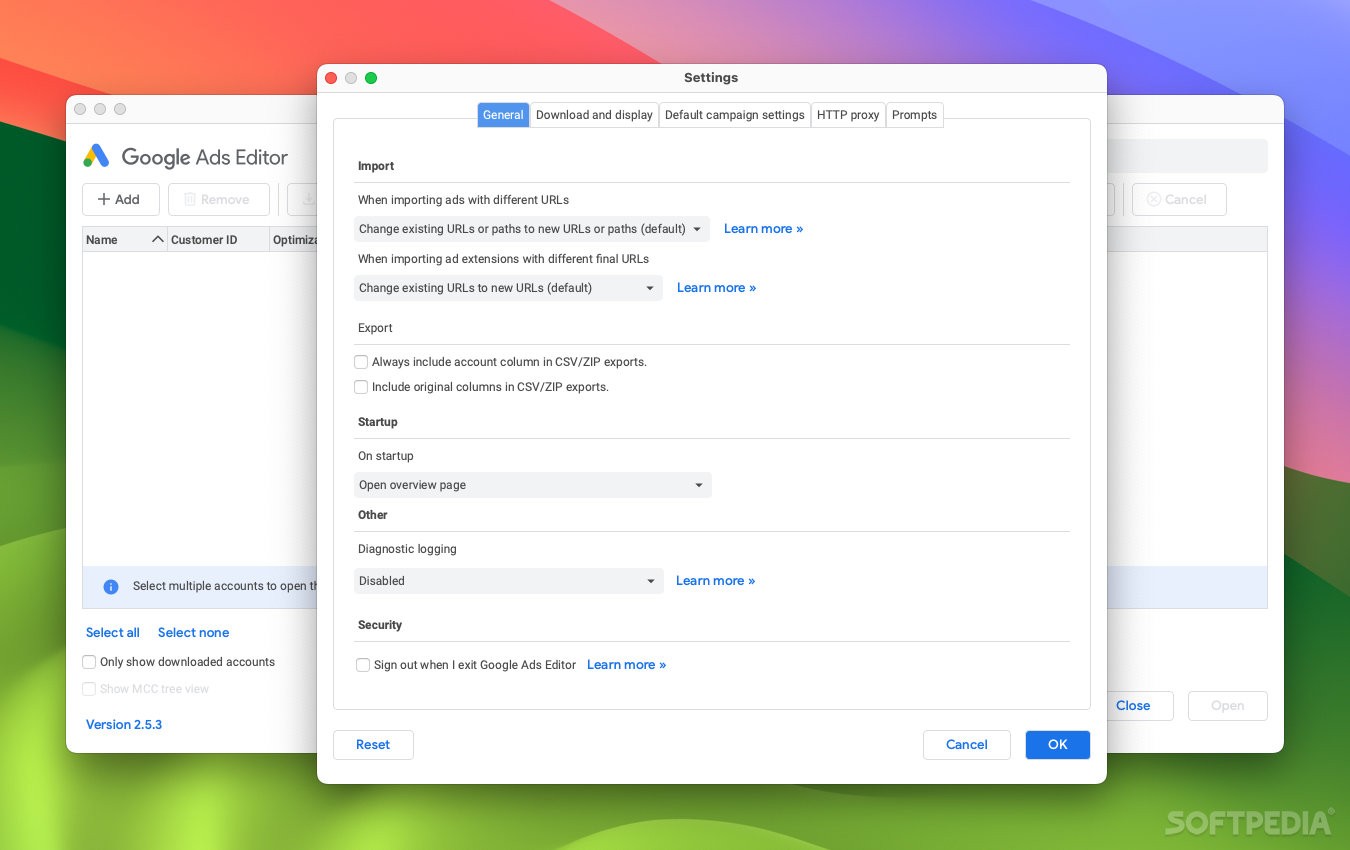
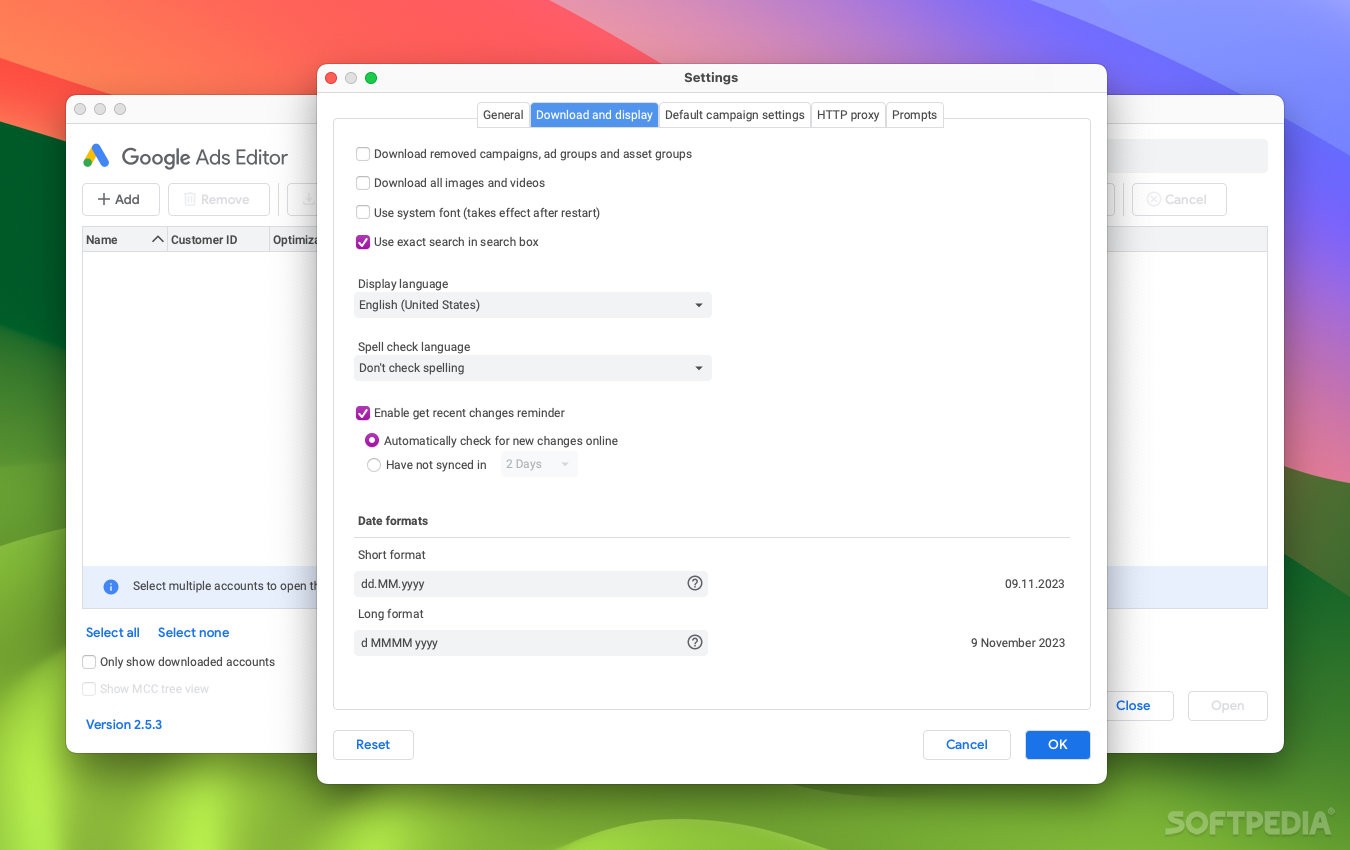
Google Ads Editor is an alternative for Mac users who want the option to handle everything offline, make any necessary changes, and then upload all modifications in one go. It can be beneficial in many scenarios, and it has the advantage of not requiring a permanent internet connection.
Once you’ve got the app up and running, you’ll need to download the contents of one or more Google Ads accounts. Once that is done, you can work entirely offline, and then only connect to the internet again when you need to re-upload your changes.
The app is particularly useful for businesses that need to handle multiple campaigns at once. It includes features that can streamline analysis and help you make large numbers of changes at once, even across multiple accounts.
Before uploading your revised campaigns, you can even share proposed changes with other people, who are able to make their own modifications and add comments. Once you’ve checked your changes, you can post them to Google Ads.
What's new in Google Ads Editor 2.5:
- New features:
- App URL for App Install Ads:
- You can now add app deep links for App Install Ads through the App URL field, similar to App Engagement Ads.
Google Ads Editor 2.5.7
add to watchlist add to download basket send us an update REPORT- runs on:
- macOS 11.0 or later (Universal Binary)
- file size:
- 303.7 MB
- main category:
- System Utilities
- developer:
- visit homepage
Windows Sandbox Launcher

ShareX

IrfanView

Microsoft Teams

4k Video Downloader

Bitdefender Antivirus Free

calibre

7-Zip

Zoom Client

Context Menu Manager

- 7-Zip
- Zoom Client
- Context Menu Manager
- Windows Sandbox Launcher
- ShareX
- IrfanView
- Microsoft Teams
- 4k Video Downloader
- Bitdefender Antivirus Free
- calibre