
Makes it simple to add a large variety of effects to your videos and also enables you to create your own visual effects via its vast amount of tools designed specifically for this task. #Motion graphics #Visual effect #Audio effect #Animation #Designer #Motion
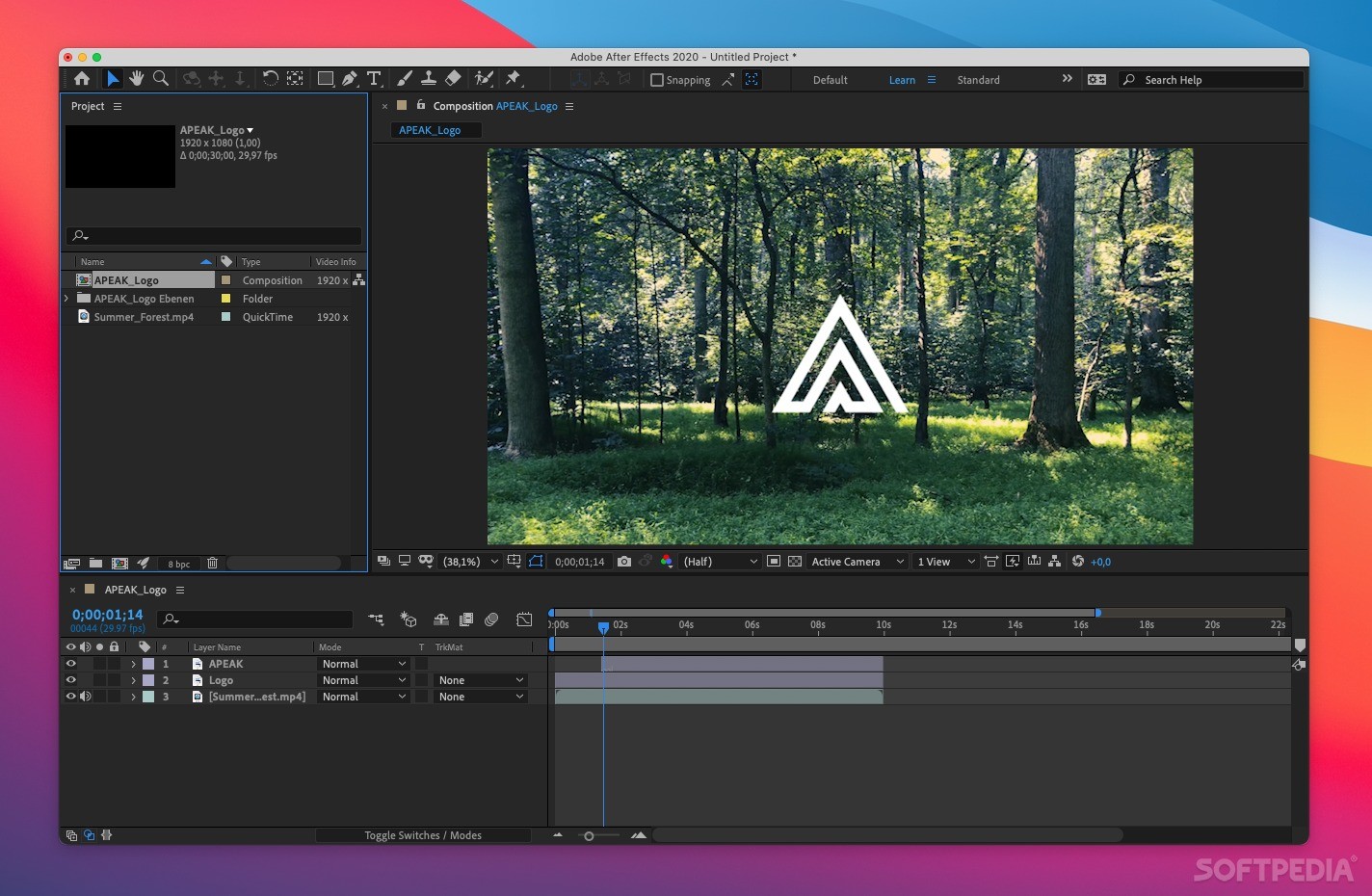
Multimedia composition utilities are a breed of applications commonly designed to be used by professionals, to create compelling products combining all sorts of media and content as effortless and intuitively as possible.
Adobe's After Effects is one of the top such solution nowadays, owing chiefly to its extensive list of features and ability to greatly improve your workflow once you get used to its extensive collection of powerful tools and features.
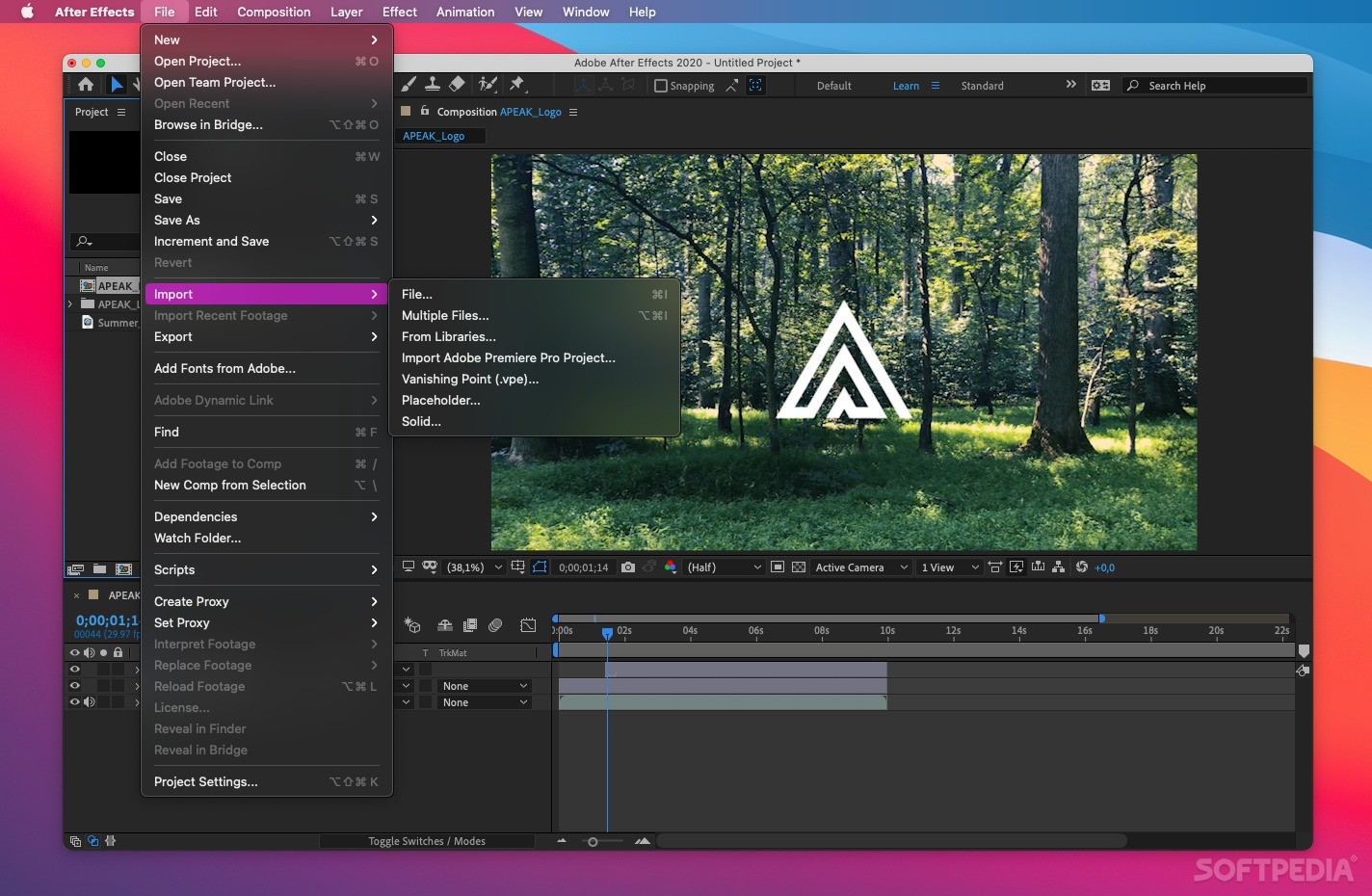
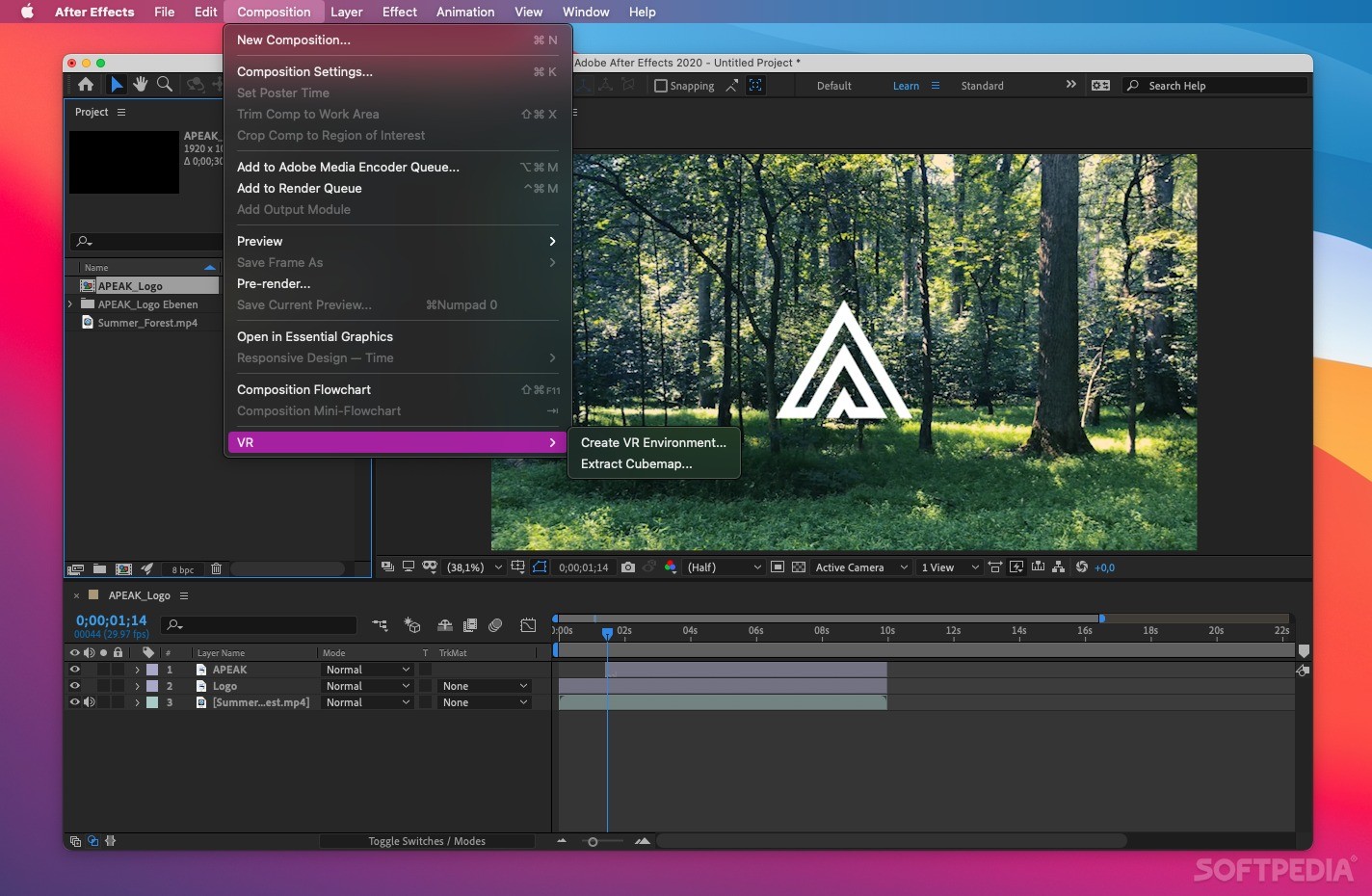
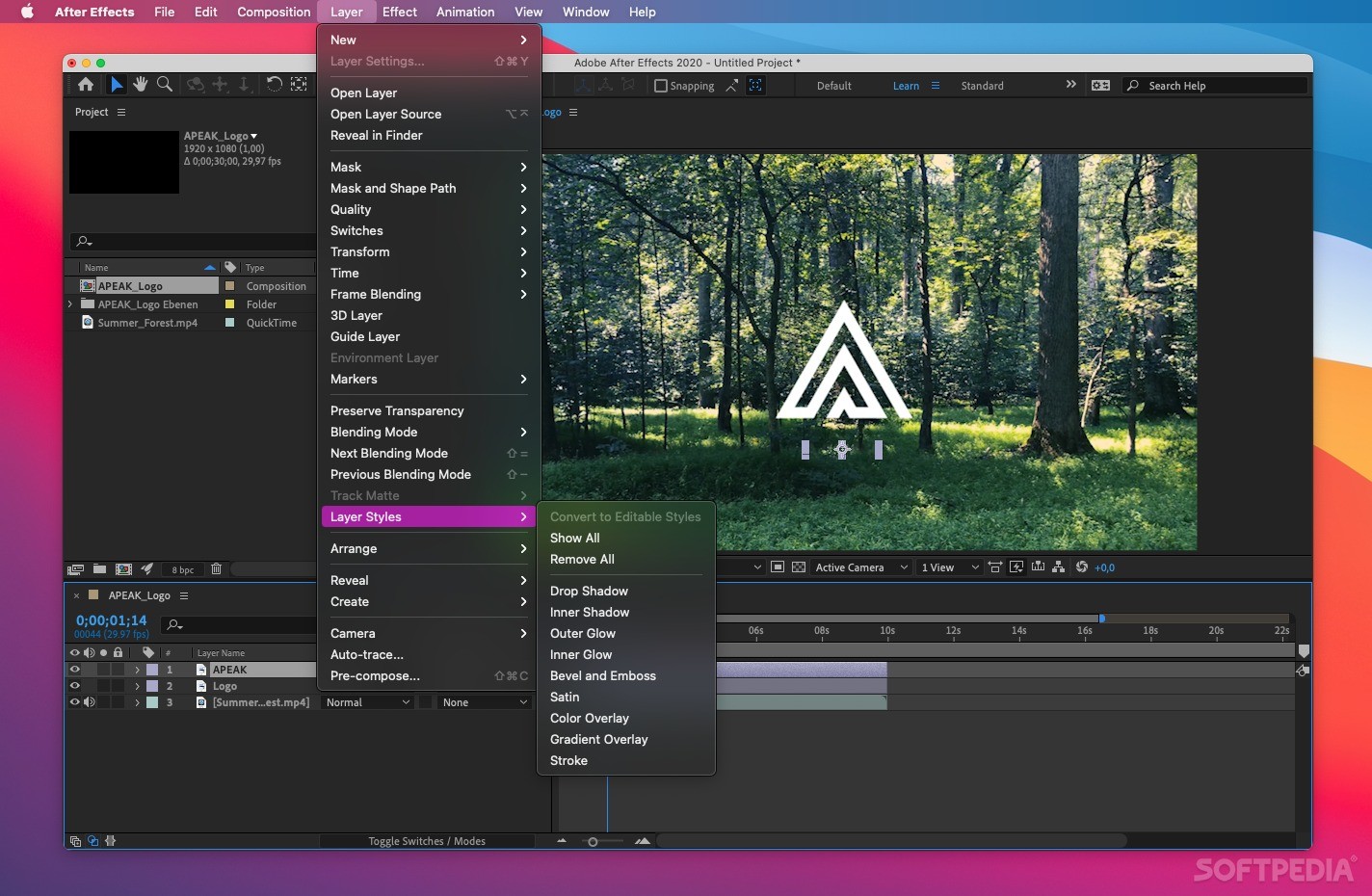
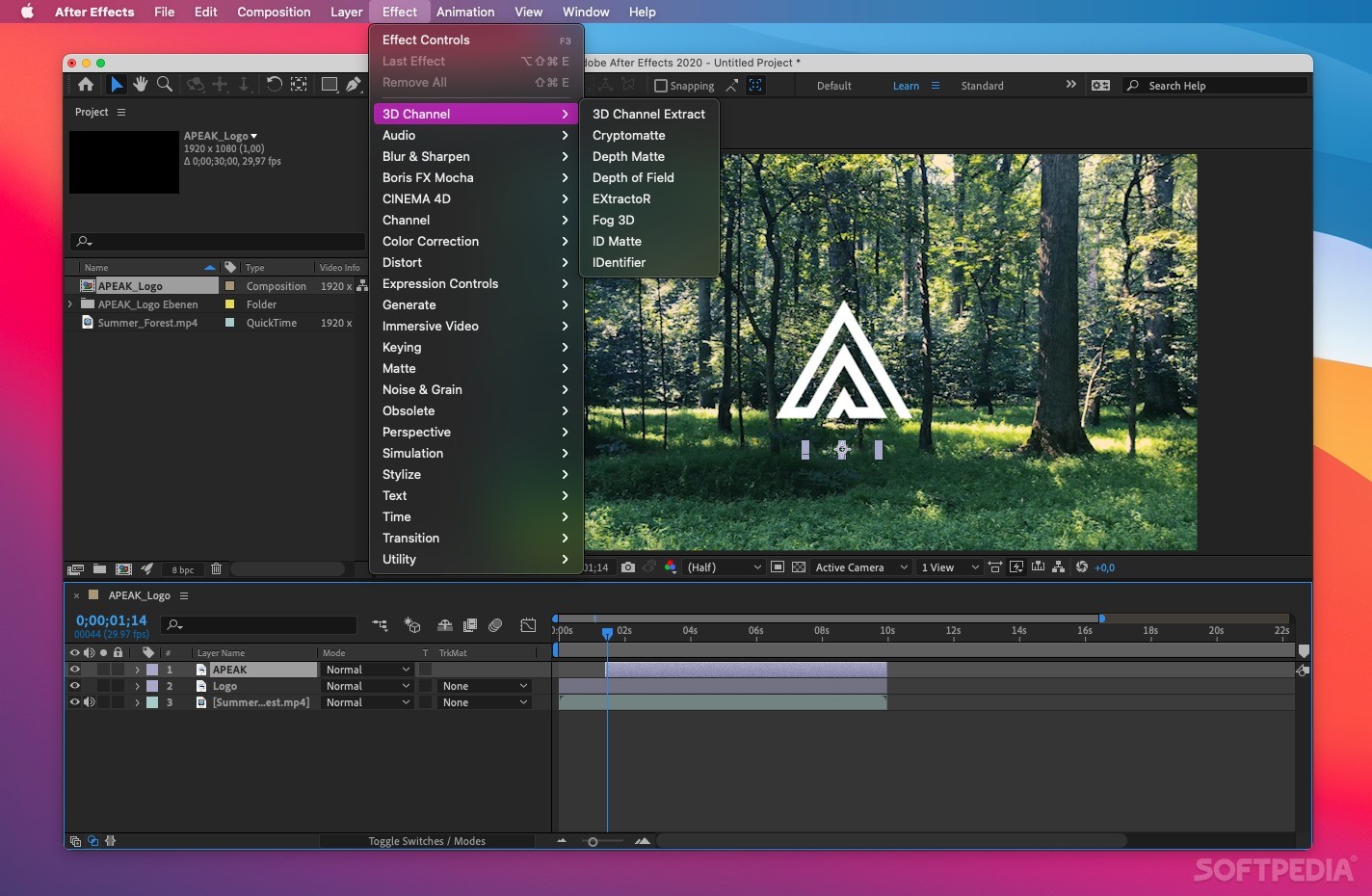
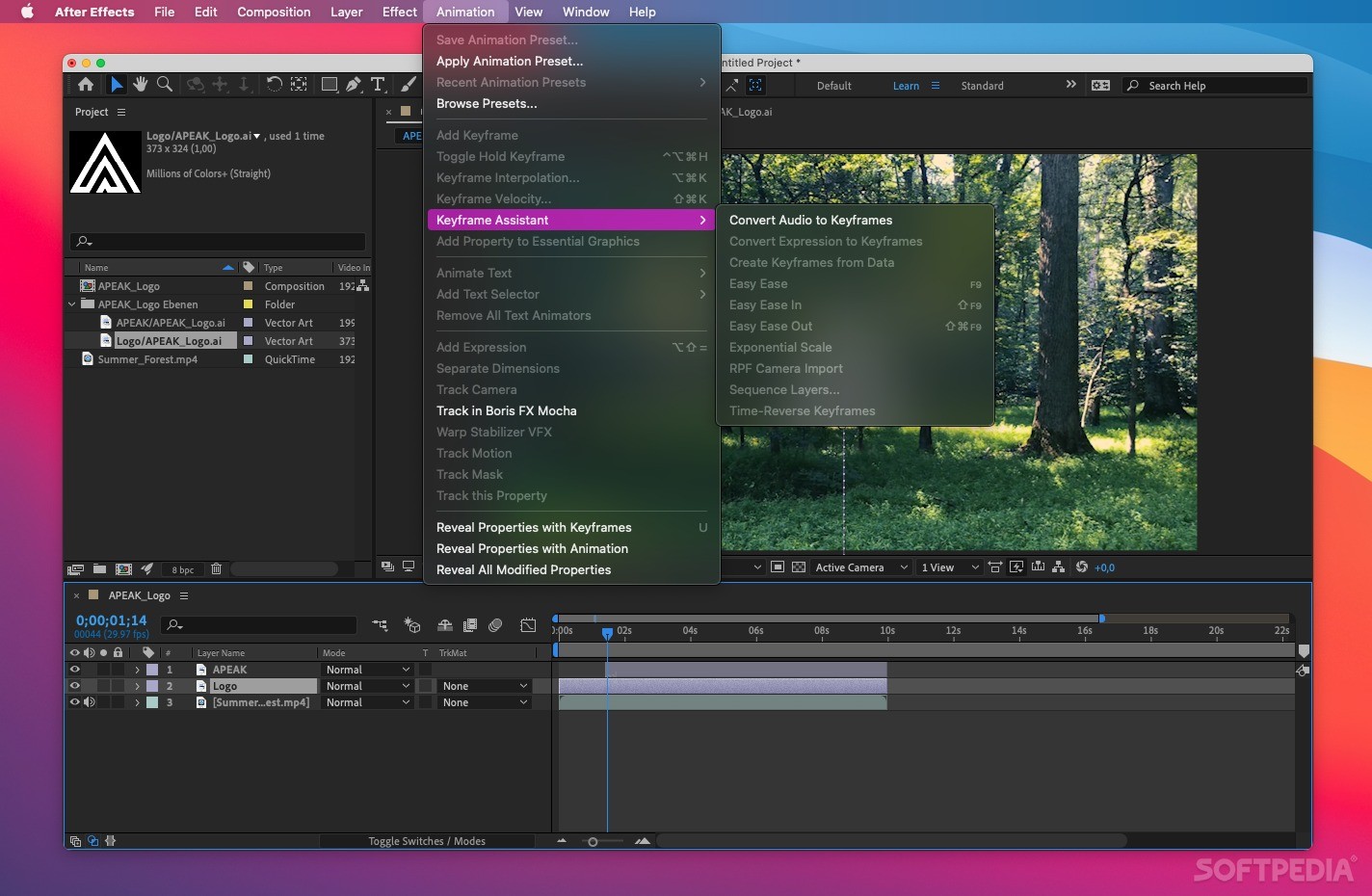
Adobe After Effects makes it simple to add a large variety of effects to videos and, because it comes bundled with numerous tools to help you create you own creative visual effects (e.g. 3D camera tracker, warp stabilizer, edge refiner and pixel motion blur), you won't feel the need for more pre-sets.
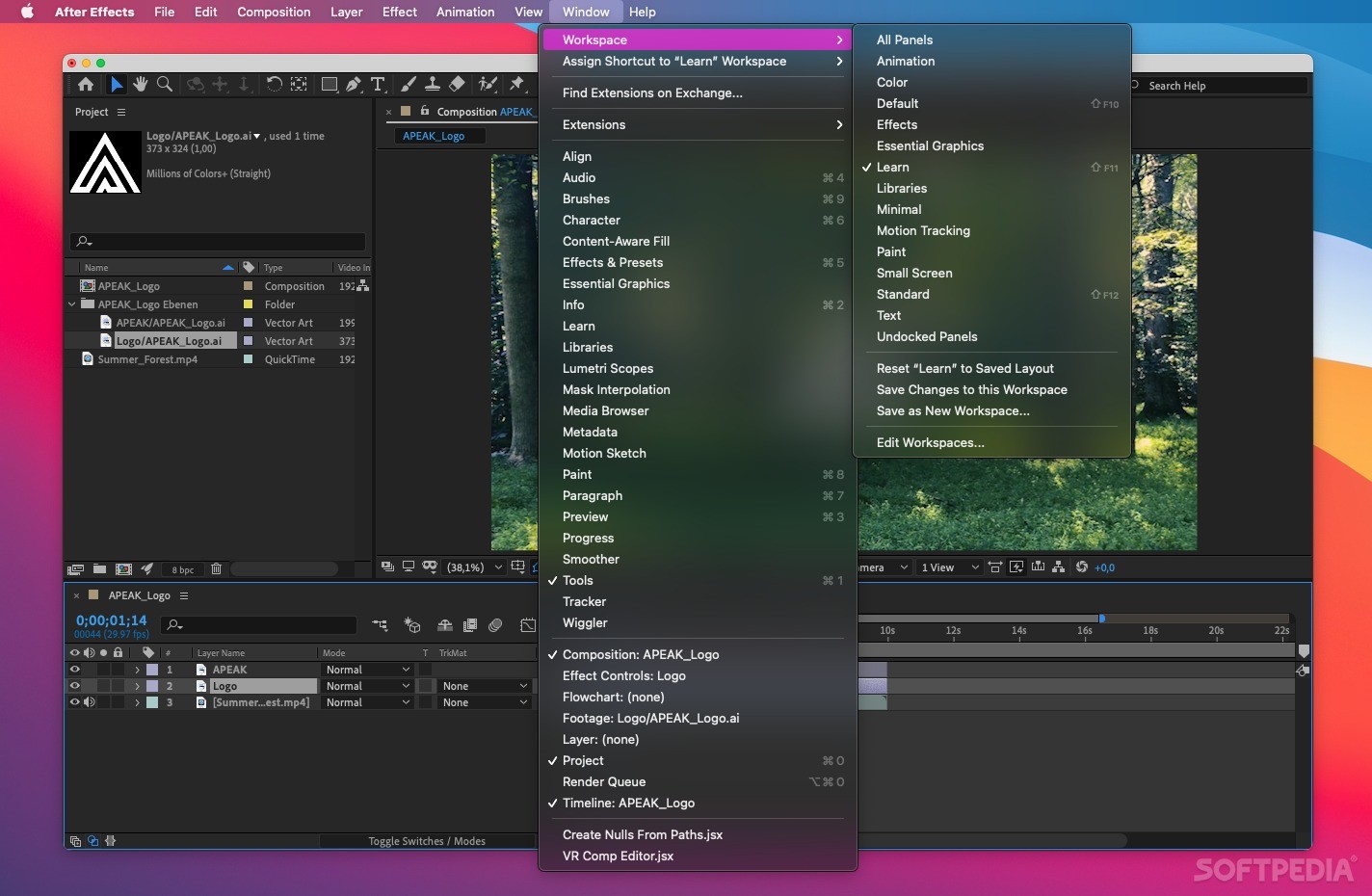
The Adobe After Effects utility also comes with Creative Cloud integration that enables you to keep your workspace's settings synchronized across various machines.
After Effects also has a built-in project sharing network, Behance, which allows you to effortlessly share work in progress shots of your designs and projects so that you can get instant feedback from your network of colleagues and various professionals around the world.
What's more, Adobe After Effects also makes it possible to add custom 3D scenes and objects designed using CINEMA 4D without having to go through multi-pass rendering in-between.
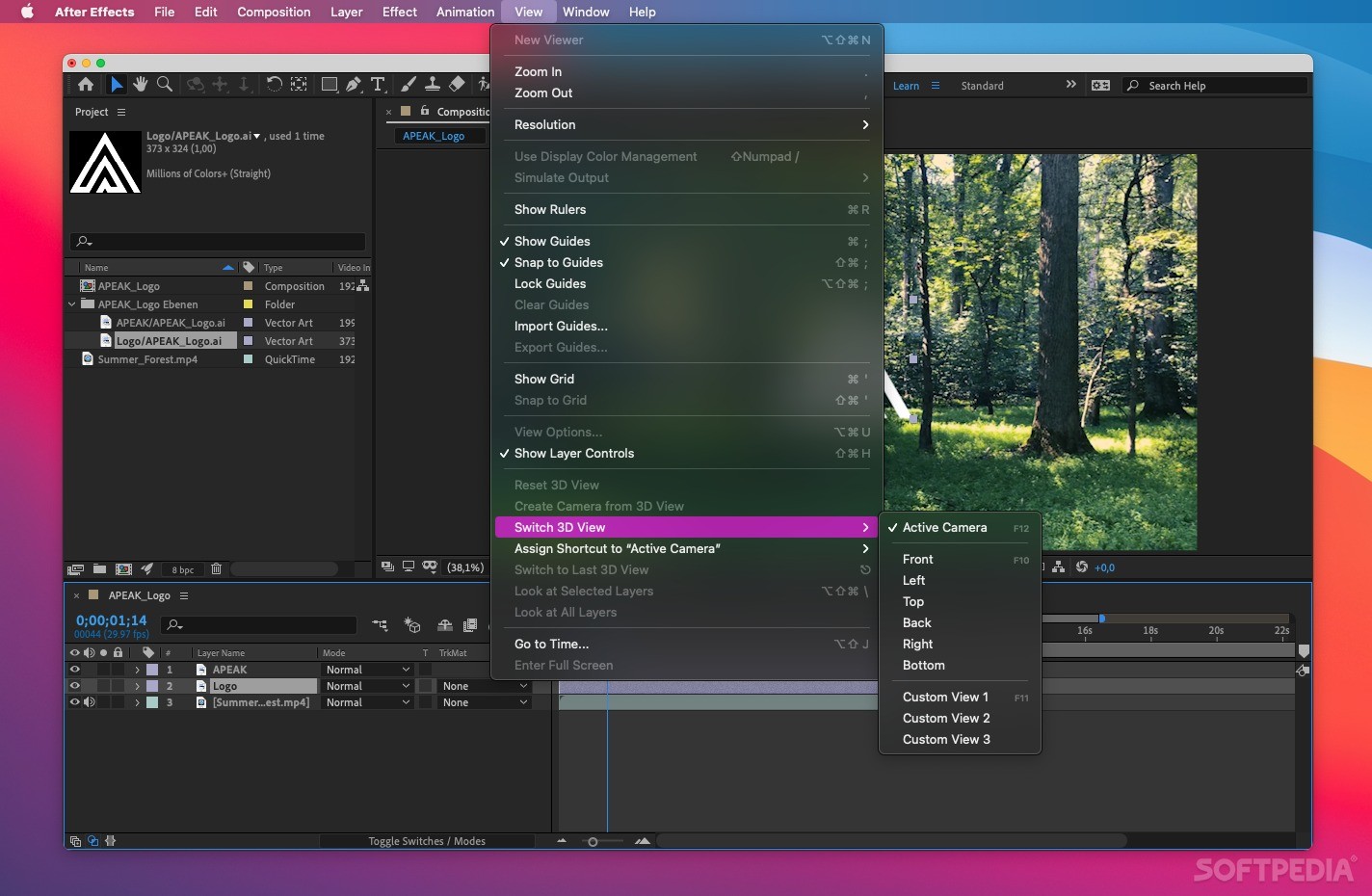
After Effects features support for multiple dimensions that helps you to fluidly switch between 2D, 2.5D, and extruded 3D spaces, in order to get the best angle for customizing the object your currently working on.
Besides, once you get the hang of it, you can even mix together 2D and 3D content within the same composition, to make the end result even more startling and eye-catching.
The After Effects composition platform manages to bring together all the tools a professional needs to create breathtaking and thrilling multimedia products with ease, while also taking advantage of Adobe's Creative Cloud collaboration and sharing features.
Download Hubs
Adobe After Effects is part of these download collections: View EXR, Convert EXR, Edit EXR, Create EXR
What's new in Adobe After Effects 2024 24.3:
- Fixed issues:
- After Effects no longer crashes when you try to export tracking data to the 3D model layer.
- The maximum values for specific layer style sizes (Drop Shadow, Inner Shadow, Outer Glow, Inner Glow, Satin, Stroke) have been reduced from 30,000 to 250.
- The “Invalid clipboard format” alerts no longer show up when bringing After Effects in focus.
Adobe After Effects 2024 24.3
add to watchlist add to download basket send us an update REPORT- runs on:
- macOS 12.0 or later (Universal Binary)
- file size:
- 5.9 MB
- main category:
- Graphics
- developer:
- visit homepage
ShareX

4k Video Downloader

calibre

Context Menu Manager

IrfanView

Windows Sandbox Launcher

7-Zip

Microsoft Teams

Zoom Client

Bitdefender Antivirus Free

- Microsoft Teams
- Zoom Client
- Bitdefender Antivirus Free
- ShareX
- 4k Video Downloader
- calibre
- Context Menu Manager
- IrfanView
- Windows Sandbox Launcher
- 7-Zip