
User friendly macOS font management application that offers you the possibility to quickly import fonts, enable or disable them, and more. #Font manager #Font browser #Font previewer #Font #Organizer #Browser
Apple’s Font Book.app is designed to help you manage your fonts without having to deal with complex tools. However, power users might find the import and export options, but also the amount of information displayed for a certain entry, unsatisfactory.
As a result, more powerful font management solutions, such as FontExplorer X Pro, become a necessity.
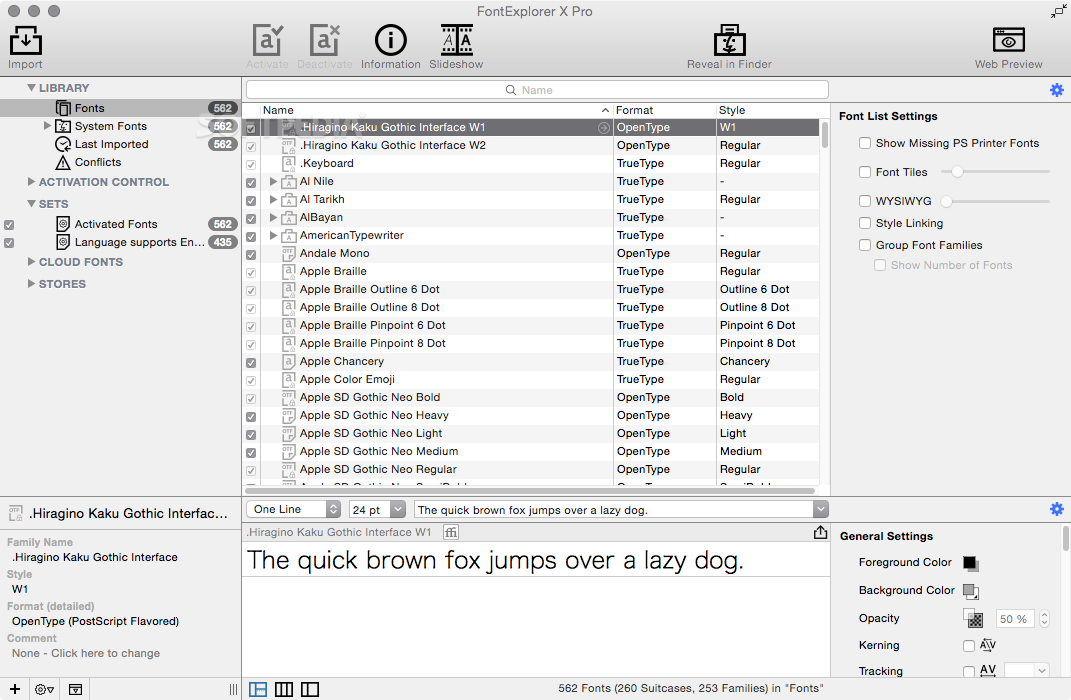
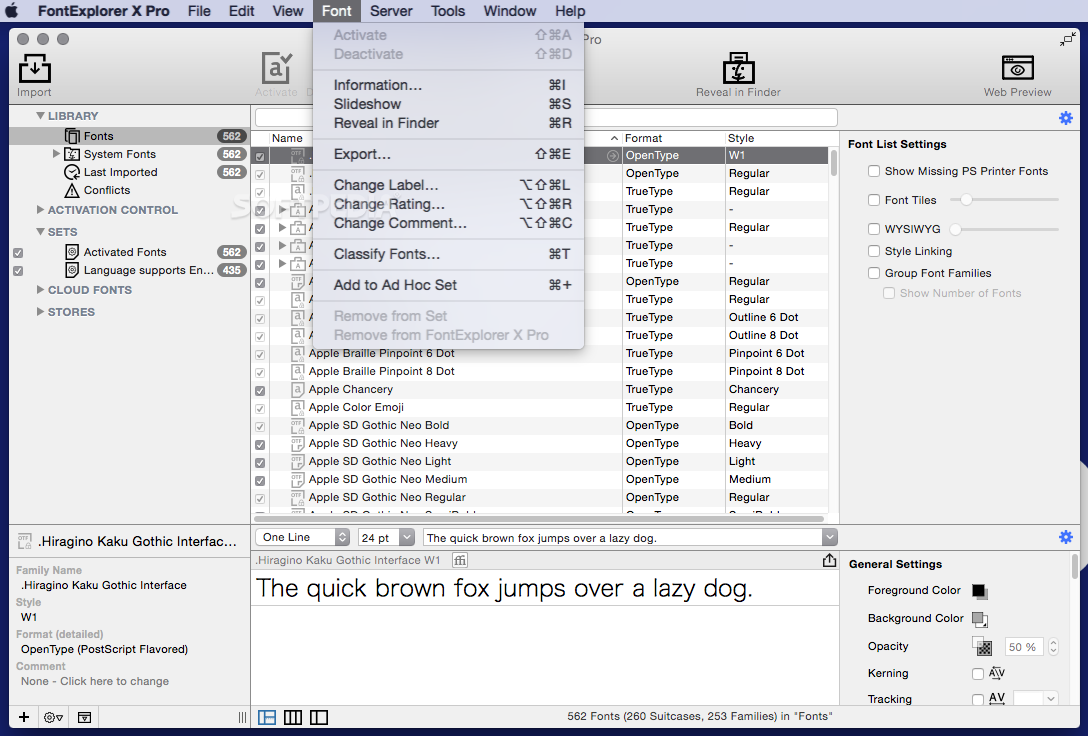
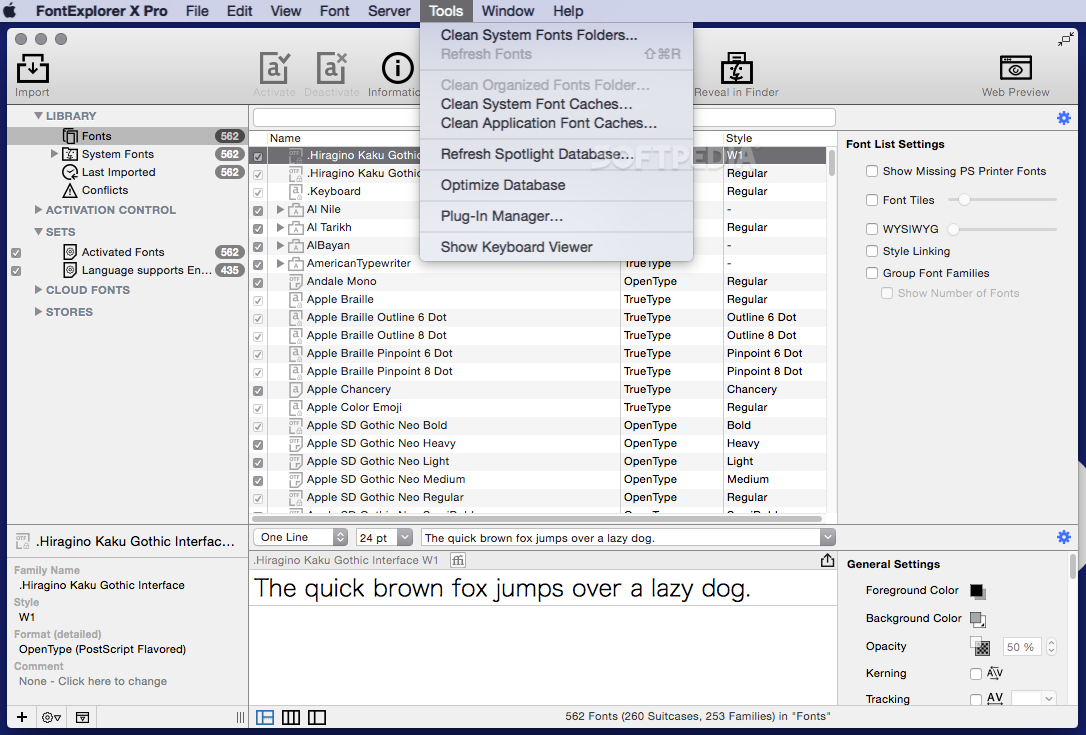
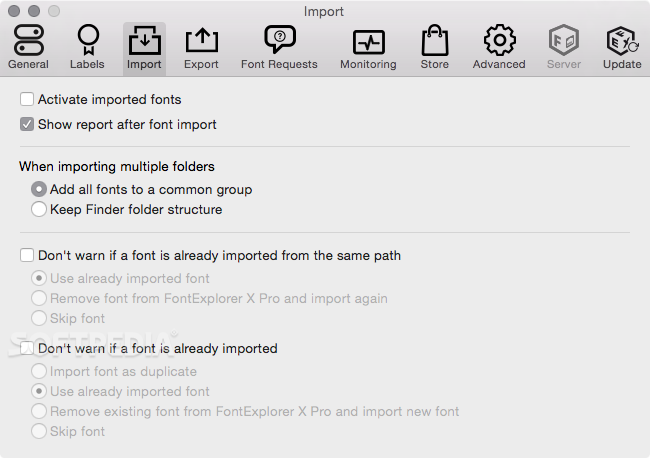
When you launch FontExplorer X Pro for the first time, the application is able to import fonts from various locations on your Mac: this way you will have access to your entire font library right from the start.
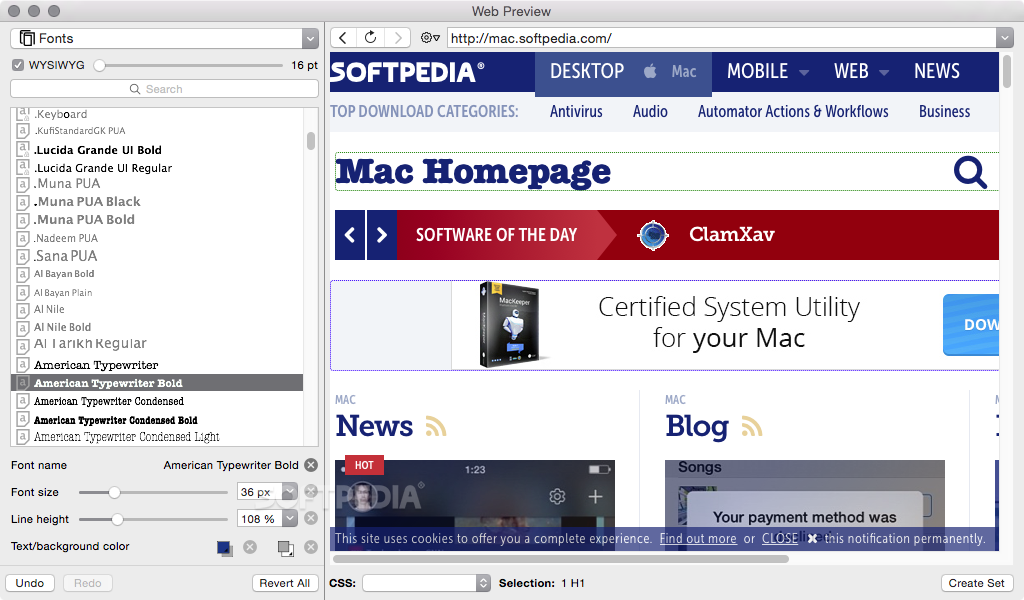
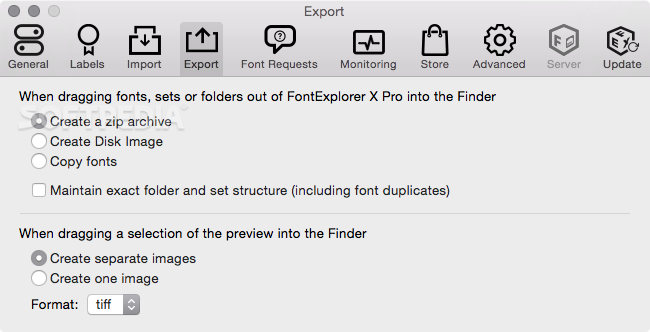
Of course, you can choose to quickly import new fonts at any time, activate or deactivate them, view extensive information about the typeface, create font families, choose to reveal the source file in the Finder, and even preview the output on the Web.
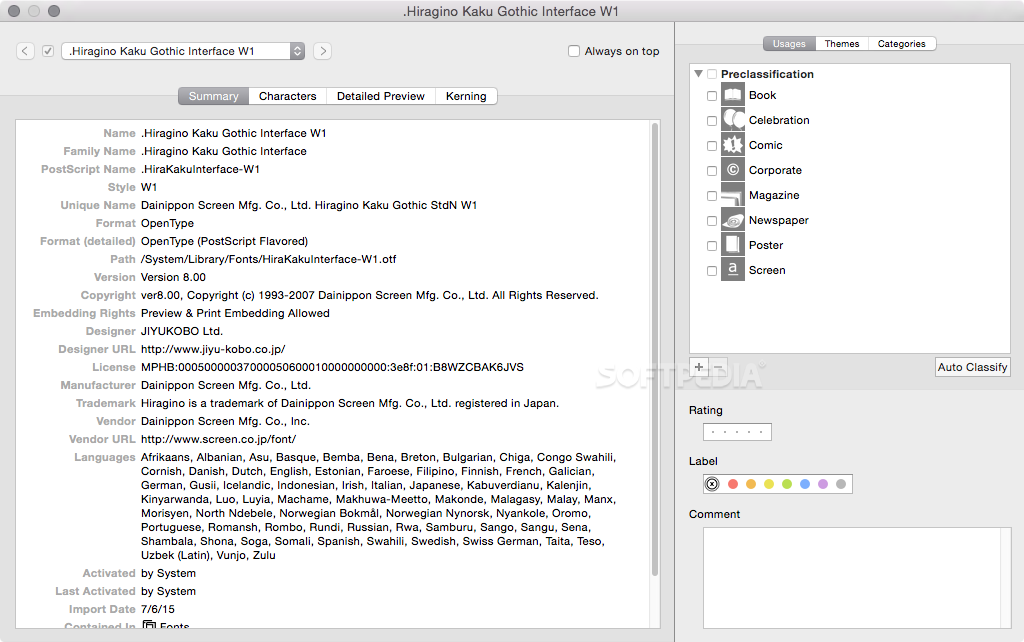
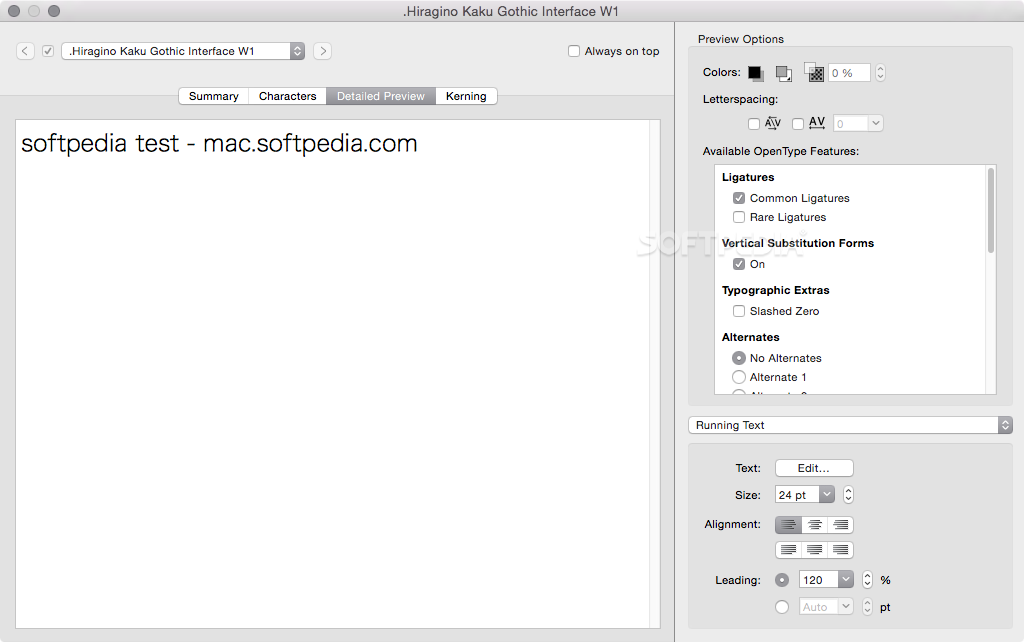
To visualize all the available data about a certain font, simply press the “Information” button placed in the FontExplorer X Pro top toolbar. In the new window you can see the font name, style, format, version, copyright details, embedding rights, suitable languages, and more.
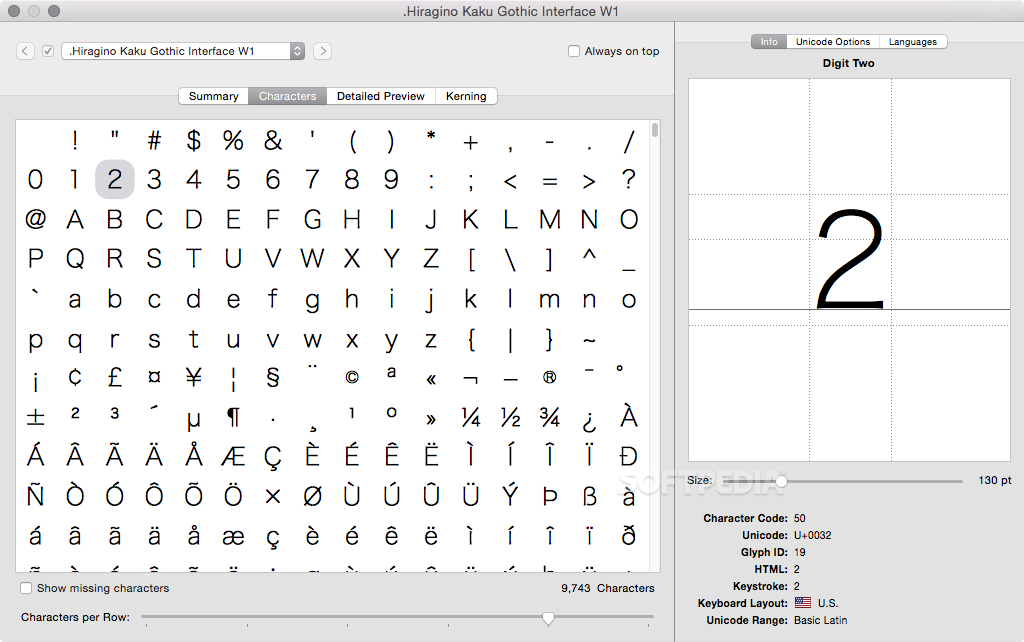
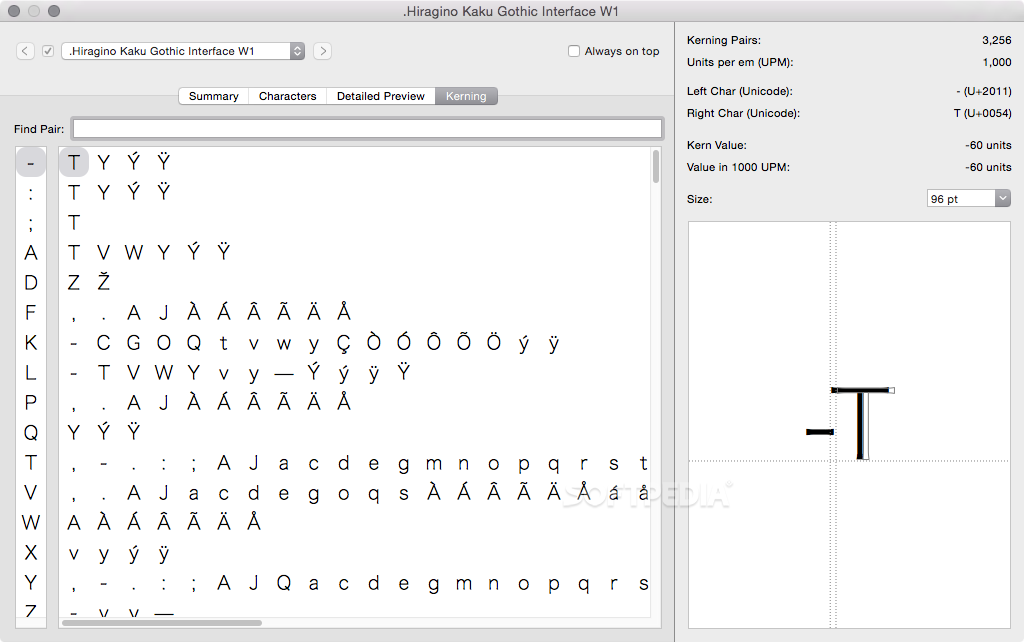
The same area enables you to visualize the included characters, change the font preview text, or modify the kerning for different letter combinations.
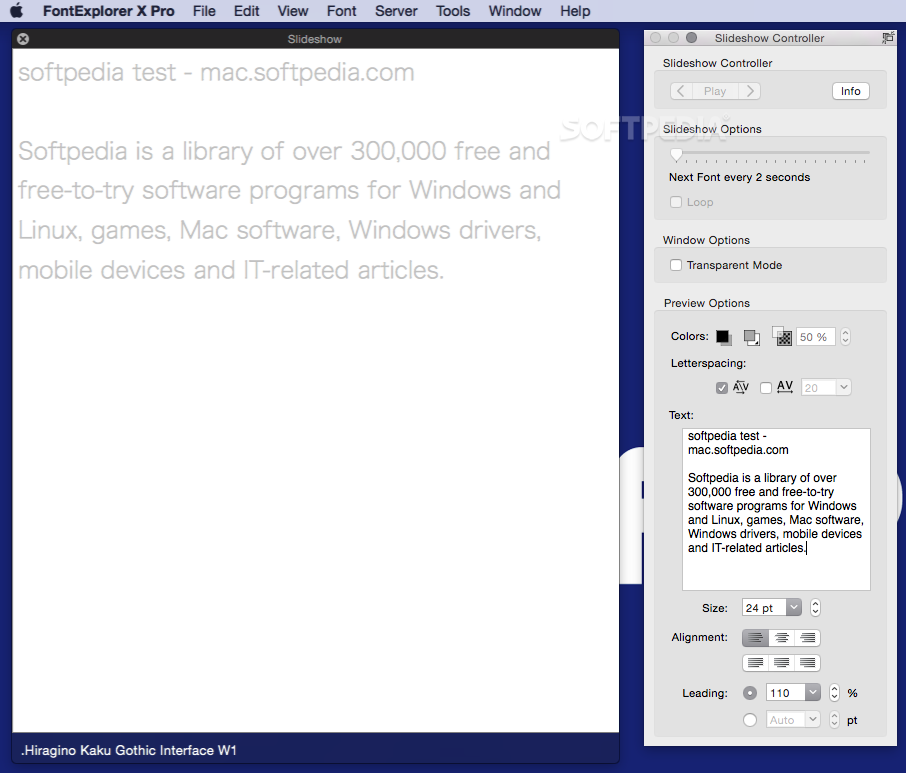
The FontExplorer X Pro Slideshow function offers you the possibility to see the appearance of a text string in all the styles associated with a certain typeface: input a text string, specify the text size, alignment, and leading, and then employ the slideshow player buttons to visualize the different styles.
FontExplorer X Pro enables you to deal with large font collections and provides access to powerful management tools. At the same time, the application offers access to a wide range of information about a specific typeface, and even includes some customization options.
Download Hubs
FontExplorer X Pro is part of these download collections: Adobe InDesign Tweaks, Font Managers
What's new in FontExplorer X Pro 7.2.5:
- New: Plug-ins for Adobe Illustrator 2021, Adobe InDesign 2021, and Adobe InCopy 2021
- Fixed: Slowness issues with Adobe Illustrator 2020 plug-in on macOS Catalina
- Fixed: Security prompts for Adobe Illustrator 2020 and Adobe InDesign 2020 plug-ins on macOS Catalina
- Fixed: Removed duplicate display of classification smart sets
FontExplorer X Pro 7.2.5
add to watchlist add to download basket send us an update REPORT- runs on:
- macOS 10.10 or later (Intel only)
- file size:
- 106 MB
- filename:
- FontExplorerXPro.dmg
- main category:
- Font Tools
- developer:
- visit homepage
Zoom Client

IrfanView

Context Menu Manager

Microsoft Teams

Windows Sandbox Launcher

calibre

ShareX

Bitdefender Antivirus Free

7-Zip

4k Video Downloader

- Bitdefender Antivirus Free
- 7-Zip
- 4k Video Downloader
- Zoom Client
- IrfanView
- Context Menu Manager
- Microsoft Teams
- Windows Sandbox Launcher
- calibre
- ShareX