
The world's most popular open-source browser, designed for users who want a customizable, feature-rich alternative to Safari that still takes privacy seriously #Web browser #Browse web #Internet browser #Browser #Web #Browse

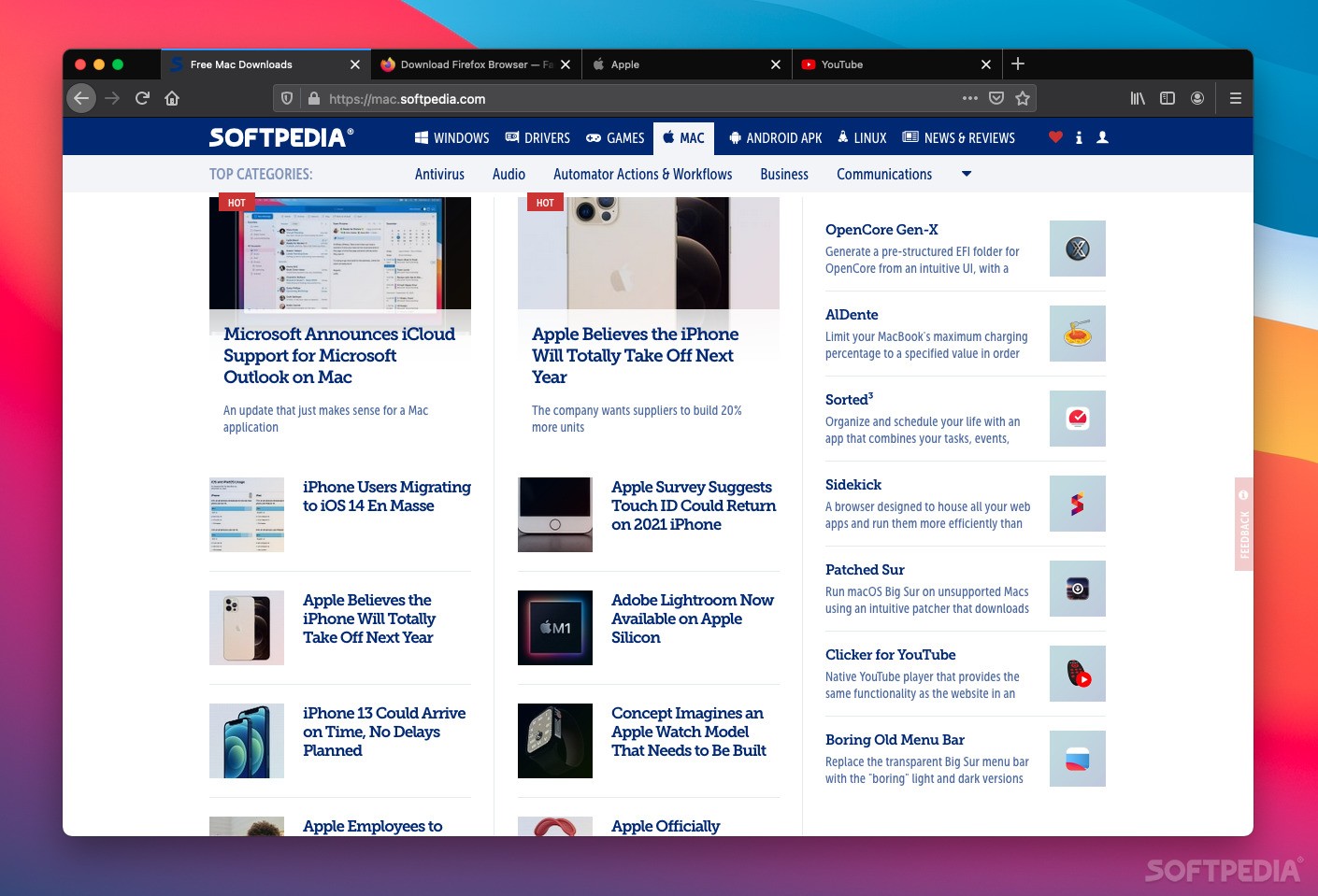
By far the most popular open-source browser, Firefox has attempted, since it was first developed, to counter the dominance of Internet Explorer, then Chrome, and now the multitude of Chromium-based browsers as well.
Seemingly doomed to never be the top dog, Firefox is nevertheless an impressive browser, and its commitment to transparency and user privacy makes it a sound choice. Other than Safari, it is the only major browser not to be powered by Chromium, relying on the in-house Gecko engine ever since its inception.
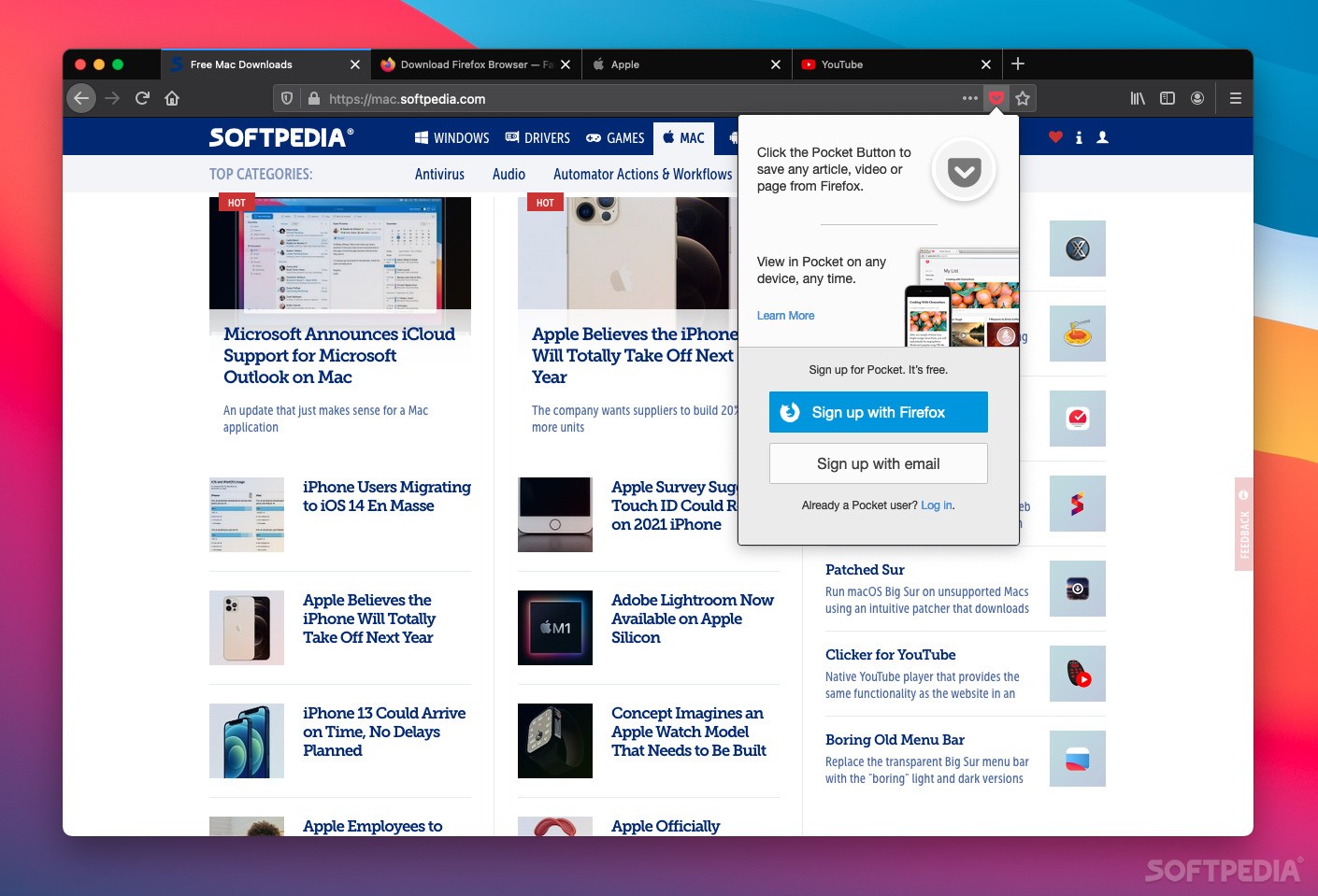
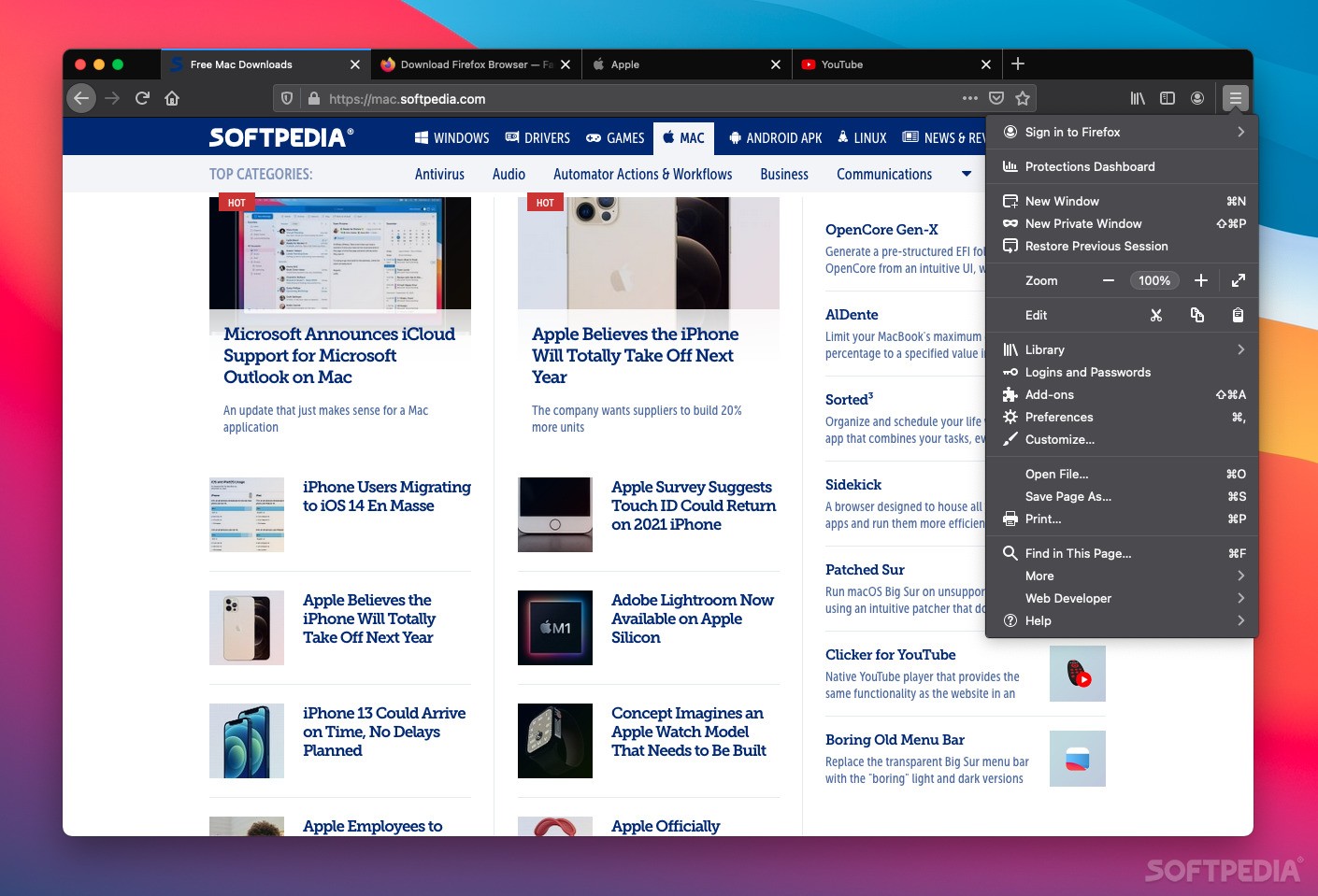
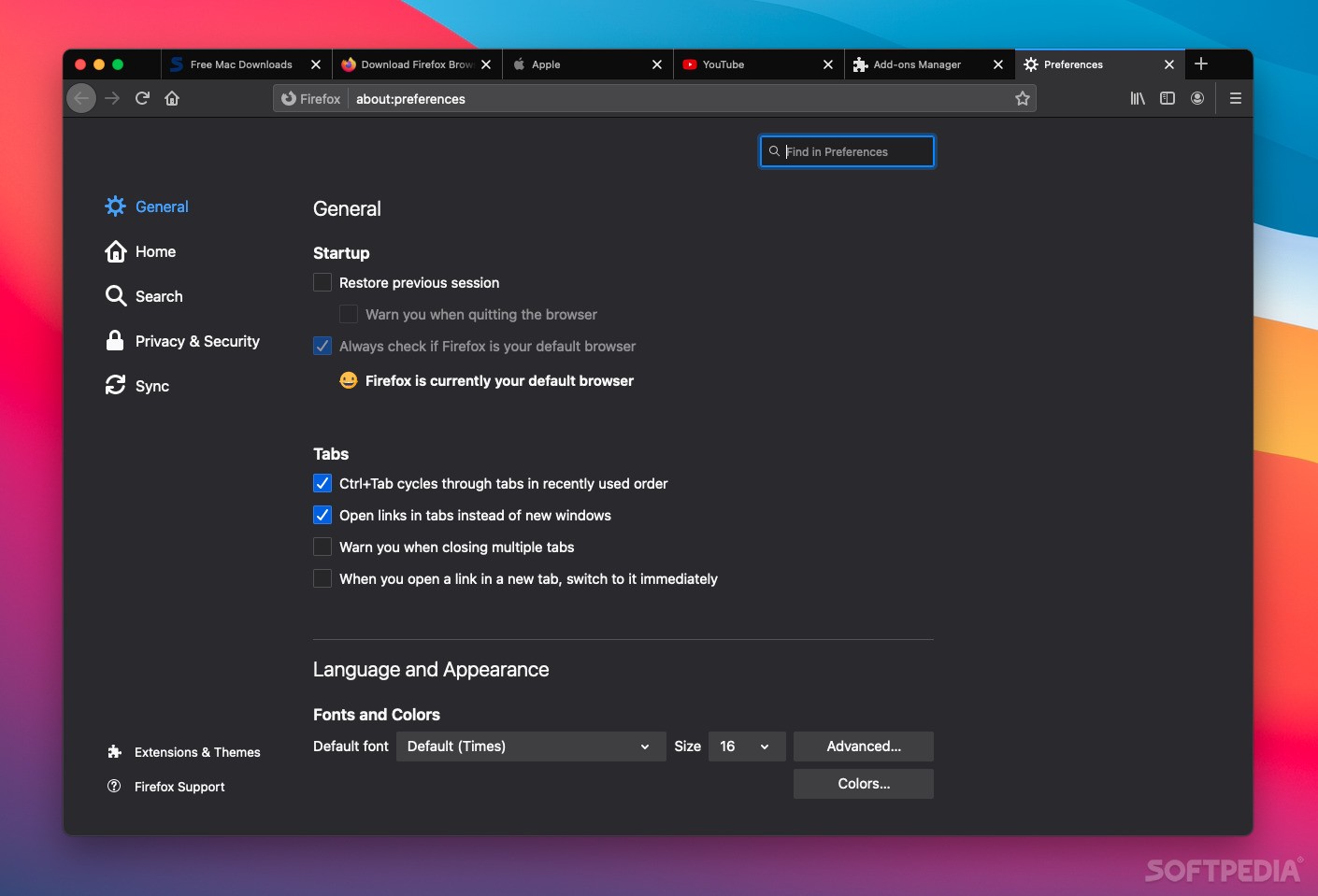
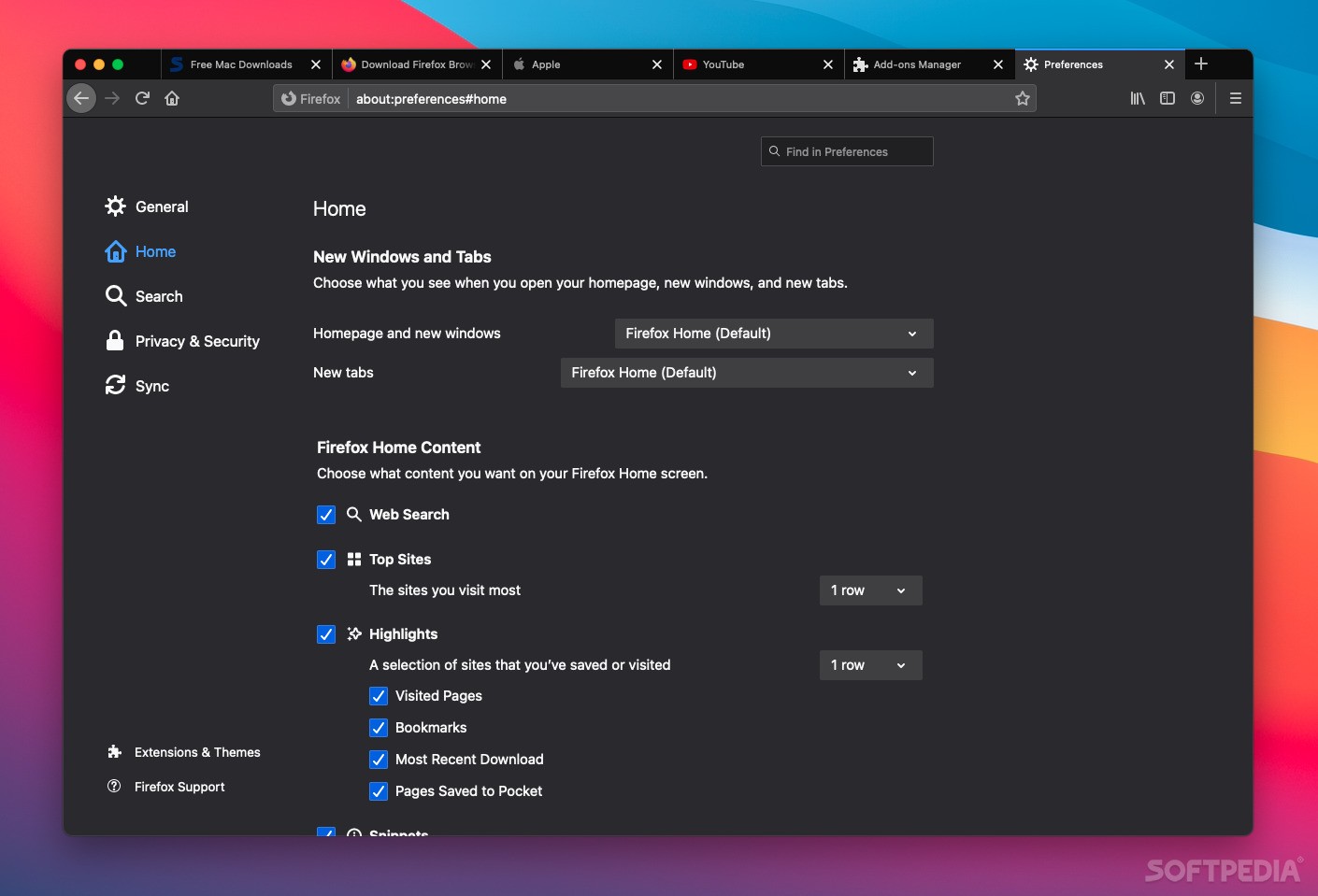
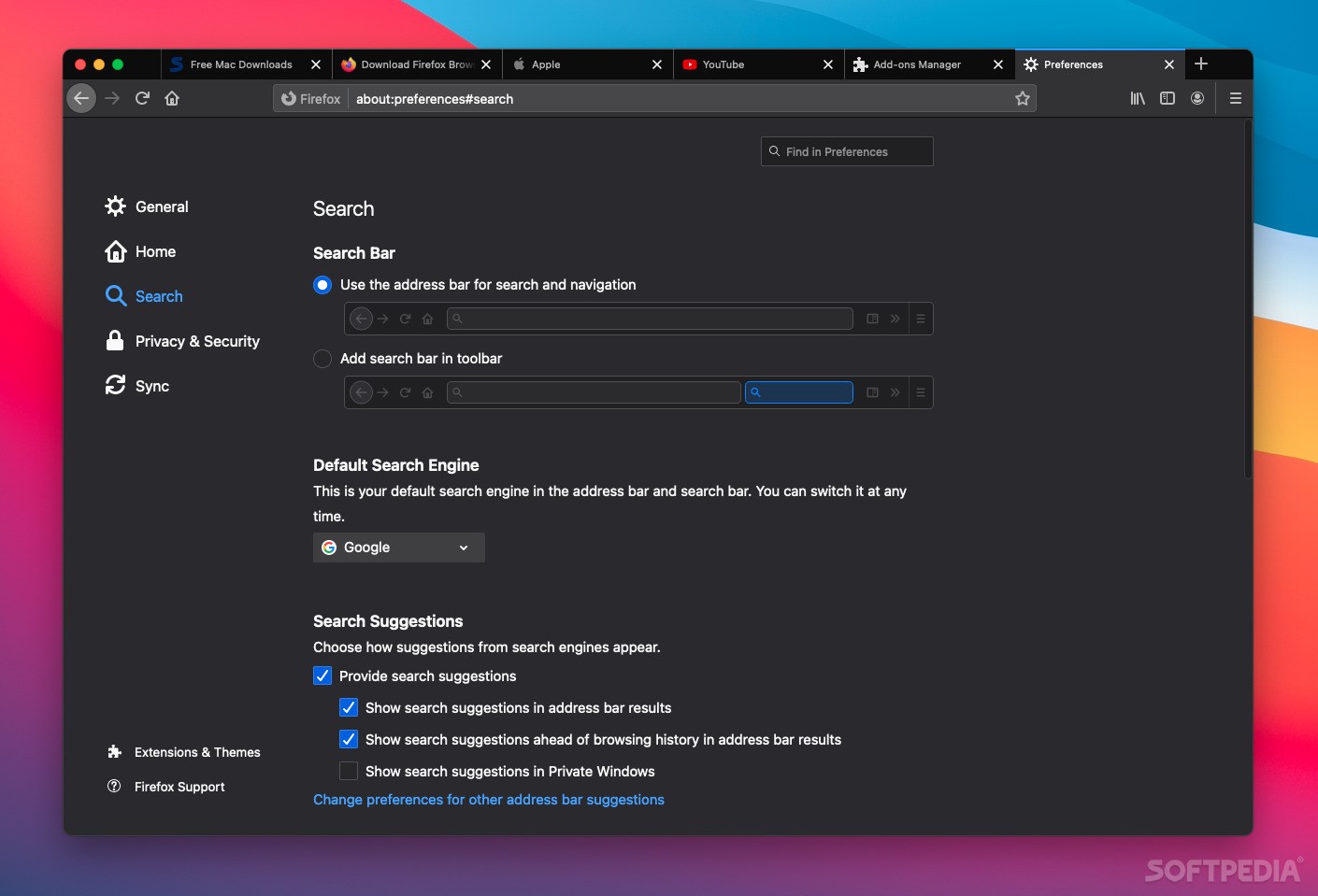
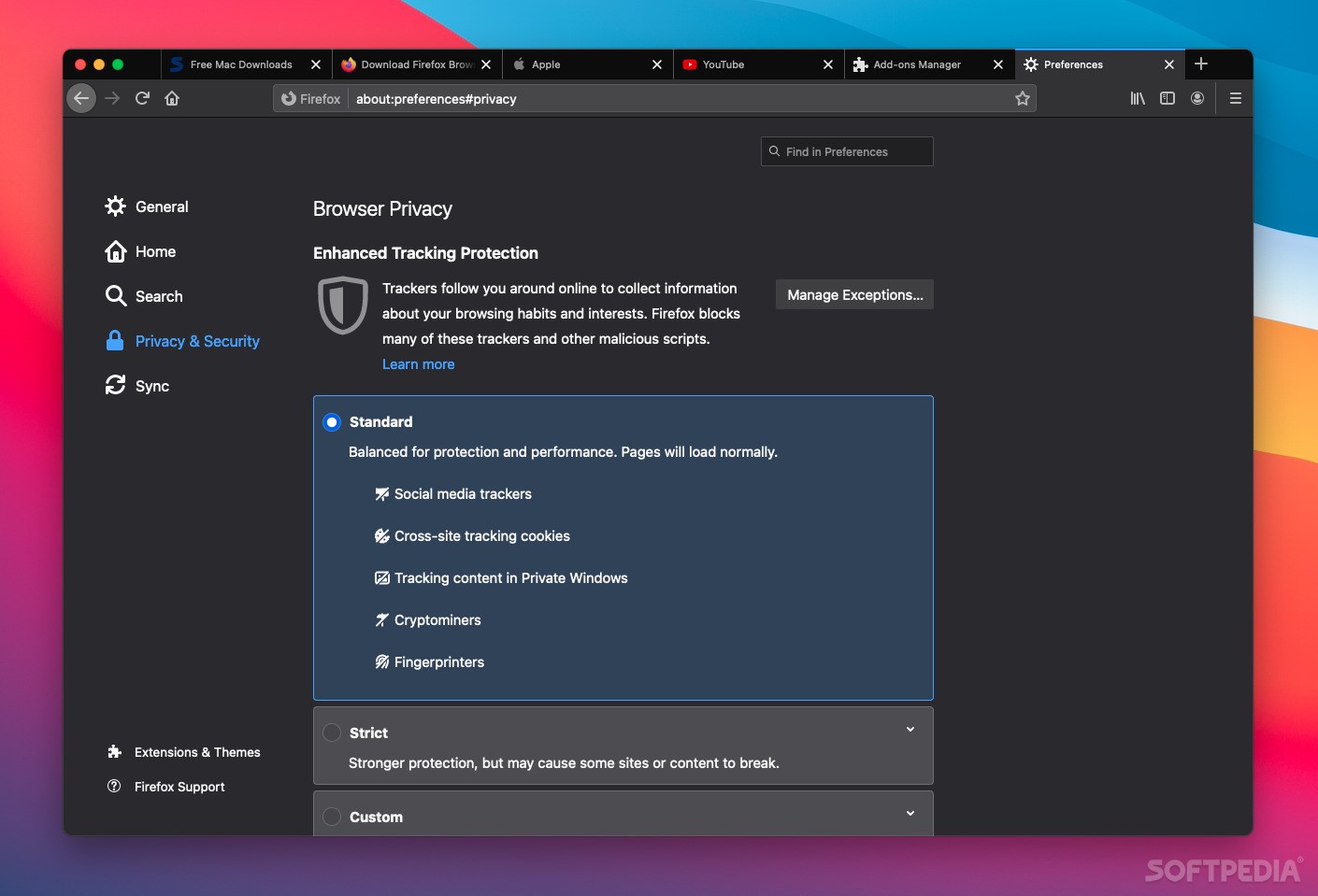
Aside from the things you need for actual browsing, Firefox comes equipped with a password manager, tracker blocker, private browsing functionality, fingerprint blocking, cross-device synchronization, and fairly impressive customization options.
Of course, nowadays, feature availability isn't much of a concern when choosing a browser, at least for most people. Sure, Firefox doesn't have a built-in ad-blocker or full-page translation, but these things can be added via extensions.
One of the main reasons to choose Firefox is the fact that it is completely open-source. Every day we get more reasons not to trust big corporations to do the right thing, and what better way to keep an eye on them than to see everything that's going on behind the scenes?
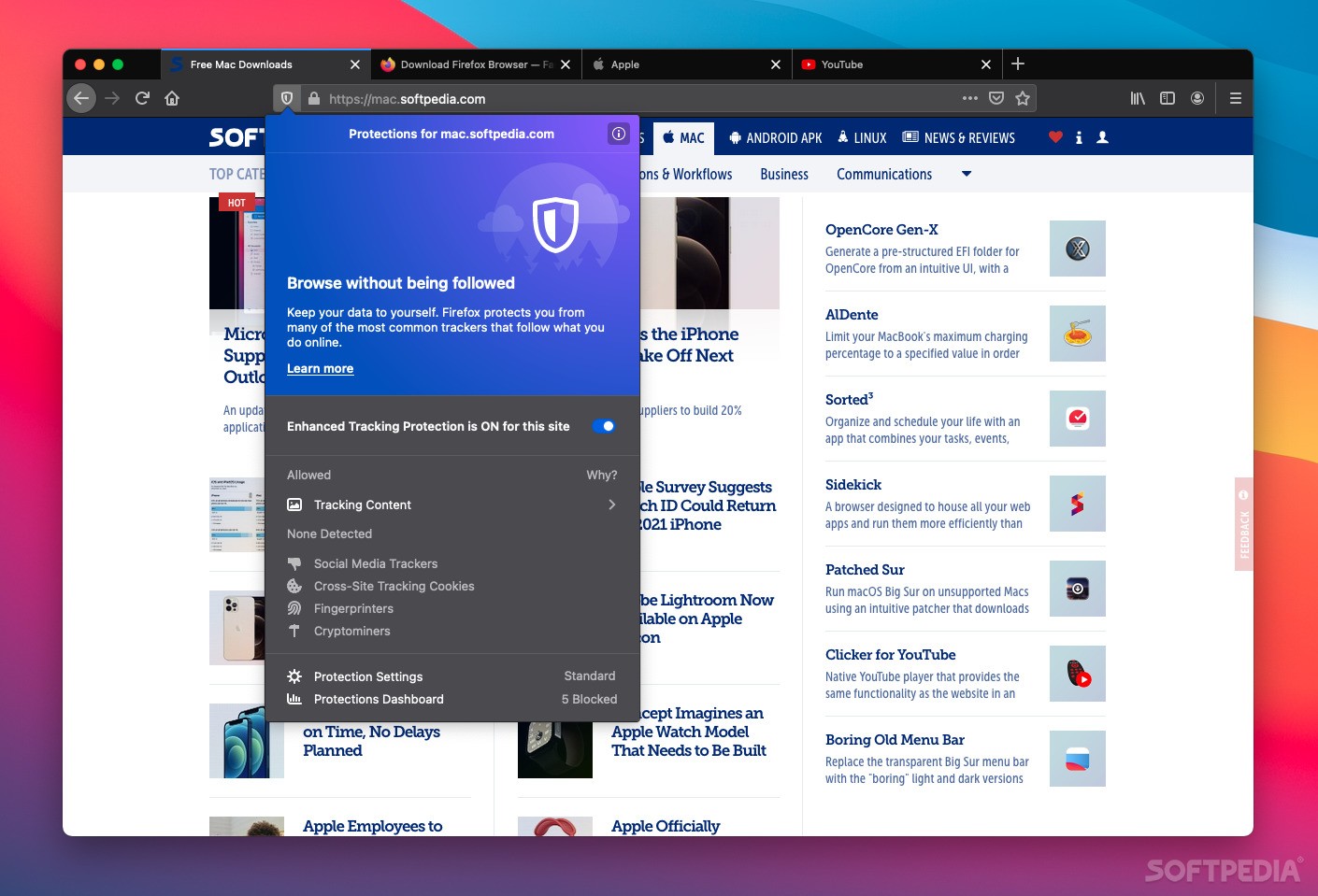
Mozilla is also at the forefront of safeguarding user privacy and promoting transparency. Aside from blocking cross-site tracking cookies and preventing all tracking in private windows, the browser also prevents fingerprinting, which lets companies create a profile based on your hardware and data, allowing them to track you for extensive periods.
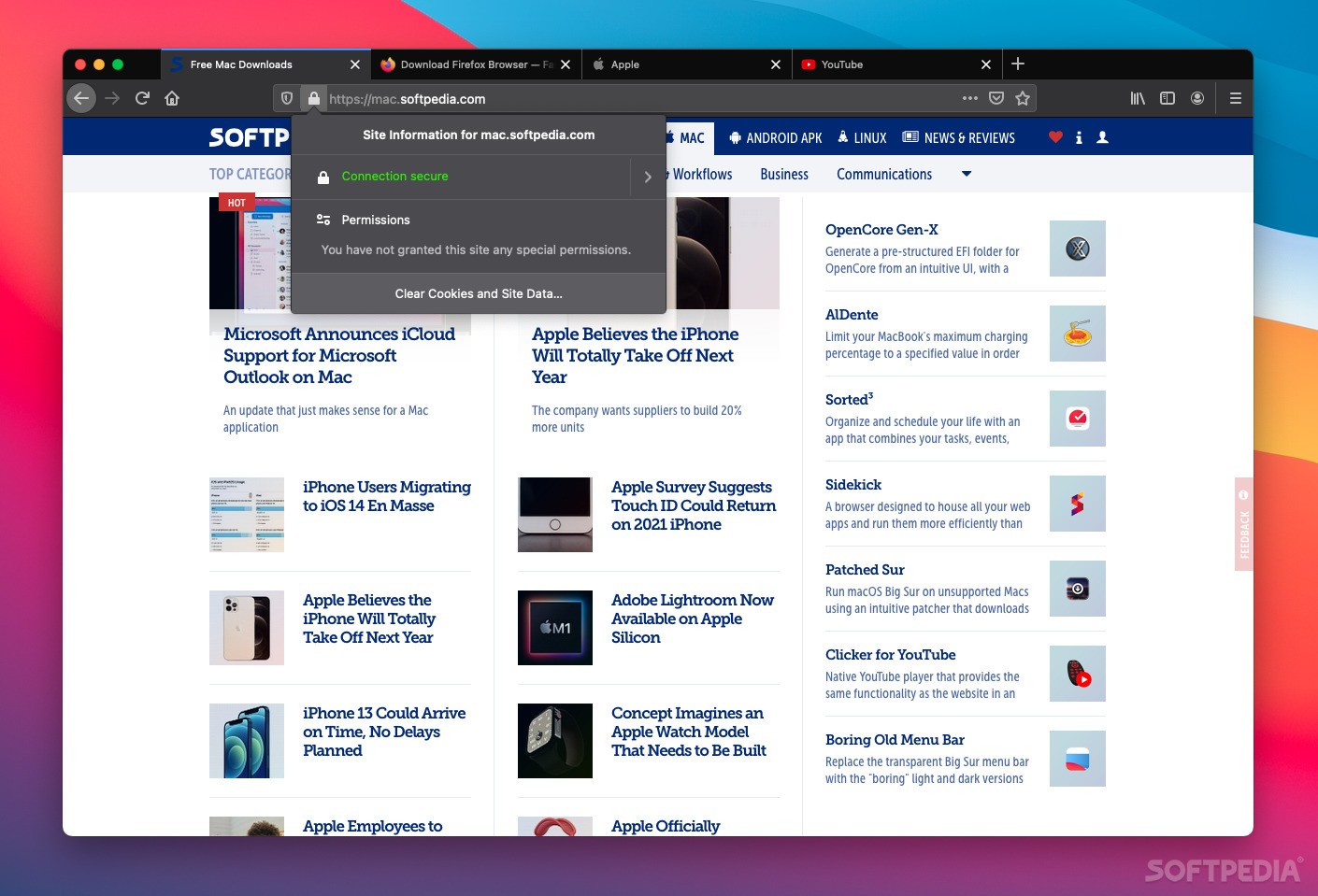
Firefox has also implemented an HTTPS-only mode, which blocks all unsecure connections. However, you will need to enable this feature after installing the browser, as it is not turned on by default.
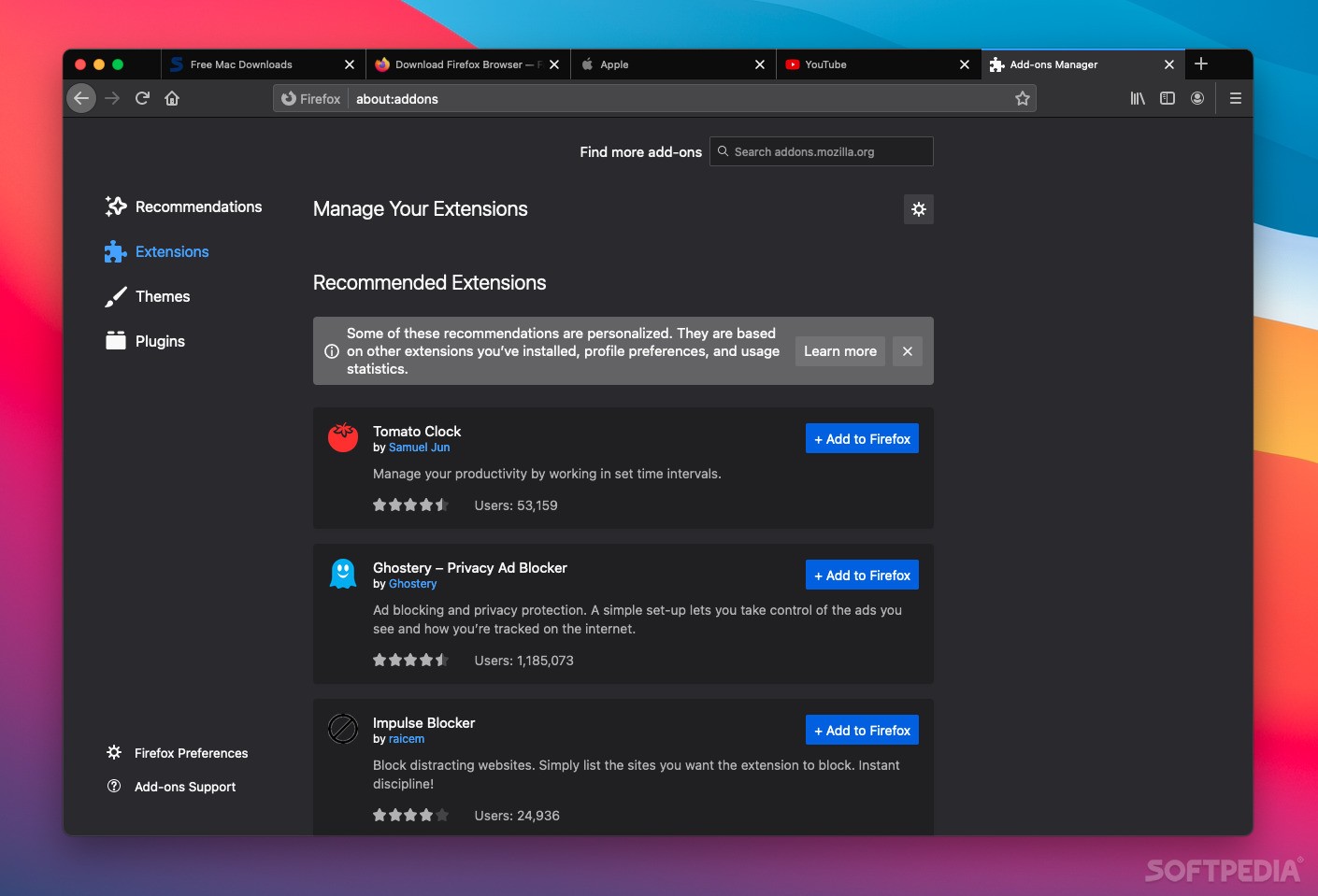
Firefox has been around for a long time, so it makes sense that tons of extensions have been created since the browser was first released. However, those that have not been upgraded since the introduction of the Quantum engine will likely not work on later versions of the app. Mind you, that was over three years ago, so it's not much of an issue today.
Despite the fact that Chrome came onto the scene quite a bit later, its sheer popularity has resulted in far more extensions being created for Google's browser. Nevertheless, almost every popular add-on is available for Firefox as well, and it is vastly superior to Safari in this respect.
Whether on Intel or Apple Silicon Macs, Safari is superior to all other major browsers when it comes to page load times, general performance, and RAM usage. If you're looking for an alternative to Apple's browser, it's not because of performance issues or resource consumption.
Between the alternatives, however, it's a toss-up. Firefox and Chrome seem to trade the title of "faster browser" on a regular basis, but they're always close. Given that most users don't want to switch to a different browser with every new release, it's probably wiser to discount performance as a factor for the time being. Most major browsers are similar enough for it to not matter all that much.
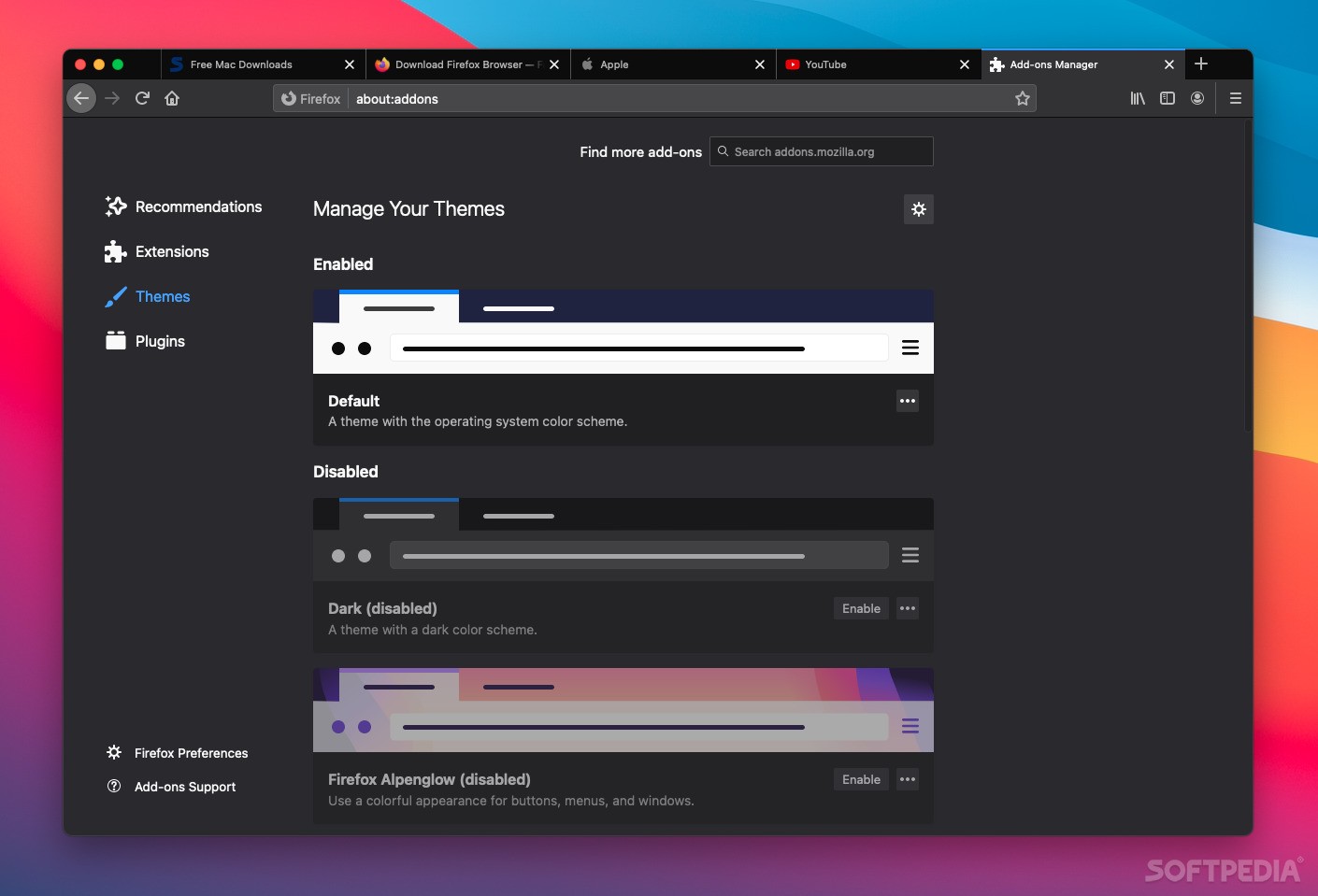
Mac users are somewhat fortunate in having the privacy-friendly Safari as a default browser, so finding an alternative isn't as important as it is for Windows users. However, Safari offers very little customization and has a limited pool of extensions, so it isn't the best choice for users who like to personalize their browsers.
So if you care about privacy but still want to take advantage of certain extensions and customize your browser, Firefox is an excellent choice. Of course, there are other Chromium-based browsers that take privacy seriously, but none of the major ones are open-source.
Download Hubs
Firefox is part of these download collections: Web Browser
What's new in Firefox 125.0.3:
- Fixed:
- Fixed an extra blank tab with an address of https://0.0.0.1 sometimes appearing when attempting to launch Firefox when it is already running (bug 1892612).
Firefox 125.0.3 / 126.0 Beta 7 / 126.0b7 Developer / 127.0 Nightly
 Softpedia Editor's Pick
add to watchlist
add to download basket
send us an update
REPORT
Softpedia Editor's Pick
add to watchlist
add to download basket
send us an update
REPORT
- runs on:
- macOS 10.15 or later (Universal Binary)
- file size:
- 141.9 MB
- filename:
- Firefox 125.0.3.dmg
- main category:
- Internet Utilities
- developer:
- visit homepage
IrfanView

4k Video Downloader

7-Zip

calibre

ShareX

Context Menu Manager

Windows Sandbox Launcher

Zoom Client

Bitdefender Antivirus Free

Microsoft Teams

- Zoom Client
- Bitdefender Antivirus Free
- Microsoft Teams
- IrfanView
- 4k Video Downloader
- 7-Zip
- calibre
- ShareX
- Context Menu Manager
- Windows Sandbox Launcher