
Enables you to use an iOS or Android device, your Mac and even a Windows PC as a second monitor to effortlessly expand your working space #Connect extra display #Network display #IOS second monitor #Extra display #Second display #Monitor
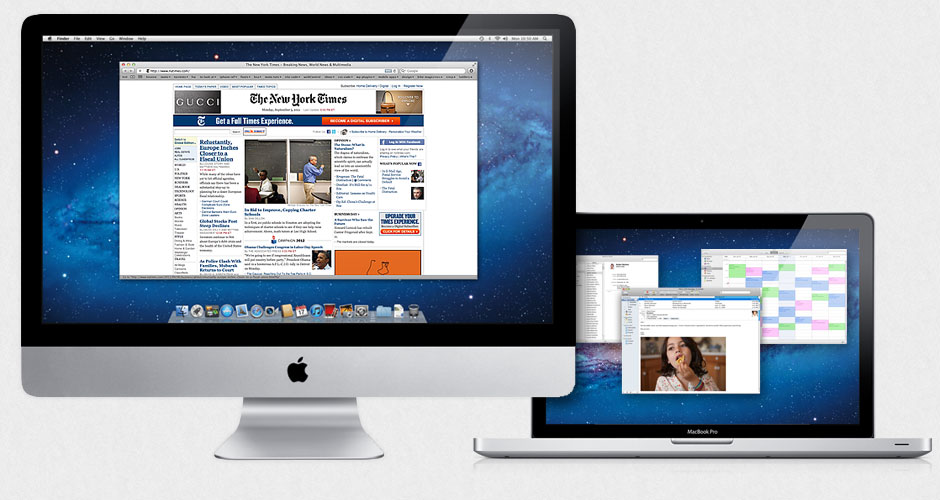
A larger working space can lead to a boost in your productivity since you waste less time hiding or activating menus or additional windows. Air Display is an easy to setup Mac utility that can help you convert other computers, iPad or Android devices into desktop extensions.
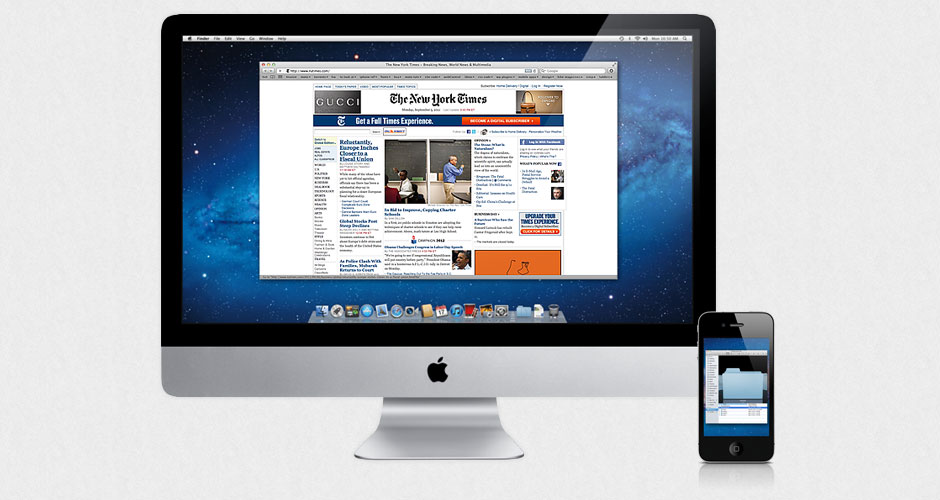
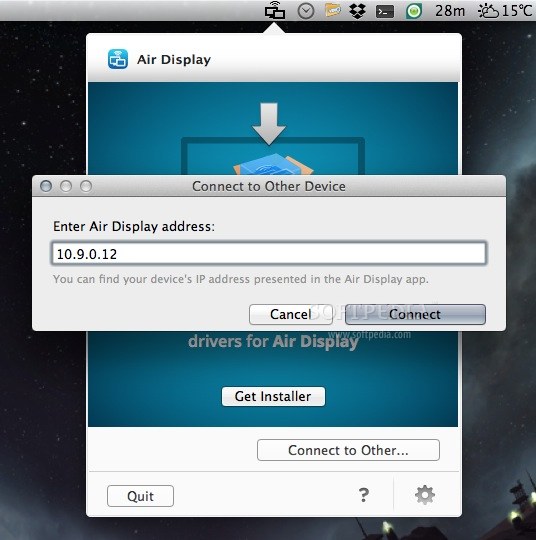
The Air Display system is comprised from two separate elements: first the Air Display host (available free of charge), that must be installed on the computer that represents your main display, and secondly, the Air Display client that must run on the device you want to use as a second display.
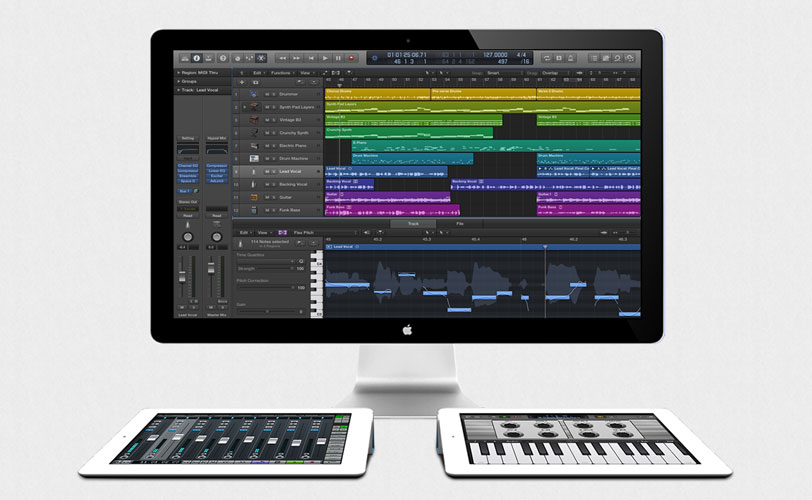
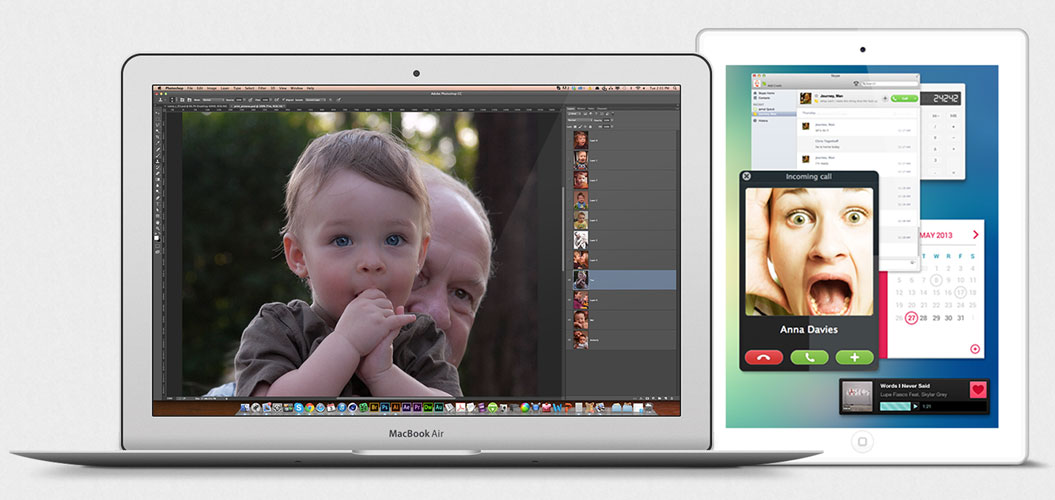
The Air Display client can be installed on other Macs, on Windows computers, on iOS devices (iPad), or on Android Gadgets. Note that the Air Display client component is a commercial product that must be purchased via the Mac App Store, or through the iTunes or Android app stores, respectively.
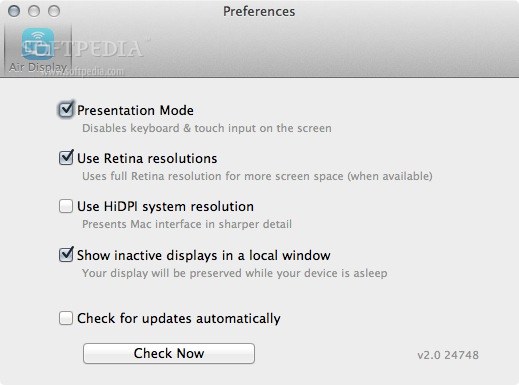
Once both the host and client Air Display apps are running on your devices, you can employ your Wi-Fi network and connect up to 4 screens at the same time. The client devices can either extend the screen, or mirror the host desktop.
Noteworthy is that, if you are using a device that comes equipped with a touch screen, you will also be able to use your fingers to input various commands and interact with your applications.
The Air Display system offers you the necessary tools for connecting multiple devices by employing your Wi-Fi network, in order to create a larger working space. At the same time, Air Display can also mirror the host desktop, which is very useful when making various presentations.
Air Display 3.4.2
 Softpedia Editor's Pick
add to watchlist
add to download basket
send us an update
REPORT
Softpedia Editor's Pick
add to watchlist
add to download basket
send us an update
REPORT
- runs on:
- OS X 10.8 or later (Intel only)
- file size:
- 4.3 MB
- filename:
- ad342.zip
- main category:
- Utilities
- developer:
- visit homepage
7-Zip

Windows Sandbox Launcher

Bitdefender Antivirus Free

calibre

ShareX

Microsoft Teams

4k Video Downloader

IrfanView

Zoom Client

Context Menu Manager

- IrfanView
- Zoom Client
- Context Menu Manager
- 7-Zip
- Windows Sandbox Launcher
- Bitdefender Antivirus Free
- calibre
- ShareX
- Microsoft Teams
- 4k Video Downloader