
A powerful and flexible word processor that enables you to focus on your writing and helps you spend less time formatting and structuring your work. #Project manager #Writing storyboard #Write script #Write #Storyboard #Script
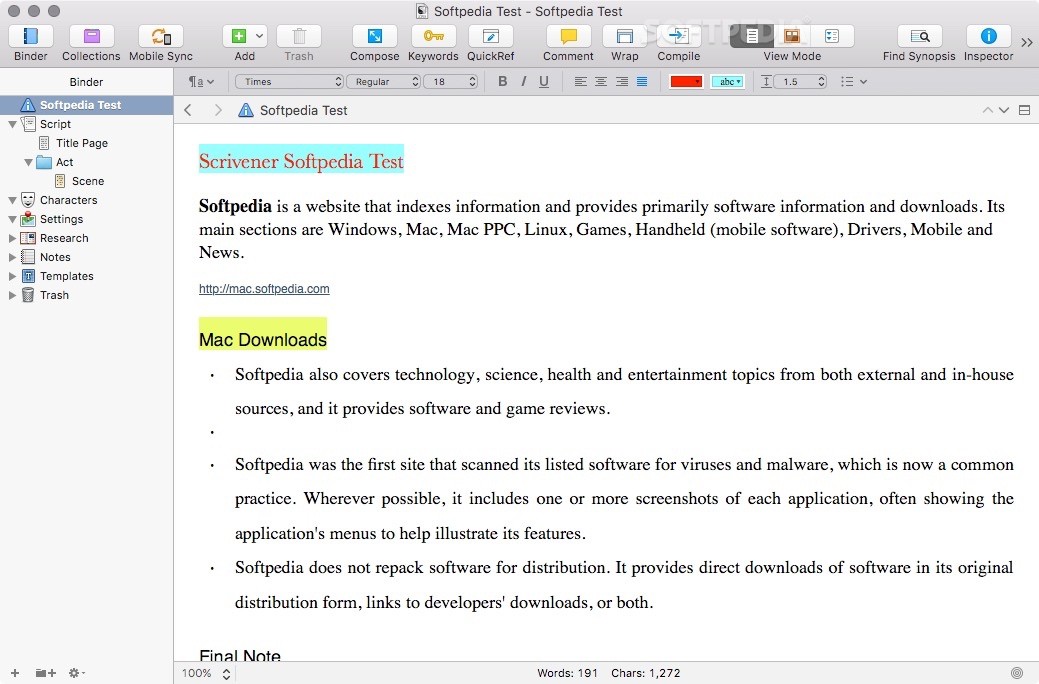
Scrivener is a fully-featured and user-friendly Mac application that features a long list of editing, formatting, structuring and research tools specially designed for writers.
With Scrivener’s help, you can handle, edit and structure big and complex documents from within a simple and intuitive user interface.
Although all the necessary tools and features are easy to access and use, you can easily focus on your writing and avoid distractions.
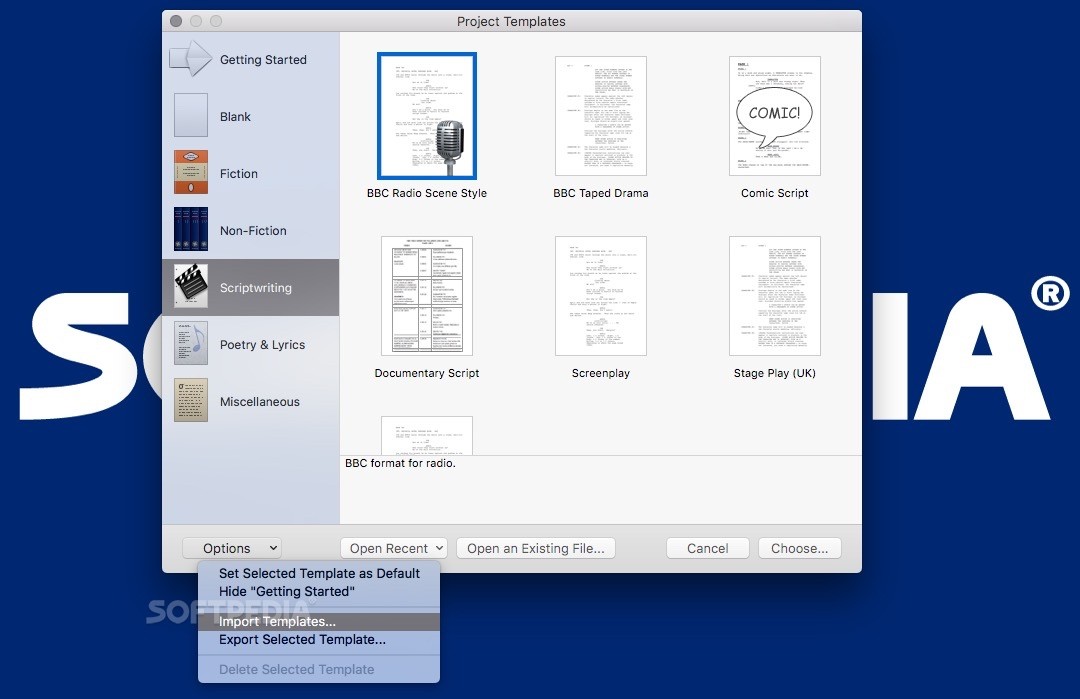
The great thing about Scrivener, is that you can write a book, novel or story using multiple components that you can define individually or as a whole.
Moreover, you can import and link text snippets to research files like PDFs or pictures alongside your project.
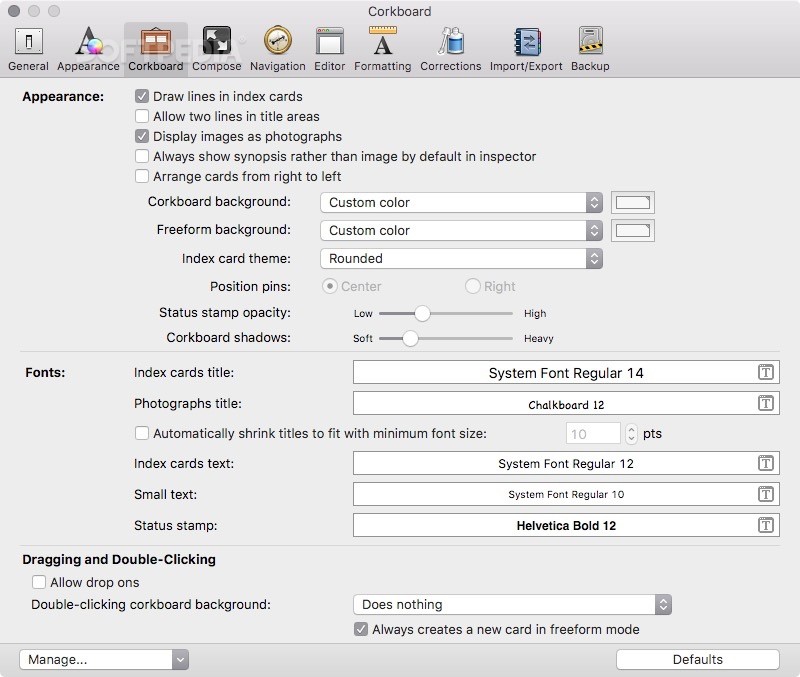
Scrivener’s corkboard and outliner tools also make it easy to outline your text, write your first draft and restructure your entire project with just a few mouse clicks and keystrokes.
Hence, using Scrivener you can organize your thoughts, shape your ideas, take notes and check your research materials as you write the pieces that will make your final work.
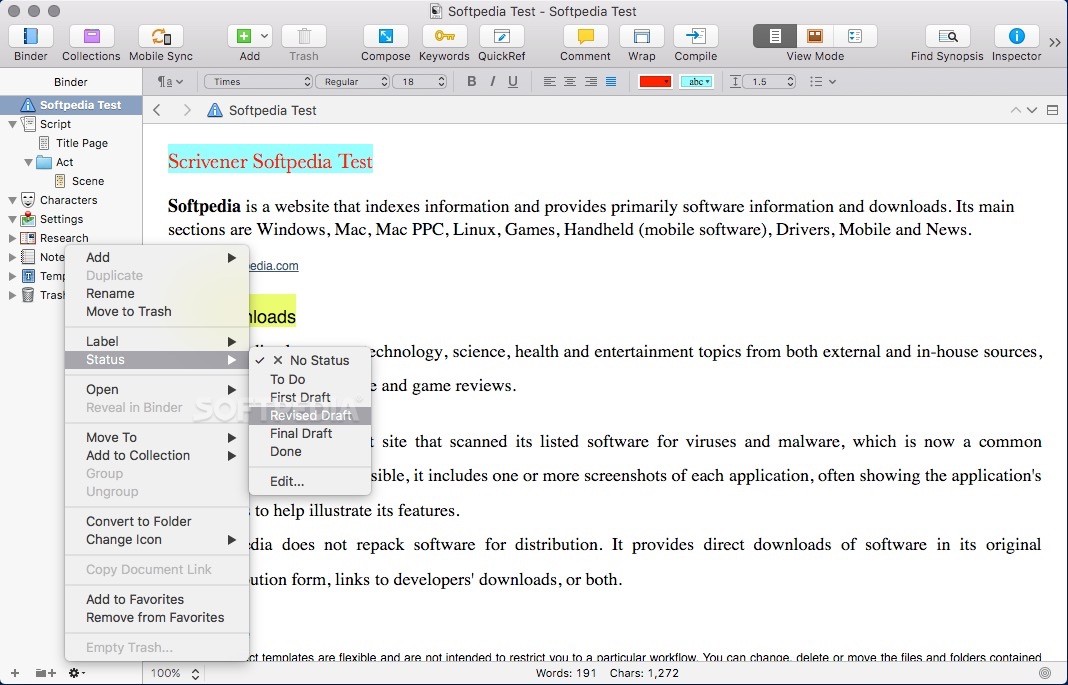
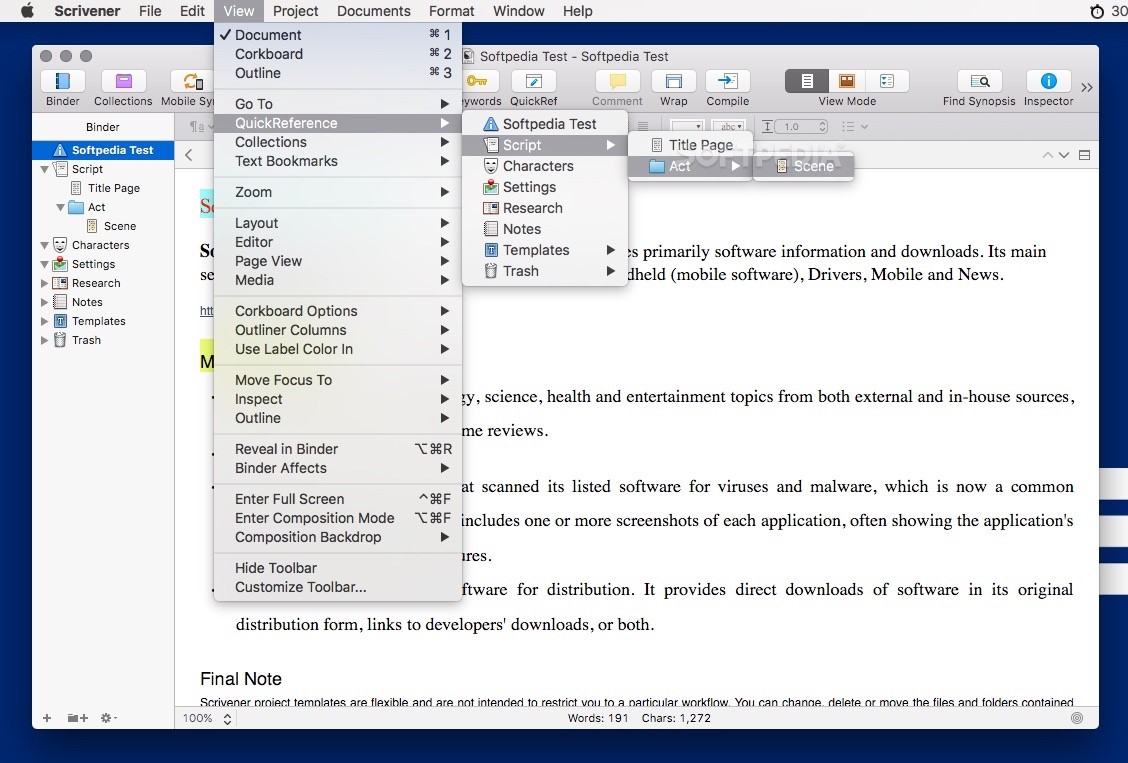
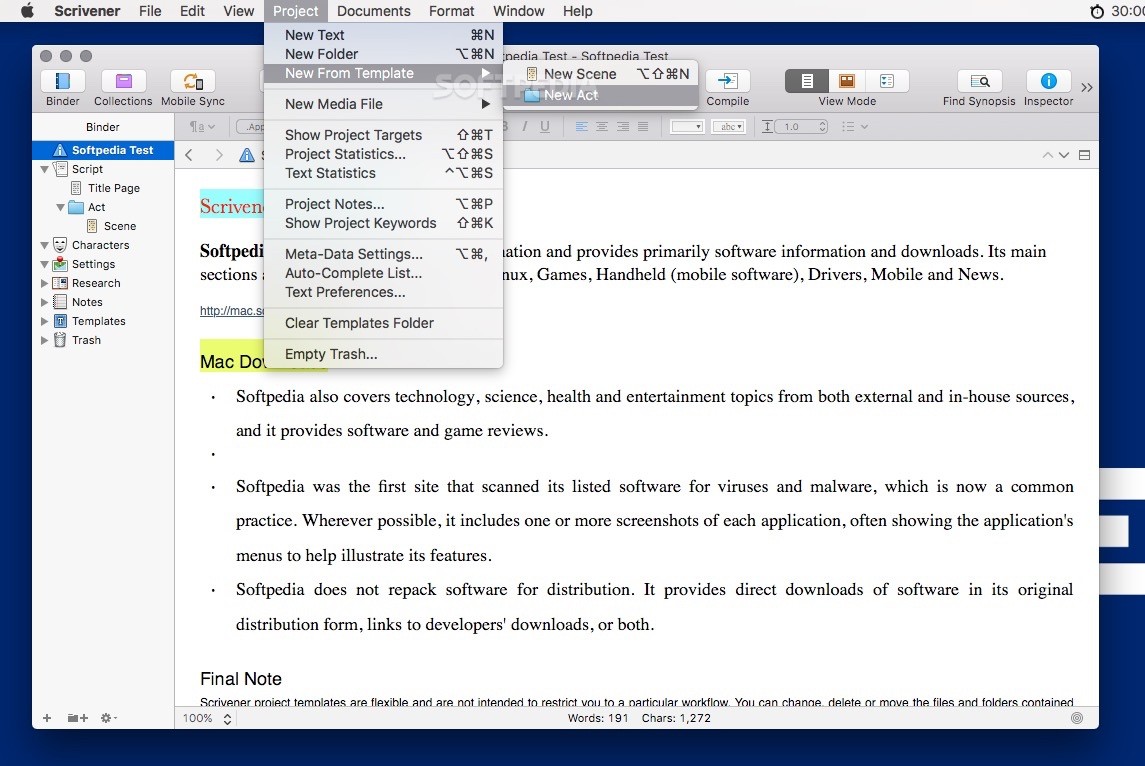
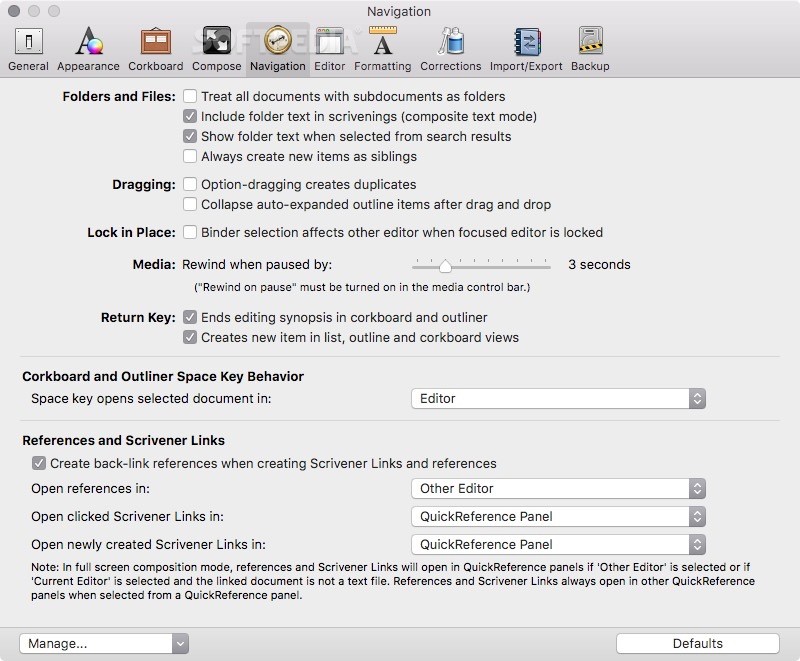
From the left side panel, called the “binder”, you can browse through different parts of your notes, manuscript and research materials. You can also split your text into multiple pieces that you can individually edit and modify.
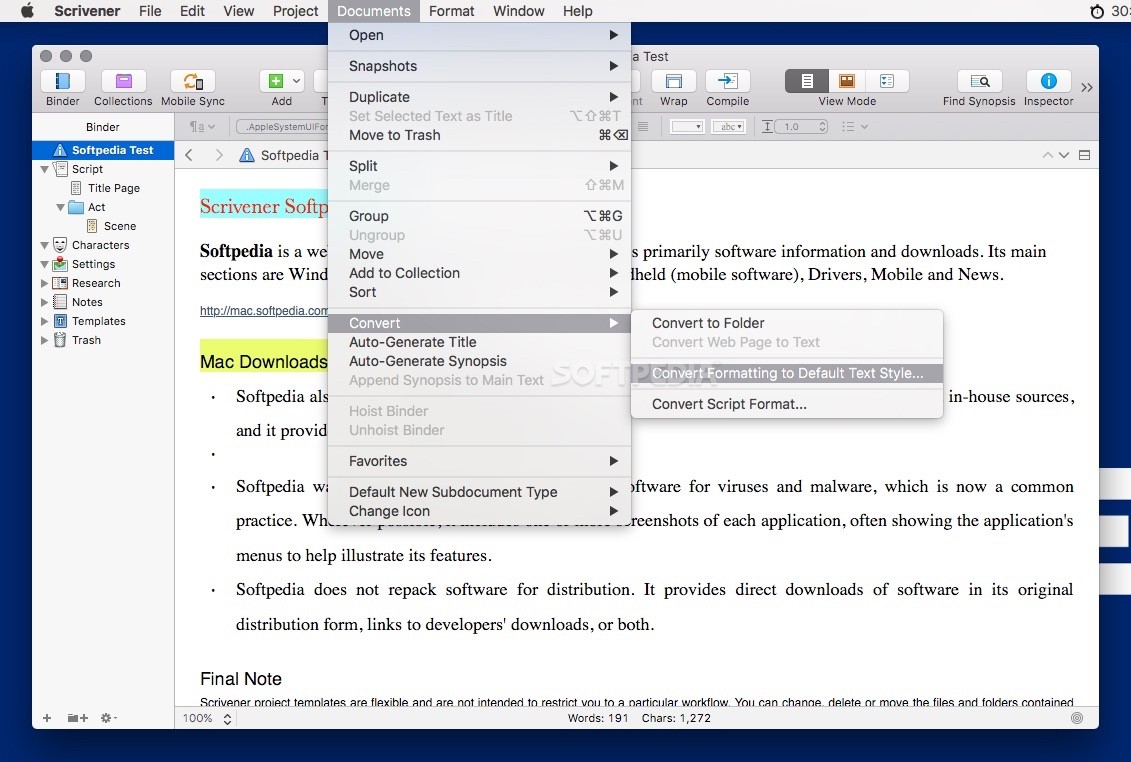
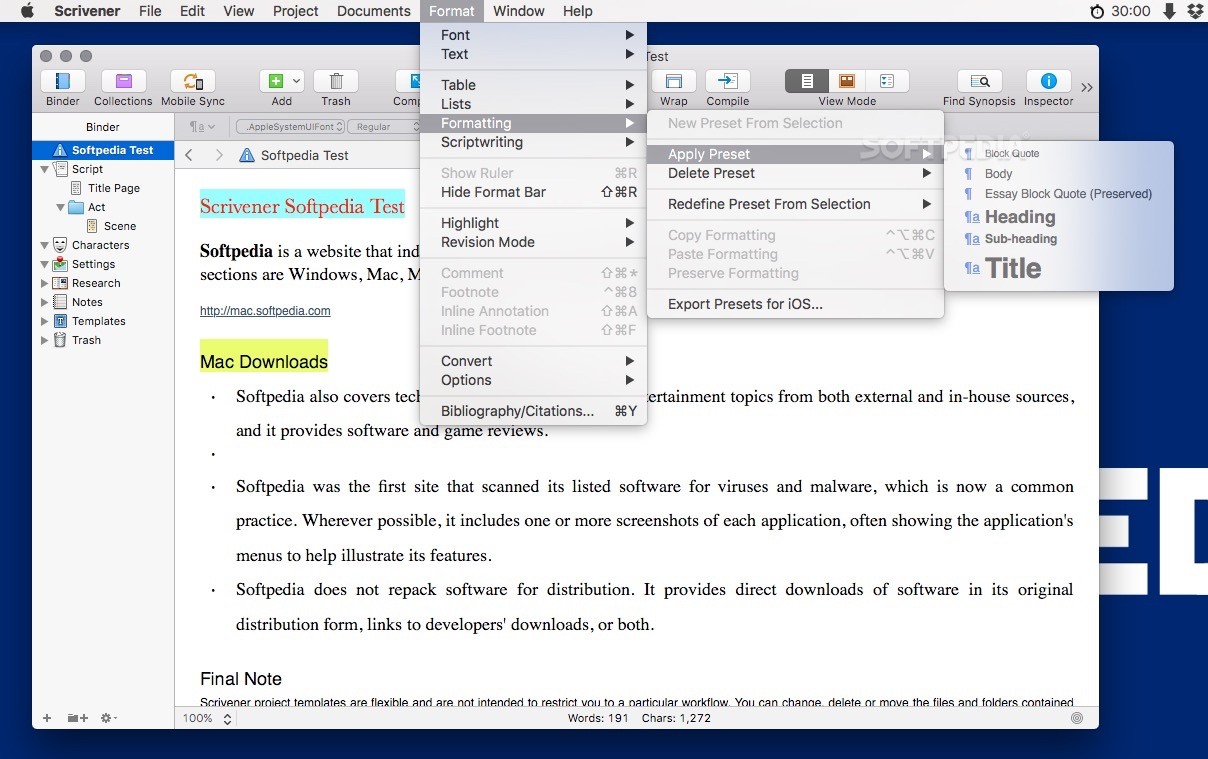
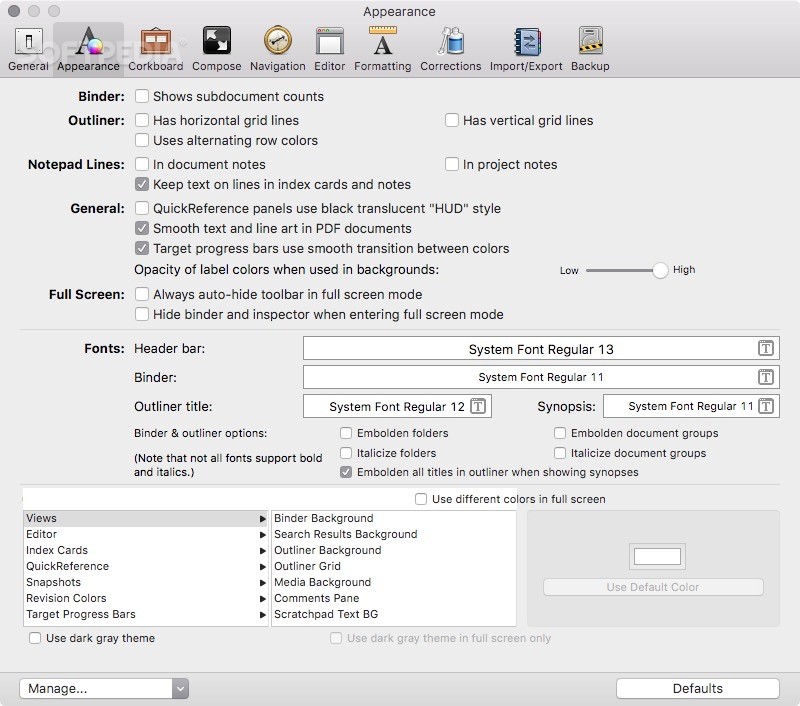
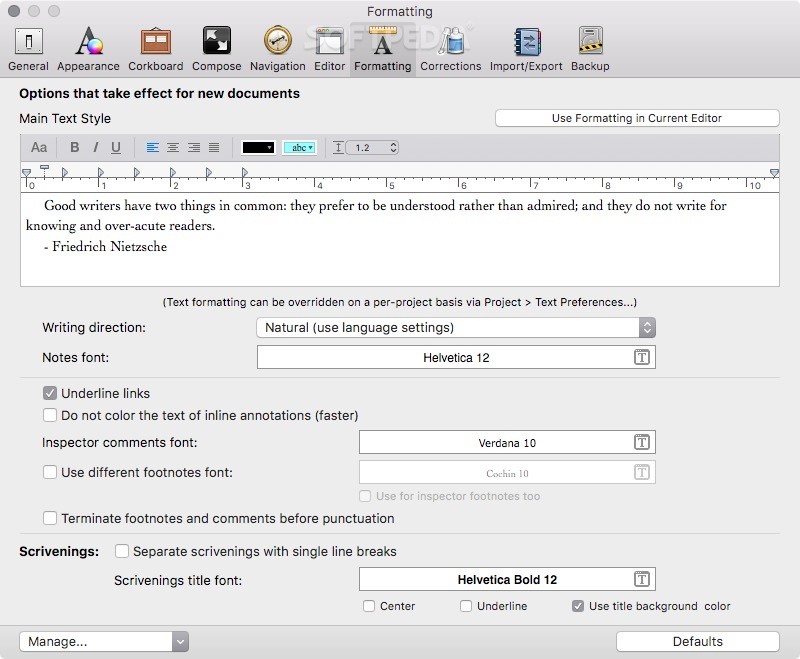
As expected, Scrivener helps you insert tables, images, bullet points and comments, as well as footnotes and other elements. Scrivener’s format bar helps you change the text font, size and orientation, highlight text and change its formatting.
Moreover, Scrivener allows you to edit your text and work in the desired order, plan and restructure your writing as you go. Thus, you can provide a synopsis for al your documents in the virtual index card and change their order in the corkboard until you are happy with the sequence of your documents.
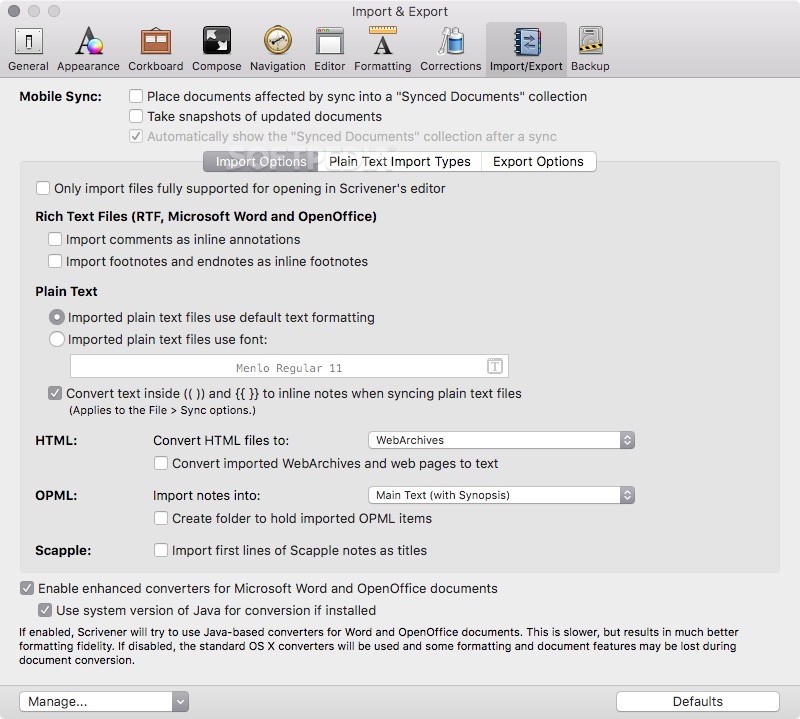
On top of all the tools and features mentioned above, Scrivener comes with support for a wide variety of file formats such as PDF, RTF, DOC, HTML, ePub and many more.
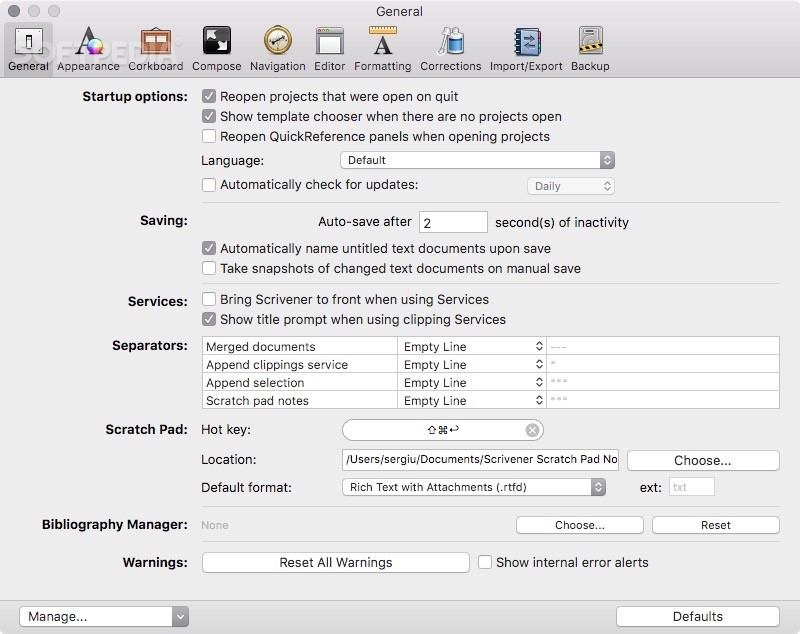
With the help of Scrivener you can also synchronize your work with an external folder, Simplenote or Index Card for iOS.
Download Hubs
Scrivener is part of these download collections: Create ePub, Make ePub
What's new in Scrivener 3.3.6:
- Restored Features:
- Restored the PDF/X-1a option for PDF export. This had been temporarily removed because of a bug in the development tools that resulted in a crash on Intel machines running Big Sur.
- Reinstated the Auto-Completion settings from 3.3.3 and earlier. These had been temporarily removed to work around a crasher on Sonoma.
Scrivener 3.3.6
add to watchlist add to download basket send us an update REPORT- runs on:
- macOS 10.13 or later (Universal Binary)
- file size:
- 113.8 MB
- filename:
- Scrivener.dmg
- main category:
- Word Processing
- developer:
- visit homepage
Windows Sandbox Launcher

calibre

Microsoft Teams

ShareX

7-Zip

4k Video Downloader

paint.net

Zoom Client

Bitdefender Antivirus Free

IrfanView

- Zoom Client
- Bitdefender Antivirus Free
- IrfanView
- Windows Sandbox Launcher
- calibre
- Microsoft Teams
- ShareX
- 7-Zip
- 4k Video Downloader
- paint.net