
Powerful and intuitive Adobe InDesign integrated equation editor that helps you to add mathematical expression within your documents #Equation editor #Mathematical expression #Edit equation #Equation #Math #Expression
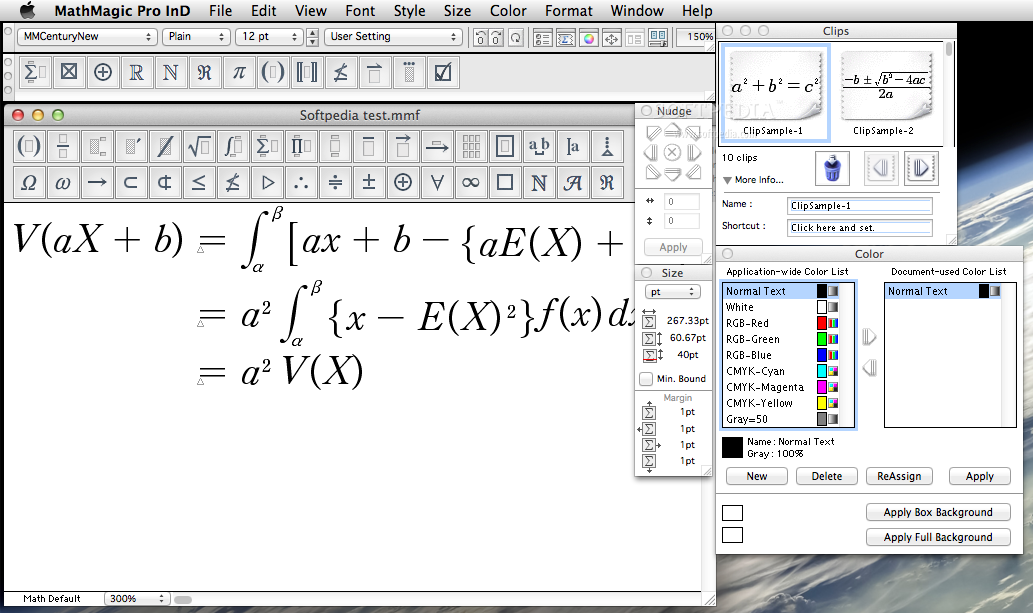
If you find yourself often in need of a simple and easy way to jot down various types of mathematical expressions using your Mac, you must be looking for a software solution to simplify this task.
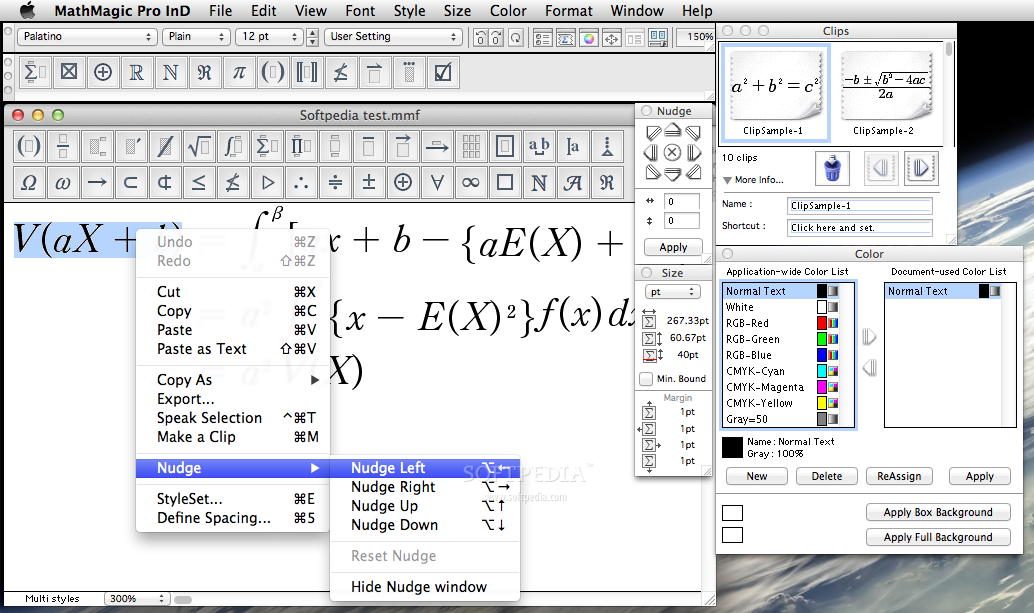
InfoLogic’s MathMagic Pro for InDesign is a quite powerful Adobe InDesign plug-in designed with a single purpose in mind: to help its users simplify the workflow needed to go through when one has to add a mathematical expression within an InDesign project.
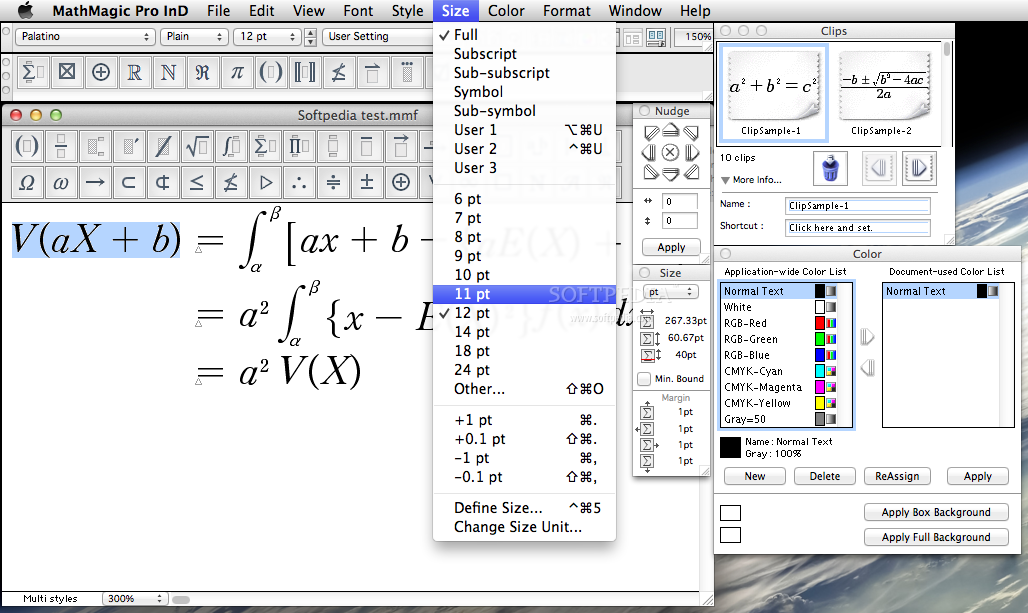
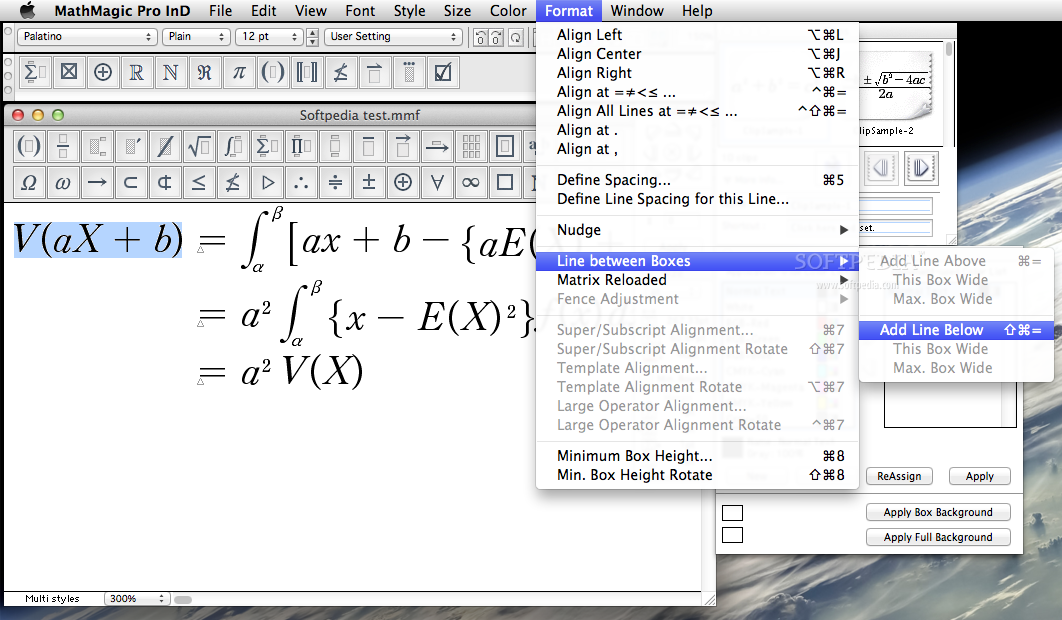
Although it might look quite intimidating at first for InDesign beginner users, MathMagic Pro’s equation editor is the only tool you need to embed any sort of math expressions in any InDesign document, with great ease.
Moreover, after you get used to the complex and full-featured interface, you can use its WYSIWYG editor to rapidly enter the equation you want to insert within the document.
Next to the equation editor, MathMagic Pro also provides a Clips panel that can prove to be a serious time saver for when you have to enter multiple types of expressions, all relying on the same base configuration.
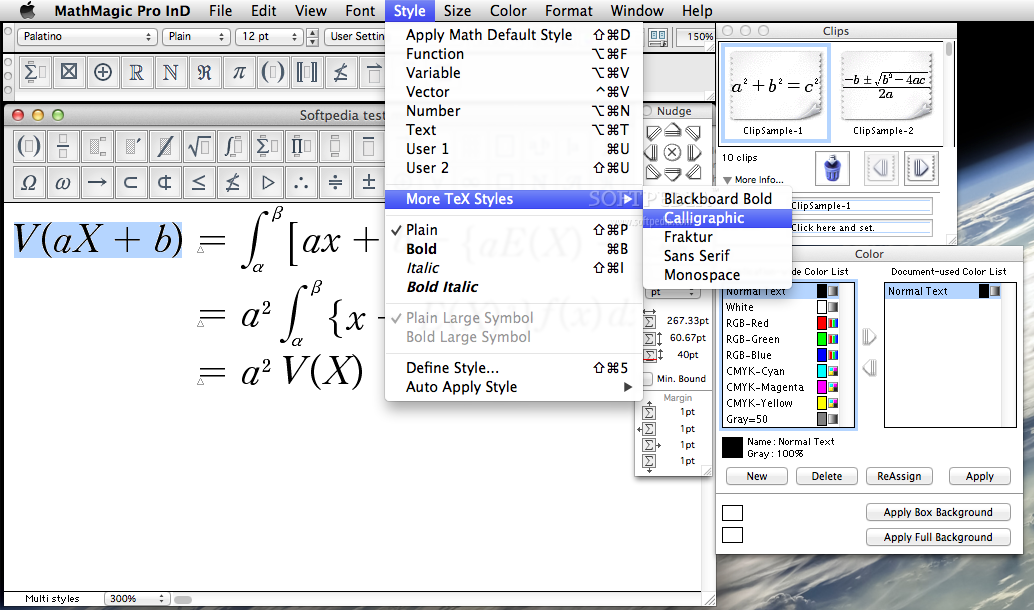
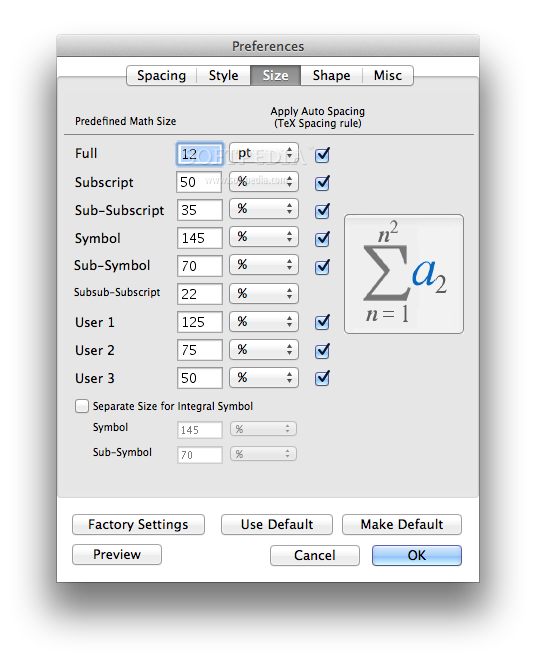
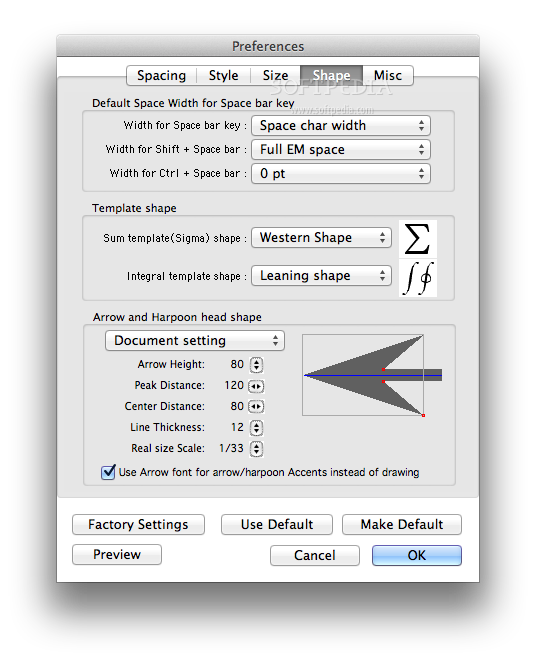
To make creating custom expressions even more simple, MathMagic Pro comes bundle with an extensive collection of equation and shape templates covering a large selection of disciplines from mathematics to accounting, as well as a vast array of TrueType and OpenType formatted mathematical symbols.
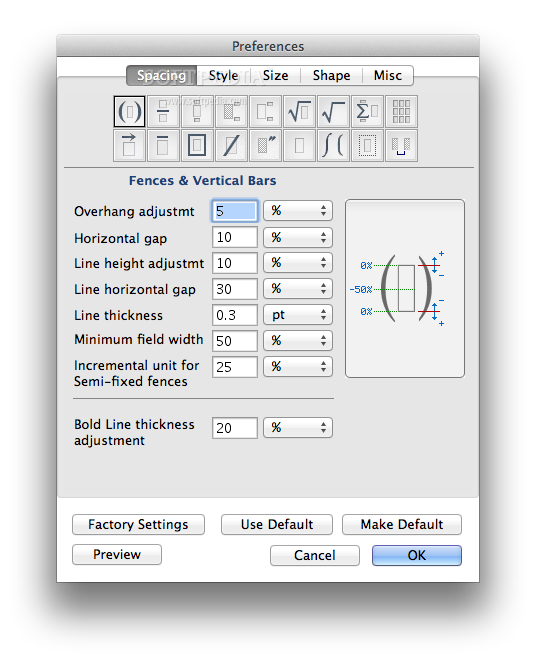
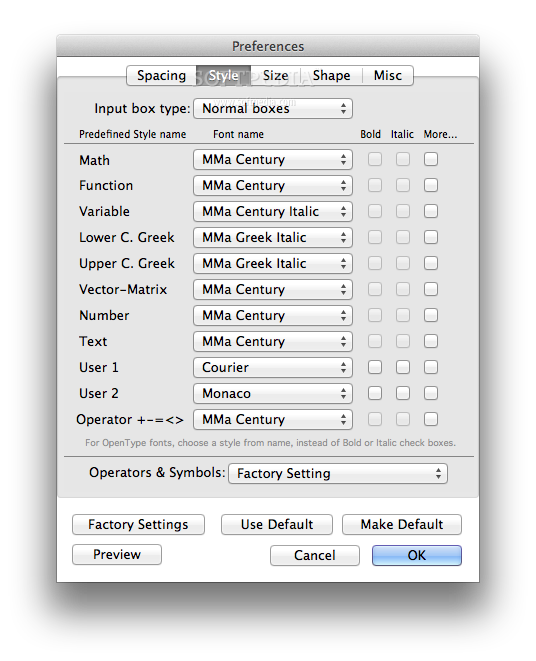
Each of these templates can further be customized using the included tools, in order to fit within the overall design of your project.
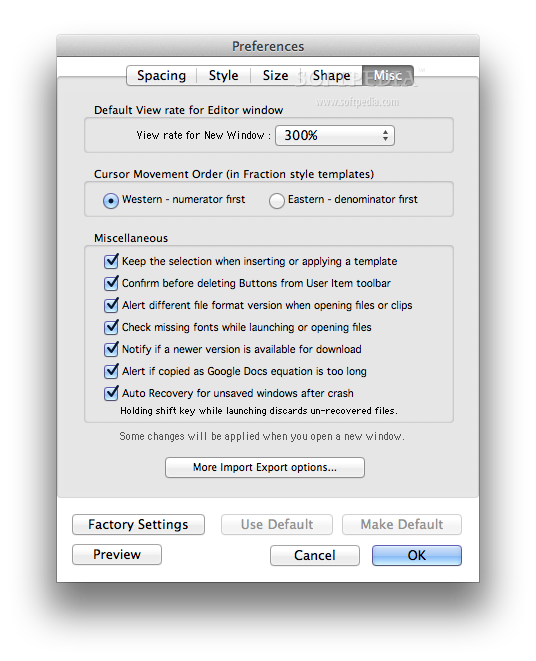
If you already have your equations written down using LaTeX or MathML, MathMagic Pro enables you to effortlessly import them within your InDesign document so that you can obtain a higher quality document.
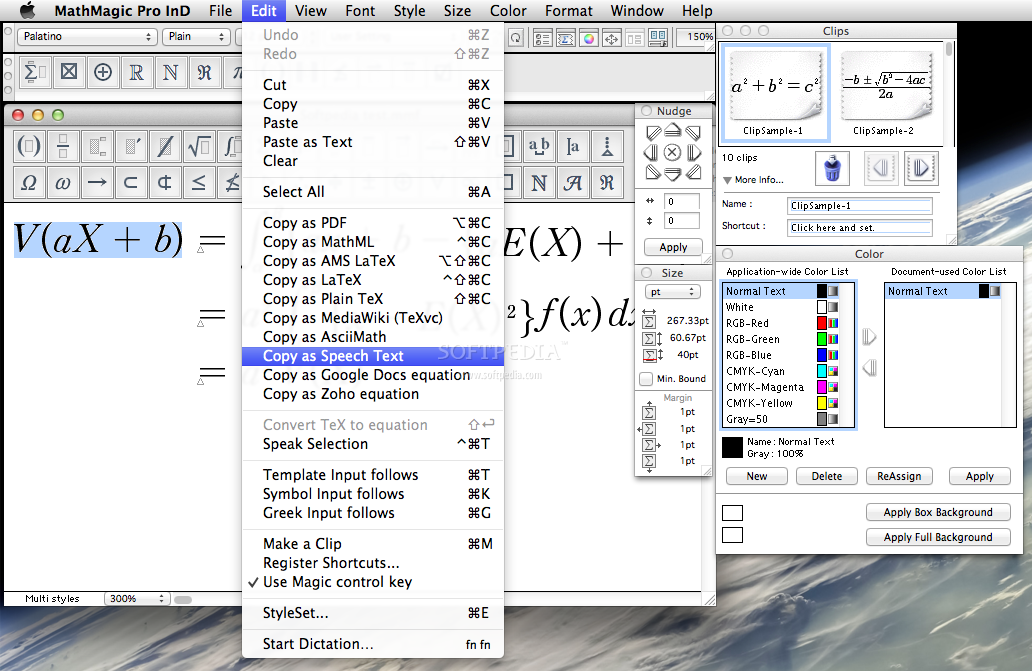
All the mathematical expressions designed with MathMagic Pro can be exported to a wide array of formats (i.e. LaTeX, MathML, MediaWiki, PDF) for inclusion within projects you’re working on using other tools.
Everything considered, if you’re one to work with mathematical expressions on a daily basis, MathMagic Pro for InDesign should be one of the tools you try, if not for its huge range of built-in templates and symbols, then at least for the wide assortment of input and output formats.
What's new in MathMagic Pro for InDesign 9.77:
- Added: 10 more Function names added to support automatic Fuction style.
- Added: Reads JPEG files created with MathMagic 64-bit versions, for the compatibility with future 64-bit versions of MathMagic.
- Fixed: fixed some crashing issues with pasting large equations.
MathMagic Pro for InDesign 9.77
add to watchlist add to download basket send us an update REPORT- runs on:
- macOS 10.6 - 10.14 (Intel only)
- file size:
- 23.8 MB
- filename:
- MMProInD.Mac.977.dmg.zip
- main category:
- Word Processing
- developer:
- visit homepage
ShareX

Context Menu Manager

calibre

Zoom Client

Windows Sandbox Launcher

Microsoft Teams

7-Zip

IrfanView

4k Video Downloader

Bitdefender Antivirus Free

- IrfanView
- 4k Video Downloader
- Bitdefender Antivirus Free
- ShareX
- Context Menu Manager
- calibre
- Zoom Client
- Windows Sandbox Launcher
- Microsoft Teams
- 7-Zip