
Open source office suite that features a word-processor (Writer), presentations and graphics tools (Impress and Draw), a spreadsheet app (Calc) along with database, mathematical (Math) and other useful office tools. #Office suite #Word processor #Spreadsheet creator #Office #Spreadsheet #Presentation
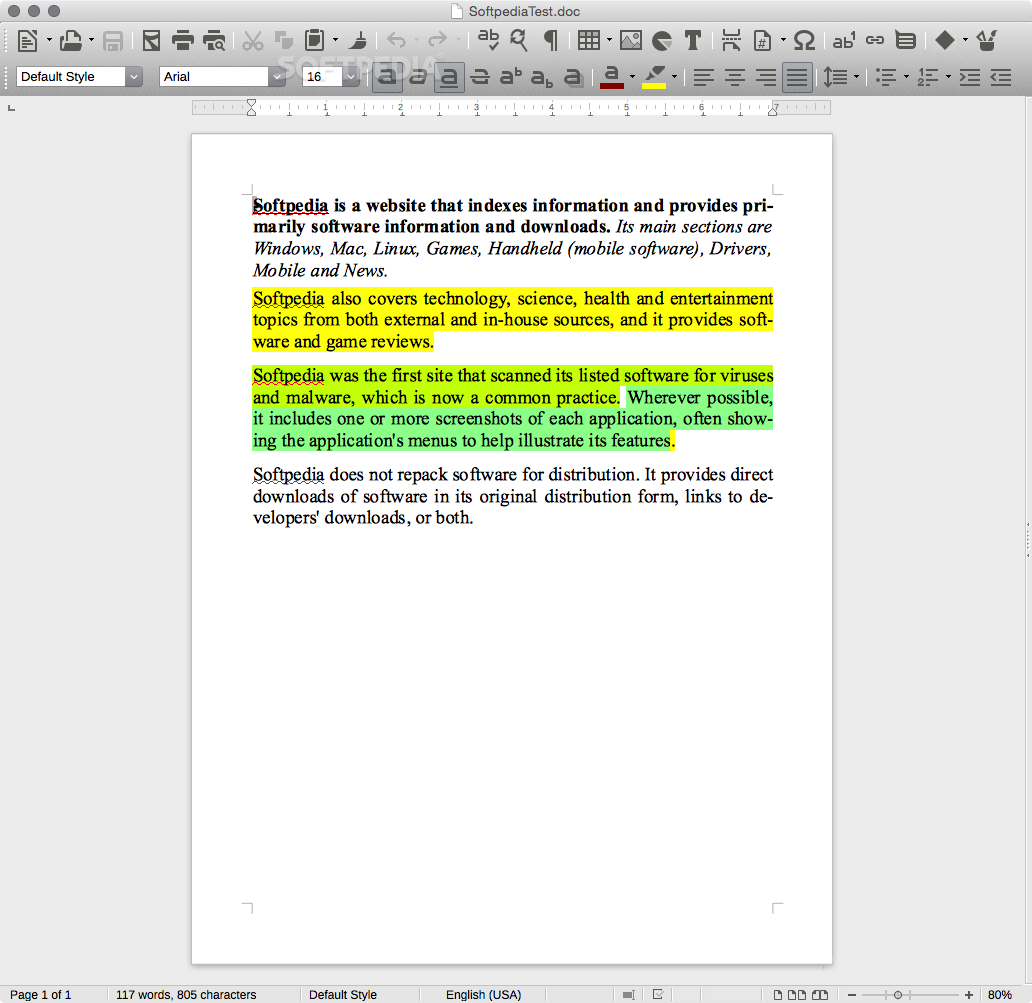
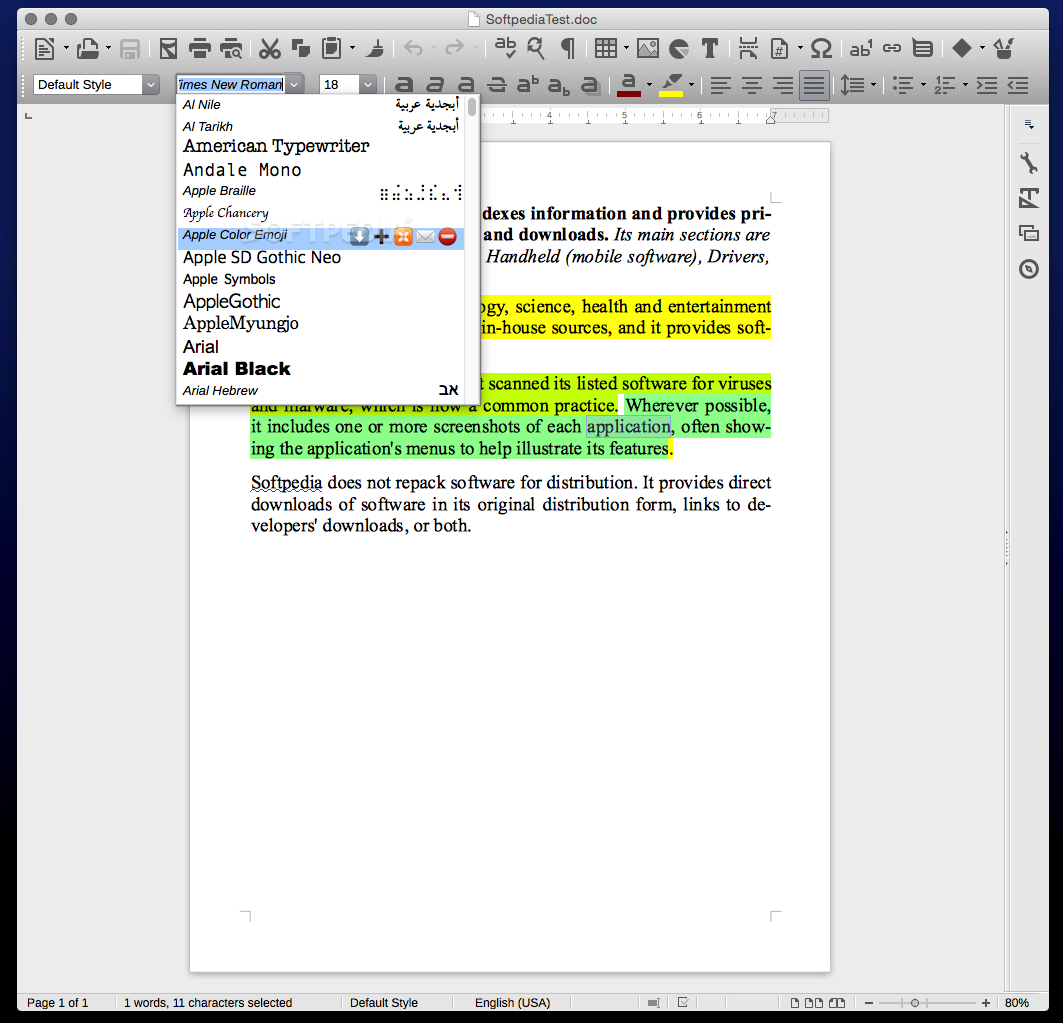
LibreOffice is the first app that should come to your mind if you want a free word processor, slideshow maker, spreadsheet, database manager and basic vector drawing creator.
Moreover, LibreOffice is a free and open-source application suite that offers a word processor (Writer), presentations and graphics applications (Impress and Draw), a spreadsheet app (Calc) along with database, mathematical (Math) and other useful tools.
Installing LibreOffice is a very simple task, and the entire process requires a simple drag and drop action of the app from the mounted disk image to your Mac's Applications folder.
The support for the latest Microsoft Office formats in addition to its native ODT format along with the cost of the app makes LibreOffice the ideal solution for students and organizations that require the use of open formats and open-source apps.
LibreOffice is capable of opening legacy documents create by old Windows and MS-DOS applications. The graphics module also helps you open vector graphics in Visio or CorelDraw formats.
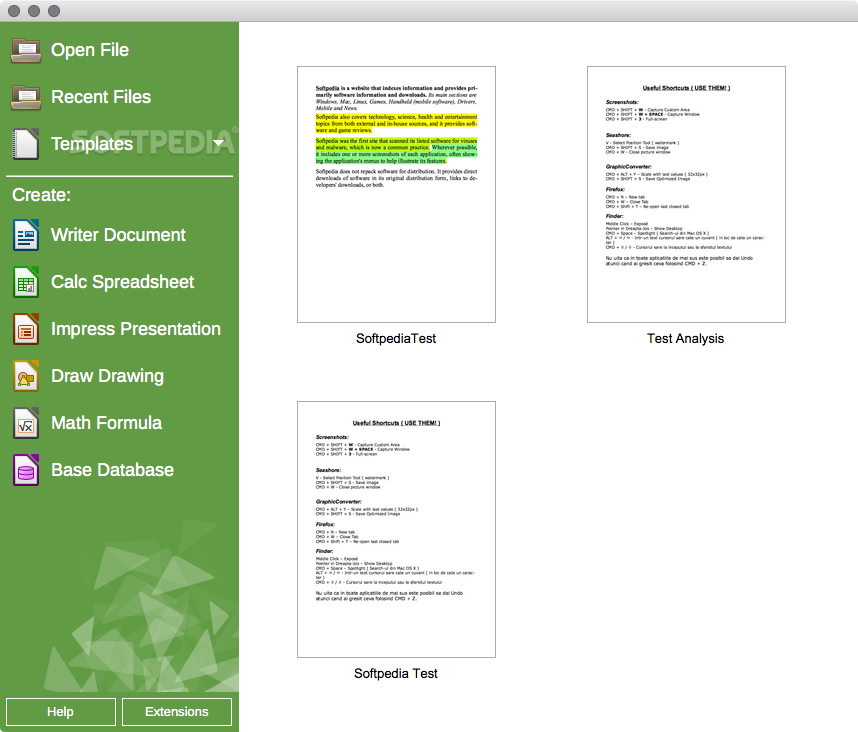
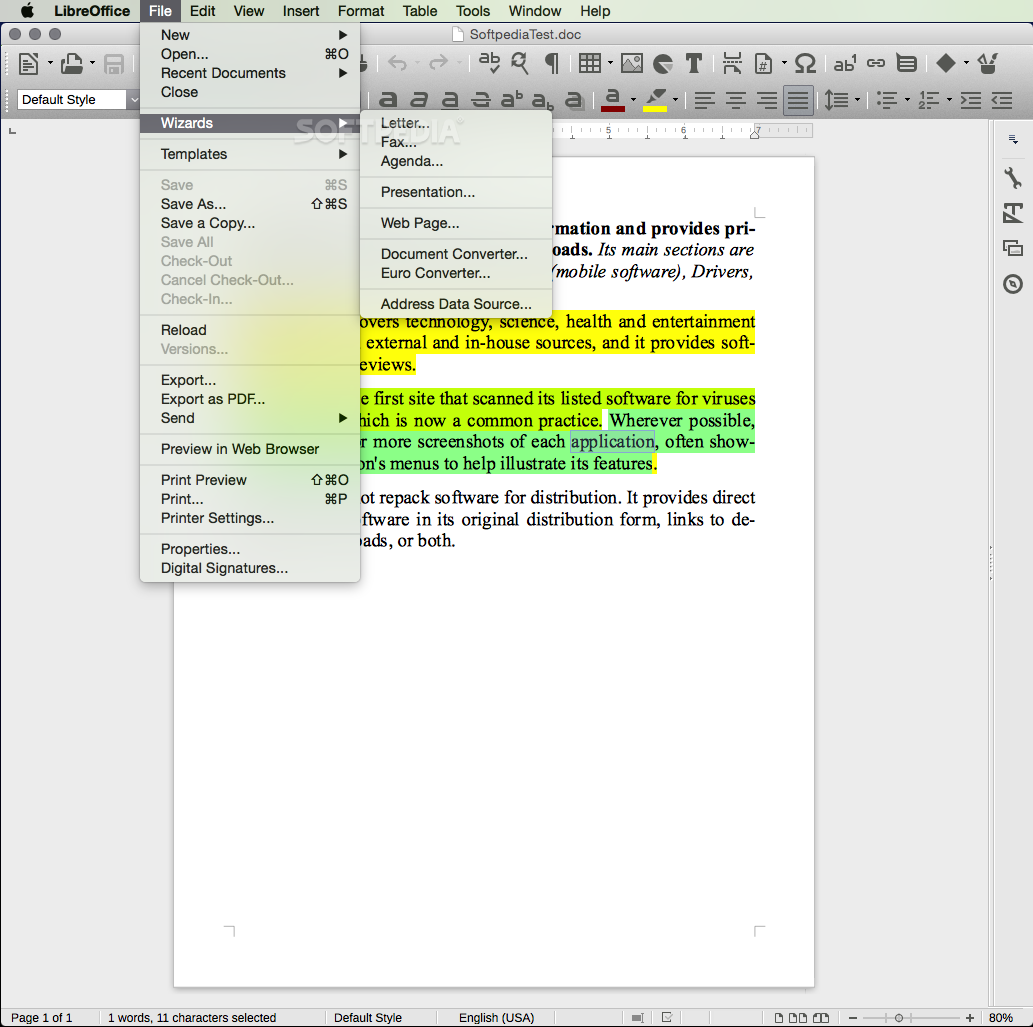
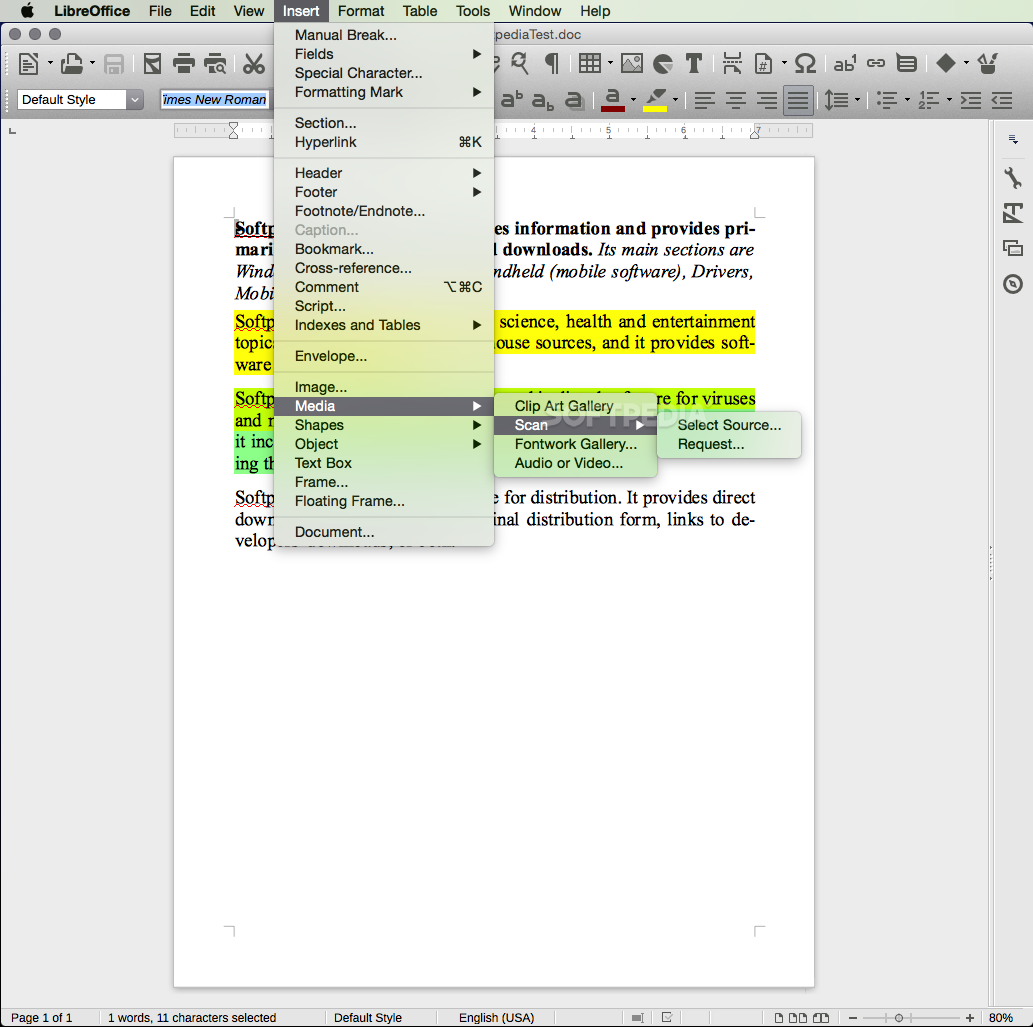
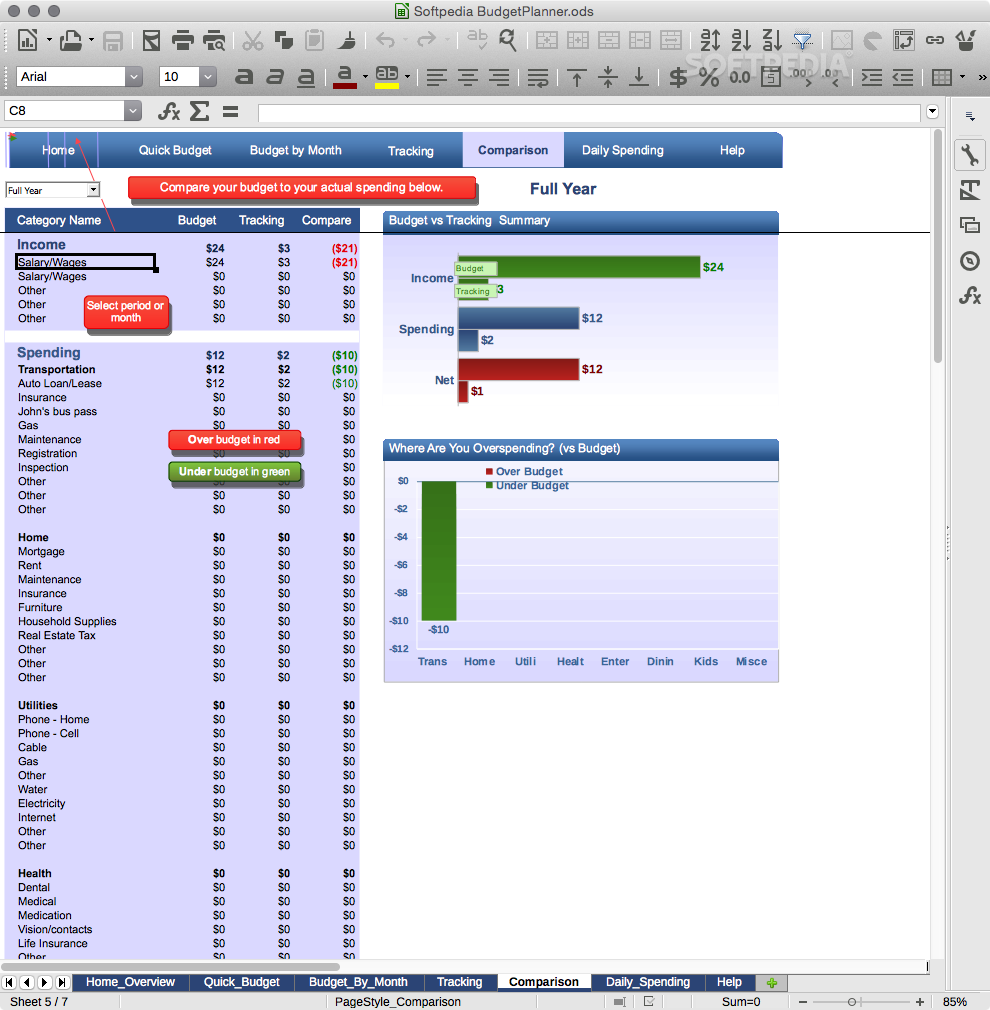
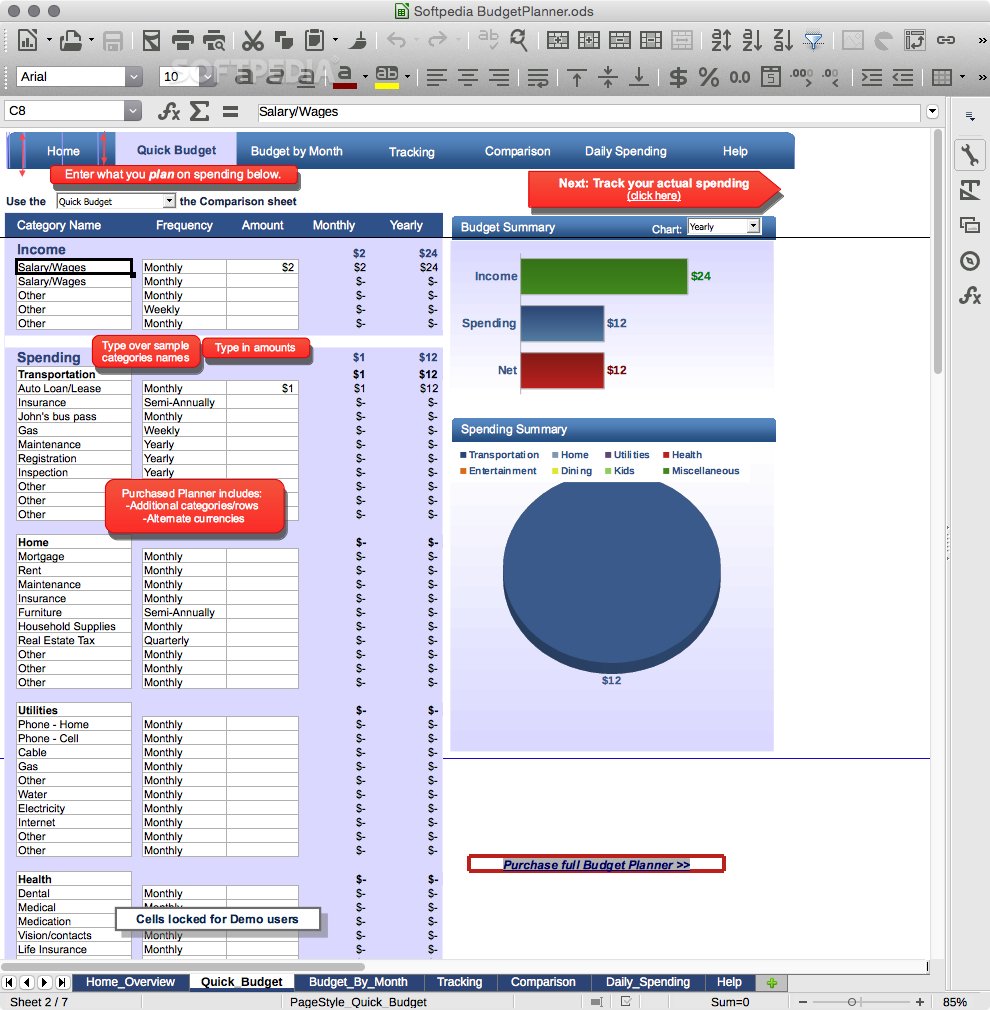
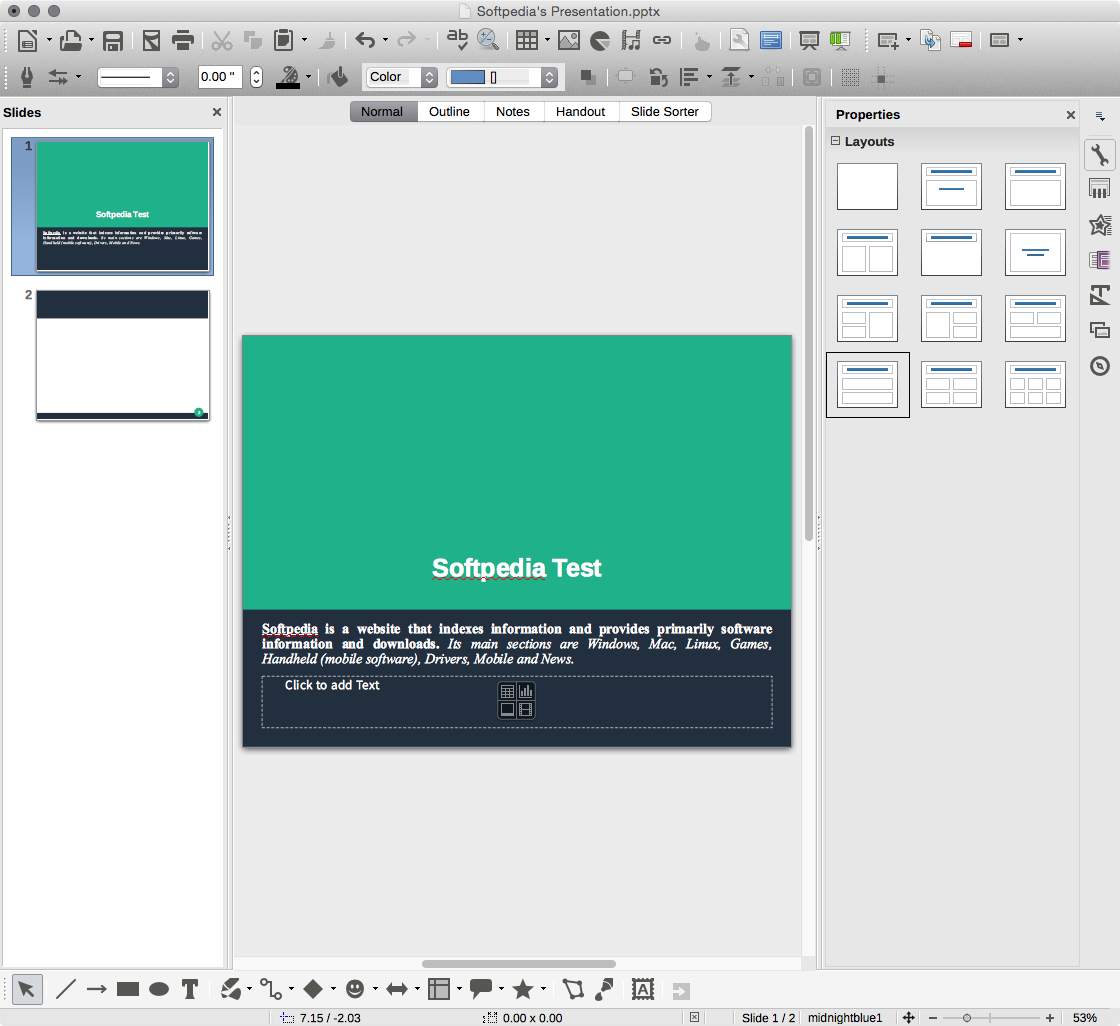
From LibreOffice's main window you will be able to choose between six different office management tools such as Text document, Spreadsheet, Presentation, Drawing Database and Formula.
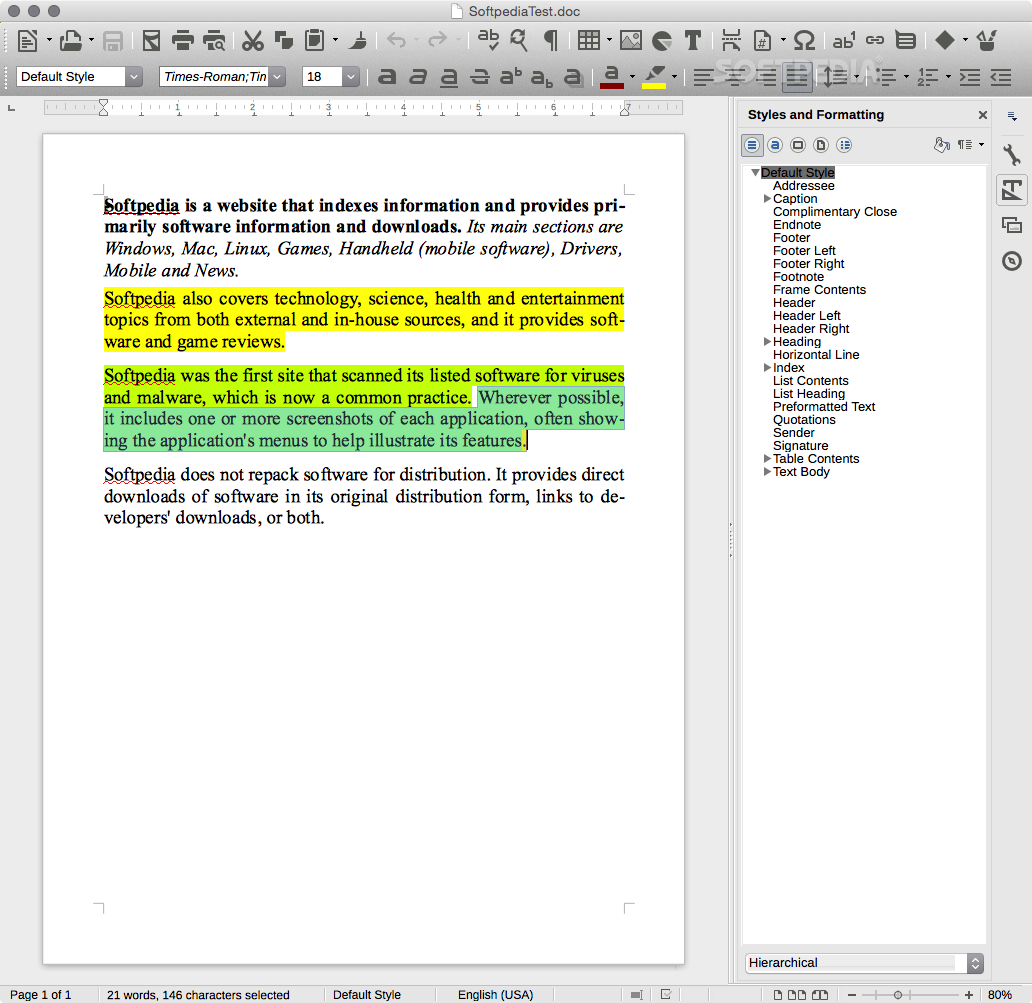
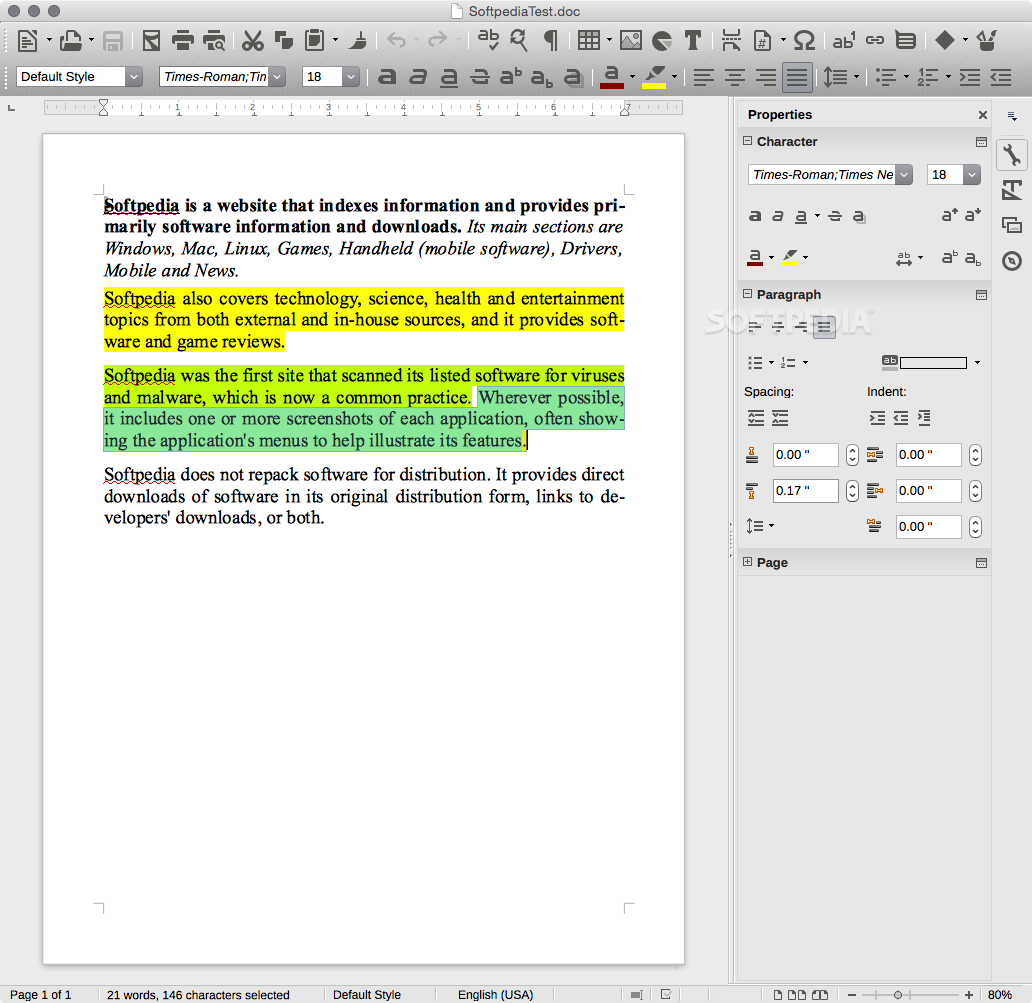
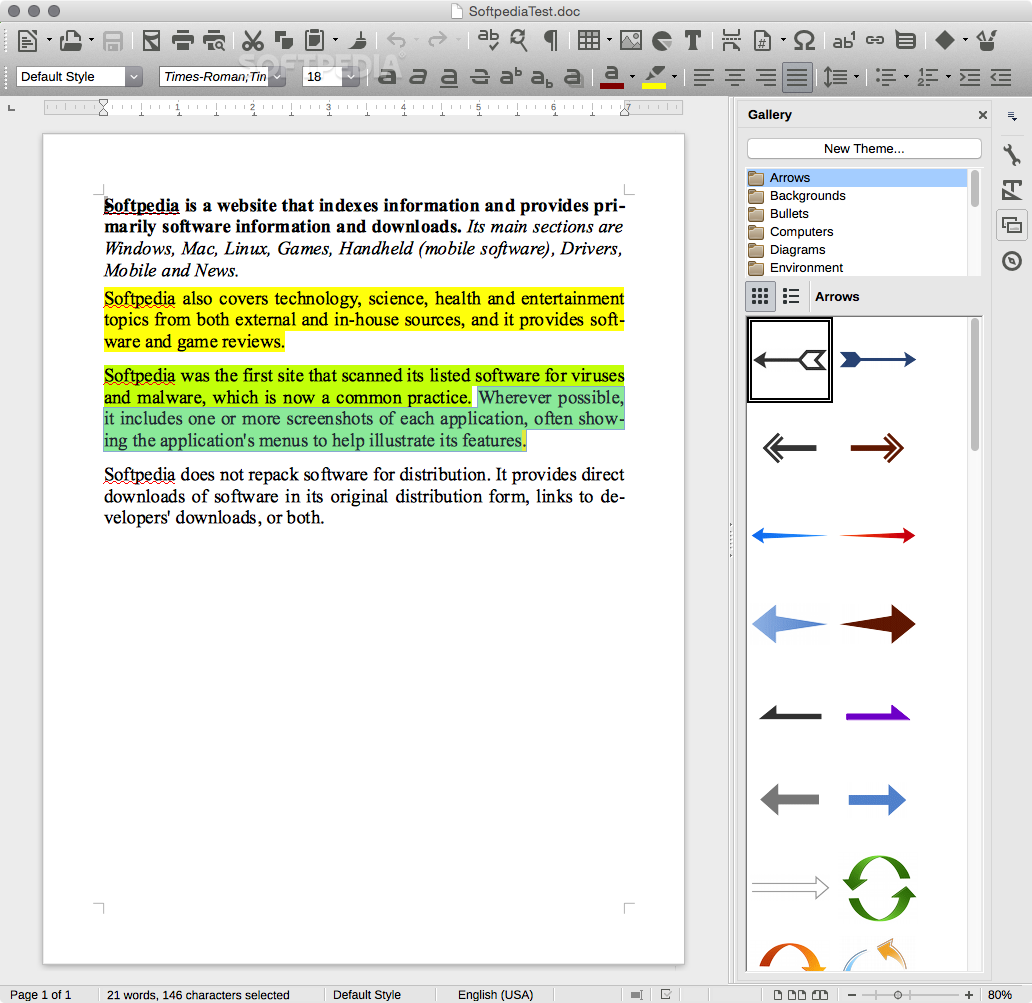
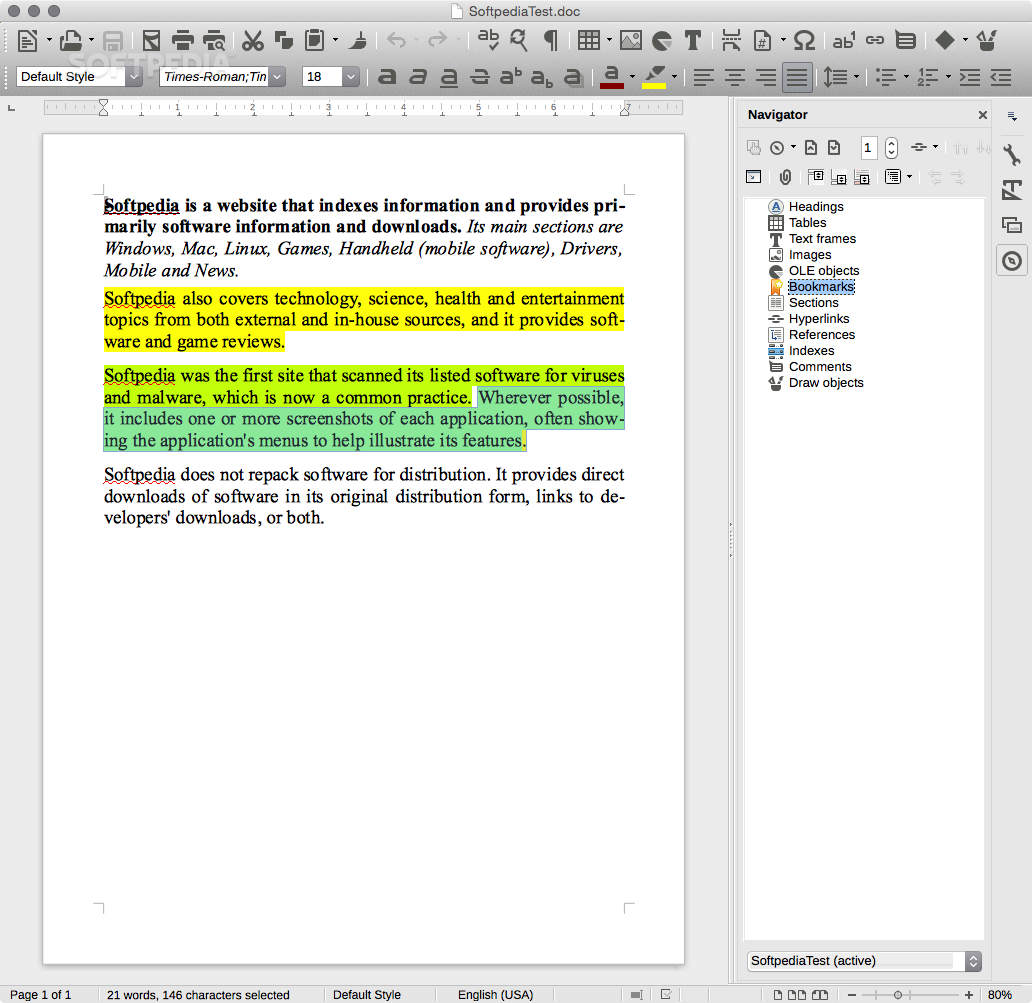
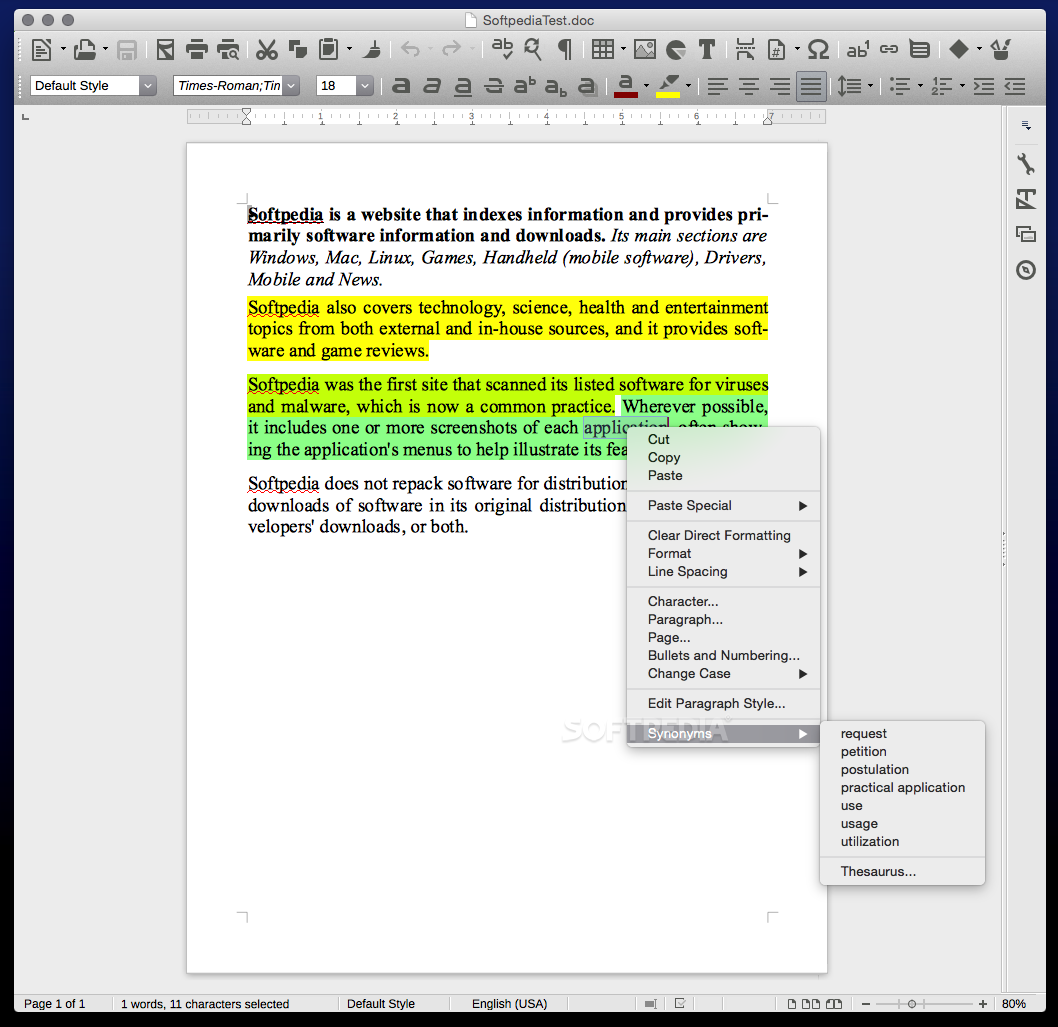
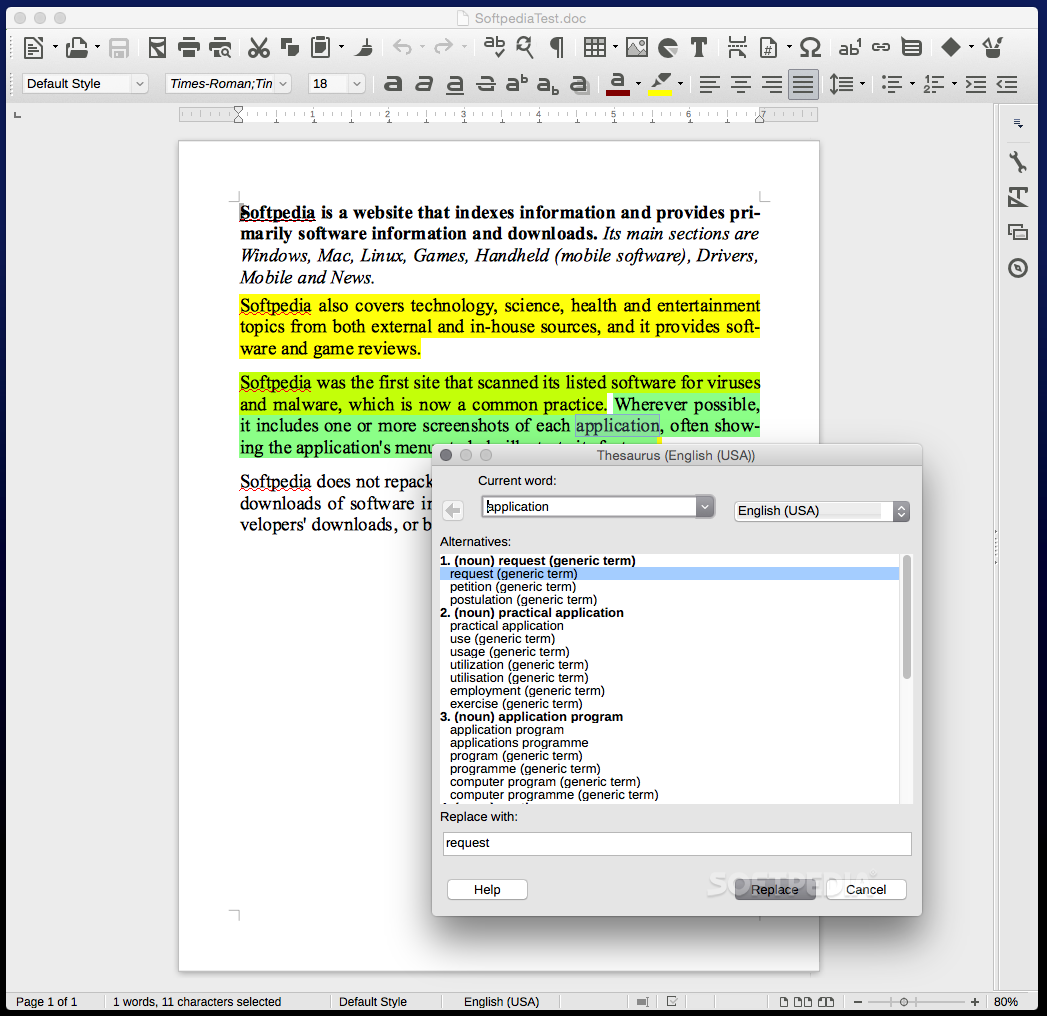
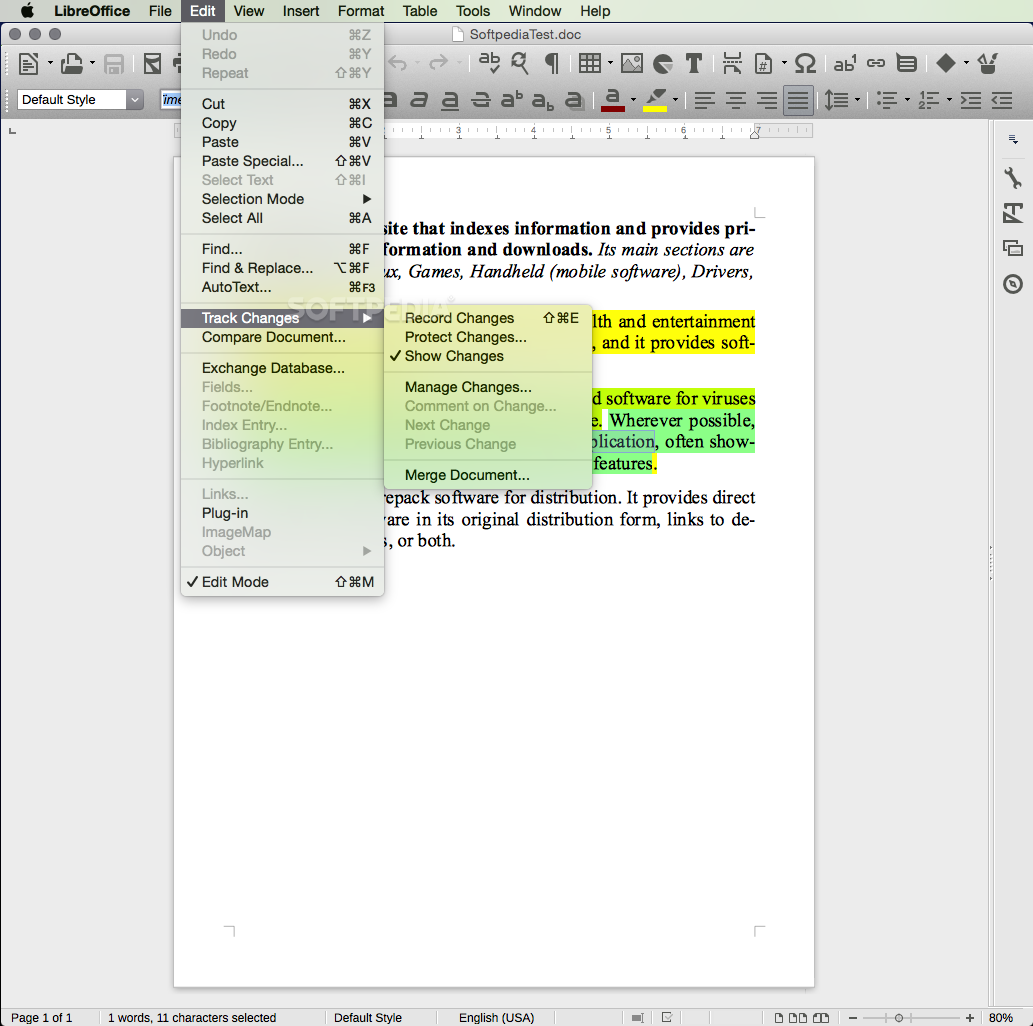
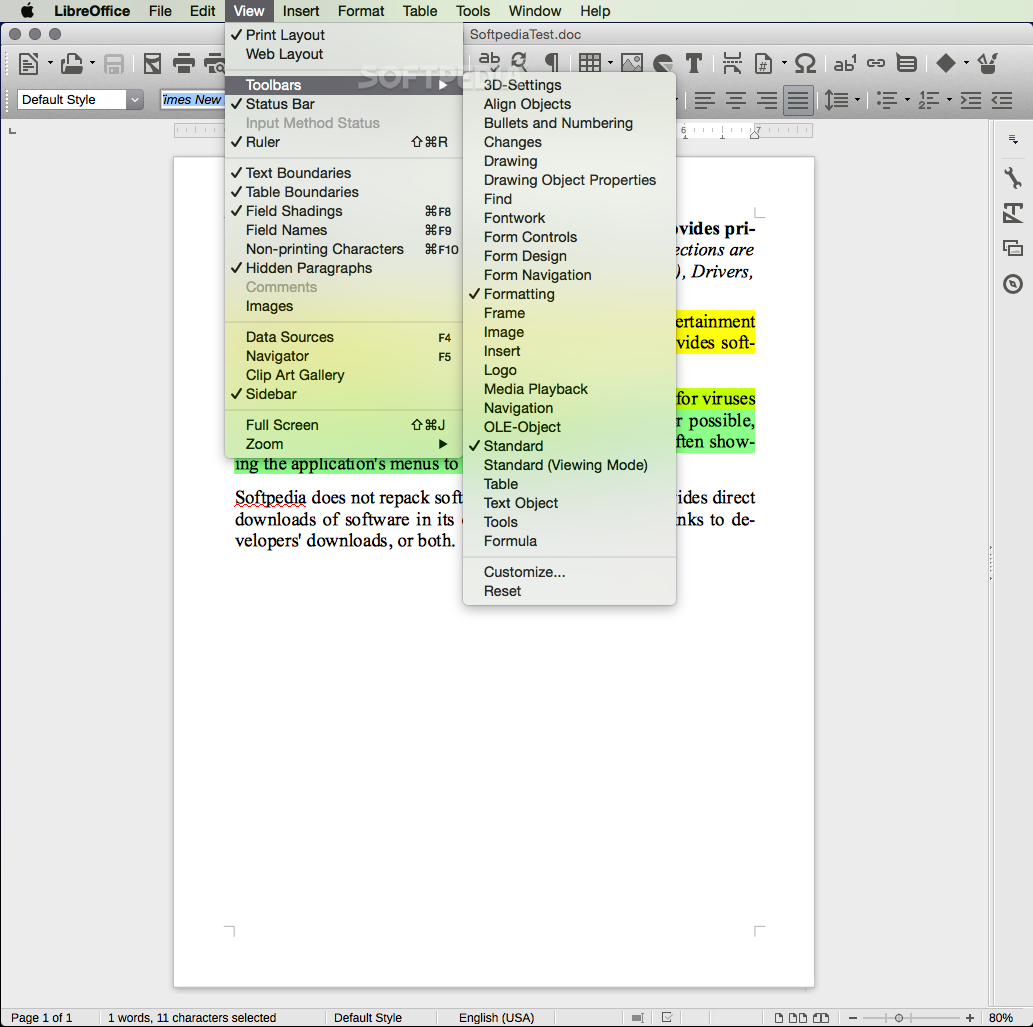
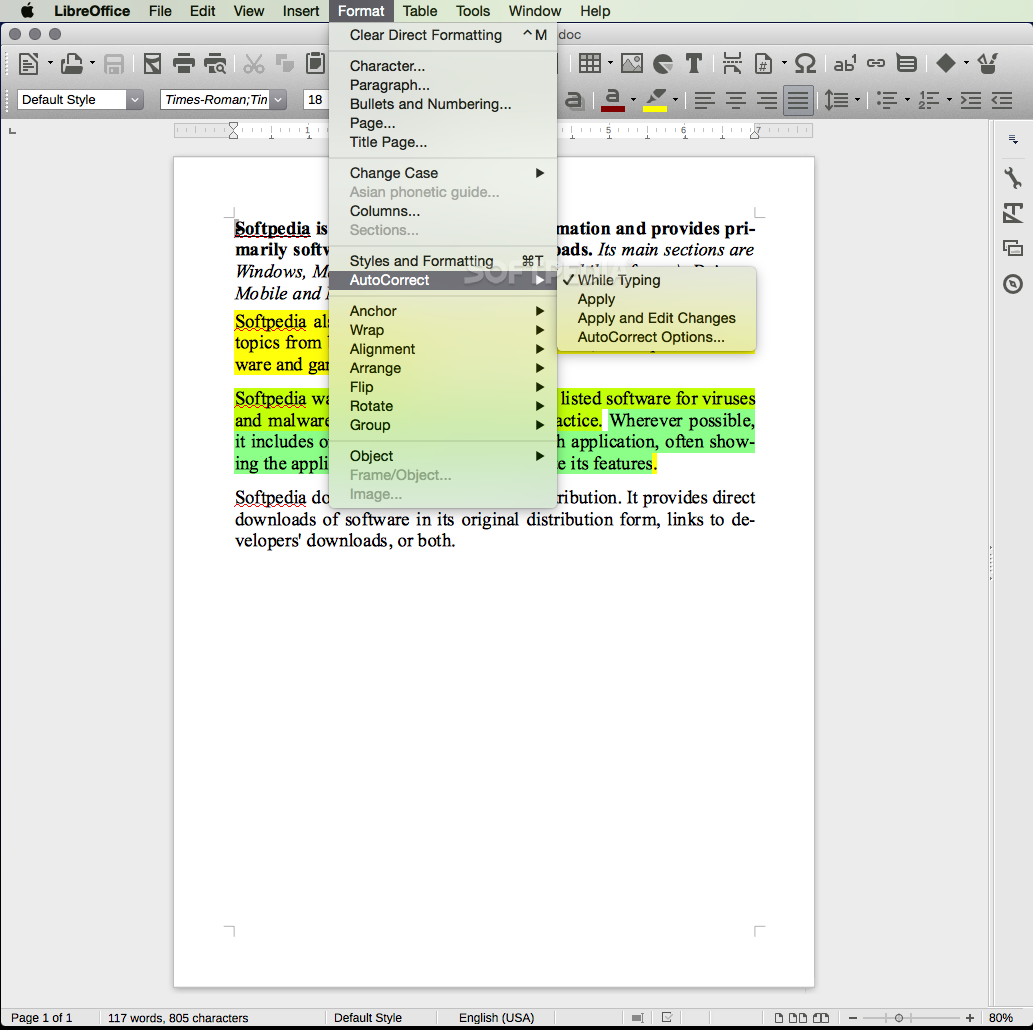
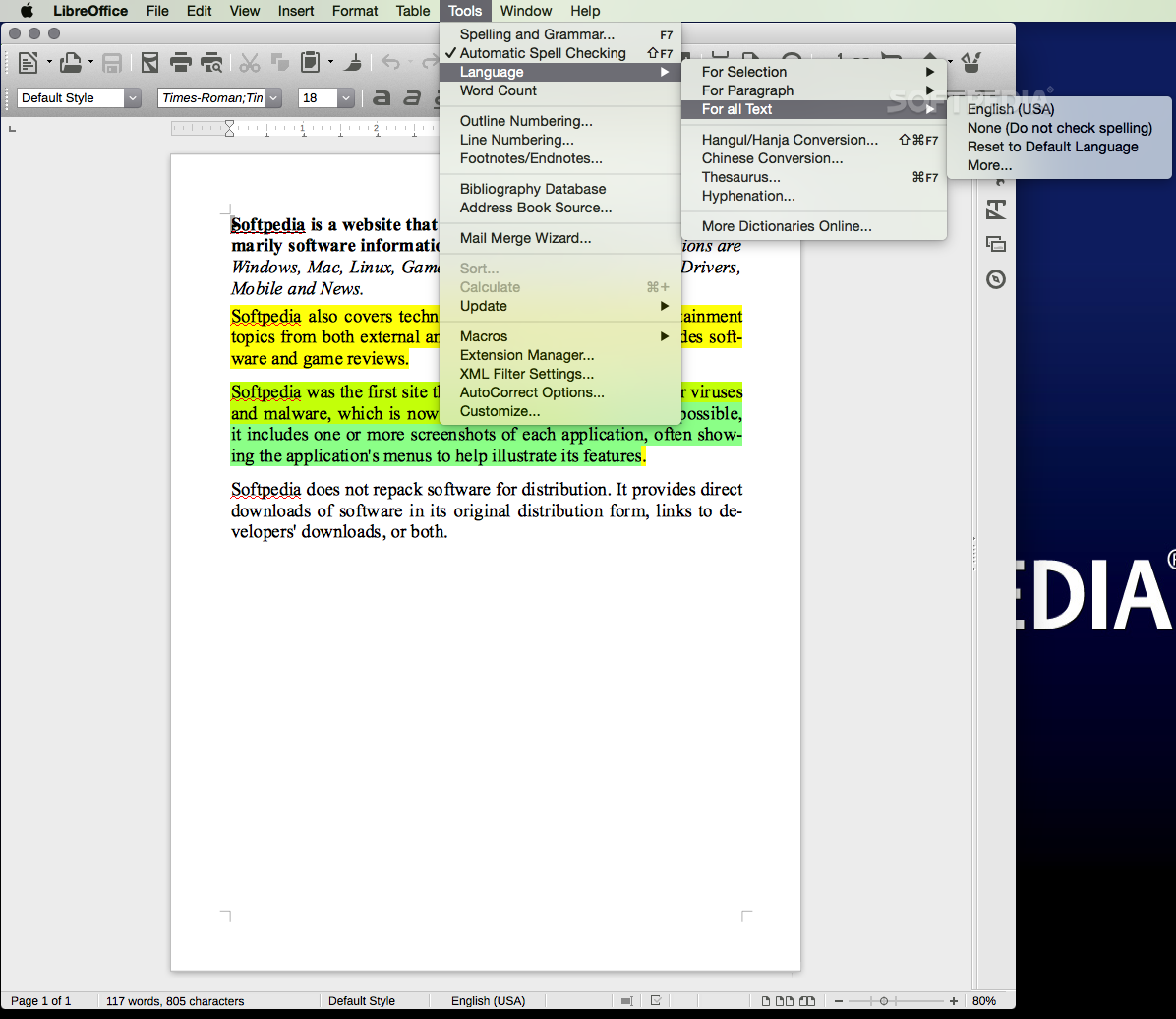
If you are familiar with Microsoft Office or Apple's iWork, you will be able to recognize most functions and features. Writer is the equivalent to Microsoft Word and Apple's Pages, Calc is synonymous with Excel and Numbers while Impress is similar to Keynote and PowerPoint.
LibreOffice handles pretty well all documents with simple formatting, although you will encounter some compatibility issues with documents with more complex formatting and graphics.
On the whole, although LibreOffice might not be a better alternative to Microsoft Office or Apple's iWork suite for some users, it might be the ideal solution for those who need a free office suite or have to work with odd formats or legacy documents.
What's new in LibreOffice 24.2.2:
- Fixed bugs:
- cid#1592908 dereference null return value [Caolán McNamara]
- tdf#55004 backup copy fails when using share / samba (if nobrl cifs mount option not used) [Kevin Ottens]
- tdf#63259 It should be possible to use shift + F3 case change (cycle case), when cursor is at the beginning or end of a word and not only in the middle [Oliver Specht]
LibreOffice 24.2.2 / 7.6.6
 Softpedia Editor's Pick
add to watchlist
add to download basket
send us an update
REPORT
Softpedia Editor's Pick
add to watchlist
add to download basket
send us an update
REPORT
- runs on:
- macOS 11.0 or later (Universal Binary)
- file size:
- 306.1 MB
- filename:
- LibreOffice_24.2.2_MacOS_aarch64.dmg
- main category:
- Business
- developer:
- visit homepage
ShareX

calibre

Context Menu Manager

Bitdefender Antivirus Free

Windows Sandbox Launcher

4k Video Downloader

Microsoft Teams

7-Zip

IrfanView

Zoom Client

- 7-Zip
- IrfanView
- Zoom Client
- ShareX
- calibre
- Context Menu Manager
- Bitdefender Antivirus Free
- Windows Sandbox Launcher
- 4k Video Downloader
- Microsoft Teams