
Easily compare text documents.. #Compare text #Compare document #View change #Compare #Text #Document
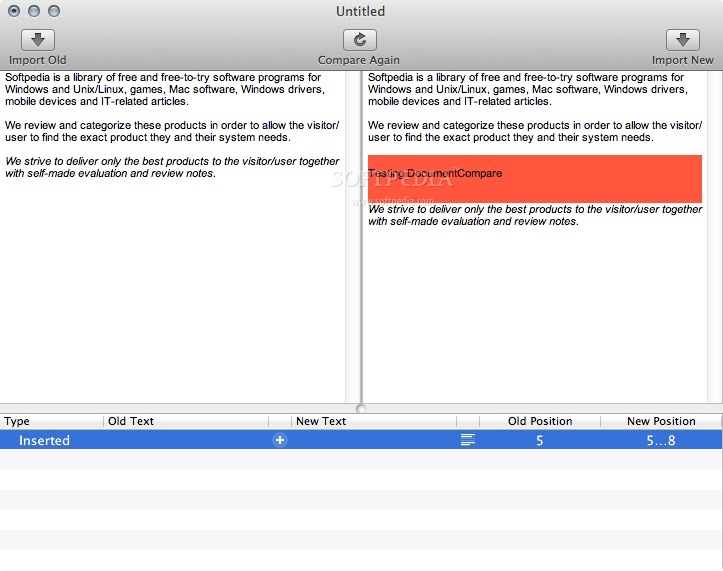
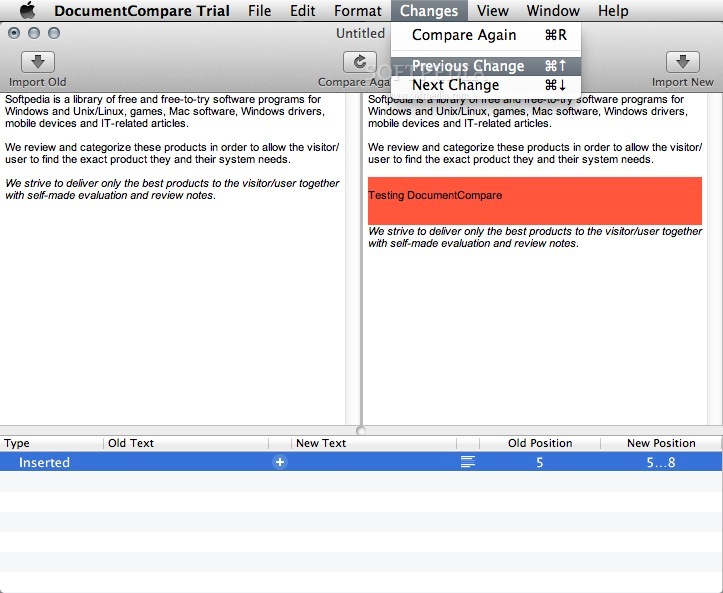
DocumentCompare is a no-frills and simple to use Mac app for quickly comparing text documents. Even minute changes between two versions of the same text are recognized and displayed concisely.
In contrast to similar applications, DocumentCompare is able to preserve text formatting throughout the process of comparing the chosen documents. So-called “formatted text” with different fonts, sizes and styles (e.g. bold or italic) will be preserved unchanged.
This is why you can, for example, use DocumentCompare to find what changed from one version of a web page to another. HTML files and even Safari web archives (.webarchive) can be used as source files.
DocumentCompare is able to handle all files that can be read by Apple’s TextEdit. The files will even look the same, as both programs use Mac OS X’s text engine.
Limitations in the unregistered version
- 7 days trial
- Saving is disabled
What's new in DocumentCompare 1.2.2:
- Changes required for continued operation (code signing)
DocumentCompare 1.2.2
add to watchlist add to download basket send us an update REPORT- runs on:
- Mac OS X 10.6 or later (Intel only)
- file size:
- 2 MB
- filename:
- DocumentCompare-Trial-1.2.2.zip
- main category:
- Word Processing
- developer:
- visit homepage
Windows Sandbox Launcher

4k Video Downloader

IrfanView

Bitdefender Antivirus Free

Microsoft Teams

Zoom Client

7-Zip

Context Menu Manager

ShareX

calibre

- Context Menu Manager
- ShareX
- calibre
- Windows Sandbox Launcher
- 4k Video Downloader
- IrfanView
- Bitdefender Antivirus Free
- Microsoft Teams
- Zoom Client
- 7-Zip
