
A comprehensive and flexible text and HTML editor that includes high-end editing, searching, and manipulation tools for any type of text #Code editor #HTML editor #HTML markup #Editor #Text #HTML
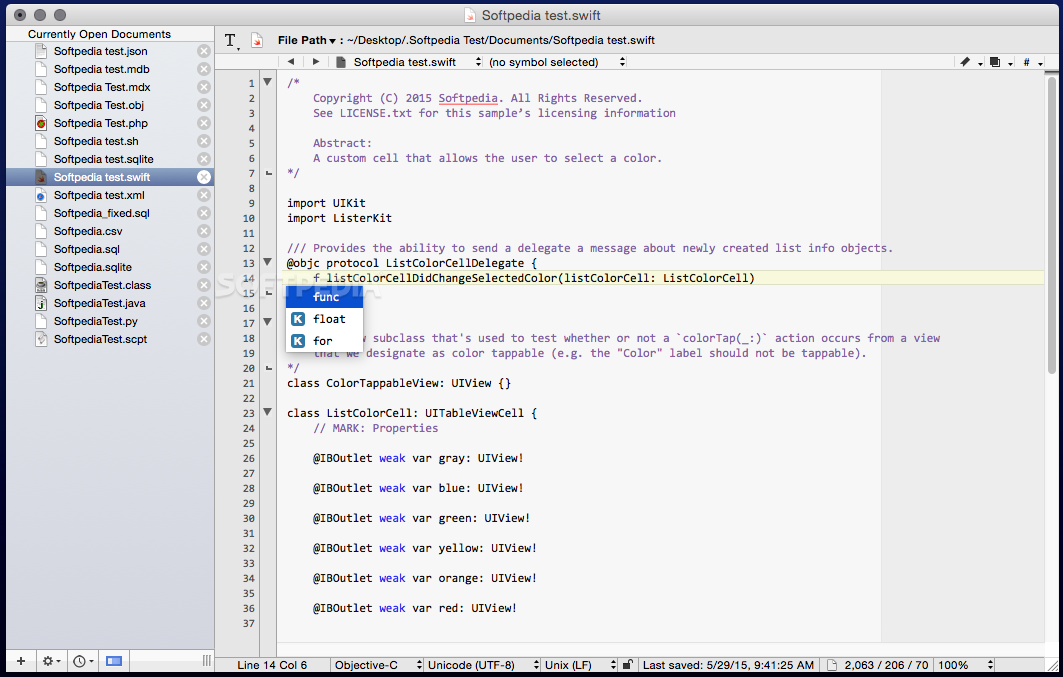
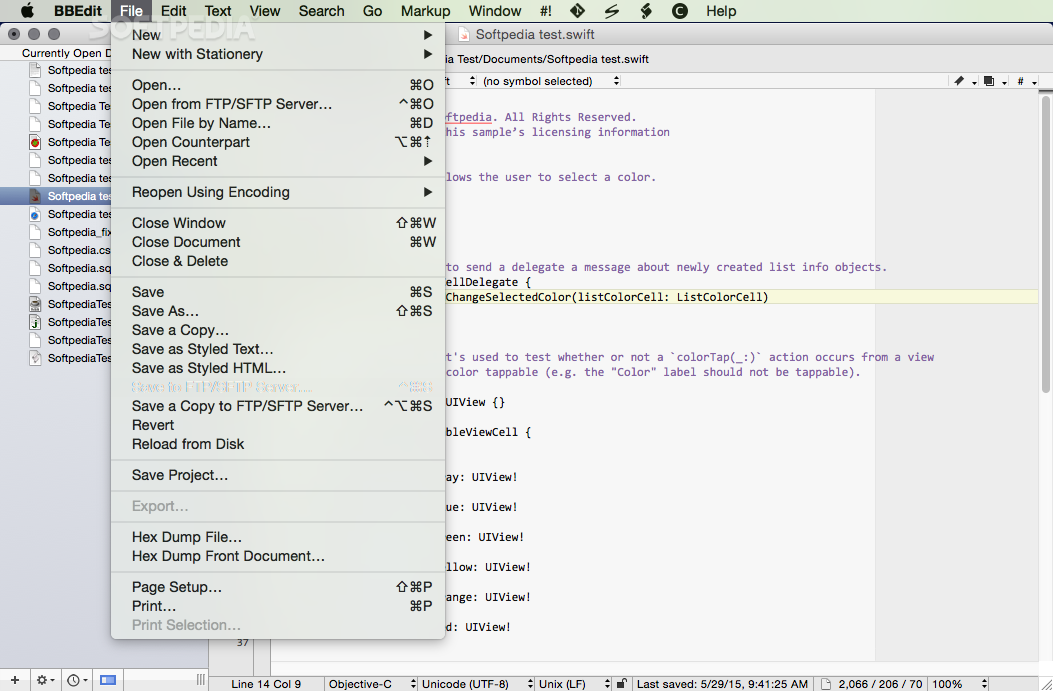
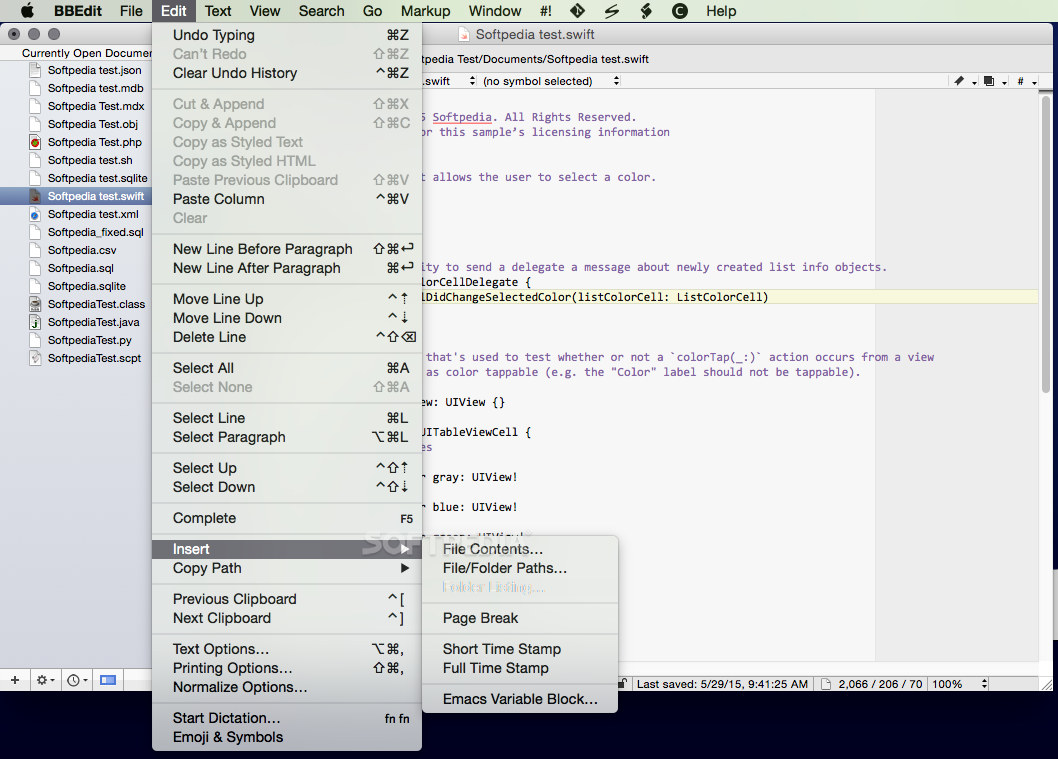
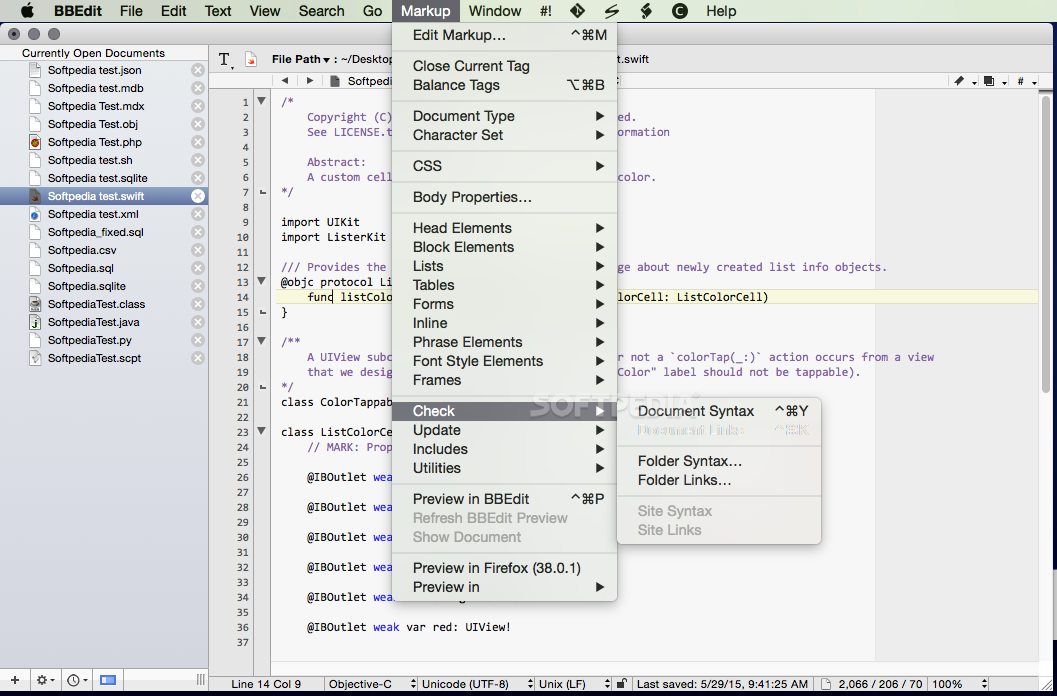
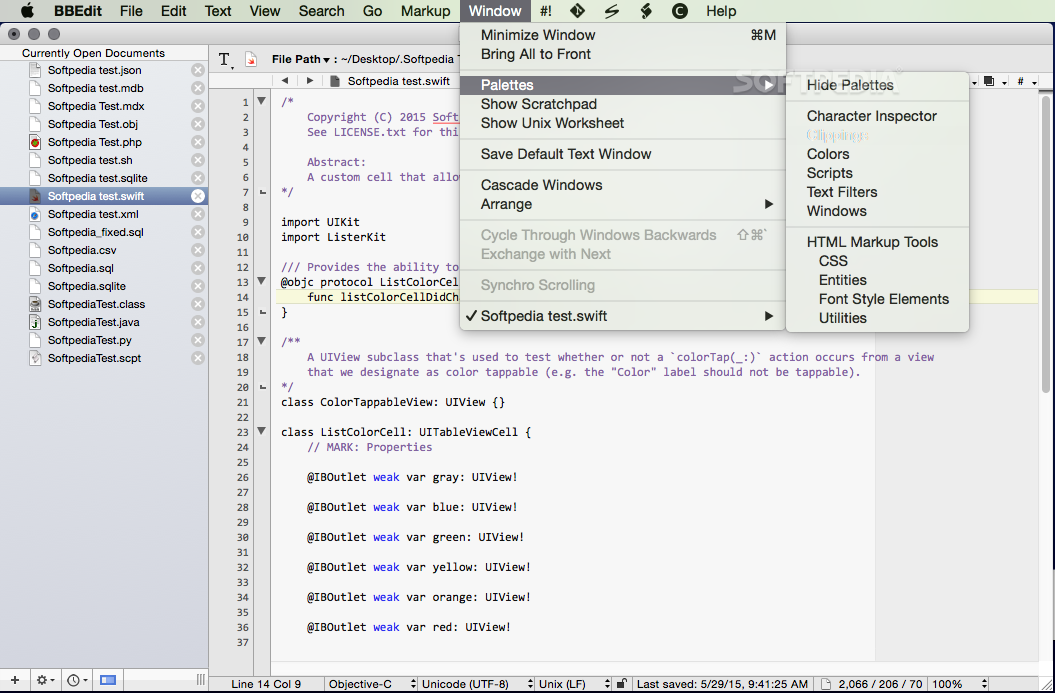
BBEdit is a feature-packed and state-of-the-art HTML and text processing macOS application designed to help you manipulate text in many other different ways than to your usual word processor.
Moreover, the BBEdit editor does not include advanced options for formatting text, visual-based text altering tools, thesaurus or headers and footers, but it focuses instead on providing an efficient code editing tool for your everyday development needs.
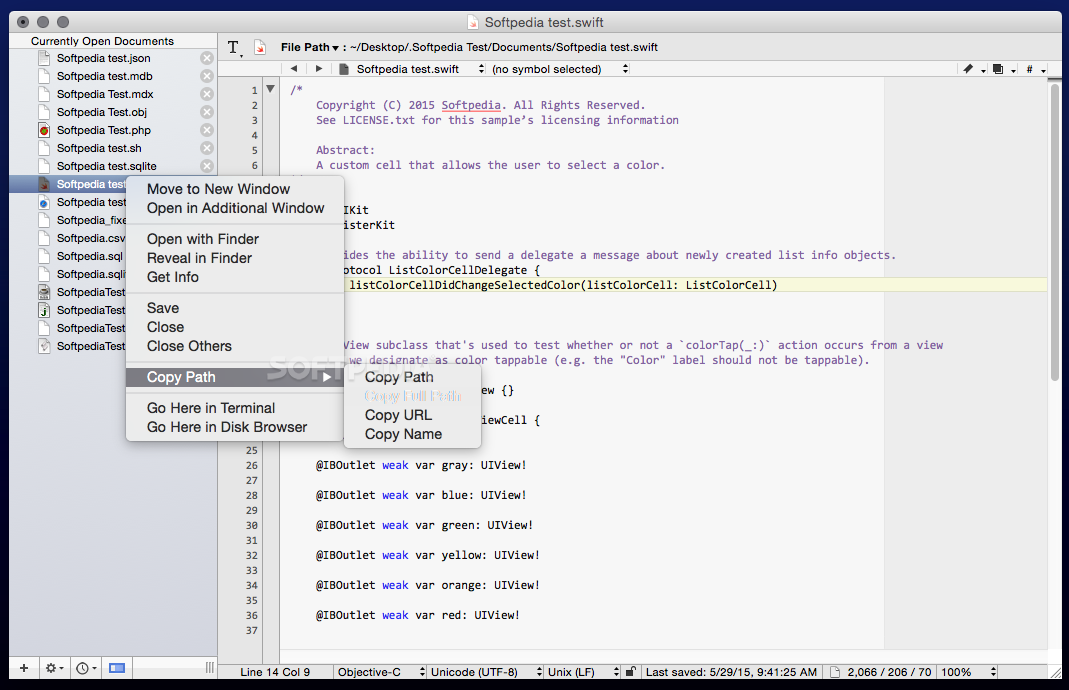
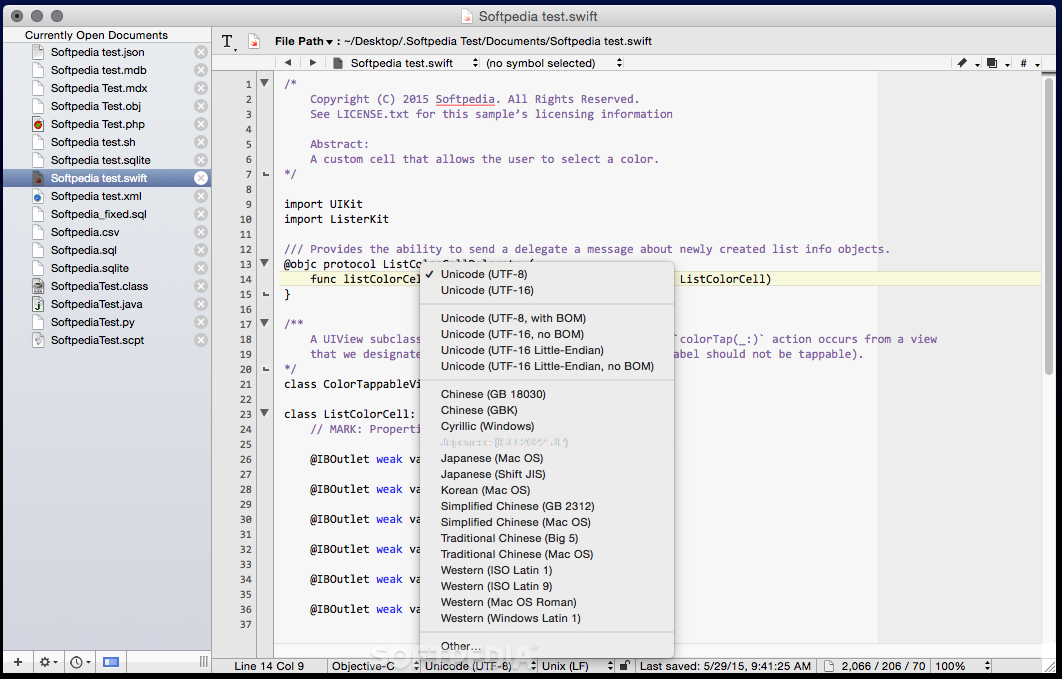
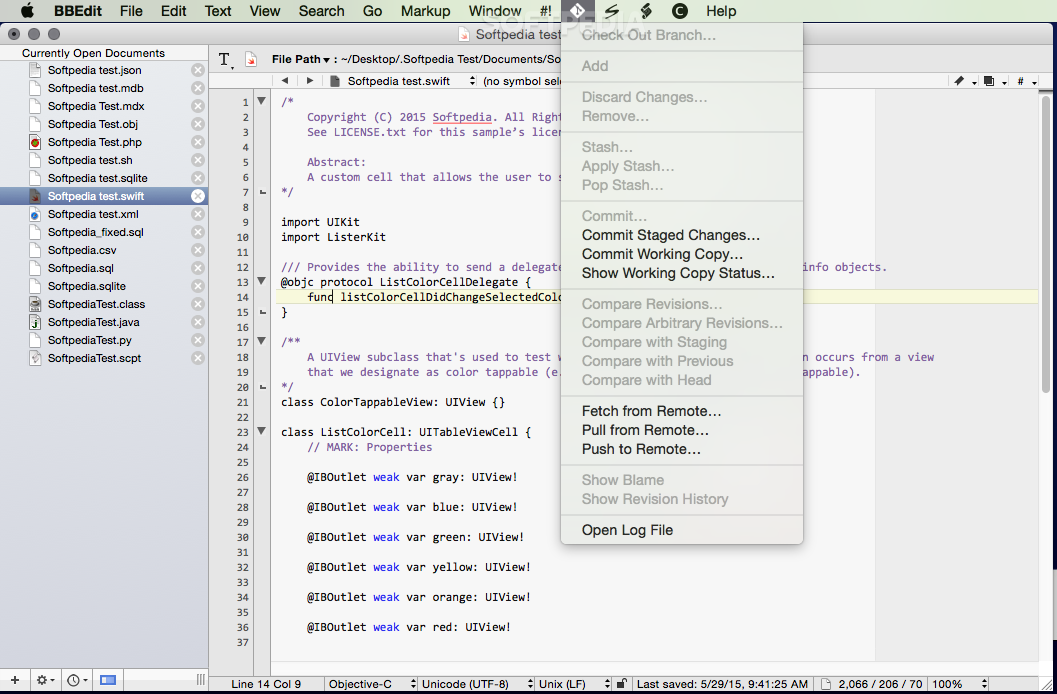
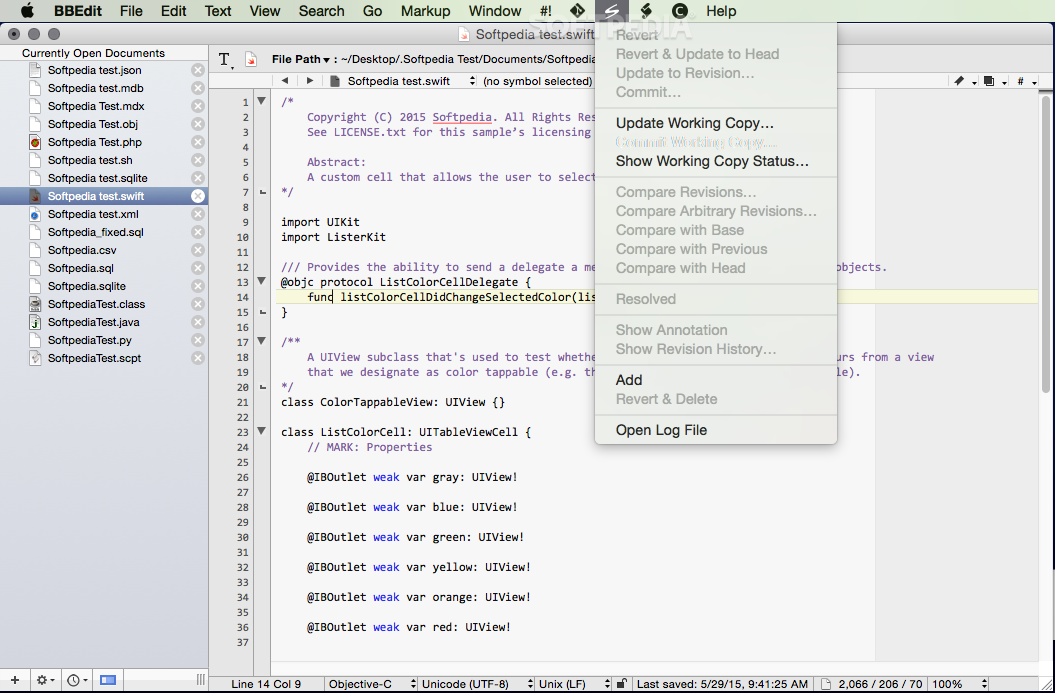
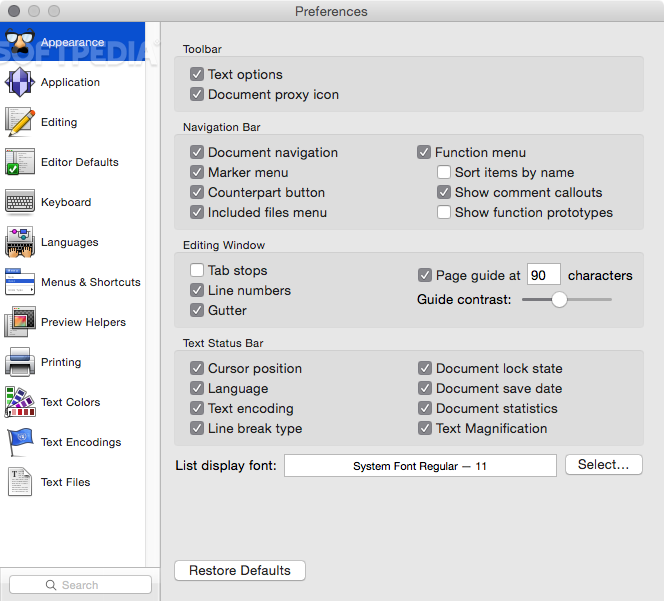
With the help of BBEdit’s user intuitive and insightful user interface, you will be able to create and edit source files, webpages and any type of text document related to small or large development projects.
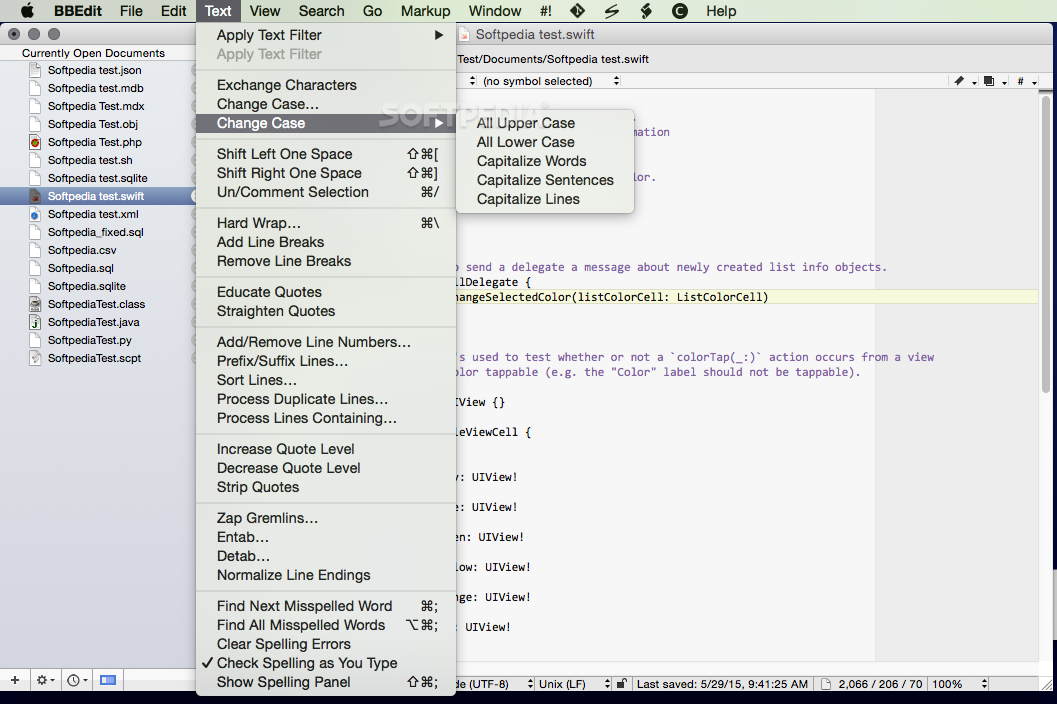
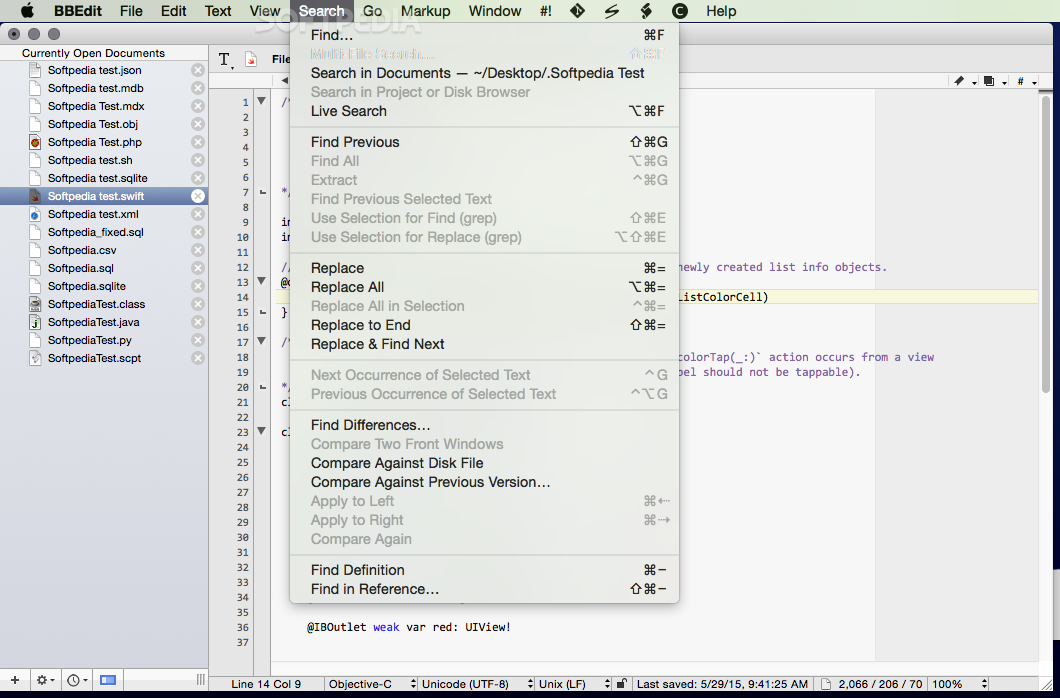
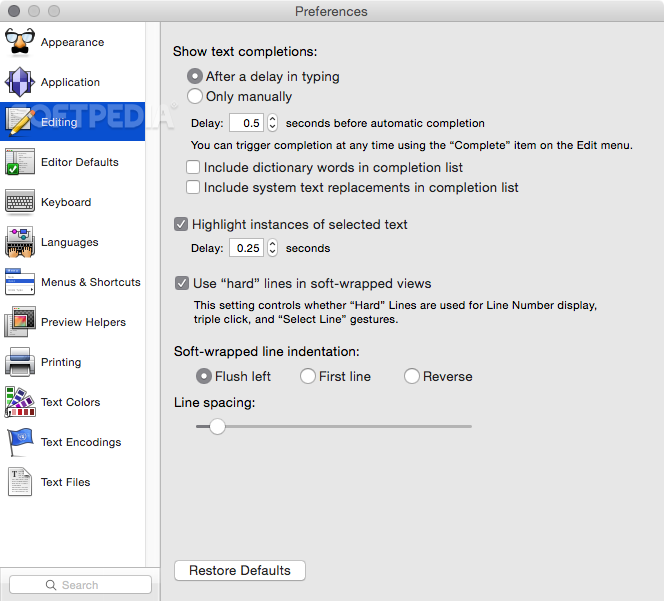
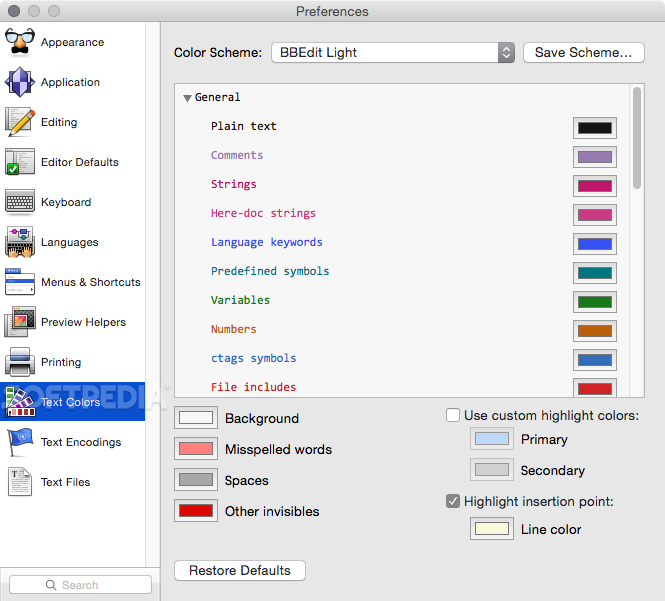
The BBEdit code processing utility, will allow you to make use of powerful features such as regular expression-based search and replace, fast and smart text coloring, highly advanced text transformations, code folding and completion, as well as other unique functions designed to make the process of code editing on a Mac as easy and as smooth as possible.
The BBEdit editor includes a vast set of options to help you edit text strings like source files for the World Wide Web or files for HTML and other programming languages.
What’s more, if you are a professional web designer, you can use BBEdit to perform any web authoring task, as well as quick and swift HTML markup based code transformation tasks.
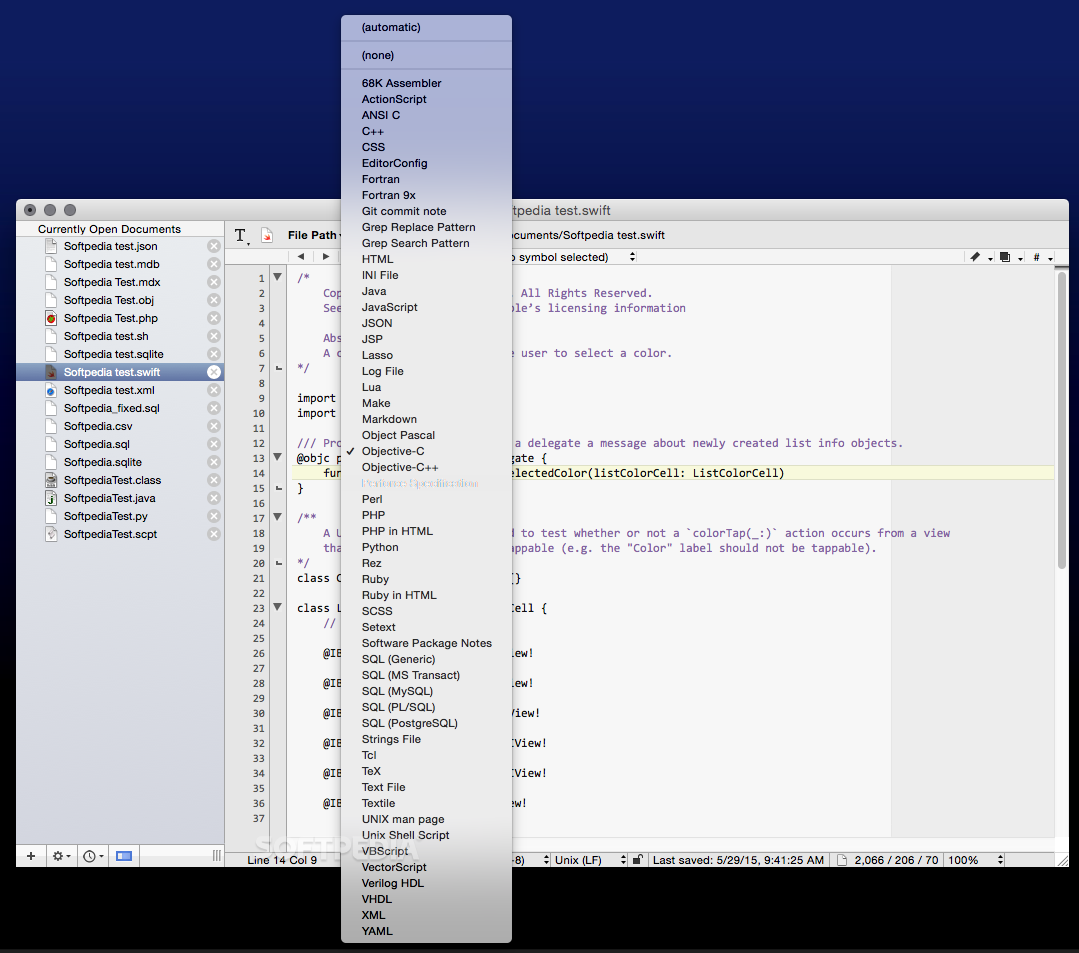
BBEdit also comes with extended support for tens of different web and desktop programming languages such as C++, Java, Perl, PHP, Ruby, SQL, Python and many more others.
As an added bonus, BBEdit provides you with the tools required for simultaneous and fast changing or finding of all occurrences of a piece of text in a set of files, for efficiently tweaking a webpage in a blink of an eye or for reformatting and modifying large text files in no time.
Other noteworthy features include its integrated FTP and SFTP support, the robust spelling checker, tight integration with Adobe’s Dreamweaver, a command line tool and the advanced UNIX and AppleScript scripting support.
On the whole, BBEdit is a programming oriented text editor, with enough tools and features packed in to keep any developer happy, regardless of the type of project he’s working on.
Download Hubs
BBEdit is part of these download collections: Text Editor, Edit XHTML, HTML Managers, HTML Editor
What's new in BBEdit 15.0.3:
- Fixes:
- Fixed bug in which line comments at the end of the file in R and Unix Shell Script source files weren't colored as such unless the file ended with a line break.
BBEdit 15.0.3
 Softpedia Editor's Pick
add to watchlist
add to download basket
send us an update
REPORT
Softpedia Editor's Pick
add to watchlist
add to download basket
send us an update
REPORT
- runs on:
- macOS 11.0 or later (Universal Binary)
- file size:
- 29.7 MB
- filename:
- BBEdit_15.0.3.dmg
- main category:
- Word Processing
- developer:
- visit homepage
Microsoft Teams

Context Menu Manager

Bitdefender Antivirus Free

IrfanView

Windows Sandbox Launcher

Zoom Client

4k Video Downloader

7-Zip

calibre

ShareX

- 7-Zip
- calibre
- ShareX
- Microsoft Teams
- Context Menu Manager
- Bitdefender Antivirus Free
- IrfanView
- Windows Sandbox Launcher
- Zoom Client
- 4k Video Downloader