
A lightweight and time-saving macOS application which enables you to quickly change your desktop wallpaper from a convenient menu bar panel. #Change wallpaper #Replace wallpaper #Desktop background #Wallpaper #Background #Desktop
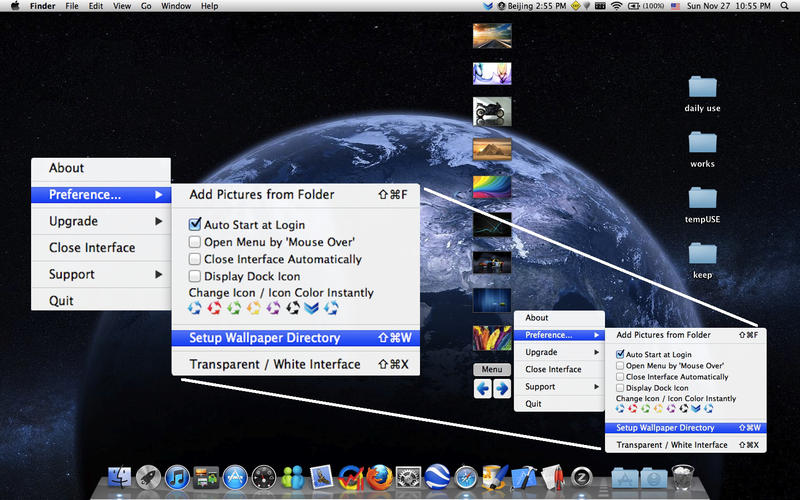
quickWallpaper is a very handy macOS application for users who are constantly changing their desktop background image. It provides a very fast method for changing the wallpaper with images from a user-specified location on the Mac’s local disk by accessing a drop-down menu in the system bar.
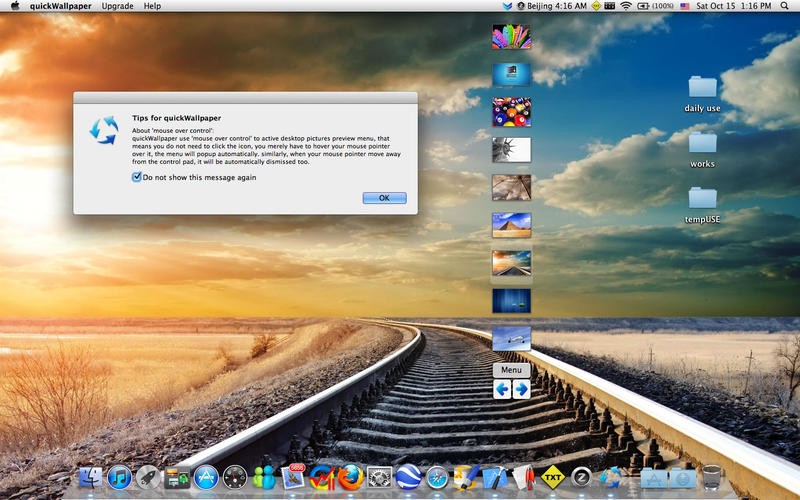
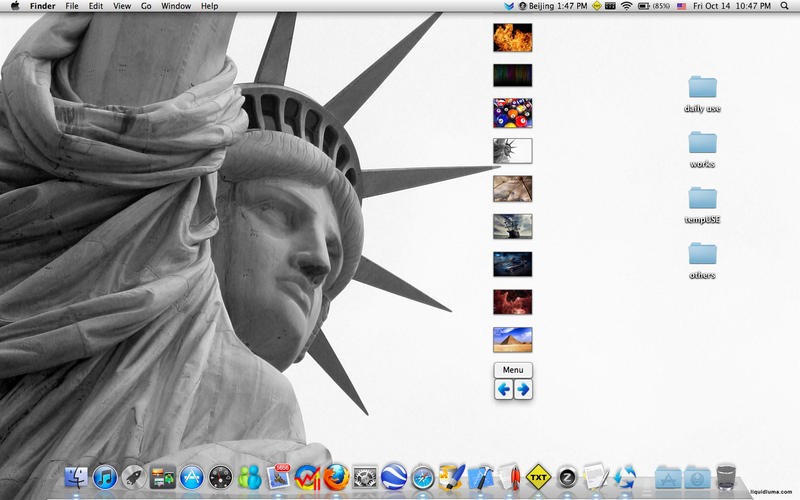
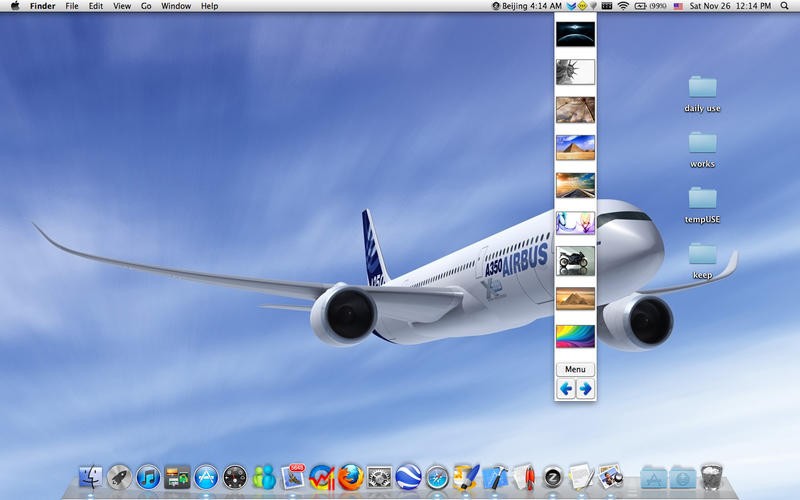
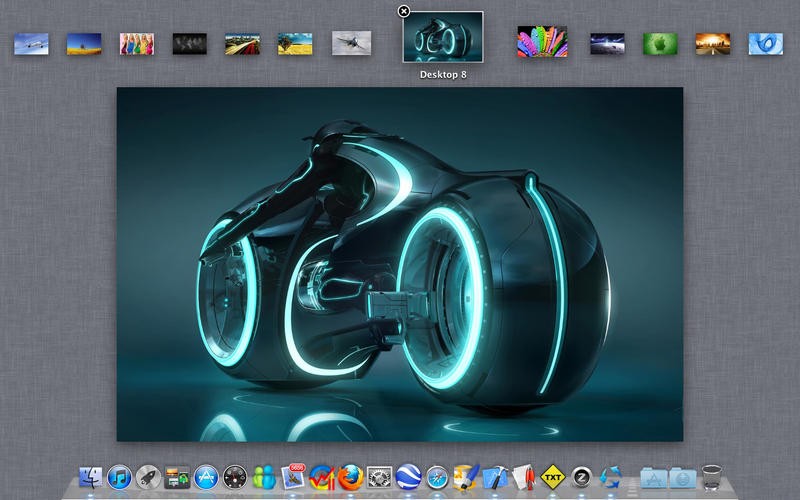
The application features a menu bar item that displays thumbnails of the images from the folders you have selected.
The great part is that you can navigate through them using the scroll wheel. Also, with only a mouse click, you can set images as your desktop background.
By default, the images from 3 picture folders are displayed: Library / Desktop Pictures, Library / Desktop Pictures / Nature and Library / Desktop Pictures / Art.
However, you can change these locations from the preferences, as well as to add pictures from any folder using the CMD + SHIFT + F hotkey.
Additional features include refreshing the folder, opening the menu when hovered over, automatically closing the menu and hiding the Dock icon, if you think it is unnecessary.
What’s more, the menu bar icon can be changed with another from the Preferences menu and the interface can operate in a white or transparent mode.
QuickWallpaper is a very simple solution that helps you change the desktop wallpaper with minimum effort. The app is highly responsive and provides several little features that make it stand out from the rest of wallpaper switchers. quickWallpaper is a recommended choice to users who change their wallpaper on a regular basis.
What's new in quickWallpaper 2.53:
- Option added: display in all spaces
- Make the interface topmost
quickWallpaper 2.53
add to watchlist add to download basket send us an update REPORT- runs on:
- macOS 10.15 or later (Universal Binary)
- file size:
- 3.6 MB
- main category:
- Desktop
- developer:
- visit homepage
Windows Sandbox Launcher

Microsoft Teams

IrfanView

Context Menu Manager

7-Zip

Bitdefender Antivirus Free

calibre

Zoom Client

4k Video Downloader

ShareX

- Zoom Client
- 4k Video Downloader
- ShareX
- Windows Sandbox Launcher
- Microsoft Teams
- IrfanView
- Context Menu Manager
- 7-Zip
- Bitdefender Antivirus Free
- calibre