
Make VCD,SVCD,DVD with this MPEG converter/burner software for Mac OS X. #Create vcd #Create svcd #Convert movie #Create #Convert #Creator
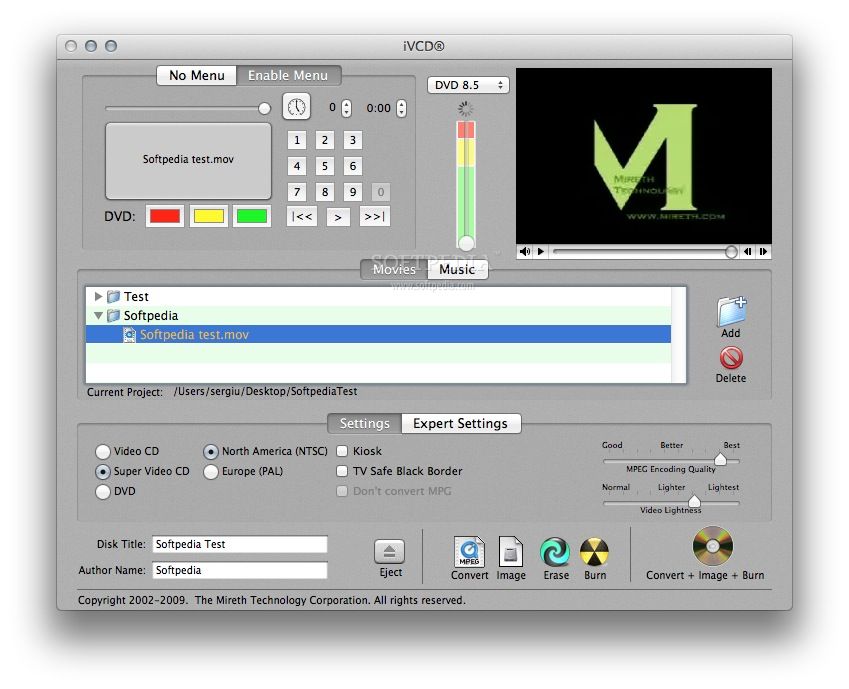
Discover the easy way to burn DVD, VCD, SVCD and more with this easy to use MPEG converter/ encoder/ burner software for Mac OS X.
Use iVCD to convert from mpg, mpeg, mov, avi, divx, iMovie, iMovie HD, Quicktime movie to MPEG and burn to SVCD, XVCD, DVD, VCD or XSVCD in just one step.
iCVD has all the burner features you need and the ease of use you really want from an MPEG encoder/ burner - just drag in the source files and press the burn button.
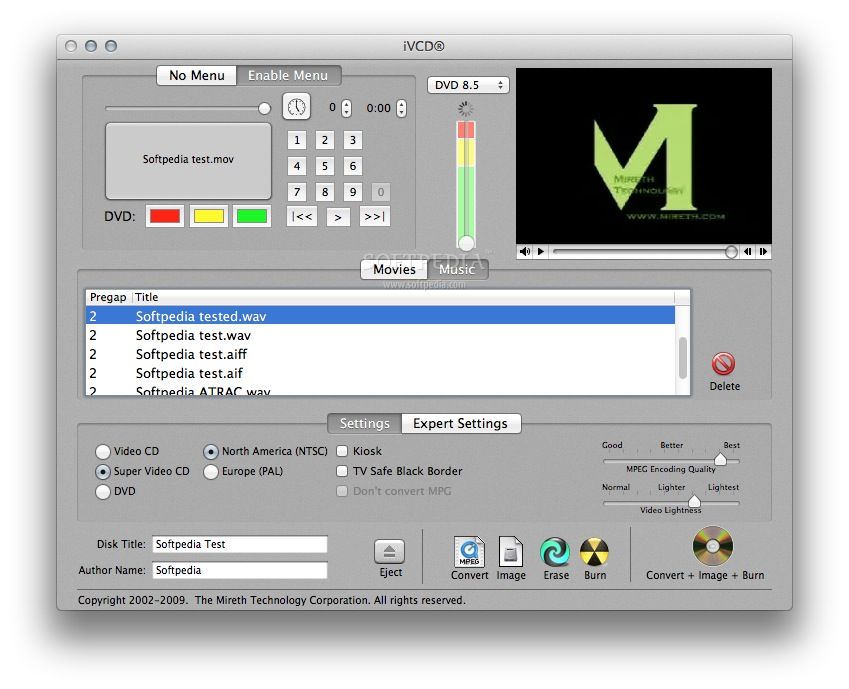
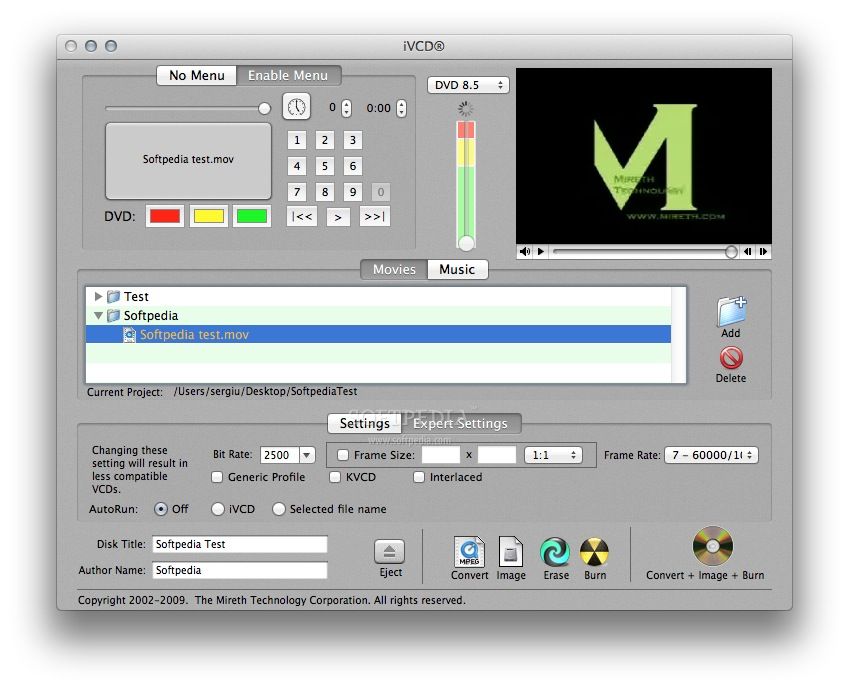
Get the features you want from a VCD maker - make DVD, VCD, SVCD, XVCD, XSVCD, make VCD/DVD with menu (playback control), looping VCDs for kiosks, VCDs that Autorun in Windows, hybrid movie/music CDs, all kept in a project folder so you can easily burn another copy of your project.
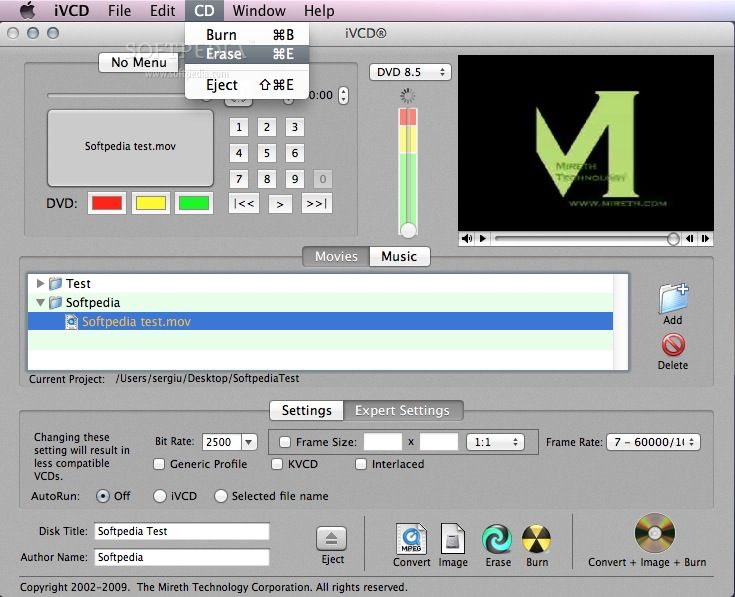
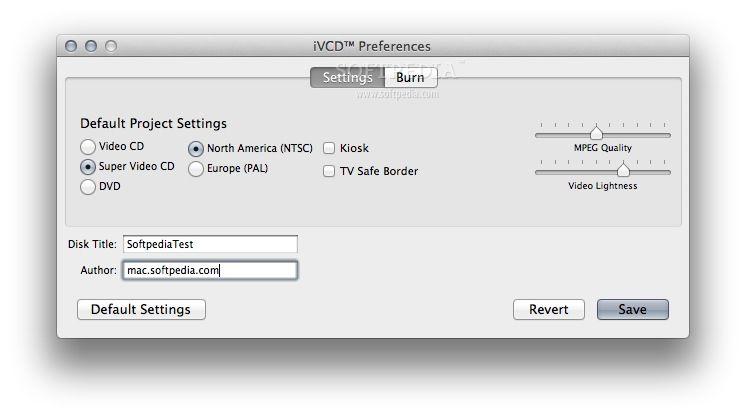
Extra features include video rescue features to lighten video and rescue video that appears clipped on the TV, support for both NTSC and PAL output, generic MPEG encoder, erases CDRWs.
System requirements
- PowerPC G3 or later
- QuickTime 6 or later
Limitations in the unregistered version
- Watermarks video.
Download Hubs
iVCD is part of these download collections: Convert DVX, Convert MPEG, Convert XviD, Convert MOV
What's new in iVCD 3.3.4:
- Add Support for Mac OS X 10.8 Mountain Lion
iVCD 3.3.4
 Softpedia Editor's Pick
add to watchlist
add to download basket
send us an update
REPORT
Softpedia Editor's Pick
add to watchlist
add to download basket
send us an update
REPORT
- runs on:
- Mac OS X 10.2 or later (PPC & Intel)
- file size:
- 16.3 MB
- filename:
- ivcd.dmg
- main category:
- Video
- developer:
- visit homepage
Bitdefender Antivirus Free

ShareX

4k Video Downloader

Microsoft Teams

Windows Sandbox Launcher

IrfanView

Context Menu Manager

Zoom Client

calibre

7-Zip

- Zoom Client
- calibre
- 7-Zip
- Bitdefender Antivirus Free
- ShareX
- 4k Video Downloader
- Microsoft Teams
- Windows Sandbox Launcher
- IrfanView
- Context Menu Manager