Softpedia
 

MAC CATEGORIES:


GLOBAL PAGES >>
NEWS ARCHIVE >>
SOFTPEDIA REVIEWS >>
MEET THE EDITORS >>

WEEK'S BEST

  • 1Password 3.9.4
  • Transmission 2.50 ...
  • calibre 0.8.39
  • Mozilla Firefox 12...
  • Google Chrome 19.0...
  • Eagle 6.1.0
  • Carbon Copy Cloner...
  • WineBottler 1.2.3
  • Quicksilver ß64 Bu...
  • Skype 5.5.0.2340
  • Home > Mac > Video
     Report malware

    VideoDrive 2.5.05

    Download button

    Downloads: 6,068  Tell us about an update
    User Rating:
    Rated by:
    Very Good (4.3/5)
    81 user(s)
    Developer:

    License / Price:

    Size / OS:

    Binary Format:

    Last Updated:

    Category:
    Aroona Software | More programs
    Demo / EUR 14.99 buy button
    8.2 MB / Mac OS X 10.5 or later
    Universal Binary Universal Binary
    February 5th, 2012, 08:28 UTC [view history]
    Home / Video

     Read user reviews (5)  Refer to a friend  Subscribe

    VideoDrive description

    Import your video collection in iTunes with one click

    While you can easily add music files to iTunes, it is more difficult to add movies. You have to manually convert them into a supported format before they can be added. Additionally, it is a labor intensive task to organize your videos, add the correct metadata and find cover art.

    Furthermore, several settings, including the description of the video and the tag line cannot be set through iTunes.

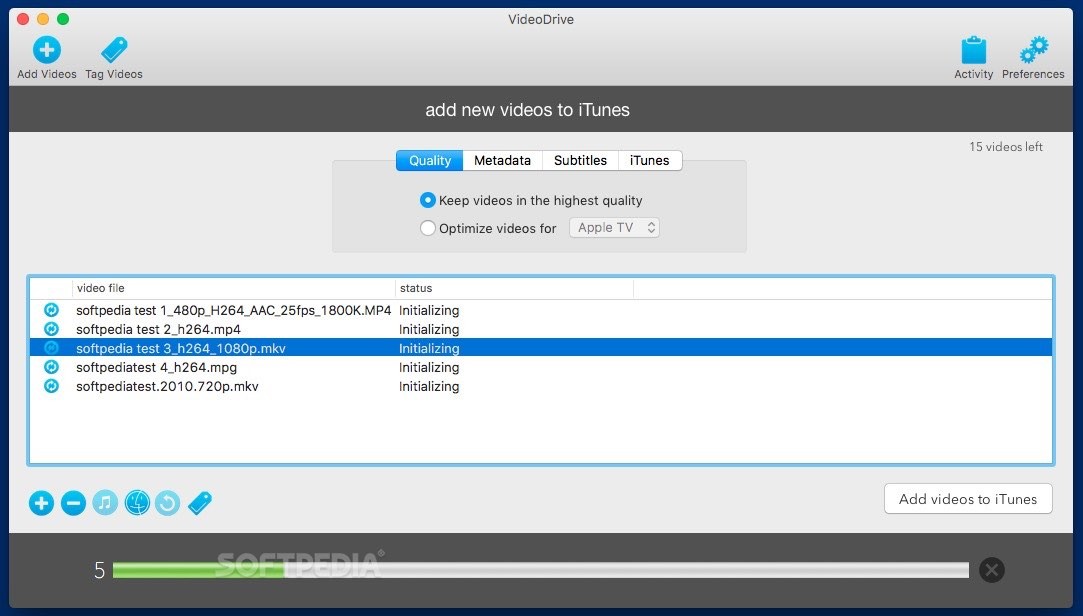
    With VideoDrive the whole import process of your videos is automated. Also, your videos are not reconverted so the quality of your videos stays the same!

    Adding videos to iTunes is quick and easy with VideoDrive. Select your video files, specify how metadata and cover art is added, and click the import button. No reconversion, no fuzz!

    VideoDrive supports all current formats, adds season and episode numbers for TV Shows and cleans up file names so you don't have to.

    Keep control over your video collection with VideoDrive and watch your videos everywhere.

    Here are some key features of "VideoDrive":

    · Manage Your Video Collection - Put all your videos right in iTunes so you can catalogue them in the same way as your music collection. Group your movies and TV shows together, give them the correct labels, add cover art and your video collection will look beter than ever!
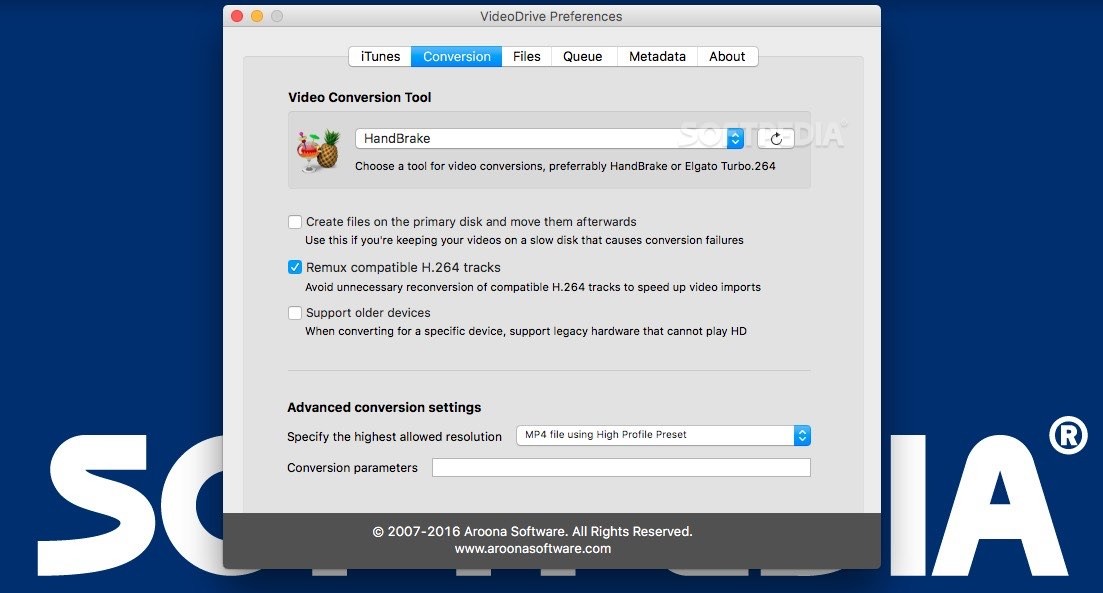
    · Import Without Reconversion - If your videos play in QuickTime they can be added to iTunes without reconversion (just make sure the correct codecs is installed). We support mov, mpg, mpeg, mp4, avi, wmv, swf, m4v, m2v, flv, wma, mkv, asf and divx video formats.
    · Watch Videos Everywhere - You can watch your videos on Front Row, other macs and PCs on your network, AppleTV or take them with you on your iPod. Your video labels, cover art and subtitles will go with your videos wherever you watch them.
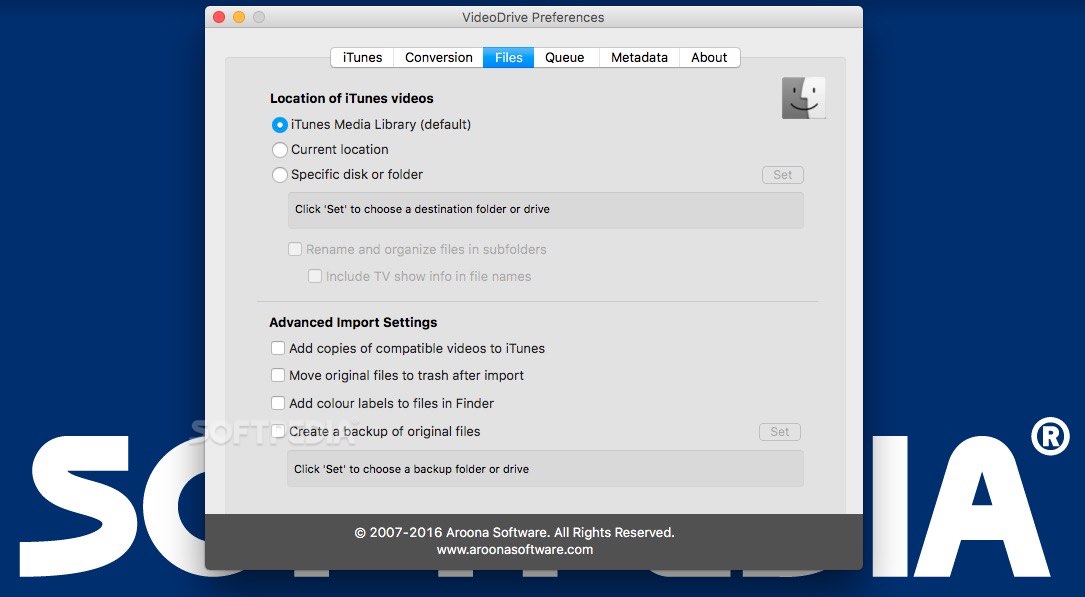
    · Keep Your Videos on Multiple Drives - You can keep your video files on external drives, across the local network or move them entirely into your iTunes library. The choice is up to you. Even when you move the video files around later on, iTunes will be able to find and play them!
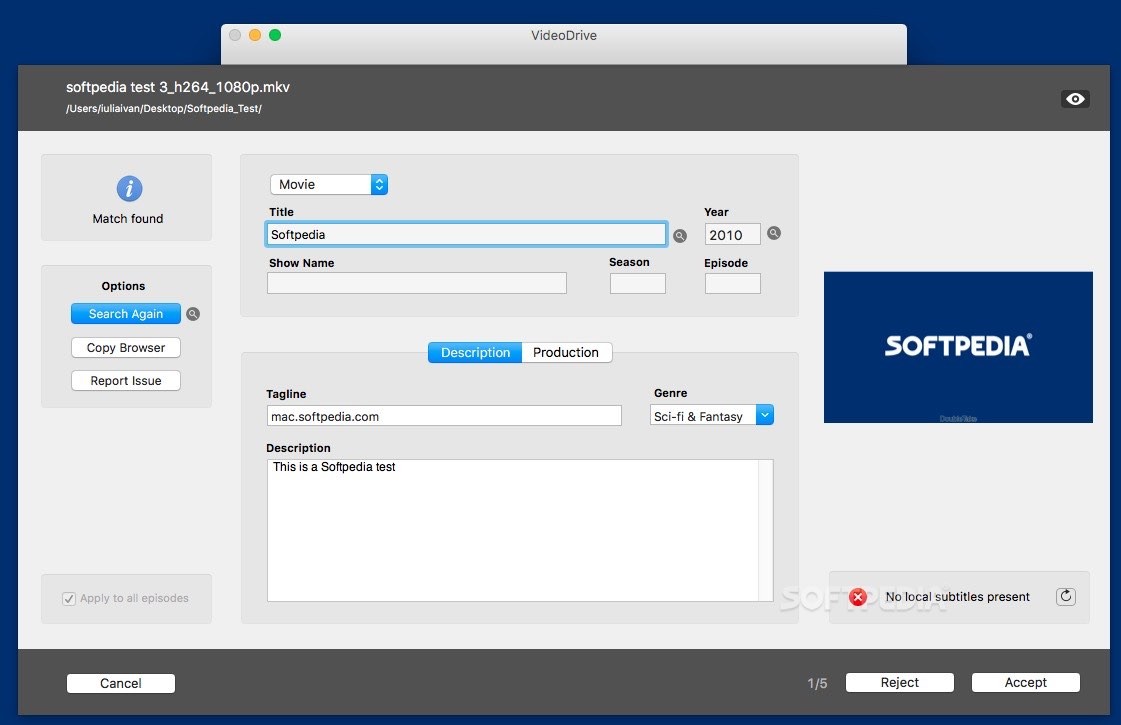
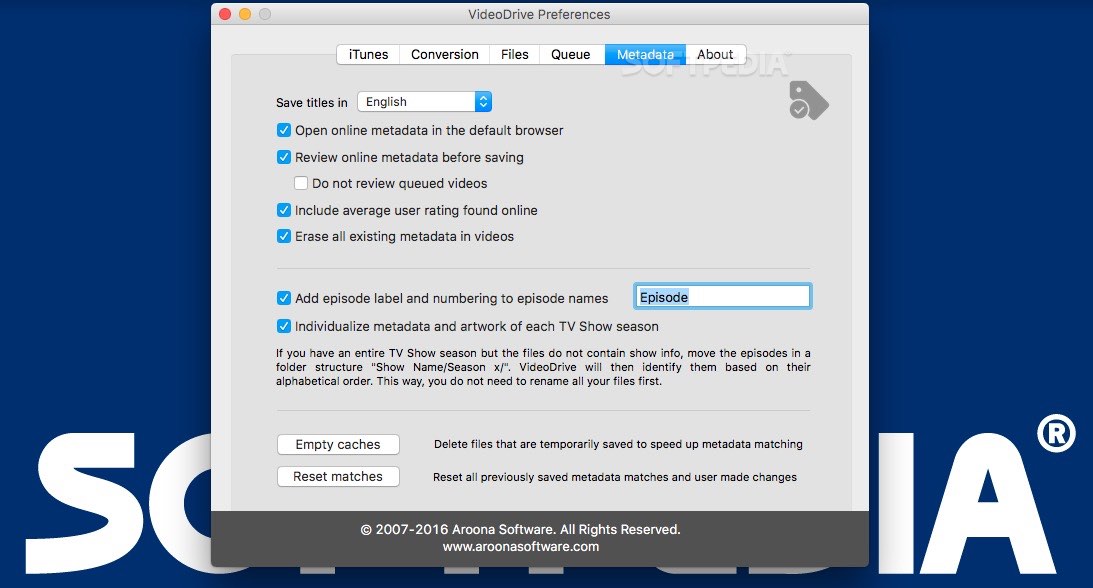
    · Add Video Metadata - Videos in iTunes are labeled as movies, TV shows or music videos. VideoDrive can do this automatically for you, and also give your videos a nice tag line, description, genre categorisation, the year of release etc. Of course, if you want to be in charge, you can also enter this information manually and label your video collection just the way you want it.
    · Clean-up Video File Names - If your video file names are polluted with unwanted text fragments, VideoDrive will clean them up so you won't have to.
    · Automatic Season and Episode Numbering - TV Shows are grouped together by show and optionally by season. They get the correct season and episode numbers assigned to them. VideoDrive achieves this by analyzing your video file names, folder structure and QuickTime annotations (if present).
    · Add Cover Art from Amazon - What's a video without a nice cover? Let VideoDrive download DVD covers for all your movies and TV Shows. Your video collection never looked better! Browse your videos in an amazing way, right in iTunes in Cover Flow or Group view. Select the nicest covers from a selection VideoDrive proposes to you, or add your own images.
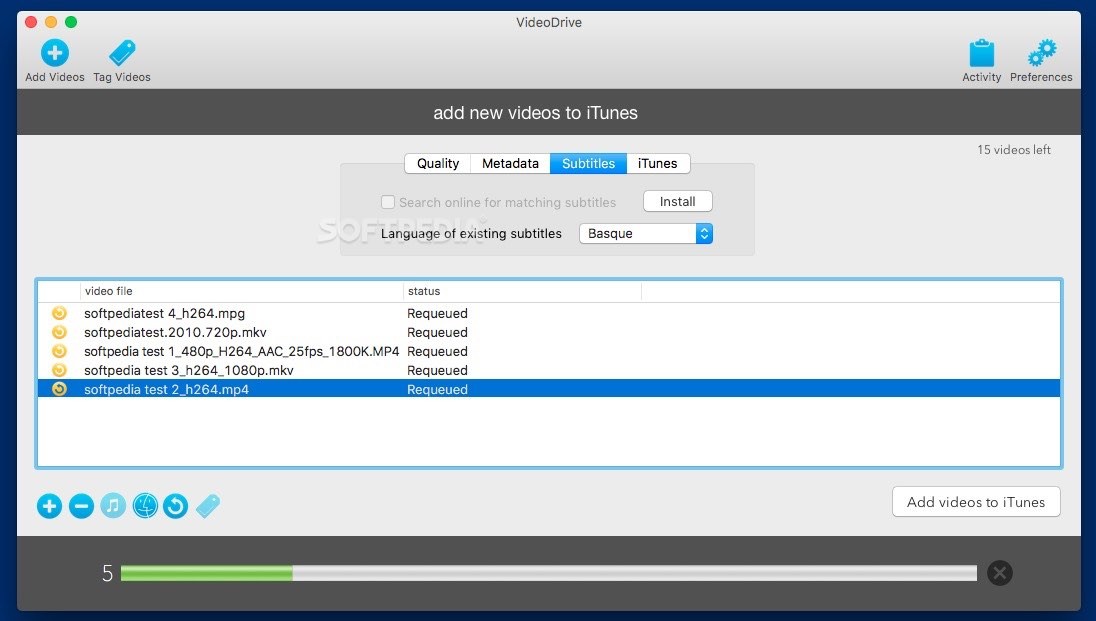
    · Videos with subtitles - If you have subtitles for your videos, they will be included automatically in iTunes. Subtitles are not merged with the video image, but stored separately as text files in the video so you can update or remove them later on.
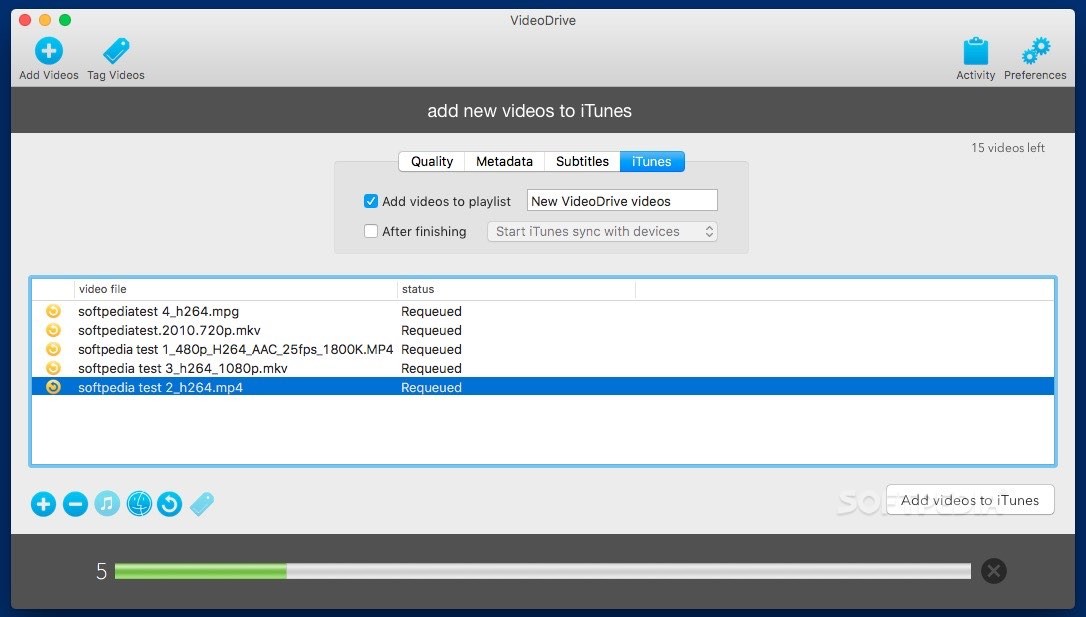
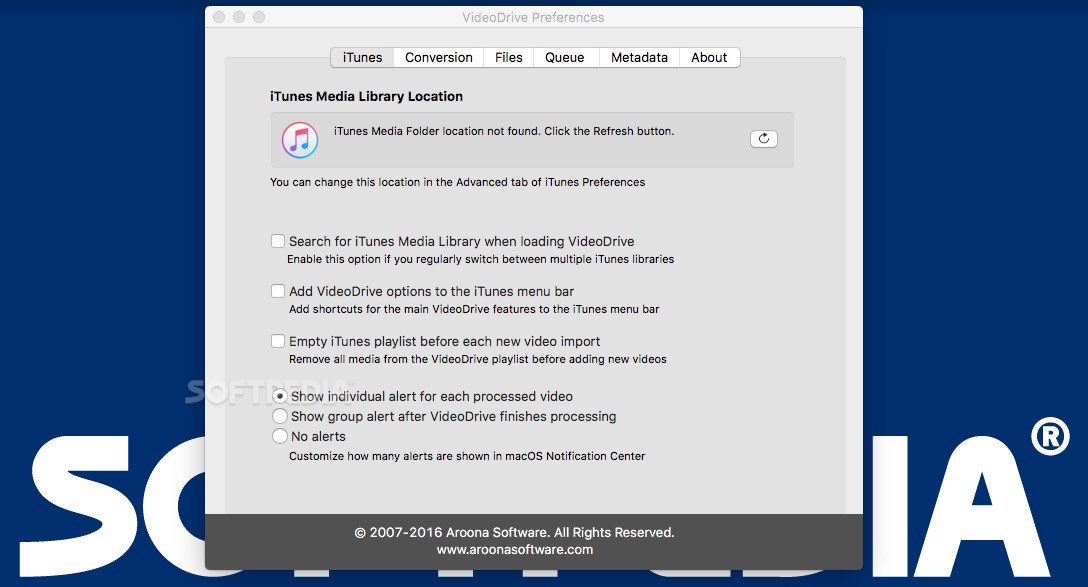
    · iTunes Playlists - To have full control over your video collection, newly imported videos can be added to an iTunes playlist so you can easily find and play them.
    · Merge Videos - If you have video titles spread over multiple files, VideoDrive can make them appear in iTunes as a single title. You can still keep your original video files separately if you want to.
    · Growl Support - If you have the Growl notification system installed on your mac, VideoDrive will use it to notify you when new videos are imported in iTunes.

    Limitations:

    · It is limited to importing 20 videos and a reference to VideoDrive will be added to each video description.

    What's New in This Release: [ read full changelog ]

    Updates:
    · Added option to sync with iPod, iPad and iPhone after importing new videos. Selec the new option "Start iTunes sync with devices" on the General Preferences tab.
    · Created a second separate log for HandBrake related things: VideoDrive_HandBrake.log in ~/Library/Logs. You can consult the logs with the Console application (located in Applications/Utitilies).
    · Added preliminary support for VIDEO_TS DVD-folders and VOB files (import methods 5 until 8 only, HandBrake recommended).
    · Improved support for EyeTV files.
    · Changed the order of the conversion tools in Import Preferences (ordered from fast to slow). By default, Turbo.264 or HandBrake are selected (when installed) instead of QuickTime.
    · Improved detection of Perian and HandBrake components when running VideoDrive for the first time.
    · Minor tweaks to the file name cleaning algorithm.
    · Restored determination of the production year of TV shows when searching for online metadata.

    Bug Fixes:
    · Fixed a minor issue with composing show det...

     Softpedia guarantees that VideoDrive 2.5.05 is 100% CLEAN, which means it does not contain any form of malware, including spyware, viruses, trojans and backdoors. [read more >]


    TAGS:

    import video | itunes importer | quicktime video | import | importer | iTunes


    HTML code for linking to this page:


    Go to top

    WindowsGamesDriversMacLinuxScriptsMobileHandheldNews

    SUBMIT PROGRAM   |   ADVERTISE   |   GET HELP   |   SEND US FEEDBACK   |   RSS FEEDS   |   UPDATE YOUR SOFTWARE   |   ROMANIAN FORUM