
Reasonably advanced and highly intuitive video editor that allows you to create high-quality home movies, as well as Hollywood-style trailers. #Video Editor #Movie Creator #Create Trailer #Video #Trailer #Movie

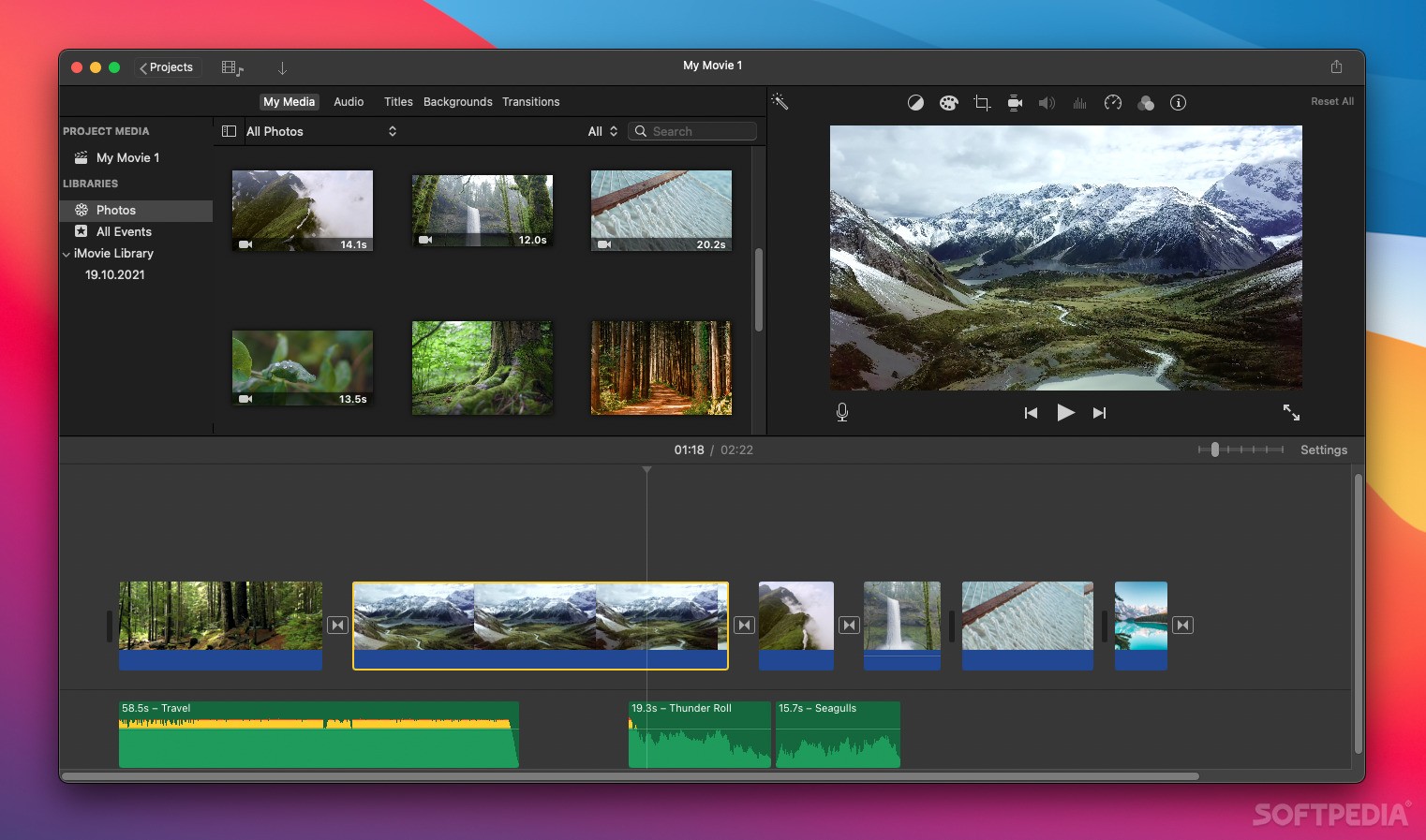
Apple's iMovie is sometimes overlooked by video editors, but it's one of the best tools for newcomers and those who don't need advanced features. While it's mainly designed for home videos, it is suitable even for professional use, especially if you're looking for something with a gentle learning curve.
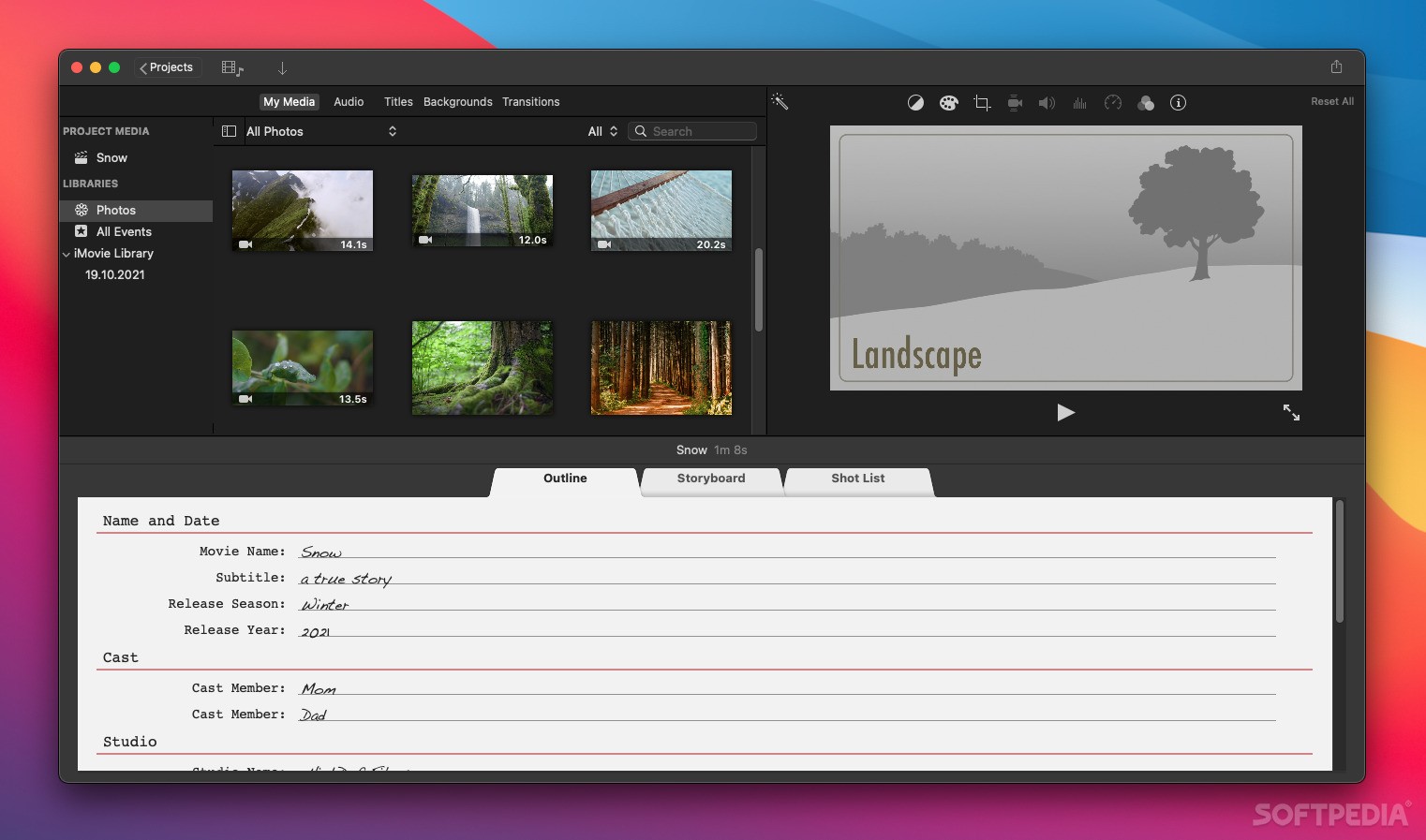
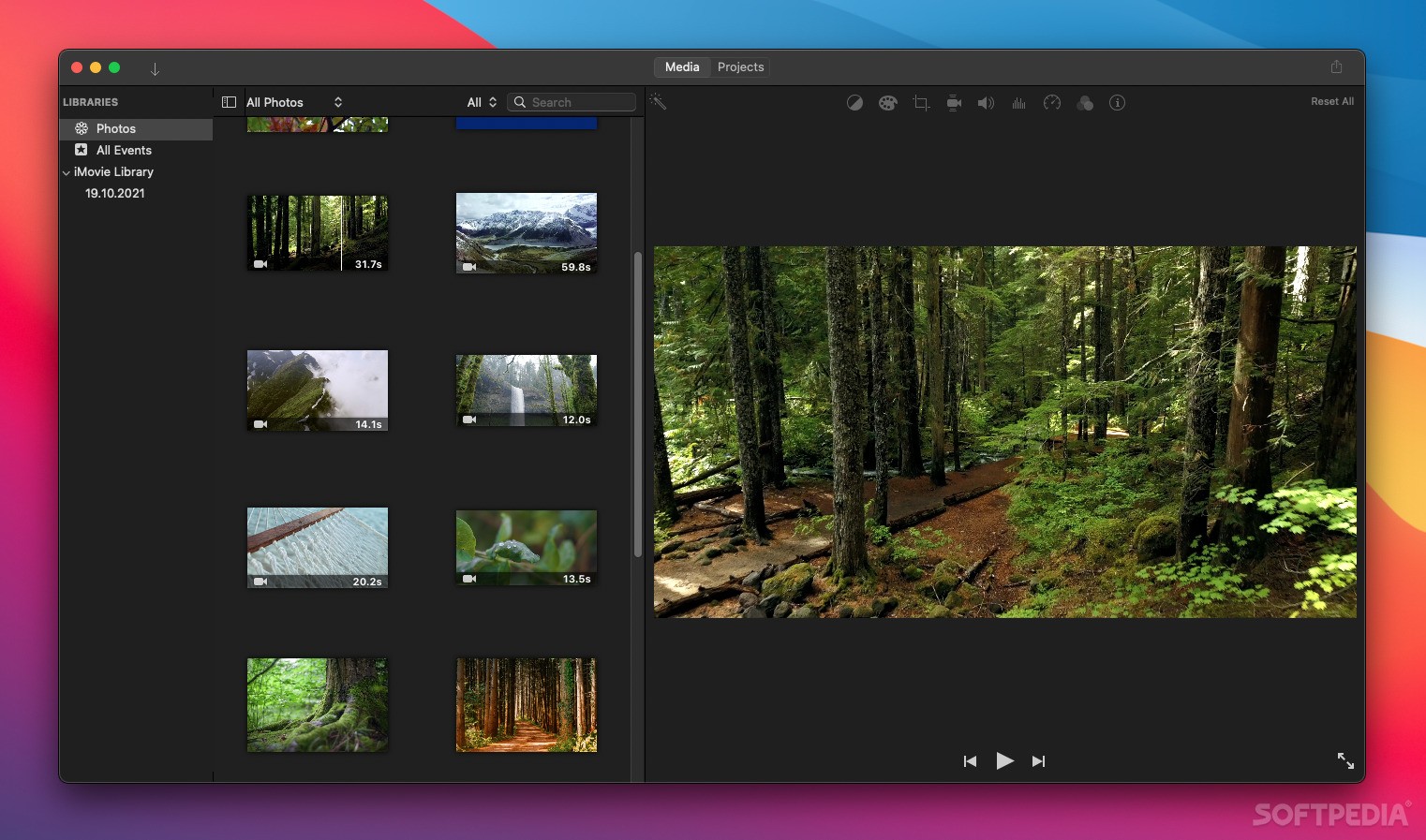
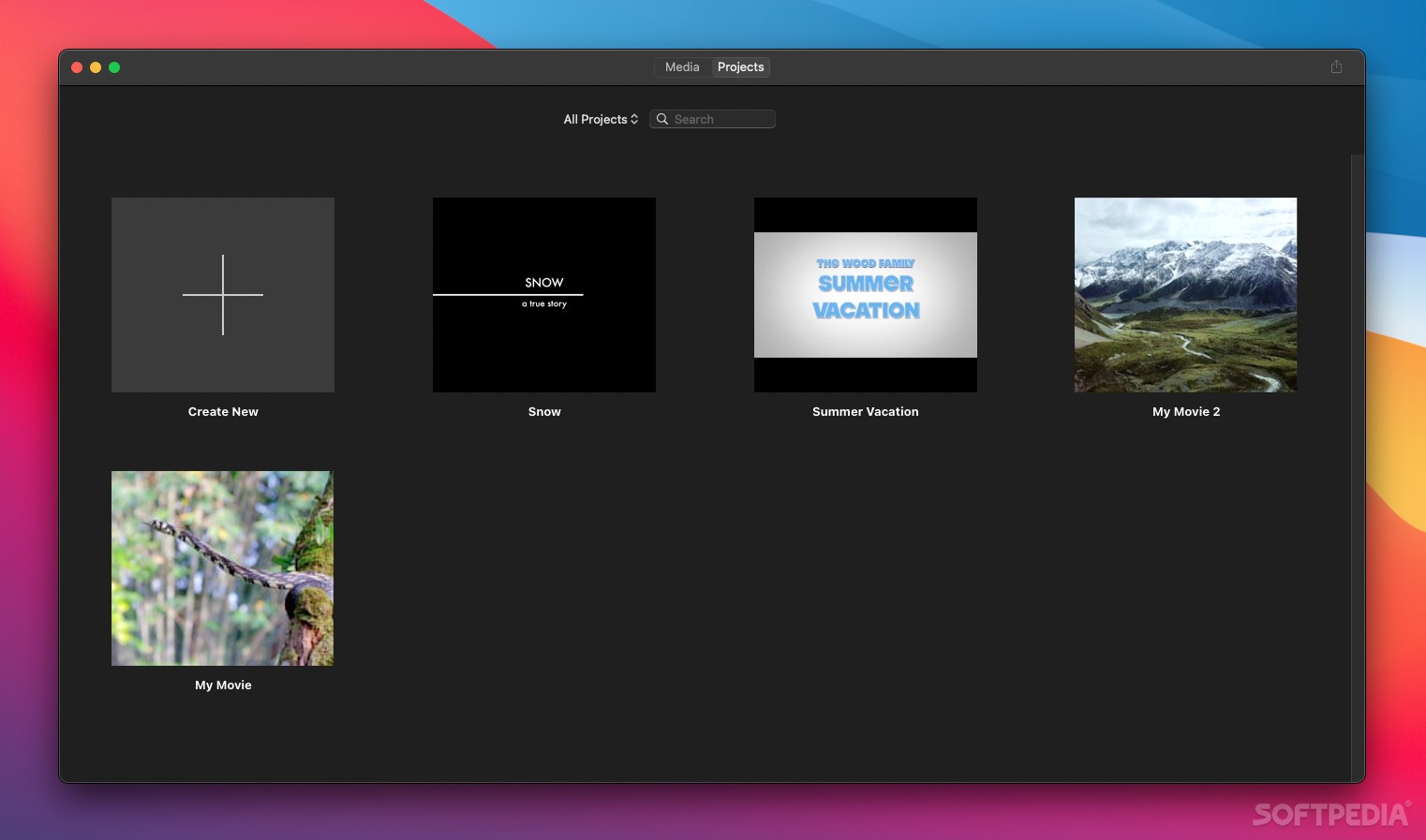
Experienced editors might scoff at the editor's simplified layout, but it makes the app so much easier to pick up, especially if your media content is already saved to your Photos library. It will all be instantly available when launching the app, so you can start editing immediately.
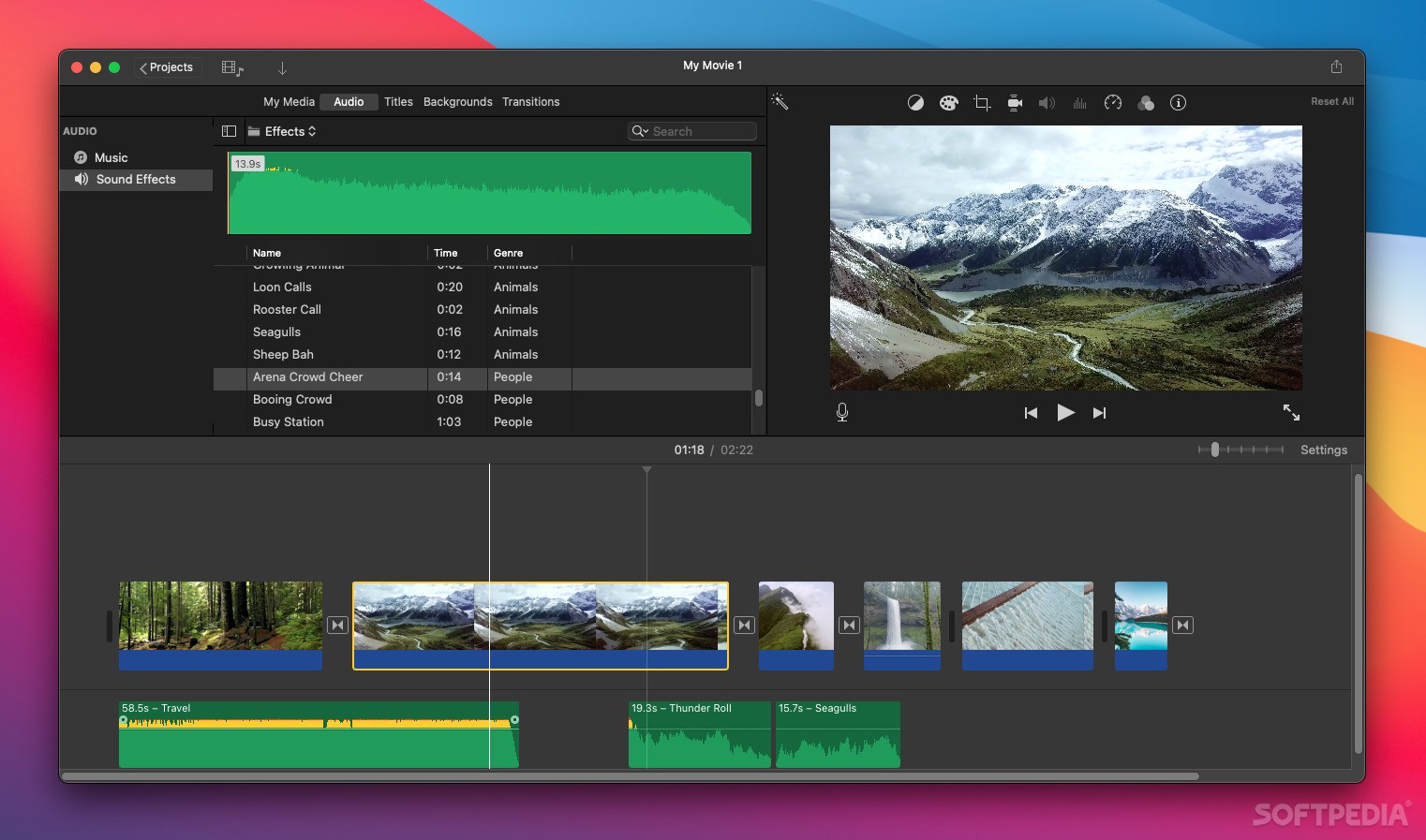
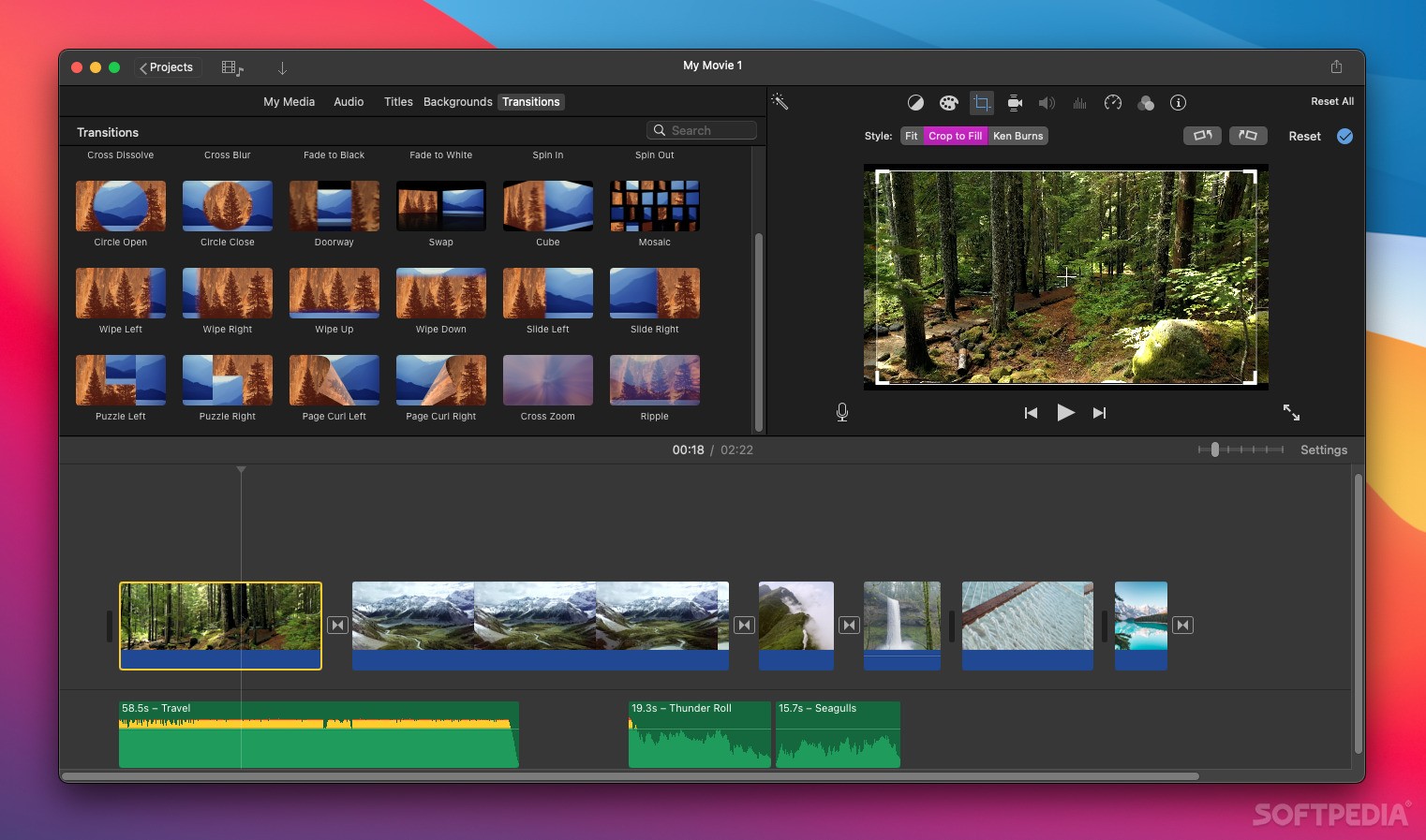
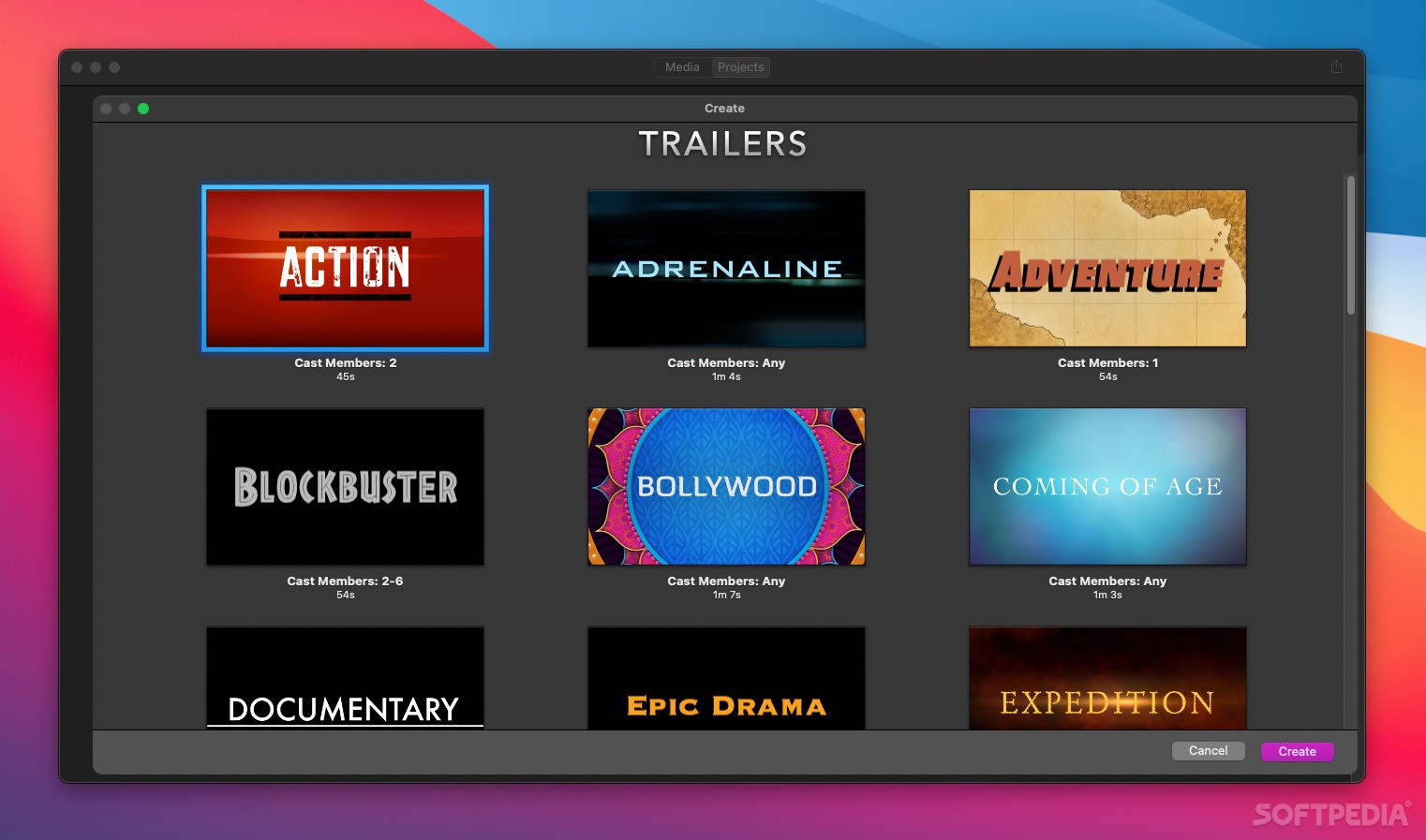
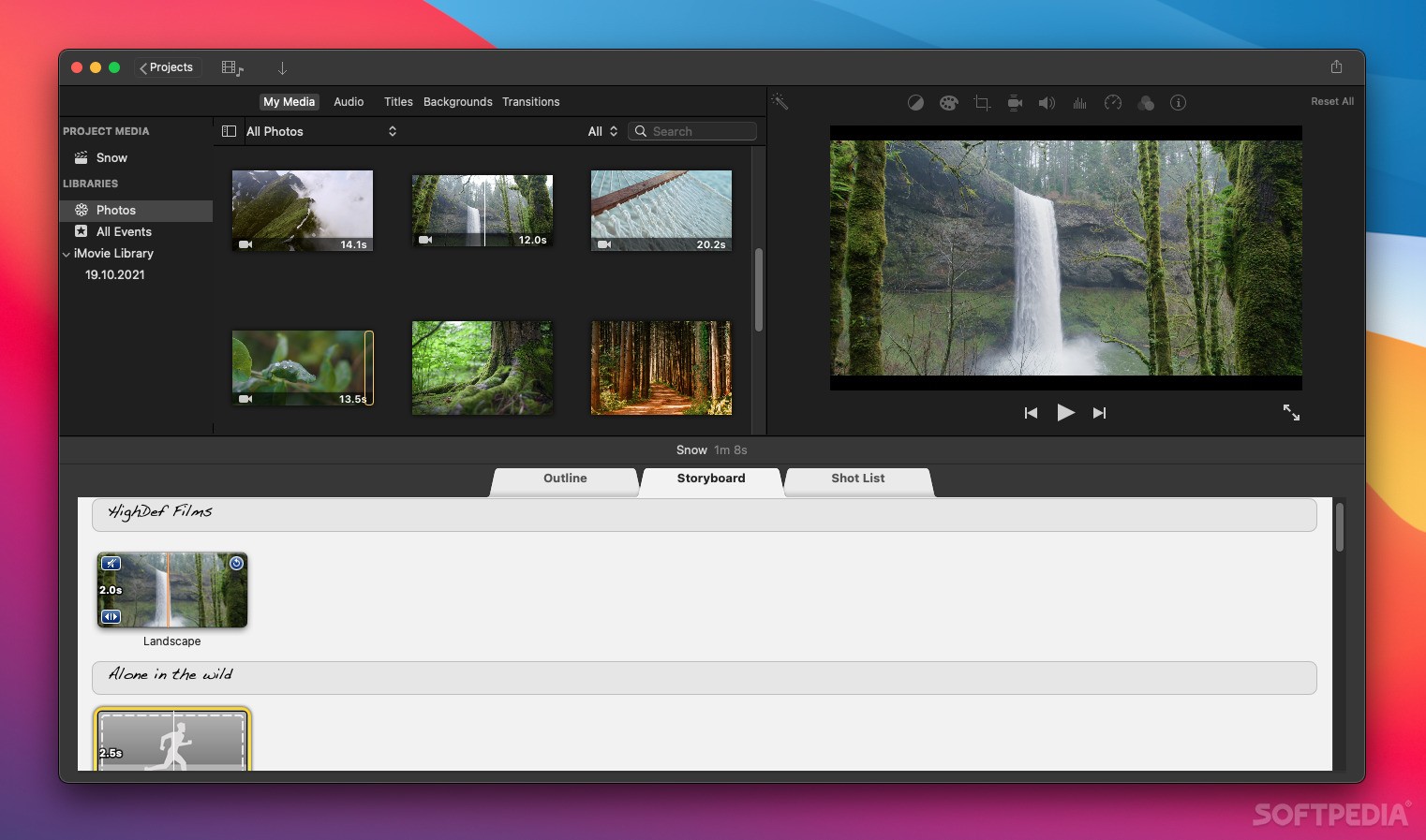
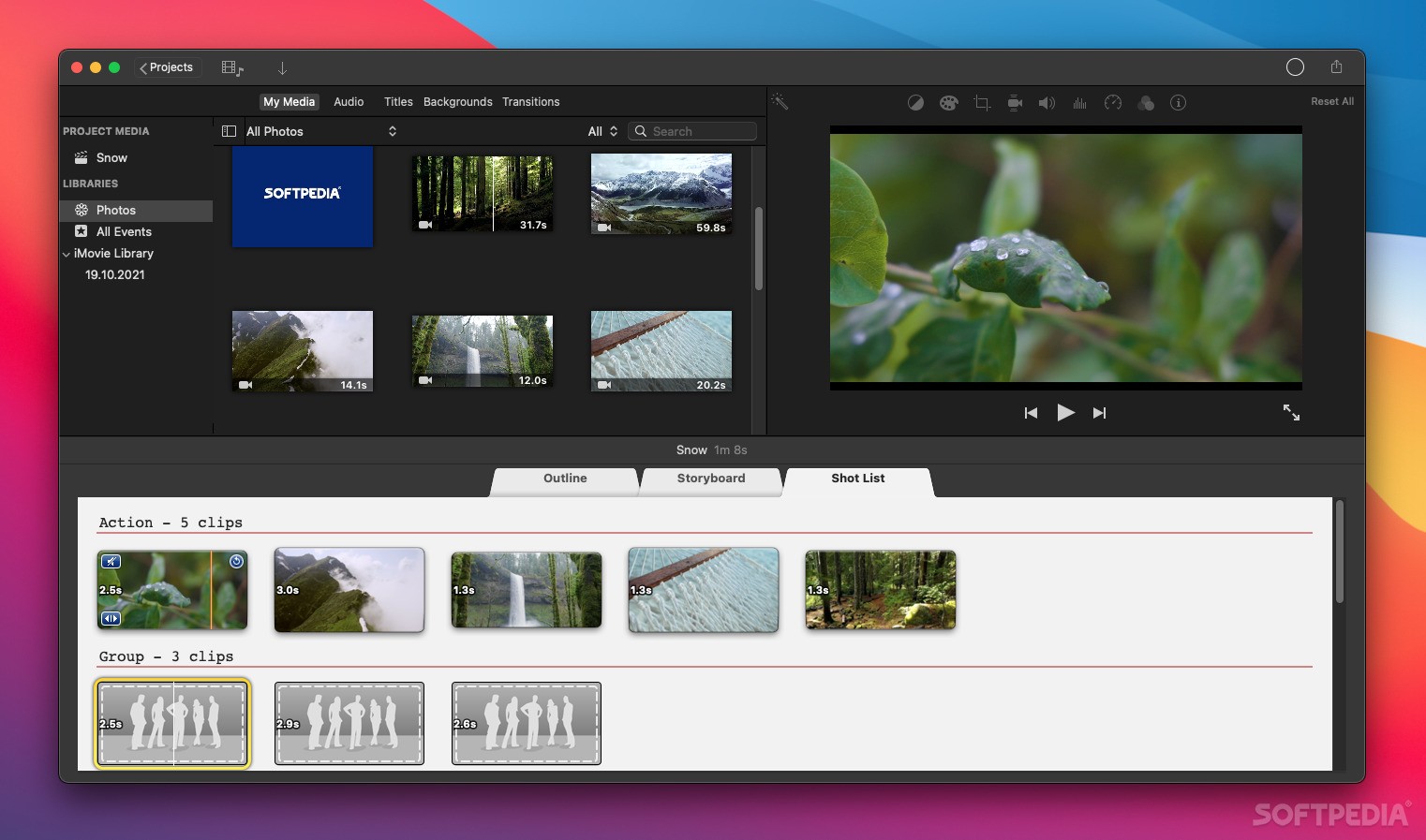
Whether you're making classic videos or trailers, which have ready-made templates, it's all a matter of dropping your media files in the right place, adding audio effects, transitions, and maybe doing a bit of editing here and there.
If you're just starting out on YouTube, or you just want to create some app previews for the App Store, iMovie is a great option. It may not have as many features and controls as Final Cut Pro, but it has enough to get you started, and you won't need any tutorials to figure out how everything works.
The app comes with a library of audio effects, transitions, and backgrounds, and it also allows for some basic media fine-tuning before you export a project. You can correct the colors in your photos or videos, crop them, stabilize clips, add slow-mo effects, filters, and more.
If you have limited experience with video editing, you should grab iMovie before trying out any of the more complex alternatives. Not only is it completely free for Mac users, but there's a good chance it has everything you need to get the job done.
Once you feel that you're ready for some more advanced editing software, it will be a lot easier to learn thanks to the experience you've had with this more basic editing tool. Basically, there's no reason not to try it if you don't already know what you need.
What's new in iMovie 10.4:
- Export HEVC and H.264 files faster by simultaneously processing video segments across available media engines (requires macOS Sonoma or later and a Mac with Apple M1 Max, M1 Ultra, M2 Max, M2 Ultra, or M3 Max).
iMovie 10.4
add to watchlist add to download basket send us an update REPORT- runs on:
- macOS 13.5 or later (Universal Binary)
- file size:
- 3.2 GB
- main category:
- Video
- developer:
- visit homepage
Context Menu Manager

Zoom Client

4k Video Downloader

7-Zip

IrfanView

Microsoft Teams

ShareX

Windows Sandbox Launcher

Bitdefender Antivirus Free

calibre

- Windows Sandbox Launcher
- Bitdefender Antivirus Free
- calibre
- Context Menu Manager
- Zoom Client
- 4k Video Downloader
- 7-Zip
- IrfanView
- Microsoft Teams
- ShareX