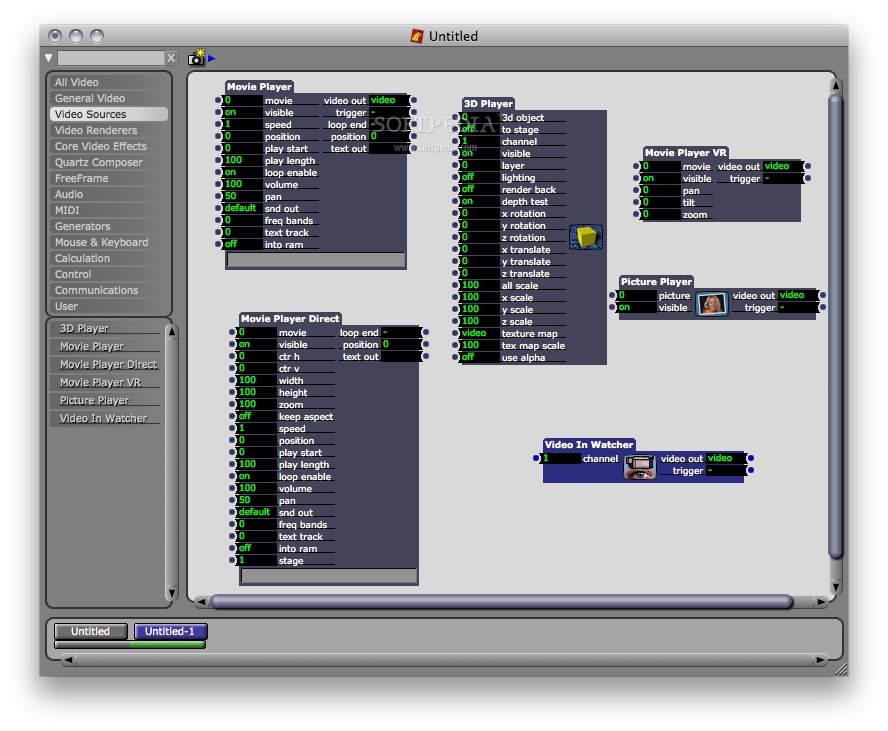
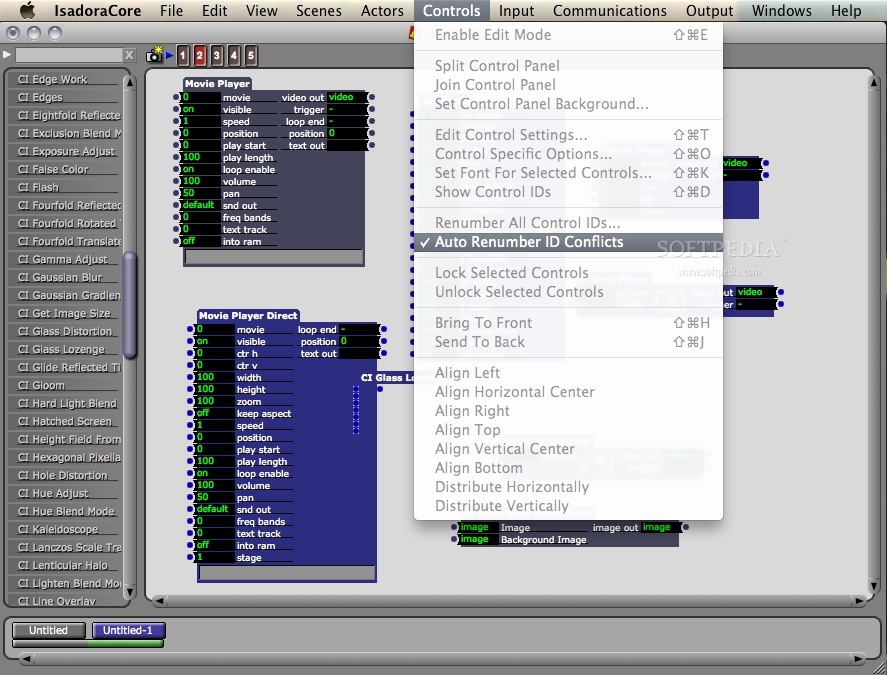
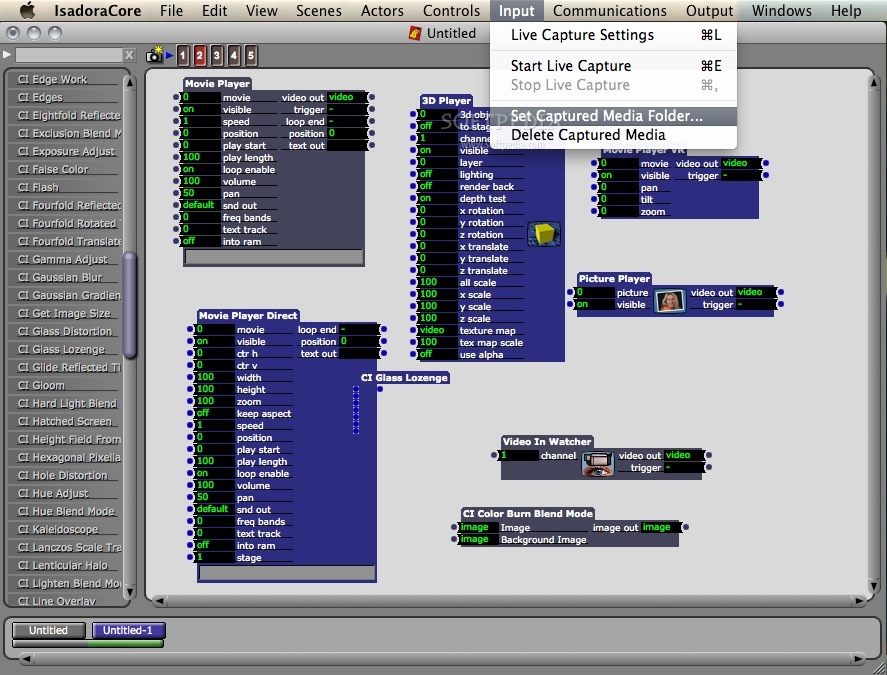
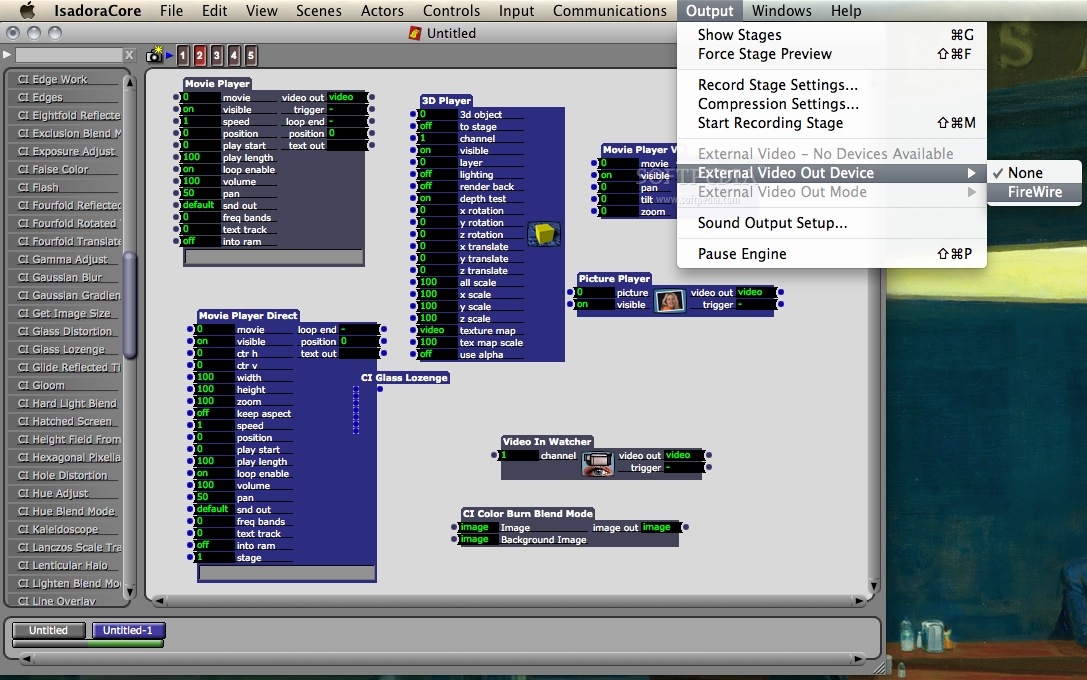
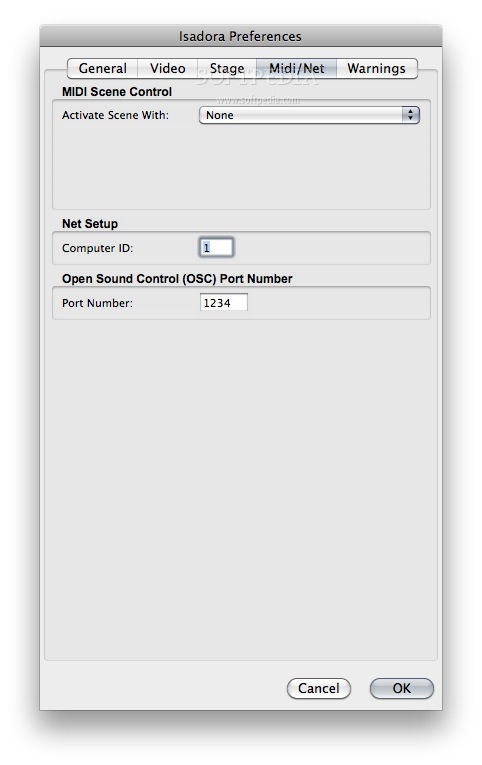
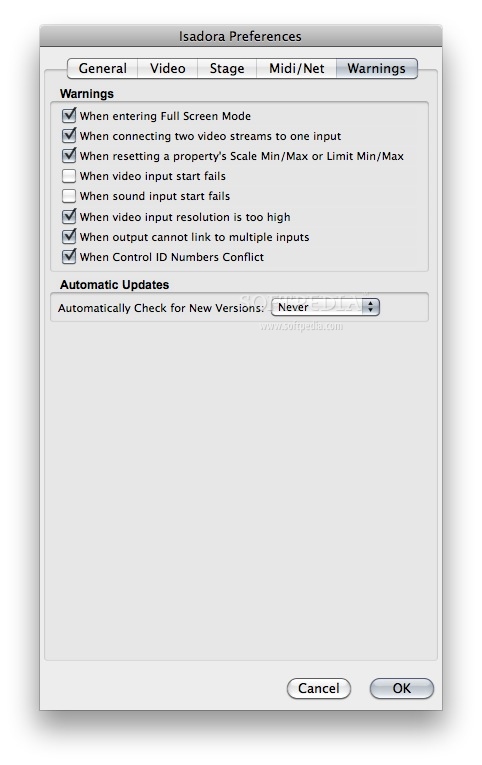
Isadora is a feature-rich application that allows for interactive, real-time manipulation of digital media, including pre-recorded video, live video, sound, standard MIDI files and more.
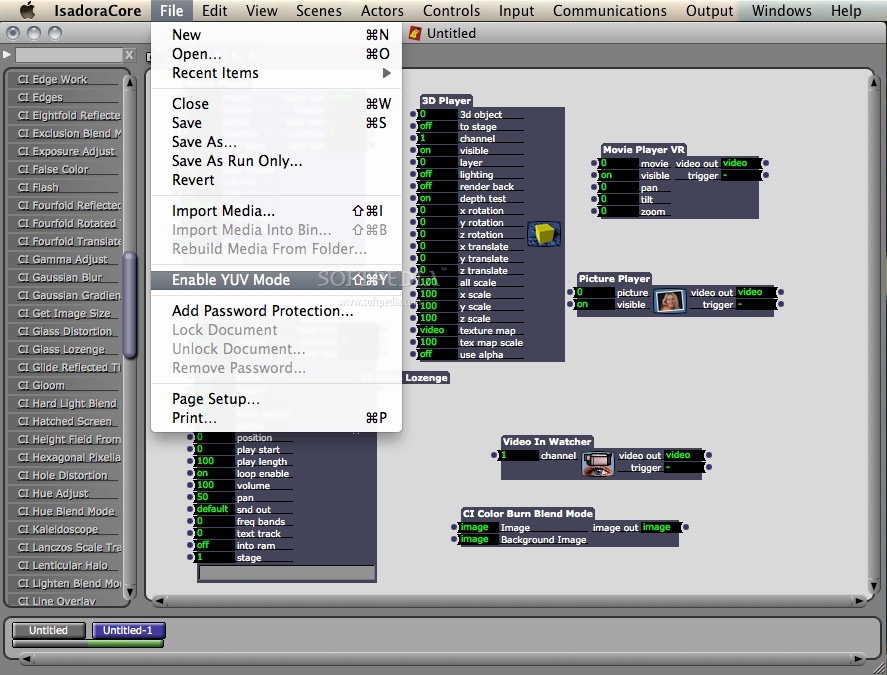
You create an Isadora program by linking together modules (called actors in Isadora parlance), each of which perform a specific function on the media.
You make these programs interactive by linking actors to another type of module, called a watcher, which looks for information from the outside world (i.e. MIDI messages, mouse and keyboard actions, messages send over a Local Area Network).
The results are presented via the computer’s video displays, speakers, or MIDI interfaces.
Perhaps the most difficult aspect of Isadora is that a new file is a blank slate – it won’t do anything for you until you begin to bring actors into the program and link them together.
For those just beginning, this can be a bit daunting. So, the developers have supplied a complete set of tutorials that lead you through the process of creating several Isadora programs.
In addition, you will find several example files included with the application. Looking at these may be the best place to start, as it will give you a sense of what you can do with Isadora and how to begin using it.
Here are some key features of "Isadora":
General Features:
· Real time Video Processing Modules
· Choose from an incredible selection of video effects modules built into Isadora. Extend your video processing possibilities with our free FreeFrame video plugins. Or, add the optional Core Video upgrade (Mac OS X only) and your Quartz Composer patches instantly become Isadora modules.
· Online Tutorials
· Our ten online video tutorials will quickly allow you to use the program effectively
· A Manual That’s Actually Useful
· Our manual provides a comprehensive look into every aspect of the program, including tips on making the most of your machine
· Control Panels
· Create your own, custom user interface, including Dials, Radio Buttons, Sliders, and more. You can even use your own graphics to customize the look of the various controls.
· Custom User Actors
· Group together several modules into a single unit to be saved for use in other patches or shared with other users.
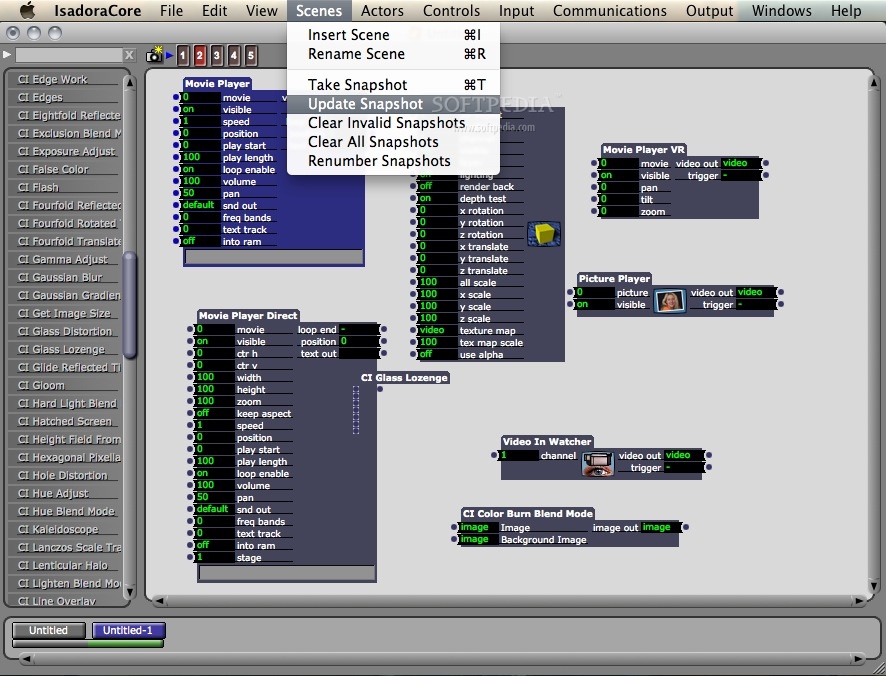
· Snapshot Feature
· Store and instantly recall every setting within a patch; invaluable for VJs.
Output Features:
· Multiple Ways to Output Video
· Isadora is primarily used to render in real-time to an external monitor or video projector. But you can also record Isadora’s output to a movie, or, on Mac OS X only, send the output to a DV camera or a super high-quality Black Magic video card.
· Instant Compositing
· Resize and composite multiple video images quickly and easily. This feature is invaluable when adapting a live performance to new theaters while on tour.
· Up to Six Independent Outputs
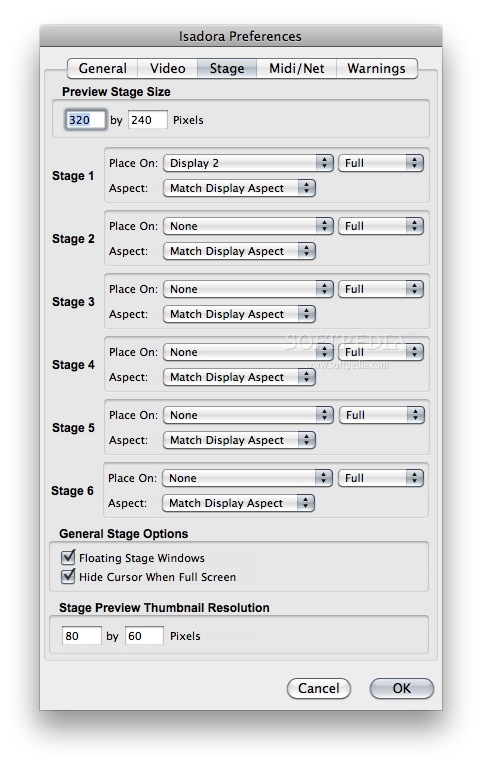
· With a fast desktop computer and multiple video cards, project up to six independent images on six different surfaces from a single patch.
· Multi-Channel Sound Output
· Send audio to a host of Core Audio compliant audio devices for high quality, multi-channel audio output. (MacOS X only).
· Record Output
· Record your work to a QuickTime movie with using our non-real-time rendering feature for high resolution output and perfect frame rates.
Interactivity Features:
· Live Video & Sound Input
· Isadora accepts up to four simultaneous live video and/or audio inputs
· MIDI
· Explore a full complement of MIDI input and output modules.
· Open Sound Control Support
· Implement the fast, high-resolution communications protocol of OSC. With OSC, Isadora can easily speak with numerous devices and other applications like OSCulator, Pd, MAX and others.
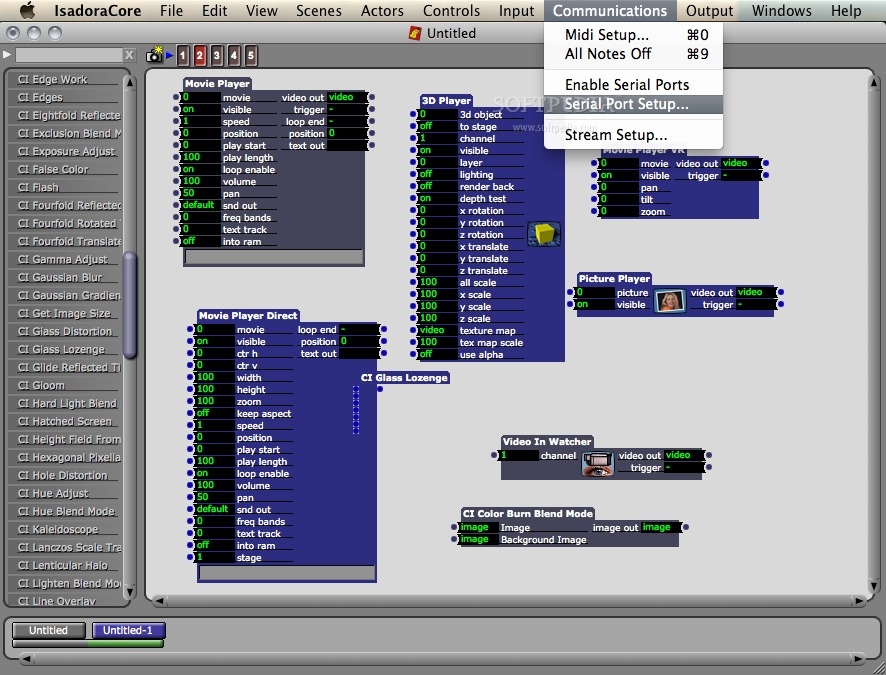
· Serial Input/Output
· Send commands to external that can receive commands via a serial port, including video projectors, video mixers and many other devices. (Requires an external RS-232 interface.)
Requirements:
· 2.0 Ghz / 2.0 GB RAM (recommended)
· 1.0 Ghz / 1.0 GB RAM (minimum)
· Quicktime 7.5 or greater
Limitations:
· Saving is disabled.
What's New in This Release: [ read full changelog ]
New Features: Graphical User Interface:
Tabbed User Actor Editing:
· Isadora now features "tabbed" editing when working with User Actors. Upon double-clicking a User Actor to edit it, a new tab will appear at the top of the Scene Editor, each with a close-box. If a User Actor has been modified, it's name will be underlined in the tab. You can easily return to the main scene by clicking the close box on the first tab. which will in turn close all the tabs after it.
User Actor Input/Output Reordering:
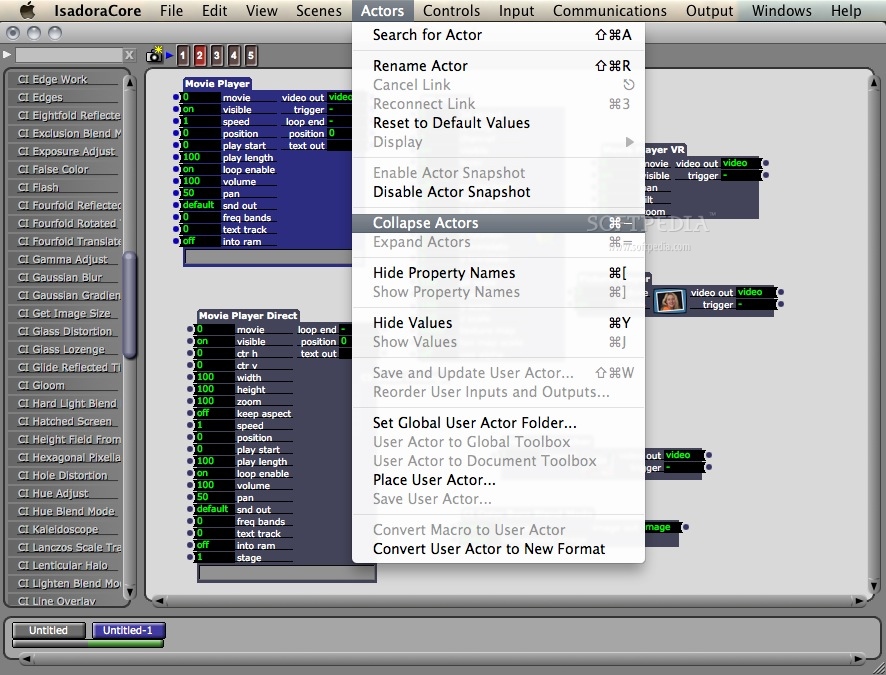
· You can now easily arrange the inputs and outputs of a User Actor by choosing Actors > Reorder User Inputs and Outputs while editing a User Actor or by clicking the button within the currently active tab. A dialog will appear that allows you change the order by dragging the user inputs and user outputs up and down in a list.
New Toolbox Filter:
· The new Toolbox Filter gives you more control over which actors you see in the toolbox because it is more finely categorized with more descriptive t...