
Recording tool that can capture content from a webcam connected to your Mac or from a device, or grab desktop videos and easily adjust their quality before exporting. #Capture video #Record video #Video recorder #Capture #Recorder #Screencast
Capturing events on your screen can help you explain certain procedures in detail without any confusions or wasting too much time.
Debut Video Capture is a comprehensive video recording solution that can grab your screen content, work with webcams or external devices, and even capture streaming videos.
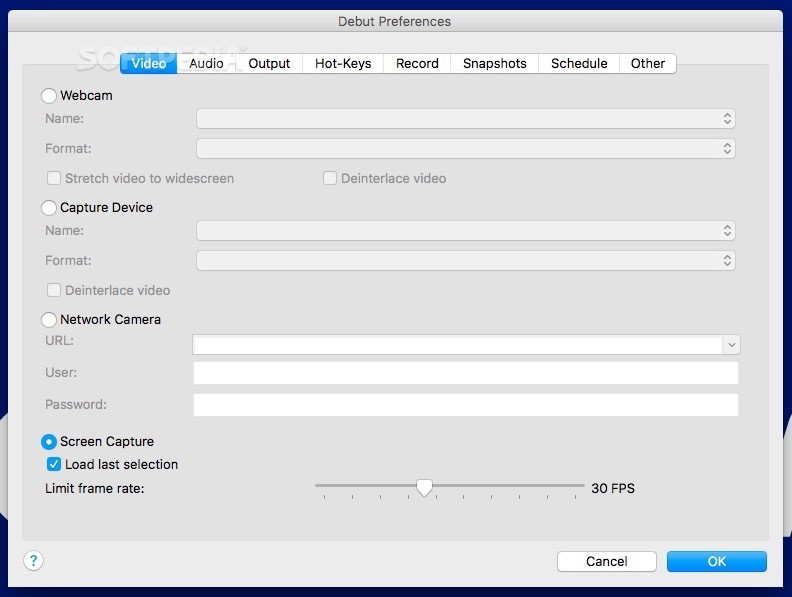
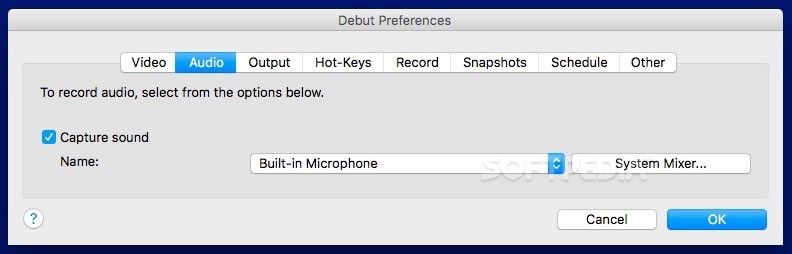
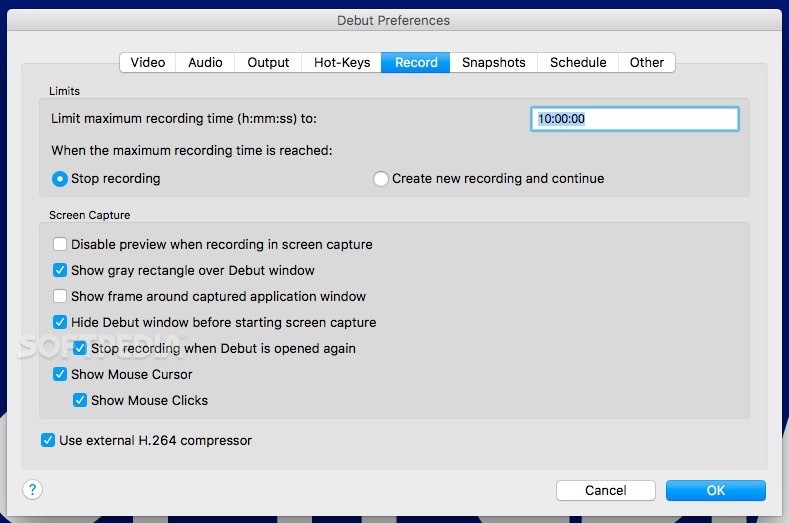
Debut Video Capture delivers different configuration options based on the input source you want to work with: webcam, an external device, network camera, or screen.
Note that the app will check if there are any suitable webcam or other devices connected to your Mac, and enables you to provide the address and the proper credentials for the network camera via the Preferences.
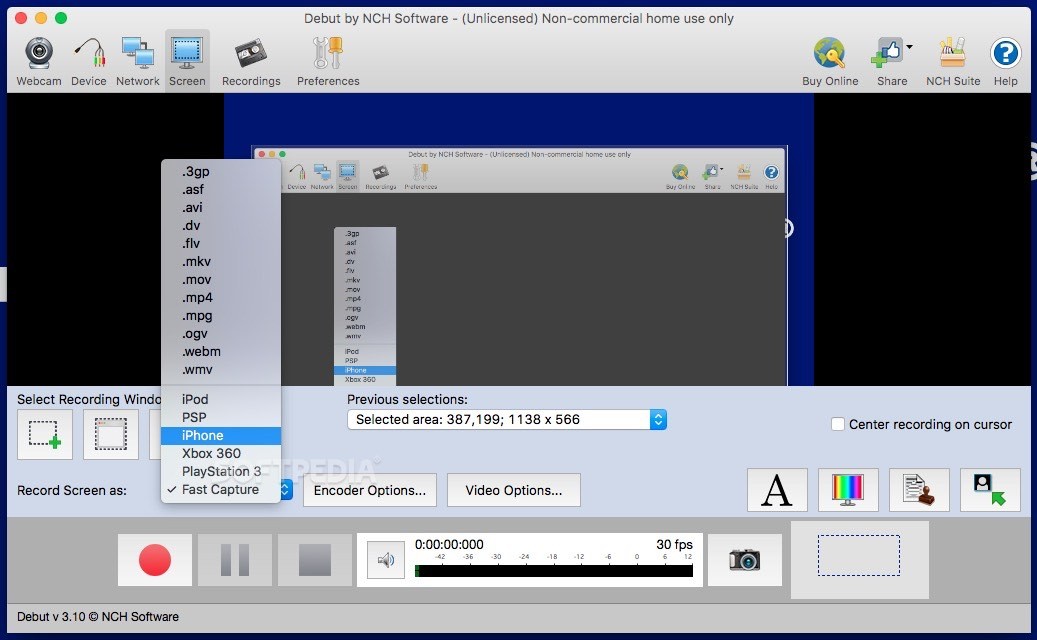
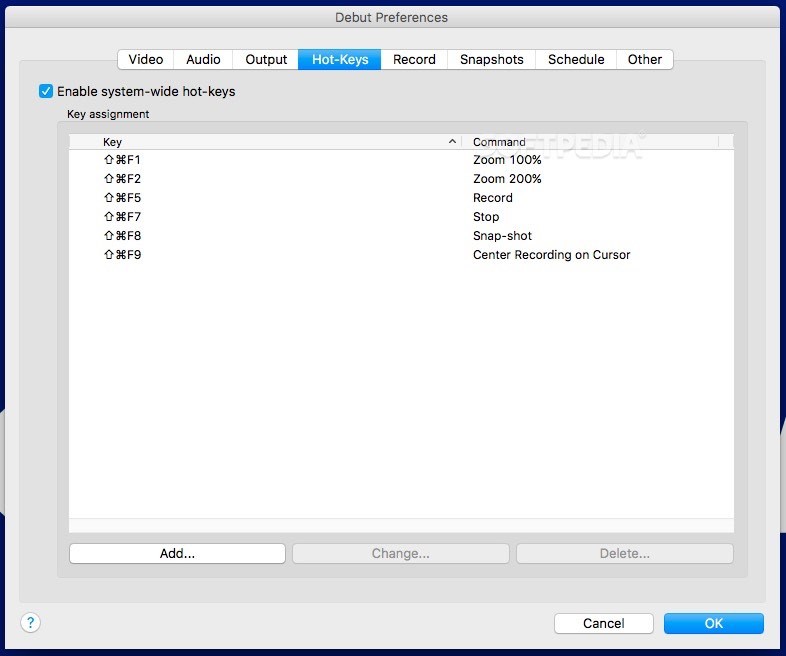
If you choose to grab the screen activity, you can opt to capture only a user defined area, individual app windows, or record the entire screen. You can also choose to center the recording on the cursor.
Debut Video Capture enables you to preview the area that is to be captured, and you can also decide on the output format: 3GP, ASF, AVI, DV, FLV, MKV, MOV, MP4, MPG, OGV, WEBM, WMV, or a format compatible with certain devices.
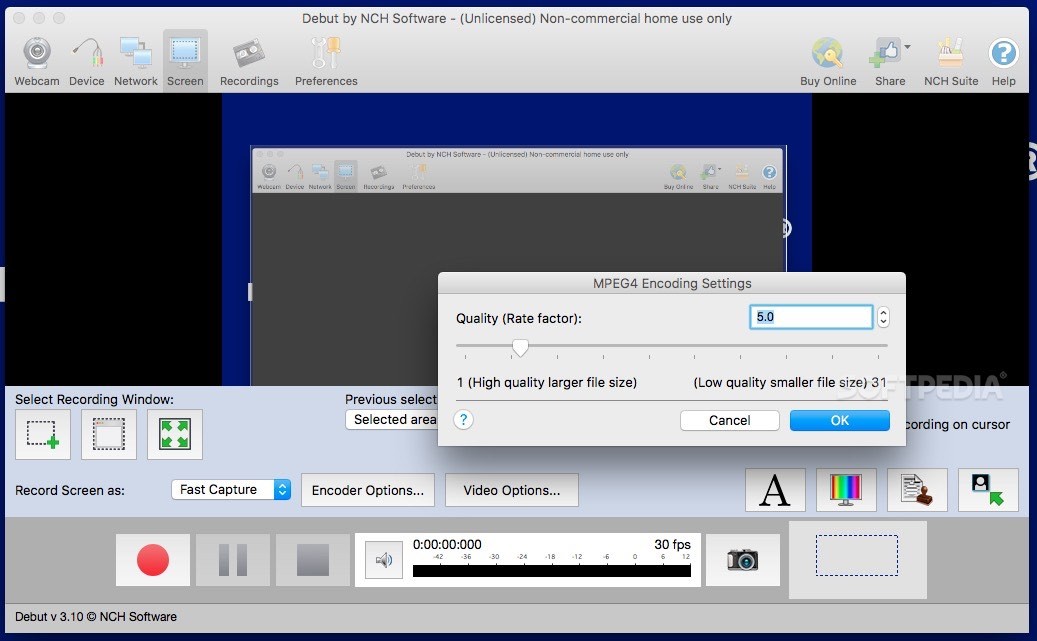
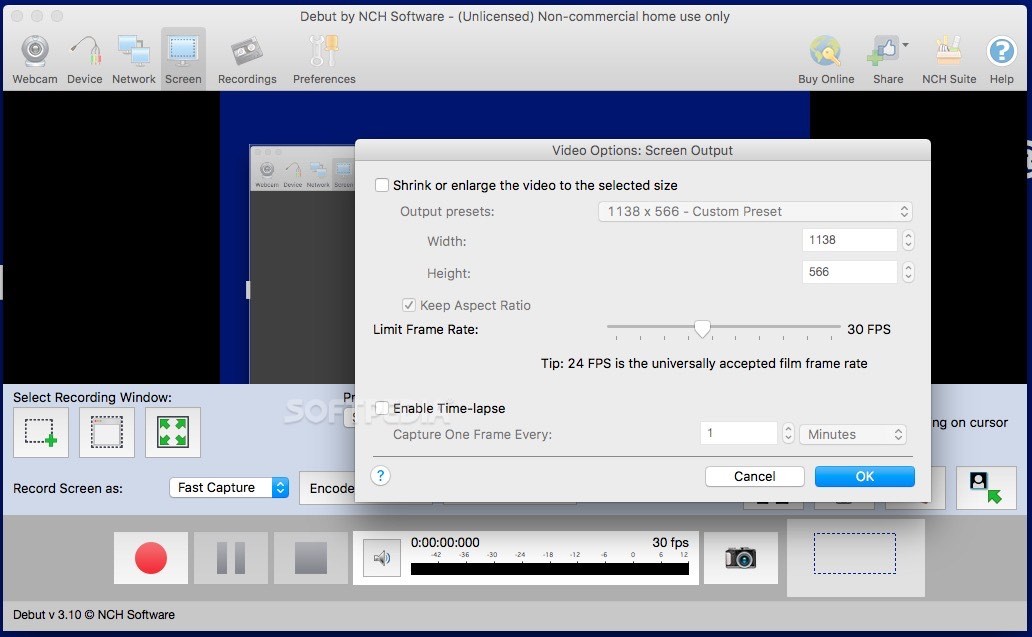
You also get to tamper with the encoder and video options to change the quality or compression level, and so on.
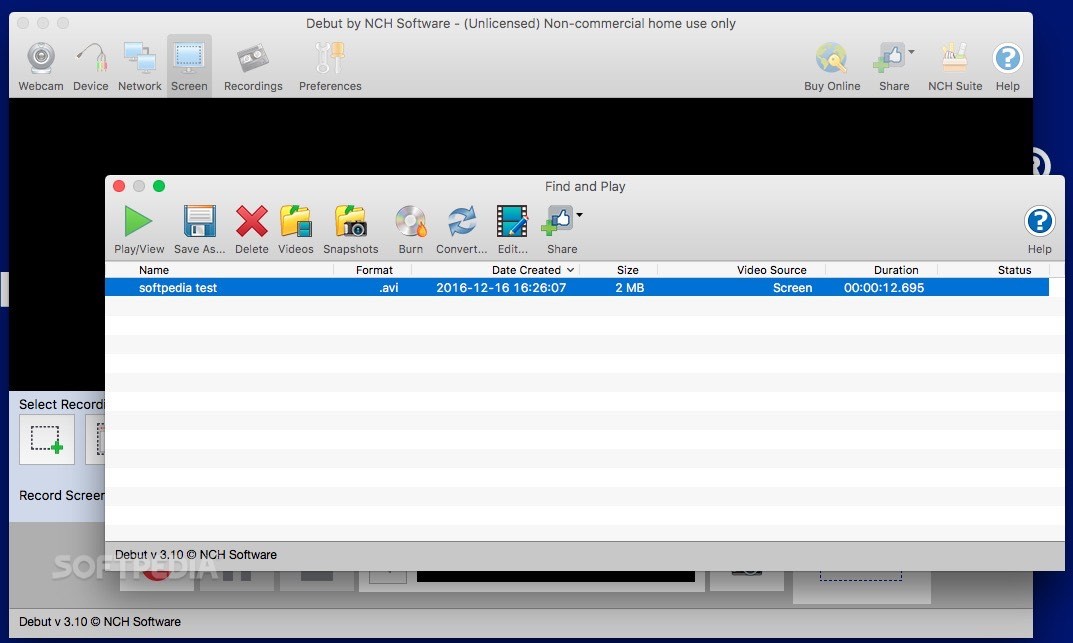
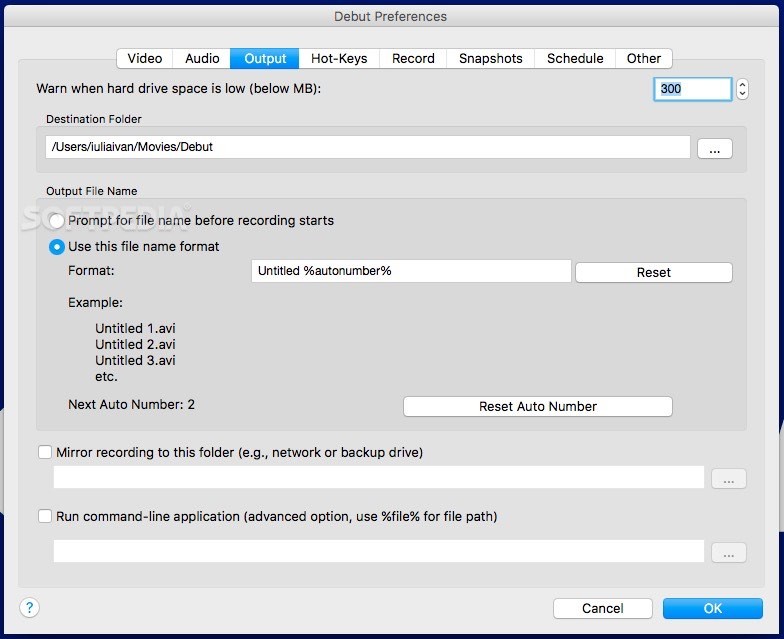
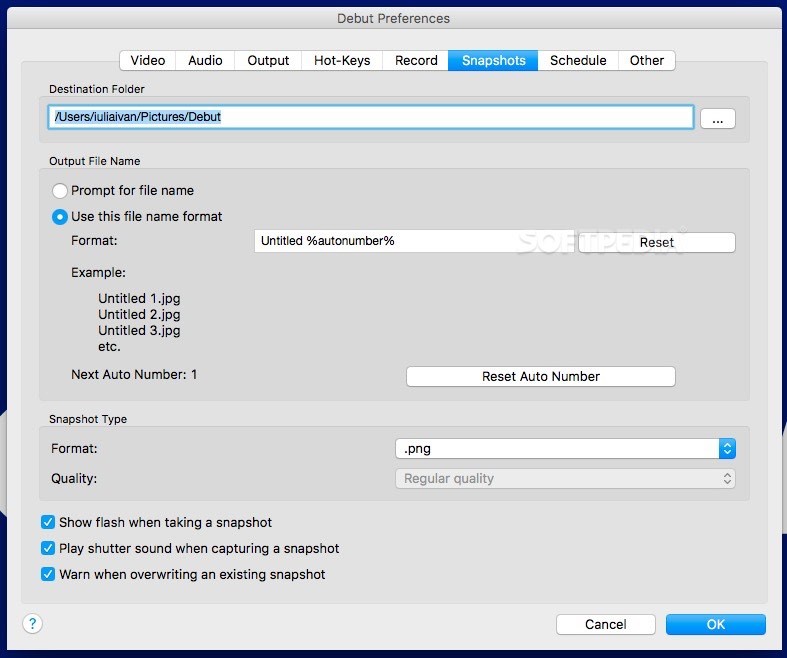
Debut Video Capture comes with a video manager that offers you the possibility to review all the videos captured by the application and examine their content. You can also quickly launch in a Finder window the default output folders for the video files or the snapshot images.
At the same time, Debut Video Capture offers you the possibility to burn the videos to a DVD, convert them to other formats, or perform editing tasks. Worth mentioning is that Debut Video Capture will not handle these tasks on its own.
The first time when you try to access the functions, Debut Video Capture will download and install three other applications created by the same developer: Prism, VideoPad, and ExpressBurn. However, the app does not ask for confirmation before deploying the software solutions.
Bottom line, Debut Video Capture offers you the possibility to obtain video content depicting screen activities, or data captured by a camera or other suitable devices connected to the computer, or by network webcams.
Debut Video Capture can output the content to various video formats, but also enables the user to access a conversion tool, to edit the video content, or to burn the data to a DVD.
Debut Video Capture and Screen Recorder Software 9.40
add to watchlist add to download basket send us an update REPORT- runs on:
- macOS 10.9 or later (Intel only)
- file size:
- 9.4 MB
- filename:
- debutpmaci.zip
- main category:
- Video
- developer:
- visit homepage
IrfanView

Bitdefender Antivirus Free

ShareX

4k Video Downloader

Microsoft Teams

Windows Sandbox Launcher

Context Menu Manager

Zoom Client

calibre

7-Zip

- Zoom Client
- calibre
- 7-Zip
- IrfanView
- Bitdefender Antivirus Free
- ShareX
- 4k Video Downloader
- Microsoft Teams
- Windows Sandbox Launcher
- Context Menu Manager