
Converter tool that makes your video files compatible with iTunes standards and other Apple devices and automatically imports the output files to your library. #ITunes media importer #Video converter #Video importer #Importer #Converter #Conversion
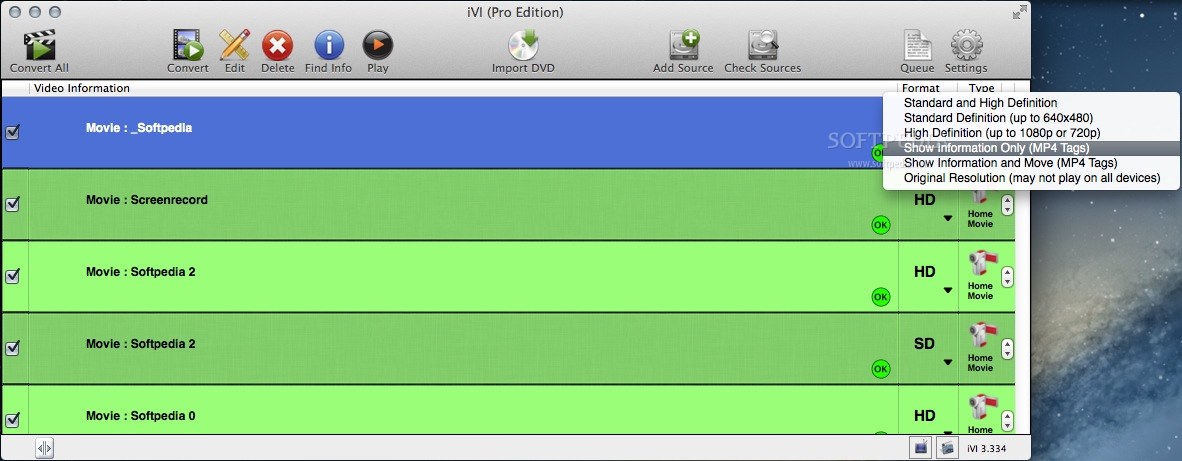
Importing video content into your iTunes library can be problematic since not all file formats are supported by the Apple vetted media player. iVI is a small converter tool that reduces the entire procedure to a simple drag and drop.
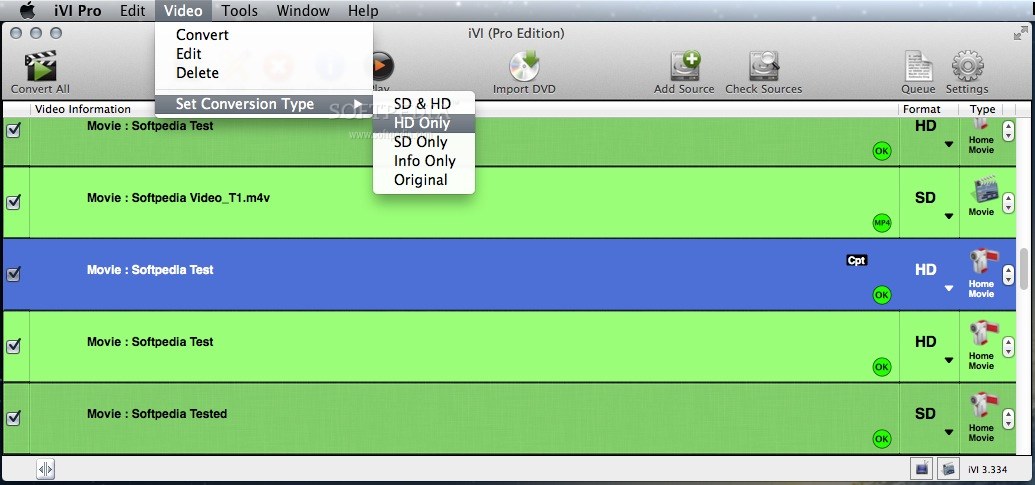
To start using the iVI application, just drop the files you want to process on top of the app’s main window. The utility will create a list of all the entries and let you know the format, the suitable processing preset and pass through status for each video.
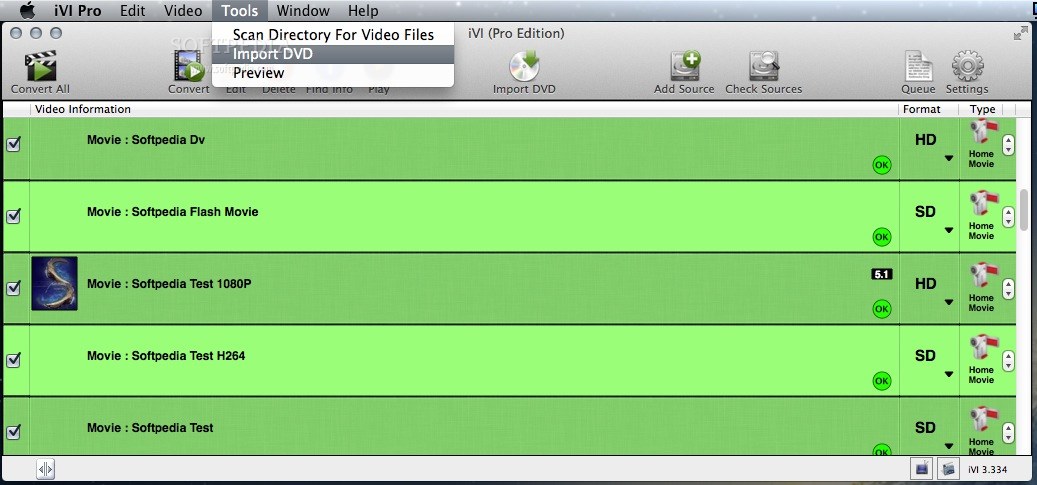
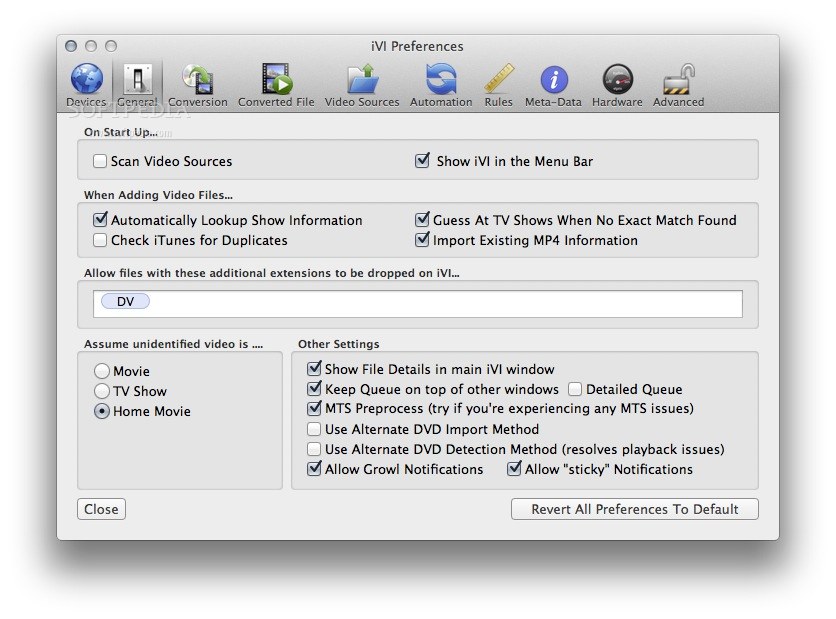
iVI is able to detect if the file contains a movie or a TV show, or if it is dealing with a home video. Note that you can also import entire DVDs or check source folders configured via the Preferences.
As soon as you press the Convert button, iVI will start processing the loaded files and then launch the iTunes application and begin importing the output files to your library.
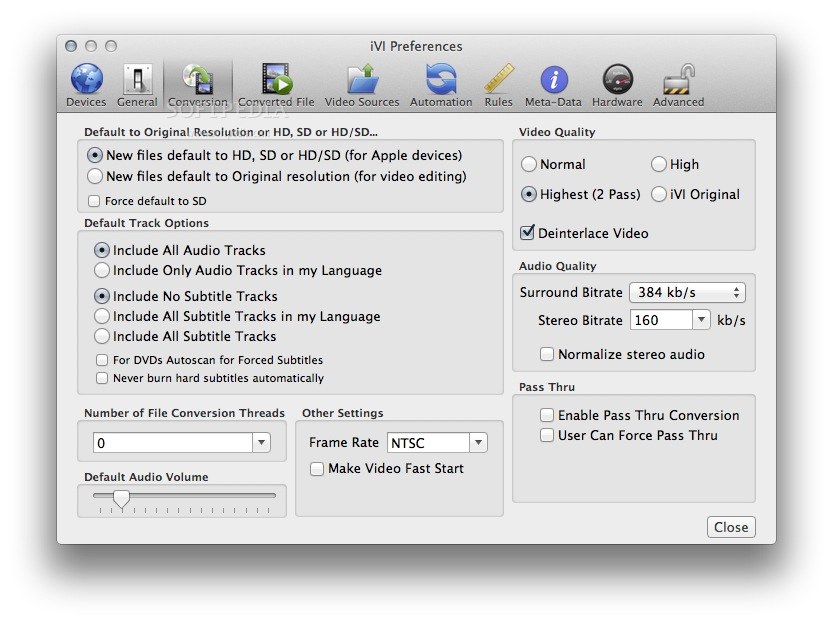
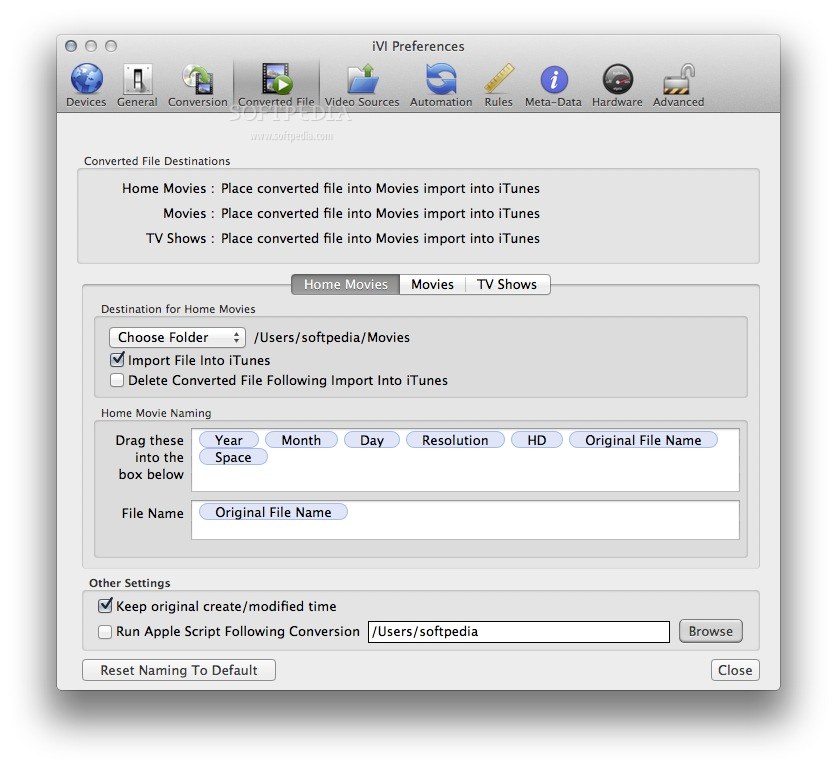
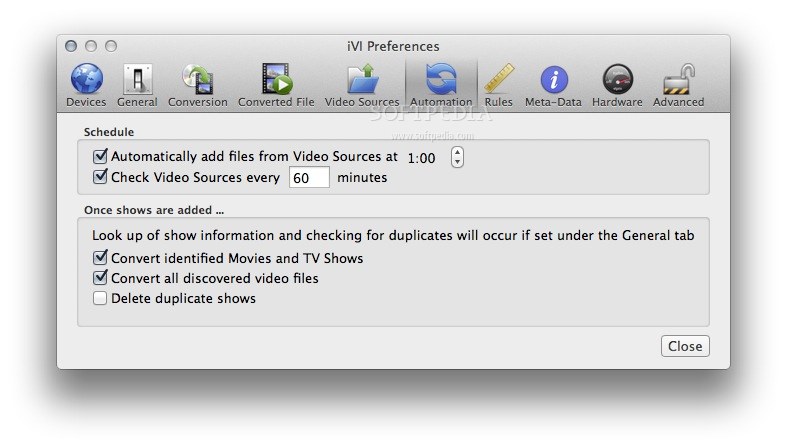
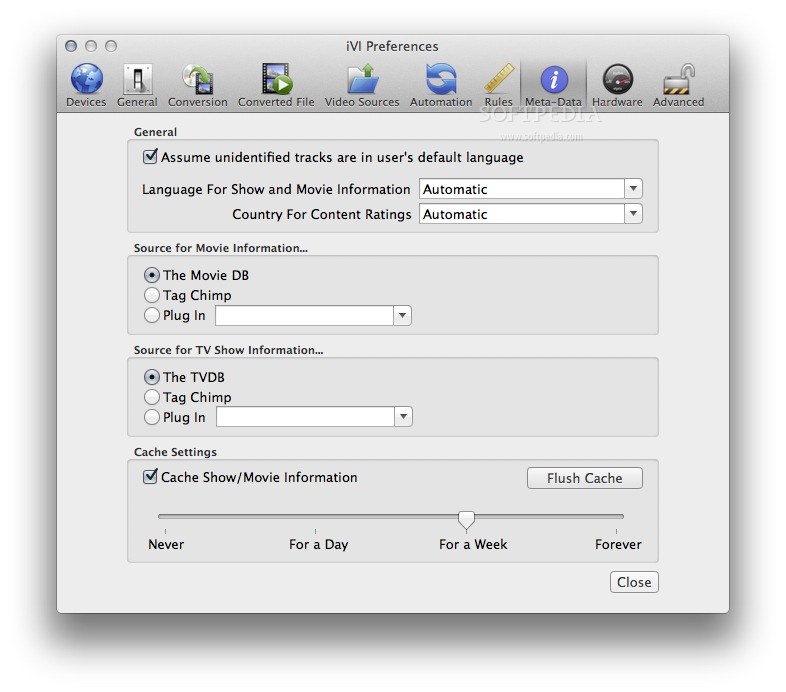
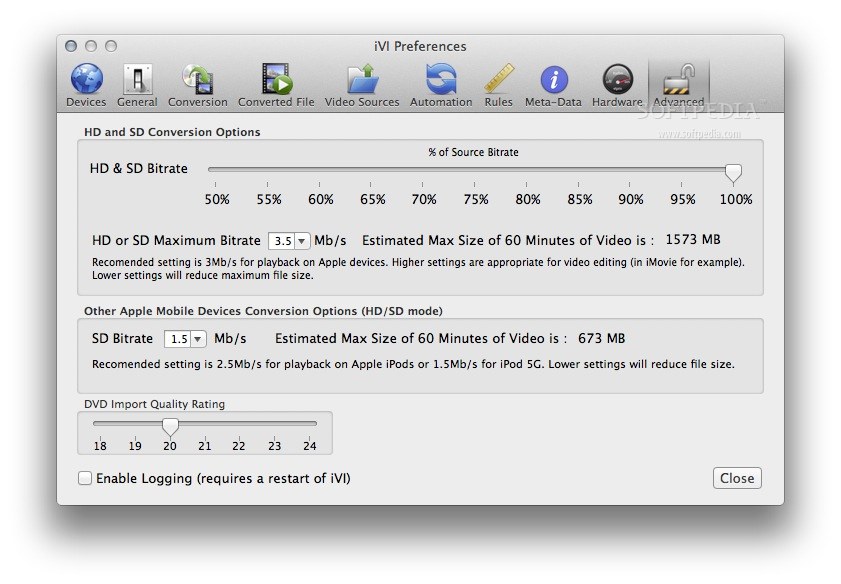
Even though iVI sports numerous customization options accessible through the Preferences, after the initial setup the procedure is quite straightforward.
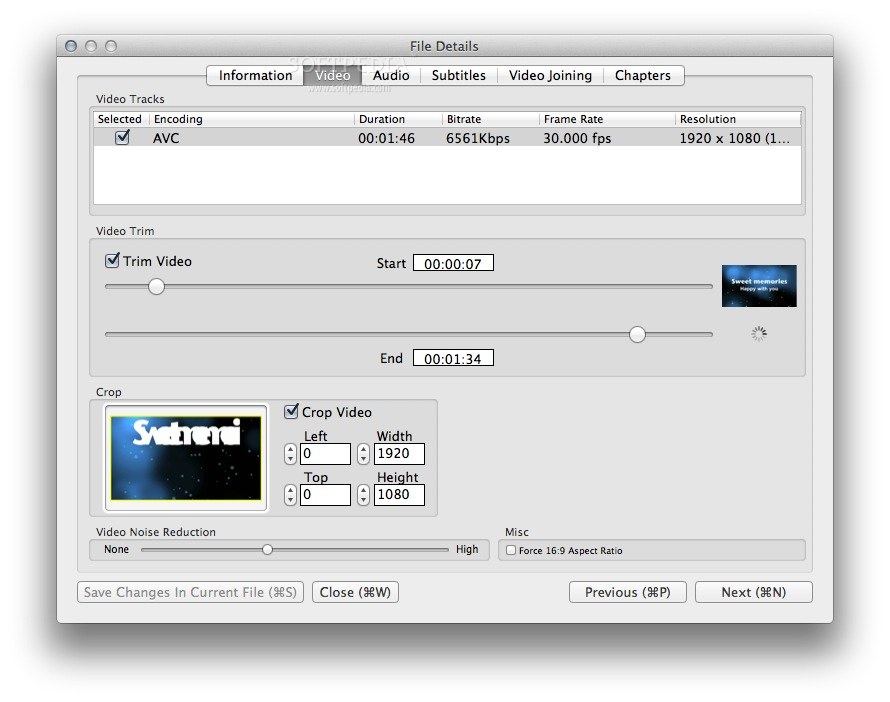
Within the iVI main window, you can drop video files that use some of the most popular formats available, such as MP4, AVI, FLV, MPG, MOV, 3GP, WMV, MOD, MTS, VOB, and so on.
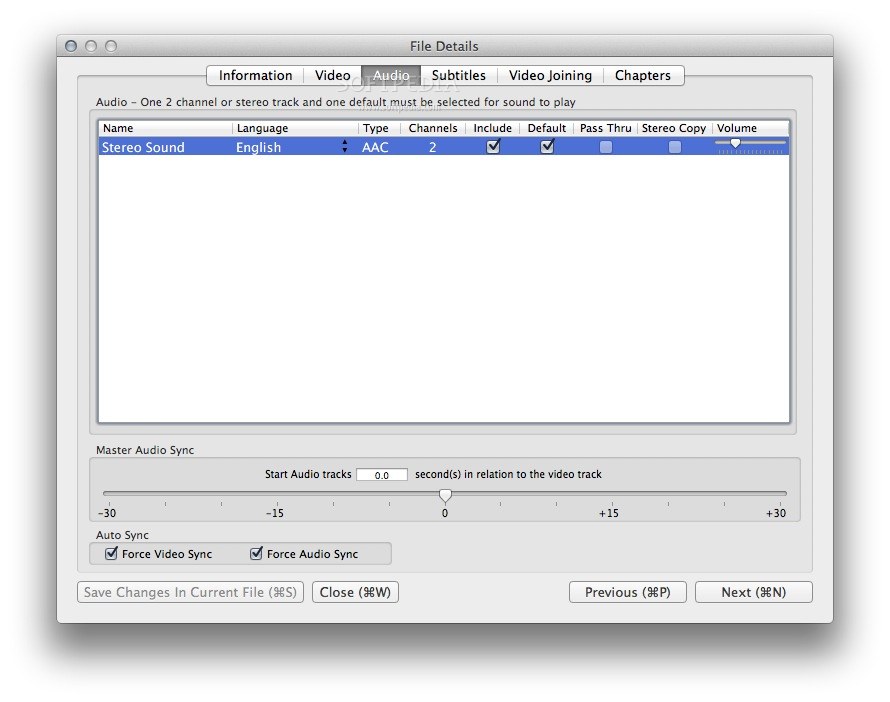
Naturally, the app will also process the embedded audio content and can handle both surround sound and stereo tracks. The best part is that iVI can also import SRT, PGS, VobSub, or SSA subtitle files.
To sum up, iVI is able to transform movie files into iTunes compatible High Definition or Standard Definition video standards, which means that you will also be able to open them on your iPhone, iPad, or AppleTV devices.
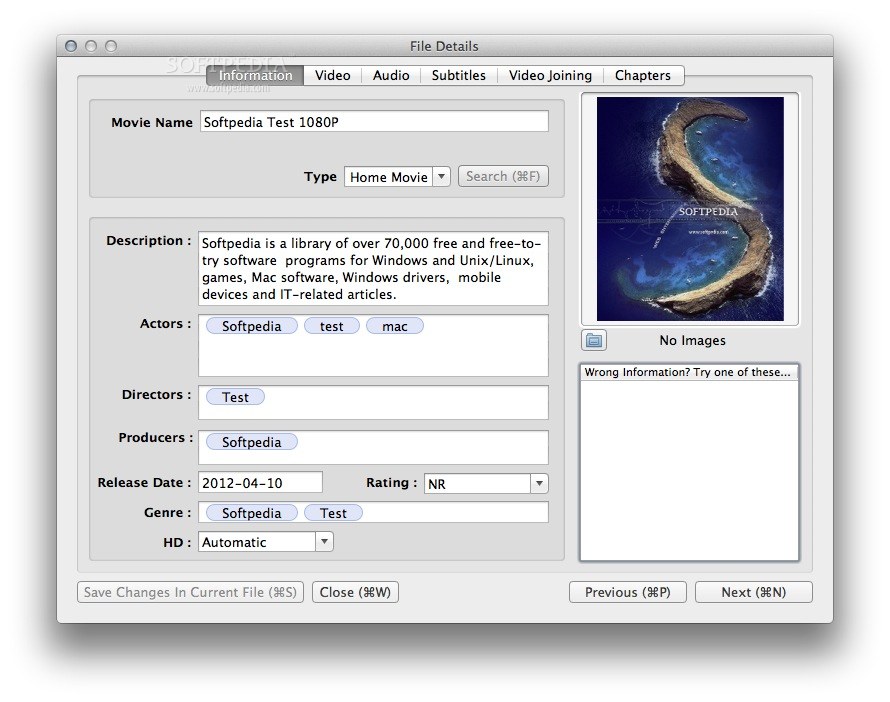
At the same time, you can also use iVI to import entire DVDs into iTunes, to add metadata information to your home videos, to embed artwork or subtitles, and so on.
What's new in iVI 3.812:
- Fixes for TVDB lookup
- Fixes for subtitle conversion
iVI 3.812
add to watchlist add to download basket send us an update REPORT- runs on:
- OS X 10.9 or later (Intel only)
- file size:
- 33.5 MB
- filename:
- iVI03811.zip

- main category:
- Utilities
- developer:
- visit homepage
Context Menu Manager

IrfanView

calibre

Microsoft Teams

Windows Sandbox Launcher

Zoom Client

7-Zip

ShareX

Bitdefender Antivirus Free

4k Video Downloader

- ShareX
- Bitdefender Antivirus Free
- 4k Video Downloader
- Context Menu Manager
- IrfanView
- calibre
- Microsoft Teams
- Windows Sandbox Launcher
- Zoom Client
- 7-Zip