
View the local time in various locations around the world on your Mac's desktop, get up-to-date weather information and plan meetings with team members in multiple countries, with this handy app. #World time #Multi-time clock #Time conversion #Time #Clock #Converter

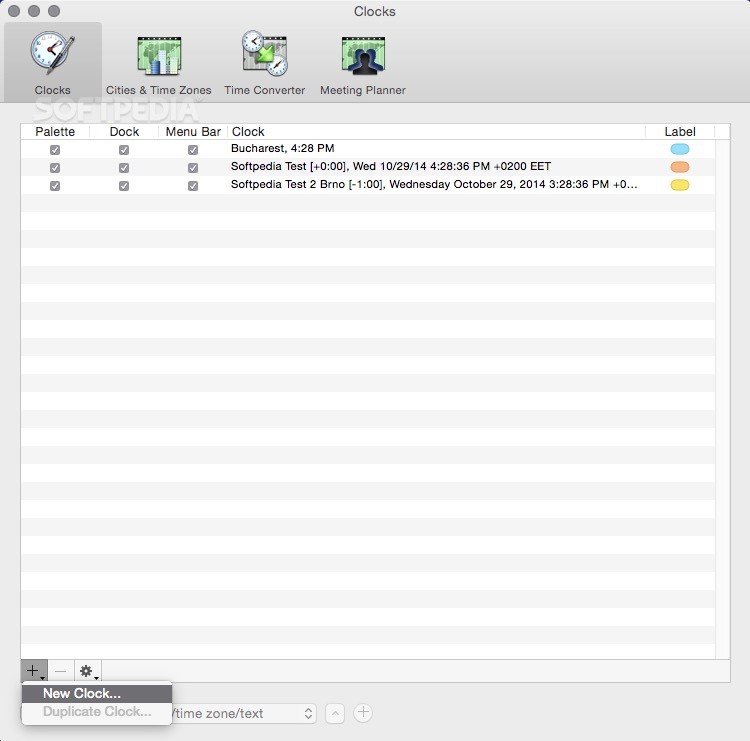
Whether you work in a multinational company and need to coordinate with team members from around the world or simply want to know the ideal time to call a friend or family member living in another country, a tool that can quickly provide you the local time in various cities can be very useful.
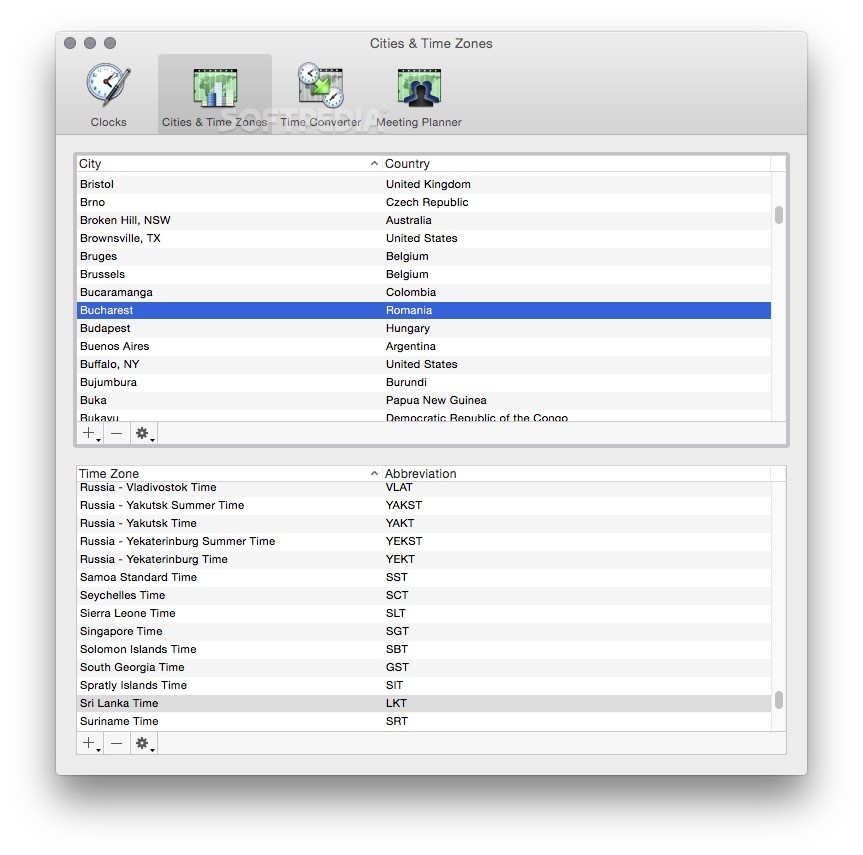
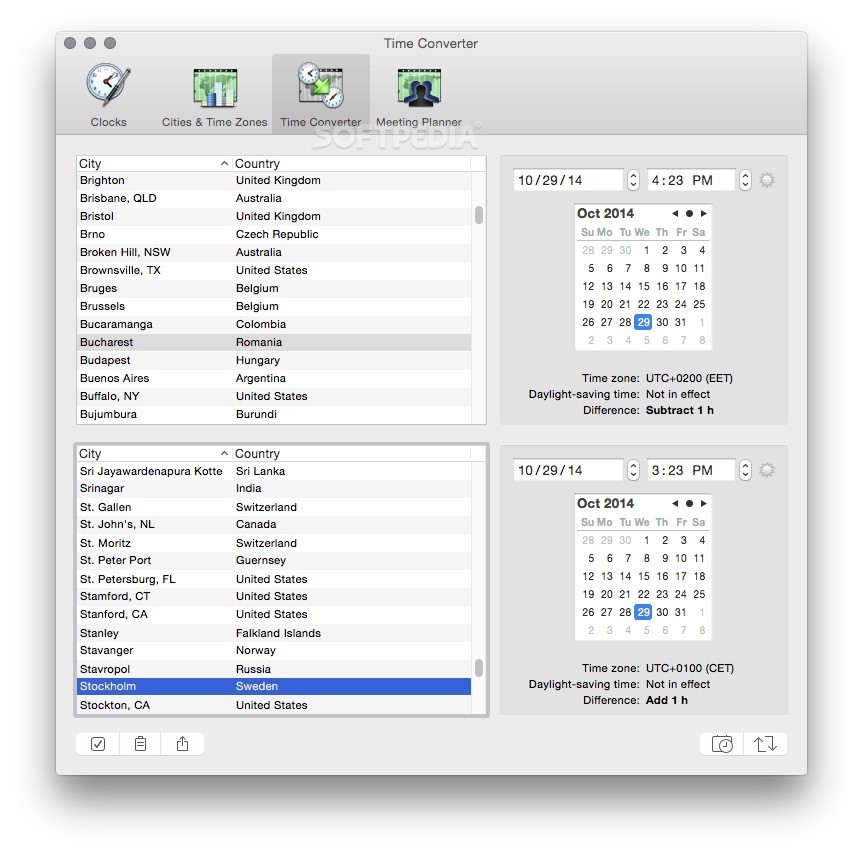
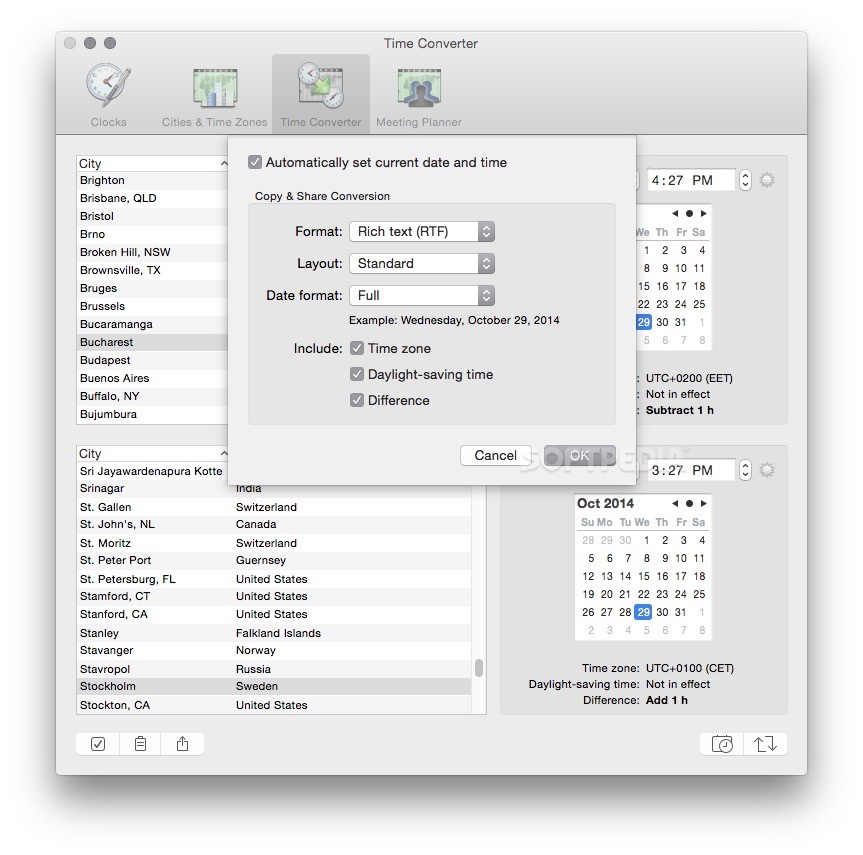
World Clock Deluxe is just such a utility, but it packs a lot more features than you would first imagine. Not only can it display clocks from multiple time zones on your desktop, but it can also perform conversions, display weather reports and help you plan meetings.
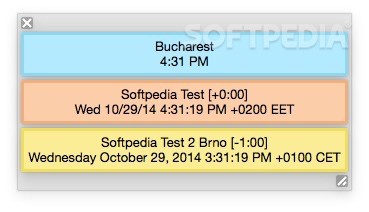
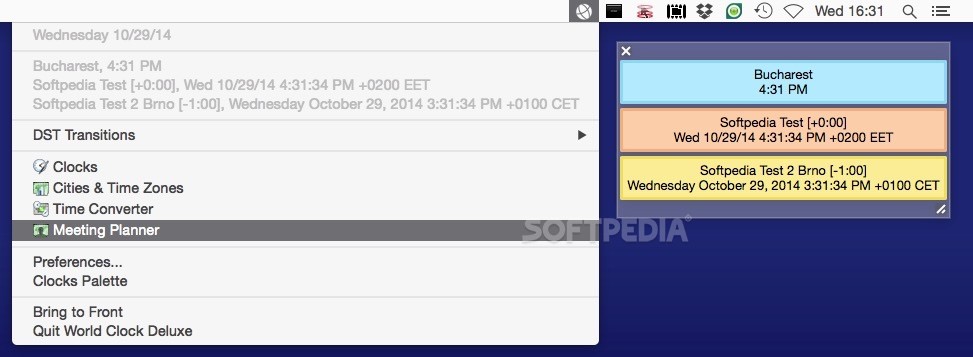
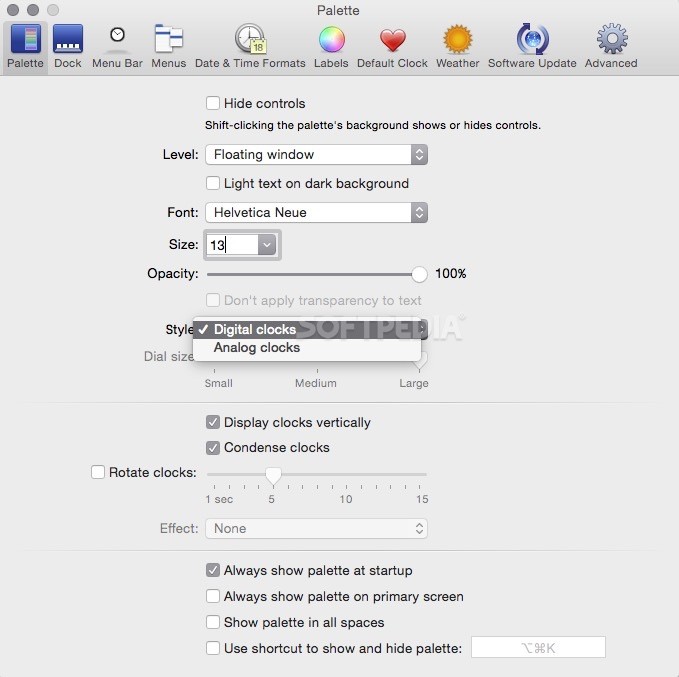
It is important in certain businesses to always know the time in various locations around the world without having to perform mental calculations. World Clock Deluxe X enables you to place numerous analog or digital clocks on your screen that are easily accessible at all times.
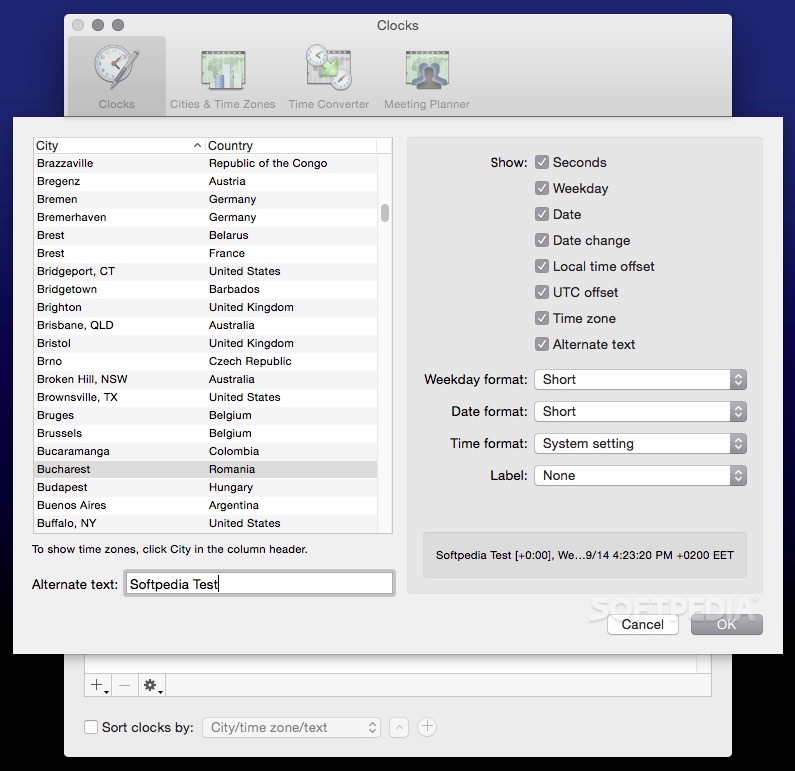
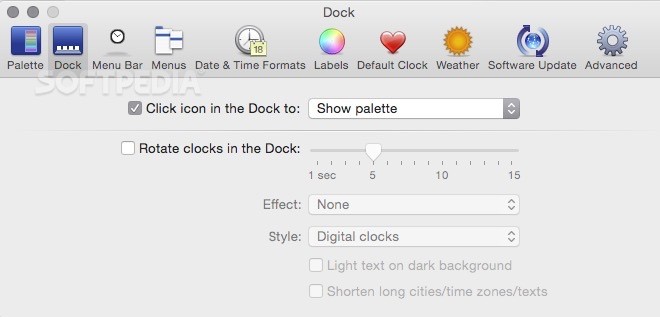
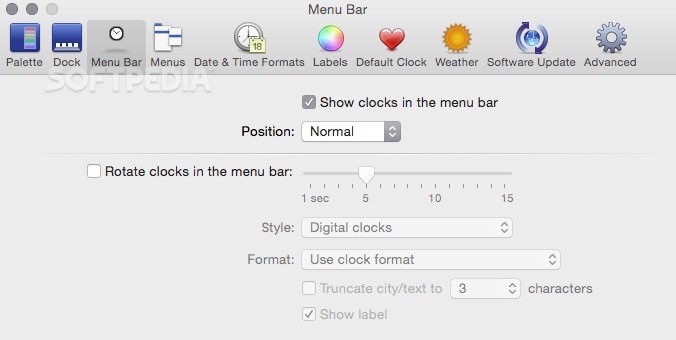
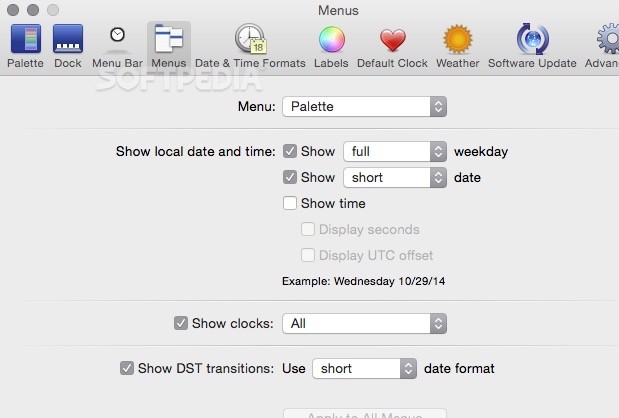
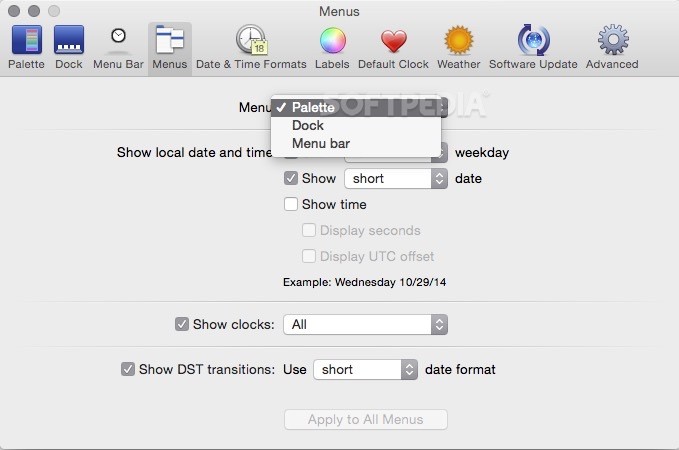
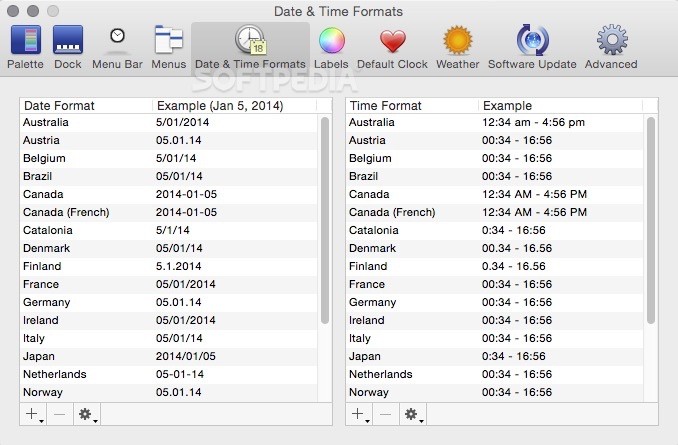
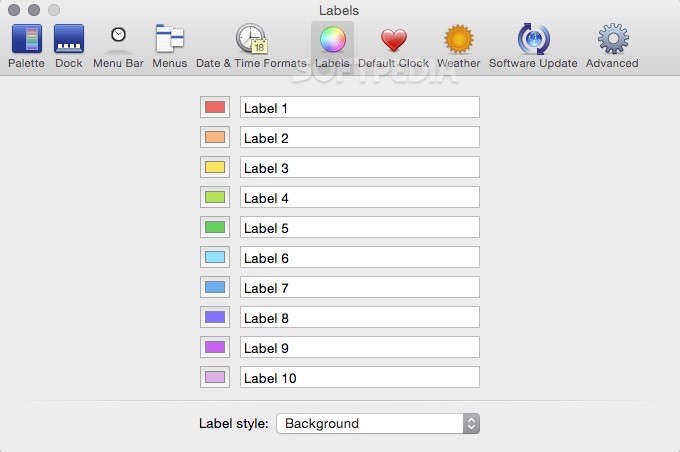
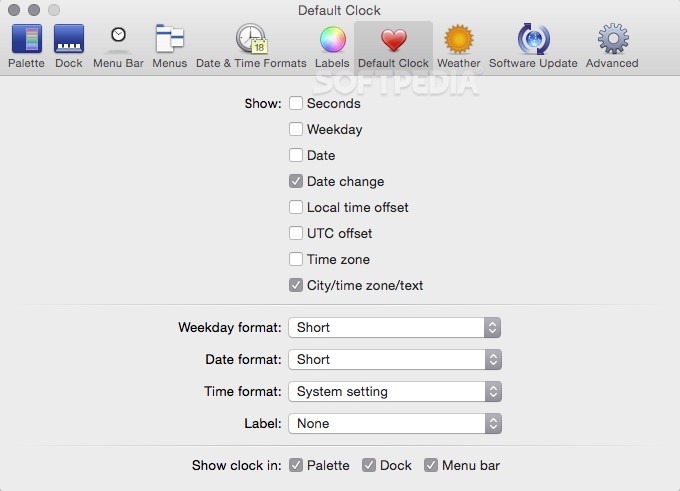
The range of customization options available is very impressive. Aside from their visual styles, you can specify how detailed the provided reading should be. For example, the app can display the time and date in various formats, as well as the weekday, local time offset, UTC offset or time zone.
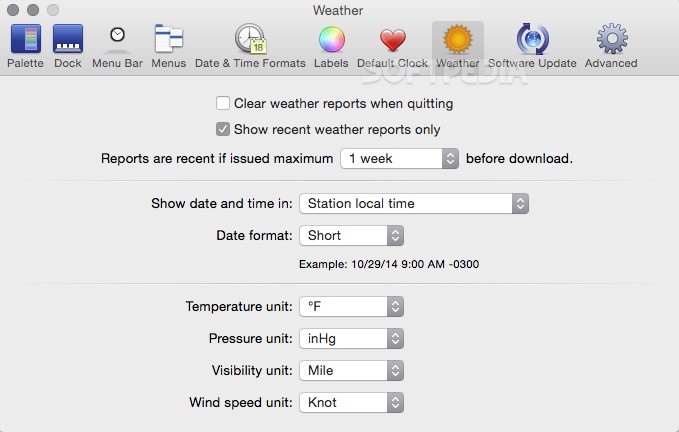
To avoid manually searching the web for this info, you can view multiple weather reports from a specified location at once with the help of World Clock Deluxe. The app displays the weather station the data was obtained from and various meteorological parameters.
It can be very handy to have a straightforward way of planning a conference call or video conference that requires you to coordinate with people located in several countries. World Clock Deluxe makes this task a lot simpler, as it can display multiple cities side-by-side, synchronized and color-coded depending on the local time.
This is a comprehensive macOS app that can be very helpful for those who need to have easy access to time and weather information from cities around the globe. It is simple to use and features a well-designed, intuitive interface.
What's new in World Clock Deluxe 4.19.1:
- The incompatibilities with macOS 14 Sonoma have been solved.
- The offset from UTC and daylight-saving time information of Nuuk and Qaanaaq have been updated after Western Greenland changed time zone. At 11:00 PM on October 28, 2023, Western Greenland Time (WGT) and Western Greenland Summer Time (WGST) moved from UTC-3 to UTC-2 and from UTC-2 to UTC-1, respectively.
- Daylight-saving time for Morocco and Western Sahara has been updated. Next year, Morocco and Western Sahara will switch from Western Europe Summer Time (UTC+1) to Western Europe Time (UTC) during Ramadan, presumably from March 10 to April 14, 2024.
- Some other minor fixes and improvements have been introduced.
World Clock Deluxe 4.19.1
add to watchlist add to download basket send us an update REPORT- runs on:
- macOS 10.11 or later (Universal Binary)
- file size:
- 7.6 MB
- filename:
- World_Clock_Deluxe_4.19.1.dmg
- main category:
- Utilities
- developer:
- visit homepage
Zoom Client

Windows Sandbox Launcher

IrfanView

Bitdefender Antivirus Free

ShareX

7-Zip

Microsoft Teams

calibre

4k Video Downloader

Context Menu Manager

- calibre
- 4k Video Downloader
- Context Menu Manager
- Zoom Client
- Windows Sandbox Launcher
- IrfanView
- Bitdefender Antivirus Free
- ShareX
- 7-Zip
- Microsoft Teams