
A fully-featured and easy-to-use PDF editor that helps you preview, annotate, add, remove or delete text and images in PDF documents. #Edit pdf #Pdf editor #Pdf ocr #PDF #OCR #Annotate
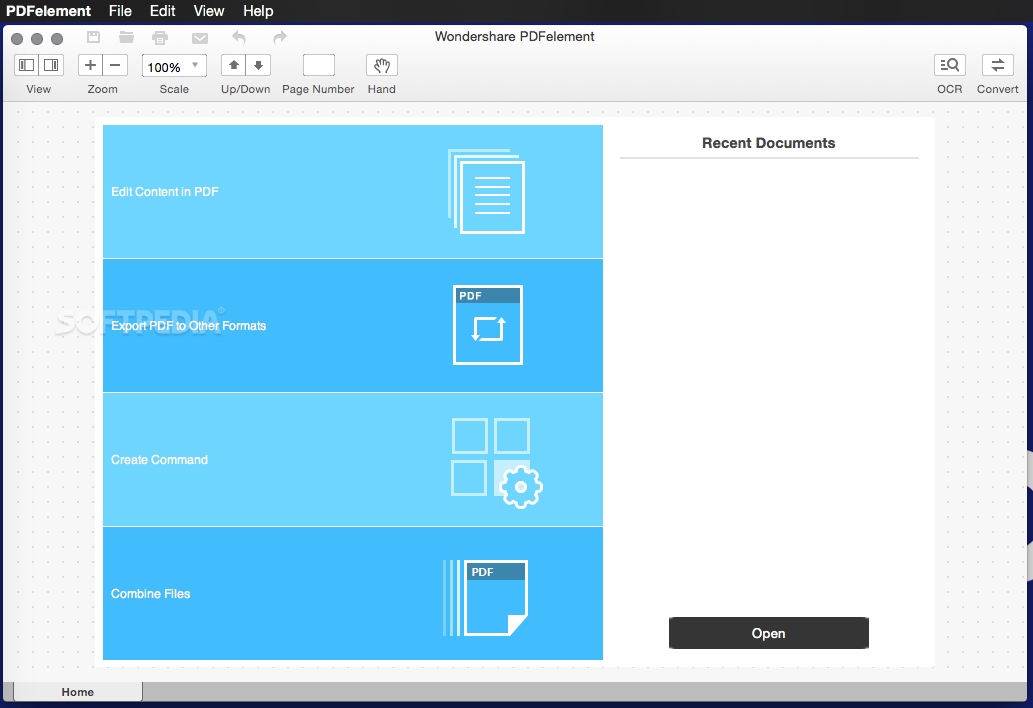
Wondershare PDFelement is a self-explanatory macOS application that makes it easier for your to preview, edit, join, split and convert PDF documents using a Mac.
The Wondershare PDFelement also features a simple, clean and intuitive interface that provide instantaneous access to all the tools and features you might need to complete your daily tasks.
Moreover, with Wondershare PDFelement’s help, you can effortlessly edit PDF documents created using text files, web pages or scanned documents.
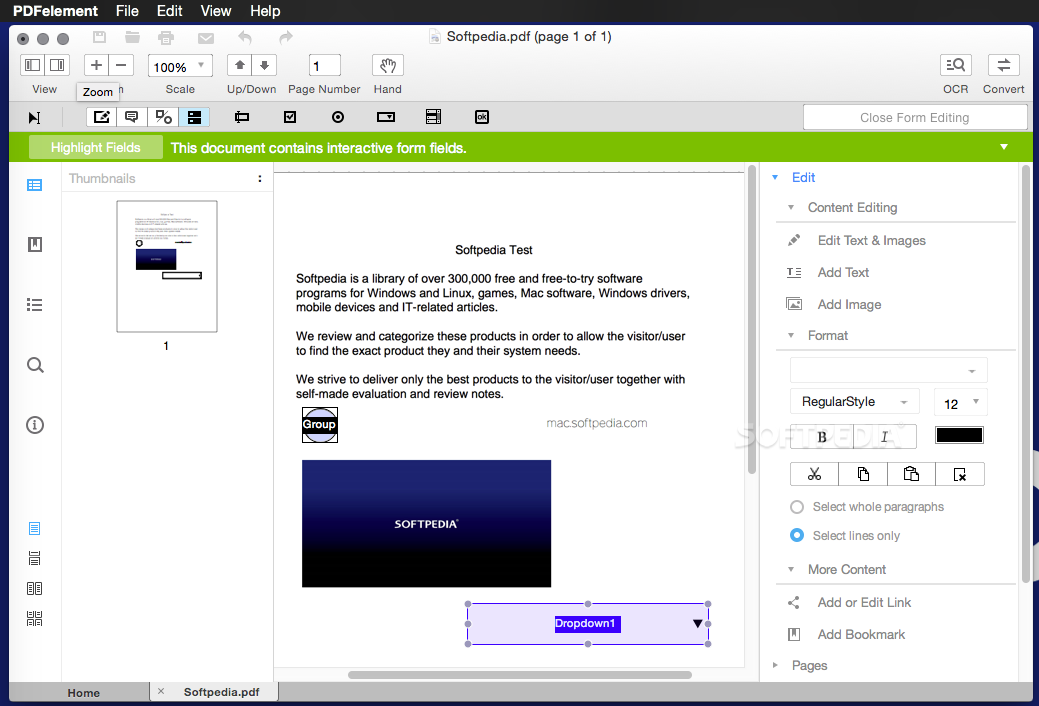
Consequently, you can add, remove or edit text, move and rearrange pages, insert or remove images and more.
Wondershare PDFelement's top toolbar helps you hide, show and customize the sidebar in order to display the items and information you are interested in. You can browse through the loaded document, zoom in or out, print it or email it with just a couple of mouse clicks.
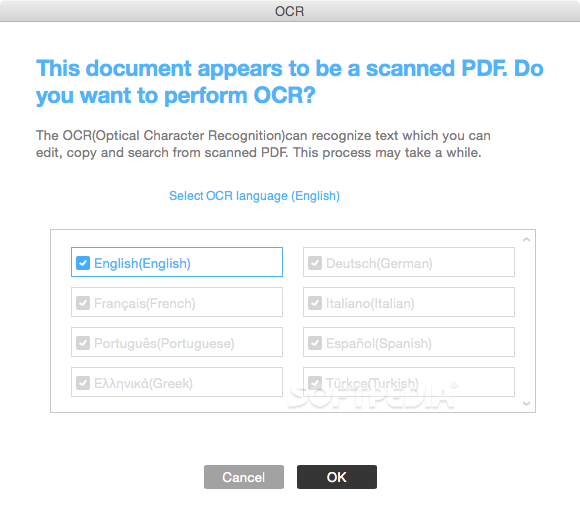
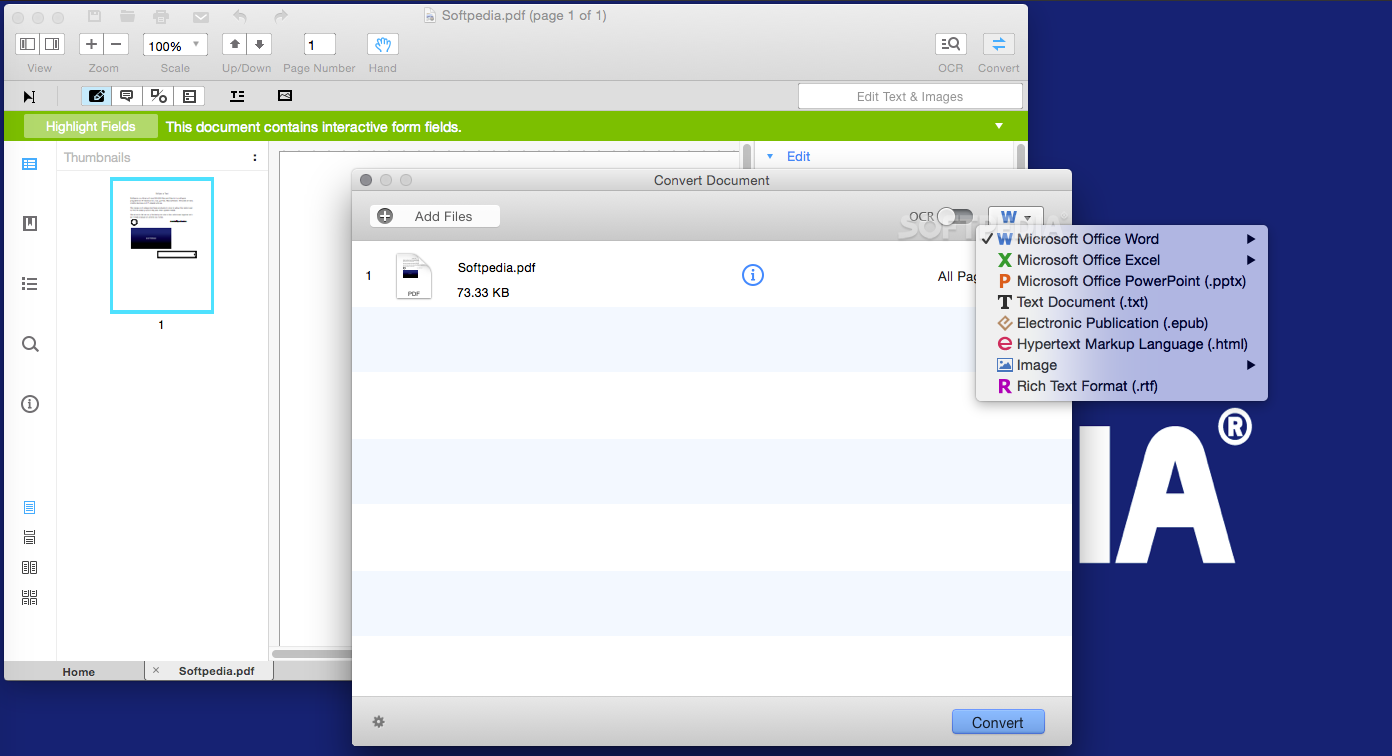
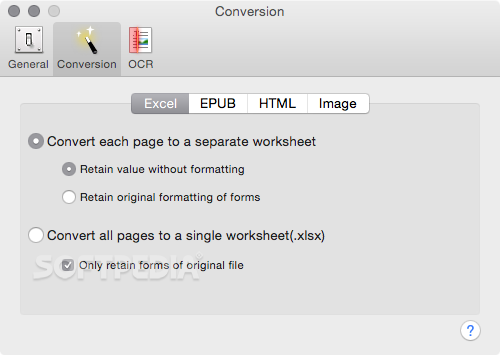
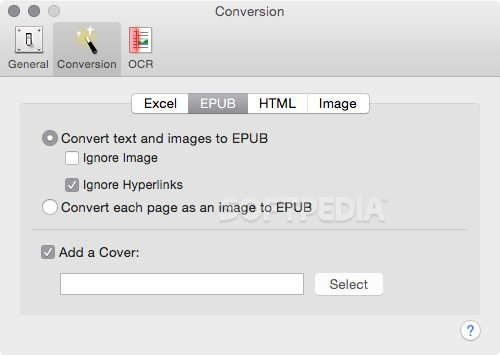
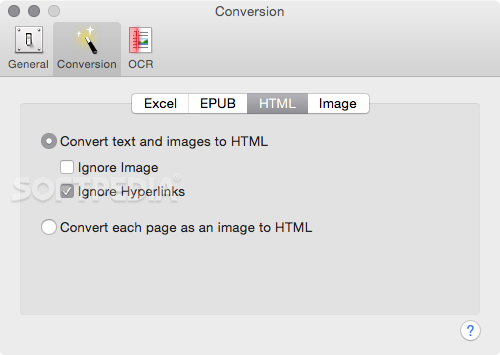
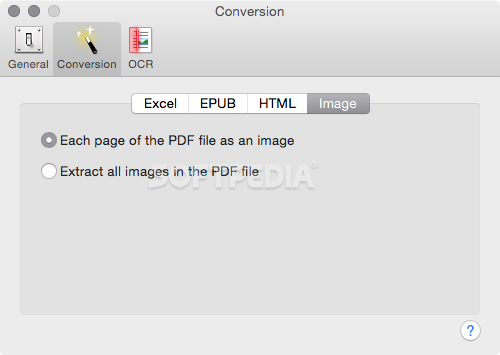
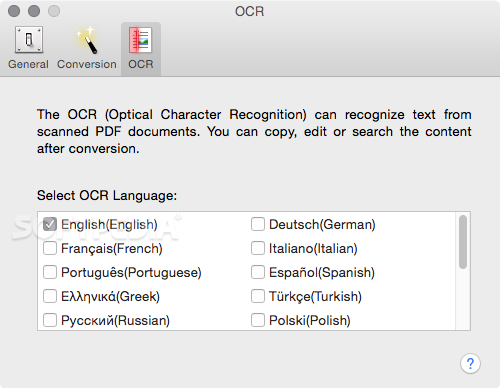
You can choose between the “Hand”, “Select” and “Edit” tool, use the advanced OCR feature and convert your source file into plain text or RTF document, ePUB, HTML, as well as file formats compatible with Microsoft Word, Excel, and PowerPoint.
The context menu also helps you switch between the “Move”, “Select” and “Touchup” tool, change the display mode and open the Inspector window to view detailed information about the loaded document.
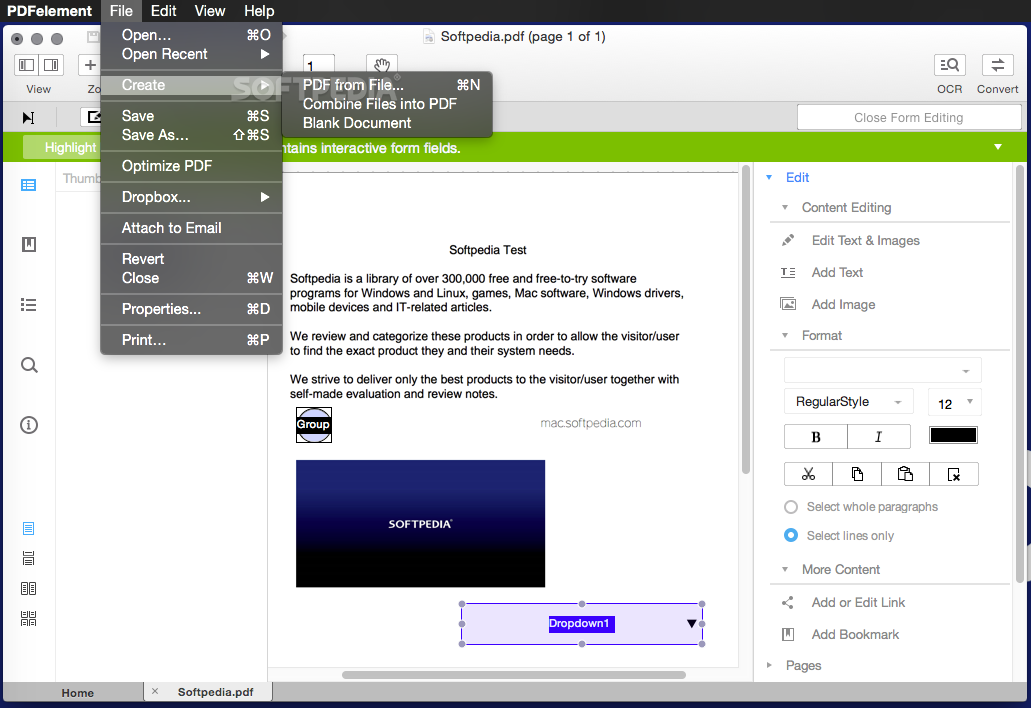
As an added bonus, by accessing the Document menu, you have the option to add, update or remove an watermark, extract, insert and delete pages, split, merge or convert your document and crop or rotate a page with ease.
The complete list of all available editing tools, bookmark features, annotation tools and stamp options can be found under the Tools menu.
From here you can easily insert text boxes, add sticky notes, highlight, strike-through and underline text, insert various shapes and use the handy pencil or erase.
On the whole, Wondershare PDFelement comes with the right set of features to help you edit and annotate PDF documents using a Mac, as well as effortlessly add password protect and convert them other formats for easier sharing with your friends and colleagues.
What's new in Wondershare PDFelement 6.8.2:
- Support the latest macOS Big Sur.
Wondershare PDFelement 6.8.2
add to watchlist add to download basket send us an update REPORT- runs on:
- OS X 10.10 or later (Intel only)
- file size:
- 24 MB
- main category:
- Utilities
- developer:
- visit homepage
4k Video Downloader

7-Zip

Context Menu Manager

ShareX

Zoom Client

Microsoft Teams

calibre

IrfanView

Windows Sandbox Launcher

Bitdefender Antivirus Free

- IrfanView
- Windows Sandbox Launcher
- Bitdefender Antivirus Free
- 4k Video Downloader
- 7-Zip
- Context Menu Manager
- ShareX
- Zoom Client
- Microsoft Teams
- calibre