
Helps you batch stitch multiple images together into a PDF file. #Image to PDF #Image stitcher #Create PDF #Create #PDF #Image2PDF
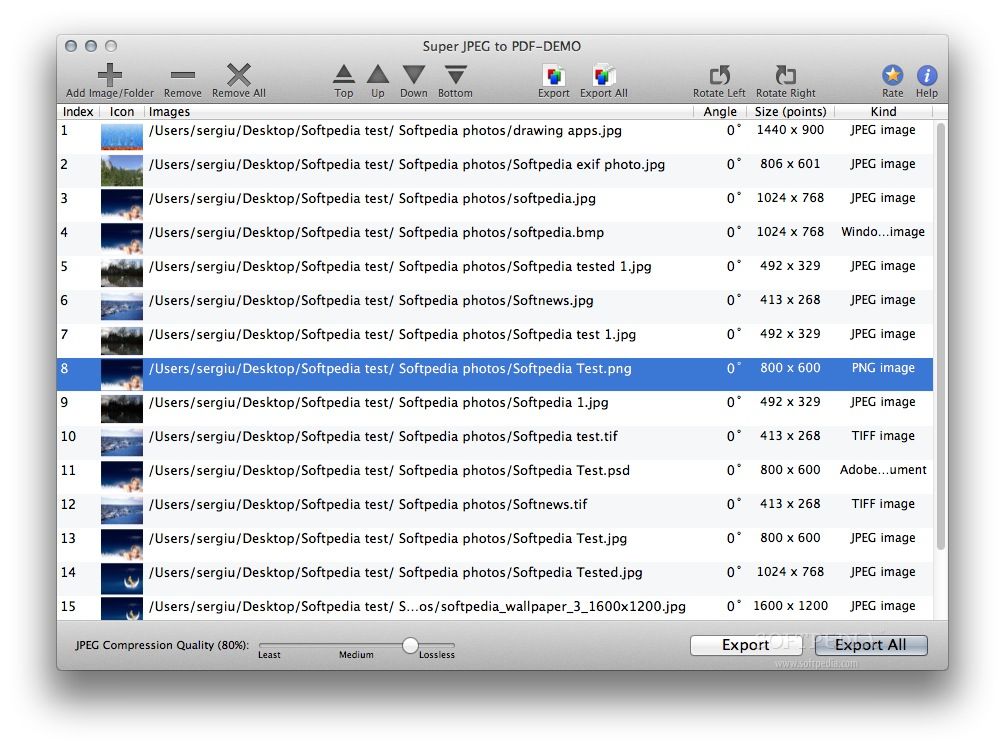
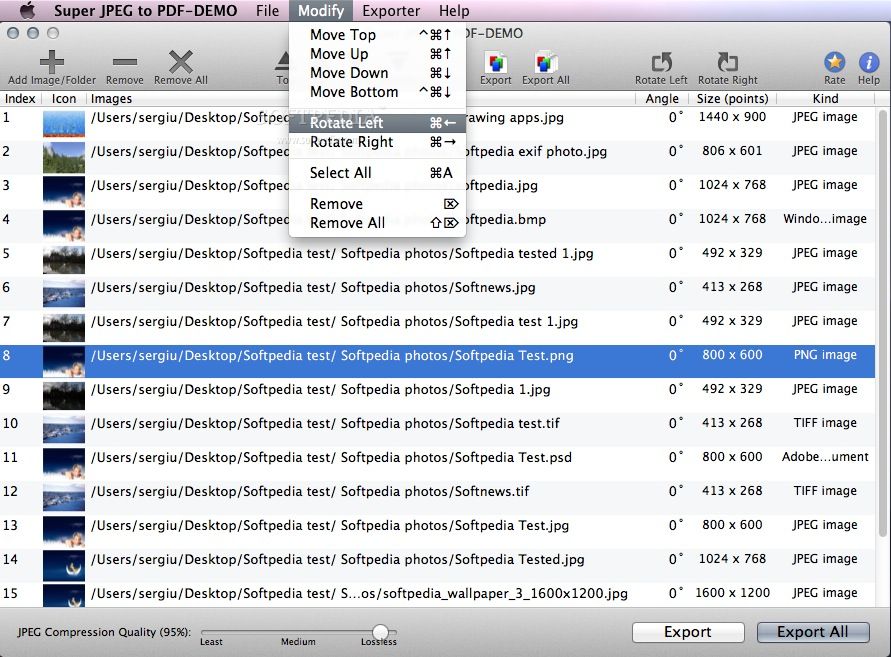
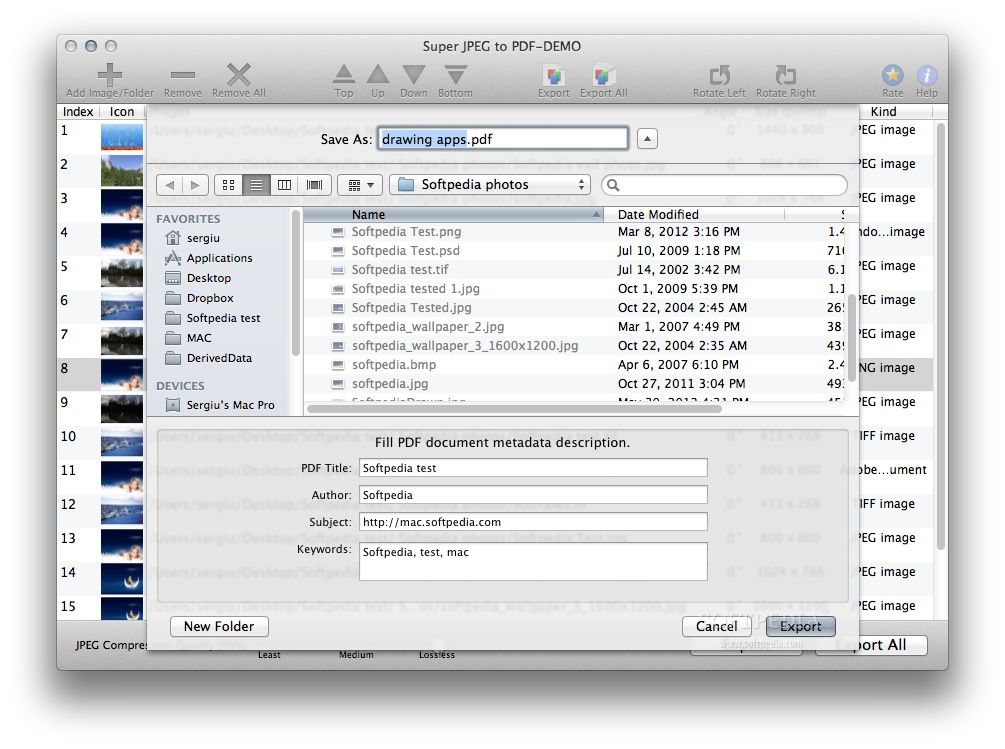
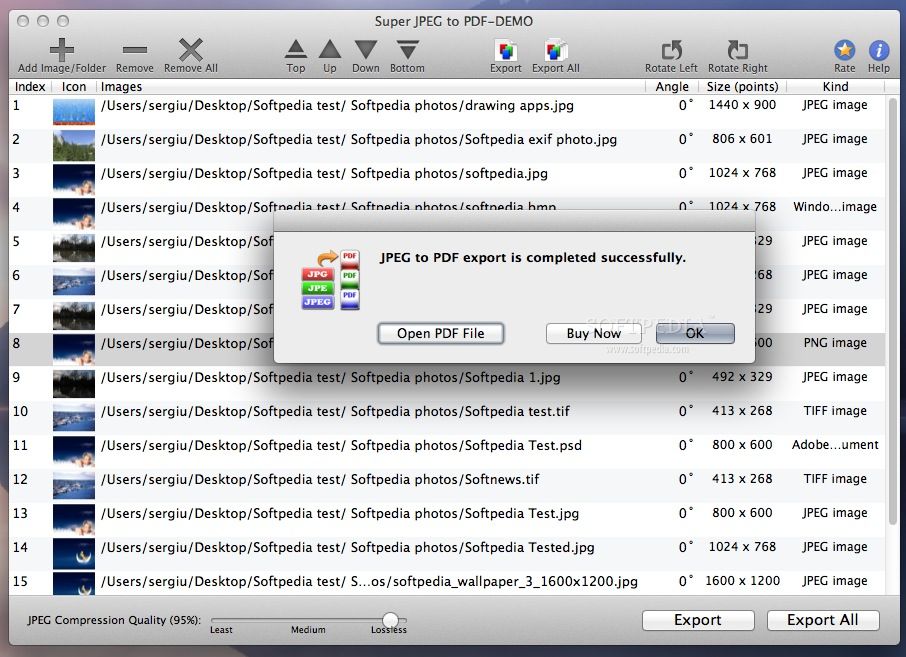
Super JPEG to PDF is a very handy and easy to use Mac OS X app to export and save JPEG (.jpg, .jpeg, .jpe) files, into a single PDF file.
Super JPEG to PDF converts and saves hundreds of images into one PDF file. Each image is stored into individual PDF page.
Super JPEG to PDF also allows to export image file formats like JPEG2000, PNG, TIFF, GIF and BMP and many more.
· JPEG Image (*.jpeg, *.jpg, *.jpe) · PNG Image (*.png) · TIFF Image (*.tiff,*.tif) · Windows Bitmap Image(*.bmp) · JPEG 2000 Image (*.jp2) · GIF Image (*.gif) · Adobe Photoshop document (*.psd) · TGA Image (*.tga) · OpenEXR Image (*.exr) · X bitmap image (*.xbm) · Silicon Graphics image (*.sgi) · MacPaint Image (*.pntg) · Most of all DSLR camera RAW image types · And many more.
System requirements
- 64-bit processor
Limitations in the unregistered version
- The demo version adds "Demo Version" watermarks to all created PDFs.
What's new in Super JPEG to PDF 2.1:
- New choice option to merge and export images into single PDF file or Export each image into individual separate PDF file.
- Improvements and bug fixes.
Super JPEG to PDF 2.1
add to watchlist add to download basket send us an update REPORT- runs on:
- Mac OS X 10.6.6 or later (Intel only)
- file size:
- 3.6 MB
- filename:
- SuperJPEGtoPDF-DEMO.dmg
- main category:
- Utilities
- developer:
- visit homepage
7-Zip

calibre

IrfanView

paint.net

ShareX

Bitdefender Antivirus Free

4k Video Downloader

Windows Sandbox Launcher

Microsoft Teams

Zoom Client

- Windows Sandbox Launcher
- Microsoft Teams
- Zoom Client
- 7-Zip
- calibre
- IrfanView
- paint.net
- ShareX
- Bitdefender Antivirus Free
- 4k Video Downloader