
Free and open source desktop journal application written in Python. #Write diary #Write journal #Journal writer #Write #Diary #Journal
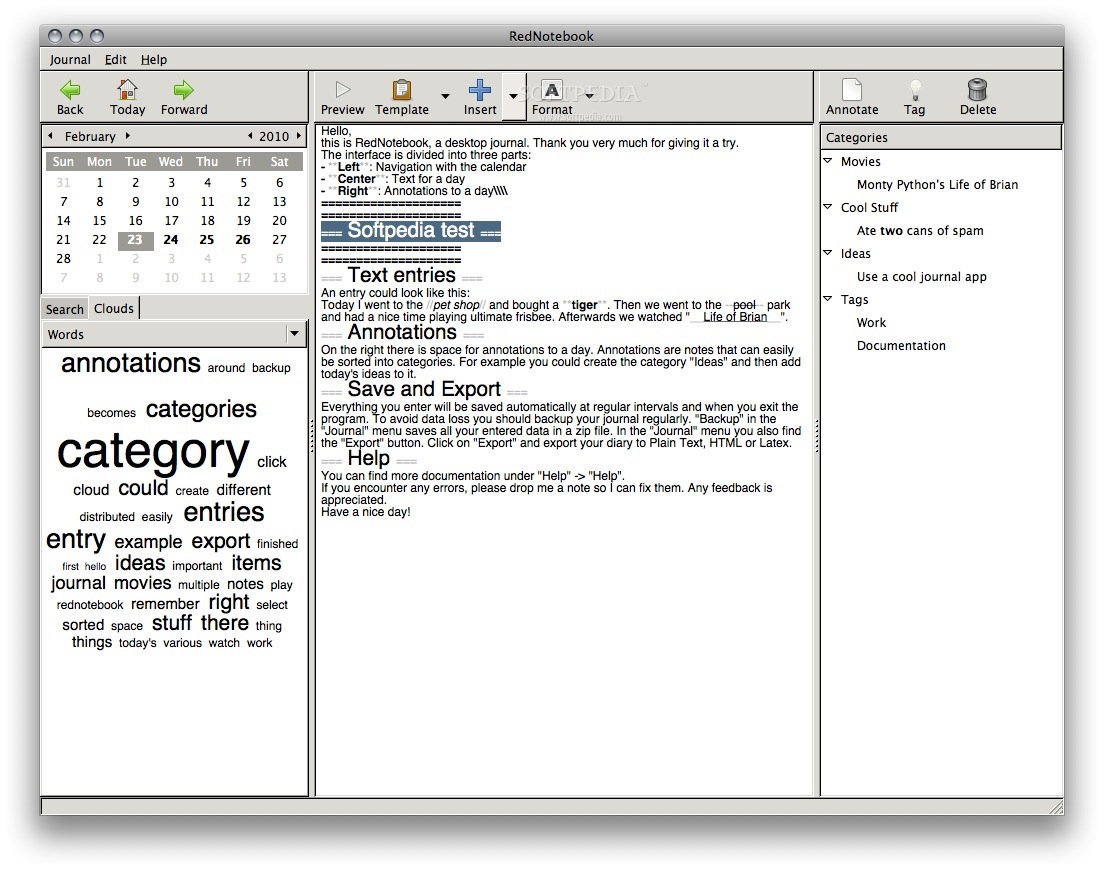
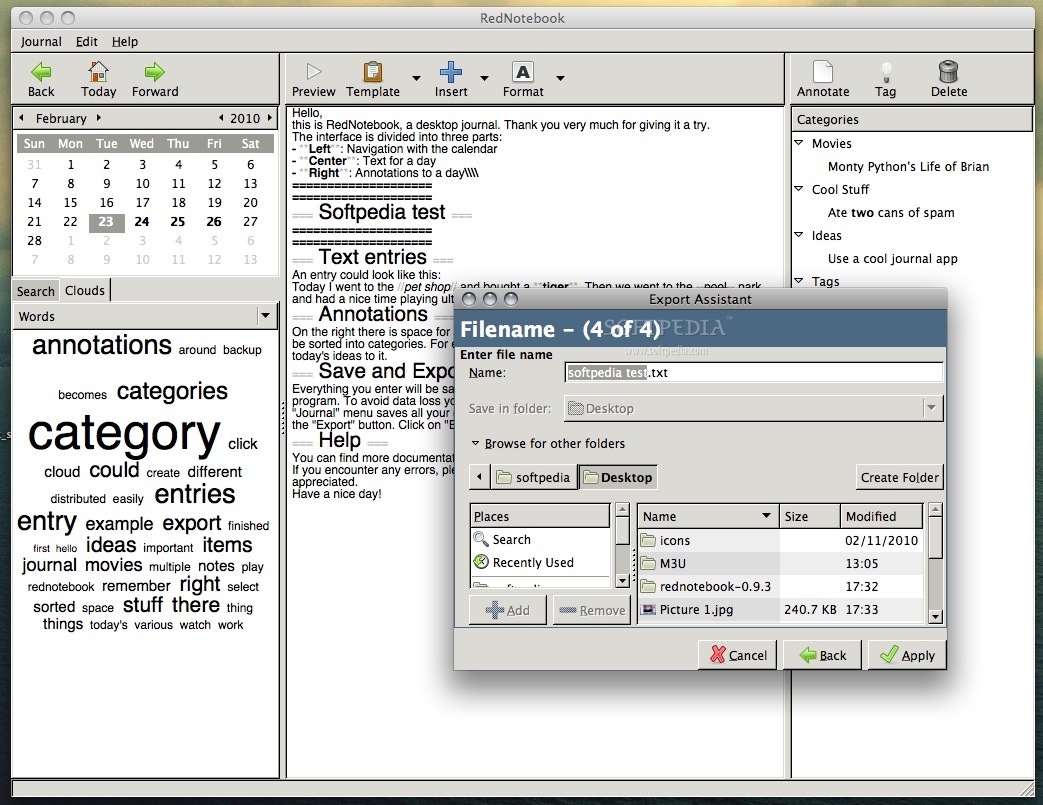
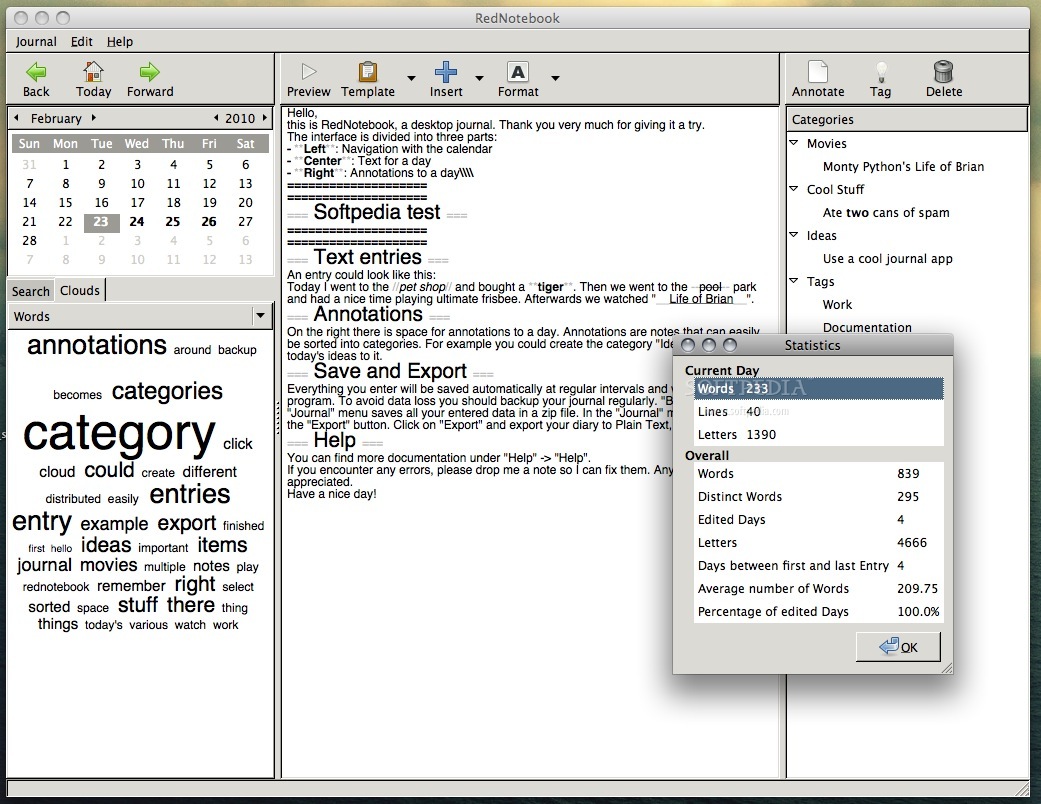
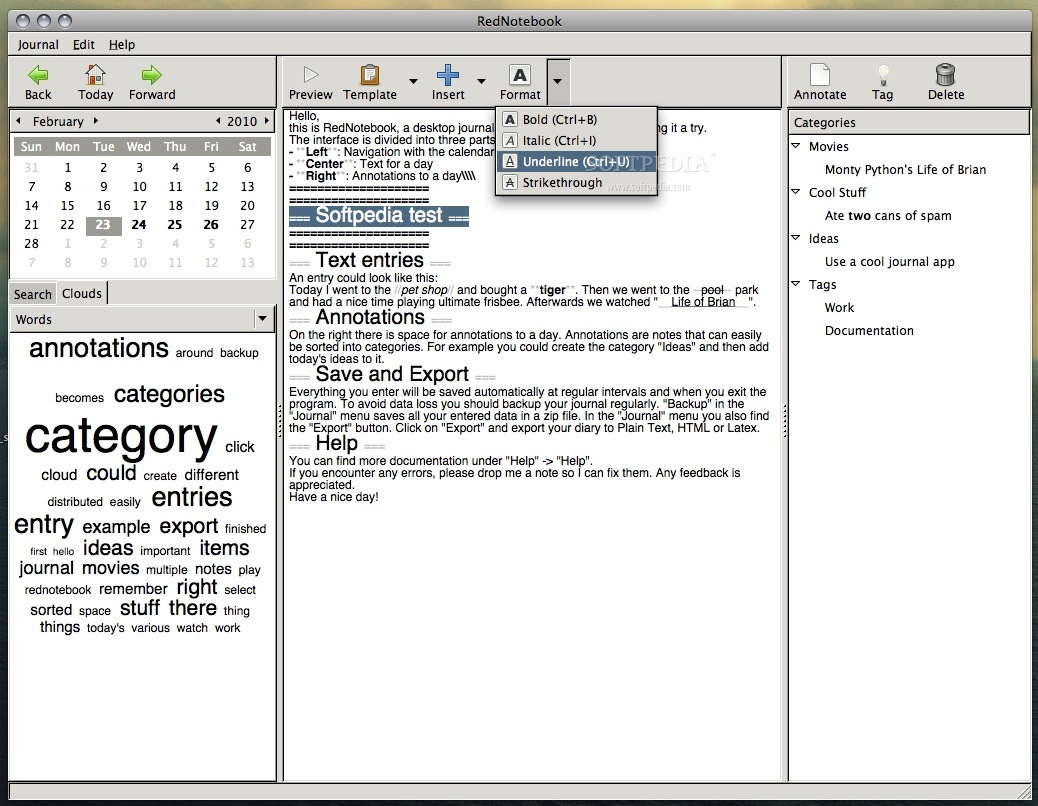
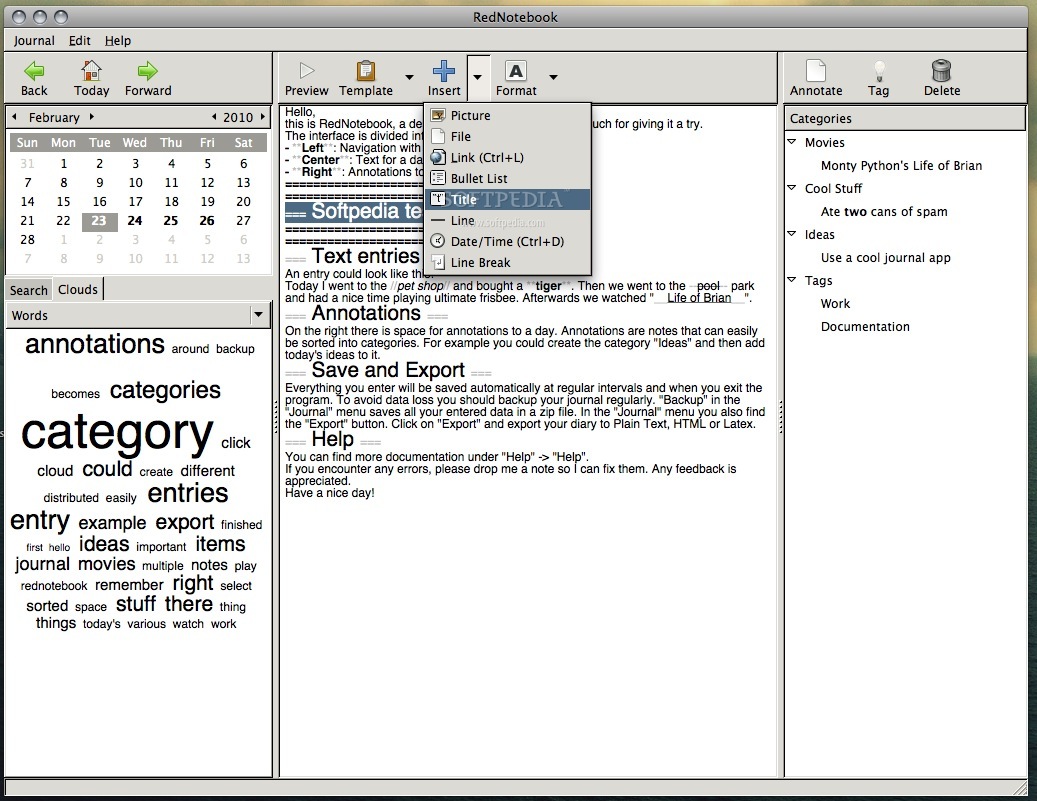
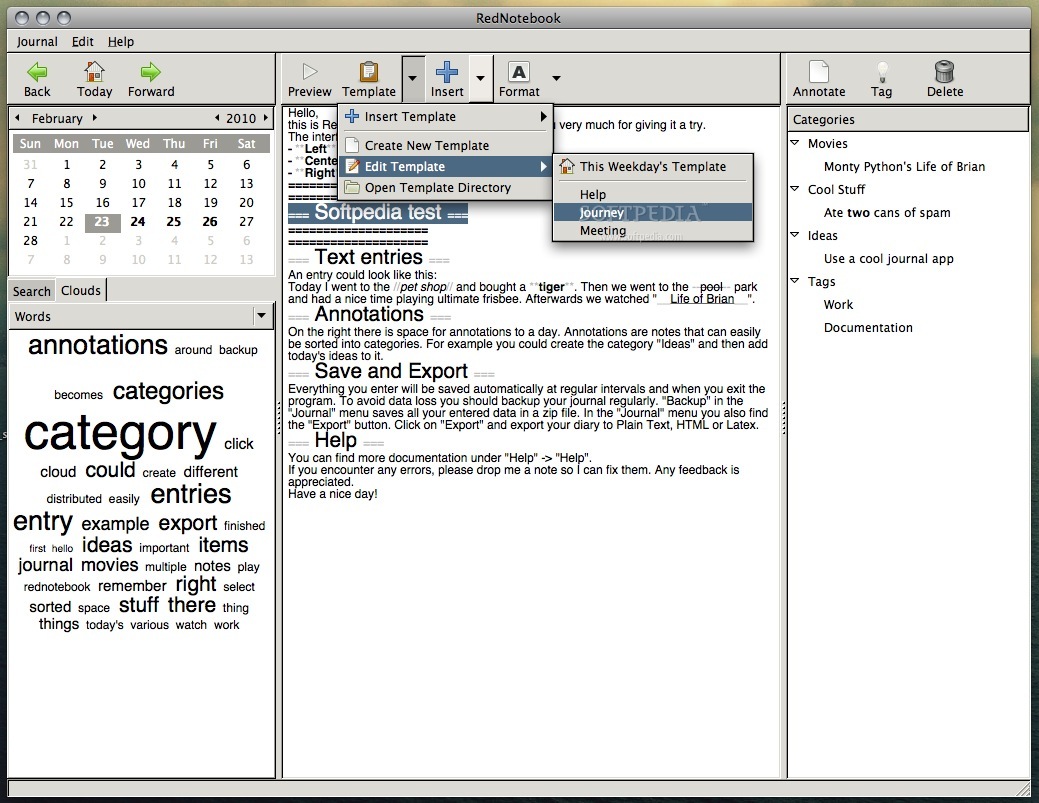
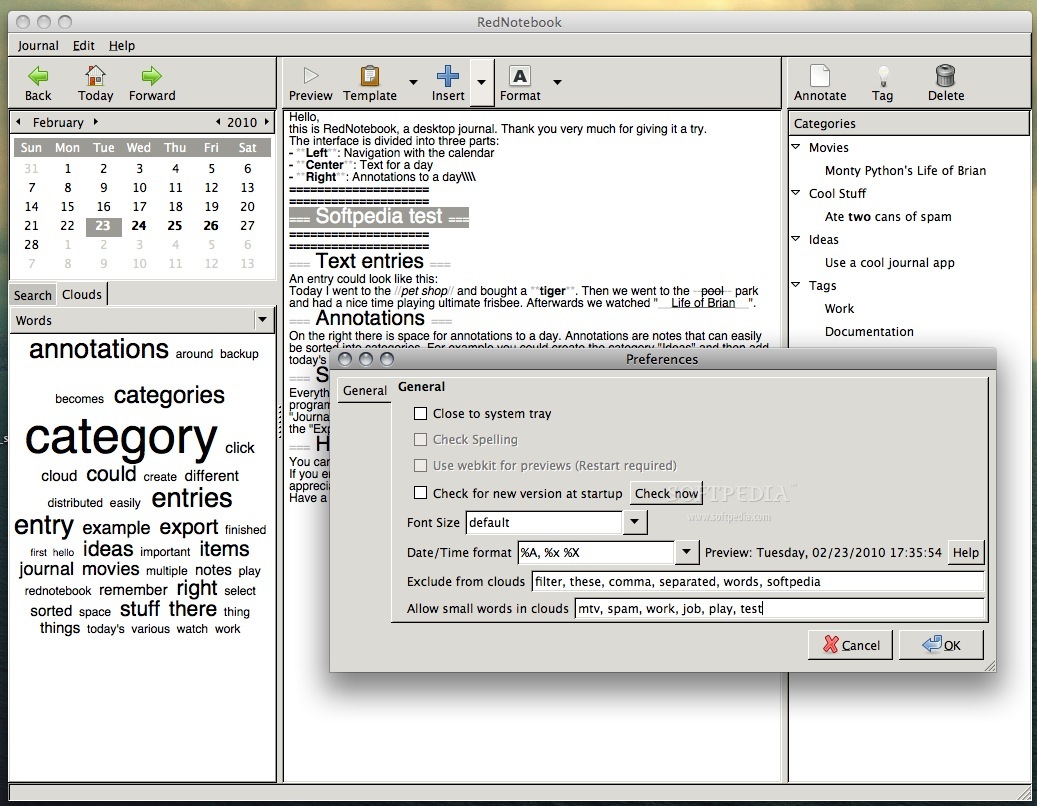
RedNotebook is a diary app that helps you track the ongoing stuff or your thoughs in a certain moment.
RedNotebook is a journal that helps you write facts or even whole passages, if needed.
PyYAML installation: Download PyYAML on your Mac, open the archive, open a Terminal window, browse to PyYAML's folder and run the following commands from inside that directory (you will need administrator privileges to be able to run it):
python setup.py build sudo python setup.py install
PyGTK installation: For installing PyGTK you can follow the instructions available HERE and, after going through all the steps, you will also have to run the following command from a Terminal window:
jhbuild build meta-gtk-osx-python
How to install and run RedNotebook: To install RedNotebook on your Mac you will have to open a Terminal window, browse to RedNotebook's folder and run the following commands from inside that directory (you will need administrator privileges to be able to run it):
sudo python setup.py install rednotebook
System requirements
What's new in RedNotebook 1.8.0:
- Add font selection for edit mode (Philip Akesson).
- Allow changing preview and cloud font in preferences.
- Only allow opening RedNotebook minimized on Windows since other systems may lack a system tray.
- Fix: Display tags starting with "SEP" in preview (lp:1255582)
RedNotebook 1.8.0
add to watchlist add to download basket send us an update REPORT- runs on:
- Mac OS X (PPC & Intel)
- file size:
- 306.6 MB
- main category:
- Utilities
- developer:
- visit homepage
4k Video Downloader

Windows Sandbox Launcher

7-Zip

ShareX

Microsoft Teams

Bitdefender Antivirus Free

paint.net

Zoom Client

calibre

IrfanView

- Zoom Client
- calibre
- IrfanView
- 4k Video Downloader
- Windows Sandbox Launcher
- 7-Zip
- ShareX
- Microsoft Teams
- Bitdefender Antivirus Free
- paint.net