
Open source and very flexible macOS app for quickly finding, launching and opening applications or files, and performing various actions using them. #App launcher #Launch app #Spotlight alternative #Launcher #Search #Browser
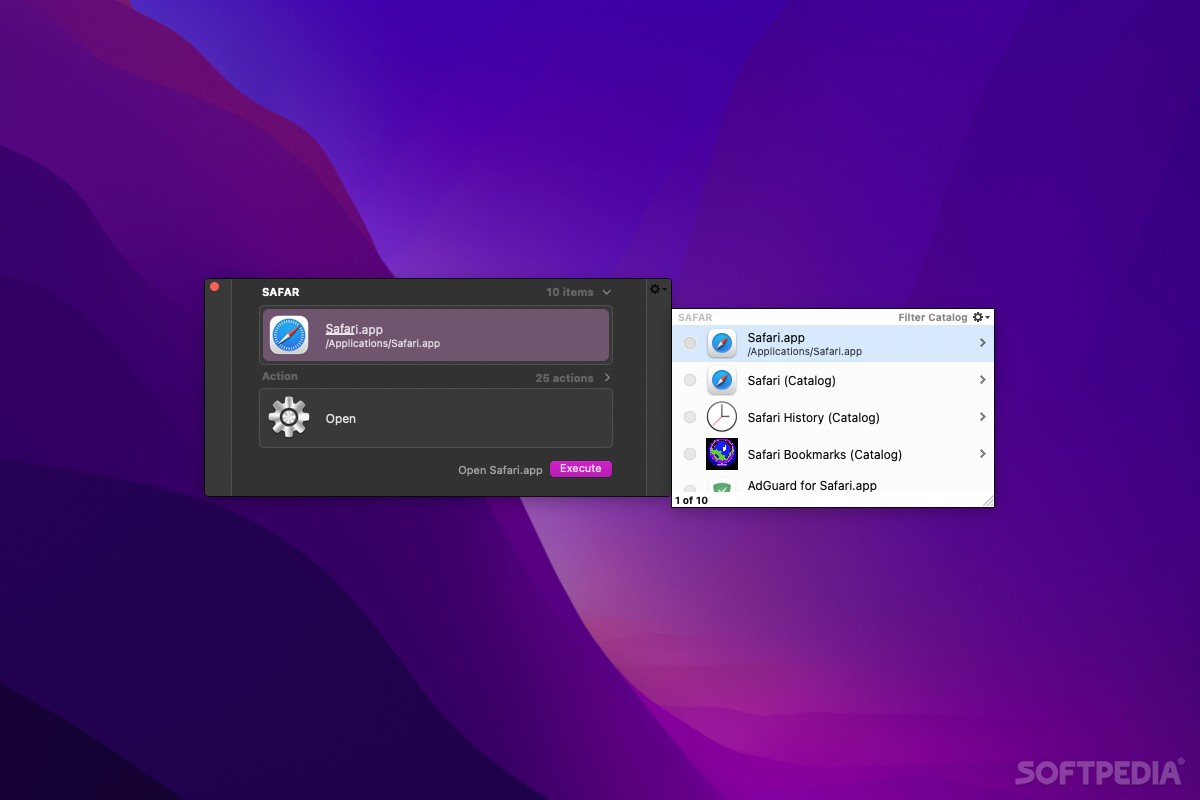
Quicksilver is an open source and very flexible macOS application for quickly finding files and performing a wide variety of actions using them as input. It is a suitable alternative to Spotlight as it comes with most of its functionality and also adds a number of other features designed to make it even more powerful.
Using only your keyboard, you can perform a myriad of actions. The key features that Quicksilver brings are faster searches, powerful keyboard integration, the ability to learn your most frequent actions, and plug-in support.
Quicksilver's interface can be launched with any hotkey (the default being Ctrl + Space). As soon as you start typing, it will display the most relevant search results and the complete search result list below the interface.
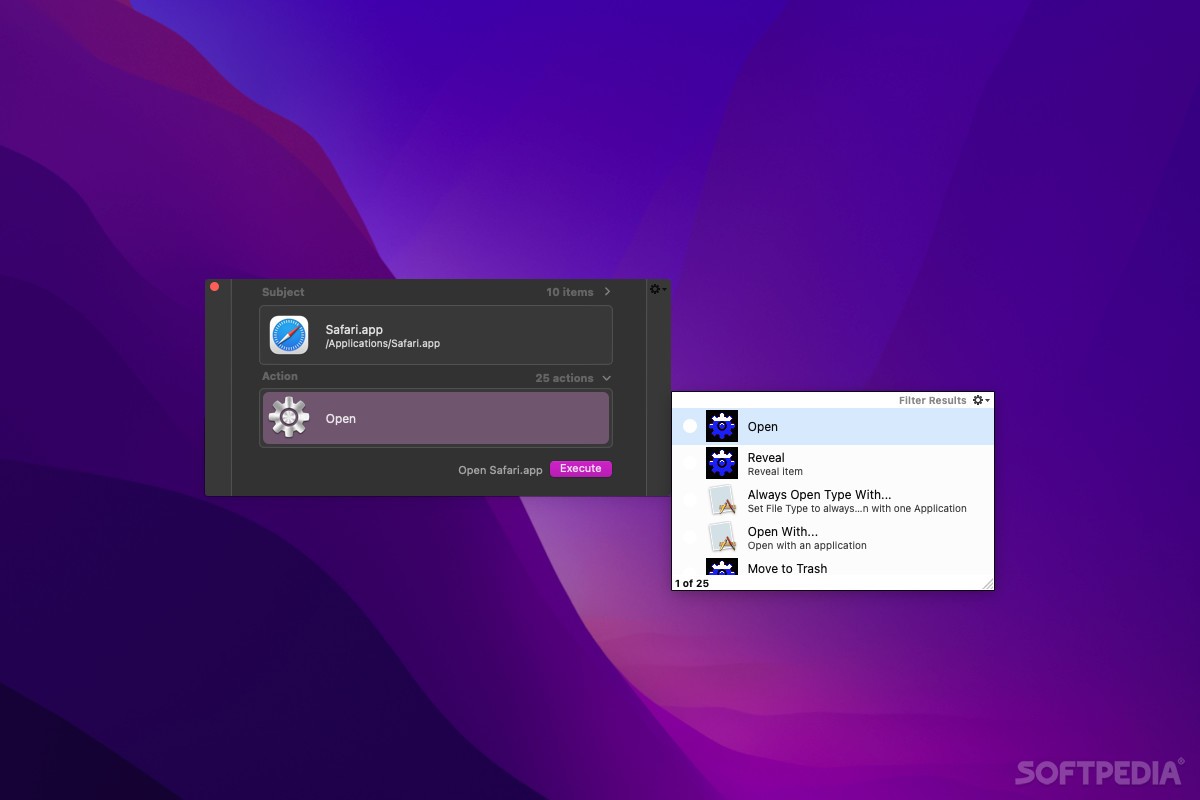
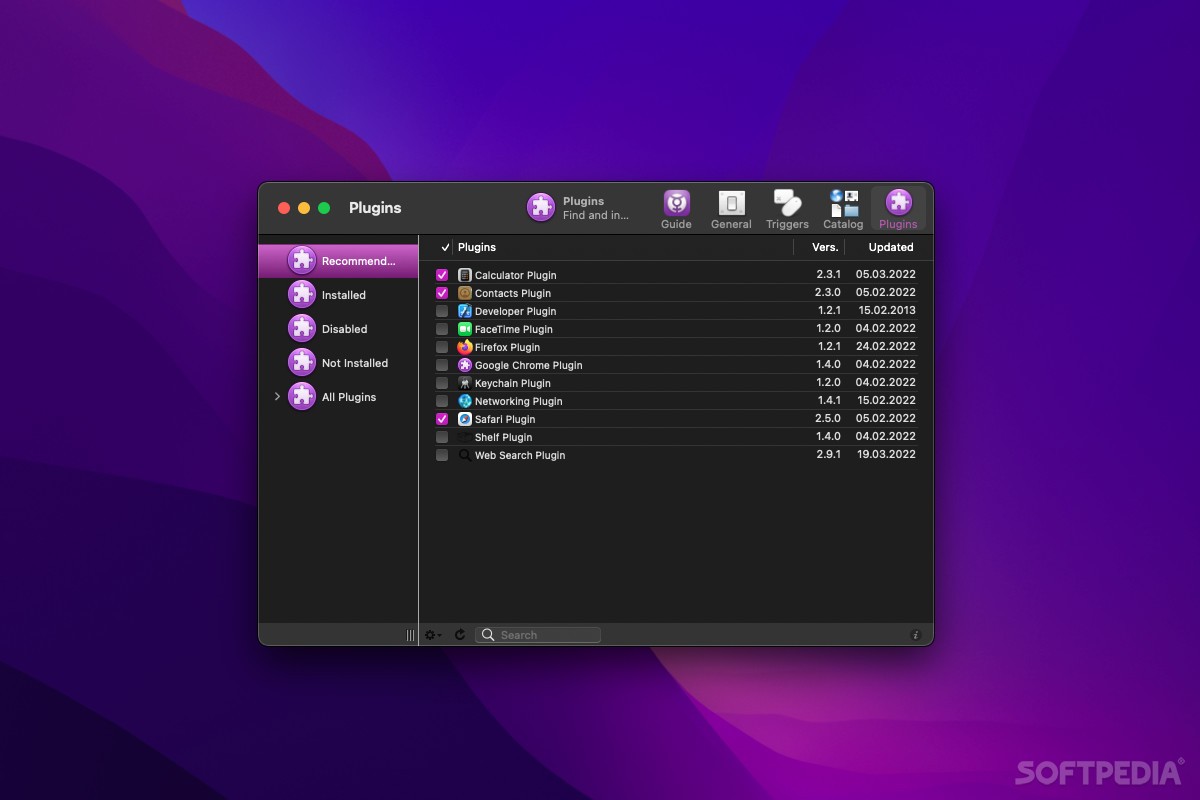
Depending on the item you've selected, various actions can be performed. First of all, files can be launched, but this is just the tip of the iceberg. Using the plug-ins for different applications (Mail, Finder, iTunes, FaceTime, Safari, etc.) you can send emails to your contacts, search the web, access browser bookmarks, and much more.
Moreover, Quicksilver finds data in your Mac through the Catalog - a place where you can add or remove folders and locations in your Mac's system that you want to be accessed.
As mentioned, Quicksilver comes with powerful keyboard shortcut support. Virtually any action can be performed using simple key combinations.
The Quicksilver utility features a modern, fluid and very eye-pleasant user interface and animations. In this sense, Quicksilver definitely delivers a good deal of eye-candy that adds to the elegance of macOS.
Quicksilver's functionality can also be extended with triggers, which perform specific commands whenever a keyboard shortcut is pressed.
In addition to this, you can store AppleScripts in your catalog in order to create triggers. You can also include several types of scripts such as text action, file action, three-pane ActionScripts, or custom ones.
With a wide range of functionality and enhanced accessibility, the Quicksilver application can't but deliver a suitable replacement to Spotlight and increase your day-to-day workflow considerably.
Download Hubs
Quicksilver is part of these download collections: Application Launchers
What's new in Quicksilver 2.4.2:
- Fixed:
- Force-disable superfluous visual effects on startup if running MacOS 14
- Fix a few (of the many) crashes related to QSProcessMonitor
Quicksilver 2.4.2
add to watchlist add to download basket send us an update REPORT- runs on:
- macOS 10.14 or later (Universal Binary)
- file size:
- 8.5 MB
- filename:
- Quicksilver.2.4.2.dmg
- main category:
- Utilities
- developer:
- visit homepage
calibre

Windows Sandbox Launcher

Context Menu Manager

Bitdefender Antivirus Free

Microsoft Teams

Zoom Client

7-Zip

IrfanView

ShareX

4k Video Downloader

- IrfanView
- ShareX
- 4k Video Downloader
- calibre
- Windows Sandbox Launcher
- Context Menu Manager
- Bitdefender Antivirus Free
- Microsoft Teams
- Zoom Client
- 7-Zip