
Unsophisticated PDF editor that allows you to make annotation, process editable content, rearrange the documents pages, and more. #Edit PDF #Annotate PDF #Split PDF #PDF #Edit #Split
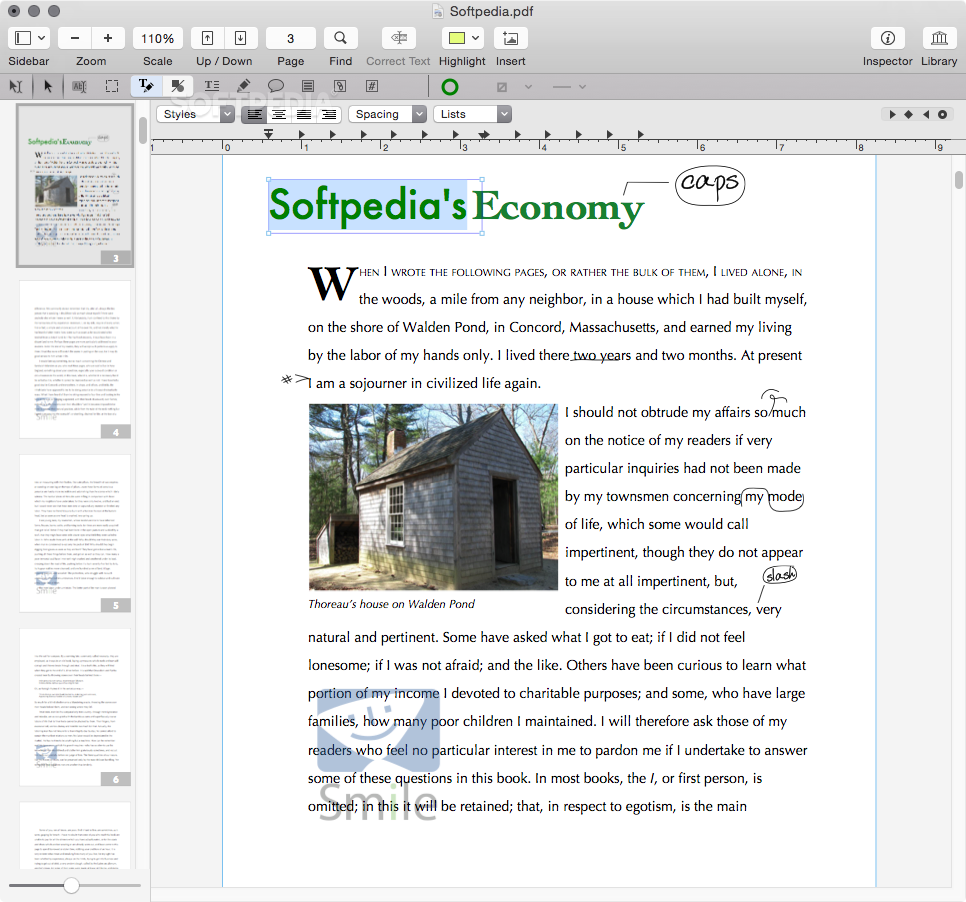
Sharing data via PDF documents is highly advisable because both the layout and the text format will remain the same regardless of the operating system you use to open the file. However, editing this type of file requires a specialized app, such as PDFpen.
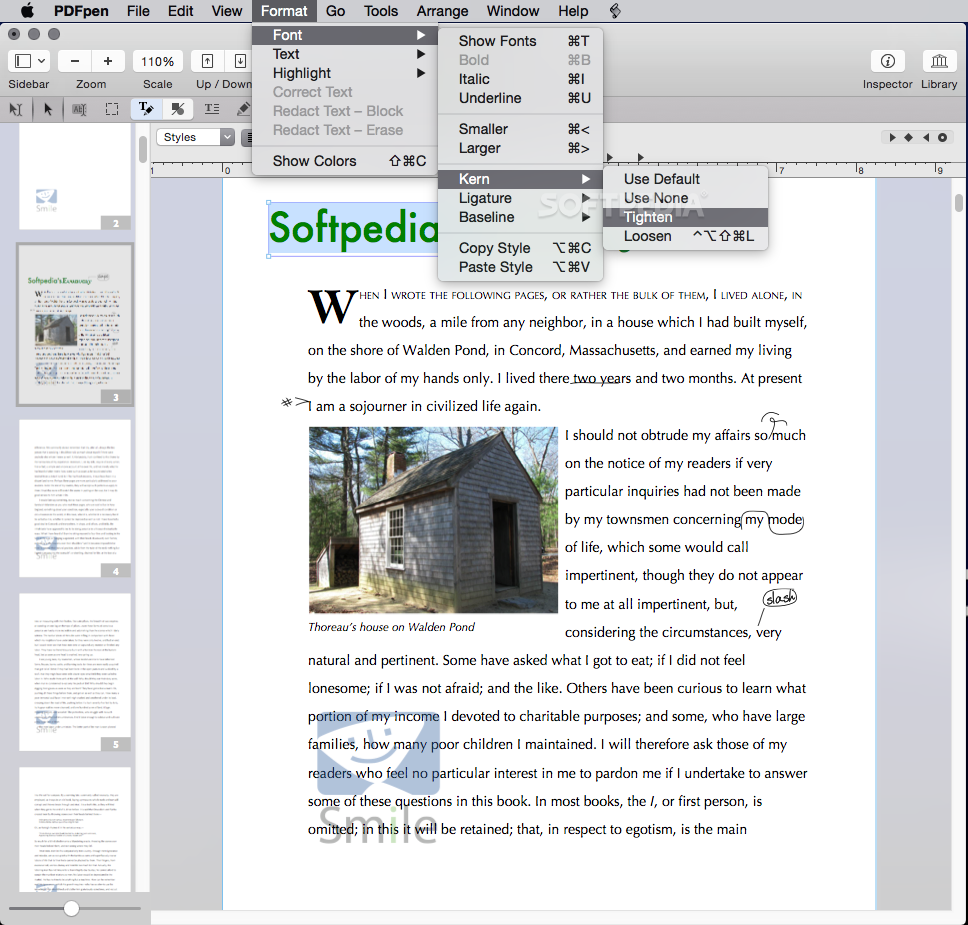
Note that PDFpen is able to edit text content from the original PDF only if the document is editable. Otherwise, you can only add various types of annotations and highlights on top of the original content.
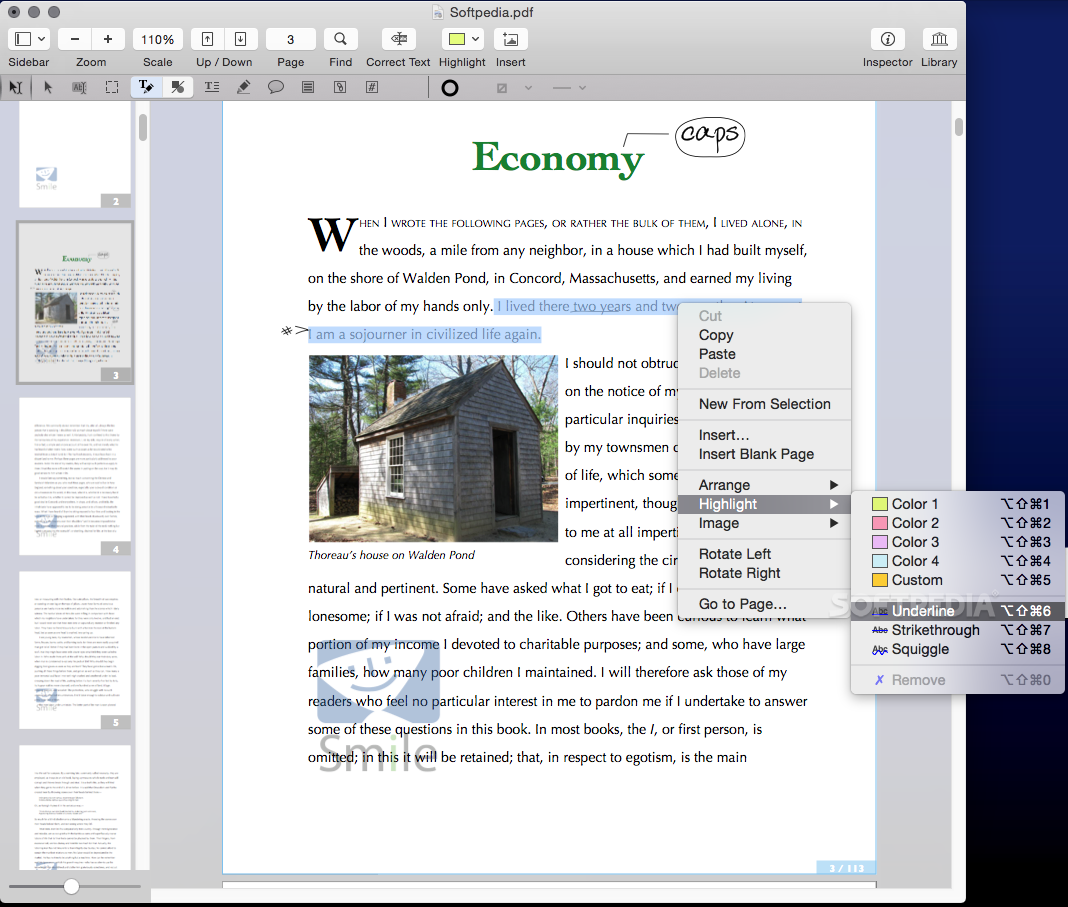
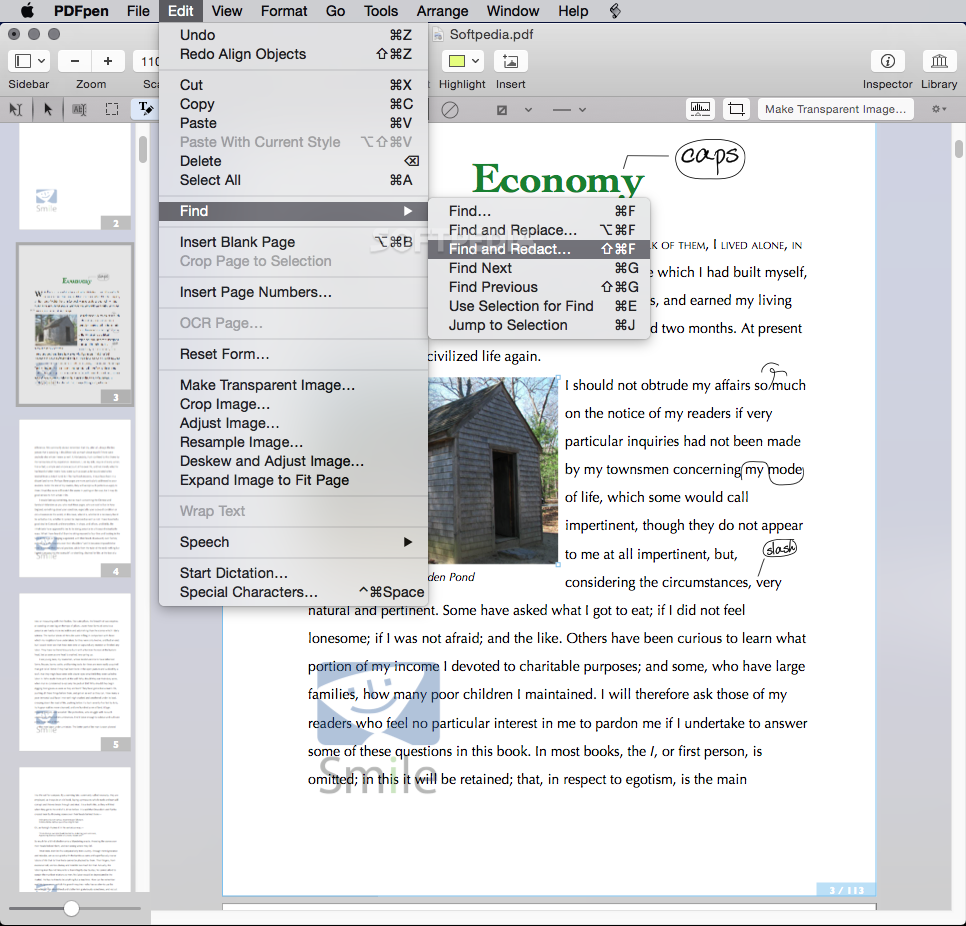
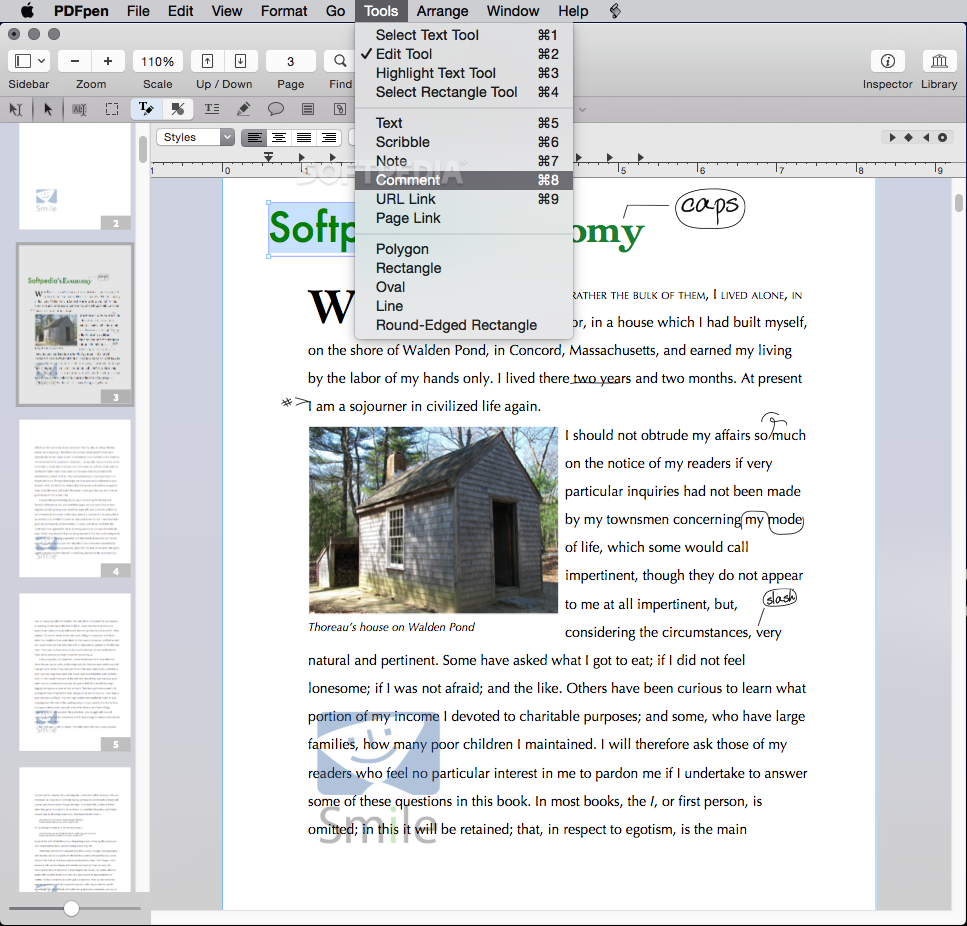
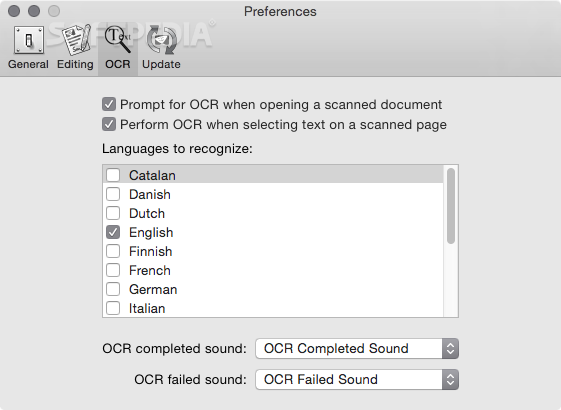
Finding your way around PDFpen is fairly intuitive: the app opens a new window for each PDF, and most of its capabilities can be accessed via buttons placed on the top toolbar. Note that PDFpen comes with OCR capabilities which can be applied on scanned documents.
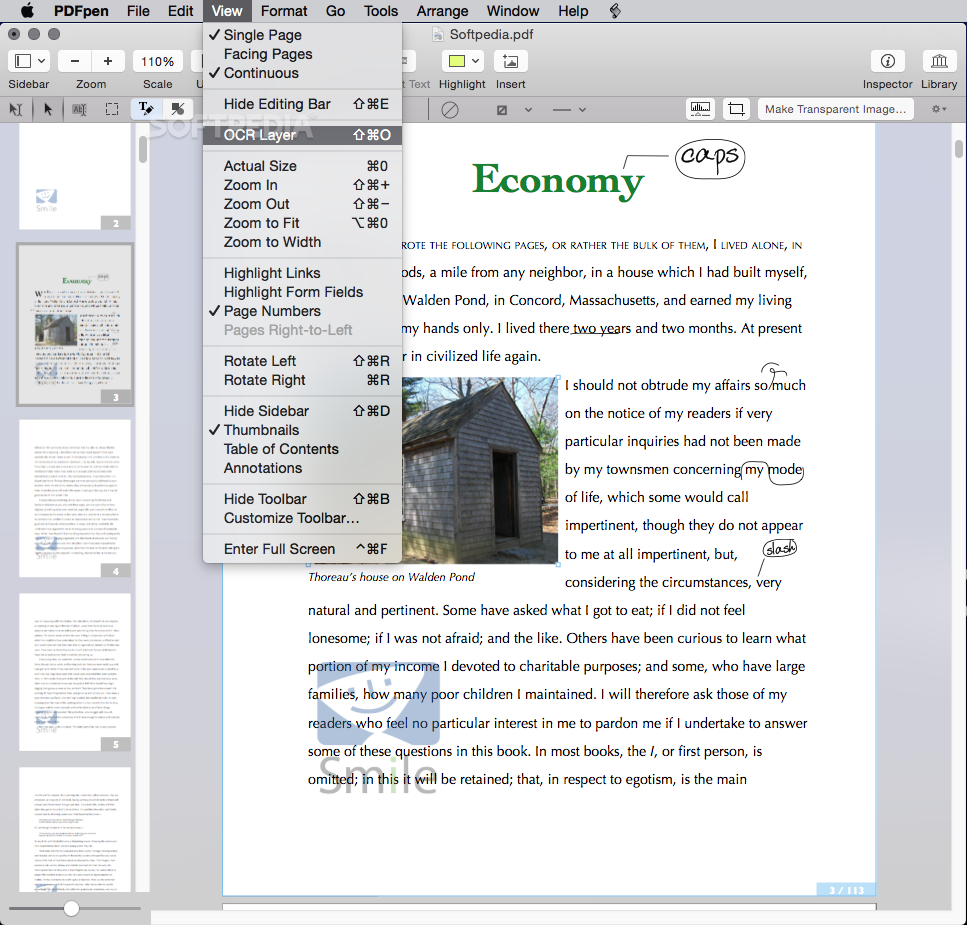
To get started, simply open a PDF or create a new document via the main “File” menu: you can easily add new pages, change the viewing mode, add page numbers, view the Table of Contents, make annotations, or highlight certain areas.
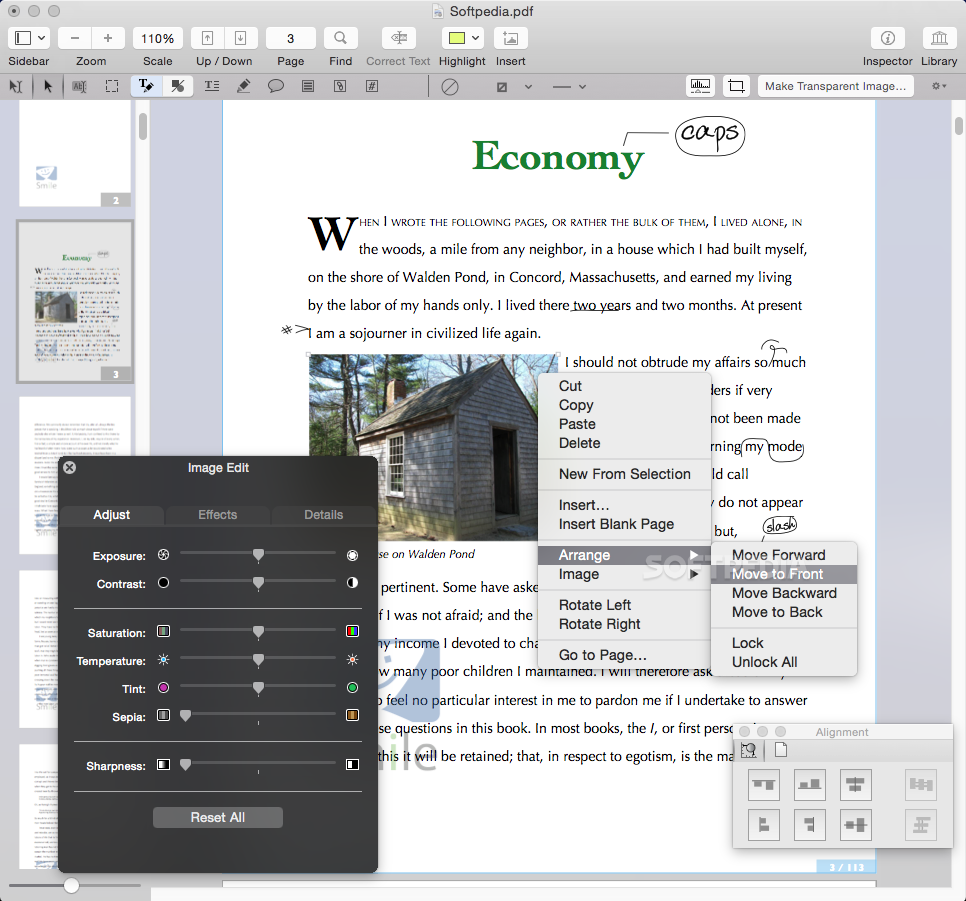
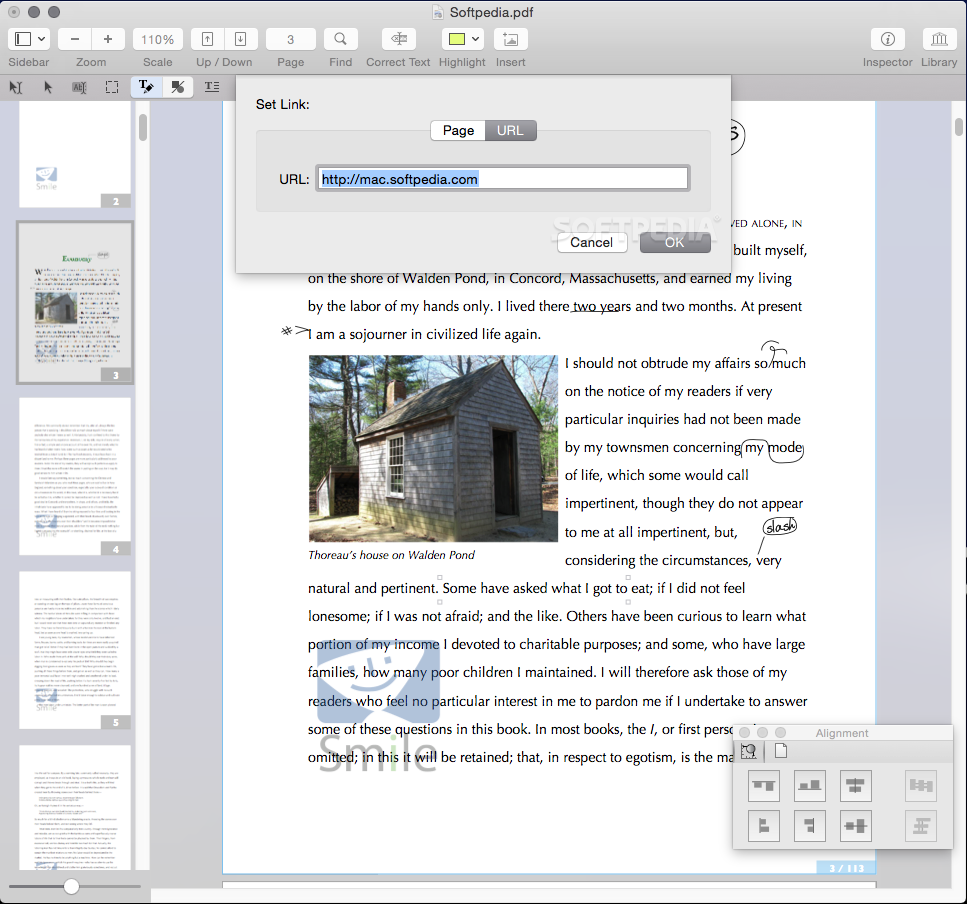
PDFpen comes with various text and object selection tools, markup capabilities for adding text, scribbles, comments, notes, or links, but also drawing tools for including various types of shapes, lines, or arrow highlights. Of course, you can easily change the text or shape color, the text highlight color, and much more.
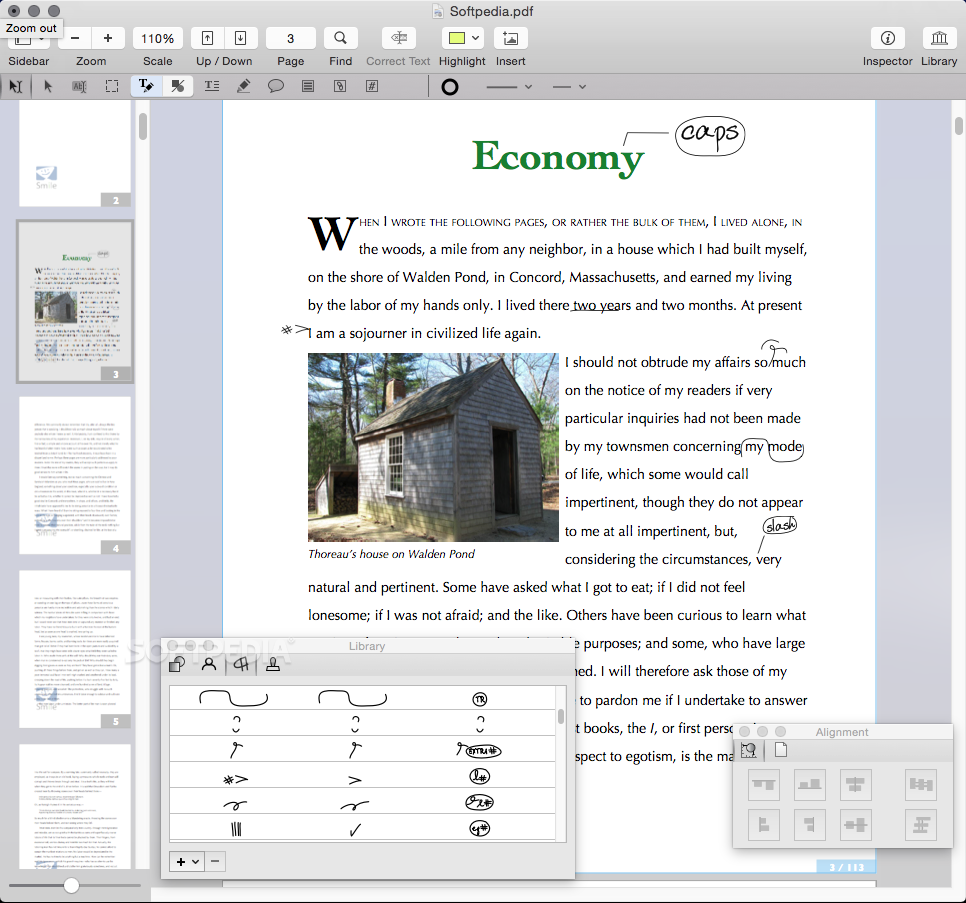
Noteworthy is that PDFpen comes with a Library window that provides access to different geometrical figures, proofreading marks, and stamps organized by category (Dynamic, Sign Here, or Standard Business). You also get to add your own images to the library and then insert them to your PDFs via drag and drop actions.
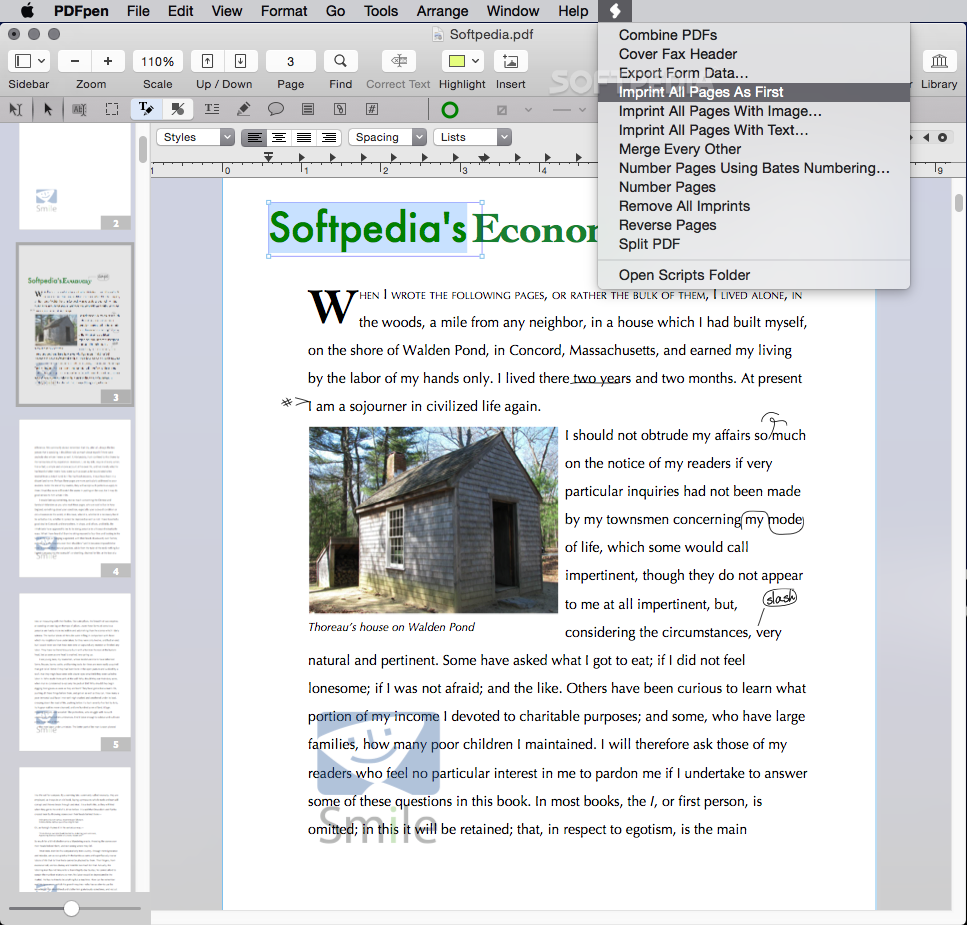
PDFpen is a good choice if you need to add your own comments to a PDF document, or even process the original file, as long as the content is editable. Besides the basic annotation tools, the fact that you can create your own symbols library has the potential of greatly improving your workflow.
What's new in PDFpen 13.1:
- Faster document scrolling and drawing
- Adds additional Sidebar modes to Preferences
- Updates OCR engine to CSDK 21 with Apple Silicon / M1 support
- Other fixes and improvements
PDFpen 13.1
add to watchlist add to download basket send us an update REPORT- runs on:
- macOS 10.14 or later (Universal Binary)
- file size:
- 222 MB
- filename:
- PDFpenPro_13.1.dmg
- main category:
- Games
- developer:
- visit homepage
Microsoft Teams

Zoom Client

4k Video Downloader

Windows Sandbox Launcher

7-Zip

IrfanView

Bitdefender Antivirus Free

calibre

Context Menu Manager

ShareX

- calibre
- Context Menu Manager
- ShareX
- Microsoft Teams
- Zoom Client
- 4k Video Downloader
- Windows Sandbox Launcher
- 7-Zip
- IrfanView
- Bitdefender Antivirus Free