
A powerful, light and reliable utility that provides the required tools to convert PDF documents and images into searchable PDFs #Convert PDF #Convert image #PDF converter #Convert #OCR #PDF
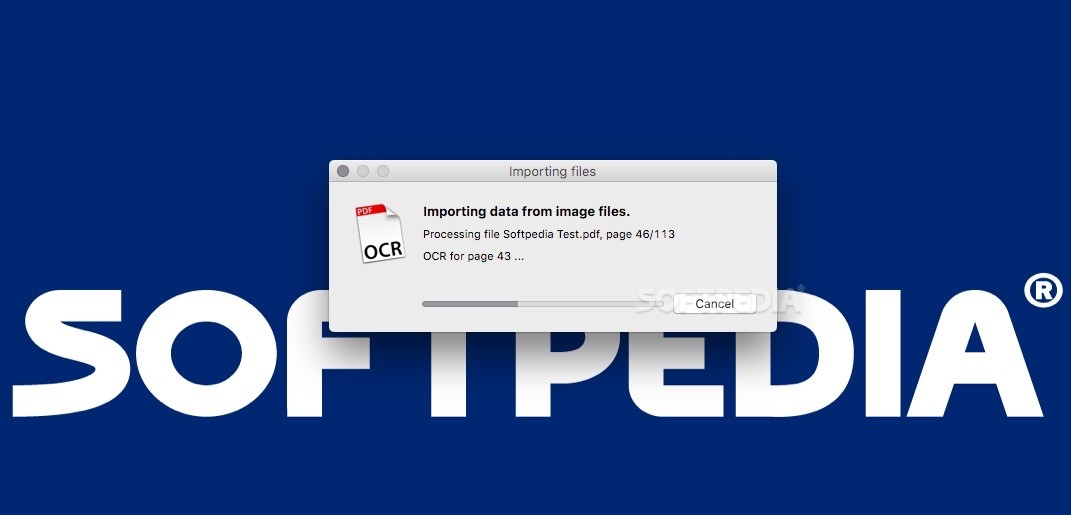
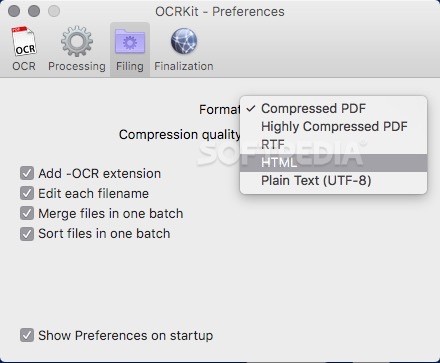
OCRKit is a handy and very easy-to-use macOS application that makes it easy for you to convert PDF documents and image files into searchable plain text files, RTF, HTML or PDF documents.
Thanks to OCRKit’s advanced Optical Character Recognition technology you have the option to convert your scanned or printed documents into searchable and editable files.
Consequently, OCRKit comes as a solution for Mac users that constantly receive PDF documents via email or created by DTP applications. With OCRKit’s help, you can improve your efficiency and streamline your workflow with ease.
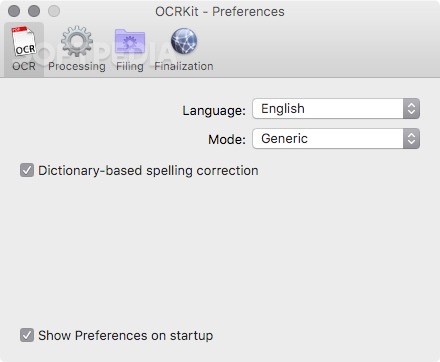
What is more, the featured OCR engine features support for numerous languages, such as English, German, French, Italian, Russian, Finnish, Swedish, Turkish, Ukrainian, Polish, Romanian, Czech and more.
On top of that, OCRKit offers support for a wide variety of file formats, from PDF and OpenEXR to TIFF, JPEG, PNG, PNM, GIF, PCX and other popular file formats.
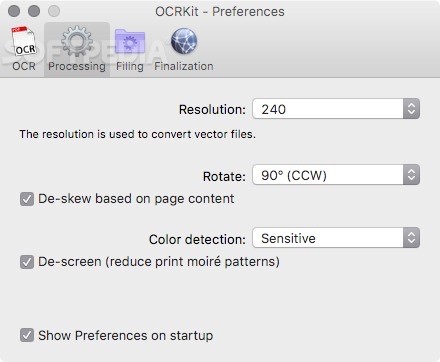
OCRKit also features an automatic page rotation function capable to determine the orientation of each scanned page and rotate it accordingly. This feature greatly improves your work speed as you no longer have to spend time sorting and stacking your pages before you scan them.
Moreover, OCRKit enables you to turn your office into an environmental friendly and paperless environment.
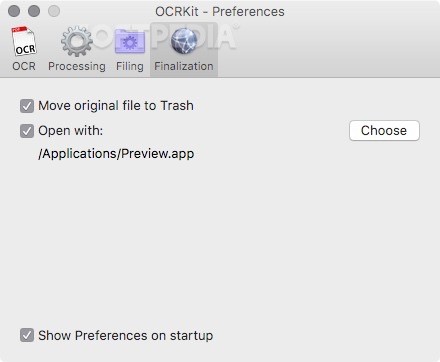
To start using OCRKit, you just have to drag and drop the desired document or image onto OCRKit’s Dock icon and let OCRKit do the hard work for you. You can adjust the processing settings, change the resolution and enable the de-screen and de-skew function via the Preferences window.
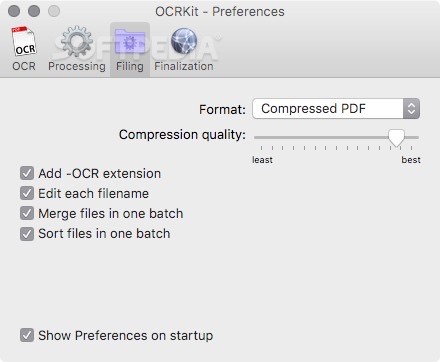
The language of the processes file can be easily changed, as well as the output format, compression quality and file generation settings.
What's new in OCRKit 20:
- Up to 8-times higher speed conversion on latest Mac
- Improved auto-rotation for high-resolution documents
- Highly Compressed PDF - file size reduction
- Improved recognition accuracy and stability
OCRKit 20.1.6
add to watchlist add to download basket send us an update REPORT- runs on:
- Mac OS X 10.6 or later (Intel only)
- file size:
- 14.5 MB
- filename:
- OCRKit-20.1.6.tar.gz
- main category:
- Utilities
- developer:
- visit homepage
Zoom Client

4k Video Downloader

Microsoft Teams

7-Zip

IrfanView

ShareX

Bitdefender Antivirus Free

calibre

Windows Sandbox Launcher

Context Menu Manager

- calibre
- Windows Sandbox Launcher
- Context Menu Manager
- Zoom Client
- 4k Video Downloader
- Microsoft Teams
- 7-Zip
- IrfanView
- ShareX
- Bitdefender Antivirus Free