
A customizable analog clock and desktop calendar for your Mac that enables you to easily keep track of time and set up event reminders. #Desktop watch #Analog watch #Analog clock #Clock #Time #Event
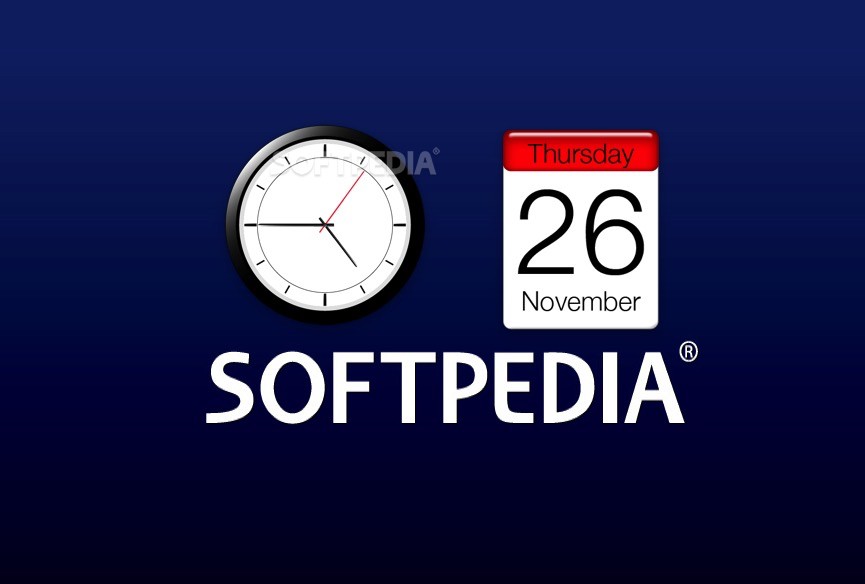
deepClock is a practical application that provides an analog clock with numerous stylish themes and a handy event manager and reminder.
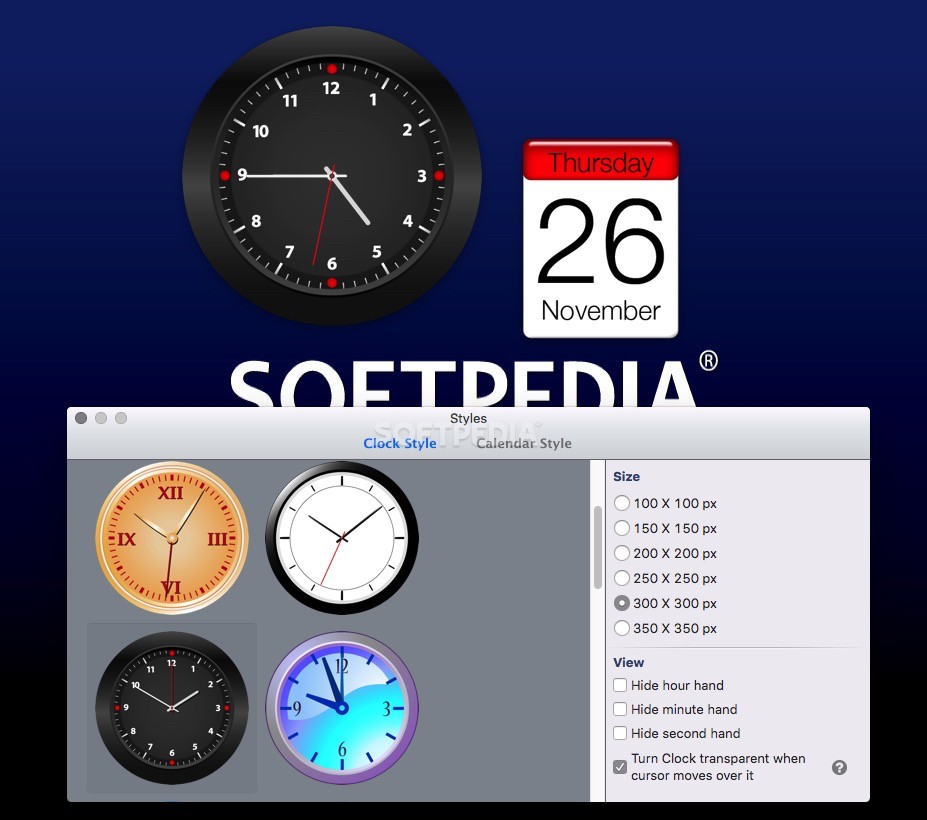
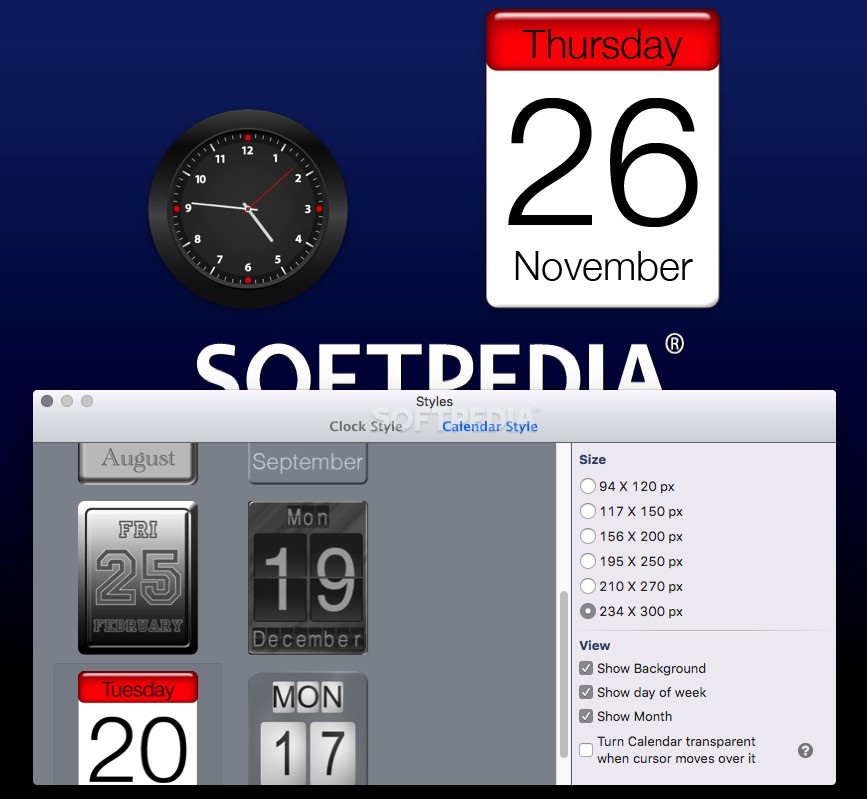
Thanks to deepClock you can decorate your desktop using fifteen different analog clock themes and eight calendar themes. You can also set up event reminders and keep track of all current and completed events with just a few mouse clicks.
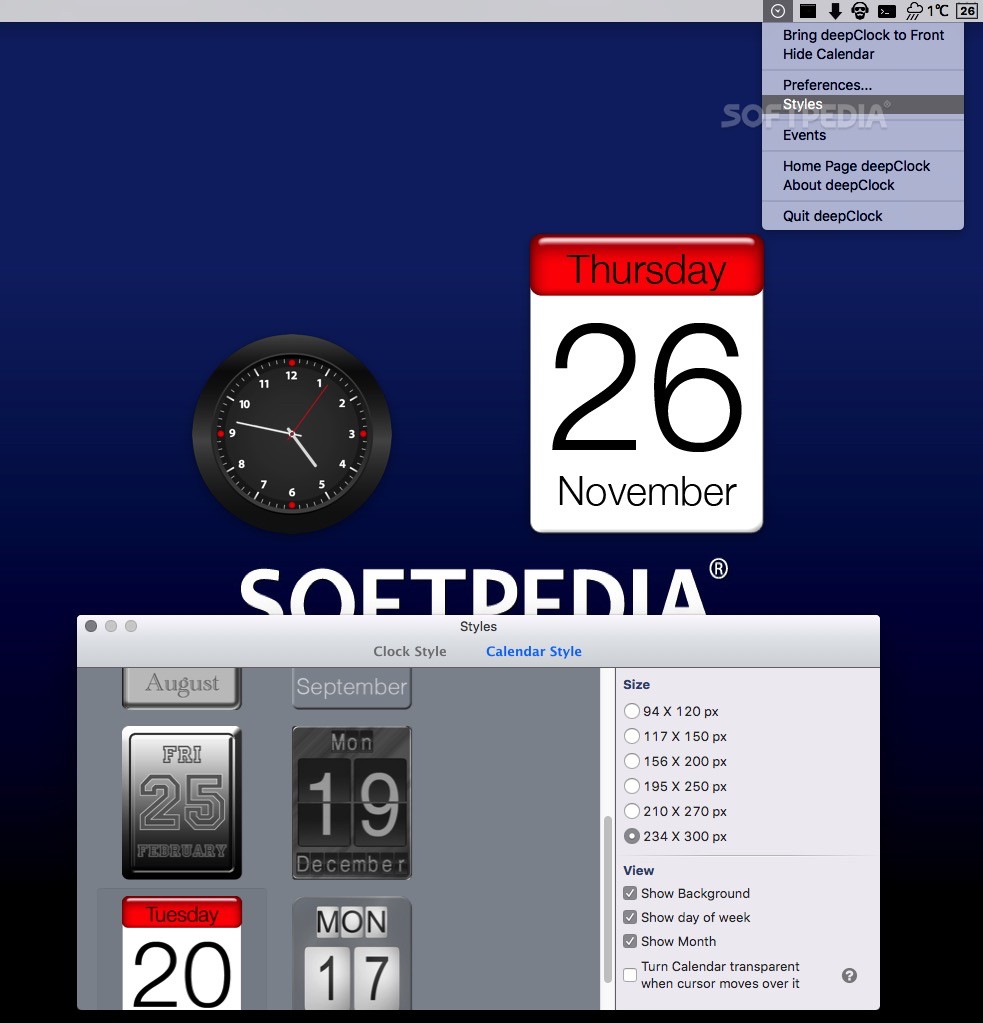
From deepClock’s status bar menu you can easily hide or show the calendar and display the clock widget on top of all other opened windows. You can also open the Events window, access the Preferences window and change the clock or calendar theme via the Styles window.
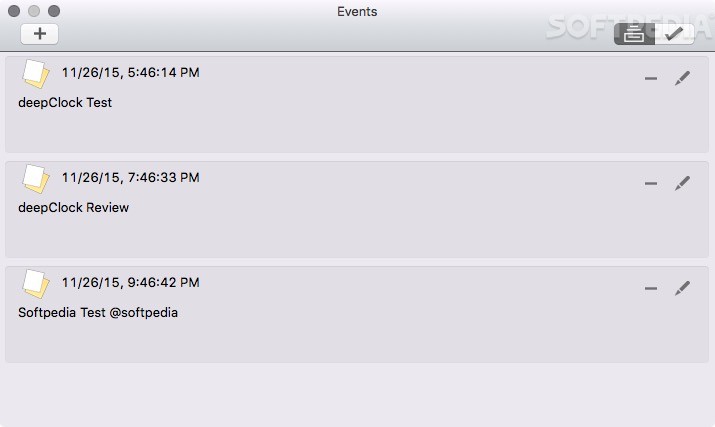
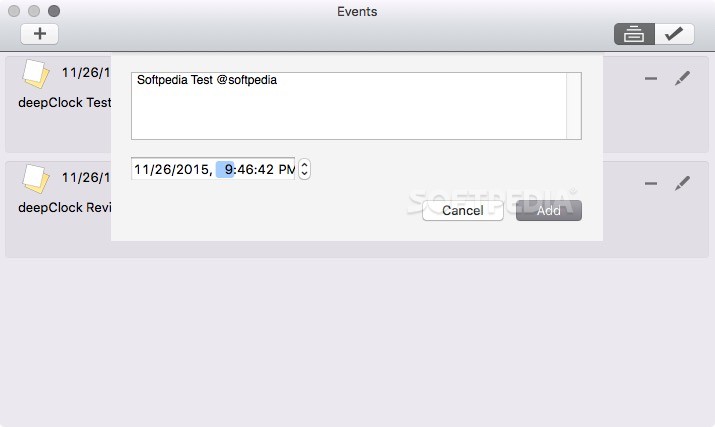
The Events window enables you to add, edit or remove current or completed events while the Styles window helps you change the clock or calendar theme. Both the calendar and the clock come with six different window sizes and the clock widget offers you the option to hide the hour, minute or seconds hand. You can make the clock or calendar widget transparent every time you hover the mouse cursor over it.
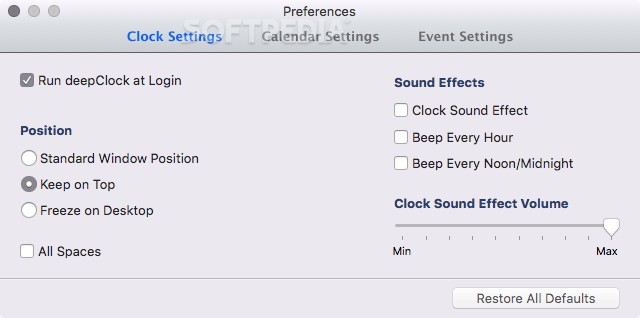
By accessing the Preferences window, you can configure deepClock to automatically start at login and enable various sound effects such as clock ticking, hourly sound notifications and noon / midnight notifications. On top of that, you can easily adjust the sound effects volume and change the behavior of the clock and calendar widgets.
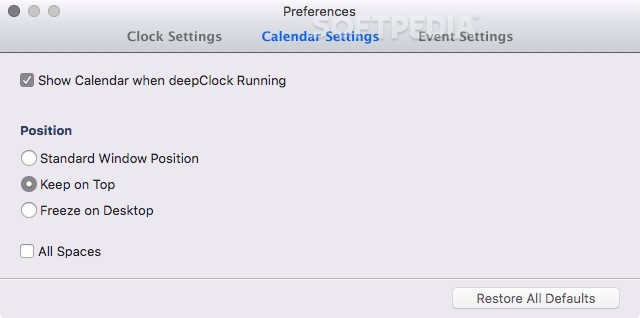
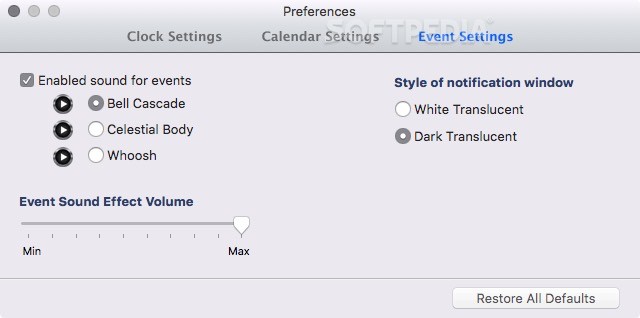
You can enable the calendar feature via the Calendar Settings tab and configure deepClock to display the analog clock and calendar on all your Mac’s desktop spaces. What is more, you can choose between three different sound notifications for your events and select a white or black transparent notification window.
DeepClock is a well-designed and very easy-to-use calendar, clock and event manager that enables you to keep track of your tasks and check the current date and time.
What's new in deepClock 1.11.2:
- Issue with Clock Sound Effect Volume slider has been fixed
deepClock 1.11.2
add to watchlist add to download basket send us an update REPORT- runs on:
- OS X 10.9 or later (Intel only)
- file size:
- 28.1 MB
- main category:
- Utilities
- developer:
- visit homepage
Bitdefender Antivirus Free

ShareX

Microsoft Teams

4k Video Downloader

7-Zip

calibre

Windows Sandbox Launcher

IrfanView

Zoom Client

paint.net

- IrfanView
- Zoom Client
- paint.net
- Bitdefender Antivirus Free
- ShareX
- Microsoft Teams
- 4k Video Downloader
- 7-Zip
- calibre
- Windows Sandbox Launcher