
Backing up your stuff has never been so easy. #Online backup #Backup scheduler #Backup automation #Backup #Back up #Scheduler
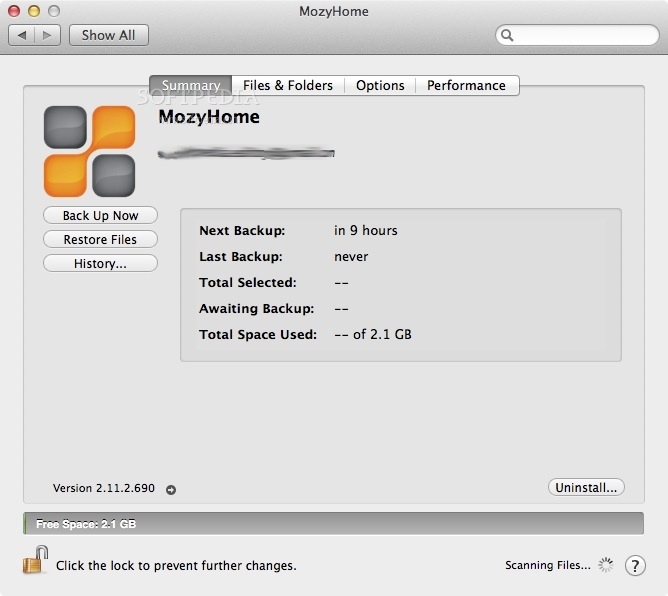
MozyHome is an easy-to-use, fast, and secure backup service for any computer in any home.
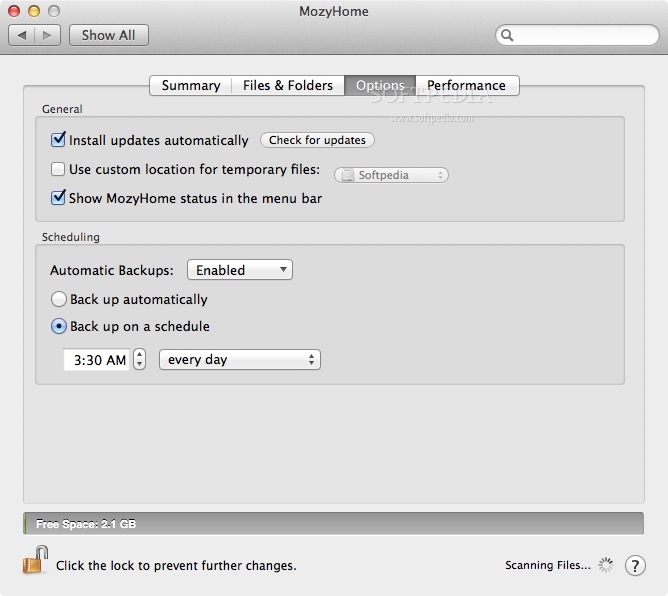
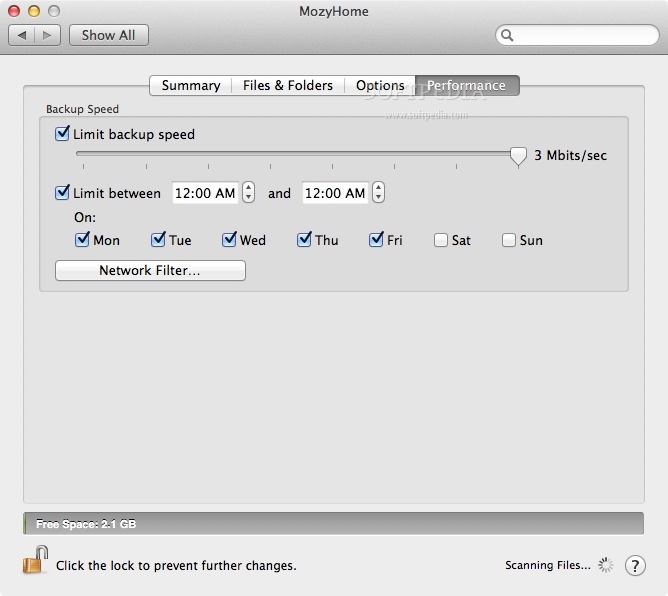
MozyHome does not require an external hard drive, expensive subscription services, CD's or DVD's to burn. All you need is a broadband connection and you are ready to go.
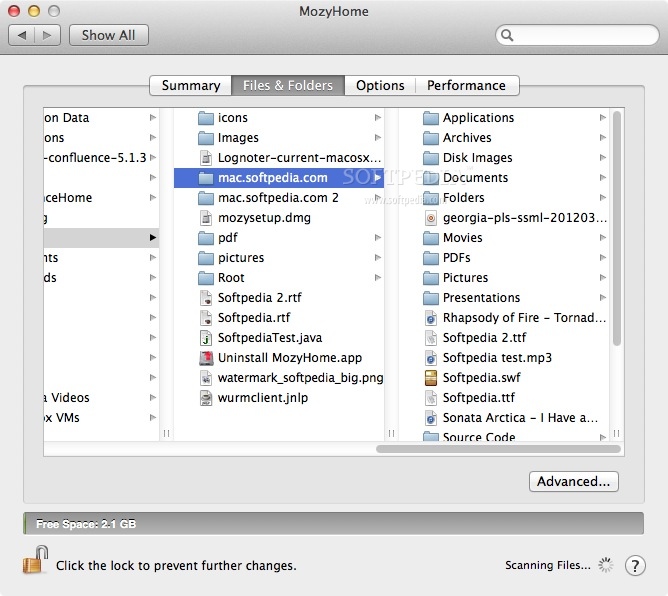
Mozy is an online backup service which keeps a backup copy of your files in one of our data centers. If you lose your original files, you can get a copy of them from Mozy.
Note that Mozy is not a file sharing or archiving service. Other people will not be able to download your files.
If you delete an original file on your computer, Mozy assumes that you no longer need a backup copy and will remove it from our servers after 30 days.
Moreover, Mozy only uploads new files and the parts of an existing file that have changed.
System requirements
- Backup Sets require Spotlight to be activated
- Internet connection
- Mozy account
What's new in MozyHome 2.16.1 Build 1648:
- New or Changed Features:
- There are no new or changed features in this release.
- Issues Fixed:
MozyHome 2.16.1 Build 1648
add to watchlist add to download basket send us an update REPORT- runs on:
- Mac OS X 10.7.0 or later (Intel only)
- file size:
- 14.2 MB
- filename:
- mozysetup.dmg
- main category:
- Utilities
- developer:
- visit homepage
paint.net

IrfanView

4k Video Downloader

7-Zip

Microsoft Teams

ShareX

Zoom Client

calibre

Windows Sandbox Launcher

Bitdefender Antivirus Free

- calibre
- Windows Sandbox Launcher
- Bitdefender Antivirus Free
- paint.net
- IrfanView
- 4k Video Downloader
- 7-Zip
- Microsoft Teams
- ShareX
- Zoom Client