
Offers you the possibility to quickly connect to a Windows-based computer in order to work with its programs and files, access data and more. #Remote desktop #Remote connection #Remote assistance #Desktop #Remote #Connection
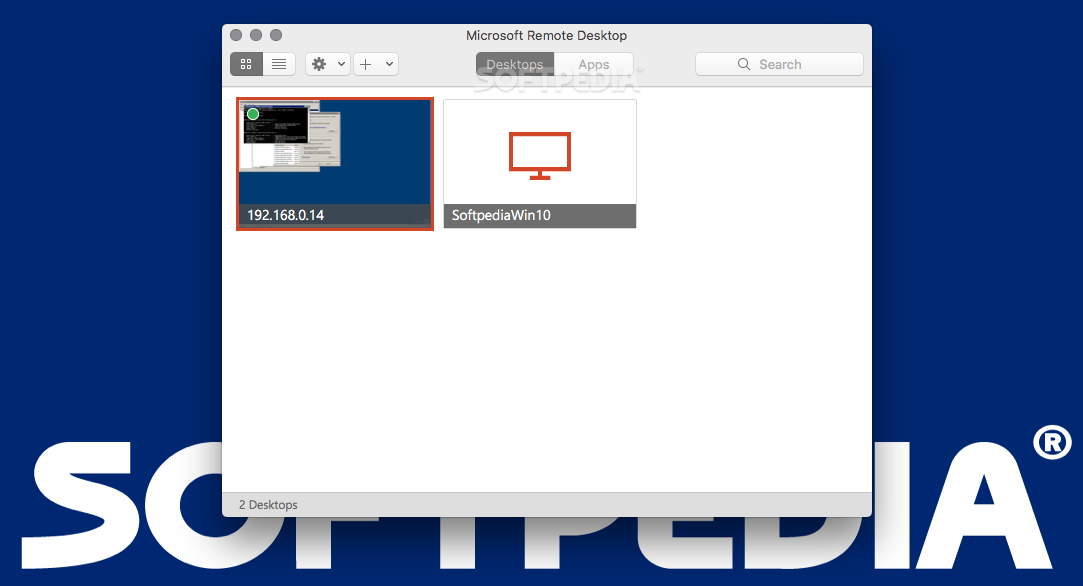
Being able to access computers from a remote location helps you avoid a lot of hustle: you can offer support, access data stored on the target computer and more.
Microsoft Remote Desktop is a small yet very useful utility that allows you to remotely connect to Windows workstations from your Mac.
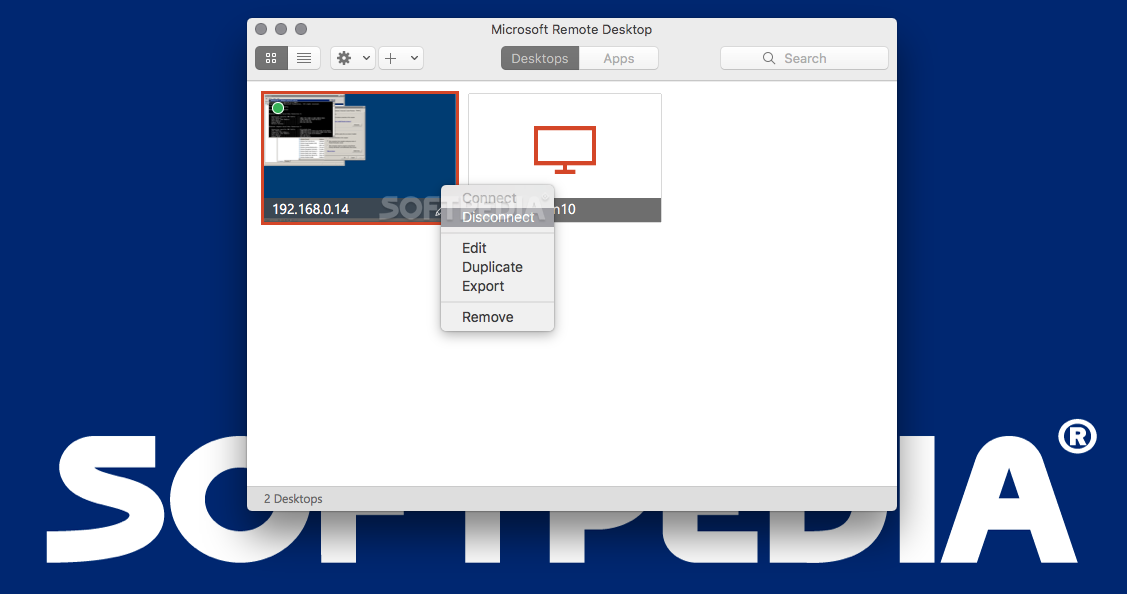
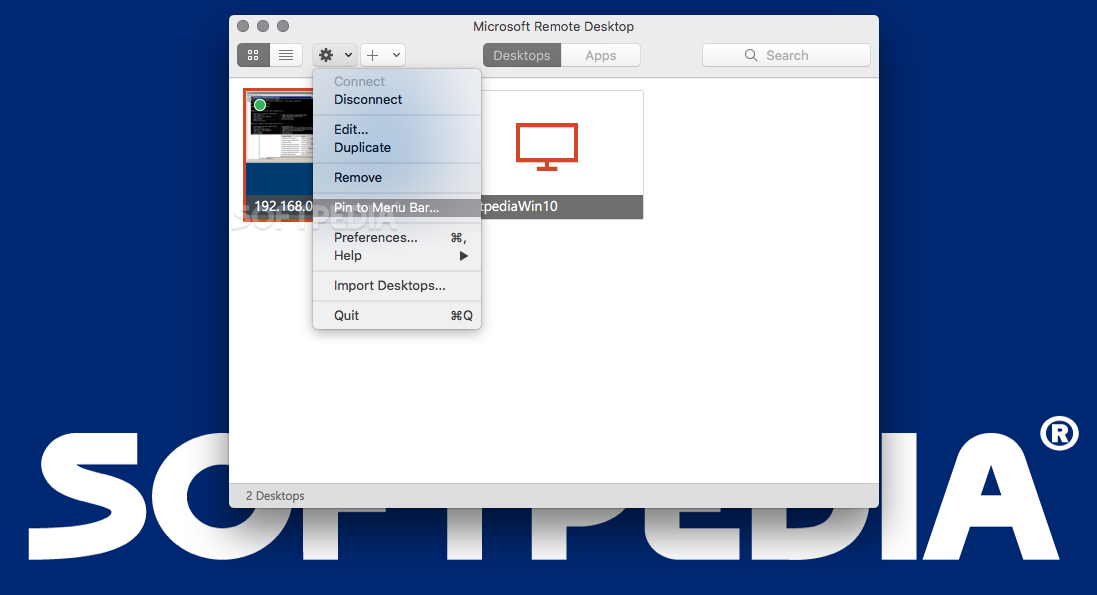
All your remote connections will have to be managed via the Microsoft Remote Desktop main window: you can save different configurations and then connect to various machines through a simple mouse click.
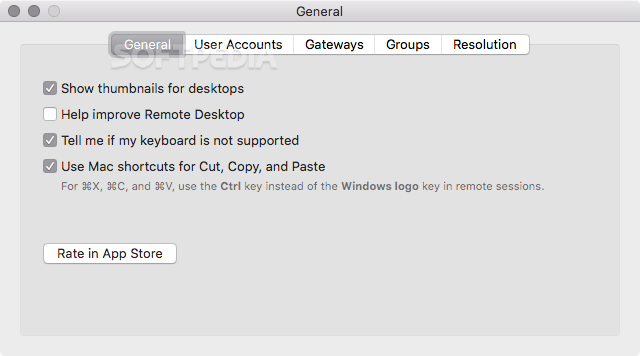
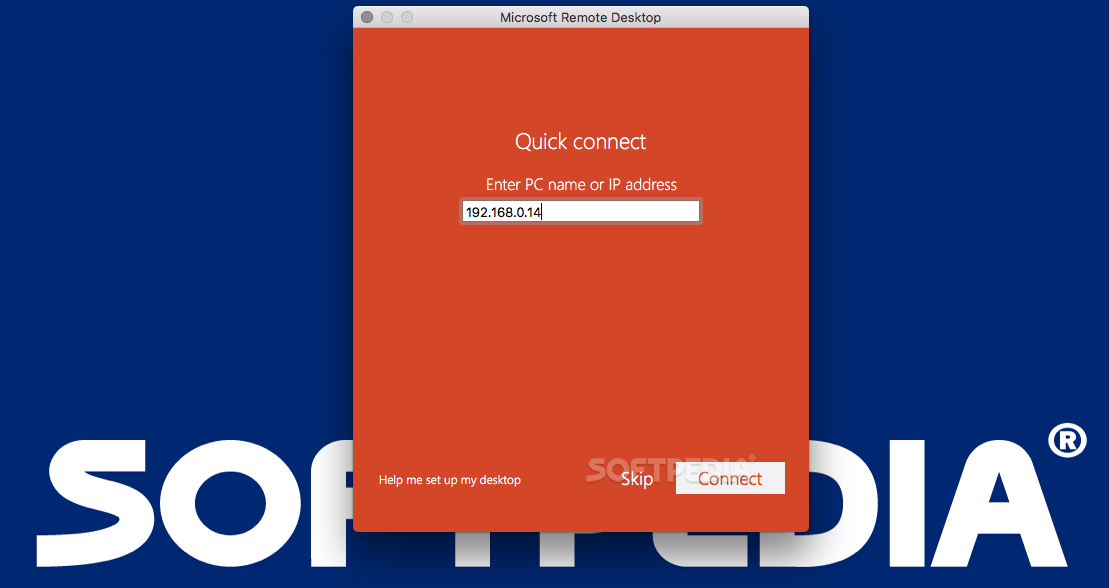
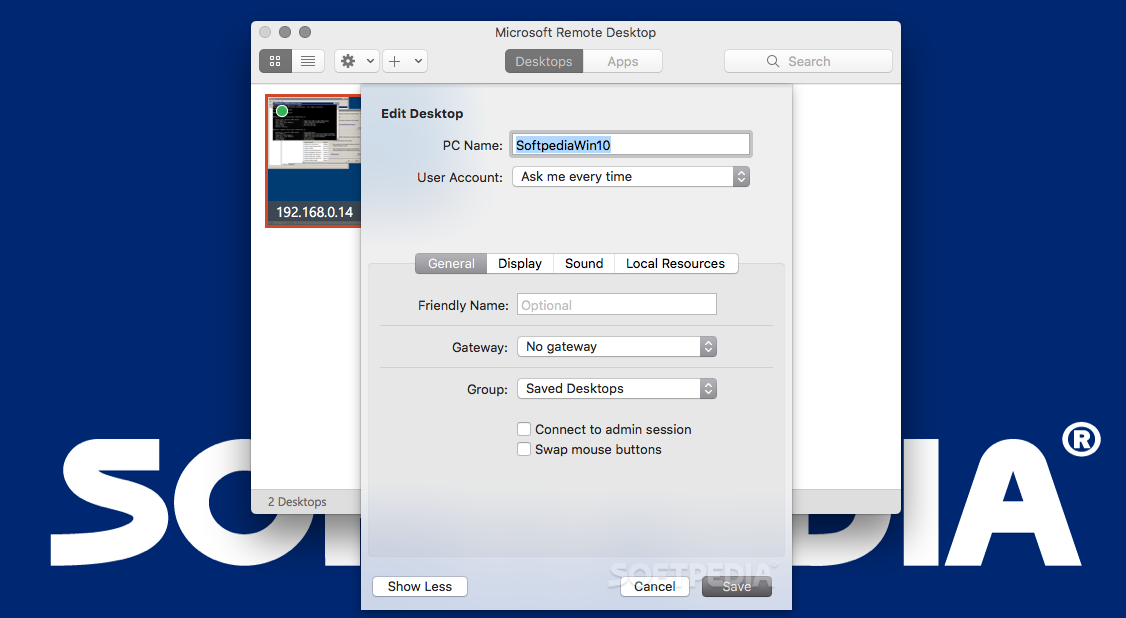
To get started, press the “New” button placed on the top window toolbar and start configuring the connection by providing a friendly name for the target computer, the PC name (host name or IP address), the gateway (you can set it up in the Preferences), the credentials required, and adjust details about the resolution and screen mode.
Take into account that the target PC must be able to accept remote connection: there are certain settings that must be performed on the Windows computer beforehand. To learn more about that, you can read the online support documentation provided by Microsoft.
When you configure a connection, Microsoft Remote Desktop enables you to decide what resolution should be used, the color quality, the full screen mode, if you want to start the session in full screen, if you will use all monitors, or if the content should be scaled.
Moreover, you can choose to play the sound on device, on the remote PC, or not at all, to connect to admin sessions, to forward printing devices, to swap mouse buttons, or to enable folder redirection.
Microsoft Remote Desktop provides a simple and intuitive solution for quickly setting up remote connections between your Mac and various Windows machines. This is extremely useful if you need to access data stored on Windows computers, if you want to make real time presentations, and more.
What's new in Microsoft Remote Desktop 10.9.6:
- It's time to clean house and fix some bugs! This update includes fixes for bugs reported by users and internal telemetry. Note that starting from this release we only support macOS 12, 13 and 14.
Microsoft Remote Desktop 10.9.6
add to watchlist add to download basket send us an update REPORT- runs on:
- macOS 12.0 or later (Universal Binary)
- file size:
- 61.8 MB
- filename:
- Microsoft_Remote_Desktop_10.9.6_installer.pkg

- main category:
- Utilities
- developer:
- visit homepage
Bitdefender Antivirus Free

4k Video Downloader

Windows Sandbox Launcher

Context Menu Manager

calibre

Zoom Client

7-Zip

IrfanView

Microsoft Teams

ShareX

- IrfanView
- Microsoft Teams
- ShareX
- Bitdefender Antivirus Free
- 4k Video Downloader
- Windows Sandbox Launcher
- Context Menu Manager
- calibre
- Zoom Client
- 7-Zip