
Free and user-oriented comic book viewing app that can read CBZ and CBR archives, as well as PDF documents and popular image formats, such as PNG, TIFF, JFIF, JPEG and GIF. #Comic viewer #Comic archive #Comic book #Comic #Ebook #Archive
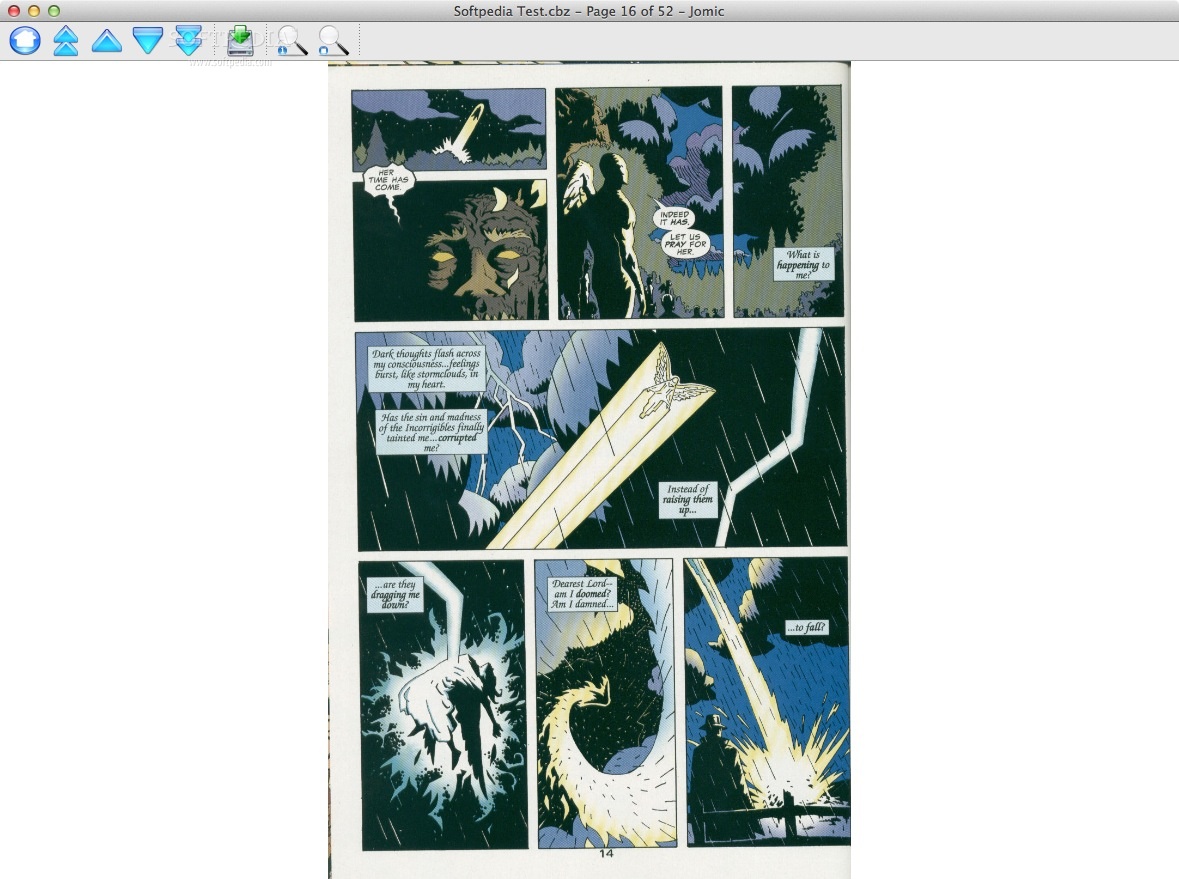
Comic books are usually shared using special types of archives focused of presenting the included images sequentially. The comic book data is compressed using popular archive file formats, such as RAR or ZIP, resulting CBR or CBZ files.
To open such archives you need appropriate applications that are able to preserve and render the images in order. Jomic is a great comic book viewing application that can read CBZ and CBR archives, but also PDF documents. The app is able to deal with popular image formats, such as PNG, TIFF, JFIF, JPEG and GIF.
The Jomic installation process is very straightforward: simply copy the app to your disc. Jomic will also create a contextual menu entry, allowing you to open comic books via right click.
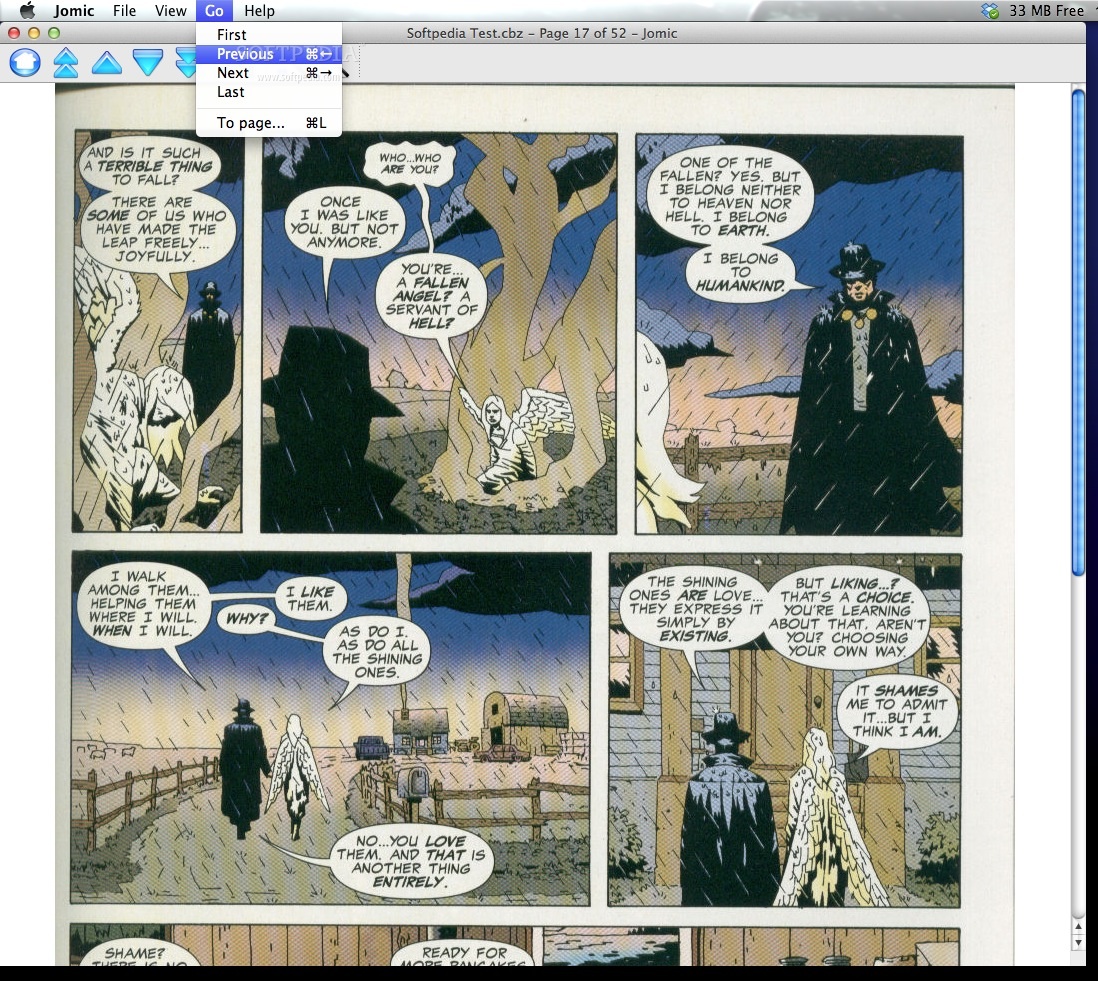
The Jomic main window is quite simple, organized and fairly intuitive. The main area is reserved for the comic book content, while the top toolbar includes buttons for browsing the document, exporting the current image or zooming in and out.
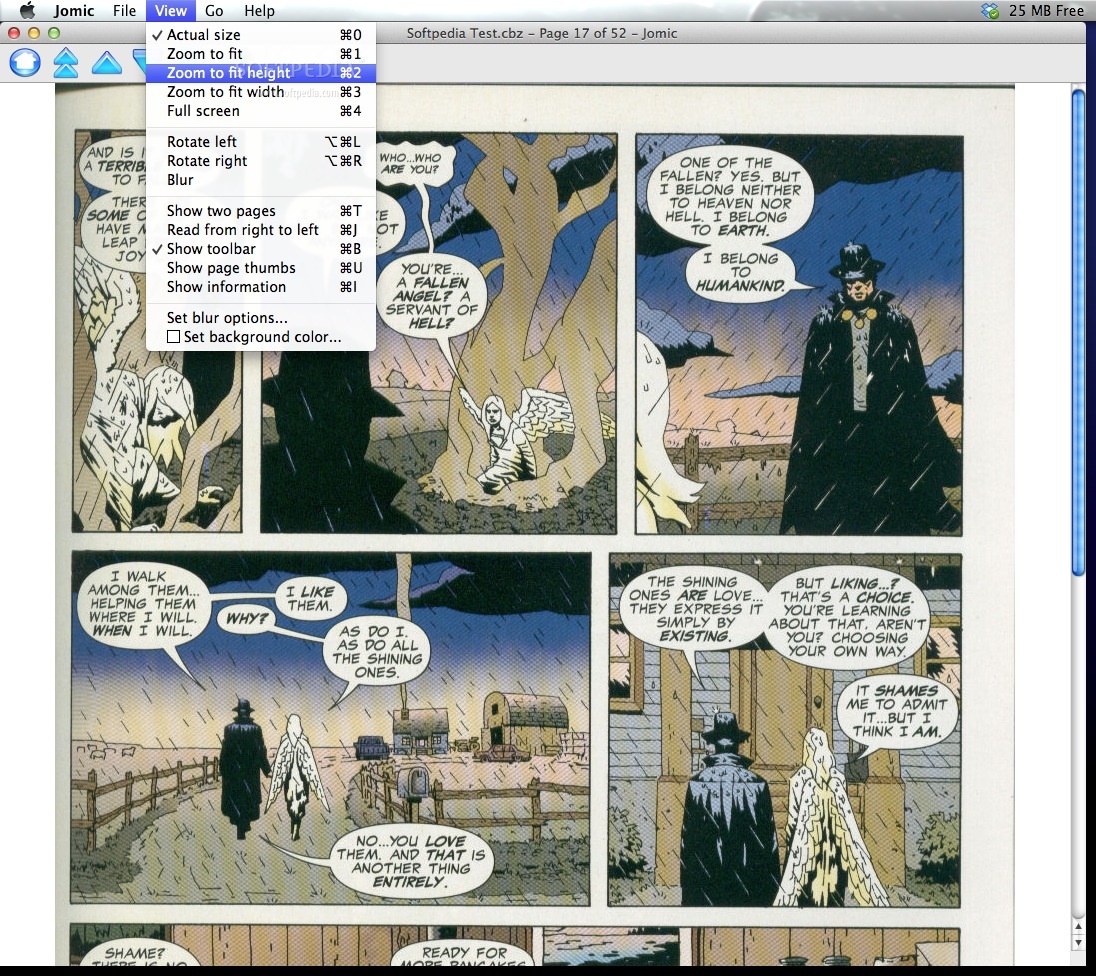
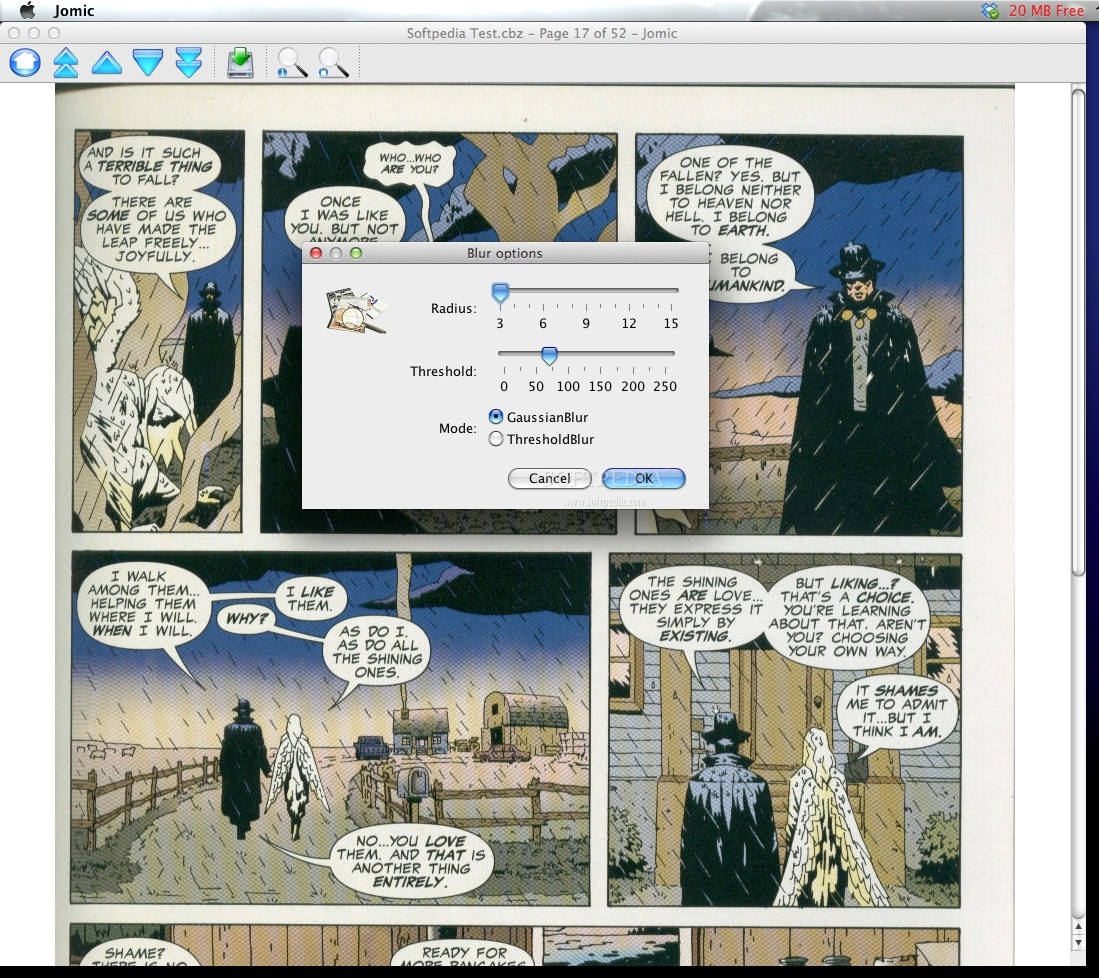
The Jomic View menu includes many more options when it comes to the image size: you can enlarge it to the actual size, zoom to fit the window, zoom to fit weight or width. You also have the possibility to browse the comic book in full screen mode. You can rotate the image left or right and create a blur effect.
Jomic enables you to view two pages at the same time or to read the books from right to left (for eastern comics). Jomic can display page thumbnails and page information. The app also enables you to change the background color.
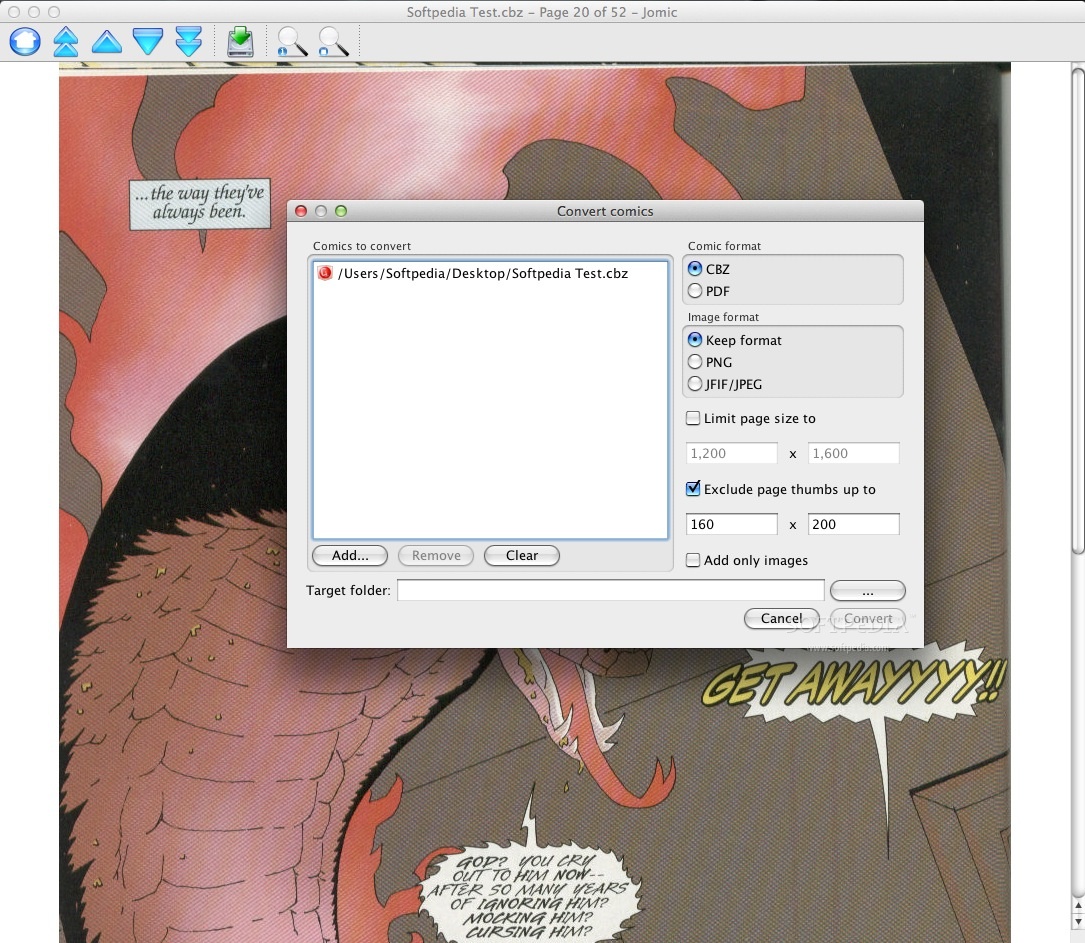
Jomic comes with a built in conversion tool that offers you the possibility to quickly transform comics into CBZ or PDF documents while keeping the original image formats or using only PNG or JFIF/JPG files. You may also limit the page size or exclude page thumbs.
Jomic is a very efficient solution when it comes to reading comic books: the app includes extensive zooming options but also takes into account the general comic book dynamic.
What's new in Jomic 0.9.34:
- Fixed missing Windows start menu entry and shortcuts when using installer.
- Added support for environment variable JAVA_HOME to chose a specific JVM in the Windows launcher jomic.bat.
Jomic 0.9.34
add to watchlist add to download basket send us an update REPORT- runs on:
- Mac OS X 10.4 or later (PPC & Intel)
- file size:
- 10.9 MB
- filename:
- Jomic-0.9.34.dmg
- main category:
- Utilities
- developer:
- visit homepage
Bitdefender Antivirus Free

ShareX

calibre

paint.net

Microsoft Teams

7-Zip

Windows Sandbox Launcher

4k Video Downloader

Zoom Client

IrfanView

- 4k Video Downloader
- Zoom Client
- IrfanView
- Bitdefender Antivirus Free
- ShareX
- calibre
- paint.net
- Microsoft Teams
- 7-Zip
- Windows Sandbox Launcher