
Quickly find and manage your photos through keywords, descriptions or metadata. #Find photo #Photo finder #Photo tagger #Find #Photo #Finder
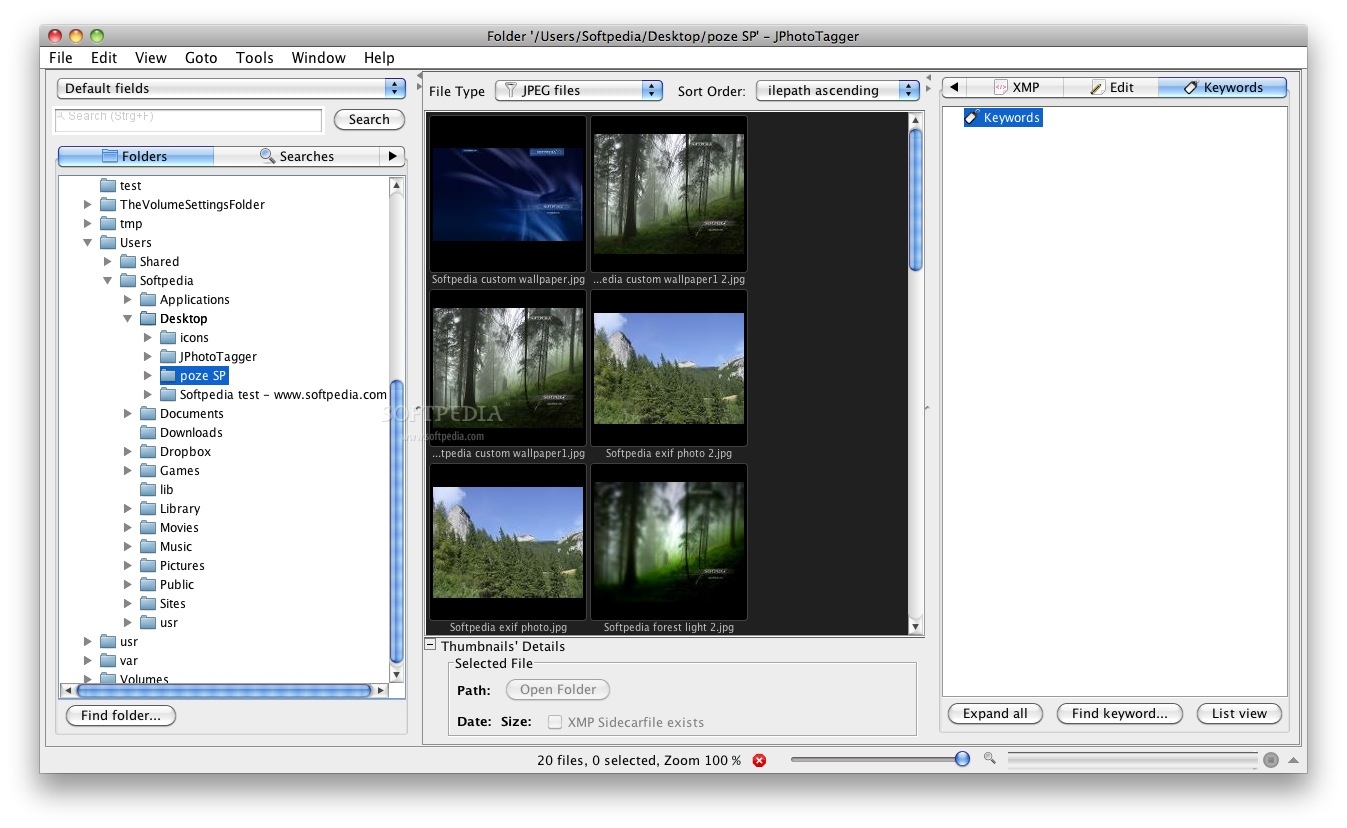
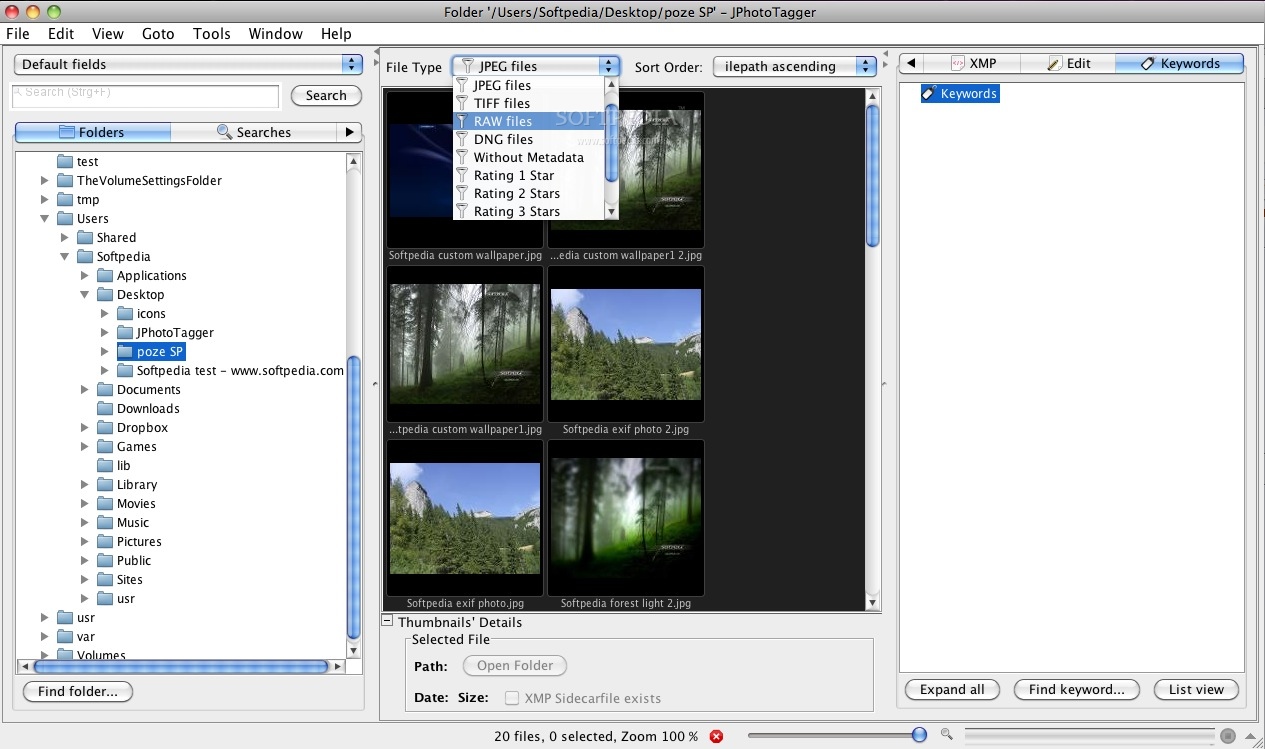
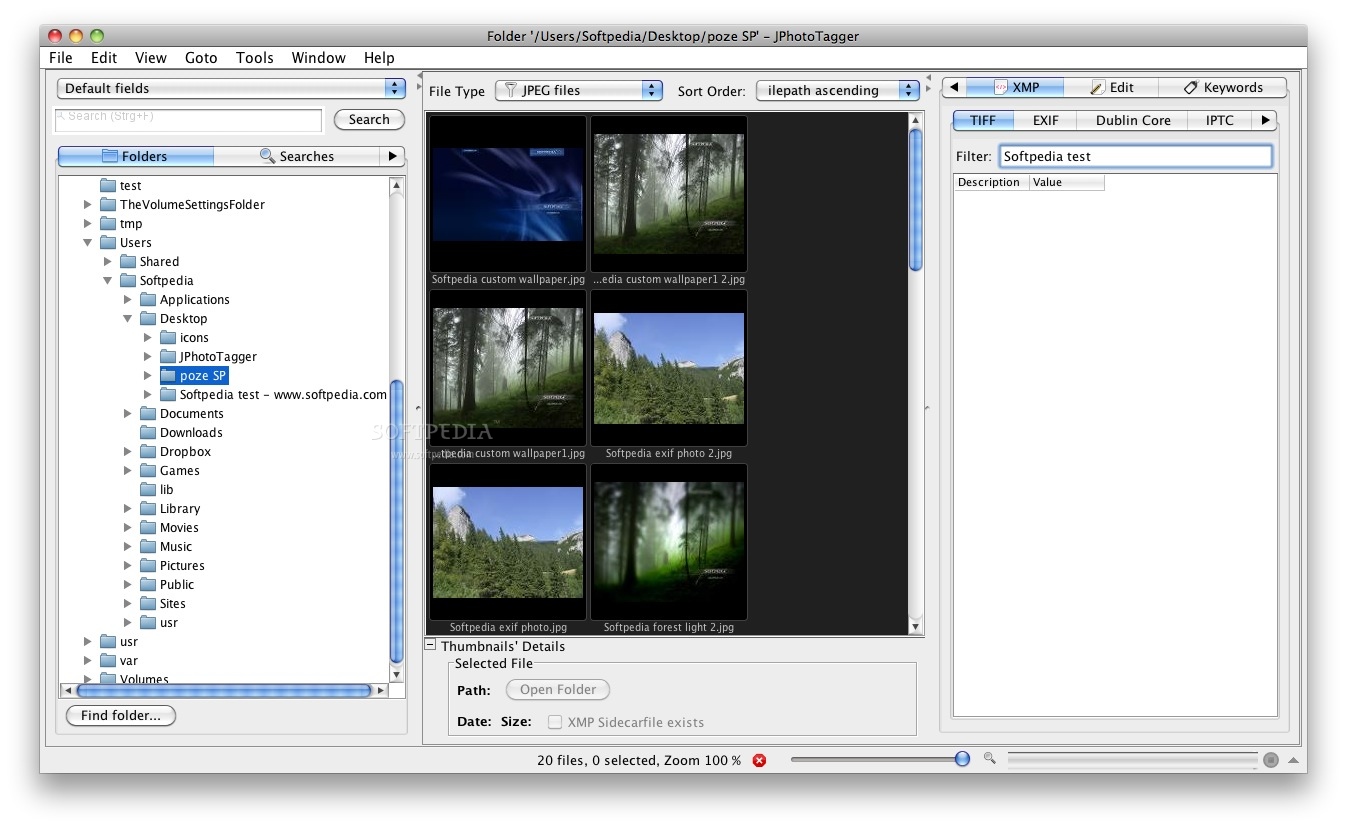
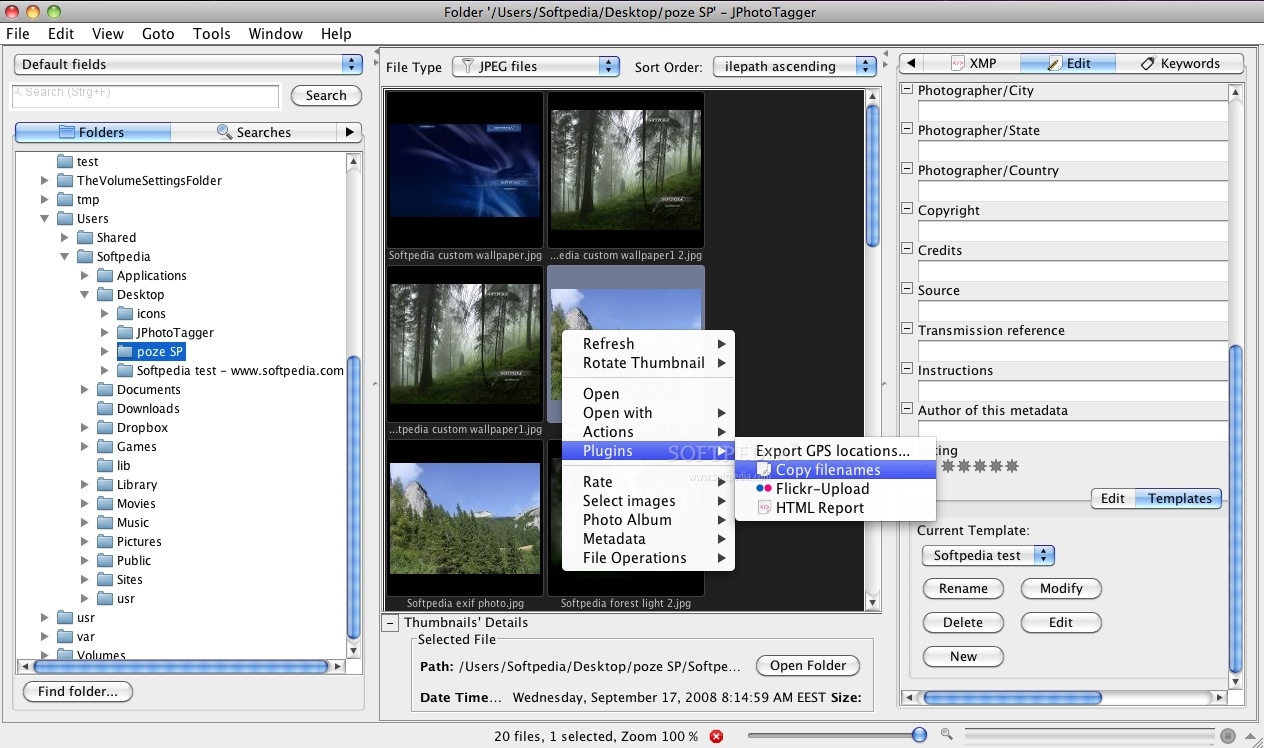
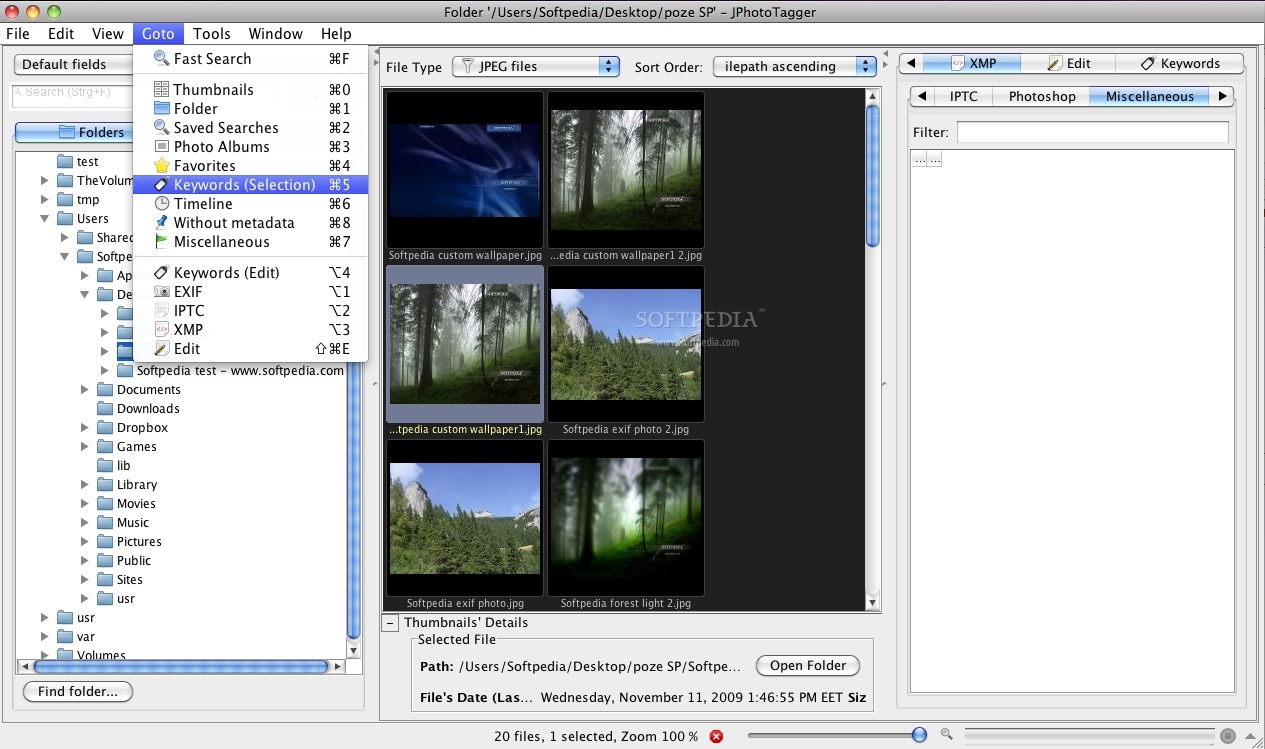
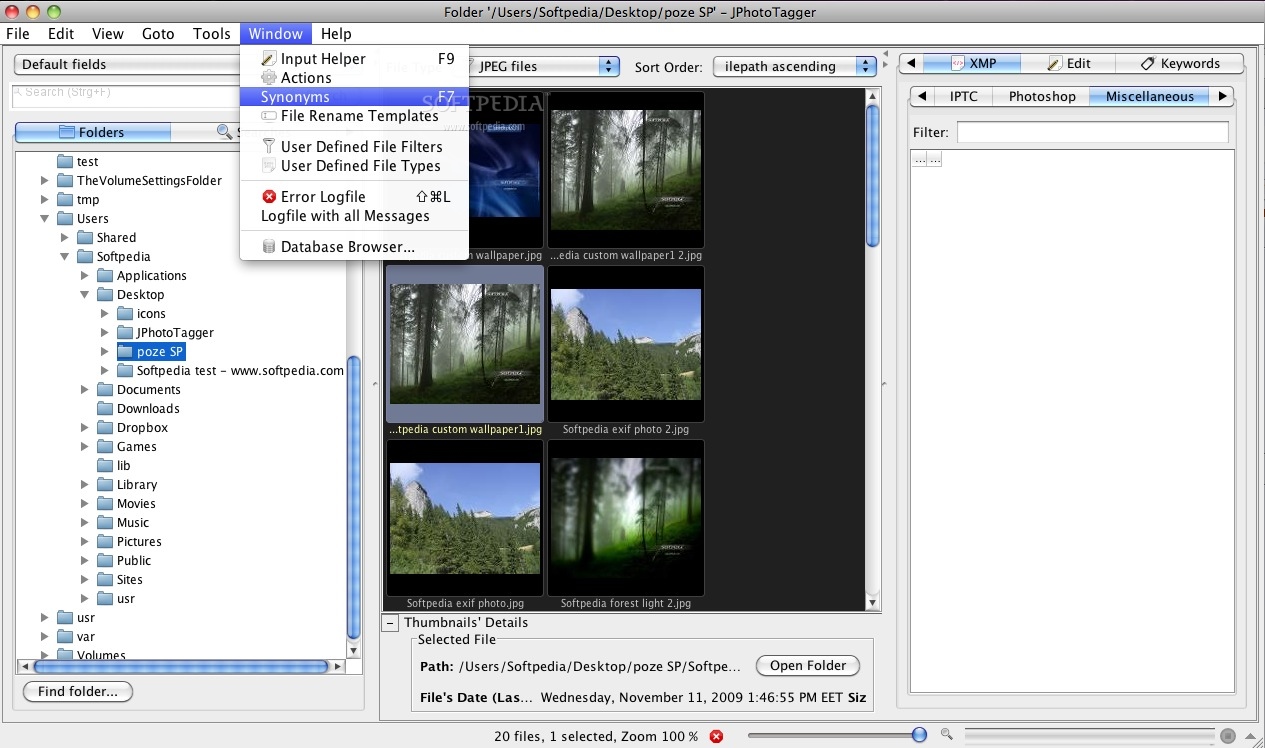
JPhotoTagger is a platform independent Photo Manager. You can manage and find fast your photos through keywords, descriptions and other so called metadata ("tags").
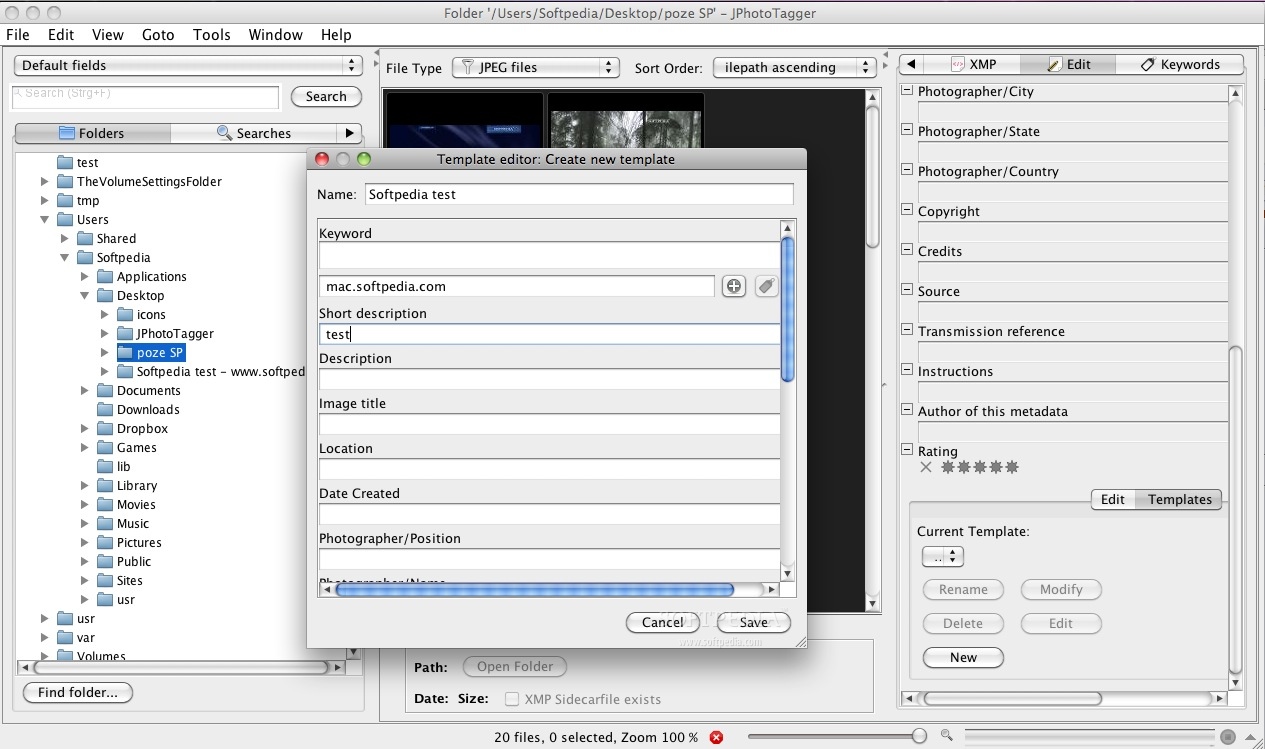
With JPhotoTagger speeds up adding or editing tags through automatic keyboard input completion.
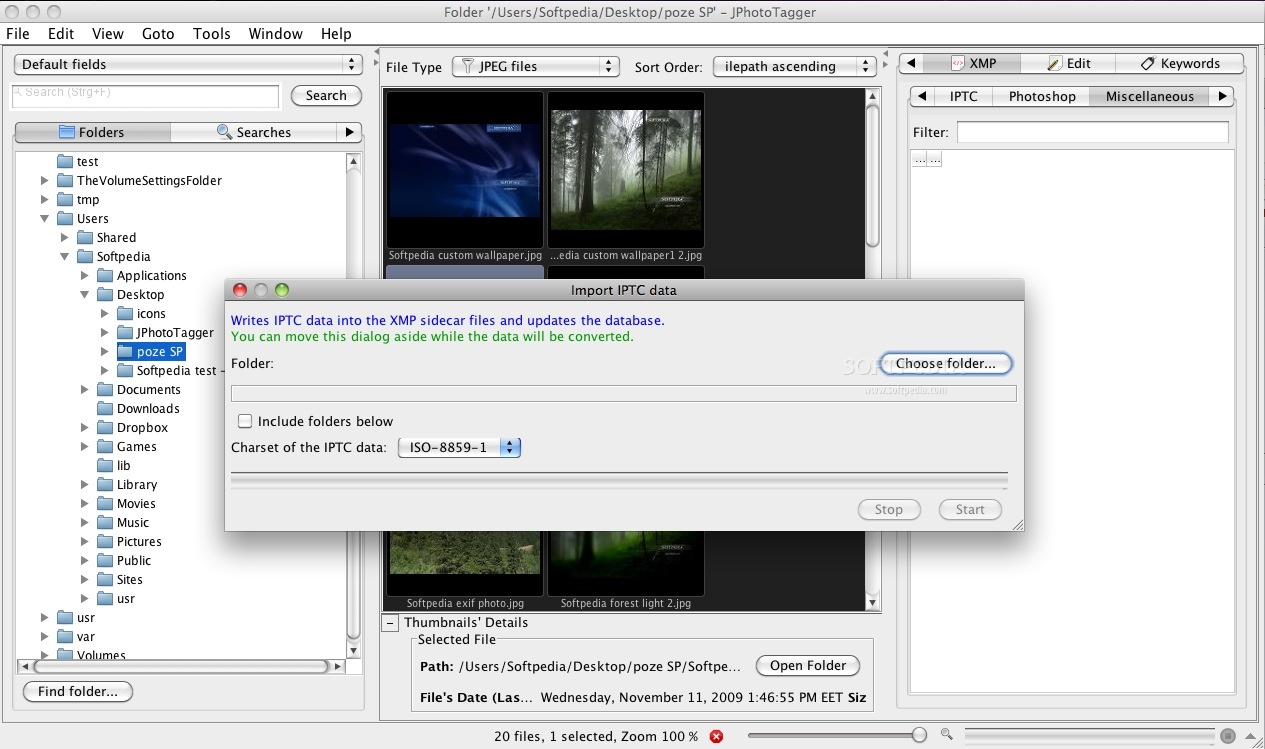
All tags will be written into XMP sidecar files and JPhotoTagger's database. The images are left untouched. JPhotoTagger is open to work together with other applications such as Adobe Photoshop Lightroom.
JPhotoTagger automatically reads tags from new and changed sidecar files and updates it's database.
You can tag your photos with e.g. Adobe Photoshop Lightroom and JPhotoTagger both even on different operating systems: JPhotoTagger runs on every system where Java is installed.
JPhotoTagger is a cross-platform utility capable of running on any operating system that comes with Java support (e.g. Mac OS X, Windows, Linux).
System requirements
What's new in JPhotoTagger 0.32.20:
- Bug fix: Images can be removed from the special photo album "Picked"
JPhotoTagger 0.32.20
add to watchlist add to download basket send us an update REPORT- runs on:
- Mac OS X (-)
- file size:
- 12 MB
- filename:
- JPhotoTagger.zip
- main category:
- Utilities
- developer:
- visit homepage
Zoom Client

ShareX

calibre

Bitdefender Antivirus Free

Context Menu Manager

7-Zip

IrfanView

4k Video Downloader

Windows Sandbox Launcher

Microsoft Teams

- 4k Video Downloader
- Windows Sandbox Launcher
- Microsoft Teams
- Zoom Client
- ShareX
- calibre
- Bitdefender Antivirus Free
- Context Menu Manager
- 7-Zip
- IrfanView