
Generate colorful tree map representations for any folder on your disk in order to quickly identify large files and other space wasters. #Disk usage viewer #File size viewer #Hdd space viewer #Disk usage #Scanner #Hdd space
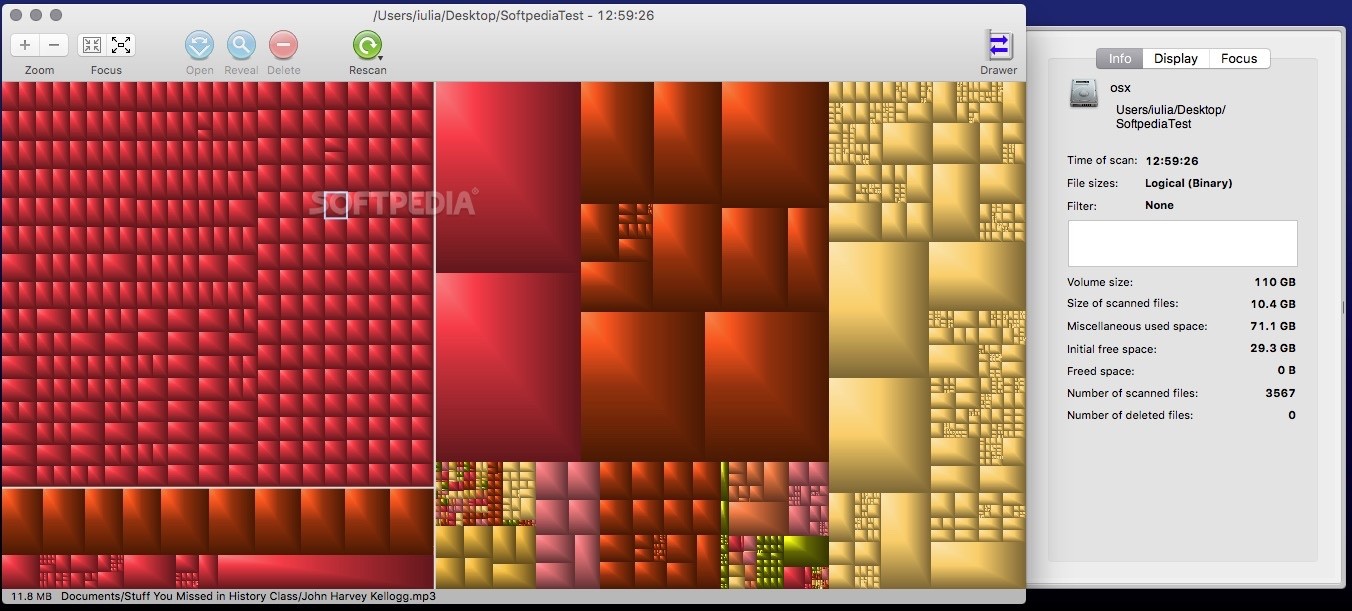
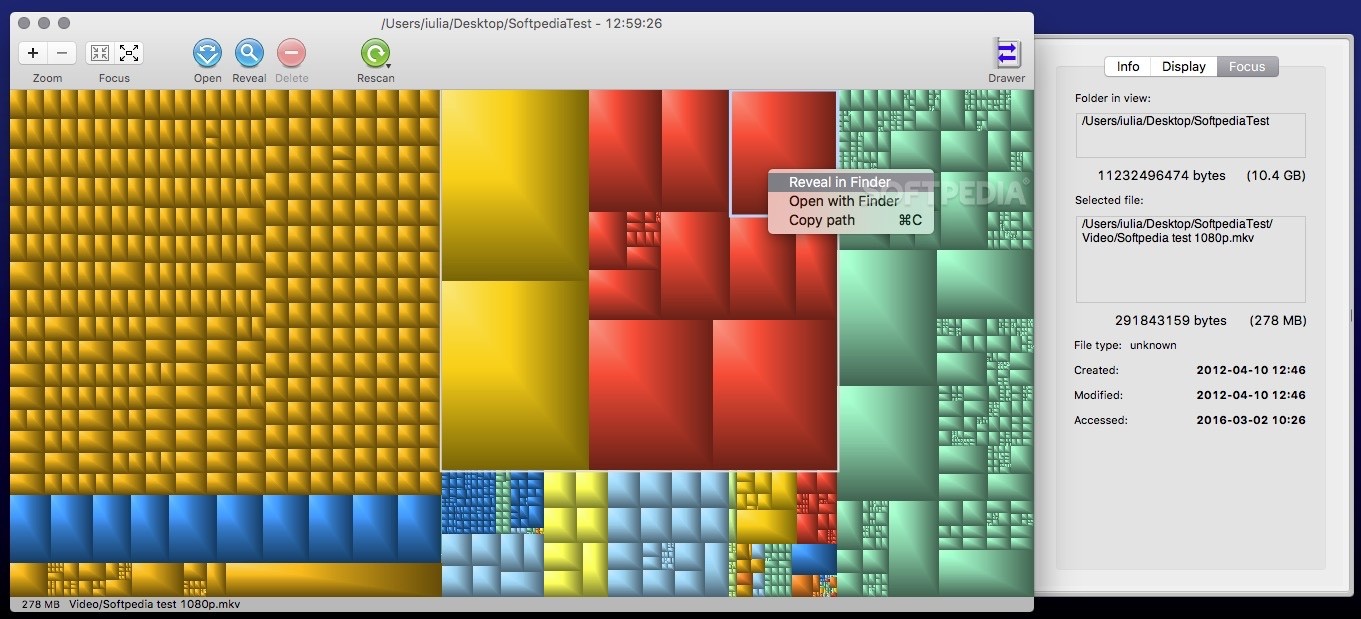
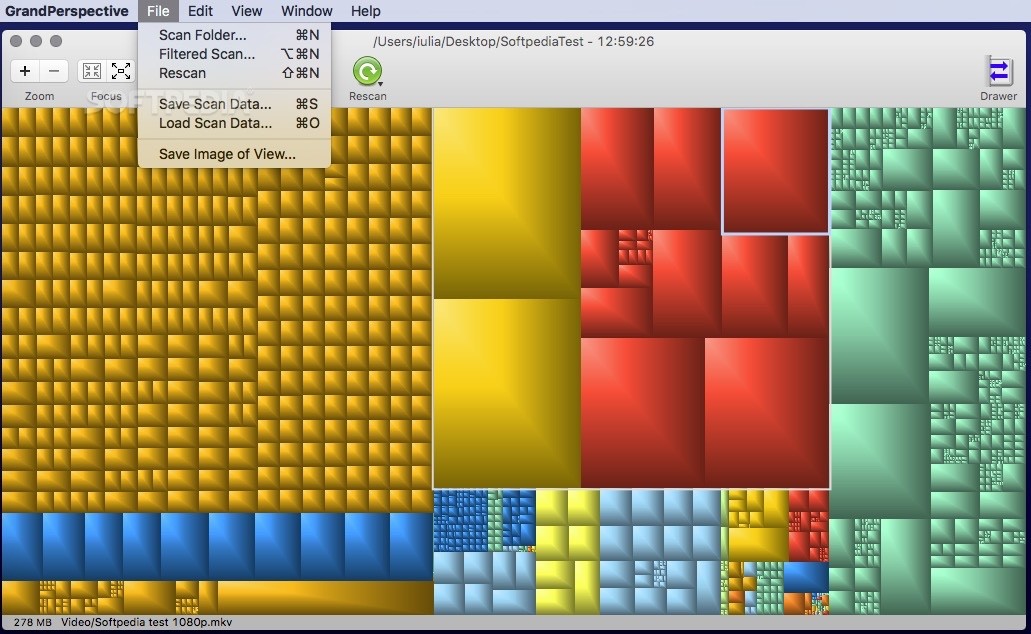
GrandPerspective scans user selected folders and quickly generates tree maps and groups files together by different criteria. The graphical representation can be easily navigated, and you can either access the files in the Finder or remove them directly.
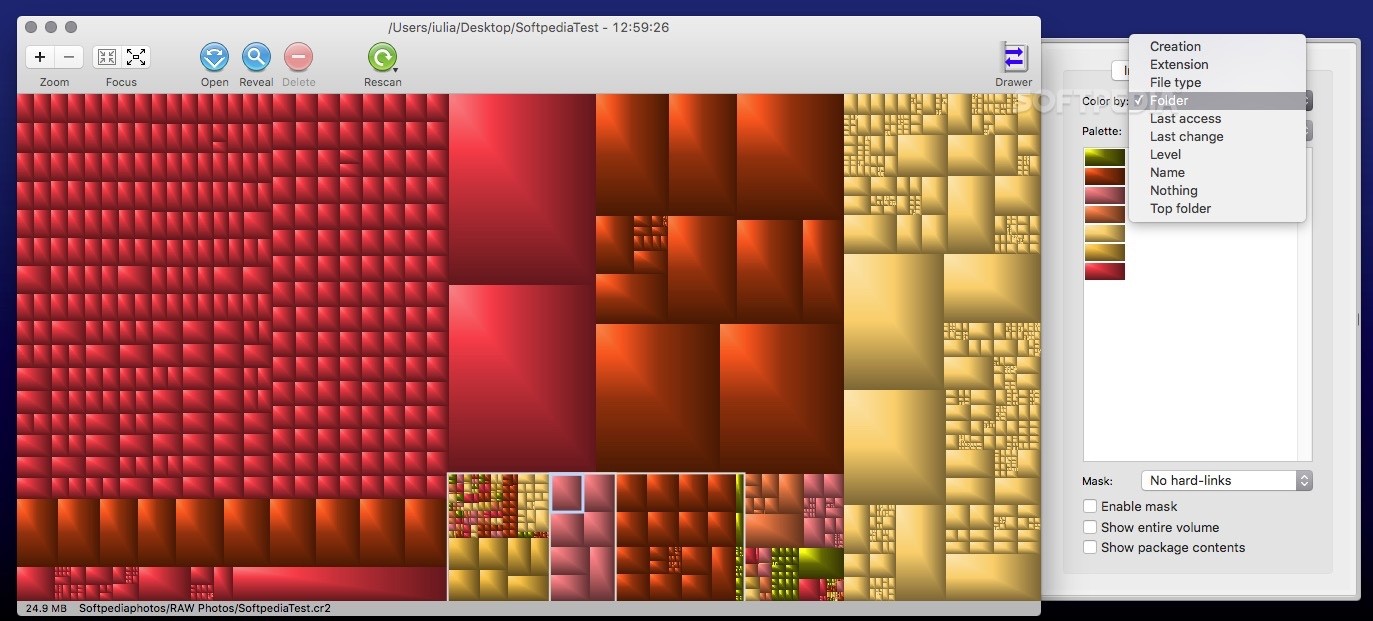
Right off the bat, you must direct GrandPerspective to the folder you want to analyze. By default, the app will keep the files organized according to folders, but you can easily change that by activating the drawer panel attached to the main window.
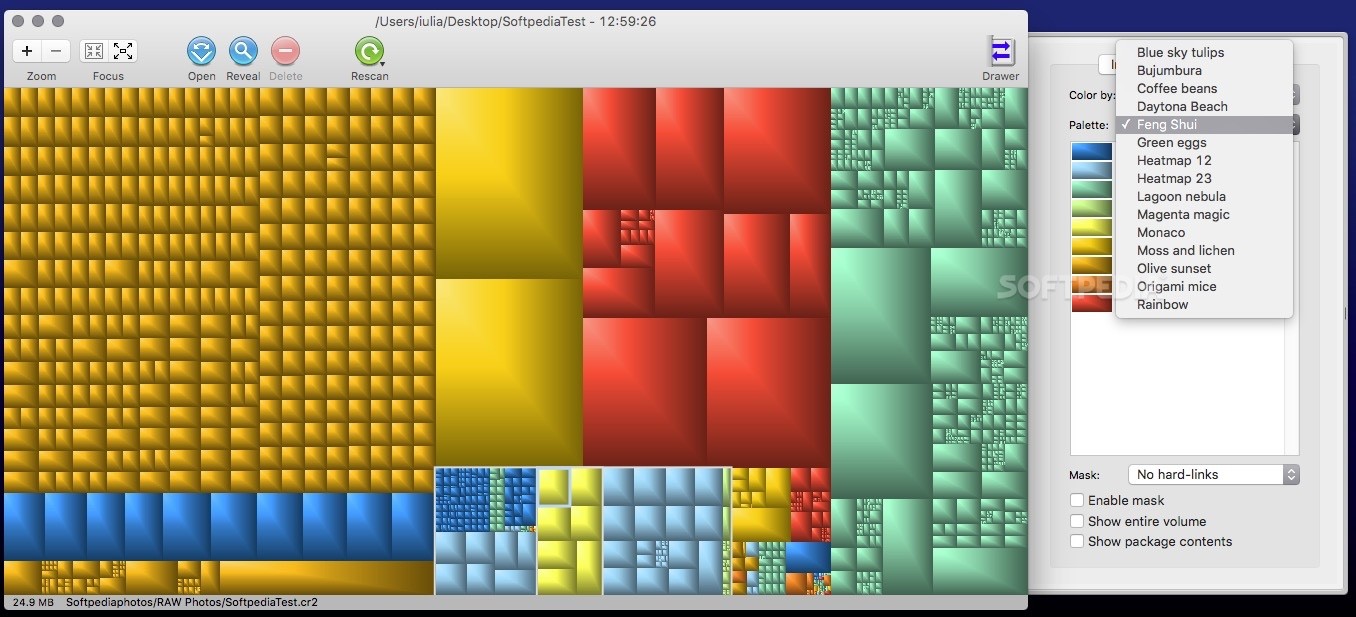
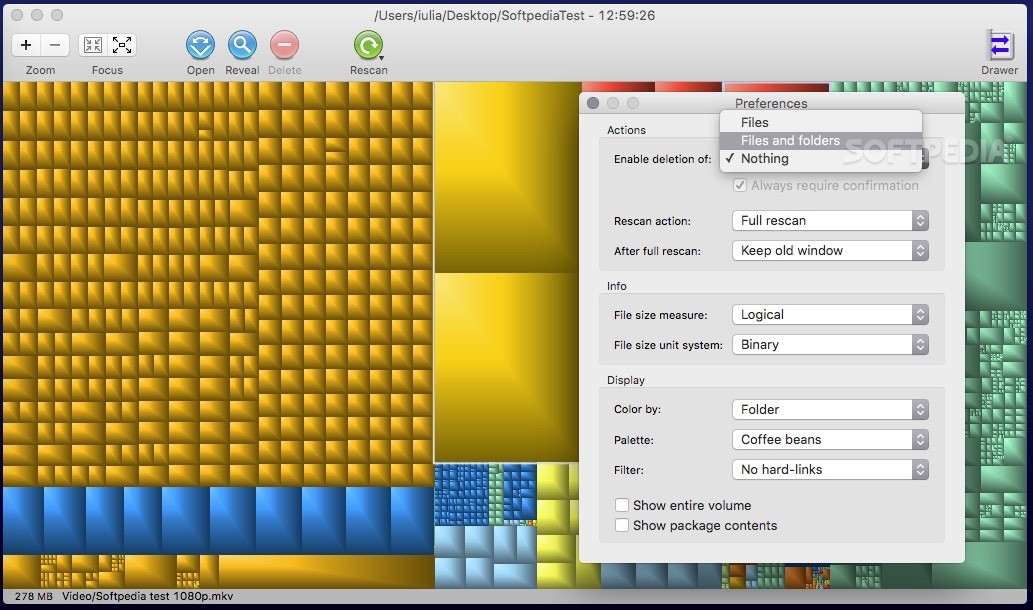
Via the GrandPerspective Display panel you can either change the sorting criteria (creation, extension, file type, folder, last access, last change, level, name, top folder, or nothing) or the color palette.
Note that GrandPerspective comes with a collection of predefined color palettes: you can toggle between them, but you cannot define new ones.
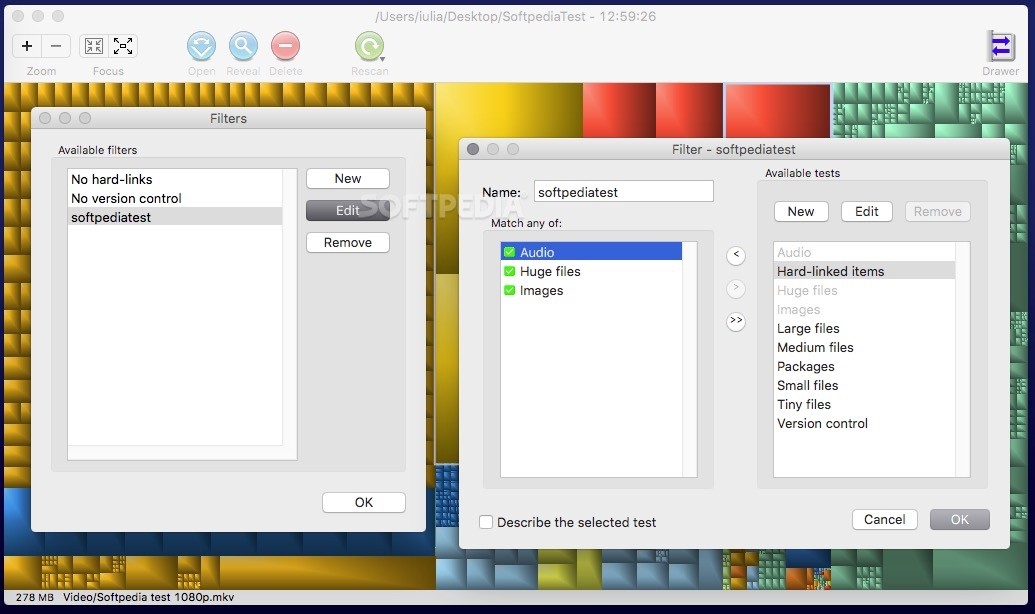
In contrast, you do have the option to create new filters for refining the graphic representation by making GrandPerspective perform various tests and combine them anyway you like: audio, hard-linked items, images, huge/large/medium/small/tiny files, packages, or version control.
This way, you can either mask or filter items from the map view, or even exclude certain elements while performing the scan. Worth mentioning is that GrandPerspective allows you to rescan the same folder using different settings, and you can open the results in a separate window and compare the results.
GrandPerspective offers you the possibility to save the map representation to a TIFF image file, or you can store the scan data using a proprietary file format and load it again at a later time.
During our tests, we have also noticed that the GrandPerspective map data file for a 12 GB folder with more than 1600 different items was sized at about 500Kb, so you could successfully use the app to keep track of the evolution of a certain folder without wasting too much disk space.
Download Hubs
GrandPerspective is part of these download collections: HDD Space Analyzers
What's new in GrandPerspective 2.6.2:
- Fixes the known issue (unwanted black pixels during zoom-in animation) introduced in Version 2.6.1.
GrandPerspective 2.6.2
 Softpedia Editor's Pick
add to watchlist
add to download basket
send us an update
REPORT
Softpedia Editor's Pick
add to watchlist
add to download basket
send us an update
REPORT
- runs on:
- macOS 10.9 or later (Universal Binary)
- file size:
- 2.9 MB
- filename:
- GrandPerspective-2_6_2.dmg
- main category:
- Utilities
- developer:
- visit homepage
Zoom Client

calibre

Windows Sandbox Launcher

paint.net

Bitdefender Antivirus Free

Microsoft Teams

7-Zip

IrfanView

ShareX

4k Video Downloader

- IrfanView
- ShareX
- 4k Video Downloader
- Zoom Client
- calibre
- Windows Sandbox Launcher
- paint.net
- Bitdefender Antivirus Free
- Microsoft Teams
- 7-Zip