
Scans popular file formats and automatically extracts various types of resource files to their original format in a user-friendly manner. #Extract image #Extract video #Extract audio #Extraction #Scan #Expander
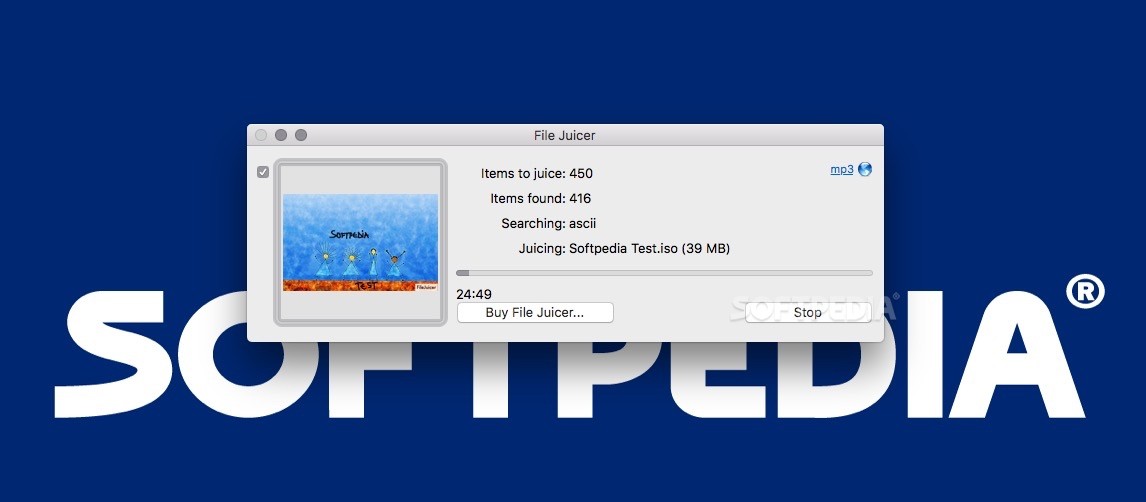
File Juicer is able to search and extract resources from various files providing quick access to PNG, PDF, JPEG, JP2, GIF, , BMP, WMF, EMF, PICT, TIFF, Flash, Zip, MOV, WAV, MP3, HTML, AVI, MPG, WMV, MP4, AU, AIFF or text files.
Each time you drag and drop a file on top of File Juicer, the application will thoroughly look for the formats that it is able to recognize.
When the search is done you can easily save any of the detected files to a location of your choice.
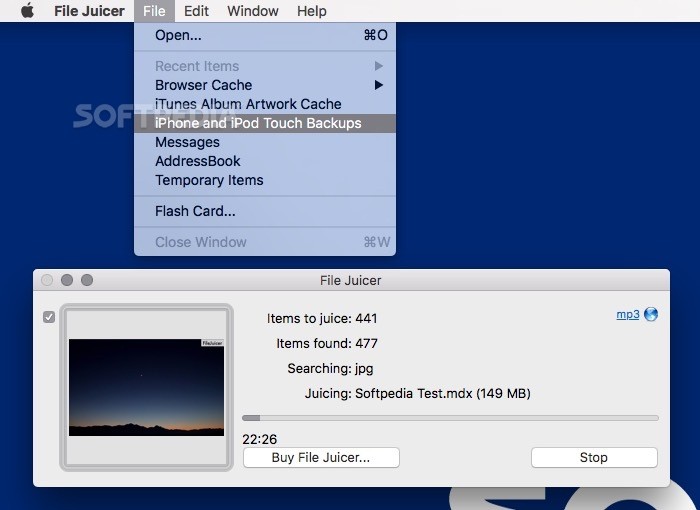
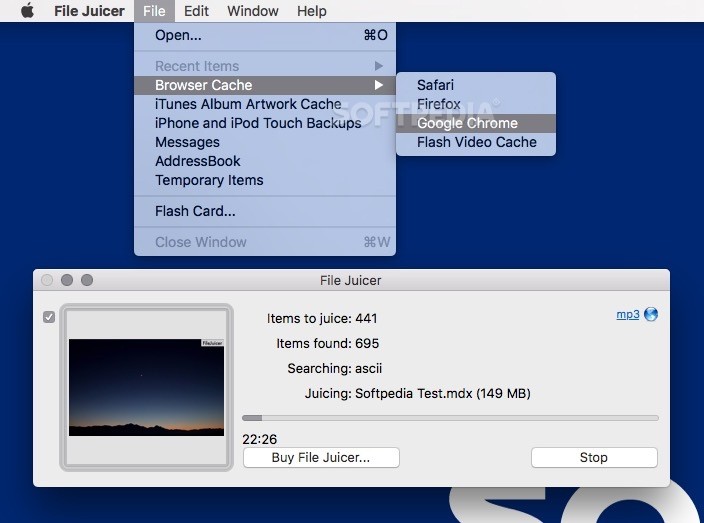
File Juicer can be used to extract images from presentations or PDF documents, can recover text content from damaged files, can extract data from your browser’s cache, messages, iPhone or iPod Touch backups, and various temporary files.
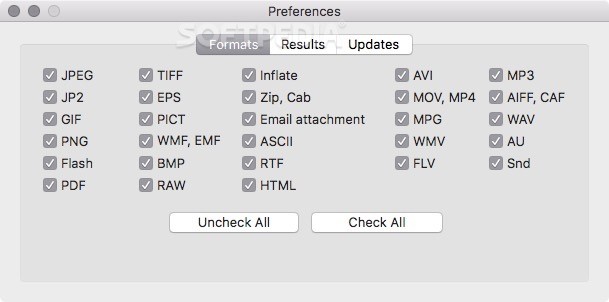
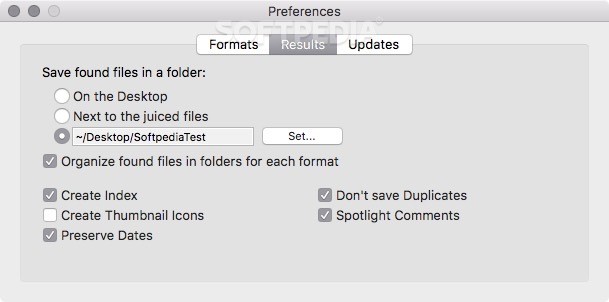
You get to decide which types of files will be extracted, and via the File Juicer's Preferences window you can setup the output location for the extracted files, and choose if you want to preserve some metadata.
Moreover, File Juicer can be used successfully to quickly rebuild simple PDF files into Microsoft Office Word documents to make them a lot easier to edit.
Also, the File Juicer app is capable of extracting JPEG images from Canon RAW files, as well as quickly extract all contents from CHM (Microsoft Compiled HTML) web archive files.
System requirements
- 64-bit processor
Limitations in the unregistered version
- 7-day trial
- Watermarks on some exported images
- Nag screens
Download Hubs
File Juicer is part of these download collections: View EMF, Open EMF
What's new in File Juicer 4.99 Build 1484:
- New: Extraction of some RAW audio data from PDF files (rarely needed - ask if you do)
- Speed: Speed gains for JPG search
- Logging: will log write errors to the log files if they occur
- Update: Rebuilt with XCode 15.2 and notarized with Apples newish notarizetool
File Juicer 4.99 Build 1484
add to watchlist add to download basket send us an update REPORT- runs on:
- macOS 10.14.6 or later (Universal Binary)
- file size:
- 3.4 MB
- filename:
- FileJuicer-4.99.zip
- main category:
- Utilities
- developer:
- visit homepage
calibre

Zoom Client

Bitdefender Antivirus Free

ShareX

Microsoft Teams

IrfanView

Windows Sandbox Launcher

4k Video Downloader

paint.net

7-Zip

- 4k Video Downloader
- paint.net
- 7-Zip
- calibre
- Zoom Client
- Bitdefender Antivirus Free
- ShareX
- Microsoft Teams
- IrfanView
- Windows Sandbox Launcher