
Easily backup your Final Cut Pro projects. #Backup project #Final Cut project #Create backup #Backup #Project #Final Cut
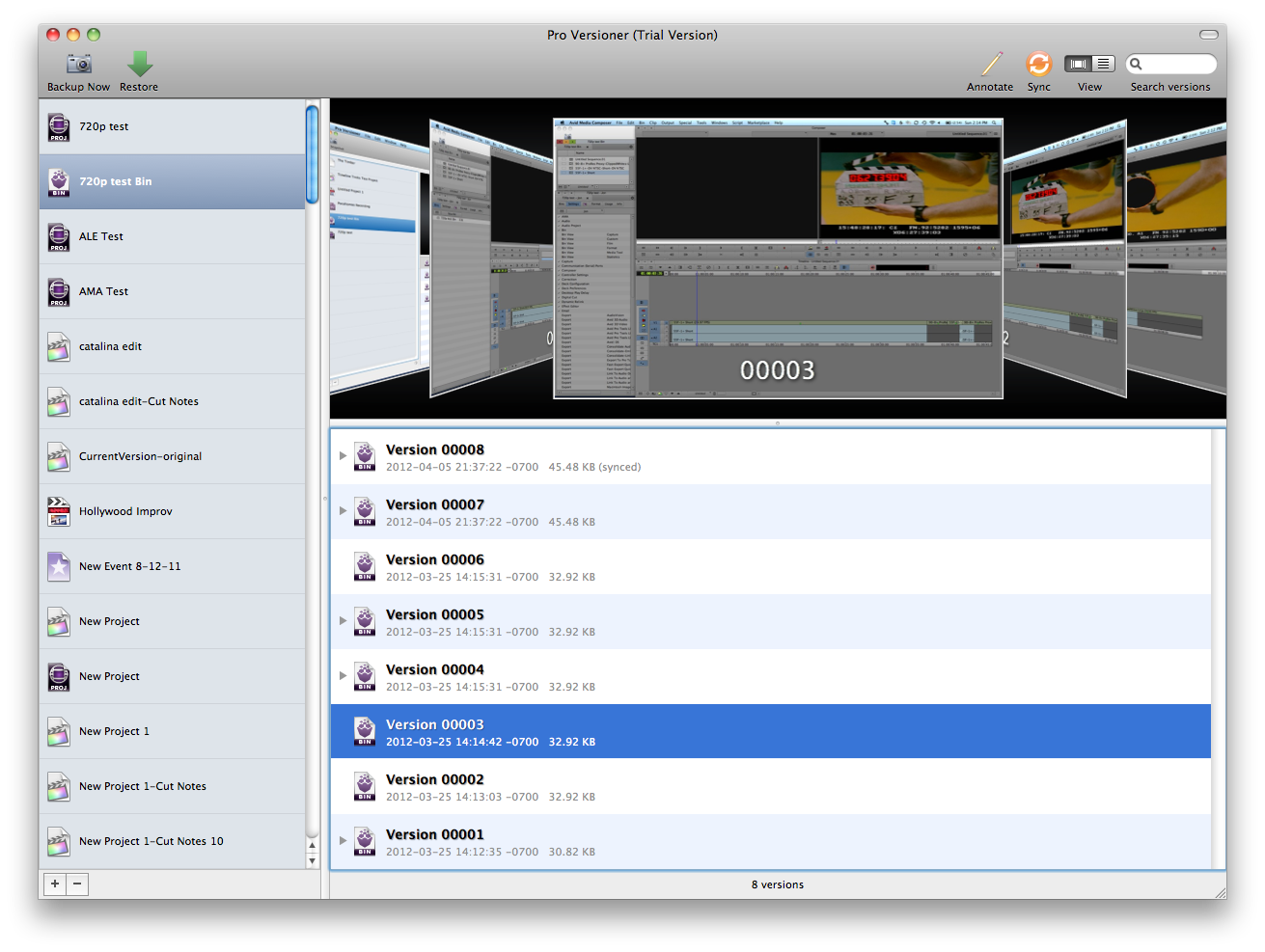
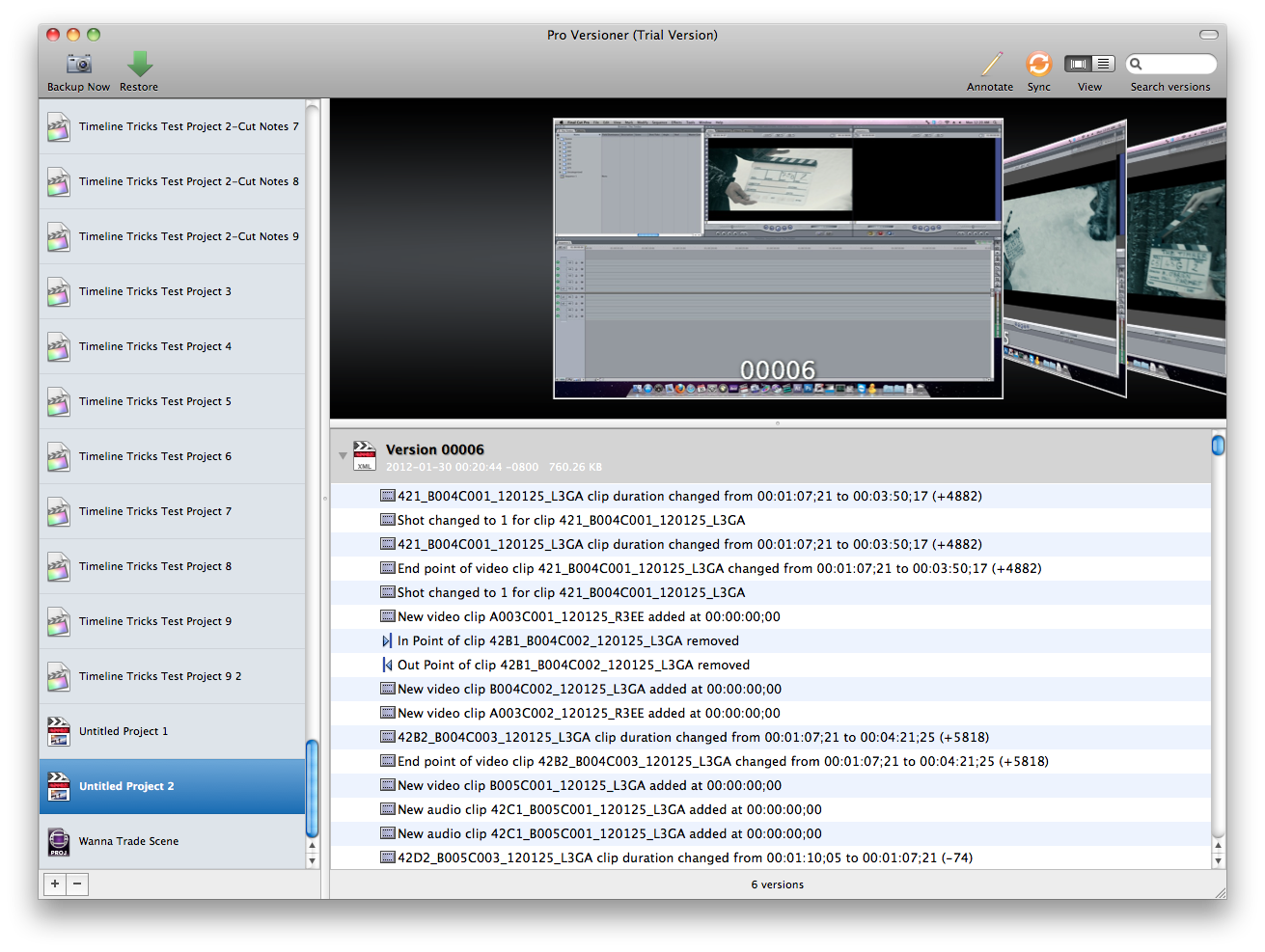
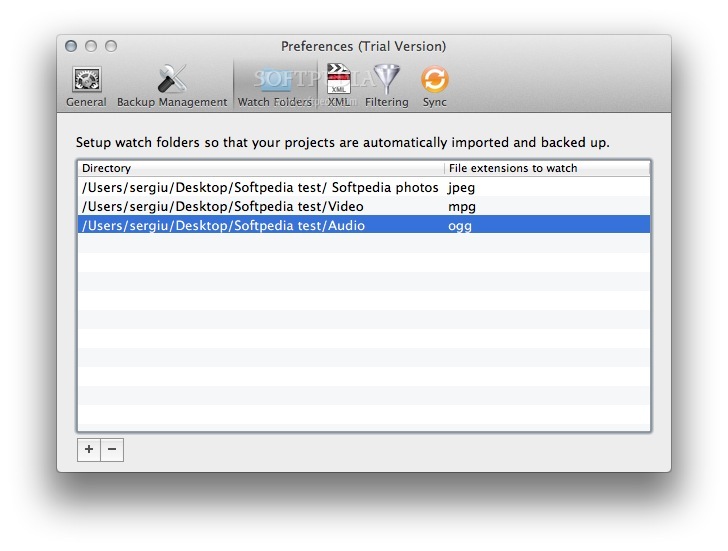
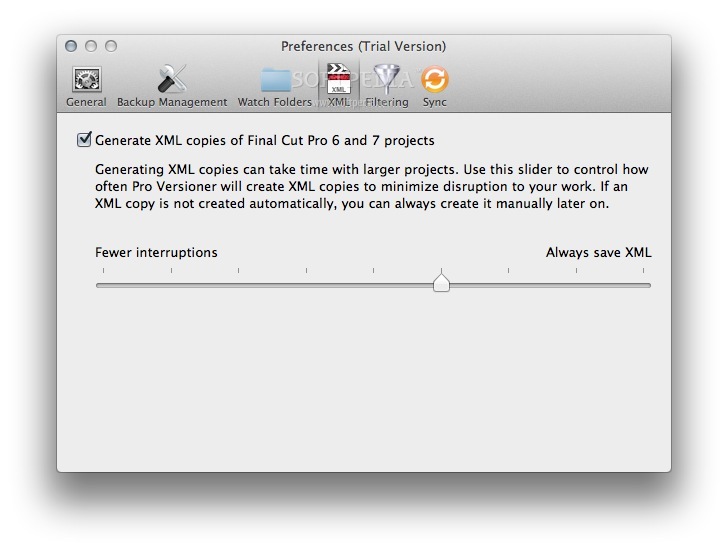
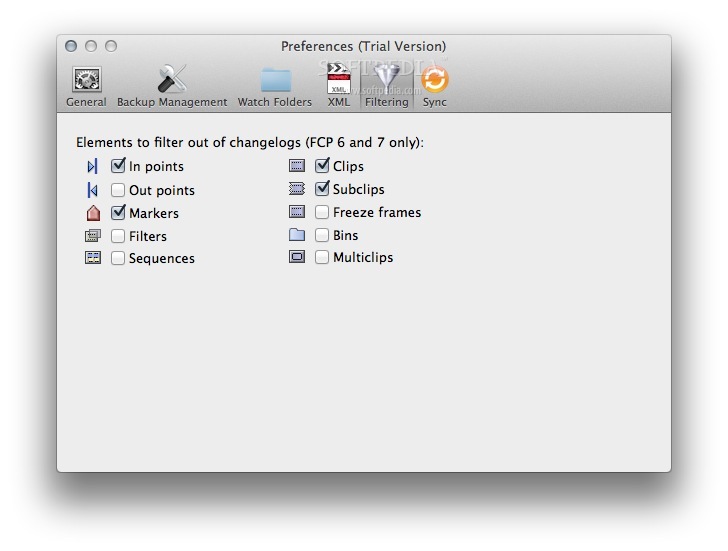
Pro Versioner is an extensive backup and versioning tool for your project files. It creates a backup whenever you save a project and is a great way of keeping track of versions over time.
The Pro Versioner application takes a screenshot of your work area to help you differentiate between versions and you can even annotate the backup with extra information to help you identify it later on.
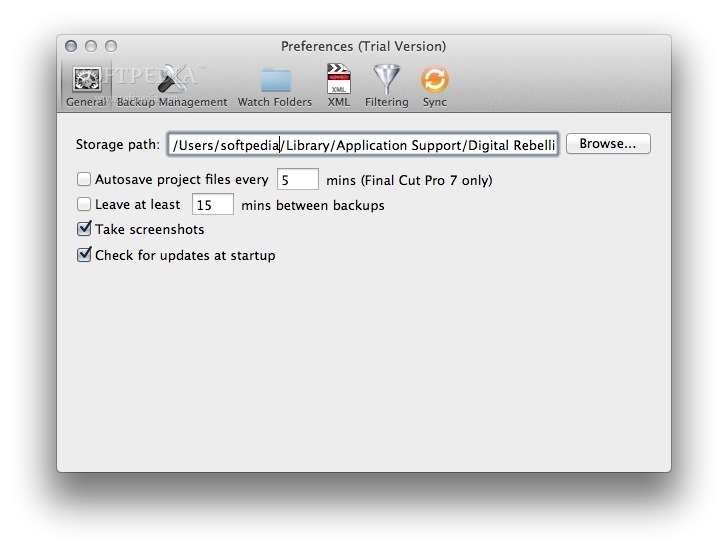
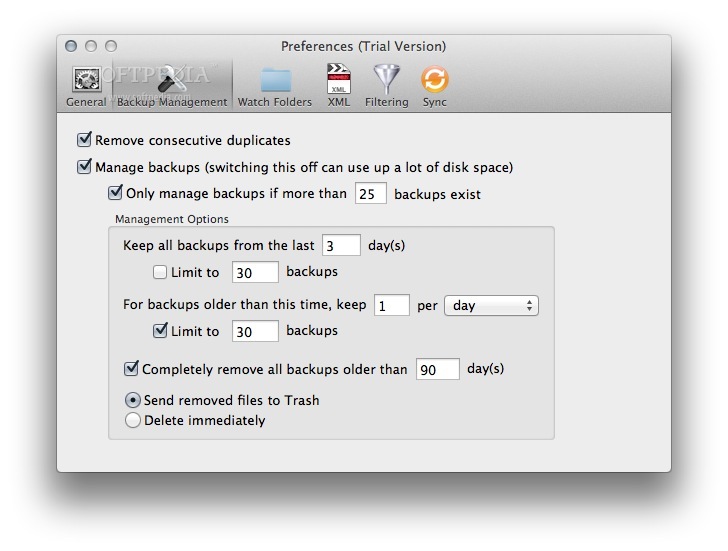
Pro Versioner keeps all of today's backups and then whittles them down as time goes on. This provides a lot of flexibility and allows you to track changes to a project over a broad timeframe. Backup management is highly customizable and there are a lot of options to ensure you find the right balance between disk usage and flexibility.
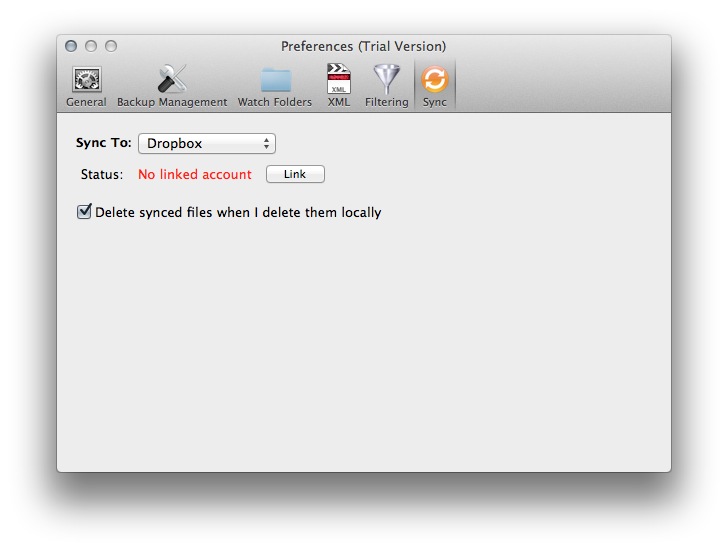
In addition to backing up locally, you can also automatically sync backups to the cloud, which is a great way of protecting against hard drive failure, fire or theft.
System requirements
Limitations in the unregistered version
- 15 days trial
Pro Versioner 2.1.6
add to watchlist add to download basket send us an update REPORT- runs on:
- Mac OS X 10.6 or later (Intel only)
- file size:
- 6.3 MB
- filename:
- Pro_Versioner_2160.dmg
- main category:
- Utilities
- developer:
- visit homepage
4k Video Downloader

Microsoft Teams

calibre

Bitdefender Antivirus Free

ShareX

Zoom Client

Windows Sandbox Launcher

7-Zip

IrfanView

paint.net

- 7-Zip
- IrfanView
- paint.net
- 4k Video Downloader
- Microsoft Teams
- calibre
- Bitdefender Antivirus Free
- ShareX
- Zoom Client
- Windows Sandbox Launcher