
Intuitive and powerful OS X app designed to help its users to burn multiple CDs, DVDs, and BDs (Blu-ray Discs) at the same time, from one or multiple sources. #DVD burner #Burn cd #Burn dvd #Burner #Ripper #Write
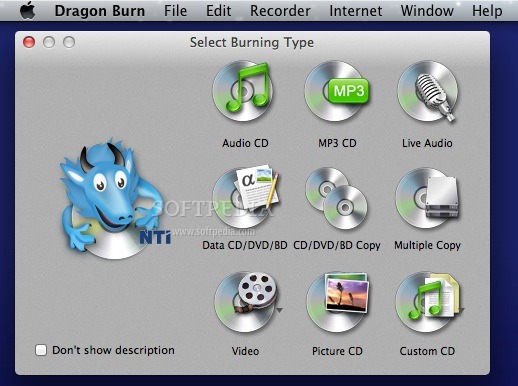
CDs and DVDs are still very popular when it comes to distributing audio and video content: NTI Dragon Burn is an easy to use Mac OS X utility that enables you to create your own, without having to deal with complicated settings.
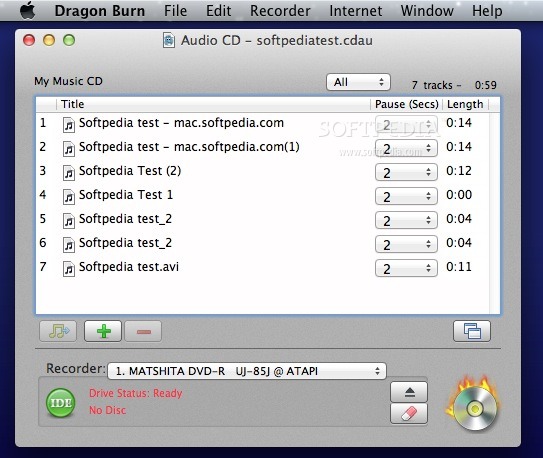
Upon launch, the NTI Dragon Burn application automatically opens an new layout and you must decide what type of project you ant to create: audio CD, MP3 CD, Live Audio (you get to burn a live recording directly to CD), Data CD / DVD, CD / DVD copy, Multiple Copy, Video (VCD Movie CD, SVCD Movie CD, or VIDEO_TS), Picture CD, or Custom CD.
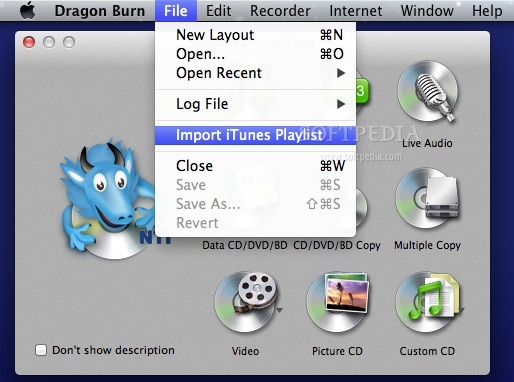
Regardless of your choice, the next step is to provide the data that you want burned to a CD or a DVD: the process is fairly intuitive and you should not encounter major issues. NTI Dragon Burn support most popular image file formats (BIN, CUE, DMG, ISO, CDR, and NCD), but can also handle multiple audio file formats (AAC, AV, SD2, AIFF, CDDA)
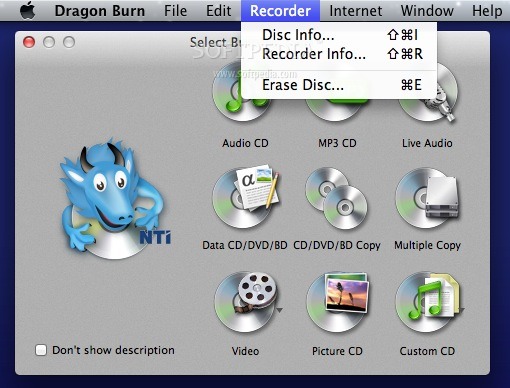
Via the NTI Dragon Burn Recorder menu you have the option to visualize the disc or recorder information, or to quickly erase the disc. This is very useful when working with re-writable discs.
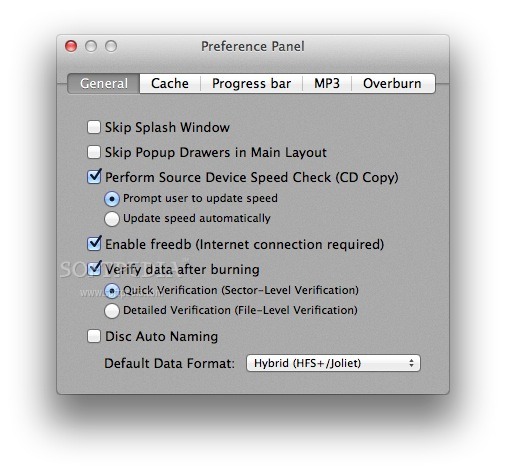
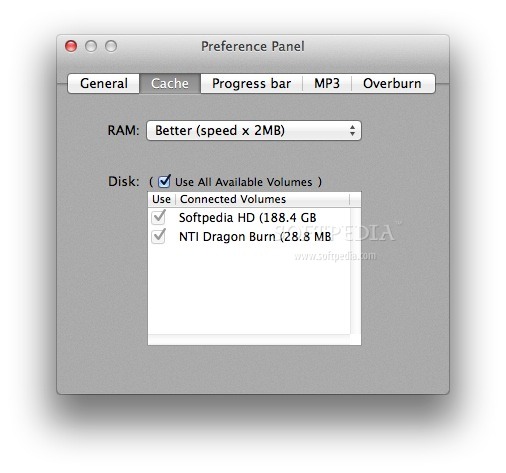
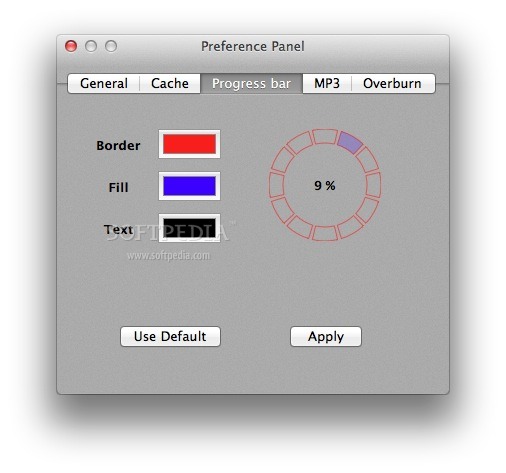
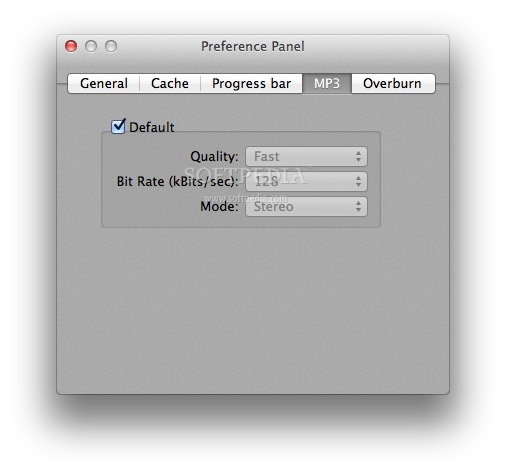
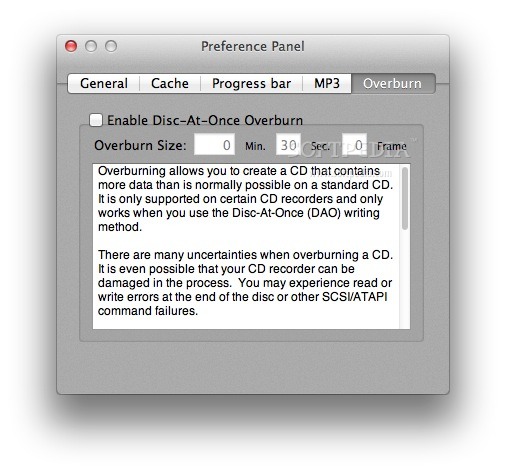
Further customization options are available in the Preferences window: you get to enable the disc auto naming, to disable the data verification, to adjust the RAM usage, to change the default MP3 quality, or to activate the Disc-At-Once Overburn mode.
NTI Dragon Burn is a great tool to have around if you want to make your own CDs or DVDs: you can burn different types of data, including audio content recorded in real time. On the other hand, NTI Dragon Burn can help you make copies for your disc for backup purposes.
Download Hubs
NTI Dragon Burn is part of these download collections: Blu-ray Burner, Convert AVI to DVD, Burn ISO, DVD Burners
NTI Dragon Burn 4.5.0.39
 Softpedia Editor's Pick
add to watchlist
add to download basket
send us an update
REPORT
Softpedia Editor's Pick
add to watchlist
add to download basket
send us an update
REPORT
- runs on:
- Mac OS X 10.6 or later (Intel only)
- file size:
- 18.4 MB
- filename:
- NTI_Dragon_Burn_4.5.0.39_OSX_Trial.dmg
- main category:
- Utilities
- developer:
- visit homepage
Windows Sandbox Launcher

IrfanView

Microsoft Teams

ShareX

calibre

4k Video Downloader

Context Menu Manager

Bitdefender Antivirus Free

7-Zip

Zoom Client

- Bitdefender Antivirus Free
- 7-Zip
- Zoom Client
- Windows Sandbox Launcher
- IrfanView
- Microsoft Teams
- ShareX
- calibre
- 4k Video Downloader
- Context Menu Manager