
A simple and useful disk utility that helps you visualize how your hard disk space is distributed and which files require the largest amount of storage space. #View disk usage #Free space viewer #Disk inventory #Disk usage #Free space #Inventory
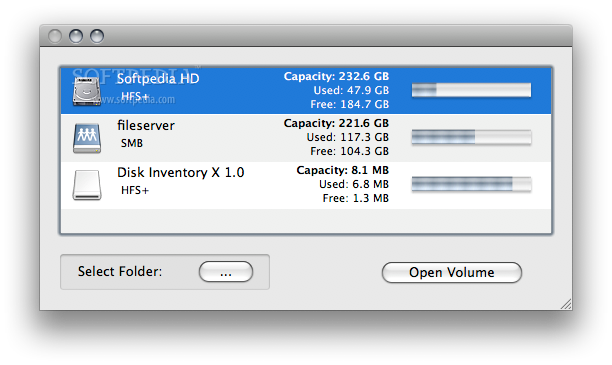
Disk Inventory X is a straightforward Mac OS X application that helps you analyze and visualize the storage space required by all the files and folders stored on your Mac’s hard disk.
Disk Inventory X allows you to analyze entire volumes or just a specific folder with just a few mouse clicks. From Disk Inventory X’s main window you can view the entire storage capacity along with the used and free space of the internal and external disks connected to your mac, as well as virtual volumes.
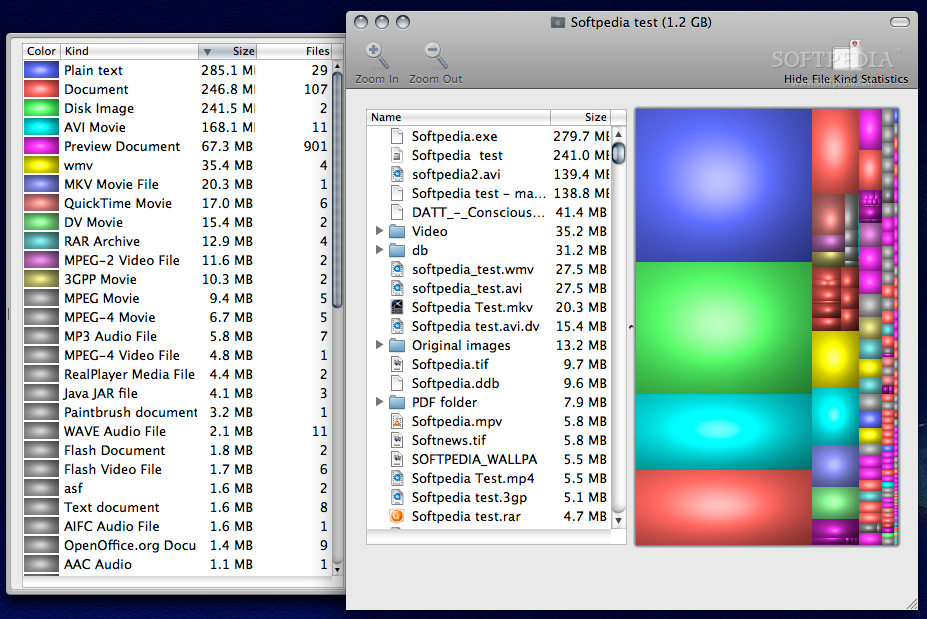
Once a volume or folder is analyze, Disk Inventory X automatically generate graphical treemaps, which can help you visualize your storage space. Thanks to the color-coded system, you can view the file types that take up the most space.
The side panel helps you sort the file list based on the color associated with a file type, files size, number of files and file format. You can alway hide the File Kind Statistics slide panel and zoom in or out the generated graphic.
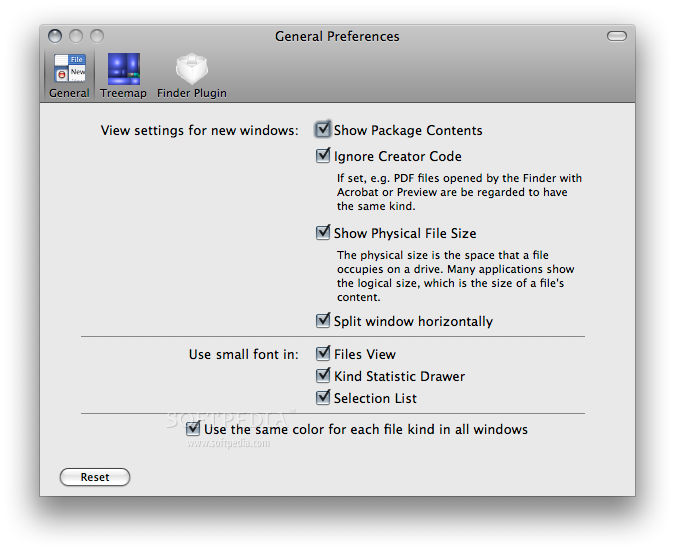
Clicking on any of the elements displayed in the graph, takes you to the file itself and helps you identify and locate the largest items on your hard disk. By accessing the Preferences window, you can split the main window horizontally, hide or show physical file size and the package contents.
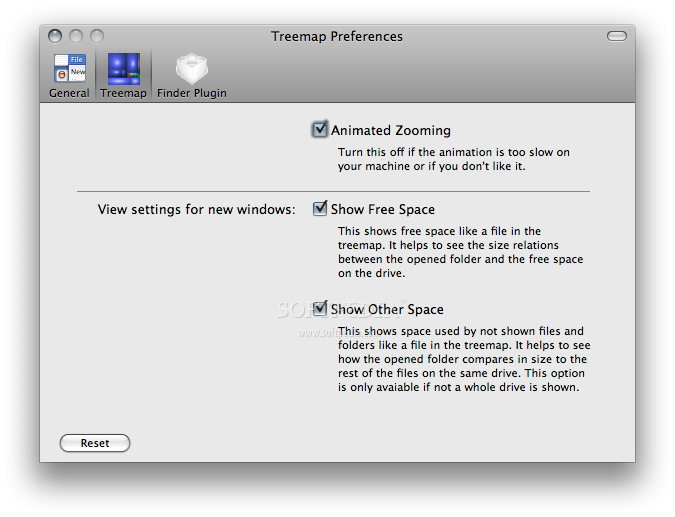
Moreover, you can decide to use small font in the Selection List, Files View and Kind Statistic Drawer. You can also configure Disk Inventory X to use the same color for each file type in all windows. What is more, you can animate the zooming feature and include or exclude free space and hidden files form your treemap.
Download Hubs
Disk Inventory X is part of these download collections: HDD Space Analyzers
What's new in Disk Inventory X 1.3:
- New features:
- Support for macOS 10.15 Catalina
- Faster directory scanning (about 2 times faster)
Disk Inventory X 1.3
add to watchlist add to download basket send us an update REPORT- runs on:
- macOS 10.13 or later (Intel only)
- file size:
- 7.1 MB
- filename:
- Disk Inventory X 1.3.dmg
- main category:
- Utilities
- developer:
- visit homepage
Bitdefender Antivirus Free

Windows Sandbox Launcher

paint.net

7-Zip

Zoom Client

ShareX

IrfanView

calibre

Microsoft Teams

4k Video Downloader

- calibre
- Microsoft Teams
- 4k Video Downloader
- Bitdefender Antivirus Free
- Windows Sandbox Launcher
- paint.net
- 7-Zip
- Zoom Client
- ShareX
- IrfanView