
An advanced and powerful digital data recovery application that enables you to recover lost files from damaged or formatted disks. #Recover drive #Data rescue #File recovery #Recovery #Rescue #Recover
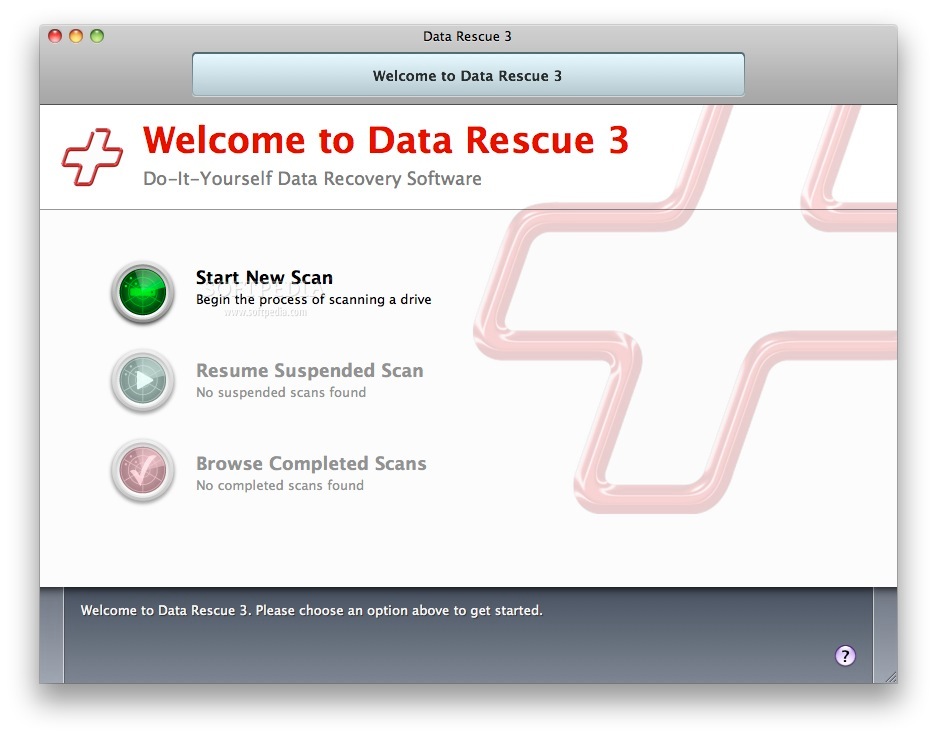
Data Rescue is a handy and user-friendly macOS application that promises to help you recover deleted files from your hard disk or from a crashed hard drive with just a few clicks of a mouse button.
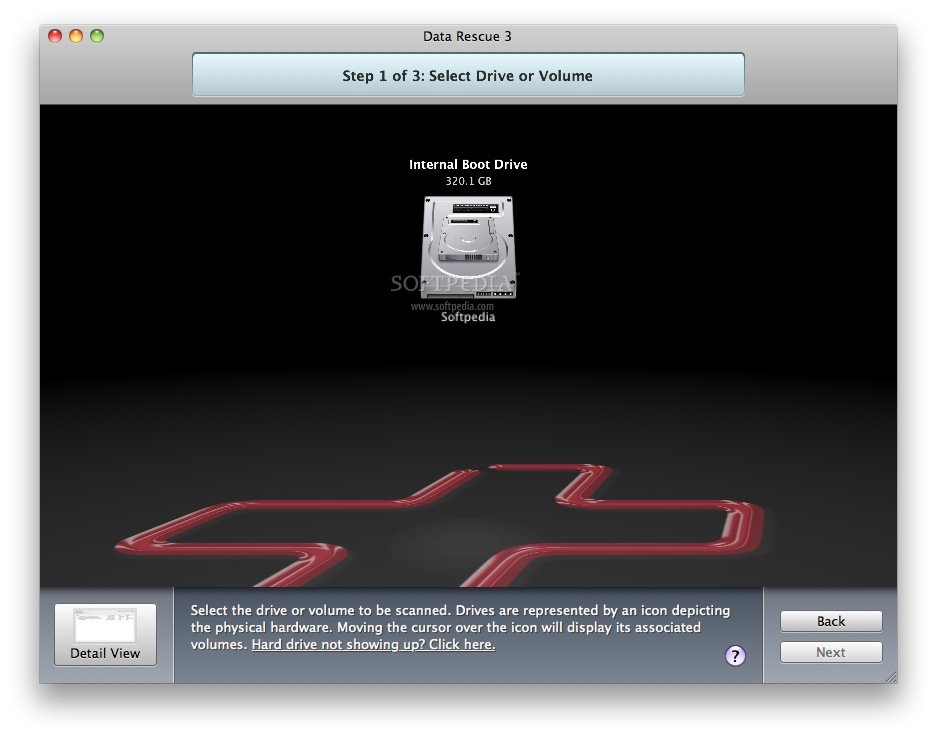
Data Rescue is not designed to repaid damaged disks as its scans them in order to recover lost files. It is worth mentioning that you need a secondary internal or external hard drive, removable media device or network drive onto which you can save the recovered data.
What is more, Data Rescue is capable to take advantage of the 64-bit technology and perform disk scans and recovery tasks at high speeds.
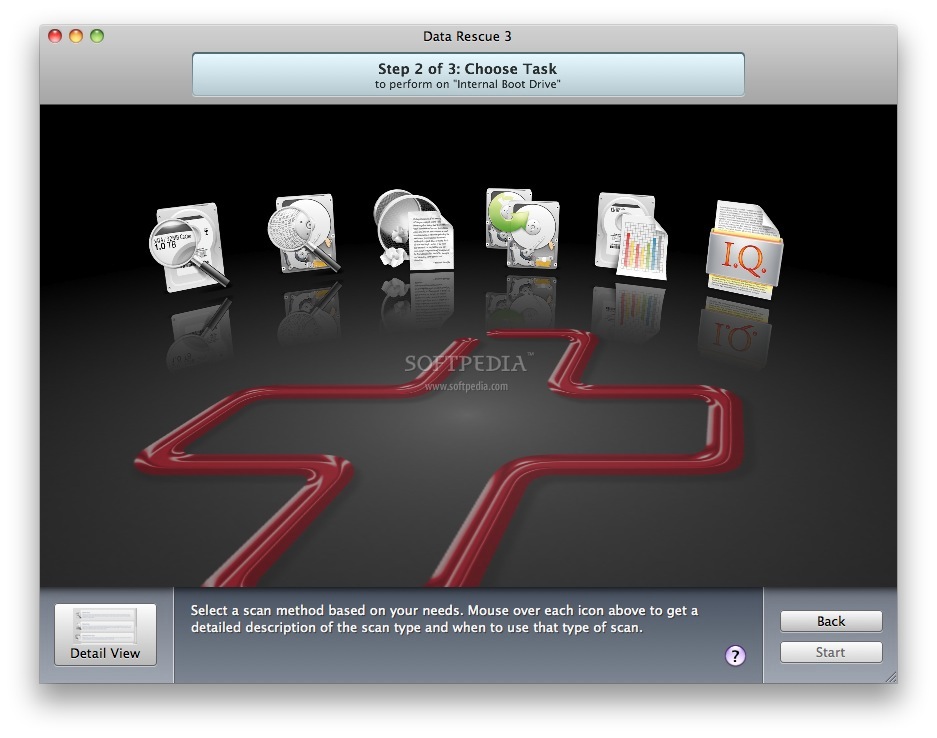
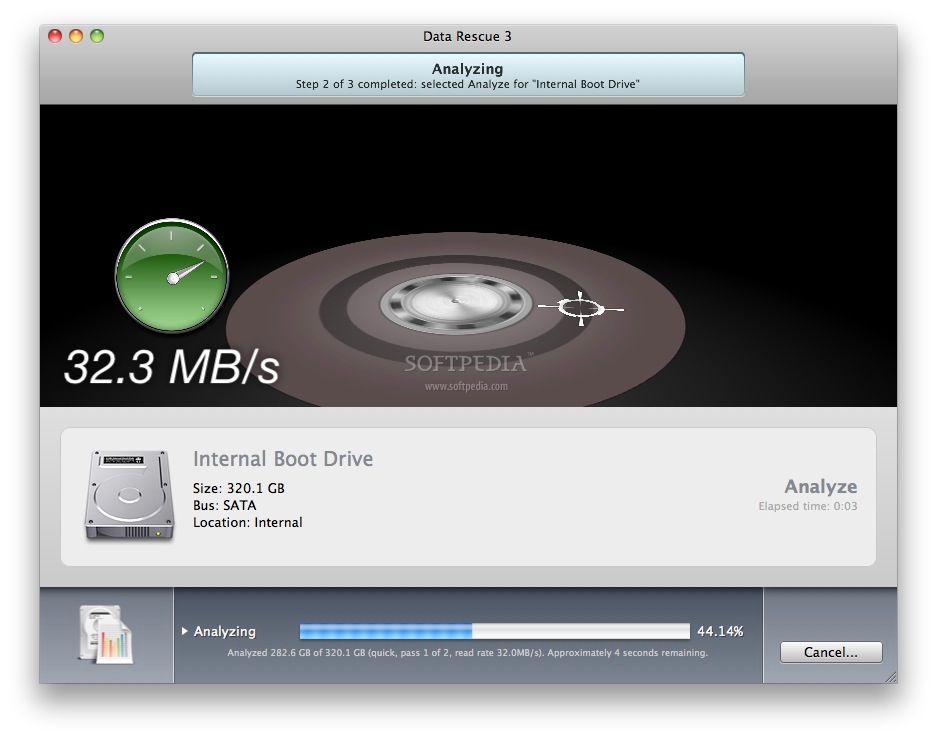
From Data Rescue’s main window you can start or resume a scanning process, select the drive from which you want to recover files and choose between different tasks. It is recommended to try the Quick Scan task to quickly scan and read the directory information even if the hard drive refuses to mount.
You can run a Quick Scan on one volume at a time in order to rebuild the directory structure for the selected volume. Although, the scanning process can be slowed down by bad blocks, it can speed up back again once the problem sectors are overcome.
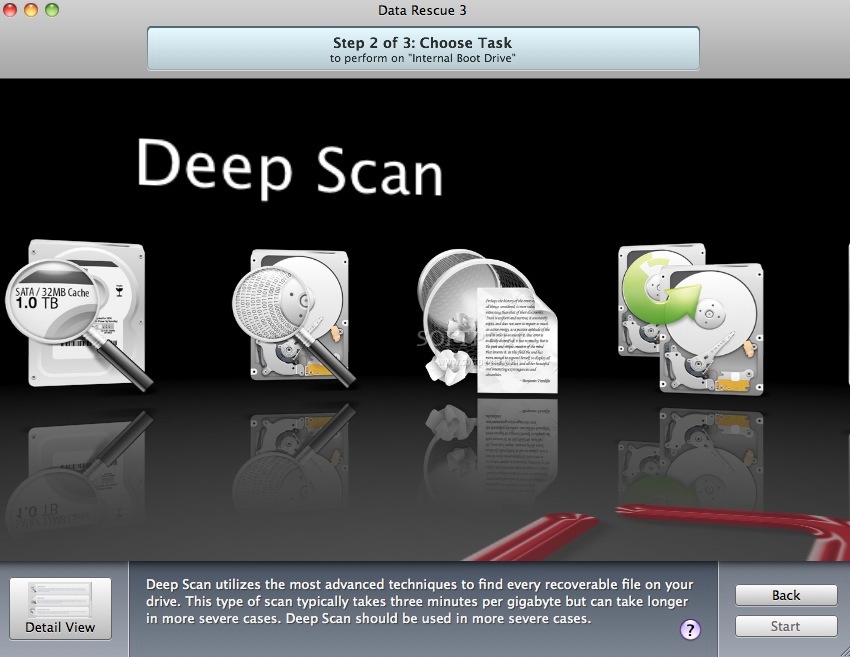
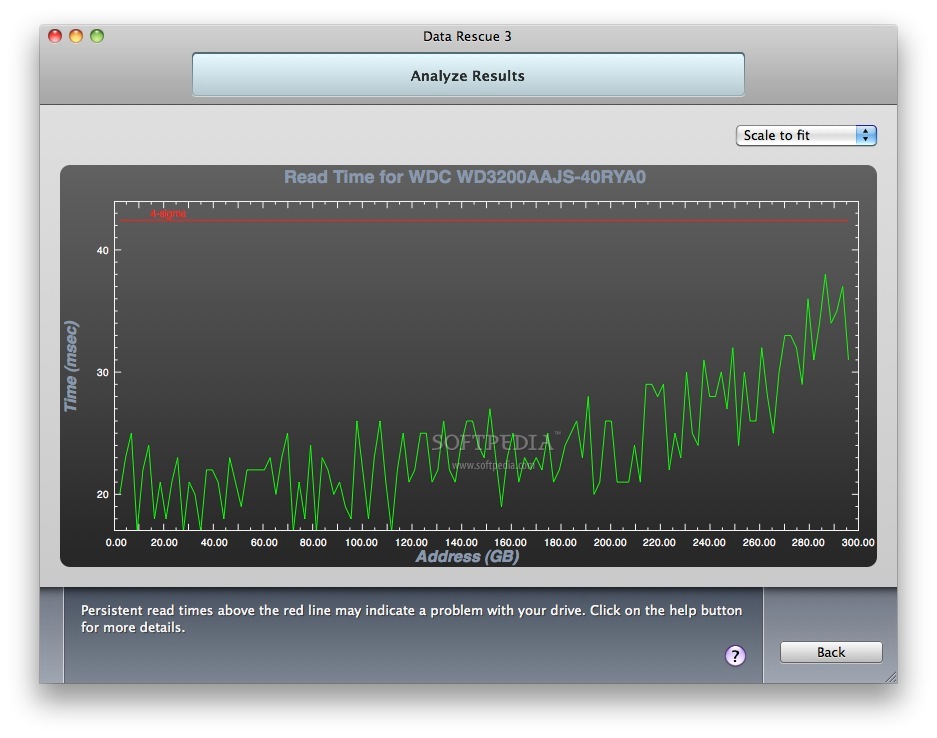
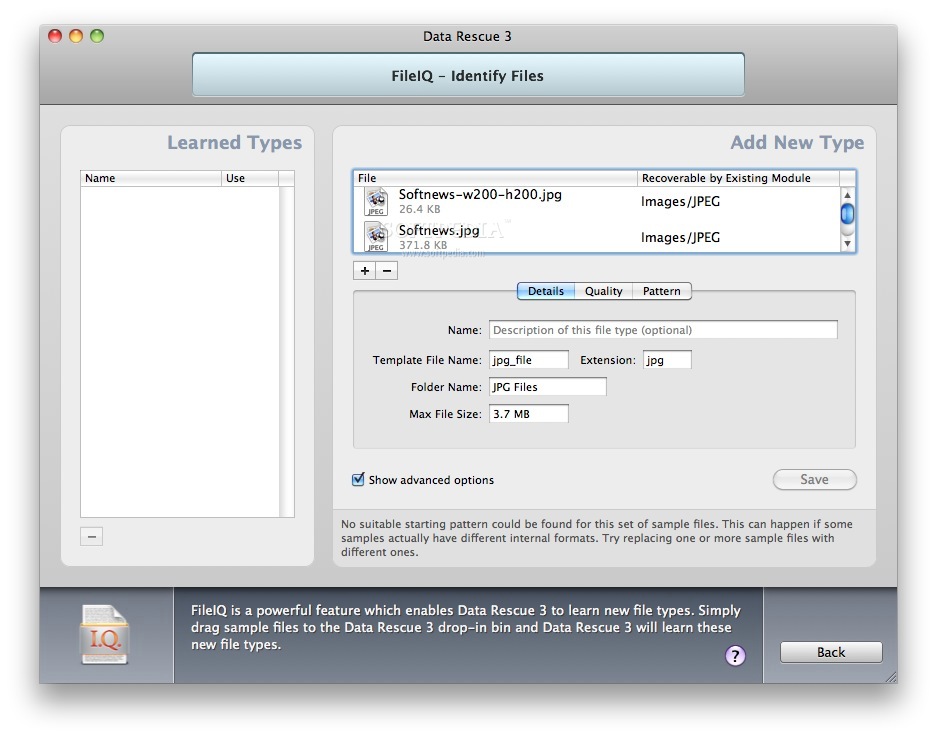
Data Rescue comes with advanced scanning techniques capable to find every piece of recoverable file stored on the hard drive. A Deep Scan is a two step process that can find existing directory structures in the first step and scan the entire hard disk for file patterns that can be used to rebuild raw data of any recognized files.
If you accidentally erased files you can use Deleted Files Scan feature to search for recently deleted files and restore them. What is more, you can also make an exact copy of your drive in order to increase the changes of recovering lost files.
What's new in Data Rescue 5.0.11:
- Support macOS 10.15 (limited): allow Temporary Storage on root; Recovery Drive supported only for HFS+ drives
- Detect Apple iWork ‘13 file types (key/numbers/pages)
- Support Sony DSC-RX/ILCA/ILCE/SLT cameras file formats
- Fix Show Desktop Notifications (popups) on macOS 10.13+
Data Rescue 5.0.11
 Softpedia Editor's Pick
add to watchlist
add to download basket
send us an update
REPORT
Softpedia Editor's Pick
add to watchlist
add to download basket
send us an update
REPORT
- runs on:
- OS X 10.10 or later (Intel only)
- file size:
- 16 MB
- filename:
- Data_Rescue_5.0.11.dmg
- main category:
- System Utilities
- developer:
- visit homepage
Bitdefender Antivirus Free

4k Video Downloader

7-Zip

Zoom Client

Context Menu Manager

ShareX

Windows Sandbox Launcher

IrfanView

Microsoft Teams

calibre

- IrfanView
- Microsoft Teams
- calibre
- Bitdefender Antivirus Free
- 4k Video Downloader
- 7-Zip
- Zoom Client
- Context Menu Manager
- ShareX
- Windows Sandbox Launcher