MAC CATEGORIES:


NEWS ARCHIVE >>
SOFTPEDIA REVIEWS >>

7-DAY TOP DOWNLOAD

#
Program
aMule 2.2.2
8,954
RAR Expander 0.8.5b3
7,146
Microsoft Office
2008 12.1.2

4,689
Internet Explorer
5.2.3

4,301
RAR for Mac OS X
3.80

3,187
Toast Titanium 9.0.2
3,133
MacTheRipper 2.6.6
2,600
Adobe Photoshop CS3
10.0.1

2,553
Cydia 1.0.2575-35
2,257
Drivers for the
Motorola L6 1.0

2,211

WEEK'S BEST

  • Senuti 0.50.2
  • SeaMonkey 2.0 Alph...
  • FlatOut 2
  • QuarkXPress 8.0.1
  • UltraMixer 2.3.5
  • GraphicConverter 6...
  • Apple iTunes 8.0.1
  • BodyPaint 3D 4.11....
  • BootPicker 2.1.2
  • Cha-Ching 2.0 Beta 6
  • RAR for Mac OS X 3...
  • 4Media MP4 Convert...
  • FileZilla 3.1.3.1
  • OsiriX 3.3 f1 / 3....
  • Flock 2.0 Beta 3 /...
  • Wimpy FLV Player 3.0
  • AIM 1.0 Beta 1 Bui...
  • Floola 3.6
  • MacPilot 3.1.4
  • phpMyAdmin 3.0.0
  • Second Life 1.20.1...
  • NeoOffice 2.2.5 Pa...
  • Spore Creature Cre...
  • Opera 9.60 RC1 / 9...
  • Mozilla Firefox 3....
  • VLC Media Player 0...
  • Java for Mac OS X ...
  • LimeWire X 4.18.8
  • WireShark 1.1.1 / ...
  • EasyWMA 2.8.2
  • Home / Mac / Utilities
     Report spyware

    CheckUp 1.2


    Downloads: 691  Add to download basket  Tell us about an update
    User Rating:
    Rated by:
    Good (3.5/5)
    29 user(s)
    Developer:

    License / Price:

    Size / OS:

    Binary Format:

    Last Updated:

    Category:
    app4mac | More programs
    Demo / US$29.00 | BUY the full version
    16.3 MB / Mac OS X 10.4 or later
    Universal Binary Universal Binary
    July 25th, 2008, 15:55 GMT [view history]
    C: \ Utilities

     Read user reviews (0)  Add a review  Refer to a friend  Subscribe


    CheckUp description


    CheckUp - Monitor the behavior and health of your Mac

    CheckUp features powerful tools to monitor the behavior and health of a Mac computer.

    It's a powerful and intelligent monitoring application for any Mac with PowerPC or Intel Processors. CheckUp is useful for business and home environment.

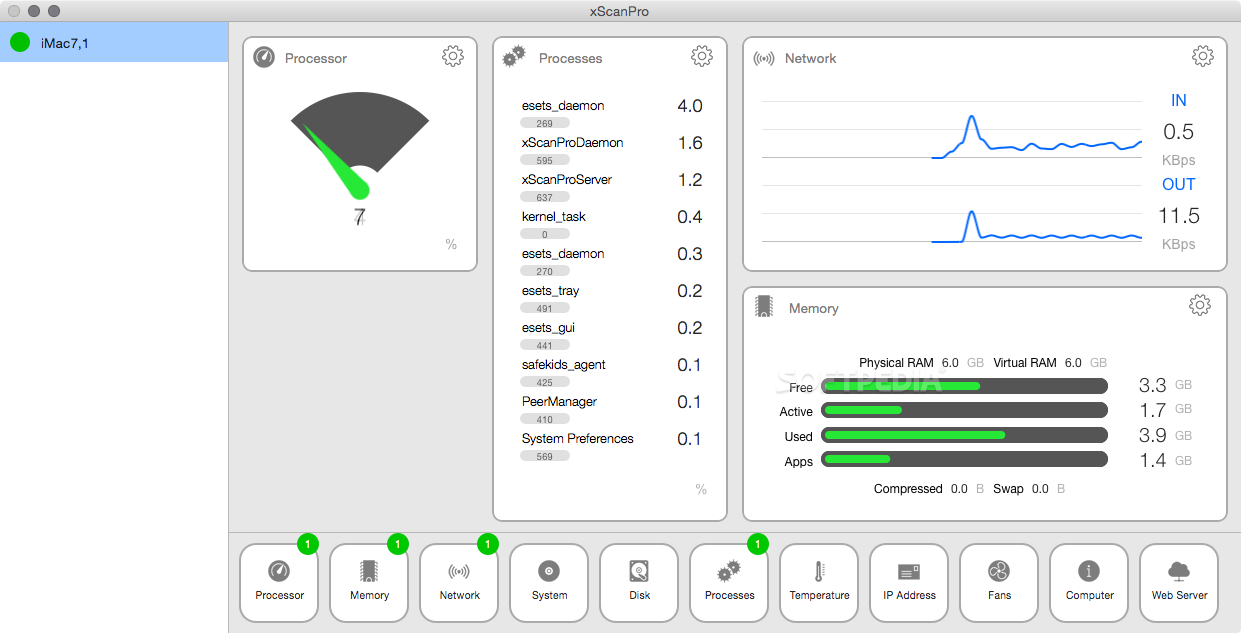
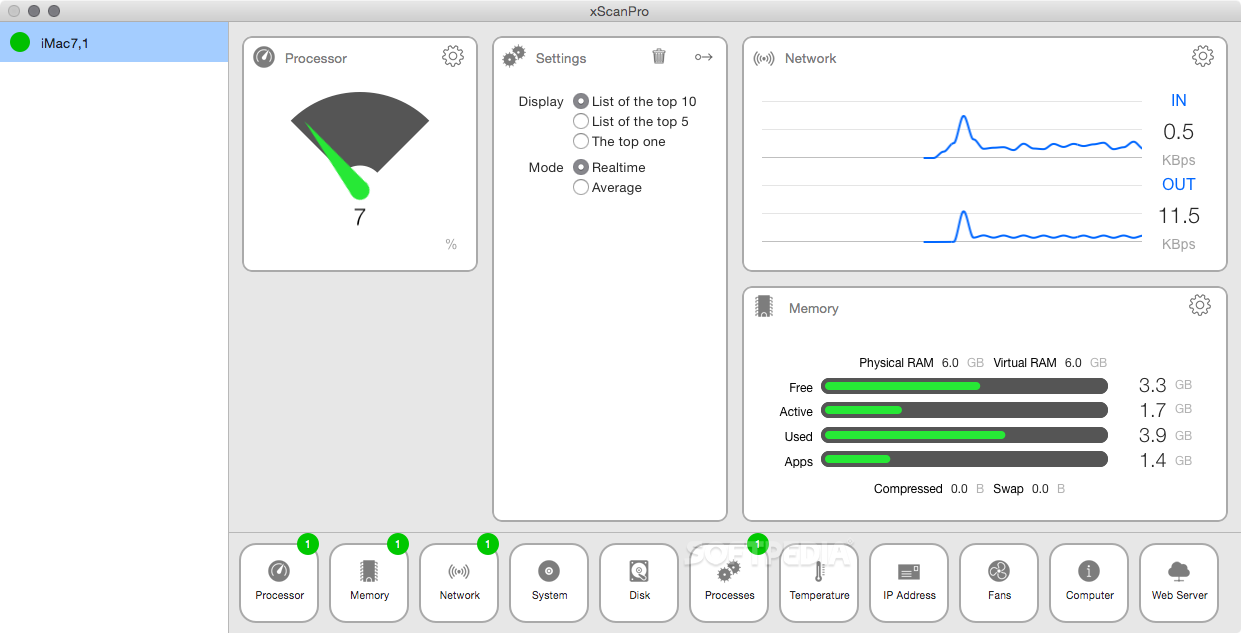
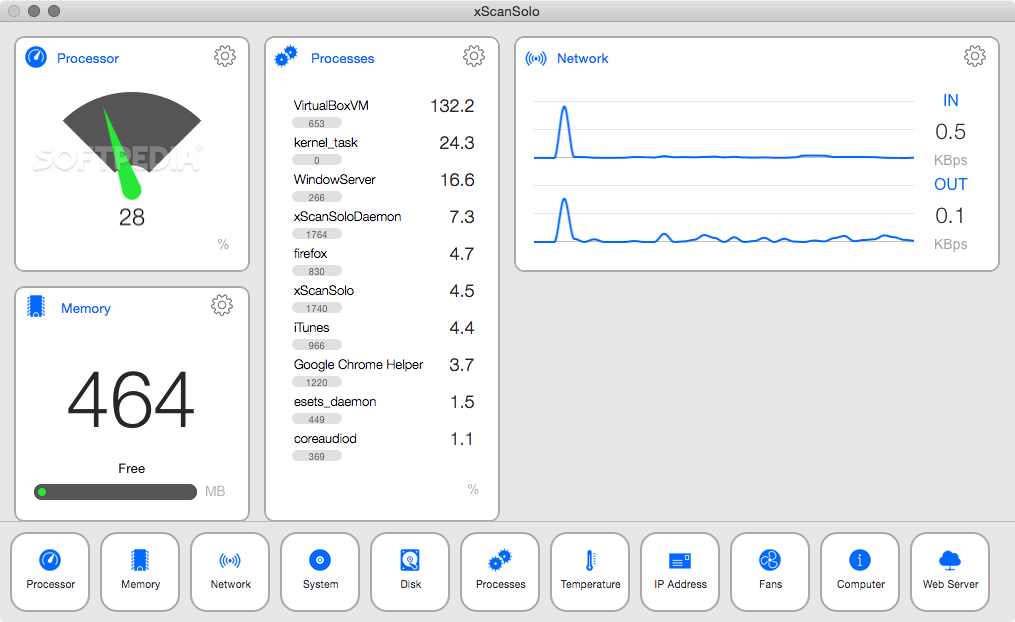
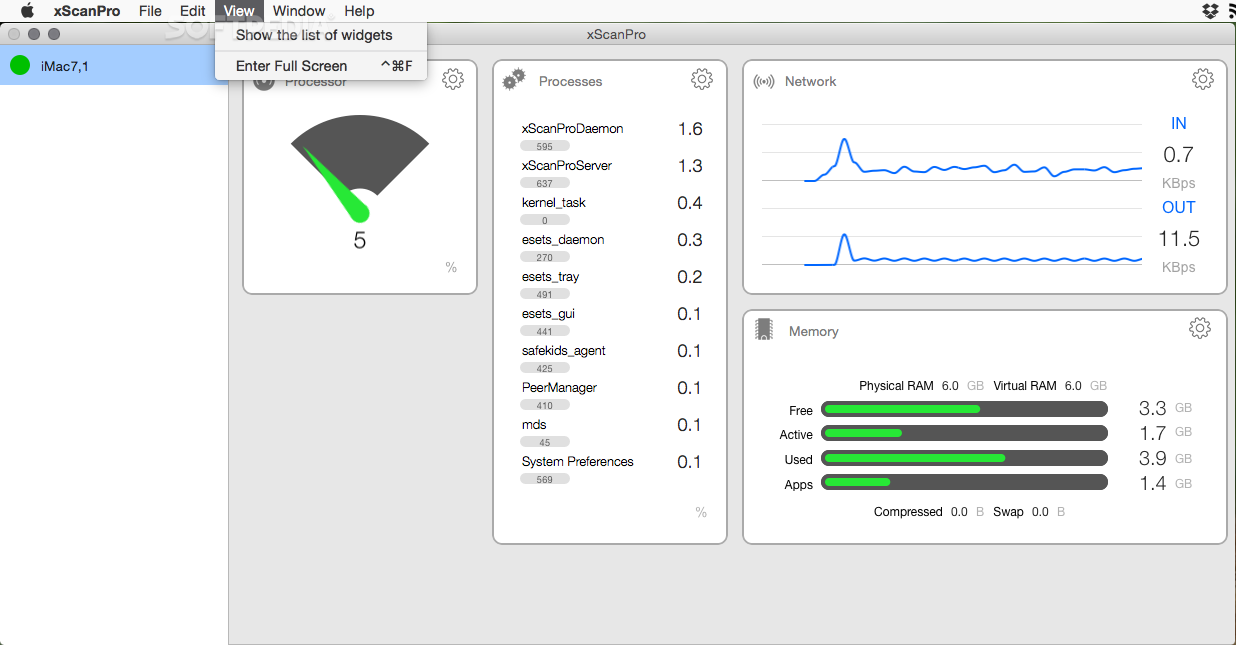
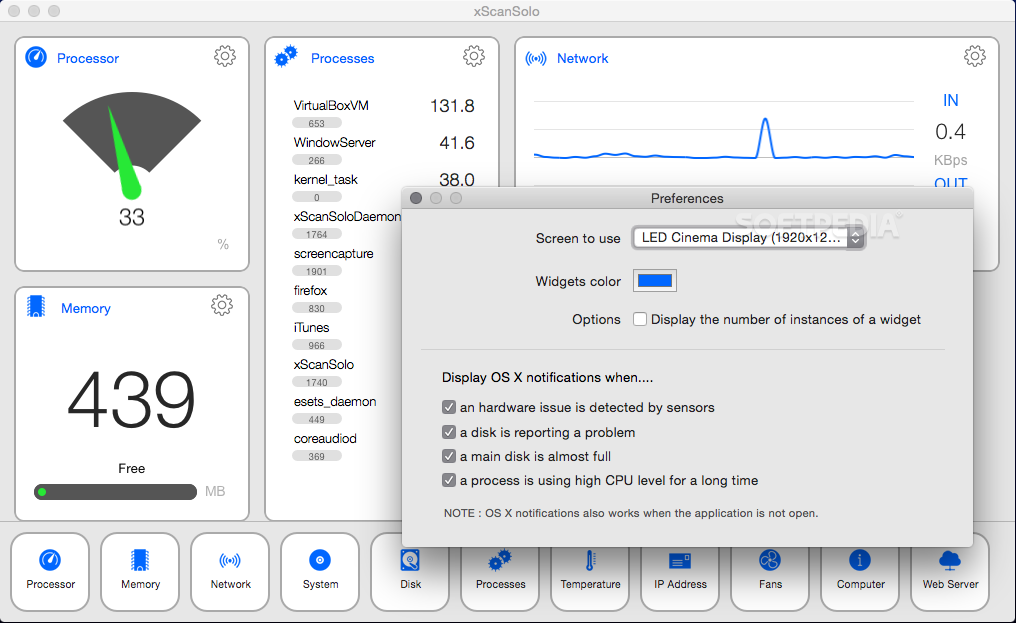
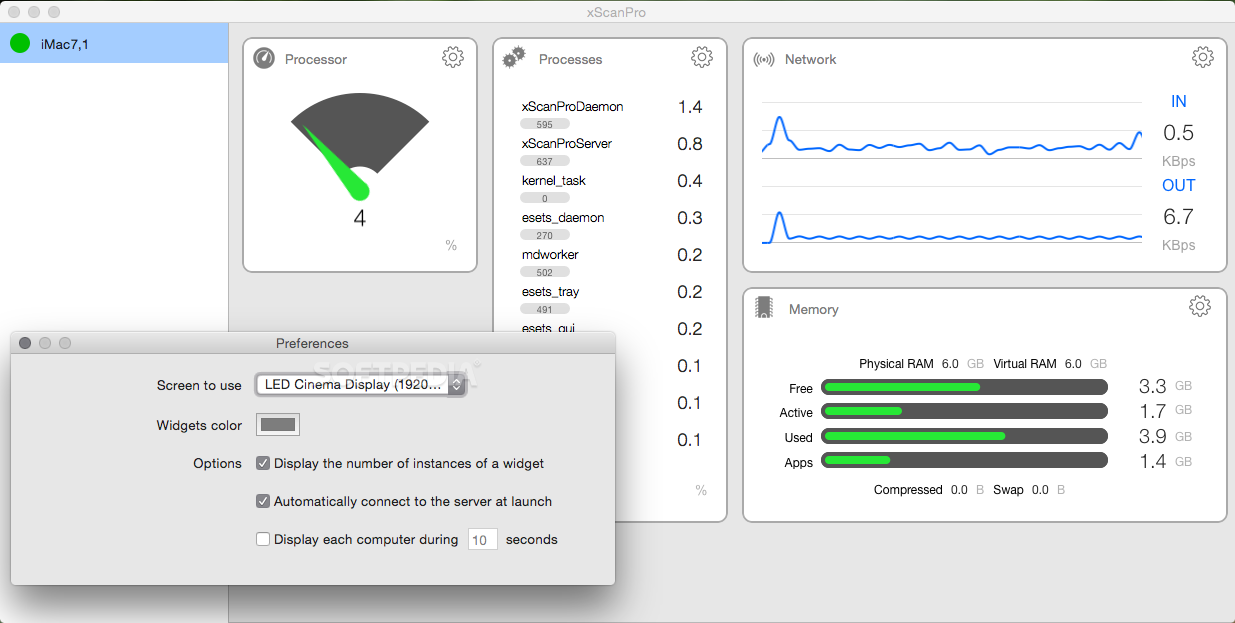
    CheckUp is designed to monitor the usage of Disk Drives, CPU, Memory, and Network Adapters and alert you when a certain resource exceeds a certain value.You can create usage reports and displays detailed information about all running processes.

    You can delete or terminate these with ease. By adding rules that will be triggered when certain conditions are met for a specified resource on a computer, you can have notifications visually presented via the growl notification system.

    The graphical user interface is designed with a top priority on high usability in mind. Unlike other competing products it takes a very short time to setup your environment.

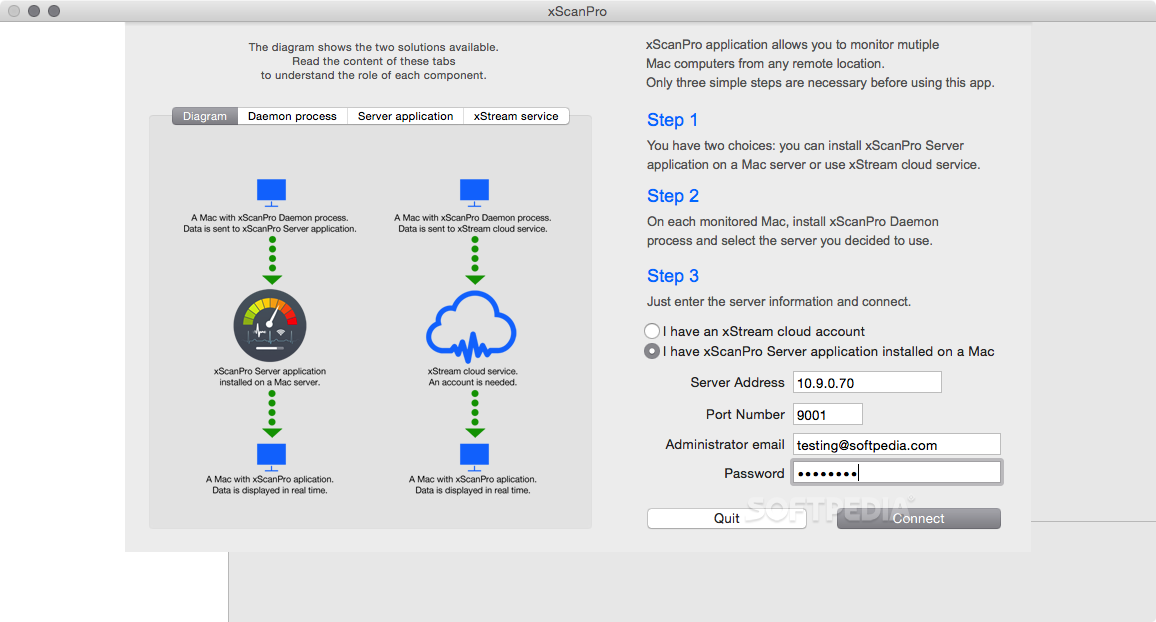
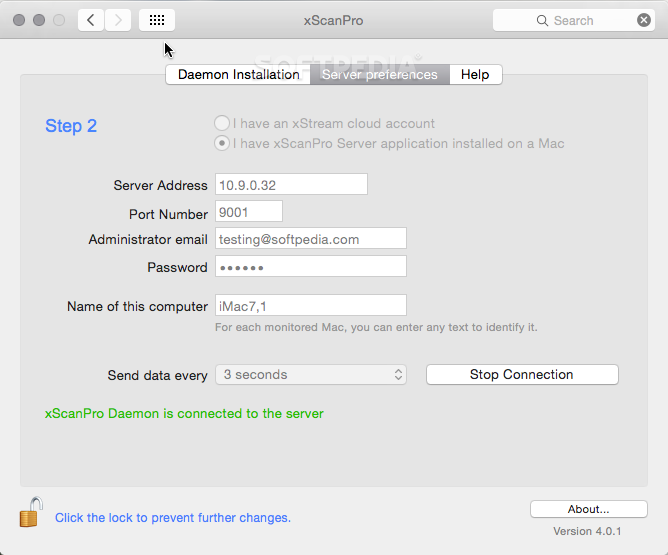
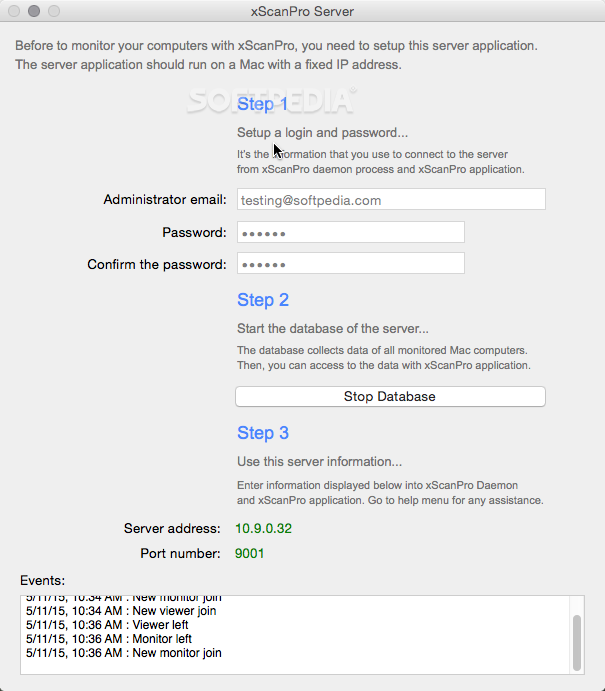
    CheckUp is also able to monitor a remote Mac from the local network or via internet.
    It's a powerful feature for IT administrators.

    Here are some key features of "CheckUp":

    · Monitoring System Capabilities
    CheckUp allows you to discover the capabilities of your computer in a very visual way. It helps you to learn about supported technologies. You can check if your computer is able to run Mac OS X 10.5 Leopard, the latest version of Mac OS X or any operating system like windows XP, Windows Vista, Linux, etc. You can see at any time how many fonts, drivers or extensions are installed on your computer with a lot of useful information.

    · Monitoring System Load
    System load shows you processor usage in percents, the total number of running processes and threads and the available memory. It will helps you to understand how to improve the performance of your computer.

    · Monitoring Storage Devices
    In an effort to help users avoid data loss, drive manufacturers are now incorporating logic into their drives that acts as an early warning system for pending drive problems. This system is called Self-Monitoring Analysis and Reporting Technology or SMART. CheckUp monitors the SMART status of drives in the background (even when the application is not running). It can also pop-up an alert via the growl notification system.

    · Monitoring Network
    Some causes of high network activity are linked to peer to peer connections, file copying or large print jobs. Use CheckUp to create a log and calculate the network utilization. CheckUp can also display bandwidth data in a real-time graph. It records all network traffic and the total amount of data transfered on your network.

    · Monitoring Processes
    The processes manager helps you get to know all about running programs and manage them. You can terminate a process, change priority or temporarily stop it. This tool can give you additional information about selected process: memory used, processor power used, etc.

    · Detection of known problems
    When you launch CheckUp, it will detect if your Mac have known problems reported by other Mac Users. Some computers were sold with defective hardware (hard drives, graphic cards, monitors, etc) and CheckUp is able to detect these problems and inform you about how to fix them with Apple help (in most case, Apple warrranty covers these problems).

    · Fast access to system tools
    CheckUp includes many functions to improve the performance of your computer. It allows you to run useful maintenance scripts, to repair the permissions of your disks and clear system caches that are often the source of problems.

    · Mac Audit management
    CheckUp allows you to create a visual report of installed programs, running processes, memory and processors level used during the day or the last week.

    · Multiple screens support
    If you have two or more screens, you can decide on which screen to display the information.

    · Customizable user interface
    CheckUp features an amazing user interface with 3D effects and OpenGL controls. You can choose the skin of the interface and move some items on your screen (they will always stay at the top of all applications)

    · Advanced Remote Monitoring
    With CheckUp, you can monitor CPU, memory, disks, processes of one or more remote computers through a simple TCP/IP network connection. It can help you for example to monitor the activity of your servers with more information than the traditional Apple tools.


    Limitations:

    · When unregistered, the product will have limited features but enough for evaluation.

    What's New in This Release: [ read full changelog ]

    · New Wifi-Network detector with signal level
    · Updated user interface
    · Bugs fixed
    · New lower price

      Softpedia guarantees that CheckUp 1.2 is 100% CLEAN, which means it does not contain any form of malware, including spyware, viruses, trojans and backdoors. [read more >]


    TAGS:

    cpu monitor | system information | usage report | monitor | cpu | memory

    Related downloads IT News Popular downloads New additions   Latest reviews  
    CheckUp 1.2
    CheckUp - Monitor the behavior and health of your Mac
    TimeMon 4.1
    TimeMon - CPU monitor which allows users to monitor various CPU statistics from the dock
    StatusbarEx 0.2.17
    StatusbarEx - Firefox add-on that lets you monitor system information.
    iPhone SysInfo 1.0
    iPhone SysInfo is a very useful application that lets you view important information about your system
    App Monitor 1.0
    App Monitor - watch the CPU usage of any process on your system


    HTML code for linking to this page:


    Go to top


    SUBMIT PROGRAM   |   ADVERTISE   |   GET HELP   |   SEND US FEEDBACK   |   RSS FEEDS   |   ENTER NEWS SITE   |   ENGLISH BOARD   |   ROMANIAN FORUM