
User-oriented and fully-featured backup and cloning utility specially designed to help Mac users make a bootable backup of the entire system #Disk cloner #Backup disk #Clone disk #Backup #Clone #Disk
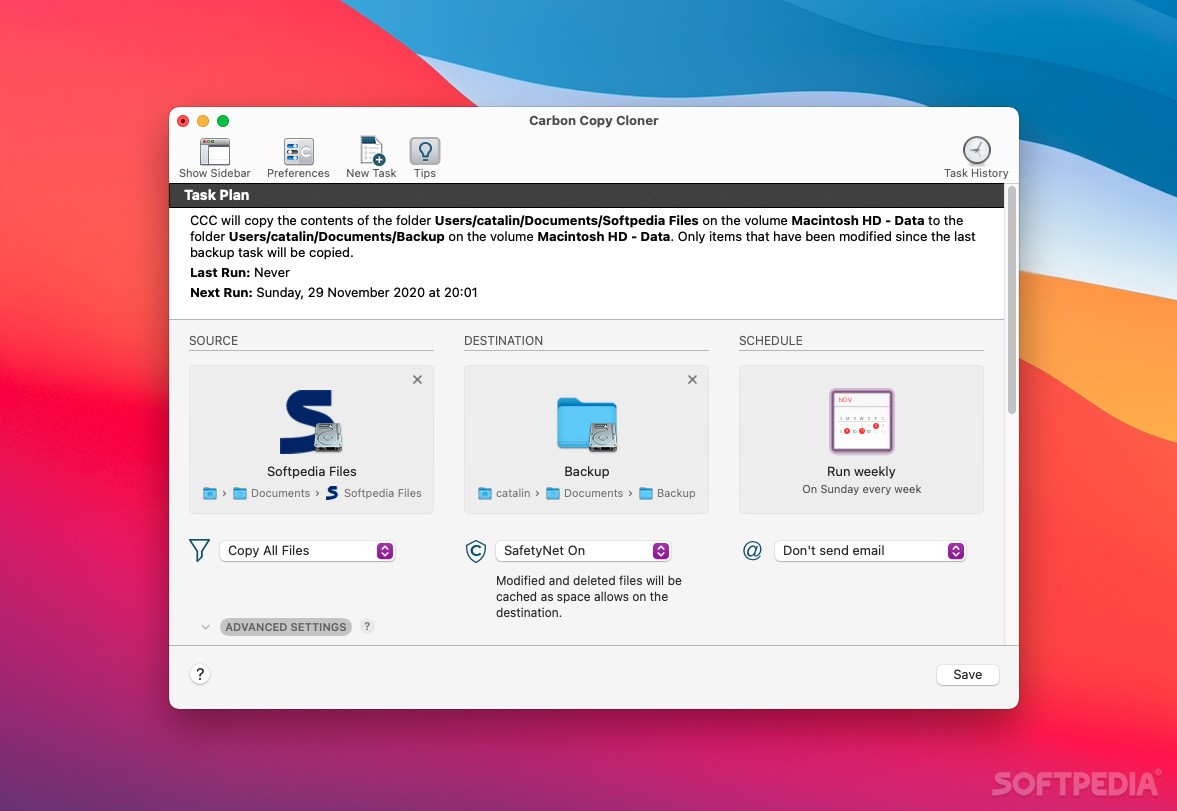
Carbon Copy Cloner is a reliable and easy-to-use solution for Mac users that need to quickly backup their system and take advantage of the benefits which the bootable recovery has to offer.
By using Carbon Copy Cloner, you are not just making ordinary system backups that require the use of another hard disk in case the current one fails. Thanks to Carbon Copy Cloner, all your data along with the operating system’s data are stored on a bootable volume that can be instantly used.
Consequently, you can boot from your backup if your hard disk fails and return to your work and projects in a matter of seconds. This features, gives you time to replace the damaged drive at your convenience and restore all your data in one easy step.
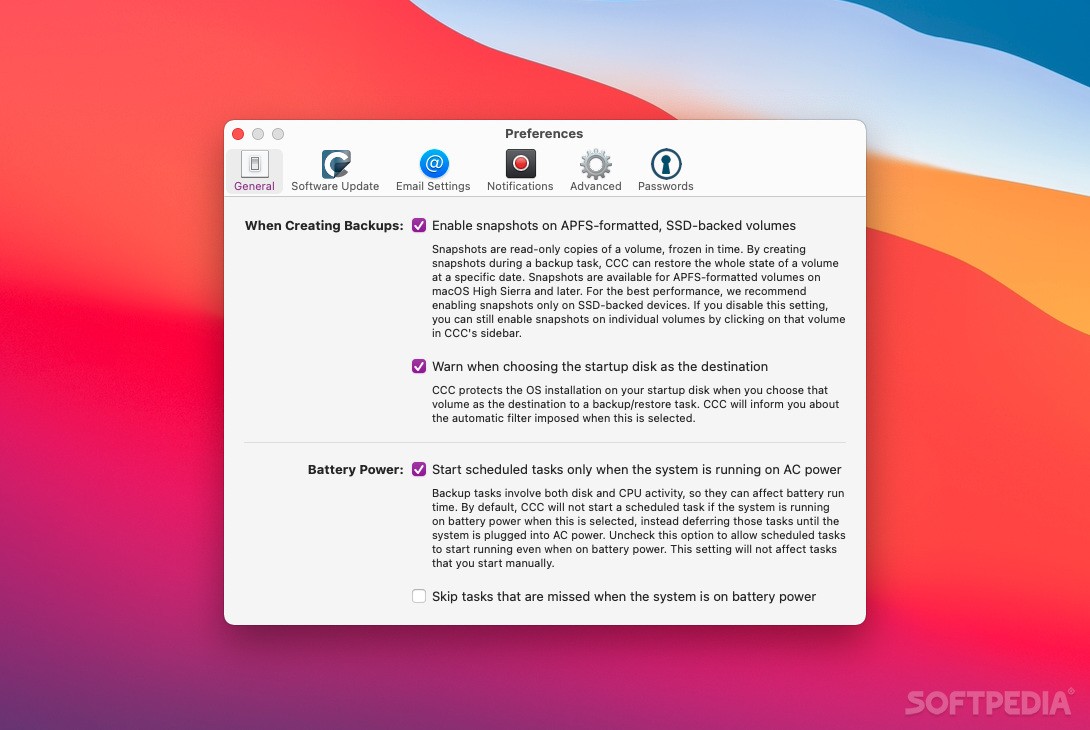
From the main window, you can quickly select the source and destination volume, select the files you want to include or exclude from the backup and even customize the backup process.
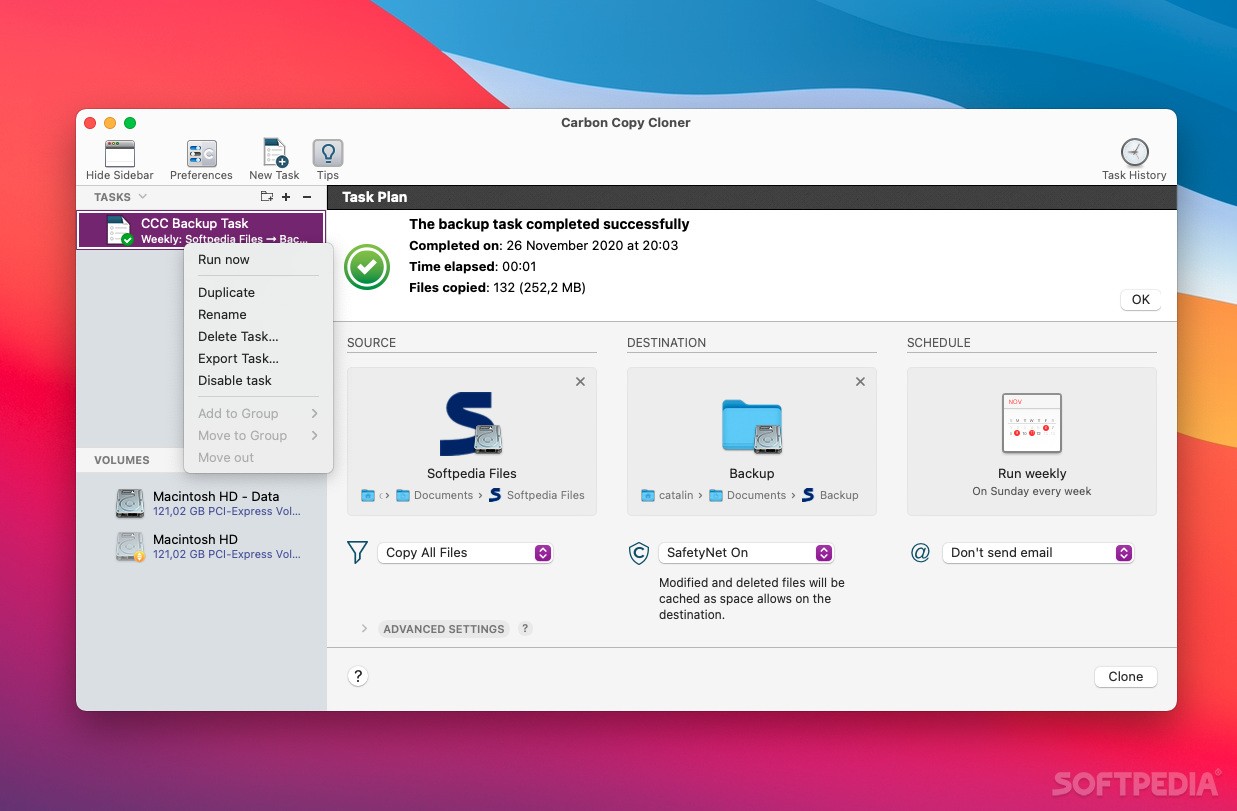
Carbon Copy Cloner allows you to create multiple backup profiles and decide what happens with folders and files that are present only on the destination and with the files that have been modified since the last backup.
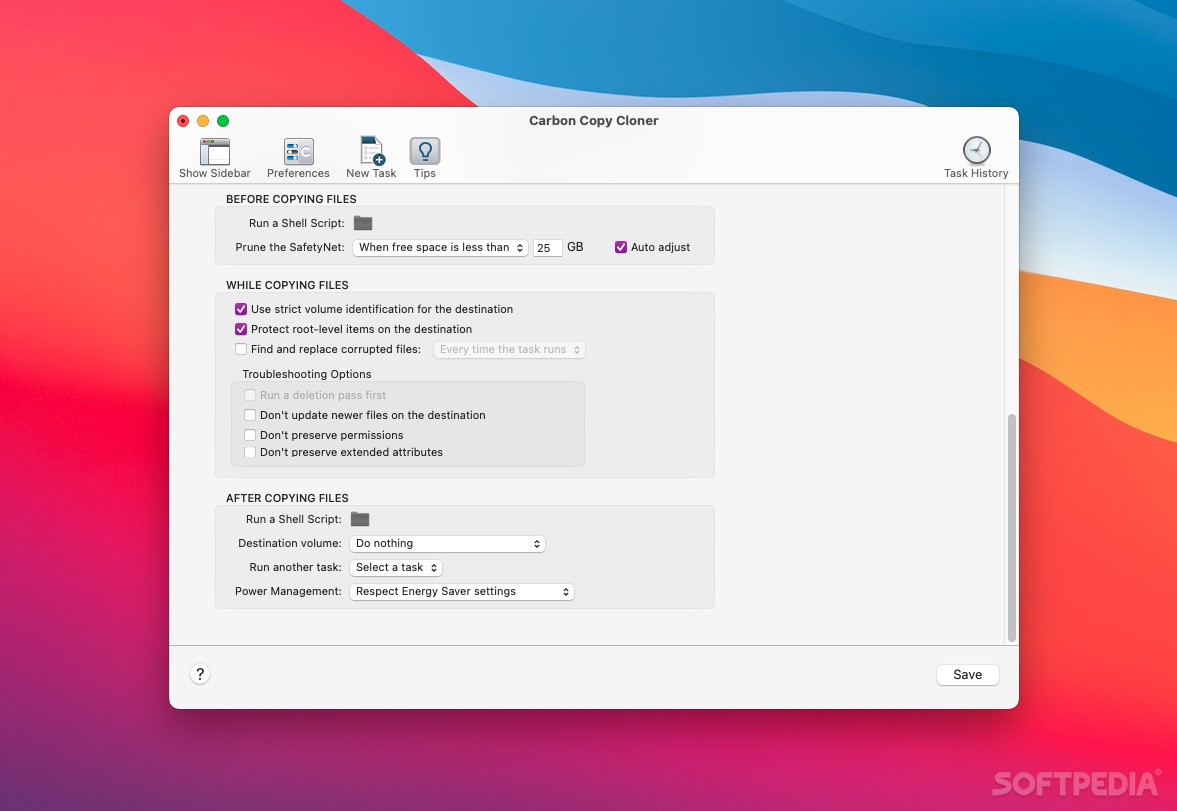
You can prune archived content before copying files and constantly keep a certain amount of free space on the backup drive.
More experienced users can also access the Advanced Settings window and enable options such as “Run the deletion pass on the destination before copying new files”, “Replace a folder on the destination if the source item is not a folder” or “Calculate a checksum for every compared file” and “ Remove files on the destination that I have excluded from the backup”.
As mentioned earlier, you can backup to hard drives, network drives and disk images and use subsequent backups and copy only the items that have been changes since the last backup.
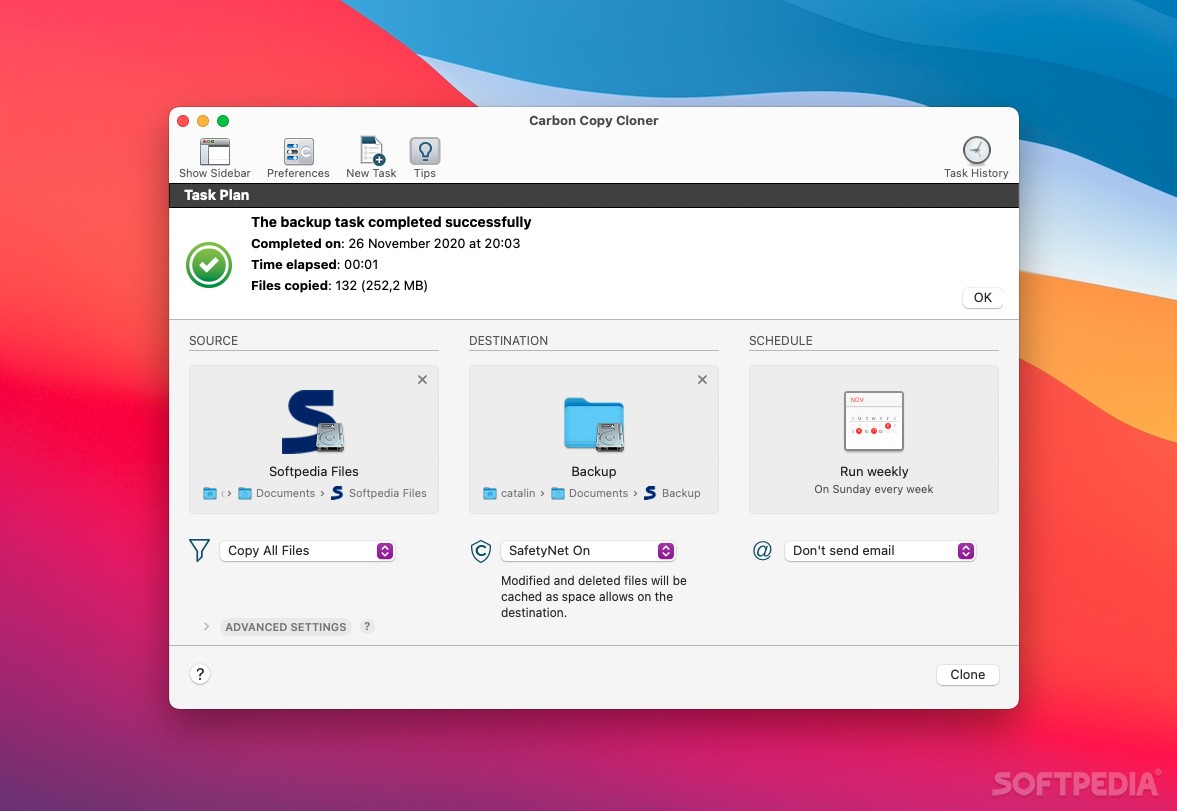
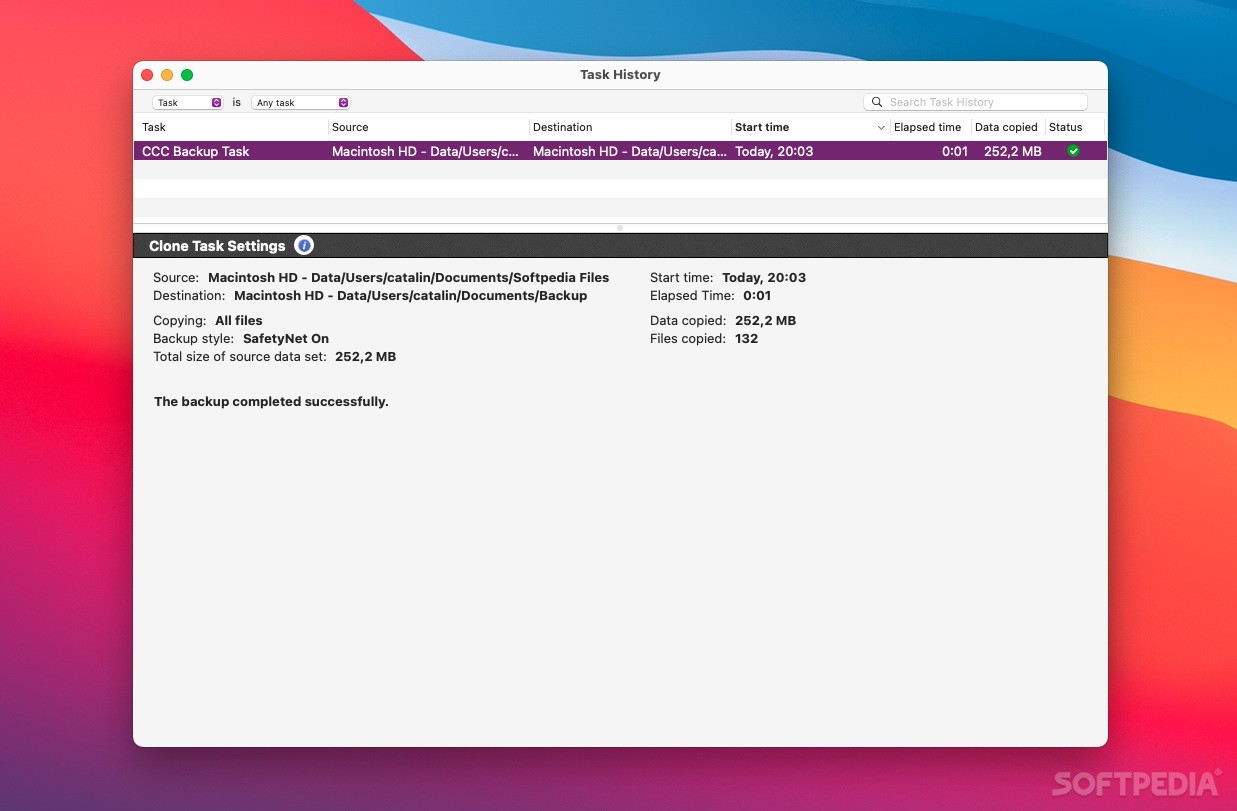
In a nutshell, Carbon Copy Cloner is a powerful backup tool that allows you to schedule backup tasks on a hourly, daily, weekly or monthly basis, and is also capable of sending email notifications when a backup is complete or if errors occur during the backup process.
Download Hubs
Carbon Copy Cloner is part of these download collections: Create Backup, Make Backup
What's new in Carbon Copy Cloner 6.1.11:
- A reminder dialog to run an "On reconnect" backup task is now removed more reliably when the backup volume is attached.
- Normally when a destination NAS volume drops offline in the middle of a backup task, CCC will attempt to remount the NAS volume, and if successful, will resume copying files. If a request to update the content of a specific folder happened to be in progress while the NAS volume dropped offline, that folder should be re-processed. We addressed a timing issue that was failing to reprocess folders like this specifically when they had not yet completed enumeration on the destination.
- Fixed a timing issue that was causing CCC to not add a login item for the CCC Dashboard despite that setting being enabled in CCC Settings > Dashboard.
- Unhiding the Library folder on the destination is now handled more reliably for "Cloud Storage" backup tasks.
Carbon Copy Cloner 6.1.11 (7667)
 Softpedia Editor's Pick
add to watchlist
add to download basket
send us an update
REPORT
Softpedia Editor's Pick
add to watchlist
add to download basket
send us an update
REPORT
- runs on:
- macOS 10.15 or later (Universal Binary)
- file size:
- 24.3 MB
- filename:
- ccc-6.1.11.7667.zip
- main category:
- System Utilities
- developer:
- visit homepage
Microsoft Teams

Context Menu Manager

Zoom Client

IrfanView

7-Zip

Windows Sandbox Launcher

Bitdefender Antivirus Free

ShareX

calibre

4k Video Downloader

- ShareX
- calibre
- 4k Video Downloader
- Microsoft Teams
- Context Menu Manager
- Zoom Client
- IrfanView
- 7-Zip
- Windows Sandbox Launcher
- Bitdefender Antivirus Free