
Powerful, extremely flexible and cross-platform application that will allow you to use countless customizable alarms, stopwatches and reminders at the same time. #Alarm clock #Set alarm #Event reminder #Alarm #Clock #Notifier
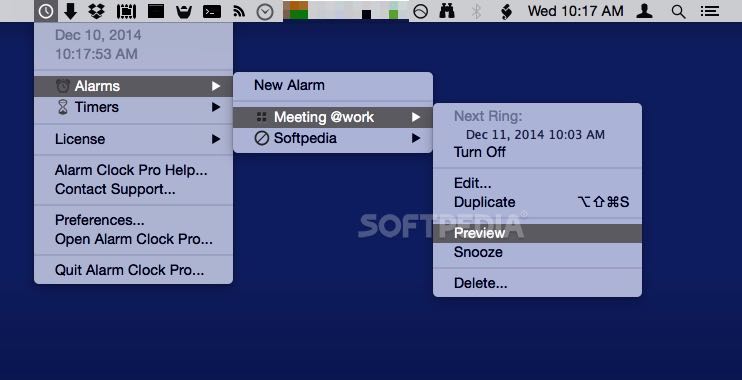
Developed to transform your Mac into a customizable alert system, the Alarm Clock Pro application offers you the possibility to enhance your day to day activity by launching playlists at specific times in the day, by displaying inspirational quotes, or by quickly setting reminders for various tasks.
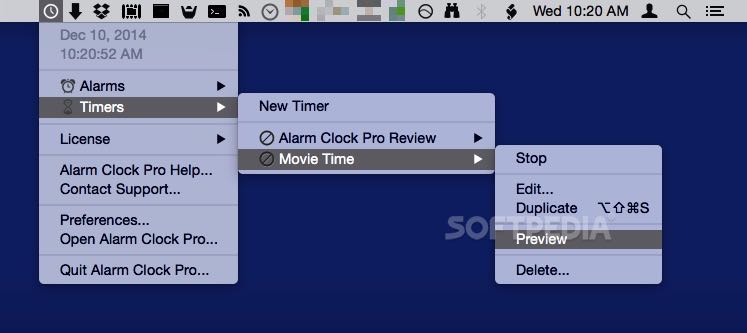
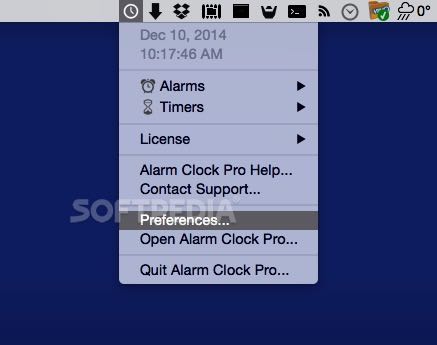
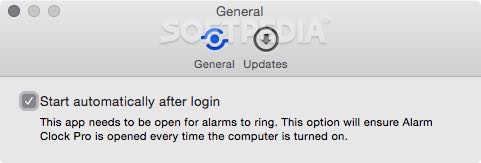
Alarm Clock Pro comes with its own installer which makes the deployment process fairly straightforward. The app places a small menu to your status bar that provides a list with upcoming alarms, and enables you to stop certain actions.
Note that Alarm Clock Pro comes with various windows designed to deal with specific tasks, such as displaying the list of alarms, or the user defined tasks. Moreover, you get to access a time zones calculator, a chronoindex, or the stopwatch tool.
Alarm Clock Pro allows you to place any of the built-in clock designs on your desktop, or download new ones from the developer’s website. This way, you can easily eliminate the need of keeping the system clock in the status bar.
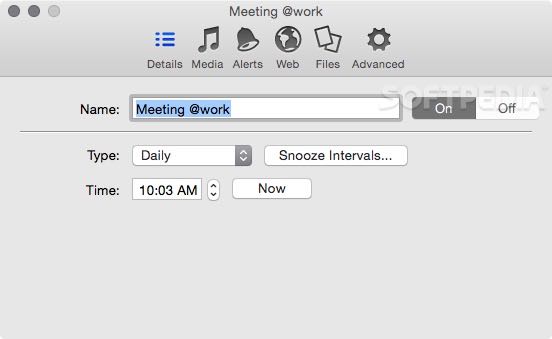
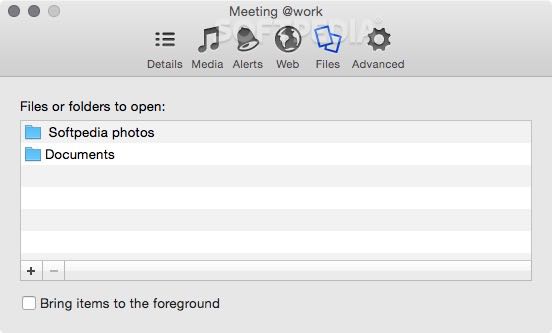
Alarm Clock Pro comes with a Alarm Setup Assistant that takes you to all the necessary steps that must be followed when creating a new event: you must set up the alert’s type (date, timer, weekly, or hourly), but also the action that will be triggered.
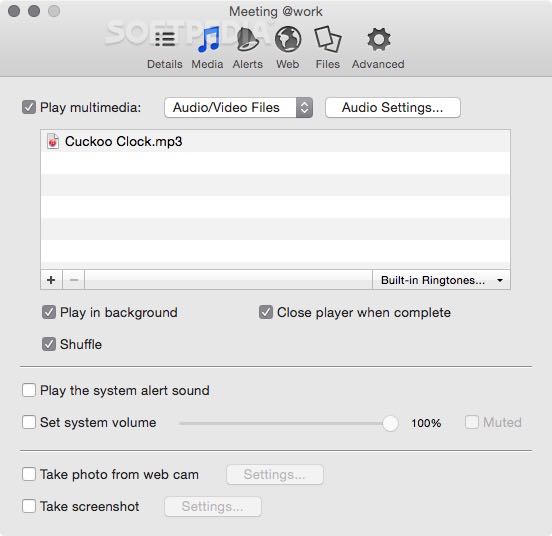
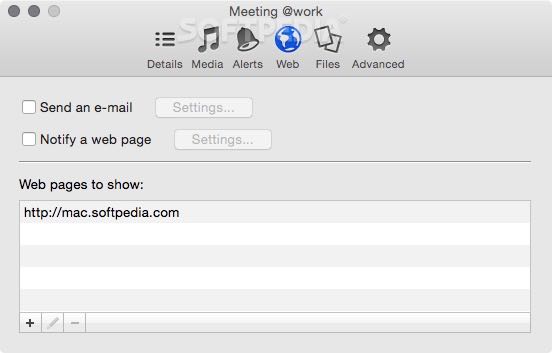
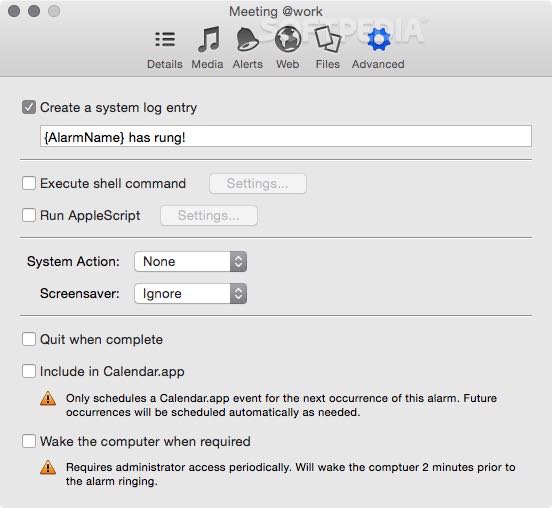
The built in action templates range from simply adjusting the system volume, to launching AppleScripts, composing emails, launching iTunes playlists or quitting the player, navigating to a specific URL, and so on. The app allows you to define exclusion rules for certain dates.
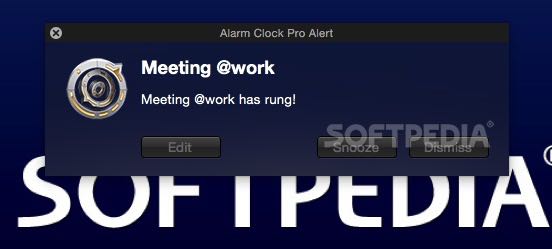
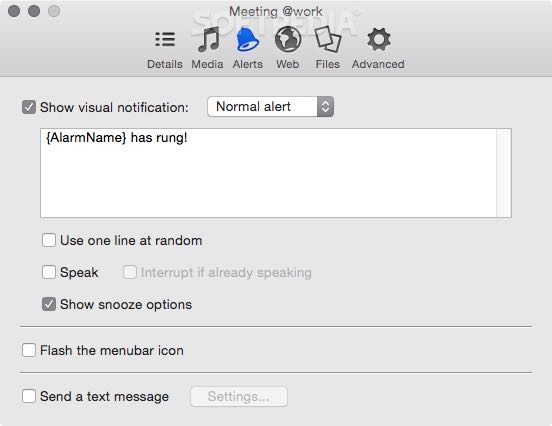
Alarm Clock Pro offers you the possibility to setup custom alerts and trigger appropriate actions automatically: as a result, you have the option to avoid dealing with repetitive tasks, and even improve your overall workflow with minimal effort.
Download Hubs
Alarm Clock Pro is part of these download collections: Sleep Scheduler
What's new in Alarm Clock Pro 15.6:
- Bug Fix: Shows alerts on macOS once again if it is a system alert type and the app has never requested permission before.
- Bug Fix: Minor bug fixes.
Alarm Clock Pro 15.6
 Softpedia Editor's Pick
add to watchlist
add to download basket
send us an update
REPORT
Softpedia Editor's Pick
add to watchlist
add to download basket
send us an update
REPORT
- runs on:
- macOS 10.14 or later (Universal Binary)
- file size:
- 54.4 MB
- filename:
- alarmclockpro.dmg
- main category:
- Utilities
- developer:
- visit homepage
calibre

Windows Sandbox Launcher

4k Video Downloader

IrfanView

7-Zip

ShareX

Bitdefender Antivirus Free

Zoom Client

Context Menu Manager

Microsoft Teams

- Zoom Client
- Context Menu Manager
- Microsoft Teams
- calibre
- Windows Sandbox Launcher
- 4k Video Downloader
- IrfanView
- 7-Zip
- ShareX
- Bitdefender Antivirus Free