
Very popular multi-platform application that can be used for viewing, printing, signing, as well as verifying the content of PDF files. #Pdf reader #View PDF #Open PDF #Reader #PDF #Viewer
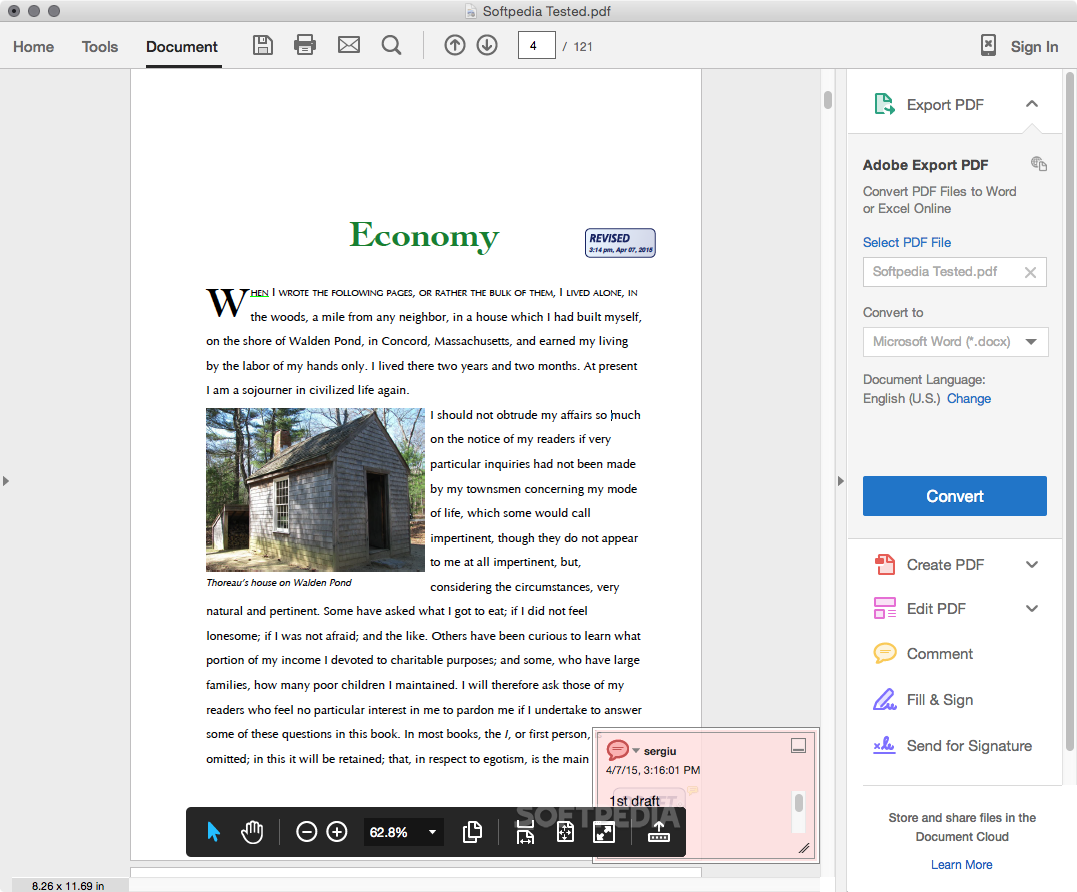
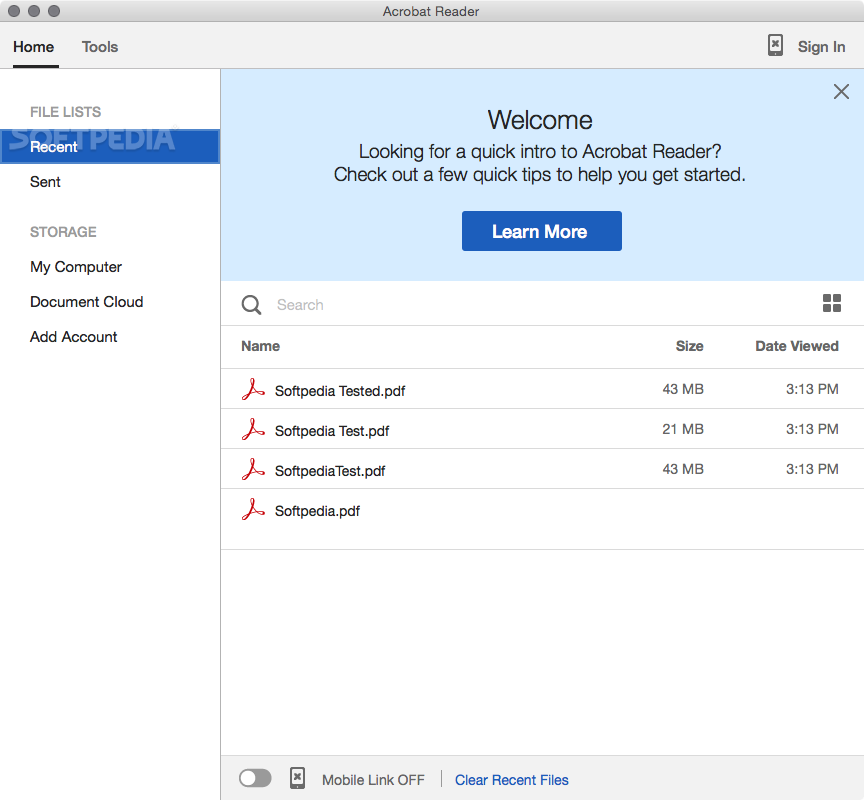
Adobe Acrobat Reader (formerly Adobe Reader) is a well-designed and very easy-to-use cross-platform PDF reader that helps you preview, sign, fill, annotate and print PDF documents with ease.
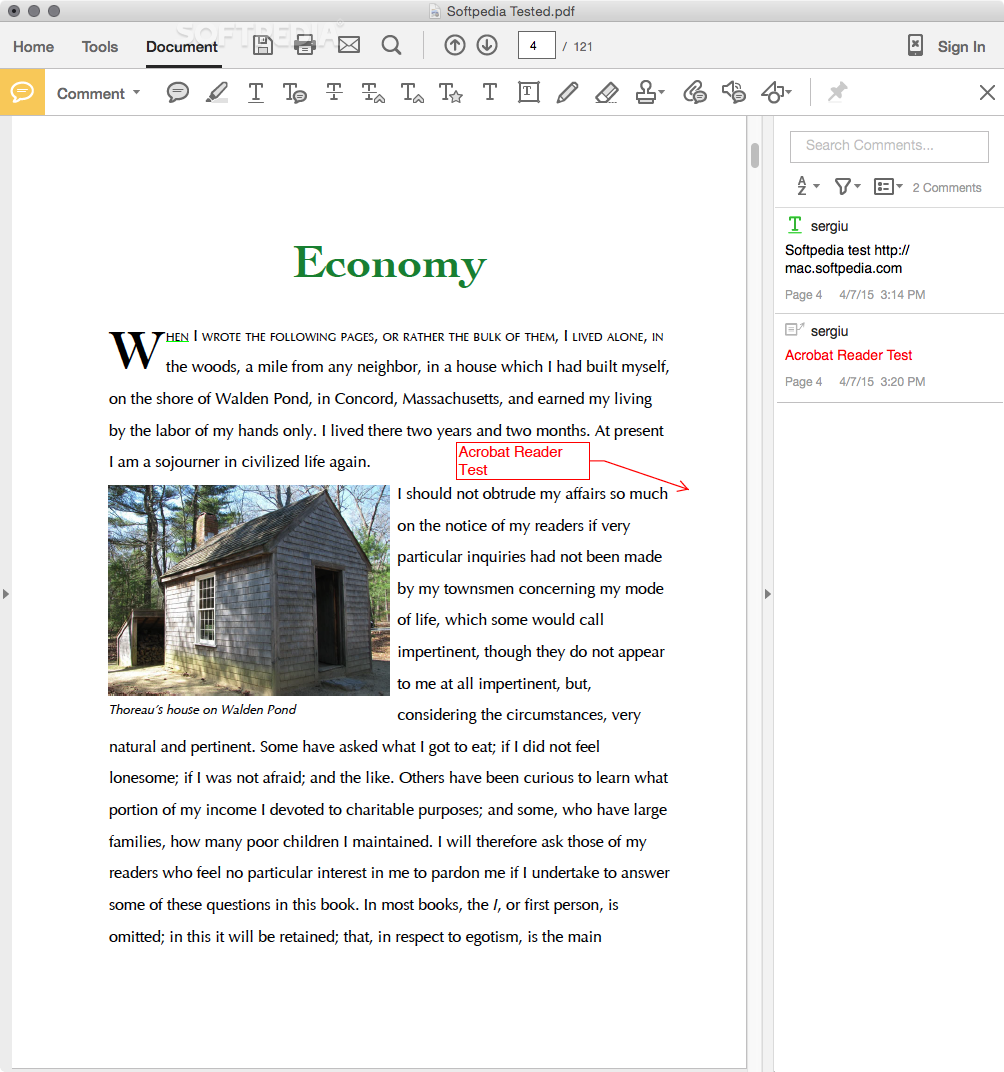
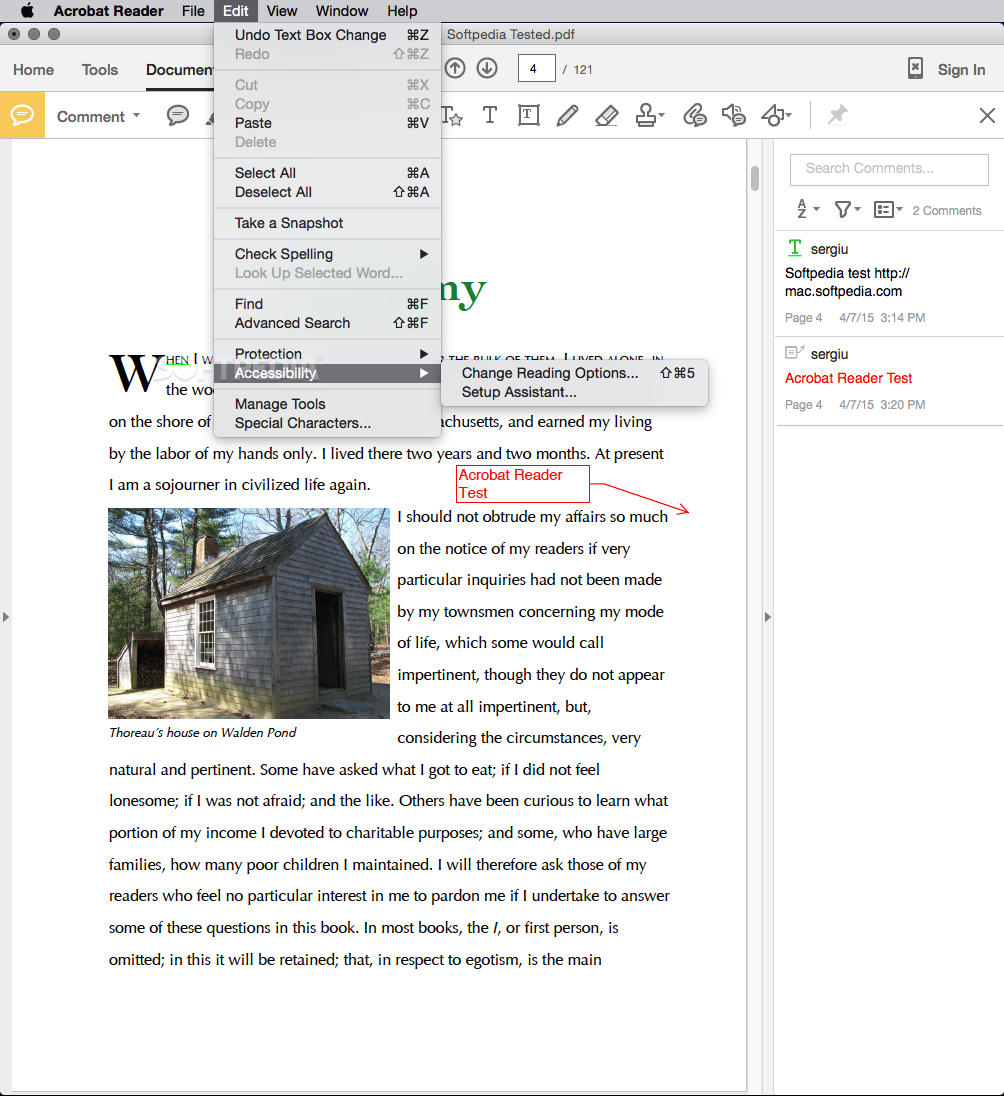
Adobe Acrobat Reader comes with a clean and intuitive interface designed to stay out of your way as you read documents, add comments, fill forms or highlight text.
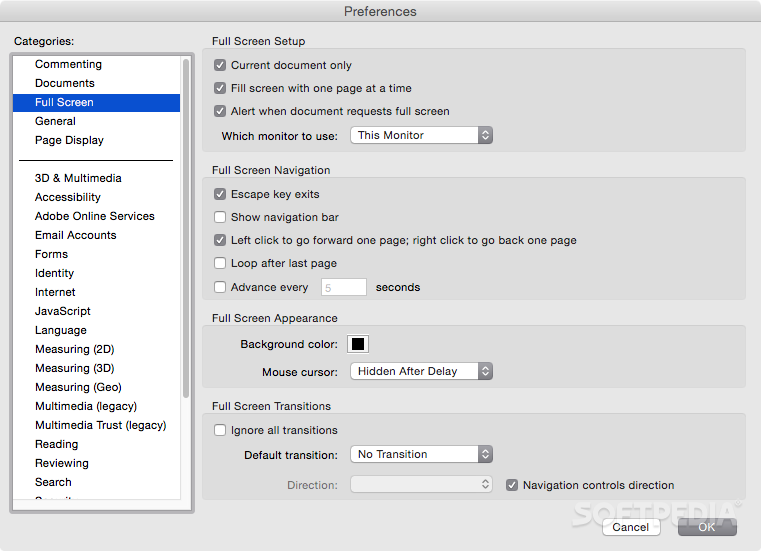
Adobe Acrobat Reader offers a Read Mode, as well as a Full Screen Mode that hides all toolbars and helps you focus on your reading without getting distracted.
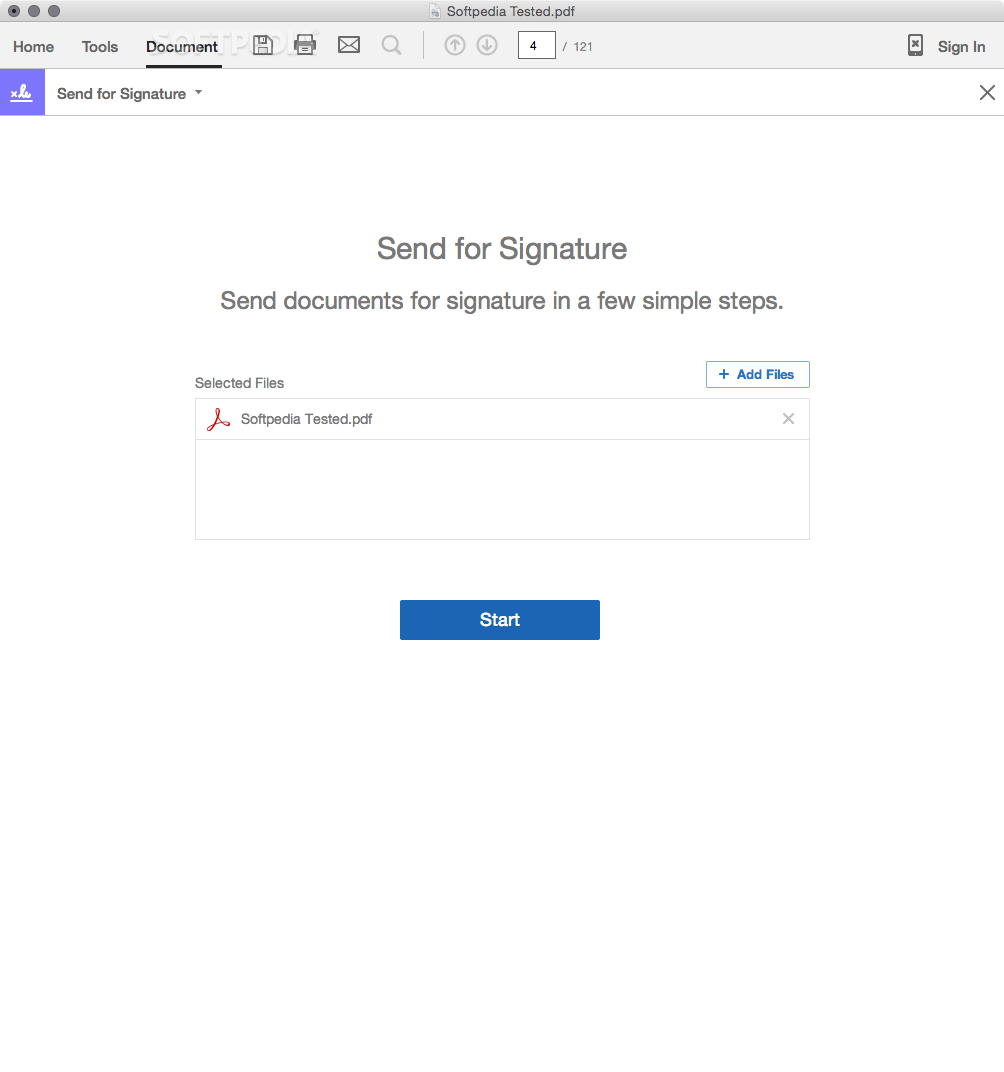
Thanks to Adobe Acrobat Reader's top toolbar, you can sign, add text or send a document for signature, save your additions and modifications, print or email the document, browse through its pages, zoom in and out, insert sticky notes and highlight text with extreme ease.
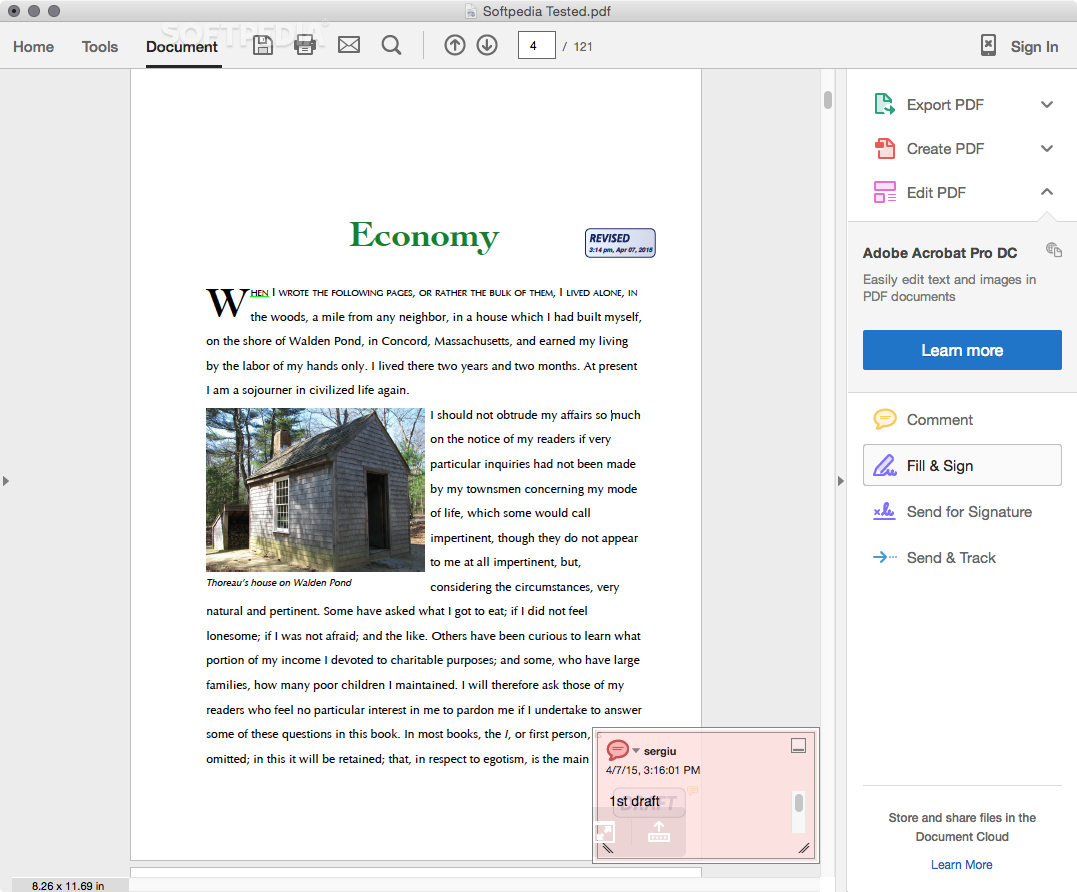
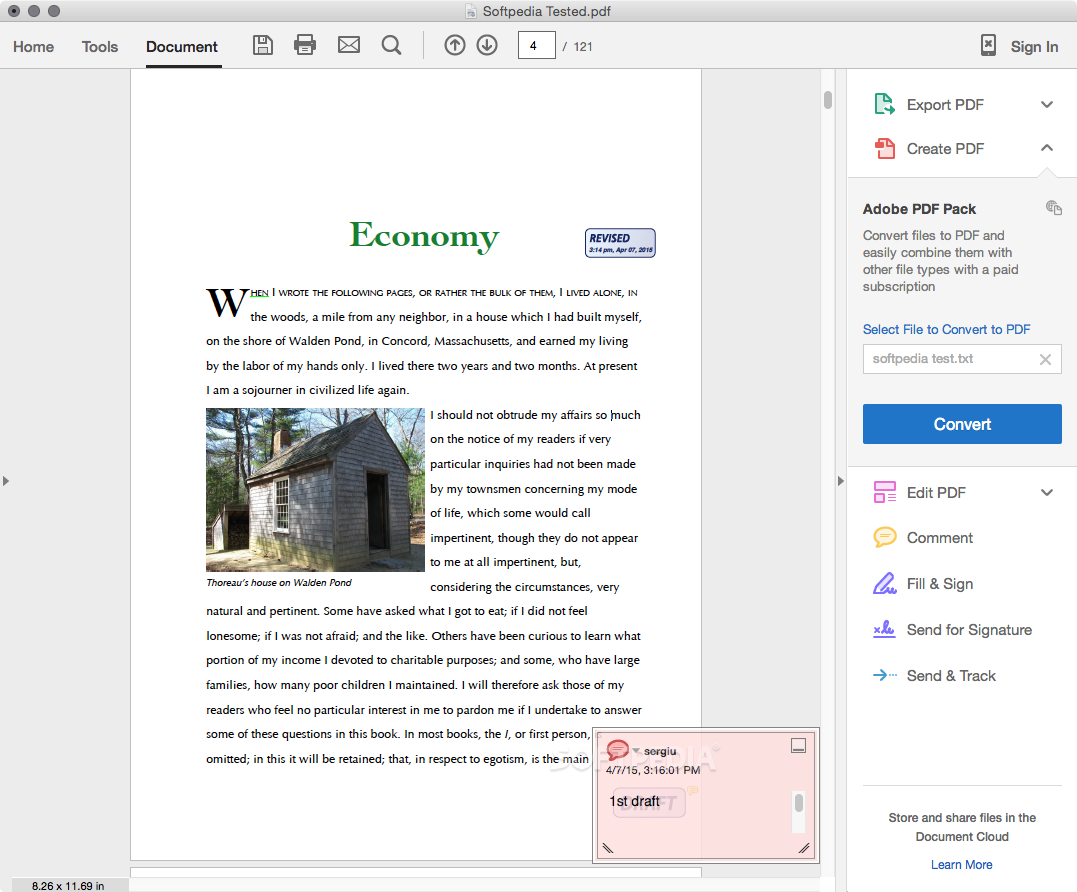
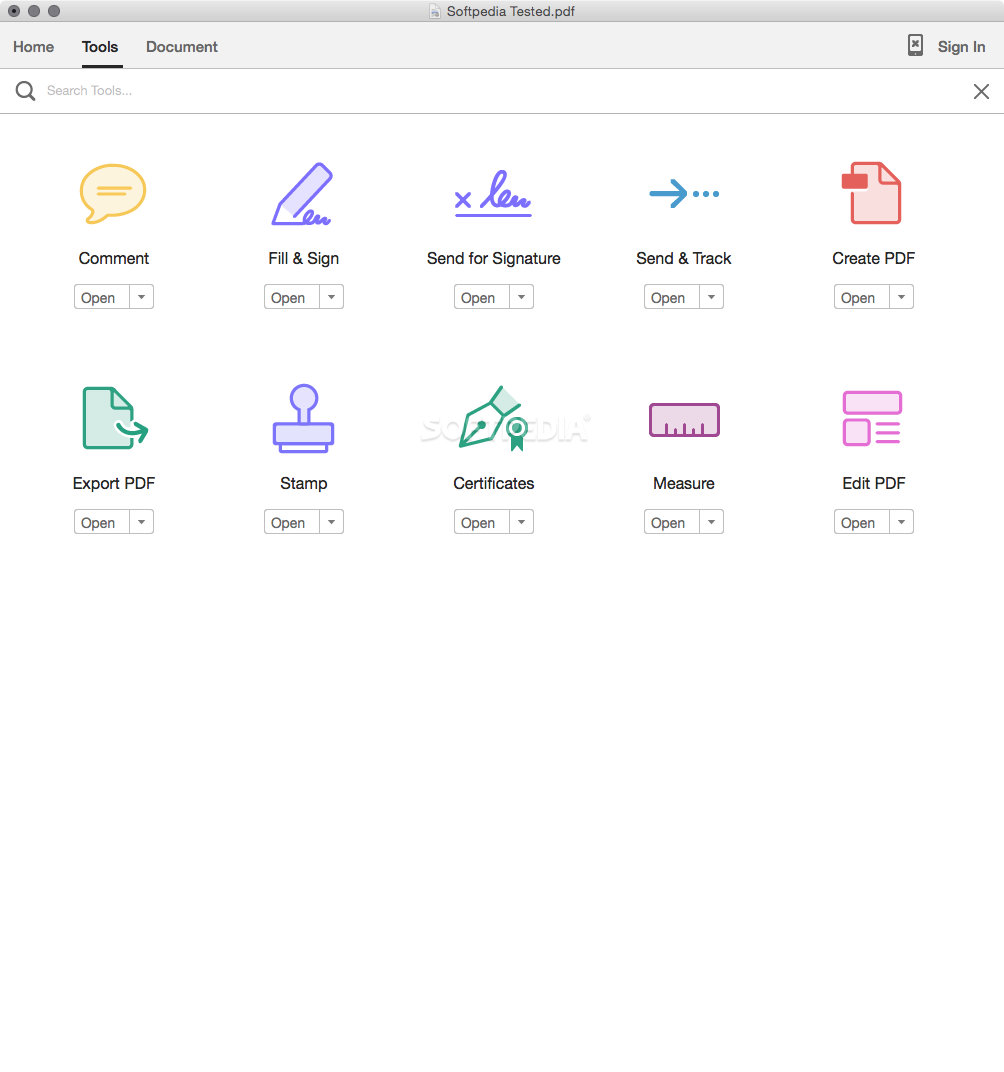
Moreover, you can access the Tools, Sign and Comment sidebars if you need to use various annotations, drawing and markups or you just want to add text, checkmarks and place initials or your signature.
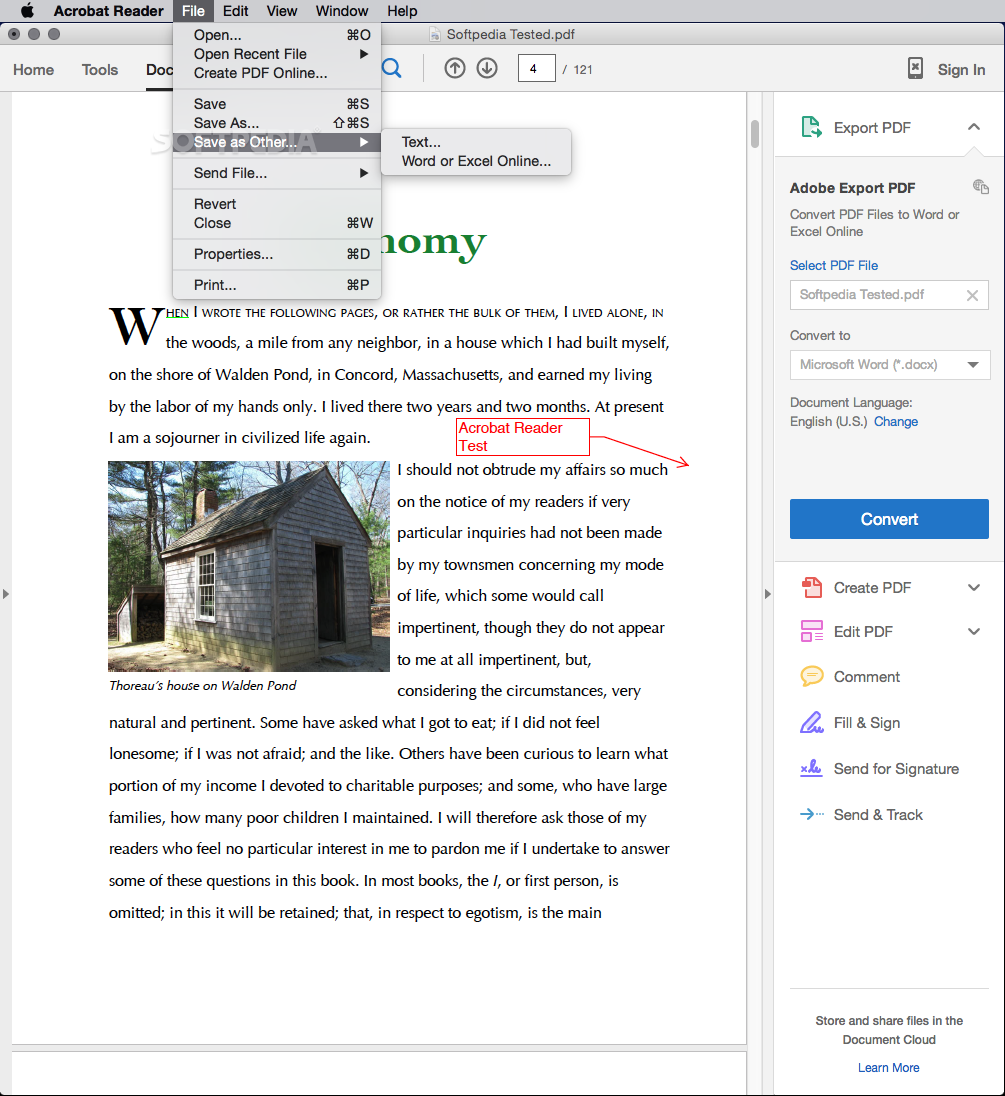
Via Adobe Acrobat Reader's Edit menu, you can also make selections, copy, cut, delete and paste text, take snapshots, find words or expressions in your file, check spelling, as well as perform various 2D or 3D measurements within the document.
The View menu offers you even more tools and features that you can play with. Hence, you can rotate the view, navigate through the document, change the page display, use dynamic zoom, pan and zoom, take advantage of the loupe tool, enable the Read or Full Screen Mode and more.
As mentioned above, the Comment sidebar provides access to numerous annotation and drawing tools. Consequently, you can add text to your document, attach a file or record audio, add stamps, strike-through, underline or highlight your selection.
Using Adobe Acrobat Reader you can also draw various shapes and signs that can be easily deleted using the eraser. With the help of the Comment List panel, you can keep track of the additions and modifications you made throughout the document.
Adobe Acrobat Reader is the absolute right bet if you find Apple's Preview app, the default PDF reader in OS X, lacking in more complex features such as document signing, annotating and editing.
Download Hubs
Adobe Acrobat Reader is part of these download collections: AI Viewer, Open AI
What's new in Adobe Acrobat Reader 24.002.20687:
- This update provides new features, feature enhancements, and bug fixes.
Adobe Acrobat Reader 24.002.20687
 Softpedia Editor's Pick
add to watchlist
add to download basket
send us an update
REPORT
Softpedia Editor's Pick
add to watchlist
add to download basket
send us an update
REPORT
- runs on:
- macOS 10.15 or later (Universal Binary)
- file size:
- 448.6 MB
- filename:
- AcroRdrDC_2400220687_MUI.dmg
- main category:
- Utilities
- developer:
- visit homepage
IrfanView

ShareX

Microsoft Teams

7-Zip

paint.net

Windows Sandbox Launcher

Bitdefender Antivirus Free

4k Video Downloader

Zoom Client

calibre

- 4k Video Downloader
- Zoom Client
- calibre
- IrfanView
- ShareX
- Microsoft Teams
- 7-Zip
- paint.net
- Windows Sandbox Launcher
- Bitdefender Antivirus Free