
Helps you optimize and speed up your Mac by purging unnecessary files, fixing app errors, removing cookies and duplicate files form your hard disk #Cache cleaner #Network firewall #System optimizer #Cleaner #Firewall #Uninstaller
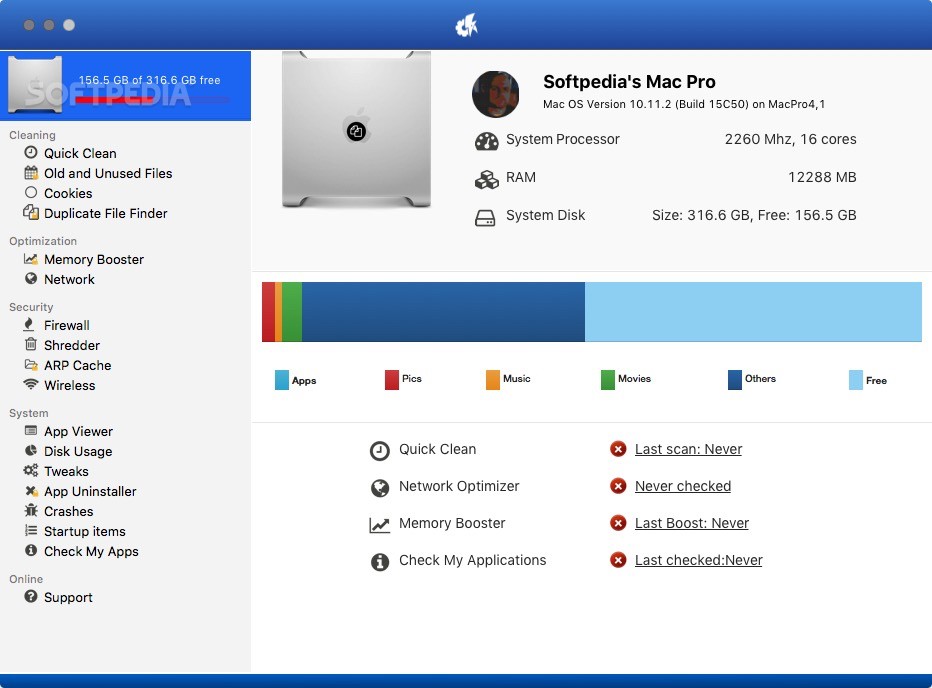
iBoostUp is a user-friendly and practical macOS application that comes as a solution for slow and unresponsive Macs that require to be optimized and cleaned up.
With iBoostUp’s help, you can tune up and improve the overall performance of your Mac by removing unnecessary files, cleaning system and apps cache, finding and removing duplicate files, and by offering performance recommendations.
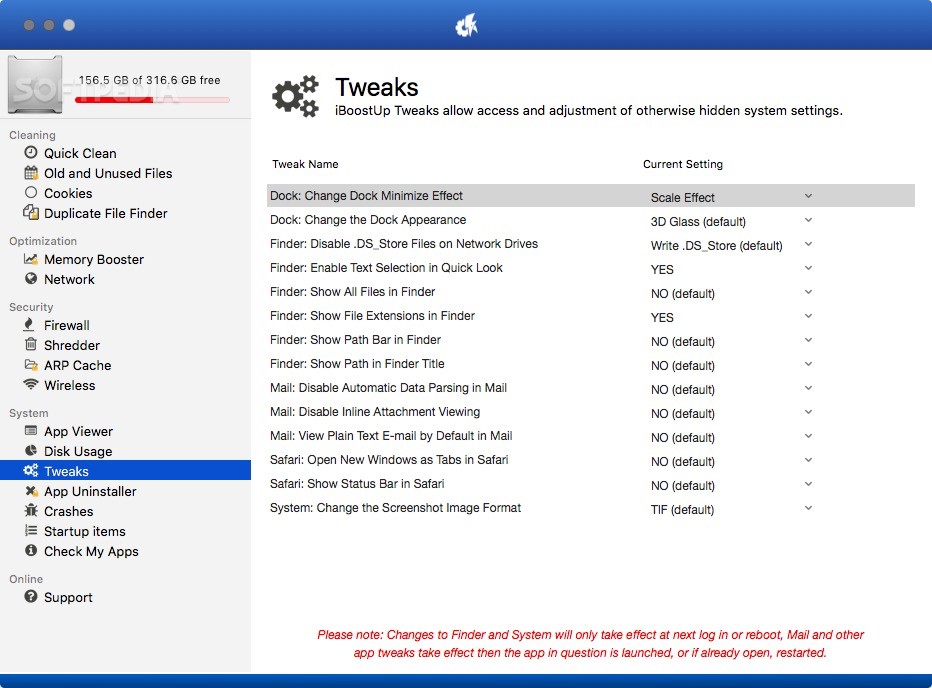
From iBoostUp’s intuitive interface, you can view detailed system information and initiate the Quick Clean, Network Optimizer or Memory Booster feature.
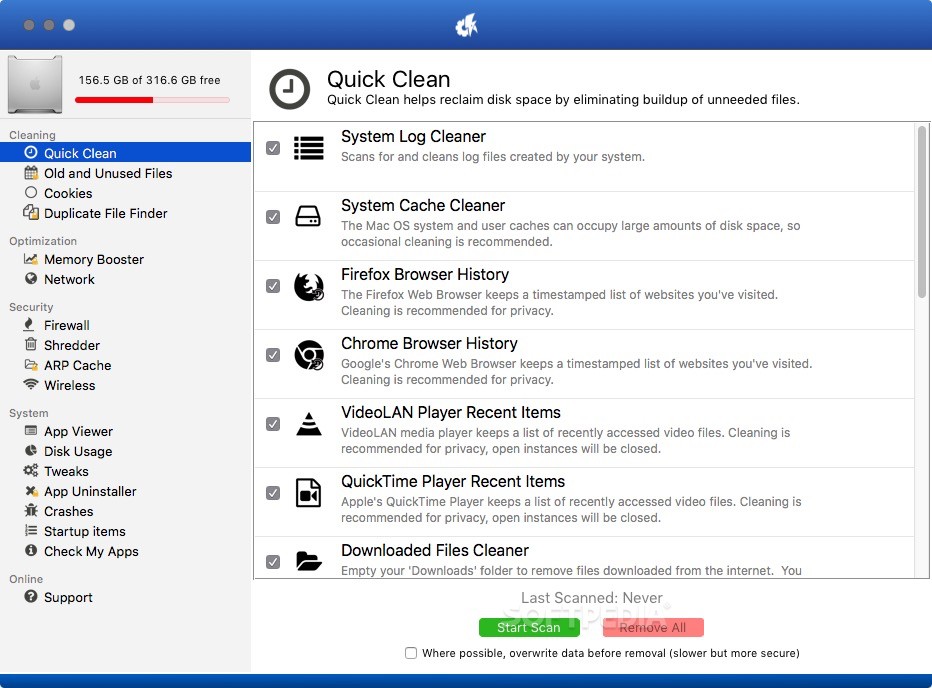
As follows, the Quick Clean function enables you to reclaim disk space occupied by unneeded or orphaned apps.
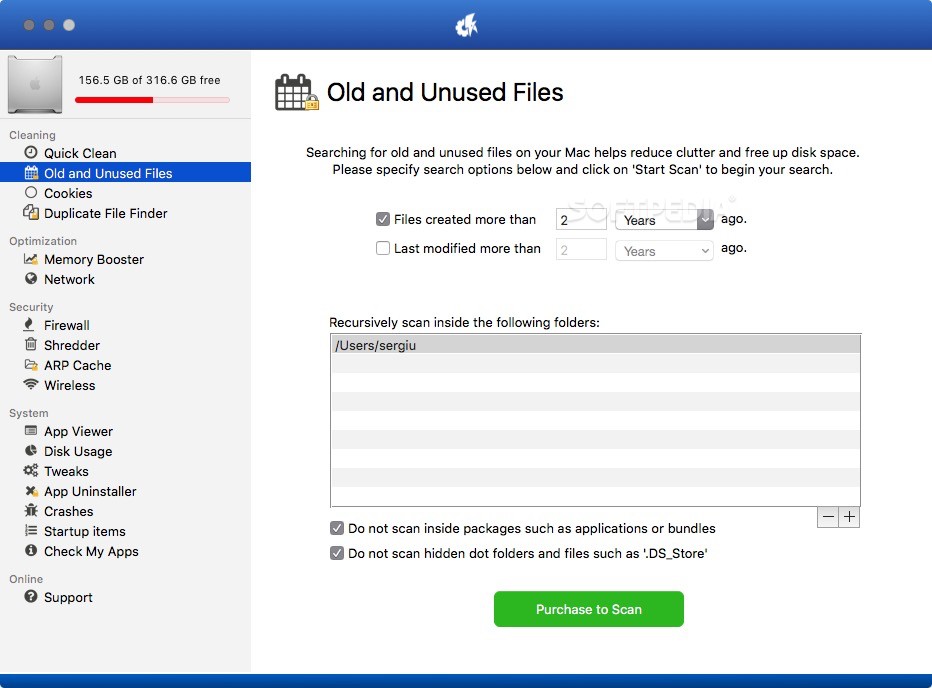
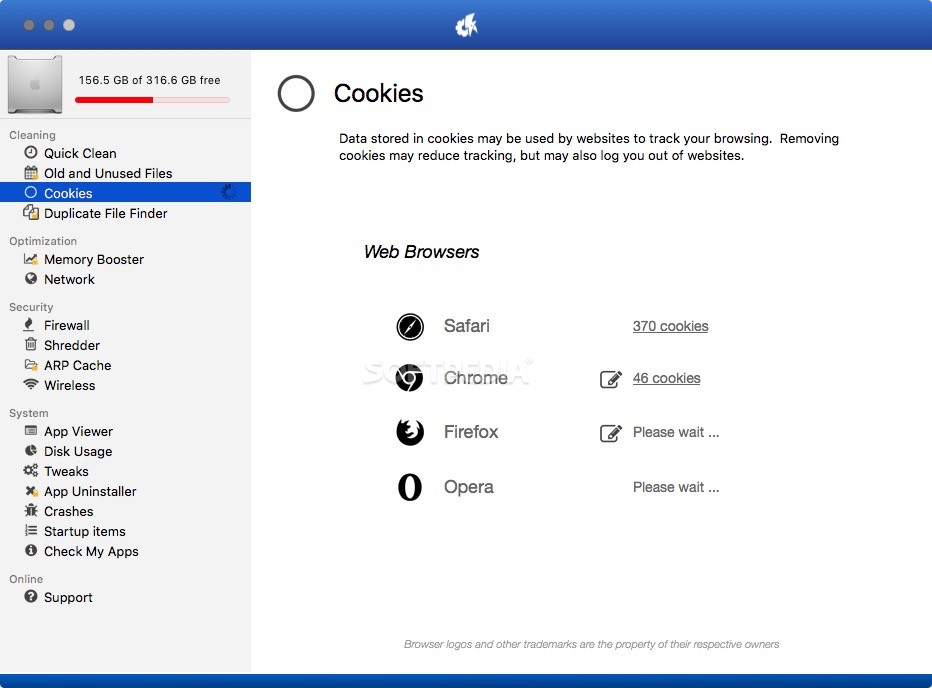
Moreover, iBoostUp helps you find old and unused files, remove cookies in order to reduce activity tracking and monitoring.
The Duplicate File Finder function helps you reduce the disk usage by finding identical file regardless of their location on the drive or filename. iBoostUp offers you the option to review and select the files you want to remove.
The App Shrinker is another useful feature that enables you to get rid of space consuming resources such as language files that are stored by various applications.
As a result, you can trim applications and save additional disk space be removing such file types.
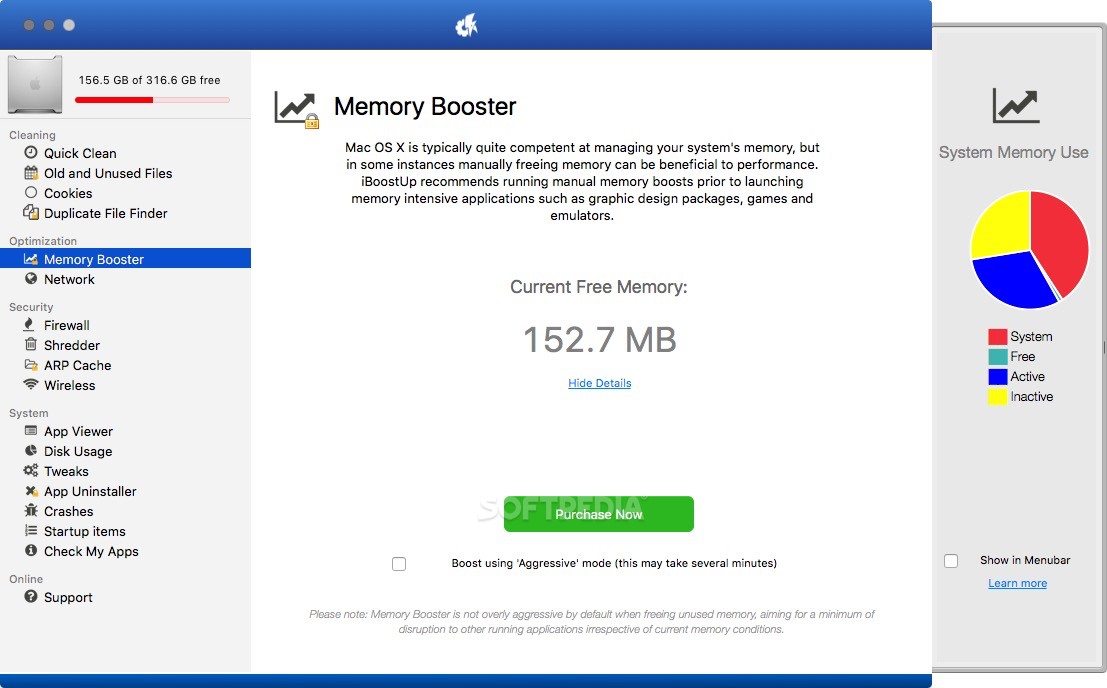
The Memory Booster is capable to free up some RAM before starting memory intensive applications such as games, image editors or CAD apps. Another useful function is iBoostUp’s ARP Cache Poisoning Detector that scans for suspicious network activity.
Another way to recover storage space is by uninstalling old or unneeded applications from your Mac. Thankfully, iBoostUp comes with a powerful uninstaller designed to find and remove all application related files before moving everything to trash.
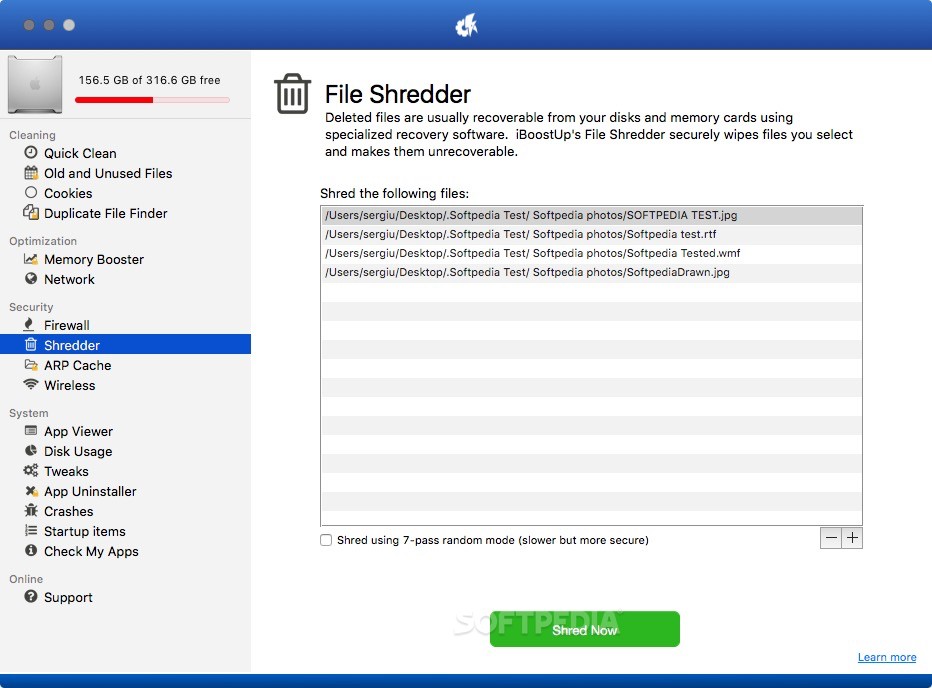
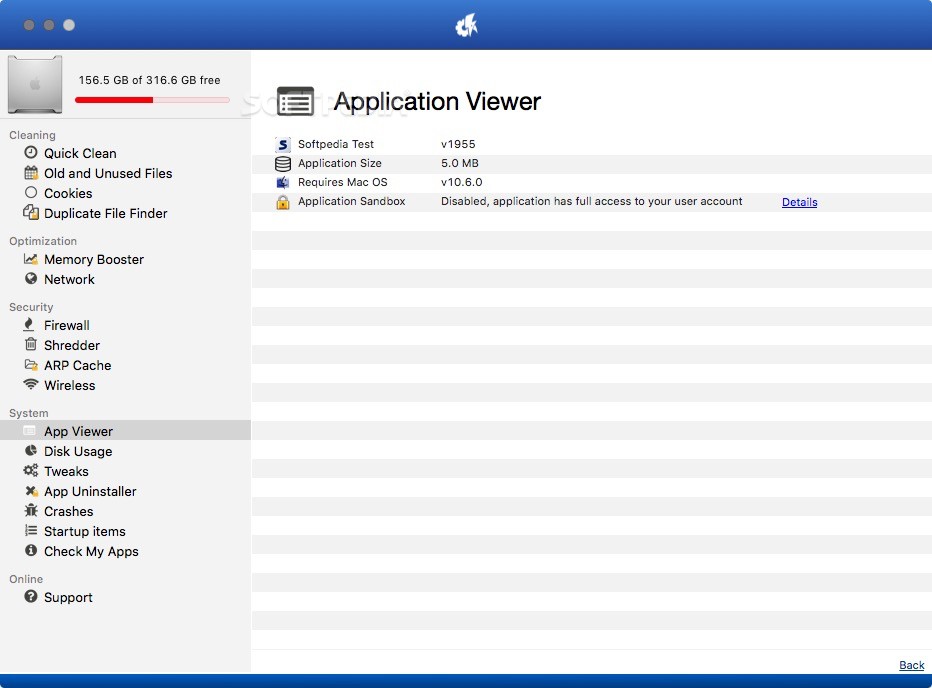
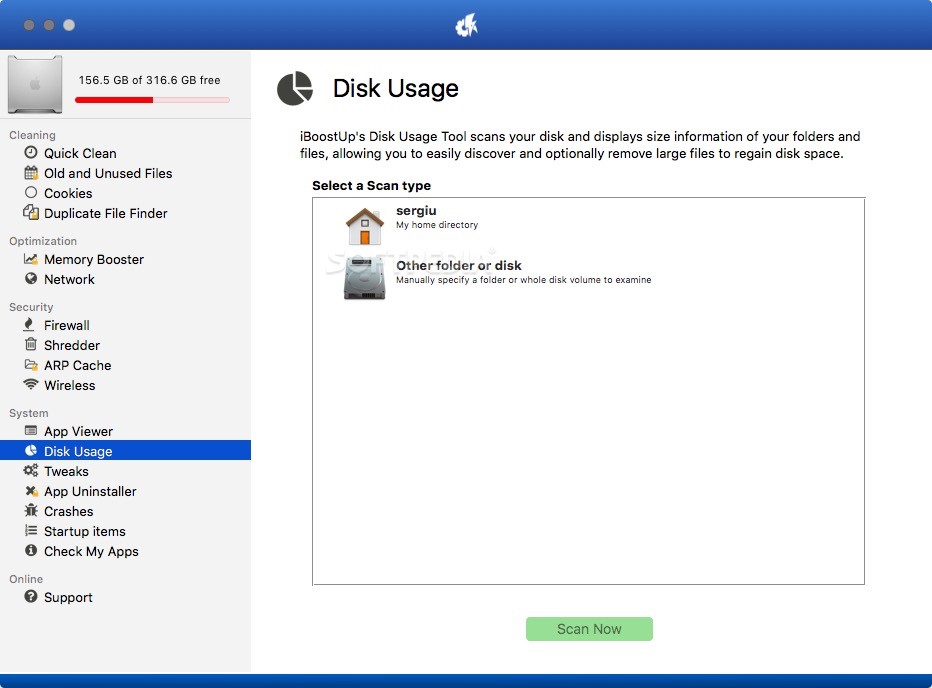
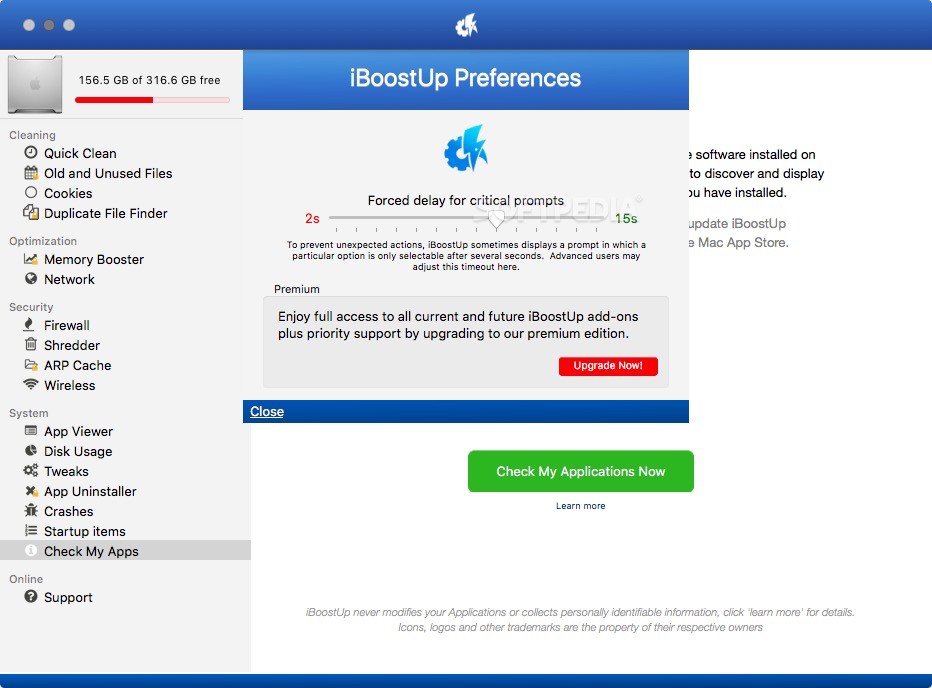
Beside the above mentioned tools and features, iBoostUp also offers a file shredder, disk usage utility, app checker and other handy fine tuning tools.
What's new in iBoostUp 11.9:
- Old and Unused File Finder: Archiving and Unarchiving old files to an external disk are now supported.
- Spyware Doctor: Improvements to the scan engine and cloud database.
iBoostUp 11.9
add to watchlist add to download basket send us an update REPORT- runs on:
- macOS 10.11 or later (Universal Binary)
- file size:
- 25.4 MB
- filename:
- iboostup.dmg
- main category:
- System Utilities
- developer:
- visit homepage
Zoom Client

Microsoft Teams

ShareX

IrfanView

4k Video Downloader

calibre

Bitdefender Antivirus Free

Context Menu Manager

Windows Sandbox Launcher

7-Zip

- Context Menu Manager
- Windows Sandbox Launcher
- 7-Zip
- Zoom Client
- Microsoft Teams
- ShareX
- IrfanView
- 4k Video Downloader
- calibre
- Bitdefender Antivirus Free
