
A practical and very easy-to-use replacement for macOS' Terminal app that comes with a long list of features designed to improve your workflow. #Terminal clone #Terminal replacement #Replace terminal #Terminal #Clone #Replacement
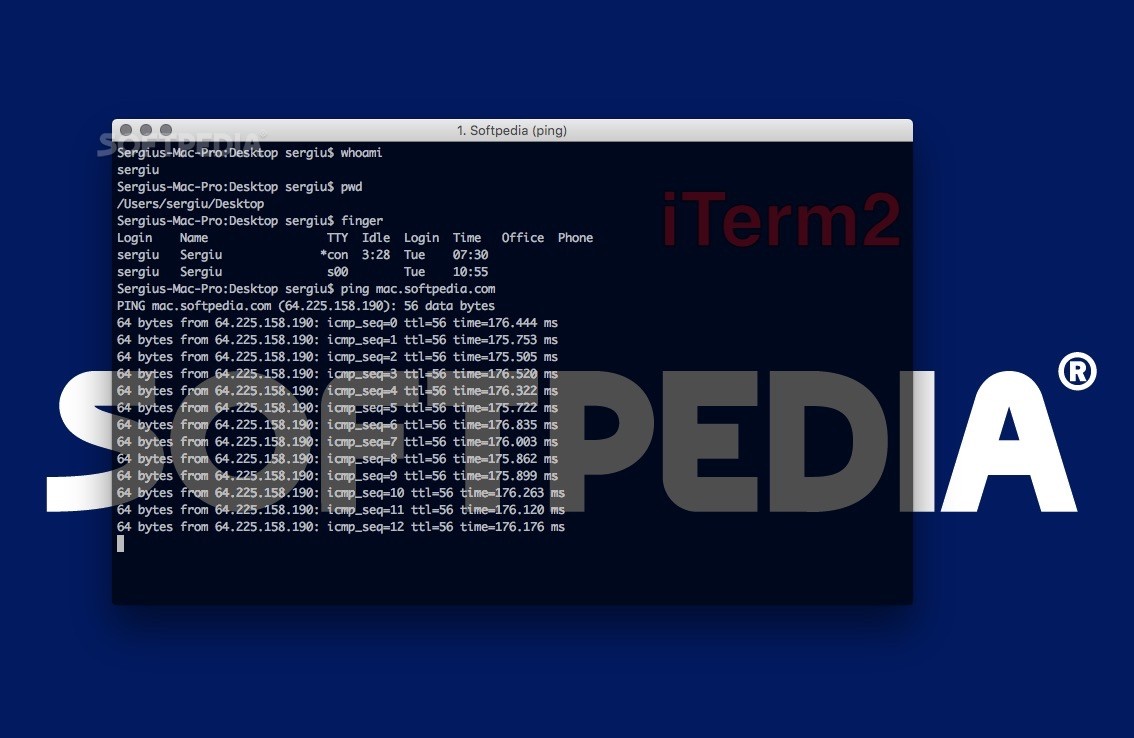
iTerm2 is a lightweight yet powerful Mac application that comes as a replacement for Apple’s Terminal and the successor to iTerm.
iTerm2 is specially designed for power users, developers, as well as Linux users that have recently migrated to Mac and prefer the power and performance provided by a terminal window.
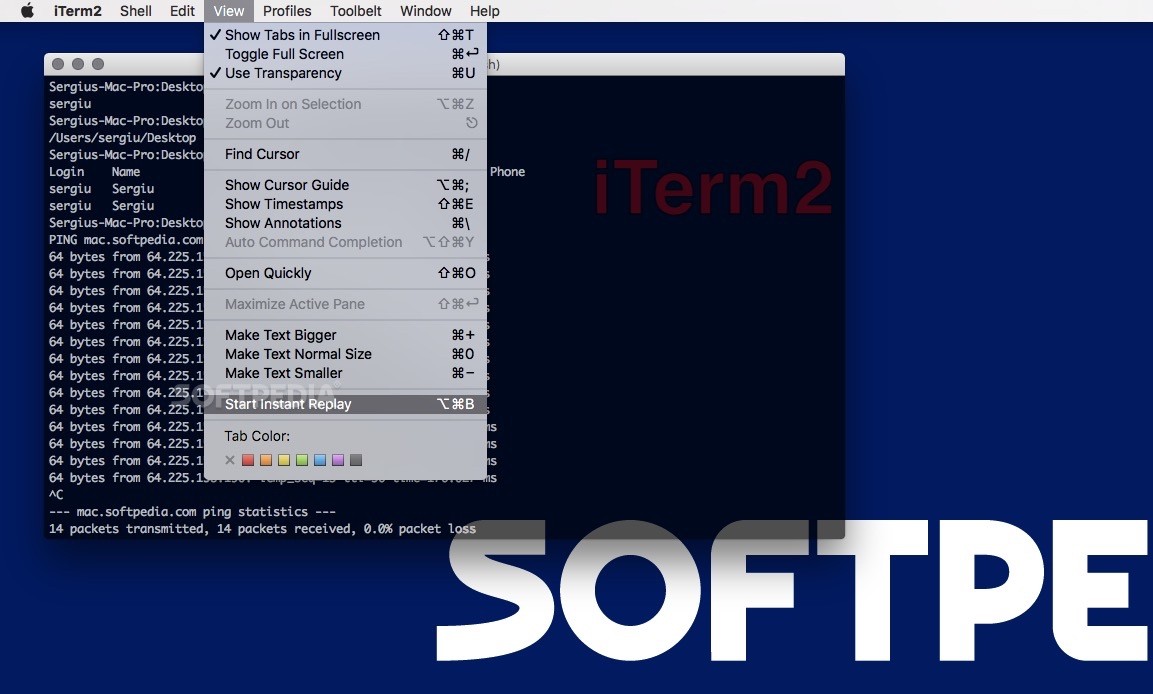
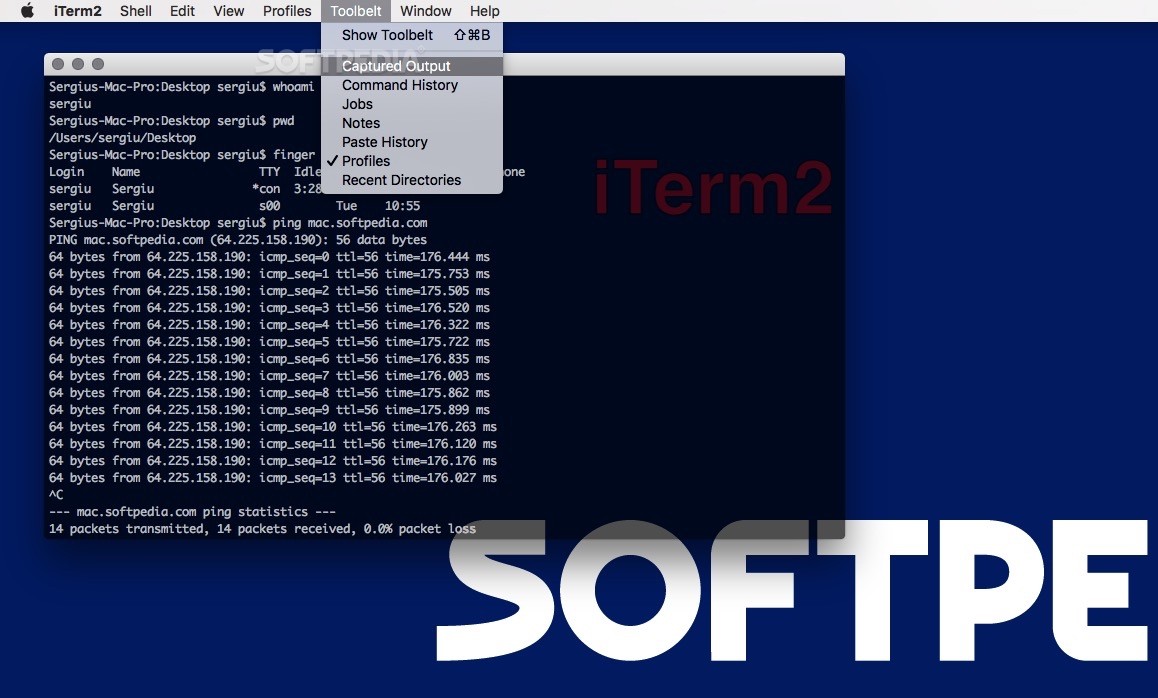
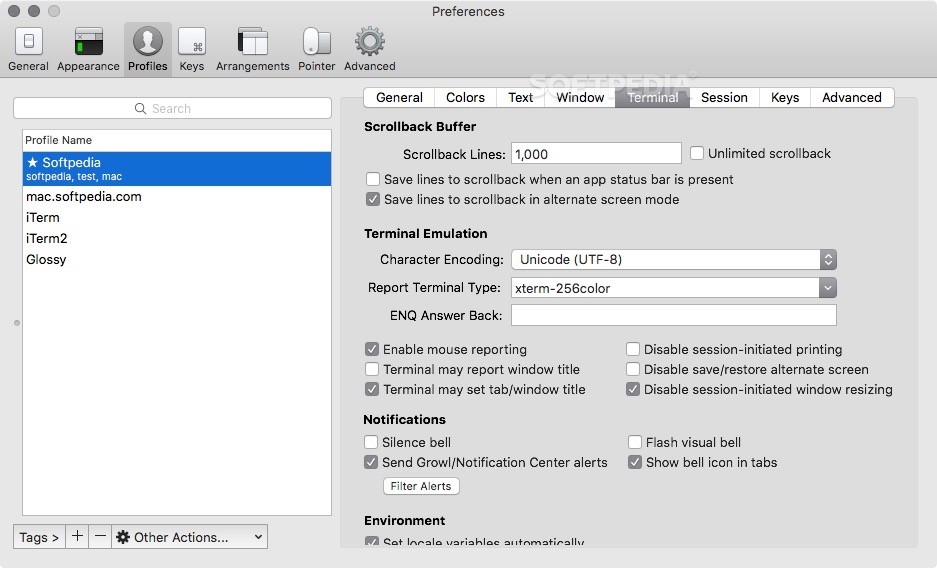
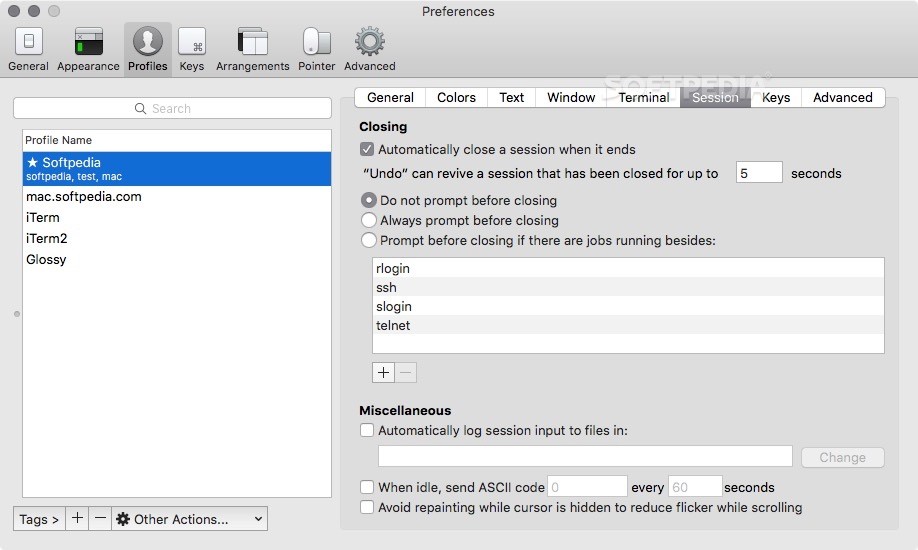
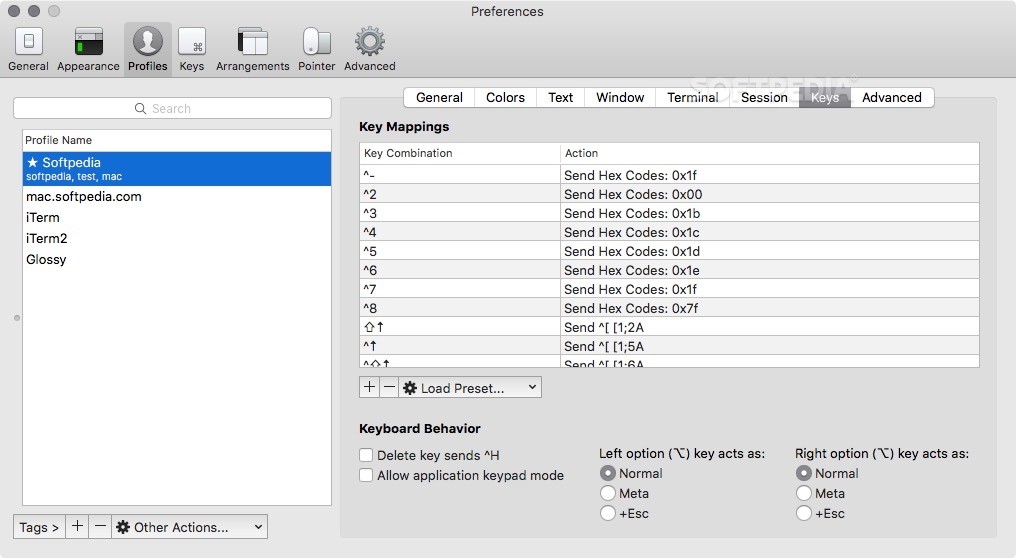
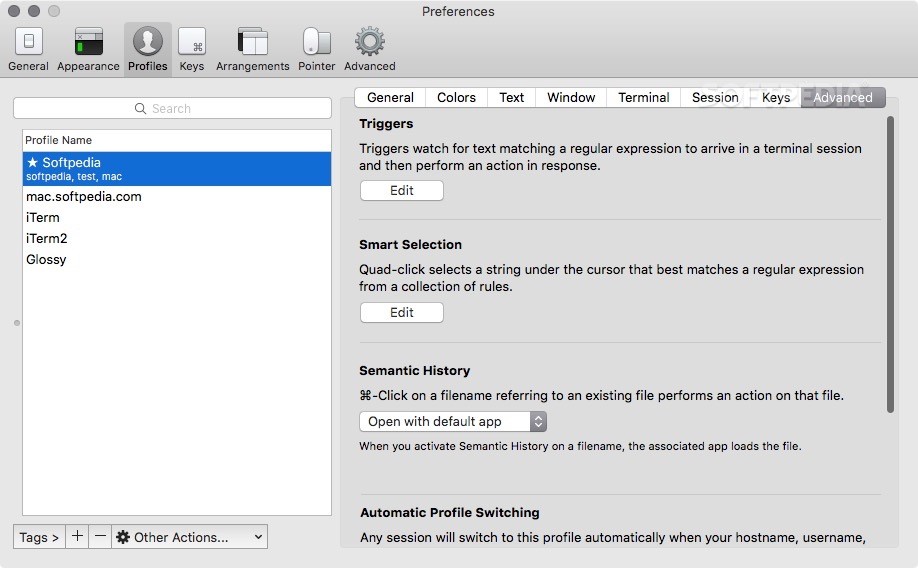
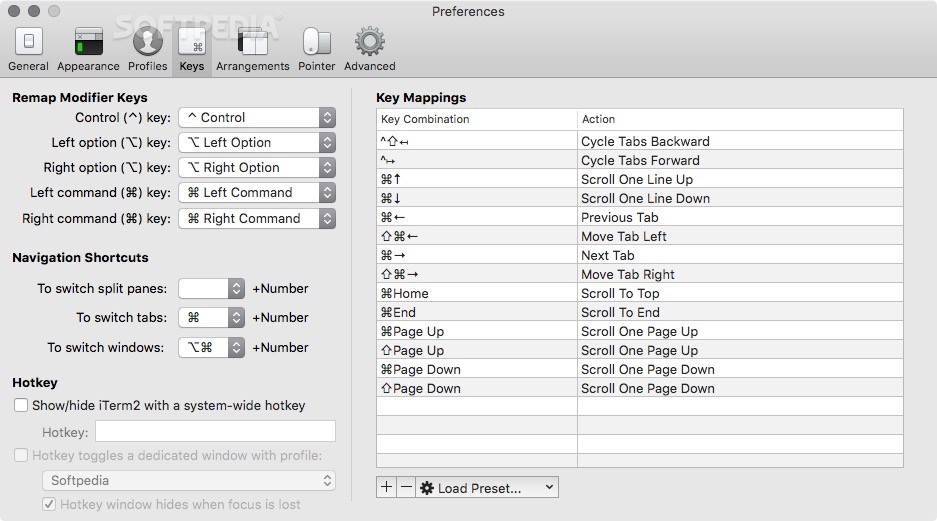
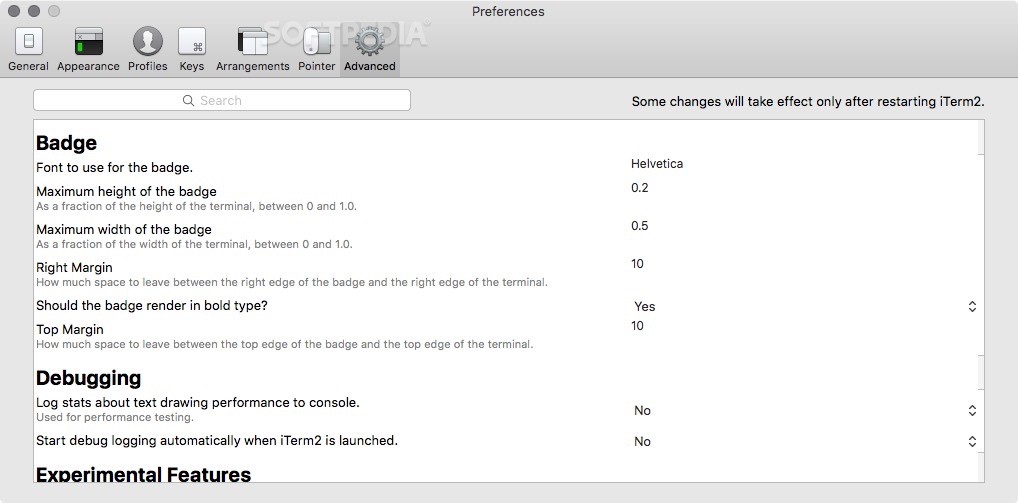
Although, iTerm2’s interface is similar to Terminal, the app brings numerous changes and improvements to the way you will interact with your terminal.
iTerm2 offers two ways to select and copy text to your Mac’s clipboard, you can use the mouse or you can take advantage of the find’s “mouseless copy” feature to speed up your selection and copy process. Once you found the beginning of the text, you can press tab and extend your selection by one word.
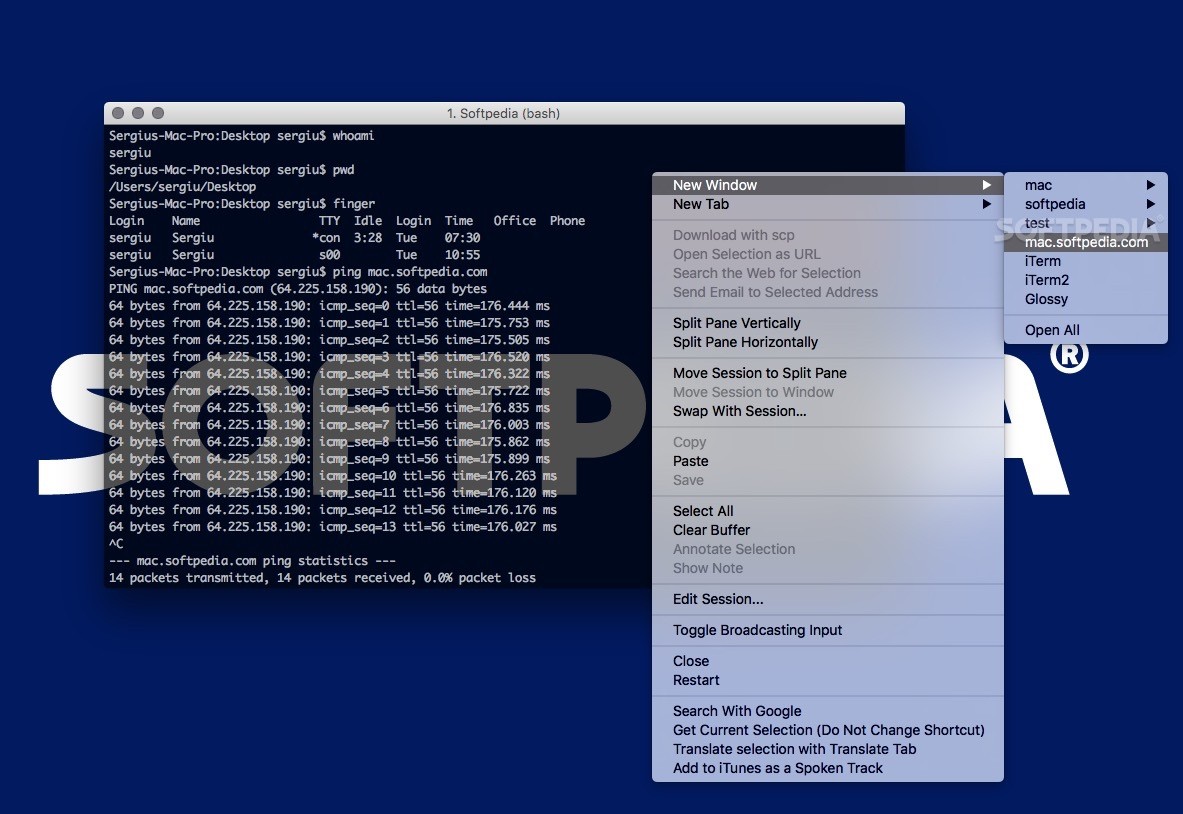
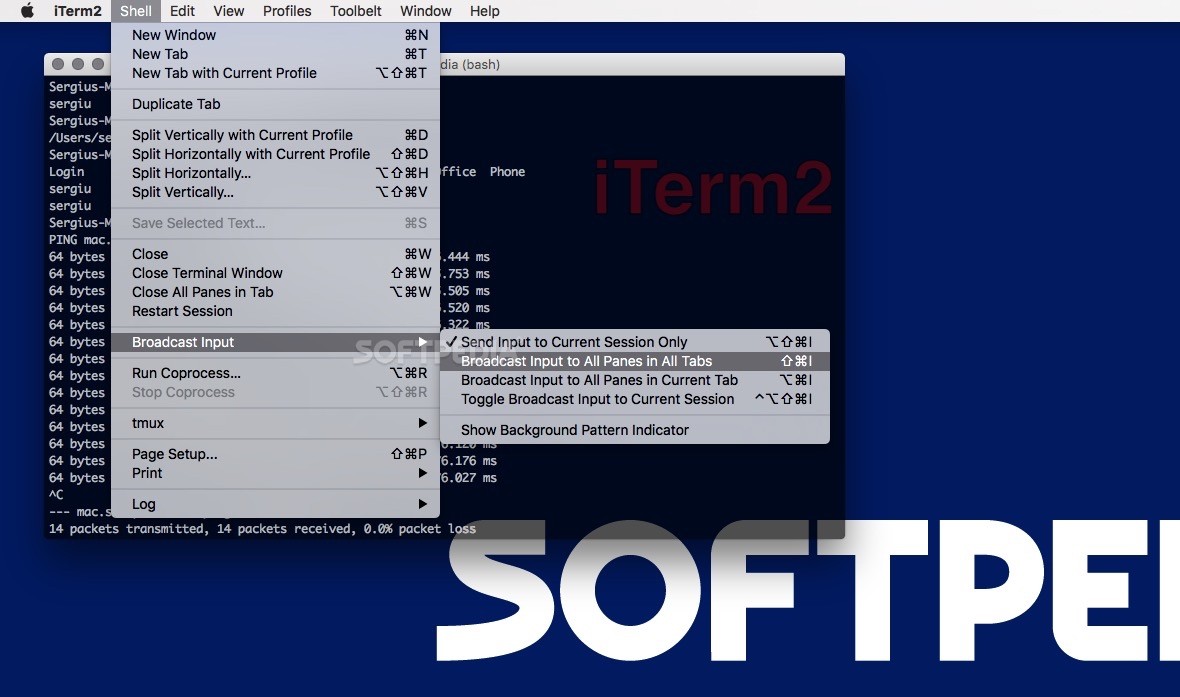
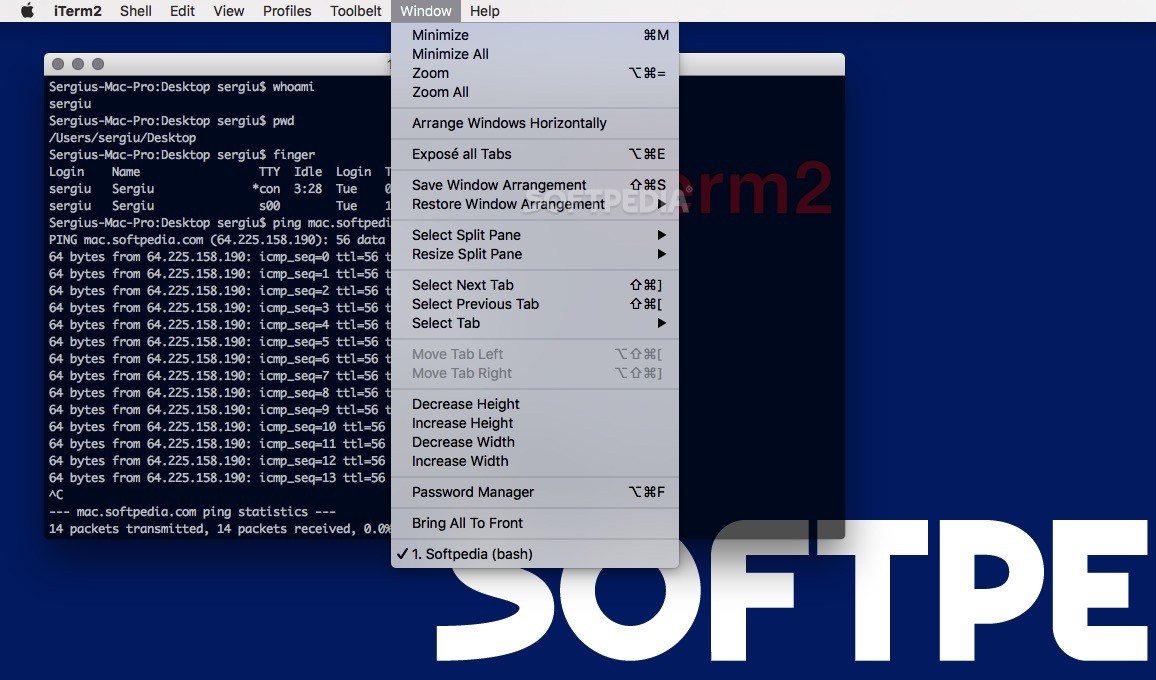
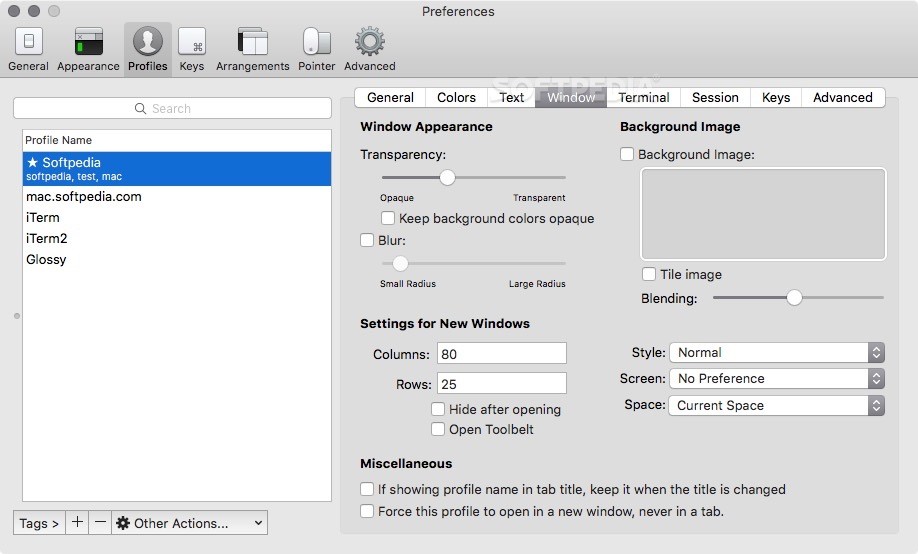
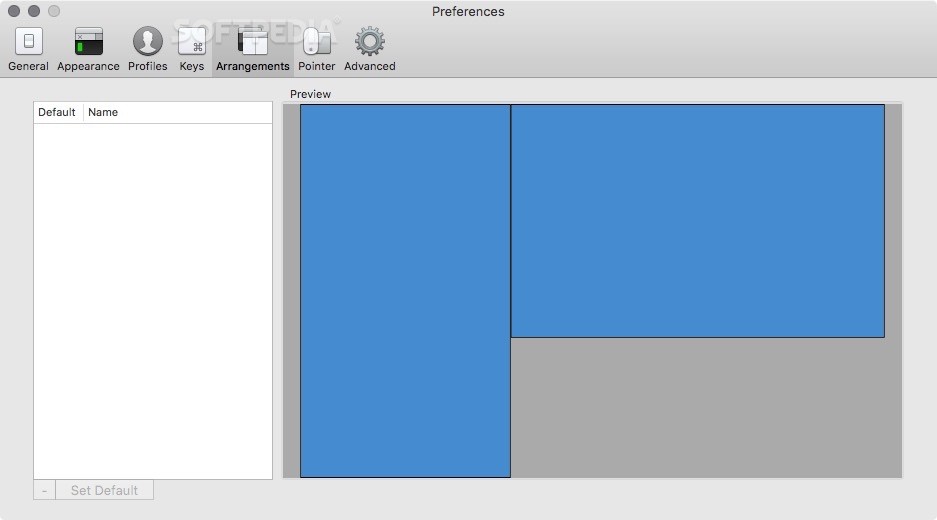
What is more, iTerm2 enables you to quickly split your tab into multiple panels and use different terminal sessions at the same time. You can divide the window vertically or horizontally via the Shell menu or by using the pre-defined hotkeys.
As expected, you can browse through all opened panes using keyboard shortcuts and focus on a panel at a time by hiding all others.
Hotkey users will be happy to know that iTerm2 offers a special “hotkey window” that can be instantly summoned and which is in charge with various administrative tasks.
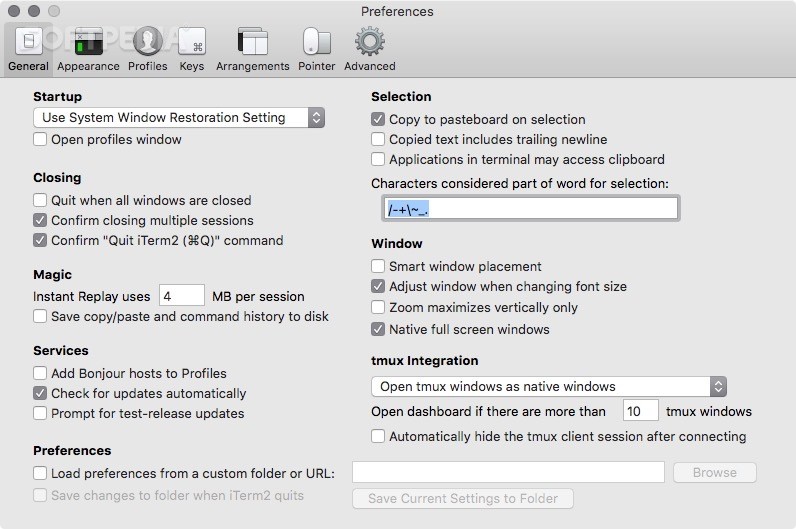
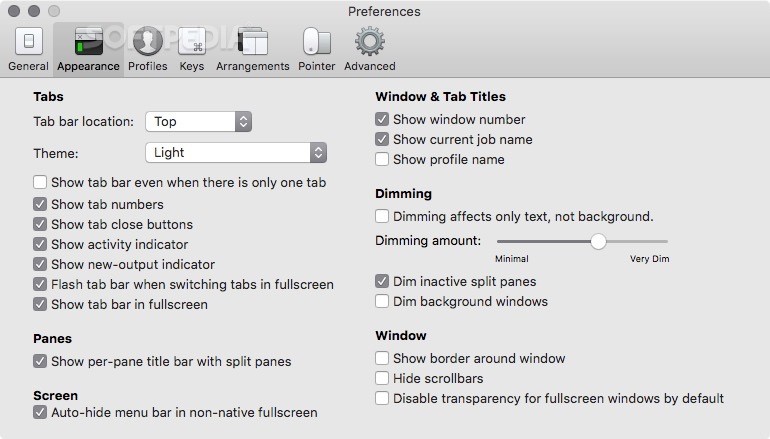
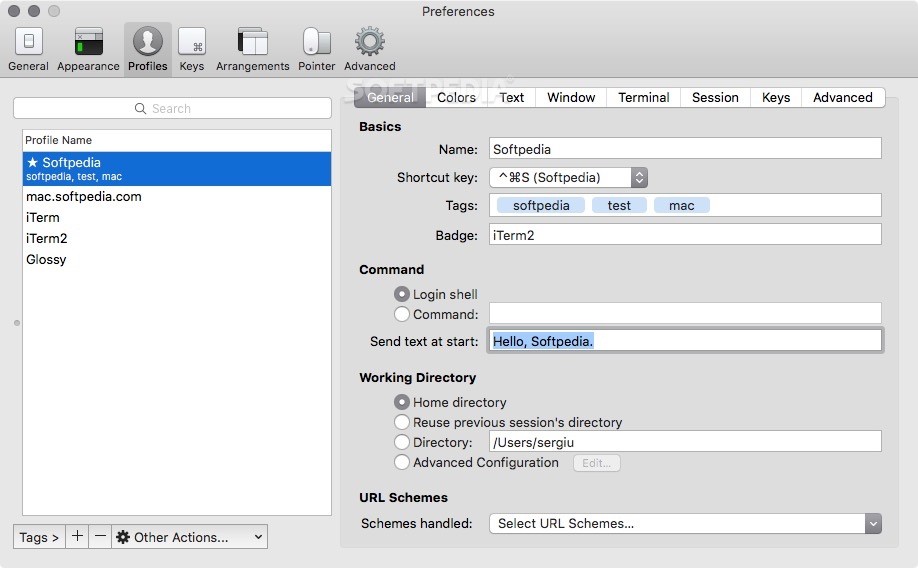
The feature can be easily enabled from the Preferences window and enables you to drop a terminal window down from the top of your screen and run the desired commands.
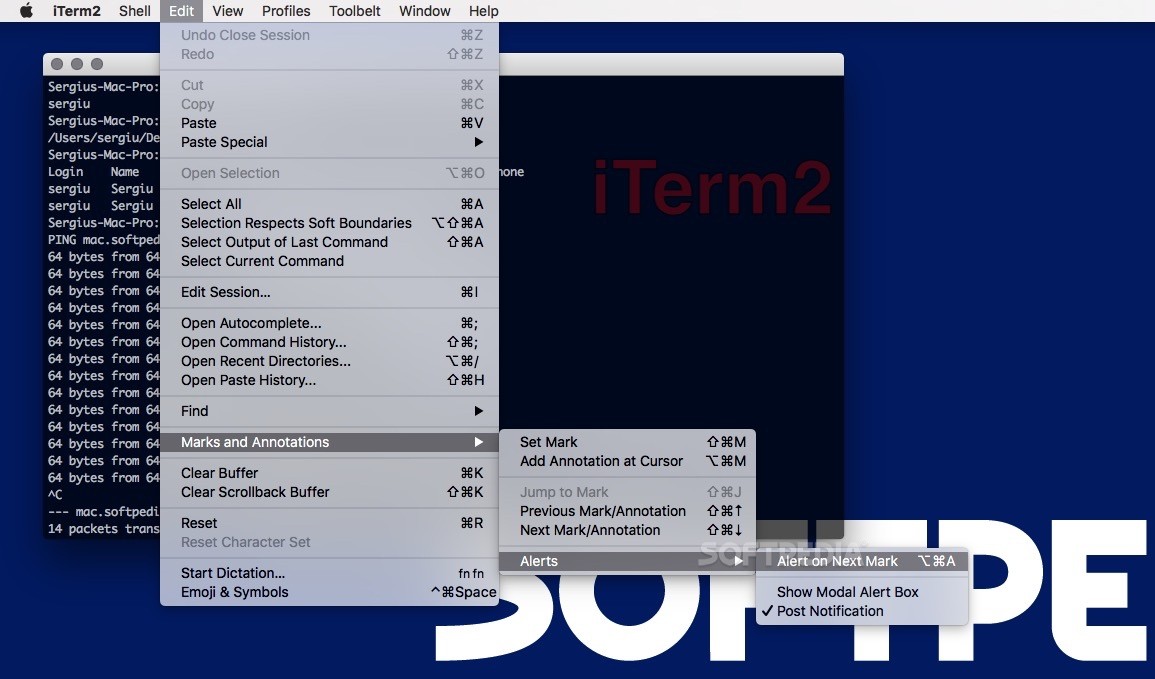
When it comes to marking a location in a session you just have to use the default keyboard shortcut and return to it in the same way. This feature proves its utility to Mac users that need to pause the editor in order to compile an app that might emit errors. Consequently, you can save a mark point and return to your editor to fix the errors.
Thanks to iTerm2’s autocomplete feature you can speed up your writing and workflow. By accessing the autocomplete window you can view the top 20 choices for words that match the beginning of your word. Fortunately, you can refine the list by simply typing a subsequence.
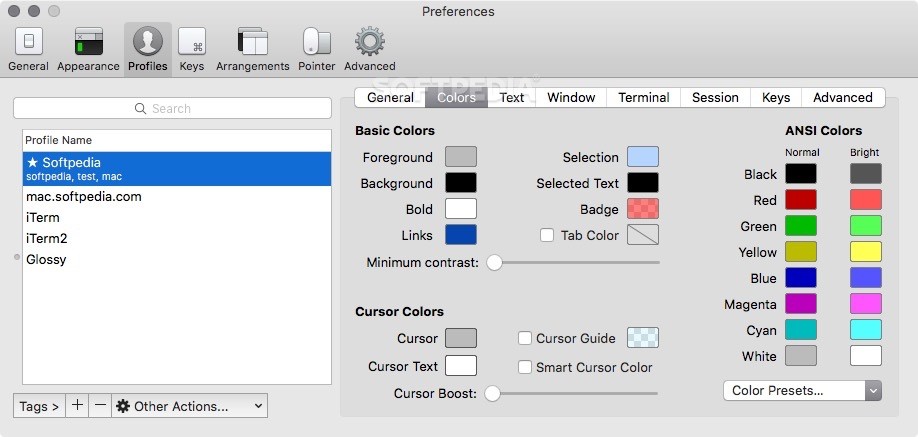
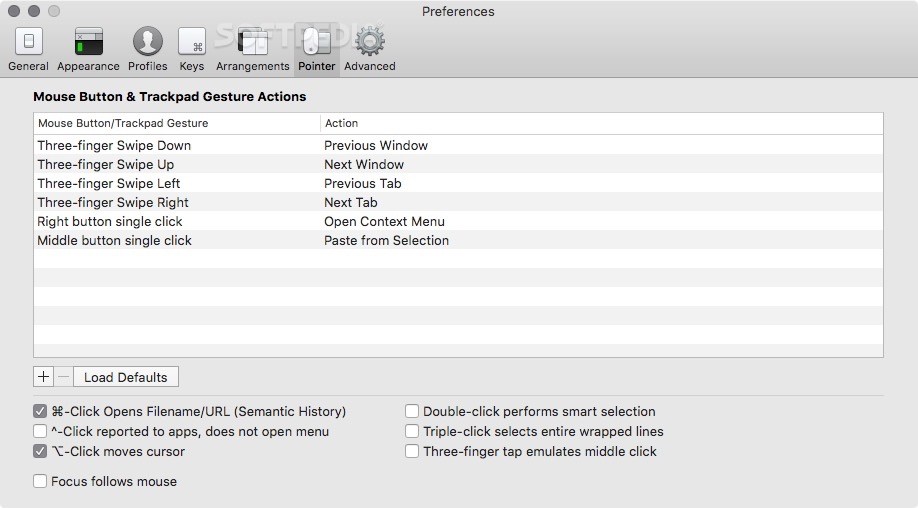
Beside the above mentioned features, iTerm2 also comes with notifications support, 256 Color mode, Focus Follows Mouse feature, Smart Cursor Color, and Exposé tabs.
What's new in iTerm2 3.5.0 Beta 22:
- Improvements:
- Many usability improvements to auto composer.
- Remove dock menu "recents" form a failed experiment in a previous beta.
iTerm2 3.4.23 / 3.5.0 Beta 22
add to watchlist add to download basket send us an update REPORT- runs on:
- macOS 10.14 or later (Universal Binary)
- file size:
- 24 MB
- filename:
- iTerm2-3_4_23.zip
- main category:
- Utilities
- developer:
- visit homepage
calibre

Microsoft Teams

Zoom Client

Bitdefender Antivirus Free

paint.net

Windows Sandbox Launcher

4k Video Downloader

ShareX

IrfanView

7-Zip

- ShareX
- IrfanView
- 7-Zip
- calibre
- Microsoft Teams
- Zoom Client
- Bitdefender Antivirus Free
- paint.net
- Windows Sandbox Launcher
- 4k Video Downloader