
An unobtrusive macOS status bar menu application designed to enables you to effortlessly monitor your system activity and resources usage. #Monitor system #Monitor cpu usage #Monitor temperature #Cpu #Temperature #Disk
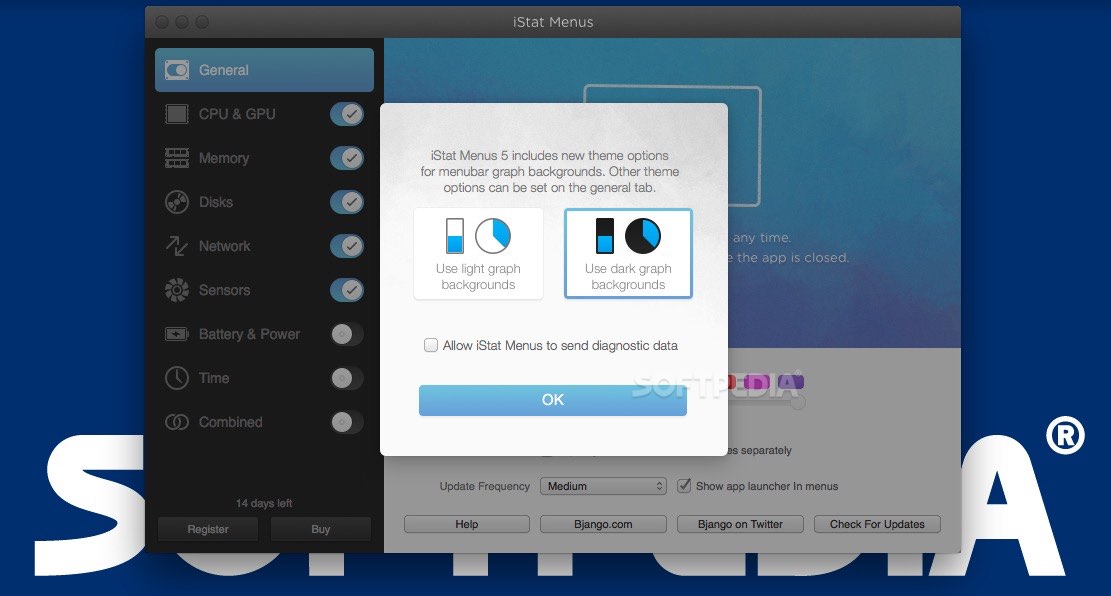
Keeping an eye on your Mac’s resources is advisable because this way you can understand more about your computer and you can identify possible issues sooner.
iStat Menus is a Mac app that provides quick access to this type of information via your status bar.
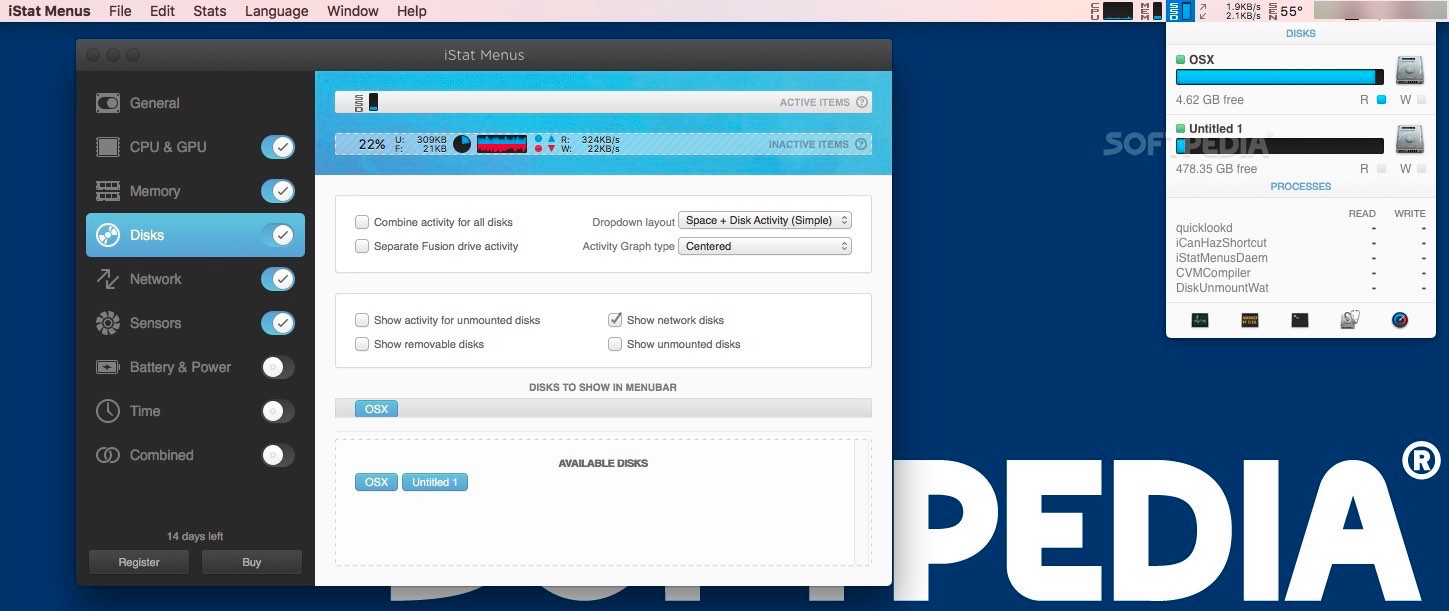
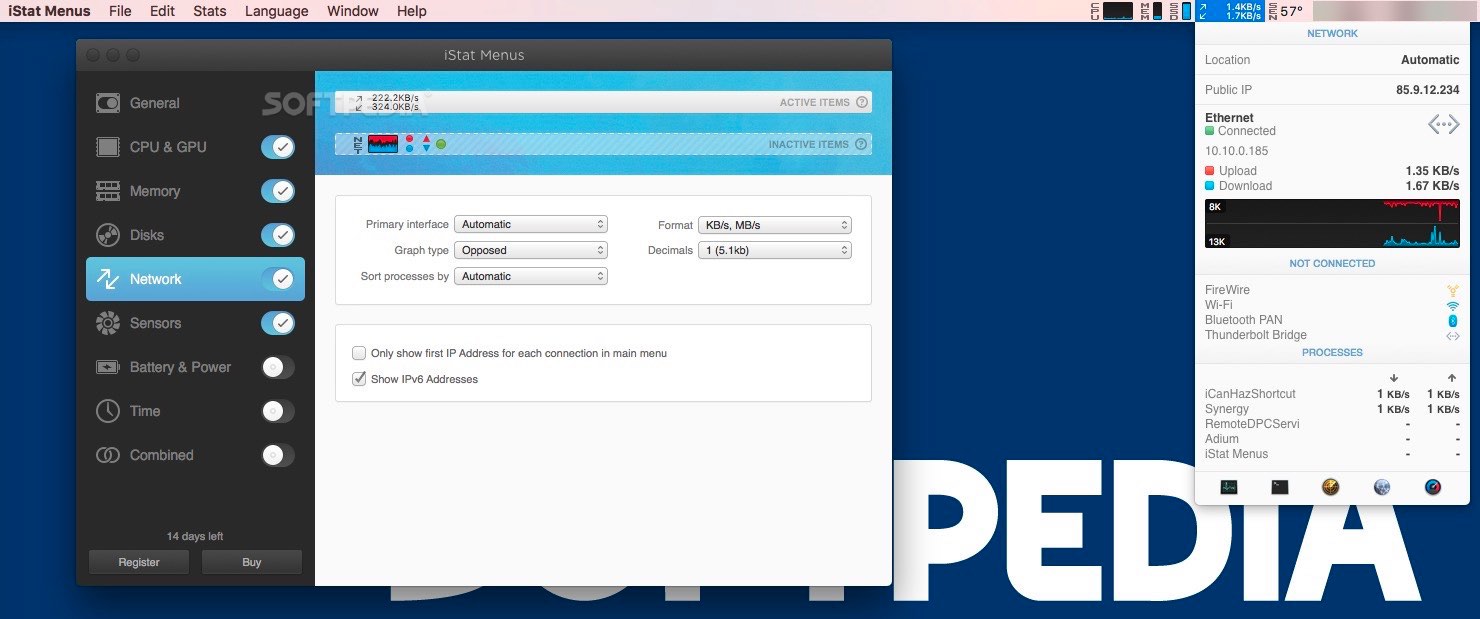
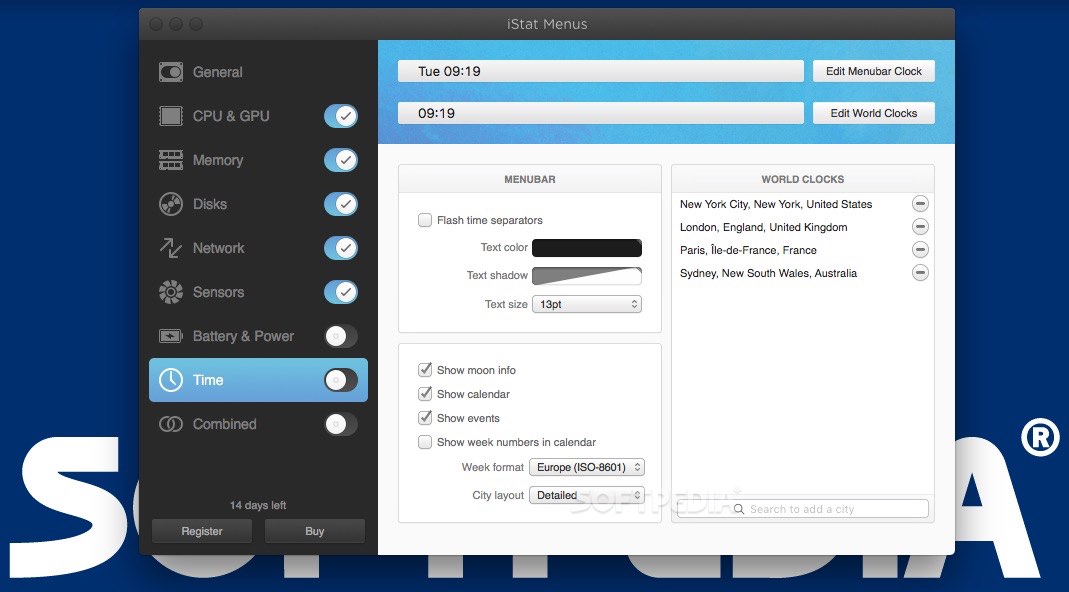
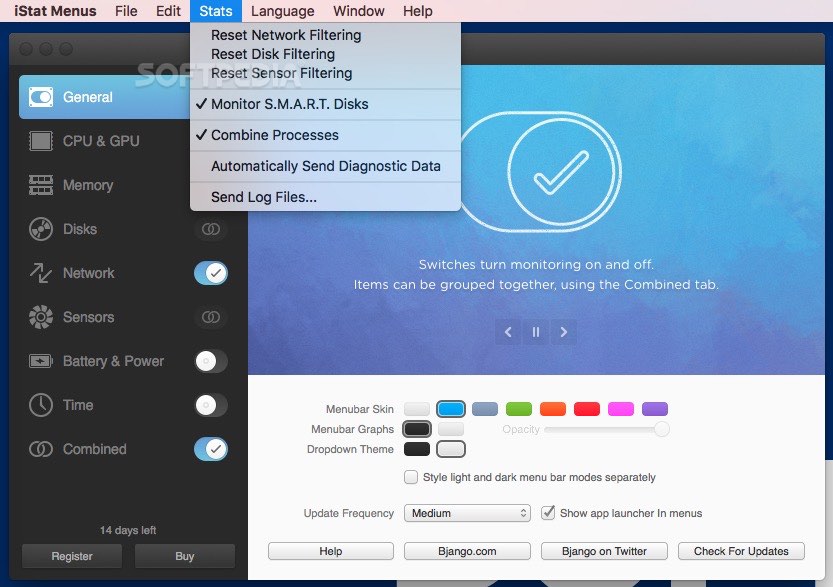
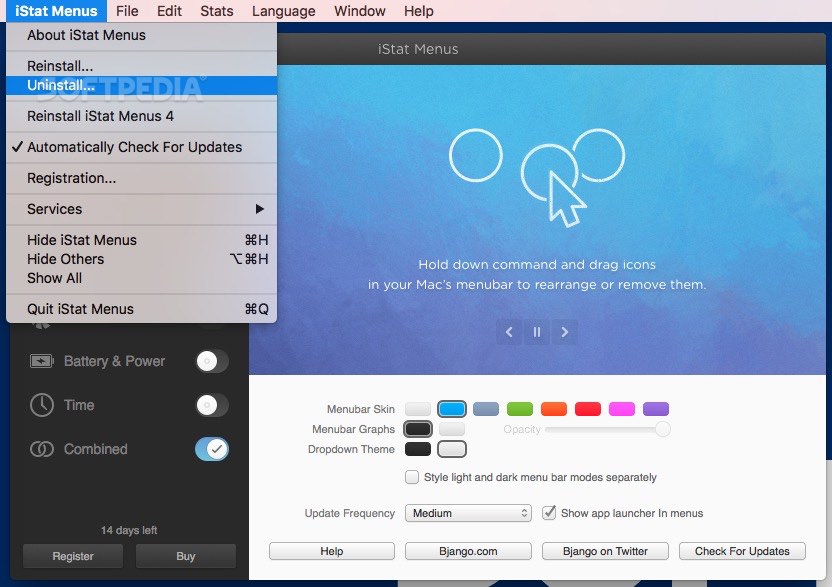
iStat Menus comprises multiple status bar menus so, right of the bat, you must select the ones you want active and personalize their behavior to match your own needs.
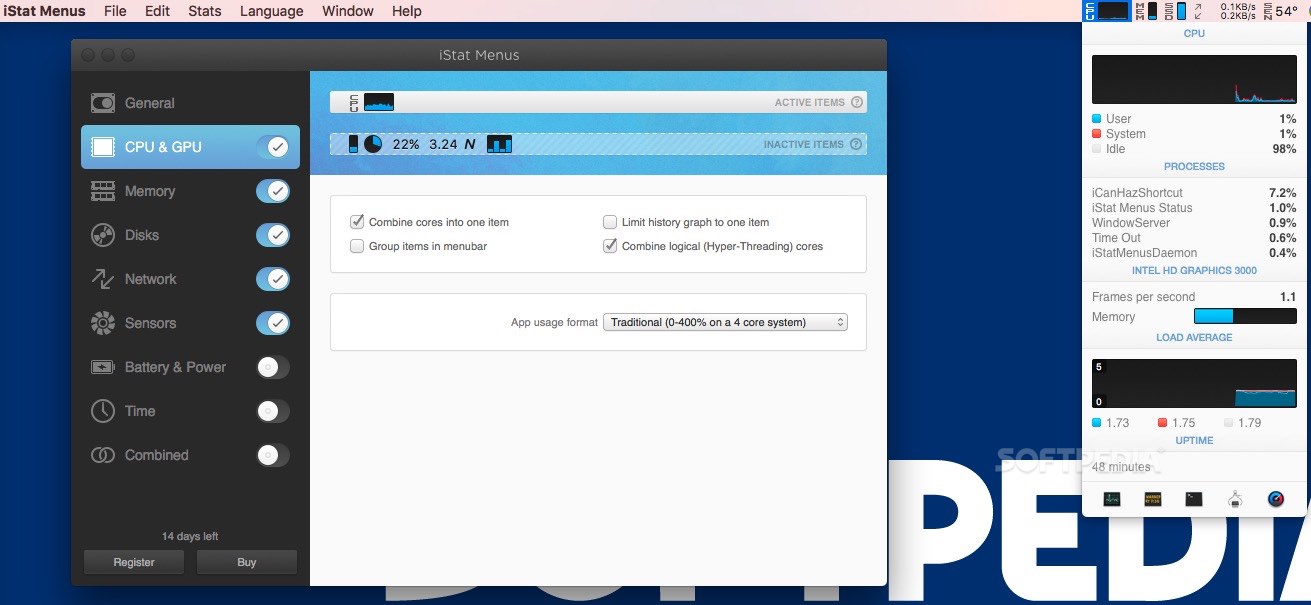
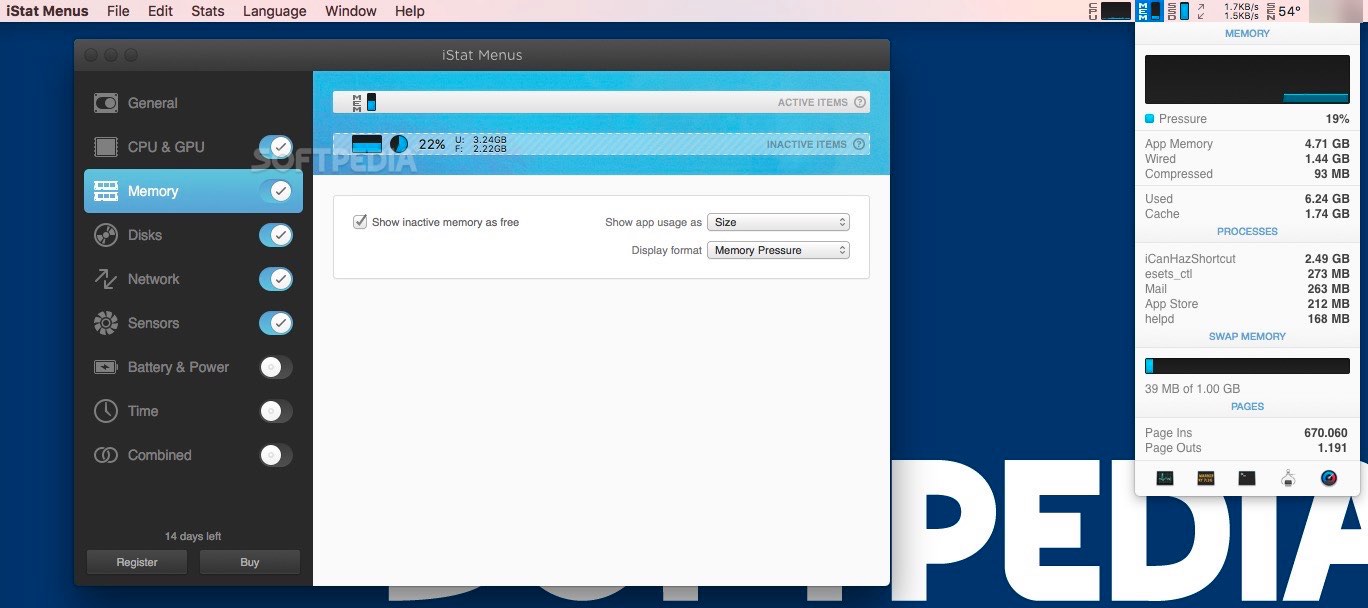
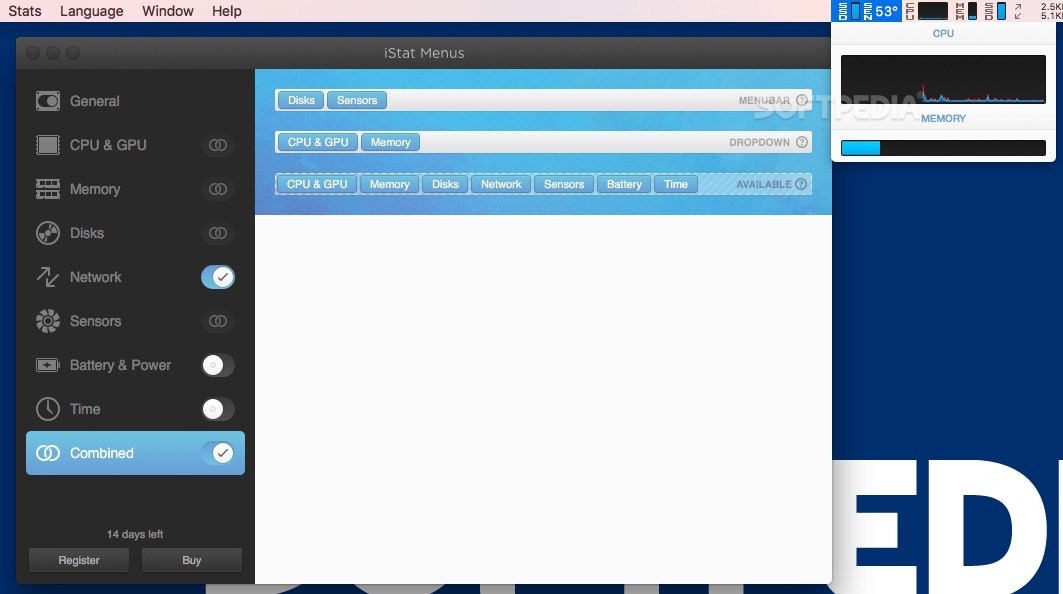
Once this is taken care of, the menus will be present in your status bar at all times: simply click on the respective icon and the drop down panel will provide more statistical data.
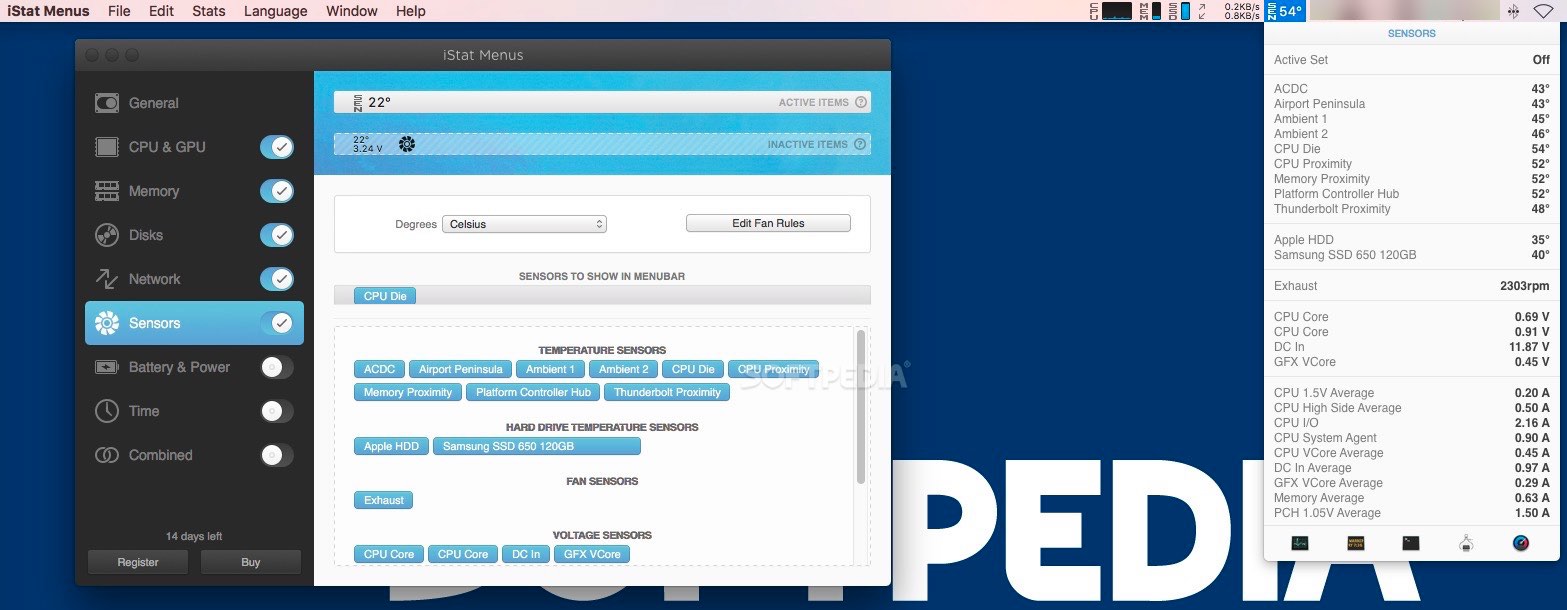
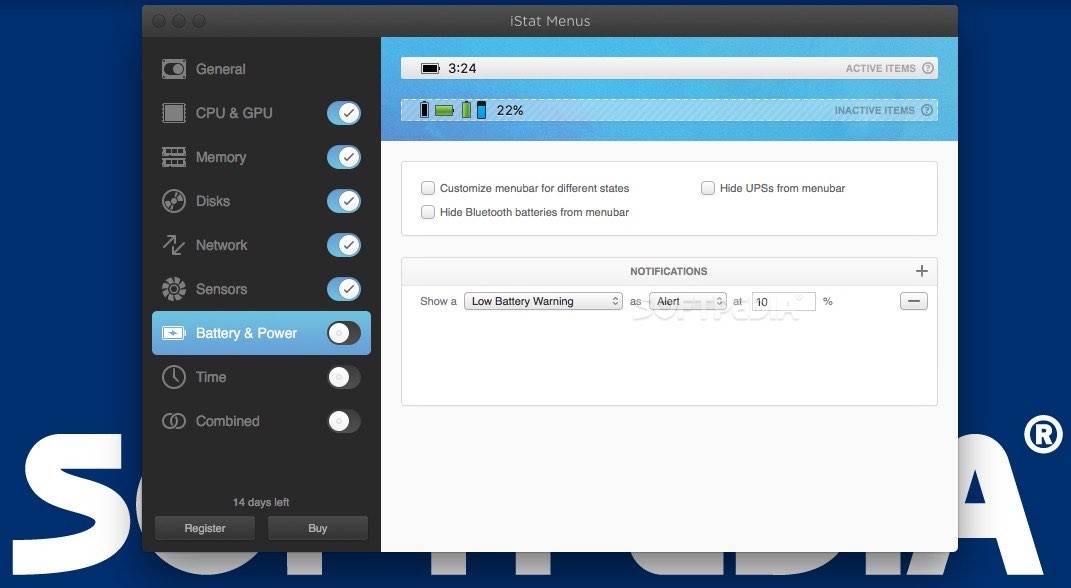
iStat Menus analyzes and provides usage data and separate status bar menus for the following elements: CPU&GPU, Memory, Disks, Network, Sensors, Battery (if available), or Time (can show the local time for different cities). You can create a single menu that combines multiple elements.
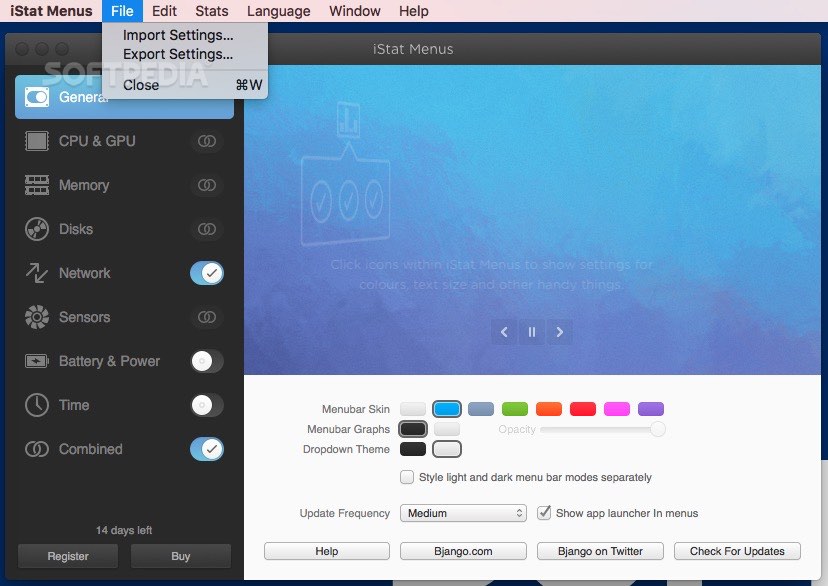
Note that each menu comes with its own customization options: you can change the way in which the information is displayed or the color palette.
Moreover, you can select the sensors you want to monitor, set up warnings for specific battery levels, and more.
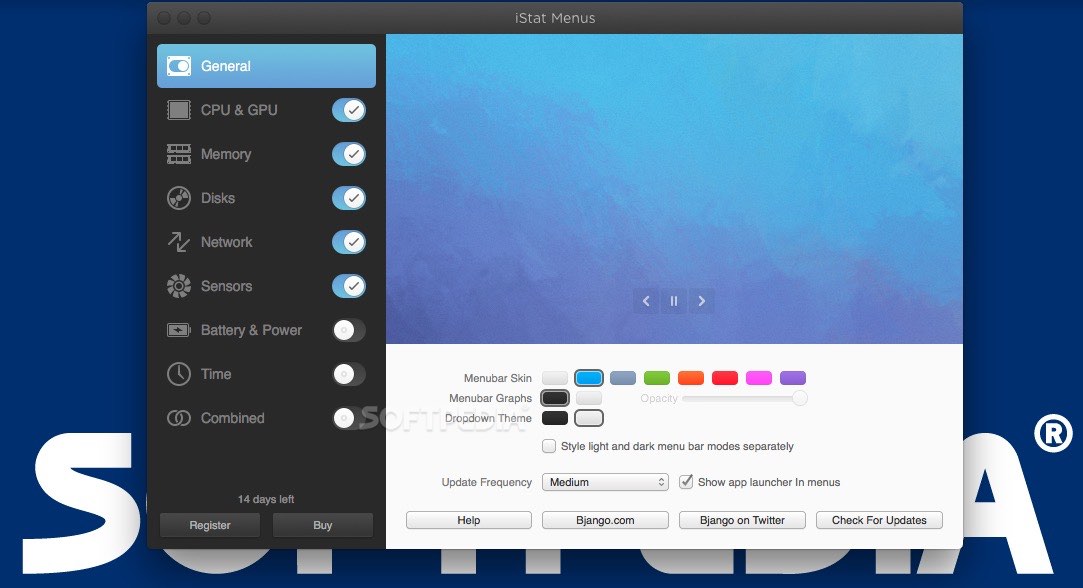
iStat Menus comes with 9 styles for the menu bar theme (black, blue, fire, graphite, green, pink, purple, red, and white), 2 drop down themes (dark and light), and allows you to adjust the status bar graph background opacity. You may also adjust the update frequency for the data displayed in the menus: fast, medium, or slow.
If you are looking for a low-key tool for monitoring the way in which your Mac deals with the available resources, iStat Menus certainly deserves your attention.
Download Hubs
iStat Menus is part of these download collections: CPU Monitors, Monitor Uptime, Temperature Monitors
What's new in iStat Menus 6.72:
- Fixed some layout bugs on macOS Sonoma.
iStat Menus 6.72
add to watchlist add to download basket send us an update REPORT- runs on:
- macOS 10.13 or later (Universal Binary)
- file size:
- 30.5 MB
- filename:
- istatmenus6.72.zip
- main category:
- System Utilities
- developer:
- visit homepage
Zoom Client

7-Zip

calibre

Context Menu Manager

Microsoft Teams

Bitdefender Antivirus Free

Windows Sandbox Launcher

4k Video Downloader

IrfanView

ShareX

- 4k Video Downloader
- IrfanView
- ShareX
- Zoom Client
- 7-Zip
- calibre
- Context Menu Manager
- Microsoft Teams
- Bitdefender Antivirus Free
- Windows Sandbox Launcher