
Powerful application created to offer its users a large array of options for creating, removing, resizing or formatting partitions on your hard disks with ease. #Partition hard drive #Format drive #Resize partition #Partition #Resizer #Formatter
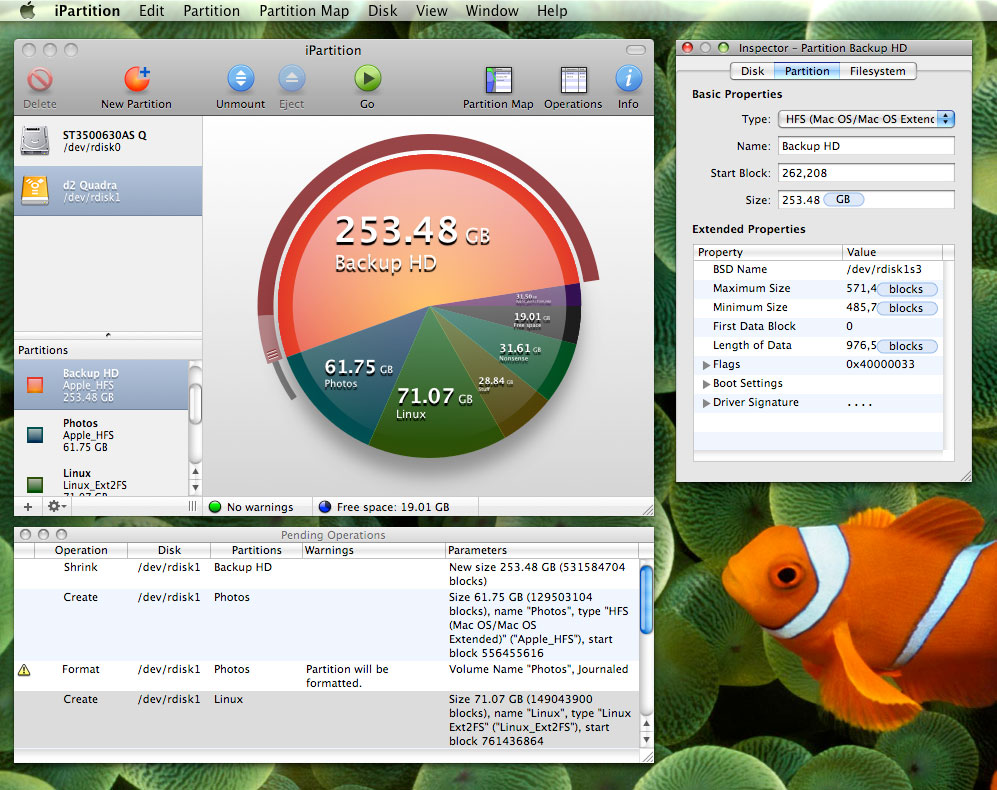
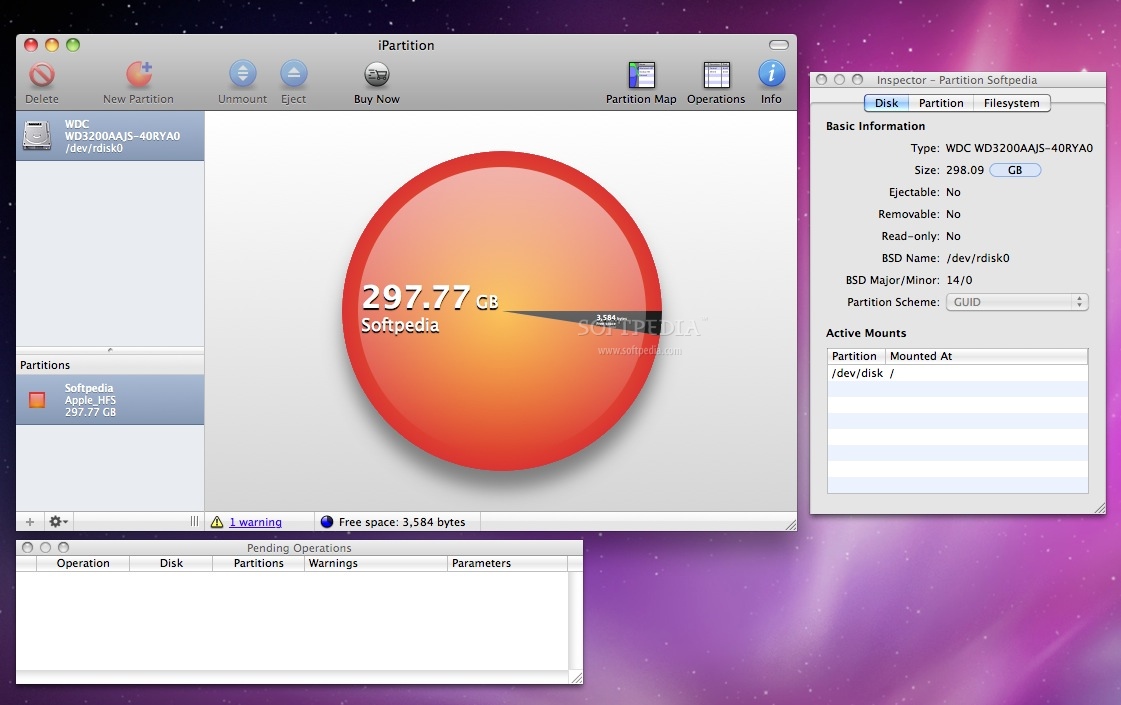
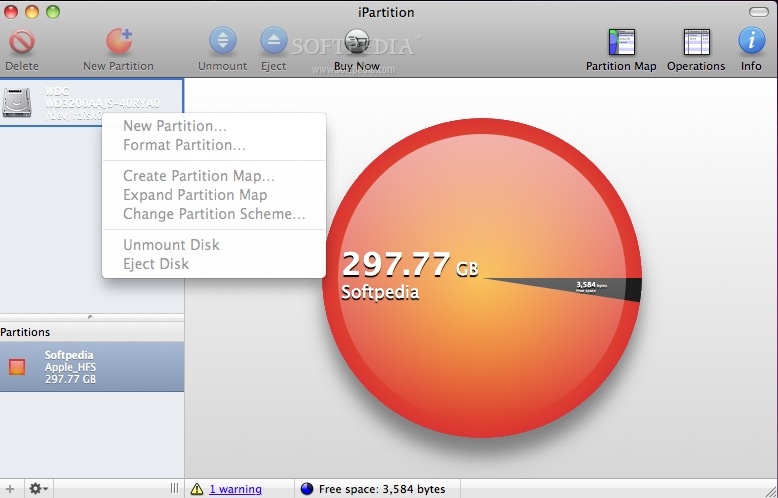
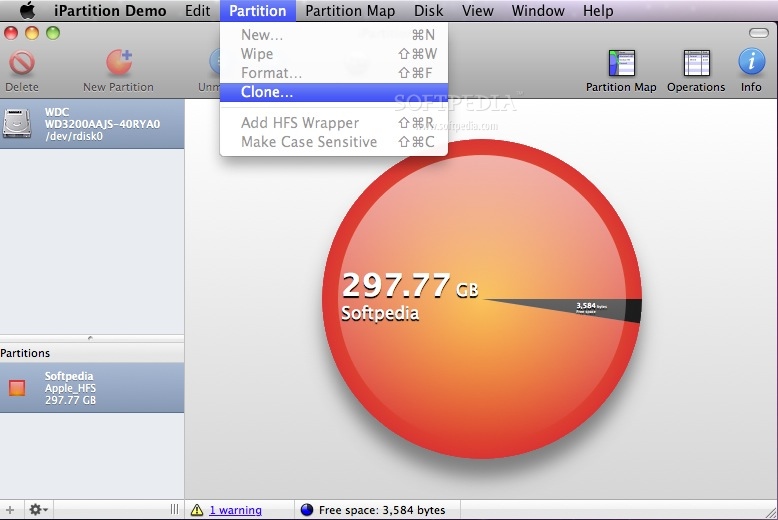
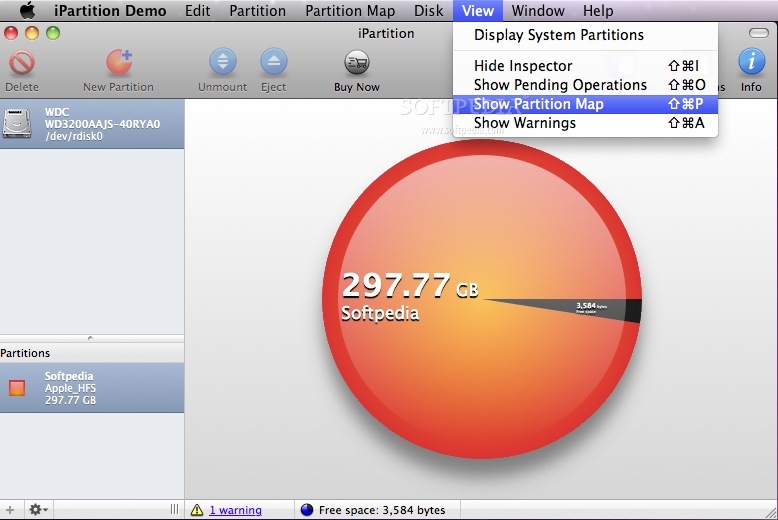
iPartition is a streamlined macOS utility designed to provide an intuitive and powerful user interface for easily and rapidly partition your Mac’s storage devices, whether they are removable, external or fixed.
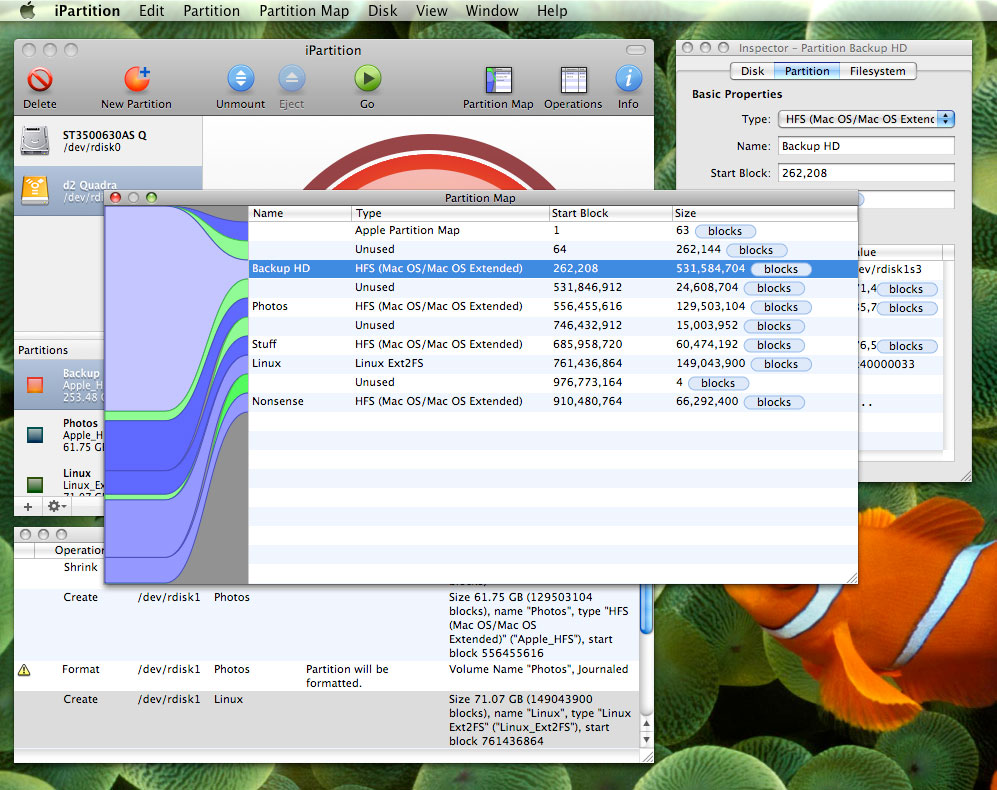
In order to resize a partition you just have to select it, drag the resize handle and select the partition size. If you want to, you can build a queue of operations and iPartition will automatically perform them one after the other.
iPartition comes with complete support for the latest hardware and operating systems, so you can be sure that it will work with modern hard drives.
The iPartition application enables you to perform drive re-partition without formatting, by performing a non-destructive resize of NTFS, FAT and HFS partitions.
Moreover, iPartition works on drives that contain a Boot Camp volume.You can even change the size of your Windows partitions, allowing iPartition to take care of reconfiguring the Windows process automatically.
IPartition can convert the partition tables of a Mac disk that you want to use on a Windows computer (or vice-versa). The conversion process keeps all data intact so you can perform this process without having to worry about data loss.
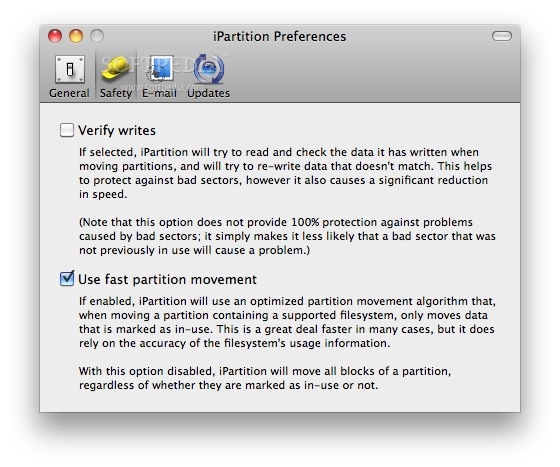
iPartition features a built-in intelligence that automatically minimizes the amount of operations needed to perform and the amount of data needed to move. This successfully streamlines the partitioning process and translates into saving precious time.
As a supplemental advantage, unlike other tools, if power is cut during the partitions process, iPartition can recover your disk. However, you shouldn't rely on this, so make sure that your Mac does not have to go through any power outages while iPartition is running and partitioning your hard drive.
Download Hubs
iPartition is part of these download collections: Make Partition, HDD Manager, Partition Manager, HDD Managers
iPartition 3.6.2
add to watchlist add to download basket send us an update REPORT- runs on:
- macOS 10.12 or later (Intel only)
- file size:
- 13.3 MB
- filename:
- iPartition-3.6.2.dmg
- main category:
- System Utilities
- developer:
- visit homepage
Bitdefender Antivirus Free

IrfanView

7-Zip

calibre

Windows Sandbox Launcher

Zoom Client

ShareX

Microsoft Teams

4k Video Downloader

Context Menu Manager

- Microsoft Teams
- 4k Video Downloader
- Context Menu Manager
- Bitdefender Antivirus Free
- IrfanView
- 7-Zip
- calibre
- Windows Sandbox Launcher
- Zoom Client
- ShareX