
User-friendly and intuitive macOS application that makes system maintenance, optimization, tuning and cleaning a lot simpler and faster. #Cache cleaner #Tweak system #Customize hidden settings #Cleaner #Optimizer #Tweaker
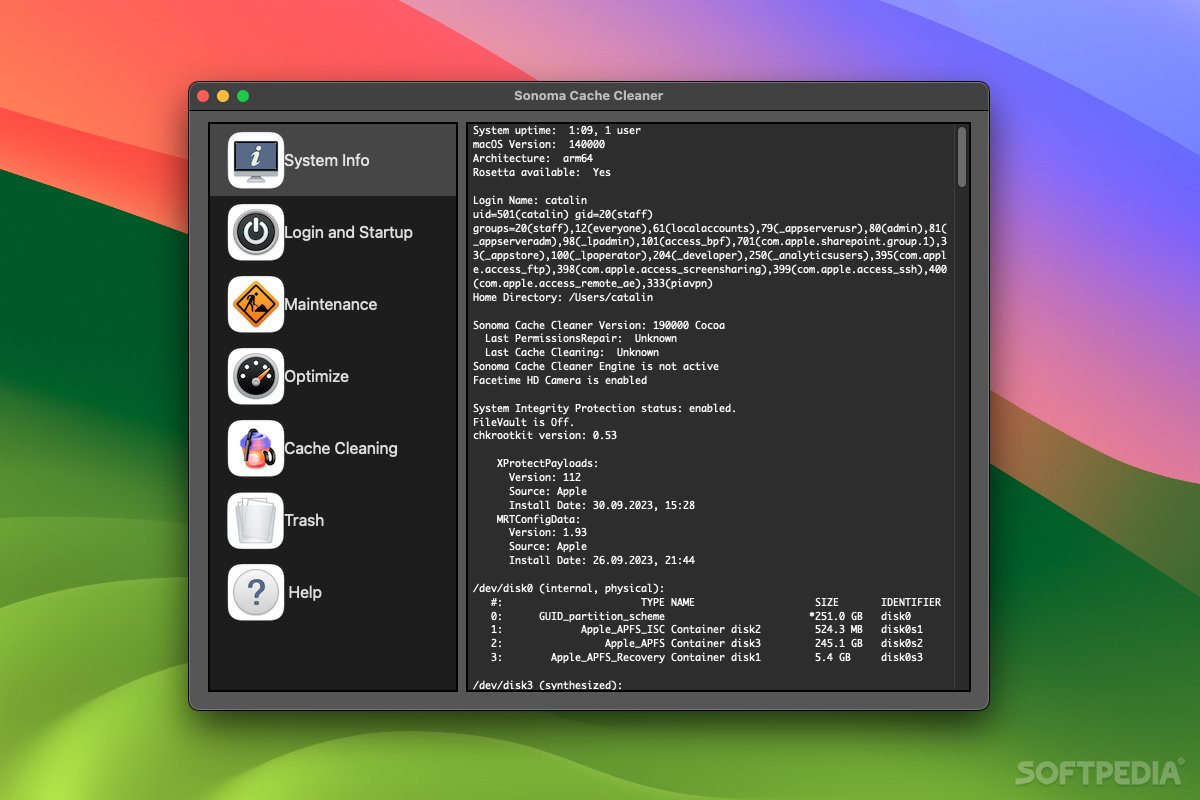
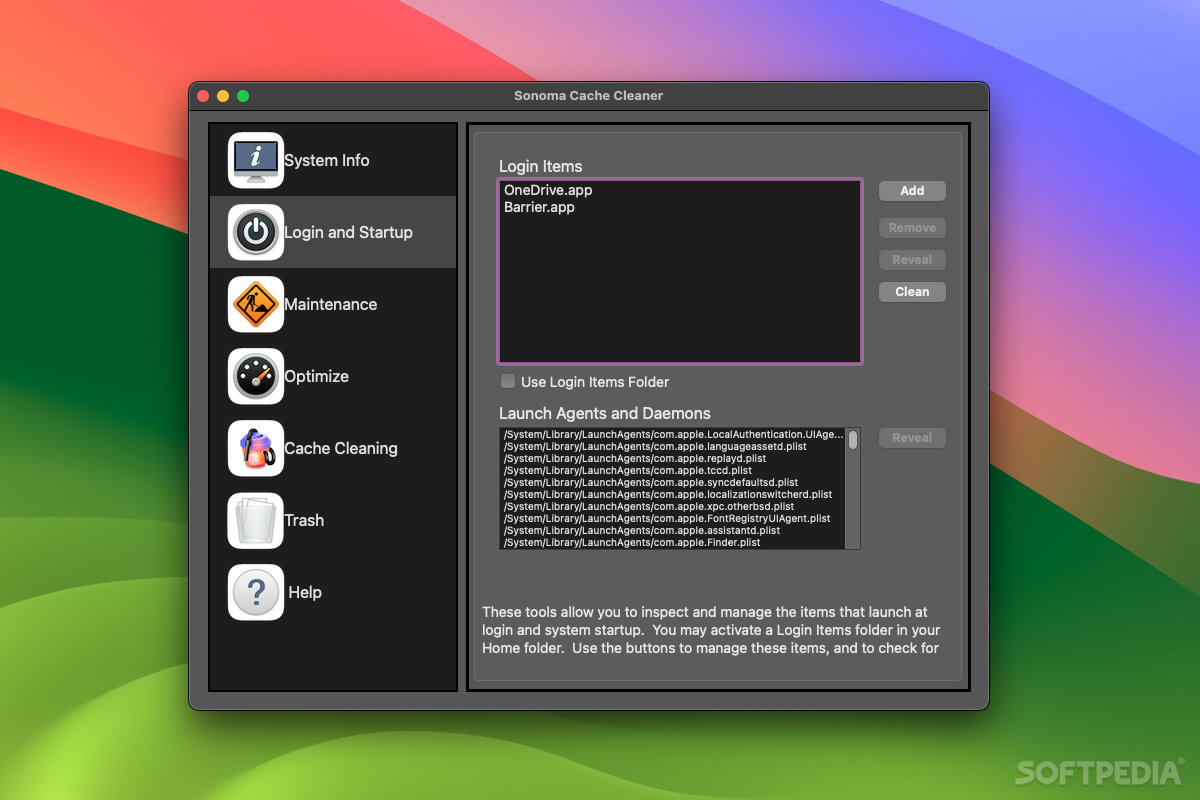
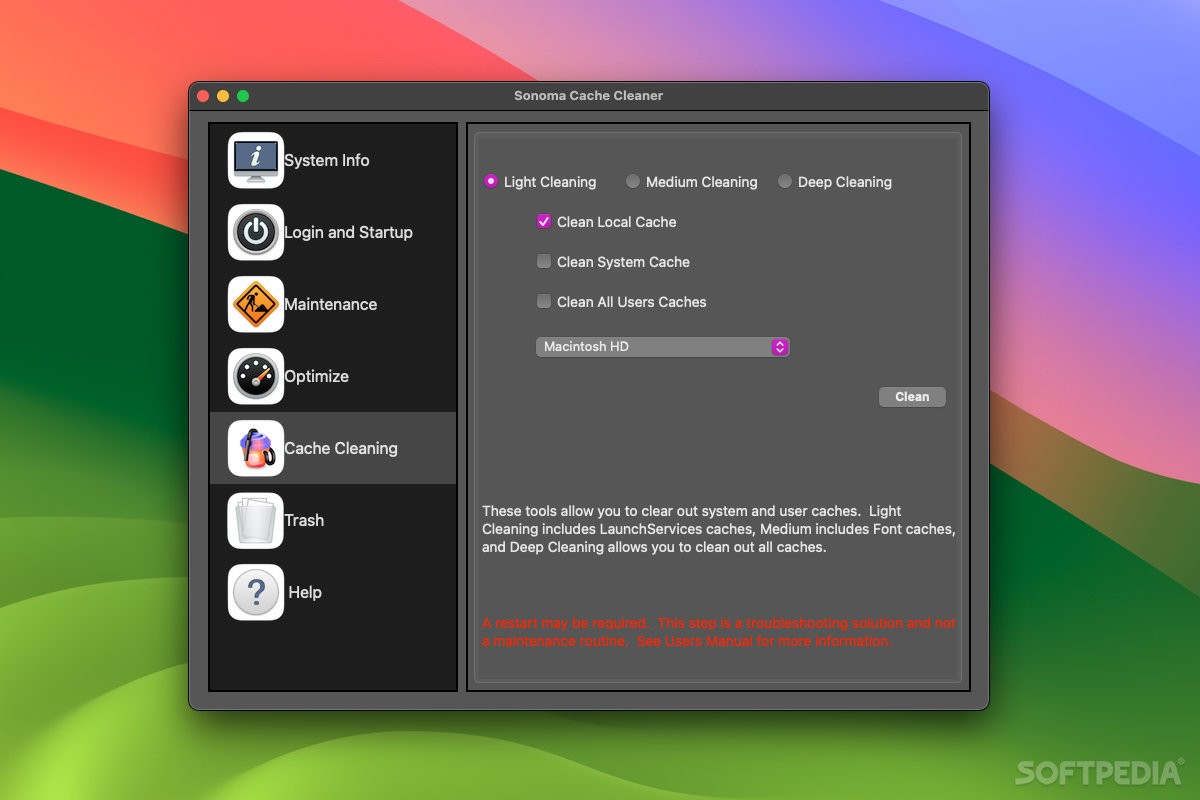
Sonoma Cache Cleaner is a widely-popular system maintenance application created to provide you with a fast and user-friendly user interface, designed to make it very quick and easy to access the most important macOS functions.
Once you launch the app on your Mac, you will first be presented with a detailed system report that will help you get a quick overview of your Mac’s most important features.
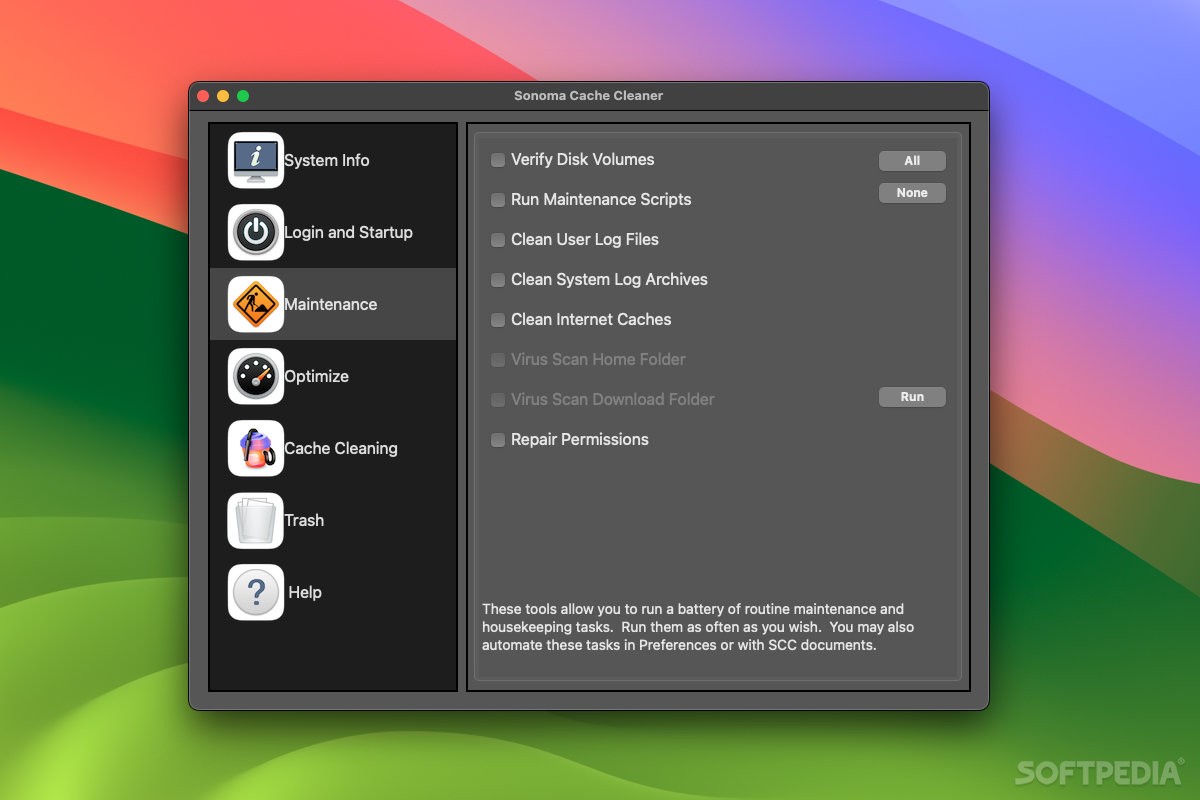
Moreover, the app provides you with a fully automated way to run the most common macOS system maintenance chores, like repairing permissions once you’ve done updating the OS or installing new apps.
On top of that, while using Cache Cleaner on your Mac to perform various maintenance tasks, you will be able to keep your computer in perfect shape and completely error free. In particular, you can choose to run the periodical maintenance scripts, repair the system permissions and virus scan the home and download folder.
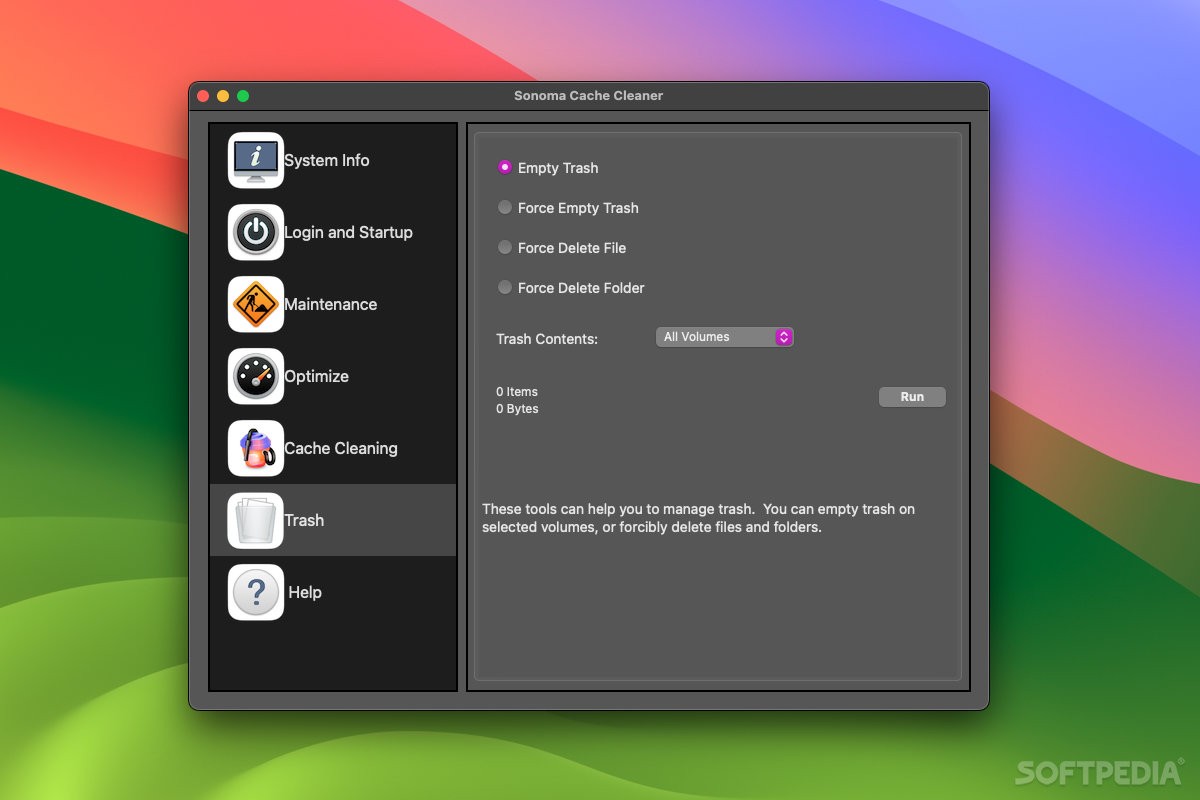
The app enables you to rapidly scan for and remove a large assortment of cache files and files that take up storage space needlessly.
In order to free up disk space on your hard drives, Cache Cleaner makes it simple to also delete all the localization files that you don’t need, as well as removing the PPC code from Universal Binary applications with a simple mouse click.
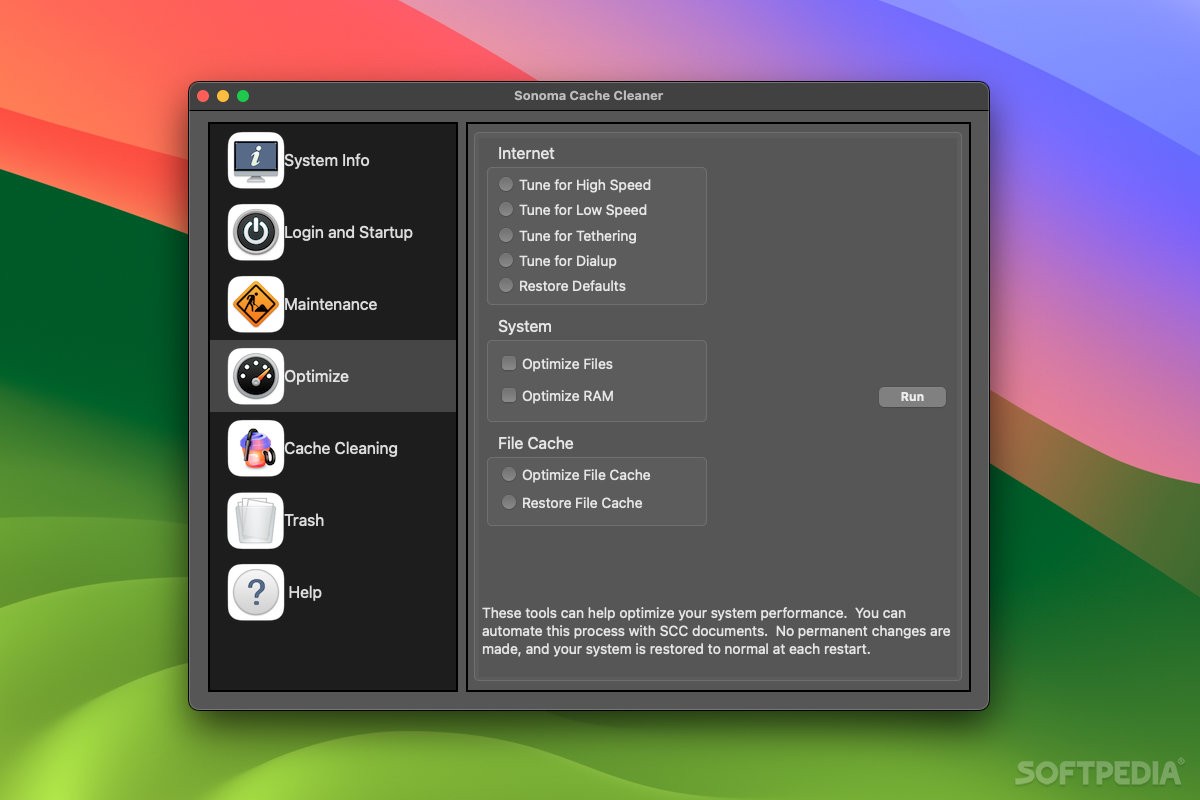
You can make use of this app for automatically tuning your Mac’s Internet settings for various usage cases (e.g. high speed, tethering, dial-up) and for optimizing your system’s RAM memory and file cache.
Cache Cleaner can even be used to prepare for a varied array of problems by creating your own bootable emergency disks and Mavericks USB Installers that can be used to get your Mac up and going when you cannot boot your machine from the boot device.
What’s more, because the app includes the highly popular ClamAV antivirus, you can swiftly start a custom virus scanning task for any folder on your Mac’s hard drive and to check for multiple types of rootkits to make sure that your data is always protected and safe from prying eyes.
As an added bonus, you can also use Sonoma Cache Cleaner to completely automate your Mac’s optimization and maintenance by scheduling them via the app’s Automatic Operation dialog.
Download Hubs
Sonoma Cache Cleaner is part of these download collections: Detect Rootkit, Virus Scanner, Tweak Memory, Cache Cleaner
Sonoma Cache Cleaner 19.0.4
 Softpedia Editor's Pick
add to watchlist
add to download basket
send us an update
REPORT
Softpedia Editor's Pick
add to watchlist
add to download basket
send us an update
REPORT
- runs on:
- macOS 10.4 or later (Universal Binary)
- file size:
- 178.2 MB
- filename:
- nscc.dmg
- main category:
- System Utilities
- developer:
- visit homepage
calibre

Windows Sandbox Launcher

Context Menu Manager

Zoom Client

Microsoft Teams

7-Zip

ShareX

Bitdefender Antivirus Free

4k Video Downloader

IrfanView

- Bitdefender Antivirus Free
- 4k Video Downloader
- IrfanView
- calibre
- Windows Sandbox Launcher
- Context Menu Manager
- Zoom Client
- Microsoft Teams
- 7-Zip
- ShareX