
Run Windows, Linux, and various other operating systems on your Mac, with a virtualization app that focuses on ease of use and seamless integration. #Virtual Machine #Windows VM #Linux VM #VM #Virtualization #Windows

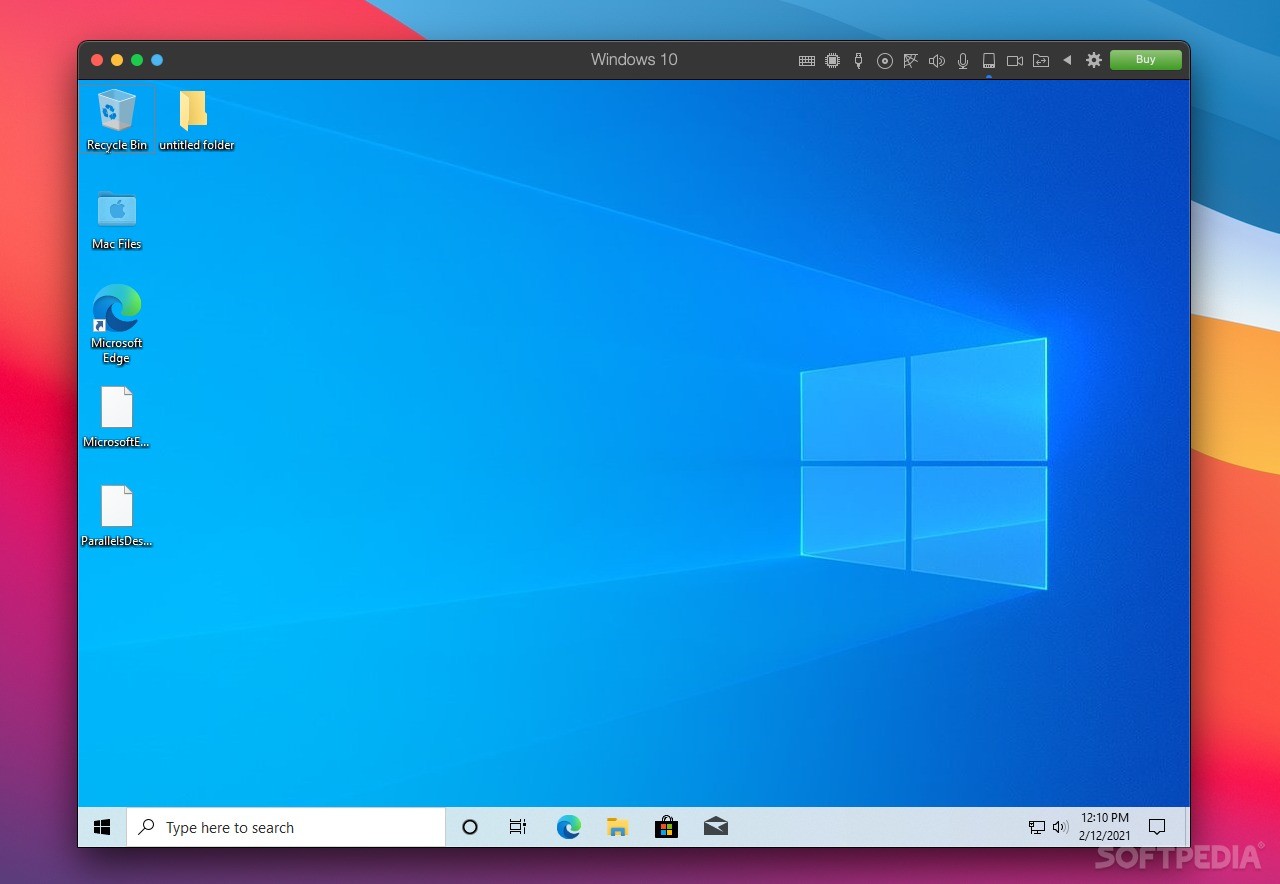
Parallels Desktop is one of the oldest and most popular applications for virtualization on macOS. There are quite a few options out there for Mac users who want to run other operating systems on their Apple devices, but none are quite as intuitive and novice-friendly as Parallels.
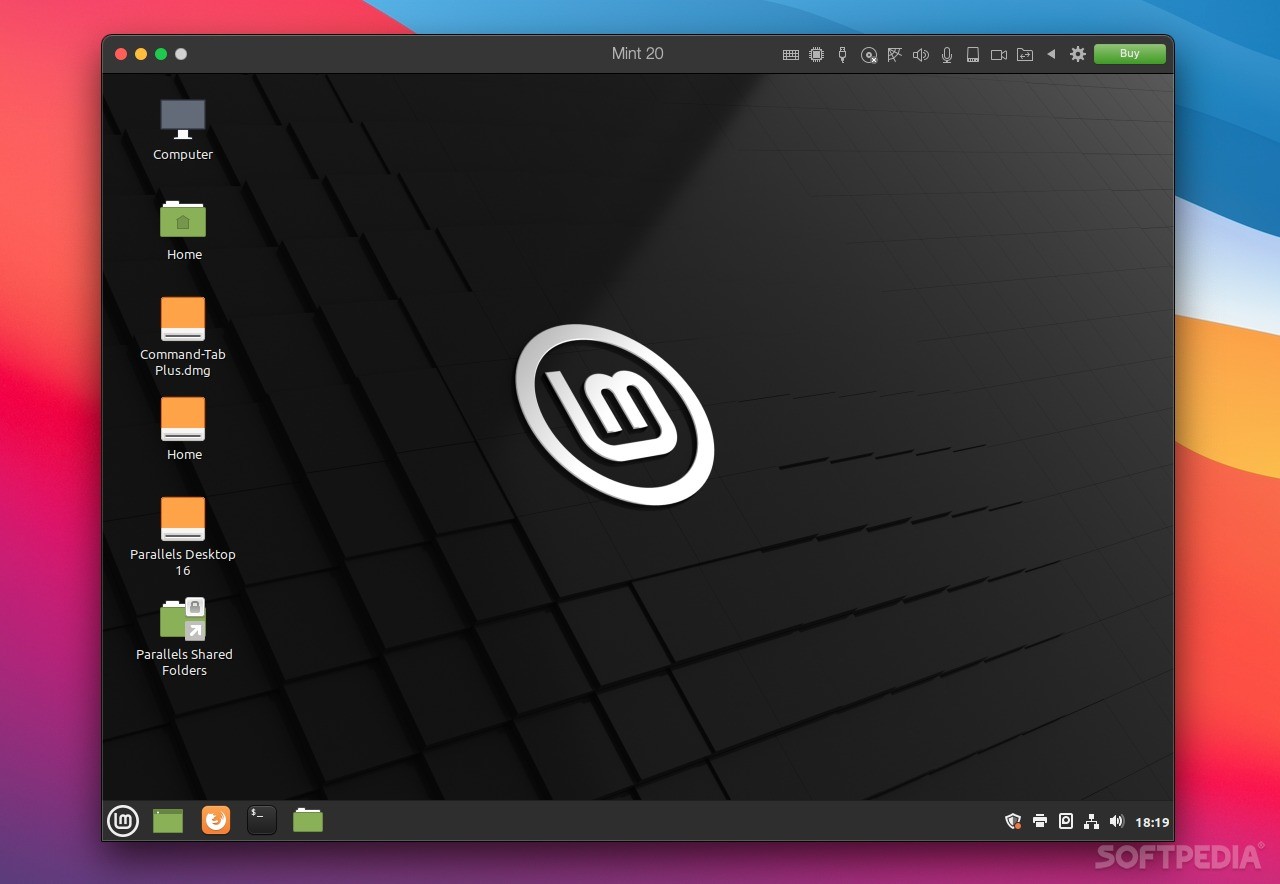
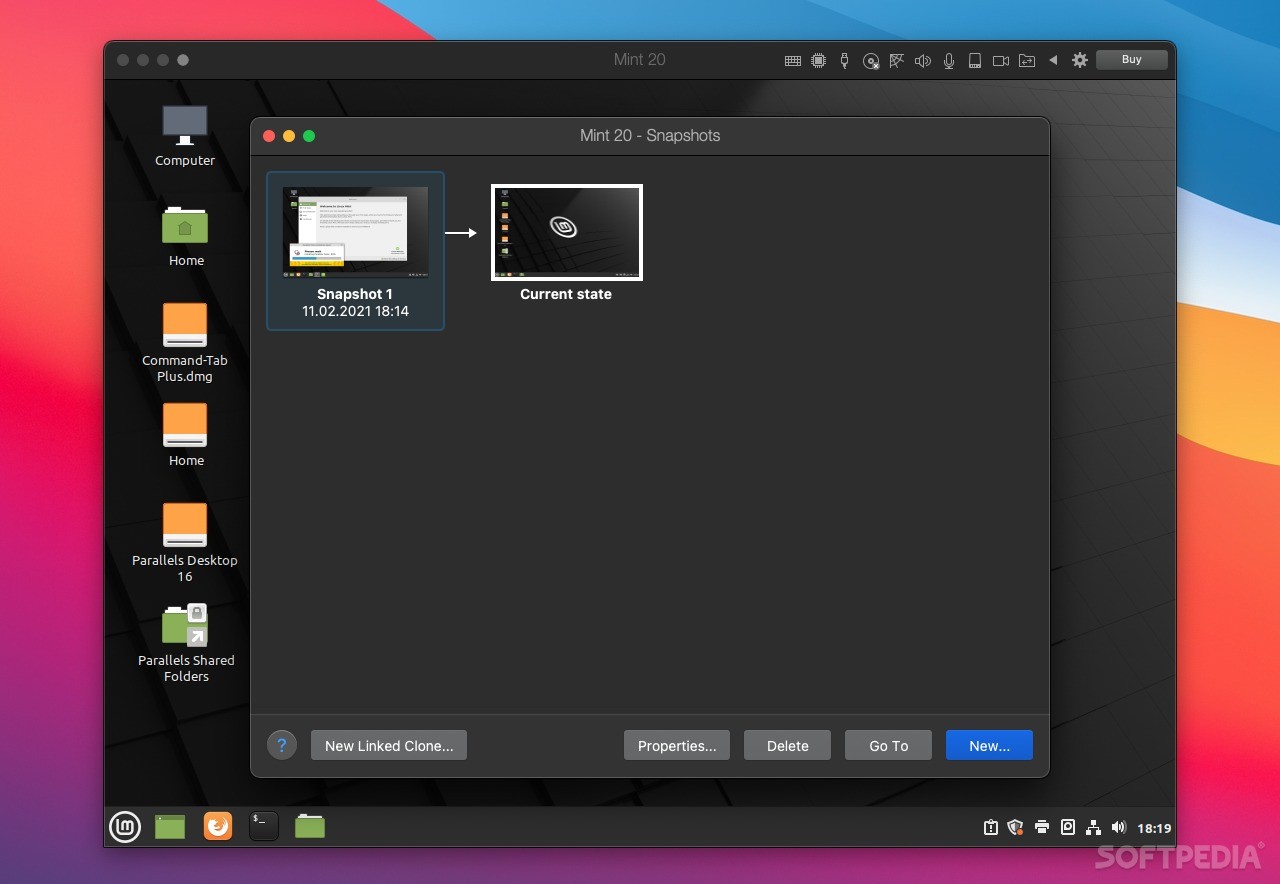
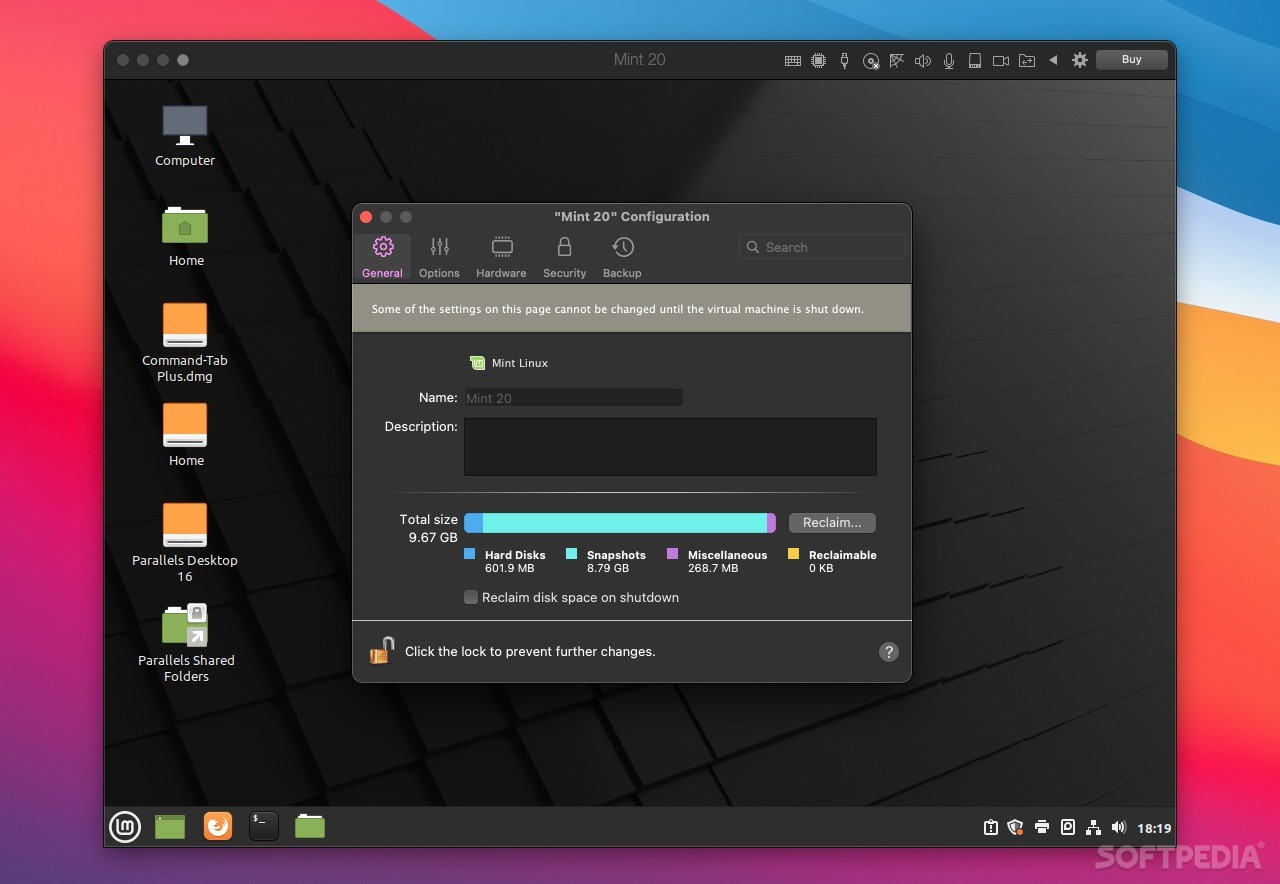
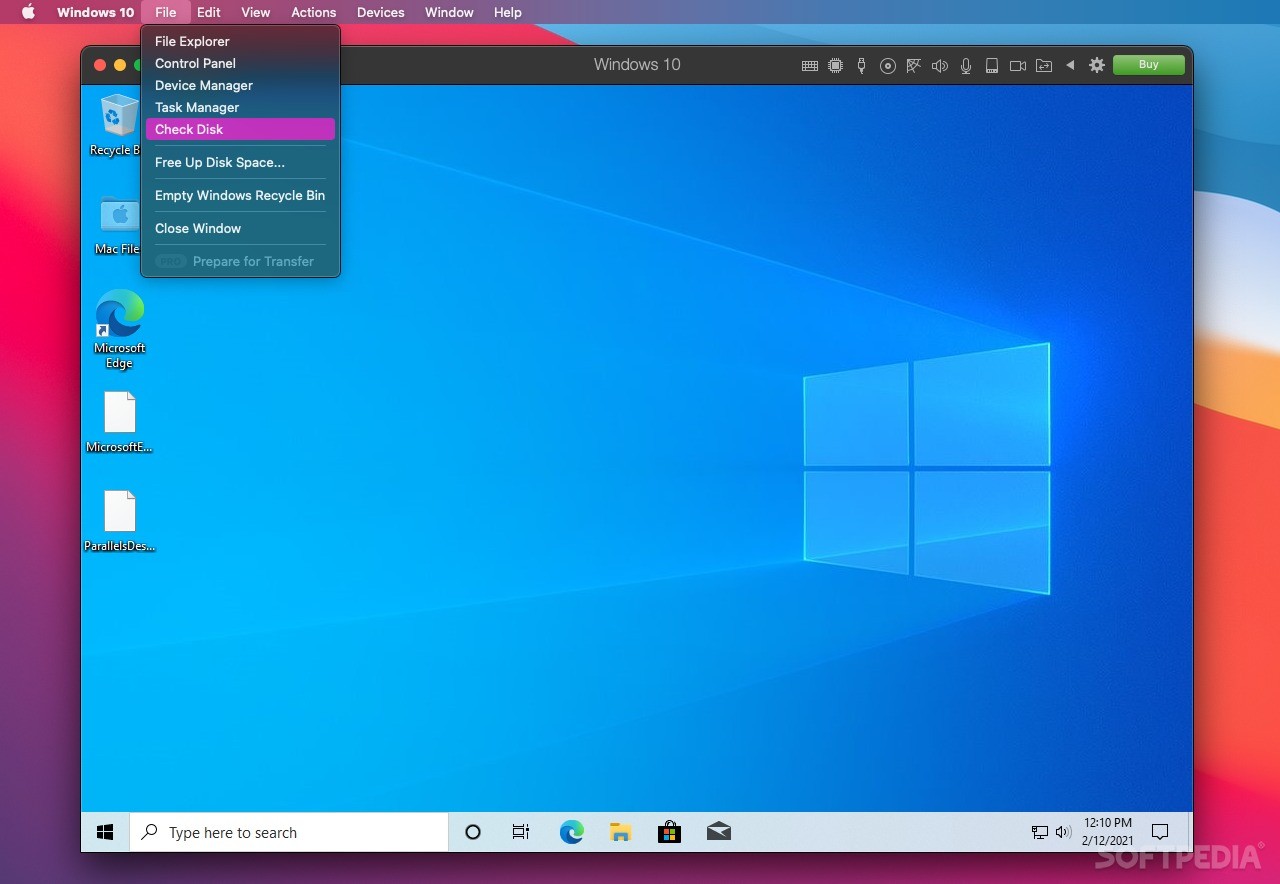
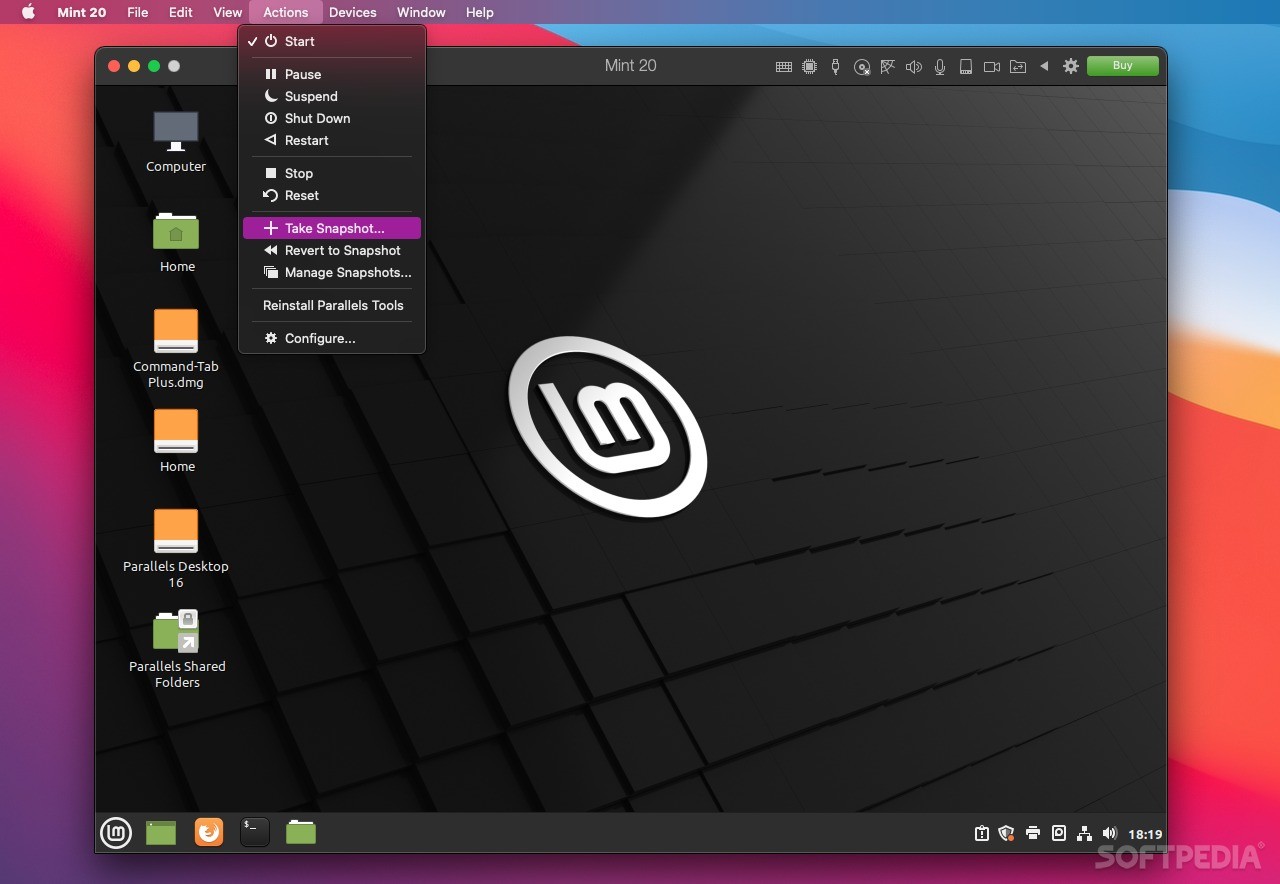
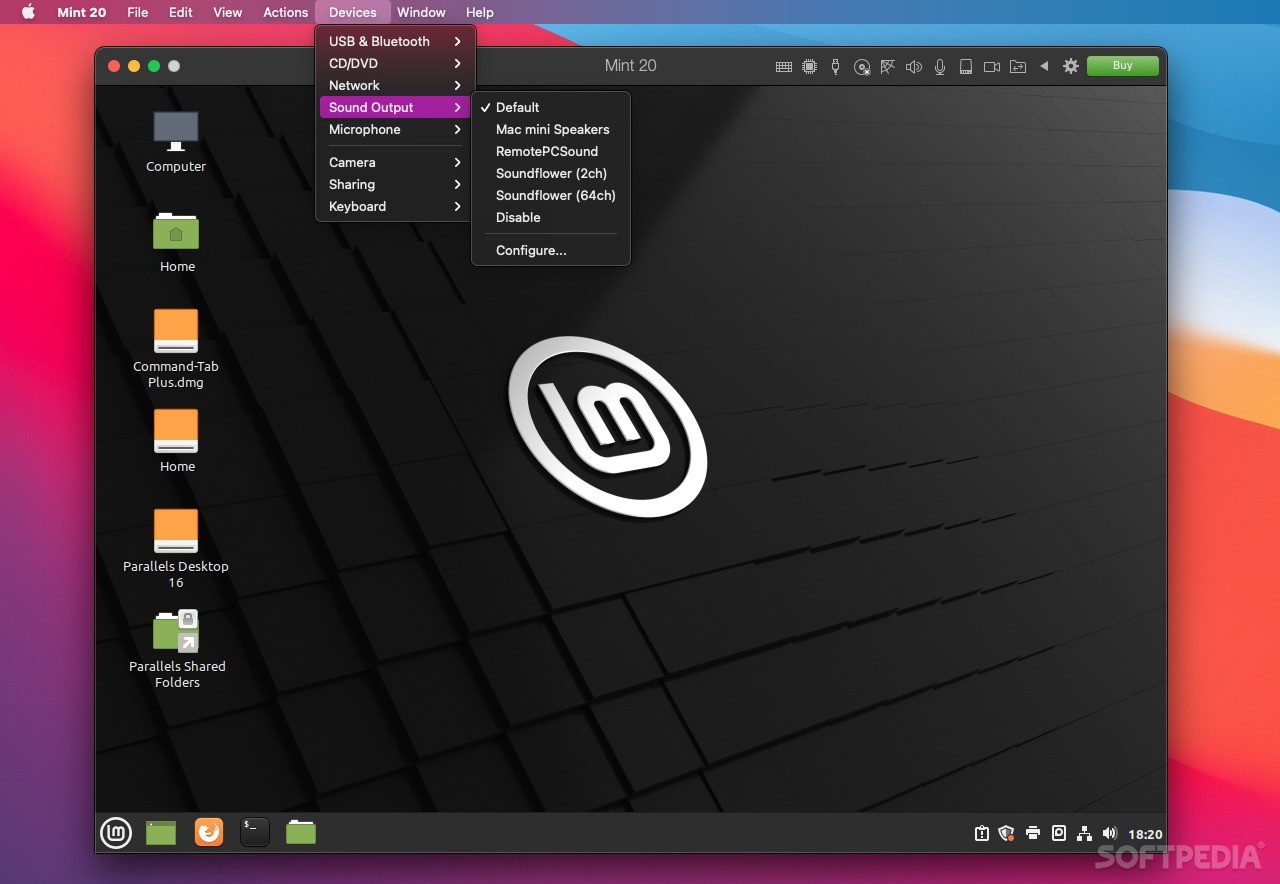
This app allows you to Run Windows, various flavors of Linux, ChromeOS, Android, and many other operating systems in virtual machines, and it makes setting up and configuring these VMs incredibly straightforward. Much of the process is automated, and the virtualized OSes integrate well with macOS.
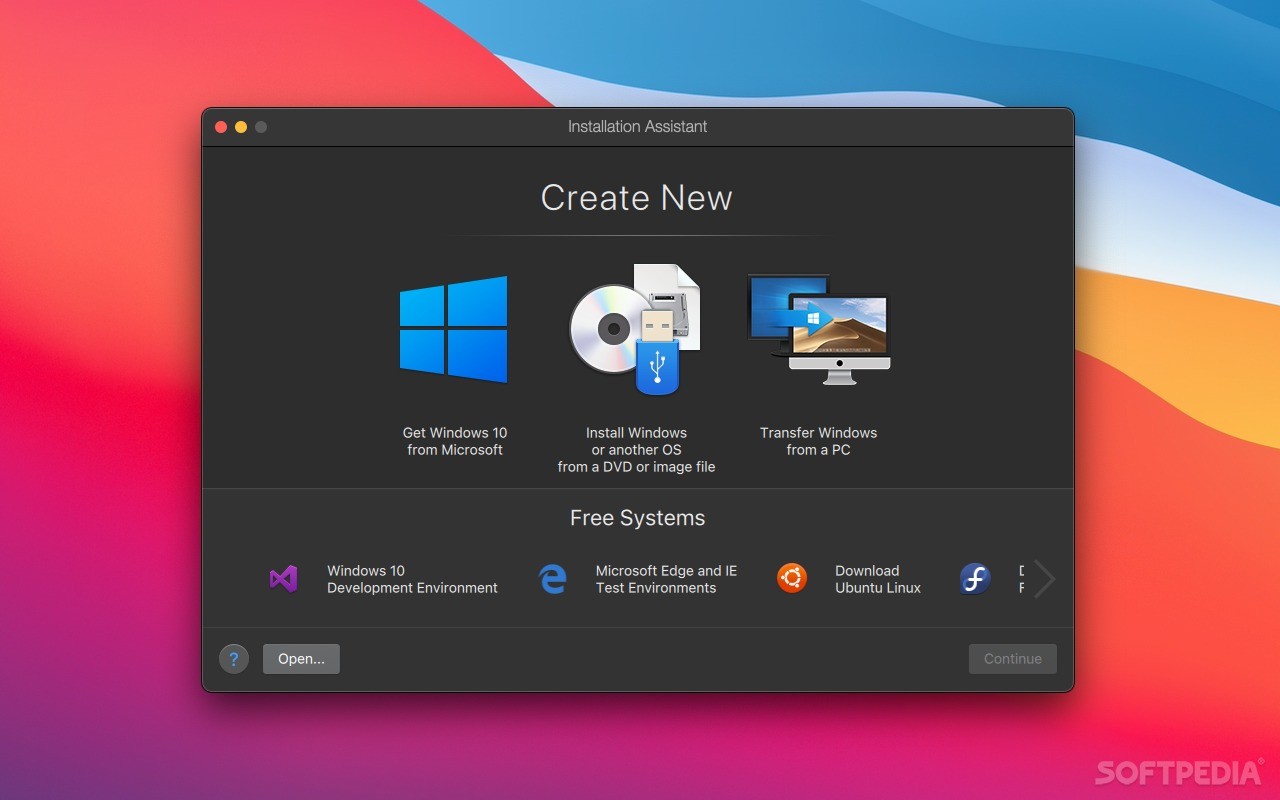
It really is that simple. Compared to alternatives like VirtualBox or VMware, it is much easier to create a virtual machine and install an OS. For instance, if you want a Windows 10 VM, the startup wizard guides you through the entire process. It only takes a few clicks and absolutely no technical knowledge.
If you skip the initial Win10 wizard, Parallels still has an installation assistant that can help you set up Windows, Linux, and many other operating systems. The Windows 10 Test and Development environments are available for free, as are numerous Linux flavors and Android, and you can even install macOS from the recovery partition or convert a Boot Camp installation to a VM.
Aside from installing Windows via Boot Camp, which isn't likely to be supported on Apple Silicon, Parallels offers possibly the most seamless experience when running another operating system on your Mac.
MacBook Pro users can add Windows apps to the Touch Bar, Office integration lets documents in Safari open in their native Windows apps, and full support is available for Retina displays for the best visual experience.
Sharing files between your Mac and Windows VM could not be easier, as files on the desktop are instantly accessible from either OS, no matter where they were created.
If you want to take things one step further, just enable Coherence Mode. Once it is active, all applications in your Windows VM will appear in separate windows directly on your Mac's desktop, almost as if they were running natively on macOS.
Of course, Parallels Desktop is available in multiple editions, with the Pro and Business variants geared towards professionals and enterprises respectively. While the Standard edition includes most features, it limits the amount of RAM and virtual CPUs you can use for each VM and lacks some advanced deployment and management tools.
These include integration with Docker, Vagrant, and Microsoft Visual Studio, among others, VM transferring and deployment capabilities, debugging tools, and centralized administration and management.
Whether you're just starting out or you have a lot of experience with running VMs, nothing can beat the streamlined experience you get with Parallels, and it doesn't lose out to its competitors when it comes to the number of available features either.
With Boot Camp seemingly doomed on Apple Silicon, Parallels will likely be one of the few virtualization options available for M1 Mac users.
What's new in Parallels Desktop 19.3.0:
- General:
- Fixes the issue with Parallels Desktop failing to launch on Apple Silicon Macs with a Virtual Machine Monitor error.
- Enables Parallels Desktop Pro users and Parallels Desktop for Business administrators to control the direction of copy/paste clipboard sharing between macOS and virtual machines, allowing clipboard data to be shared not only in both directions, but also only from the Mac to the virtual machine, or only in reverse.
Parallels Desktop 19.3.0
 Softpedia Editor's Pick
add to watchlist
add to download basket
send us an update
REPORT
Softpedia Editor's Pick
add to watchlist
add to download basket
send us an update
REPORT
- runs on:
- macOS 12.0 or later (Universal Binary)
- file size:
- 2 MB
- filename:
- Install Parallels Desktop.dmg
- main category:
- System Utilities
- developer:
- visit homepage
Microsoft Teams

7-Zip

IrfanView

Zoom Client

4k Video Downloader

Windows Sandbox Launcher

Bitdefender Antivirus Free

ShareX

calibre

Context Menu Manager

- ShareX
- calibre
- Context Menu Manager
- Microsoft Teams
- 7-Zip
- IrfanView
- Zoom Client
- 4k Video Downloader
- Windows Sandbox Launcher
- Bitdefender Antivirus Free