
Cross-platform benchmark utility that allows you to easily measure your Mac's performance and compare the results with other systems #CPU Benchmark #GPU Benchmark #Mac Benchmark #Benchmark #Performance #CPU


Over the years, Geekbench has become an industry-standard benchmark used by companies, hardware reviewers, and regular people alike. It’s a simple tool that lets you measure your Mac’s performance in just a few minutes, and it has an extensive online database for comparing results with other systems.
The app can test both CPU and GPU performance using benchmarks that simulate real-world conditions, and you can upload your results to get an idea of how they fare against similar devices. It’s also cross-platform, making it a great way to compare Macs with Windows and Linux PCs.
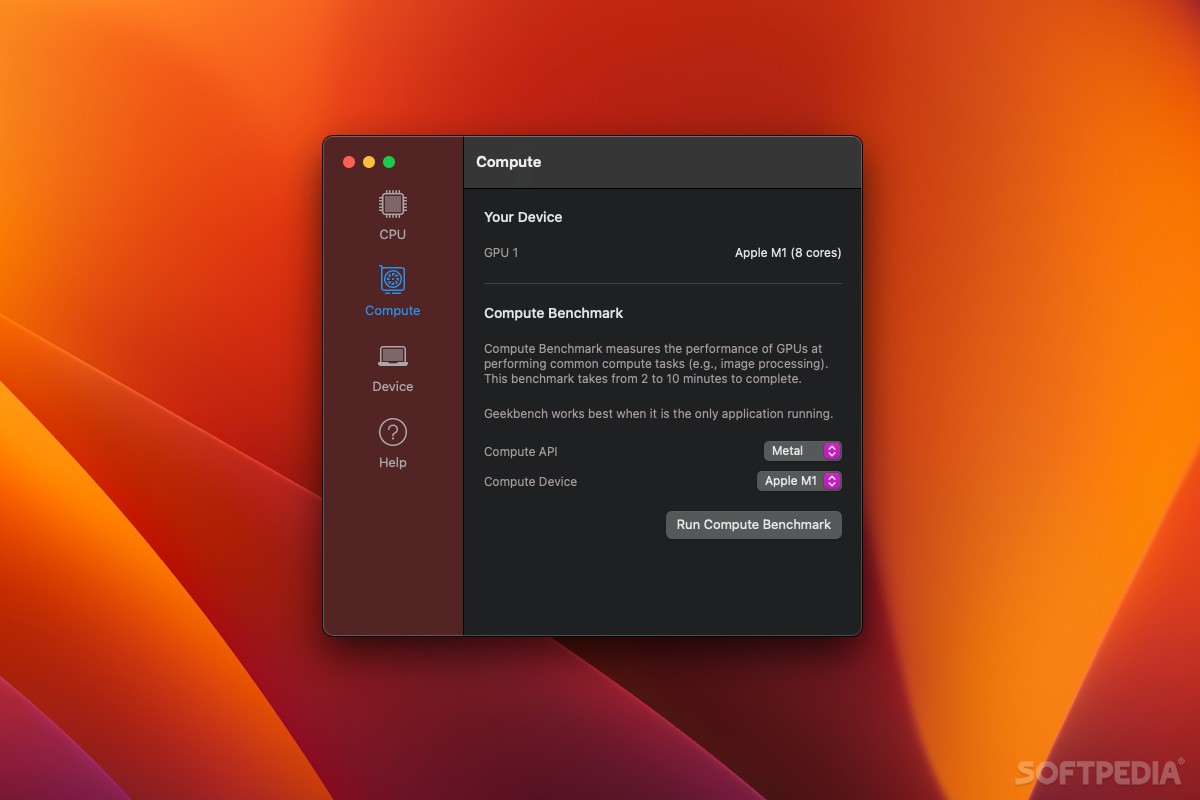
Geekbench is super easy to work with. Running a CPU benchmark is as easy as clicking one button, and a GPU test only requires you to choose the compute API and device. Make sure no other apps are running, and just sit back and wait for it to be done.
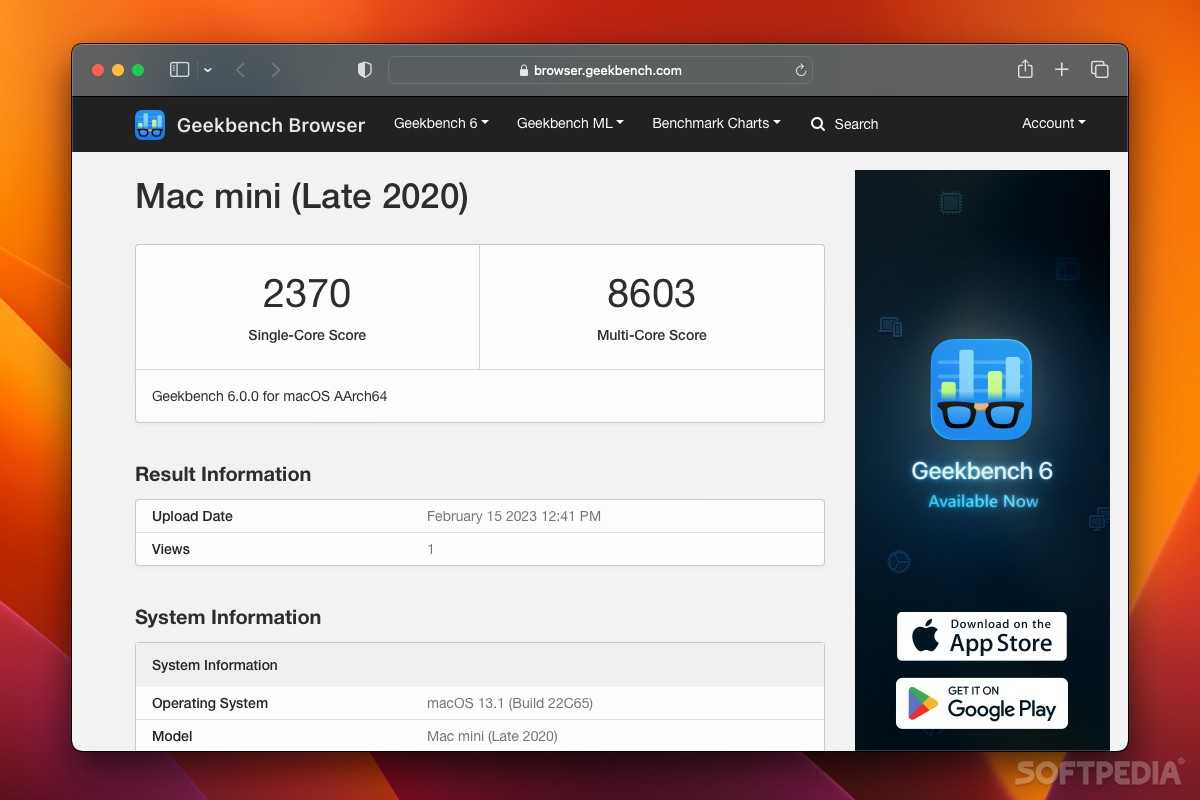
On an M1 Mac, benchmarks normally take no more than three minutes. If you’re using the free version, results will be uploaded to the Geekbench Browser automatically and opened in your default browser. With the Pro version, the app can run entirely offline, while still giving you the option to upload results.
Geekbench runs a series of tests, each intended to measure your system’s ability to perform common tasks: file compression, navigation, browsing, text processing, HDR, ray tracing, etc. Single-core and multi-core performance is assessed and shown separately in results.
You will get both a combined score and a separate result for each calculated metric. This way, if your overall score is lower than expected, you can try to identify which particular test was bringing down your total.
The most useful aspect of Geekbench, and the one that made it popular to begin with, is its extensive results database and the ease with which it can be browsed. Scores for every CPU and GPU on the market are available on the online database, making it easy to rank them and figure out which is best.
Once you’ve run a benchmark on your own system, this result can be used as a baseline and compared with other CPUs and GPUs. The fact that this can’t be done directly from the desktop app’s UI is a bit of a downer, but using your browser isn’t too much of a hassle.
Geekbench is still a reliable and easy-to-use benchmark tool for all popular desktop and mobile platforms. It’s great for quickly assessing your Mac’s performance and pitting it against other systems, and the intuitive UI makes the whole process a piece of cake.
What's new in Geekbench 6.3.0:
- Introduce support for Arm Scalable Matrix Extensions (SME) instructions.
- Reduce Horizon Detection run-to-run variability.
- Disable OpenCLOn12 on Windows.
- Fix a crash that could occur on Meteor Lake laptops.
Geekbench 6.3.0
 Softpedia Editor's Pick
add to watchlist
add to download basket
send us an update
REPORT
Softpedia Editor's Pick
add to watchlist
add to download basket
send us an update
REPORT
- runs on:
- macOS 11.0 or later (Universal Binary)
- file size:
- 309.8 MB
- filename:
- Geekbench-6.3.0-Mac.zip

- main category:
- System Utilities
- developer:
- visit homepage
IrfanView

Context Menu Manager

4k Video Downloader

7-Zip

Zoom Client

calibre

Bitdefender Antivirus Free

Microsoft Teams

ShareX

Windows Sandbox Launcher

- Microsoft Teams
- ShareX
- Windows Sandbox Launcher
- IrfanView
- Context Menu Manager
- 4k Video Downloader
- 7-Zip
- Zoom Client
- calibre
- Bitdefender Antivirus Free