
View the most recently created or modified files on your system. #Recent file finder #Recent files dock #Open recent document #Launcher #Recent file #Launch
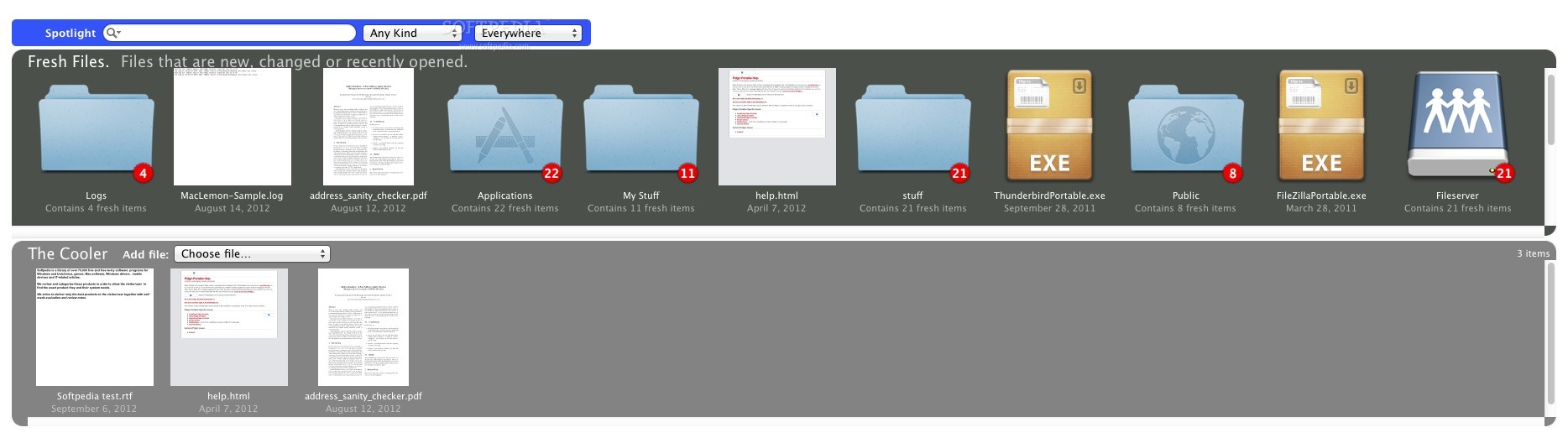
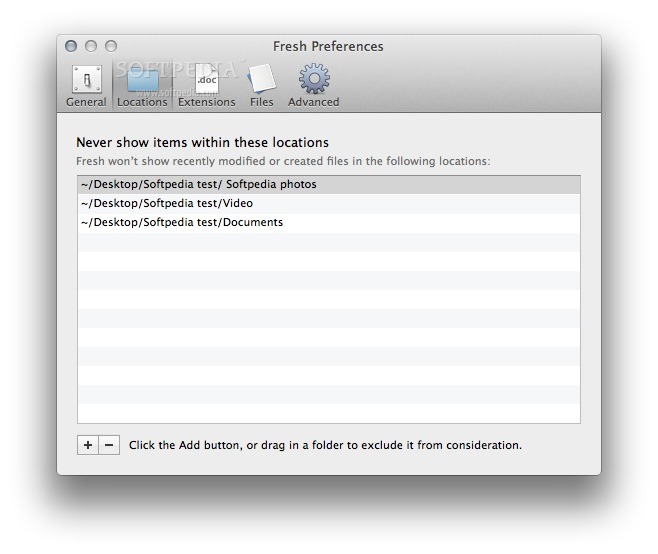
Fresh is a great application that will help you easily find the recently created or modified files.
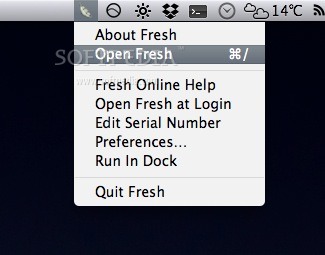
Fresh is designed to hide itself when you are not using it - keeping your onscreen clutter of windows more manageable.
There are two main areas in Fresh. The top one shows files that Fresh has identified as new to you, currently being edited, etc. When you download a file from the internet, or save an attachment in Mail, or edit a file in Word, it will show up here.
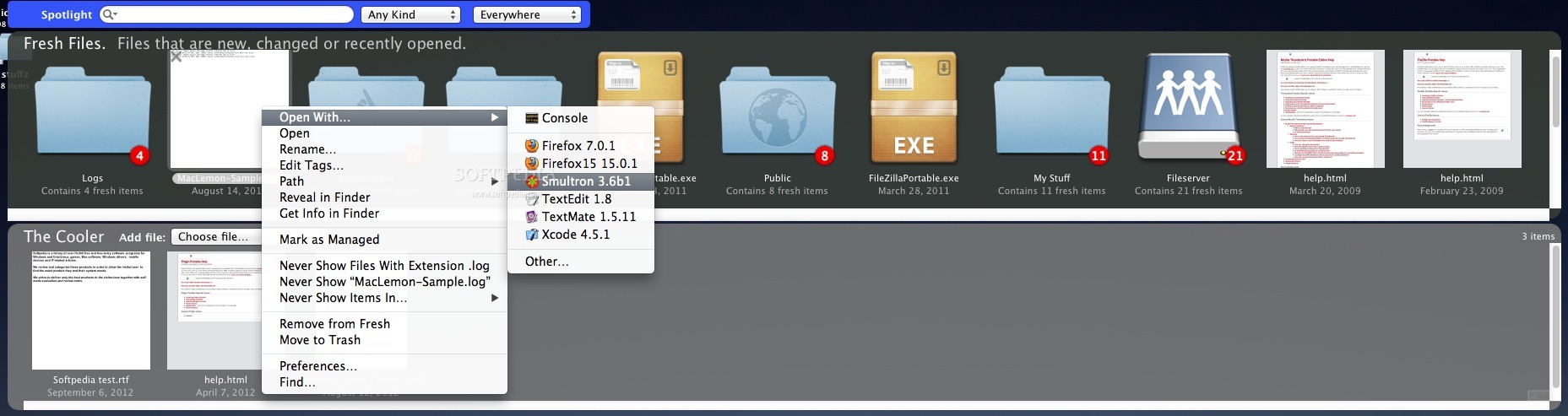
As new and changed files appear on your computer, then are added to this area. If you click on an item, then press the delete key, then that item is simply removed from the list, with the file on disk left alone. To throw a document into the trash, just press 'command - delete' or drag it to the trash can in the dock.
Since new items will be appearing in the 'Fresh Files' area all the time, if you see a file there that you will be working with today, just drag it into the 'Cooler' below.
The 'Cooler' on the bottom is a like a shelf where you can put things for storage. In this respect it it sort of like your desktop - with two important distinctions. One is that the files listed in the cooler can be anywhere on your computer. The other is that this cooler features an 'autoclean' function - it automatically throws out items that overflow.
This means that you don't have to worry about cluttering up the cooler with too many items. All of the items shown in Fresh are really pointers to the actual files, so don't worry when something falls out of the cooler due to disuse, it won't really be thrown out.
System requirements
- 64-bit processor
What's new in Fresh 2.8.5:
- Updates for latest Xcode, dragging fixes.
Fresh 2.8.5
add to watchlist add to download basket send us an update REPORT- runs on:
- OS X 10.8.4 or later (Intel only)
- file size:
- 3 MB
- filename:
- Fresh.zip
- main category:
- System Utilities
- developer:
- visit homepage
7-Zip

IrfanView

Context Menu Manager

Bitdefender Antivirus Free

Microsoft Teams

4k Video Downloader

calibre

Windows Sandbox Launcher

ShareX

Zoom Client

- Windows Sandbox Launcher
- ShareX
- Zoom Client
- 7-Zip
- IrfanView
- Context Menu Manager
- Bitdefender Antivirus Free
- Microsoft Teams
- 4k Video Downloader
- calibre