
Online backup solution that enables you to use the Time Machine function in the cloud and helps you make your data available anywhere. #Online backup #Restore backup #Cloud backup #Backup #Synchronizer #Back up
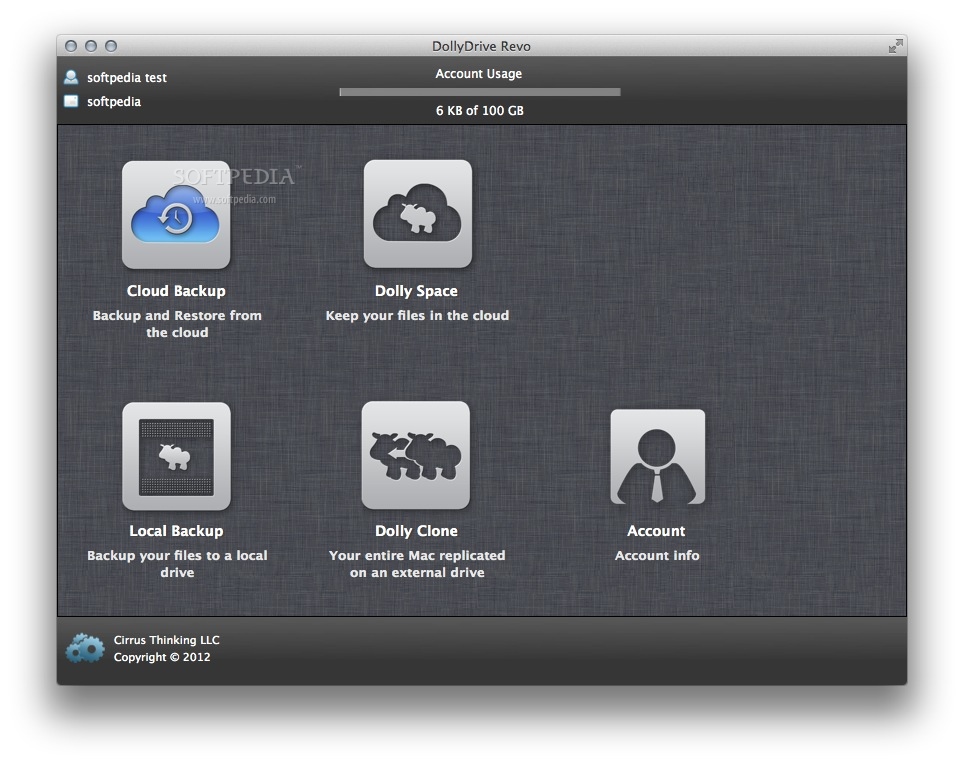
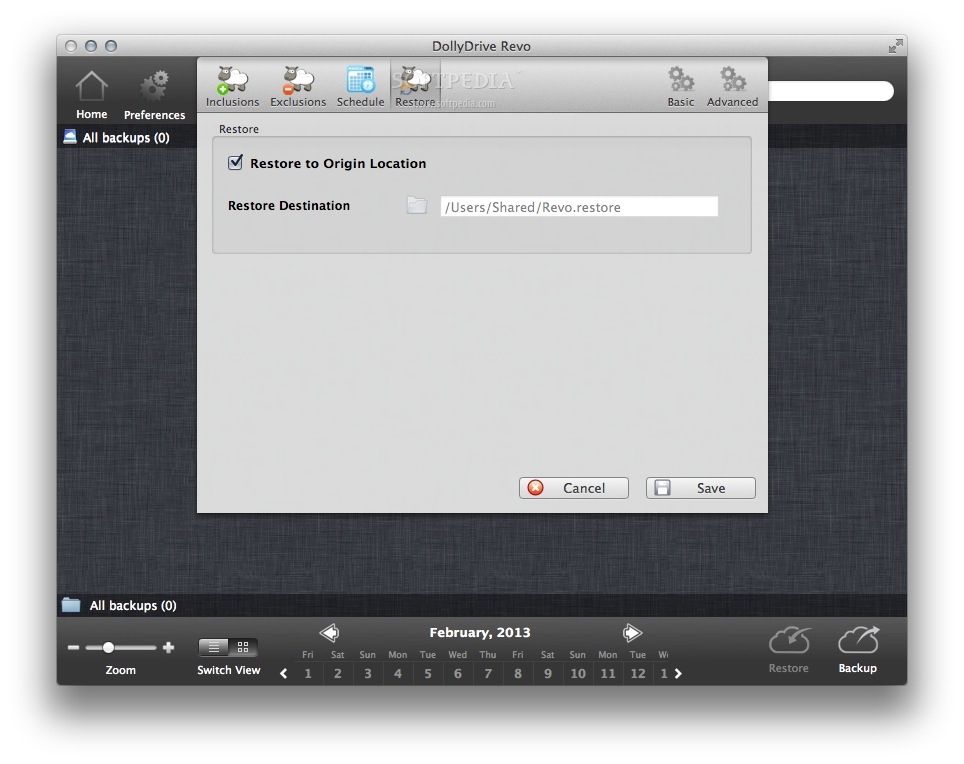
The subscription-based cloud storage service helps you backup all of your files in the cloud with the help of Time Machine.
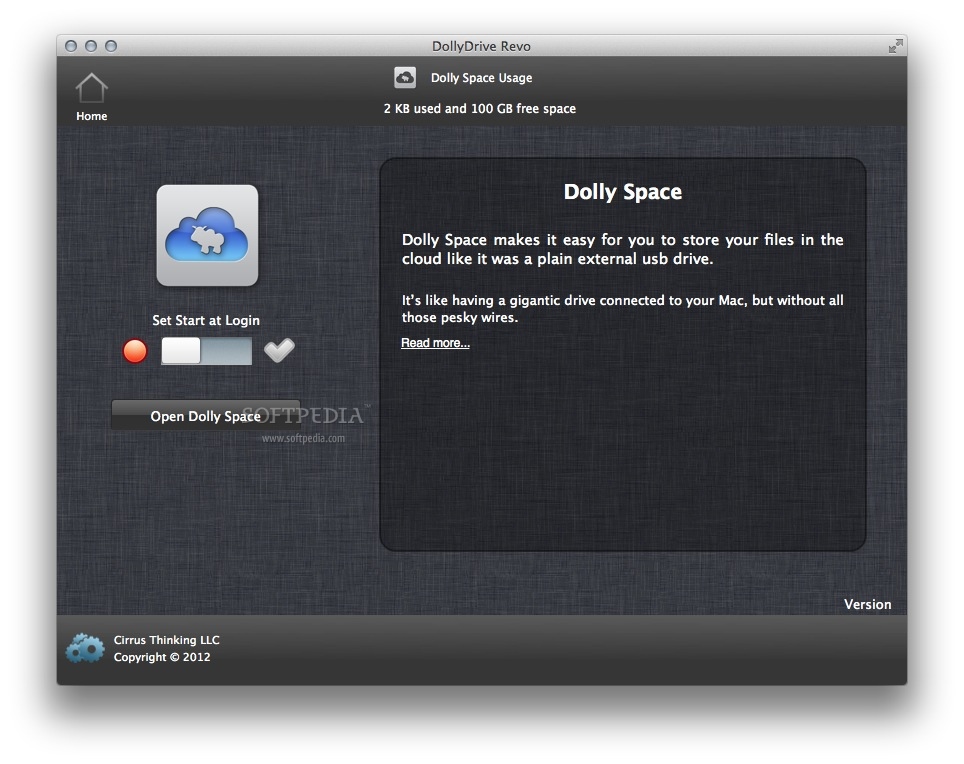
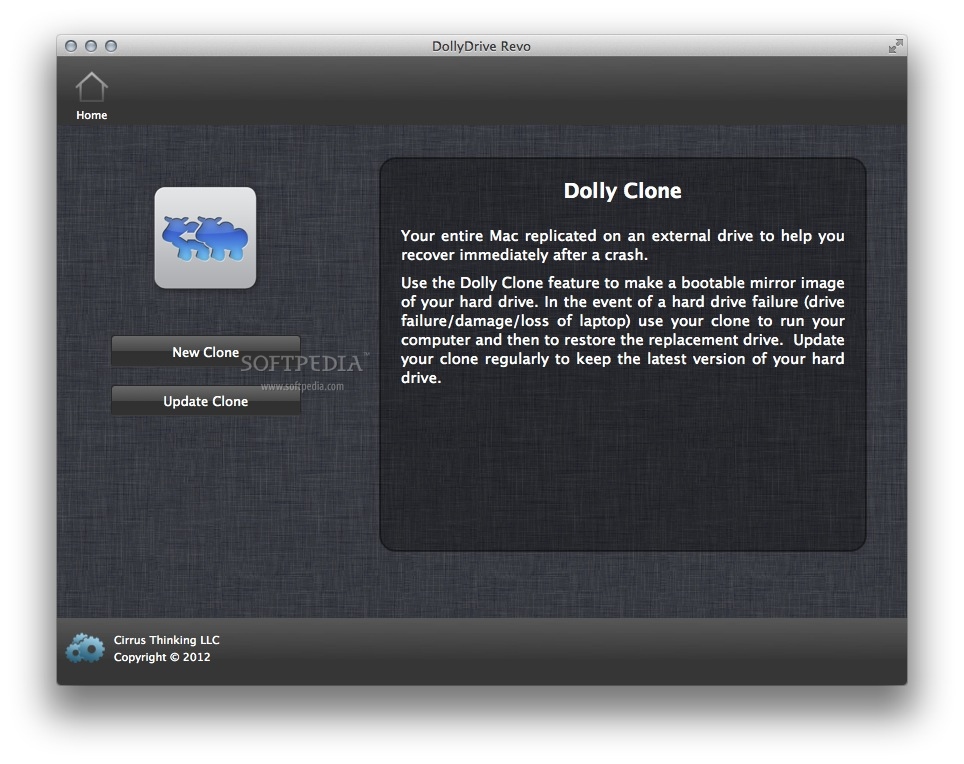
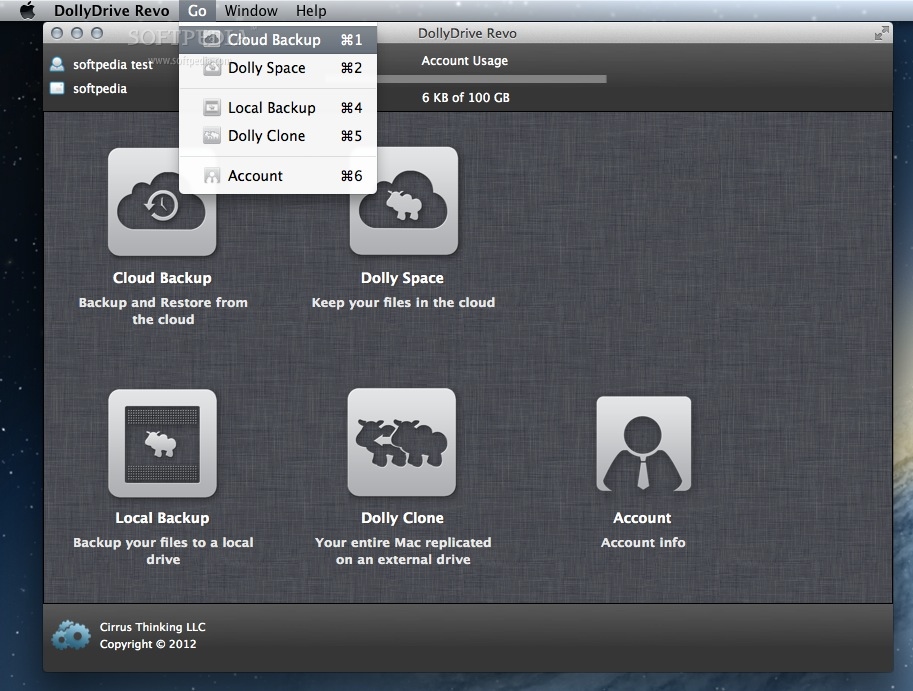
From the elegant Mac-inspired interface to the all-in-one backup, sync, store and clone , no one does more to make sure whatever you are working on right now is backed up and accessible, whenever, wherever, forever.
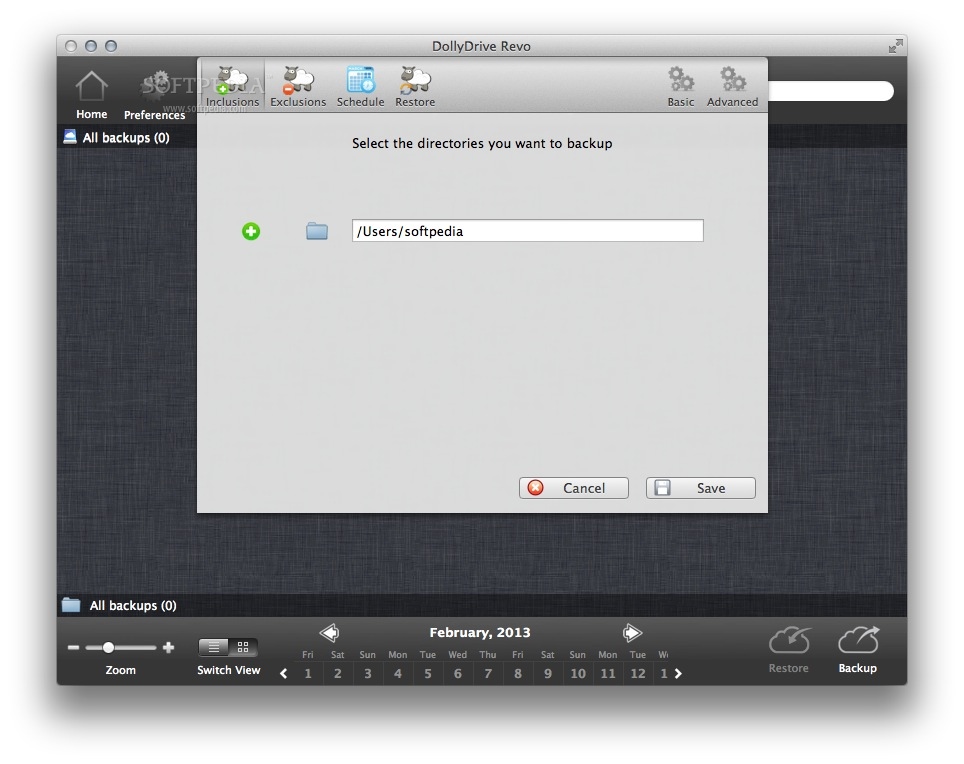
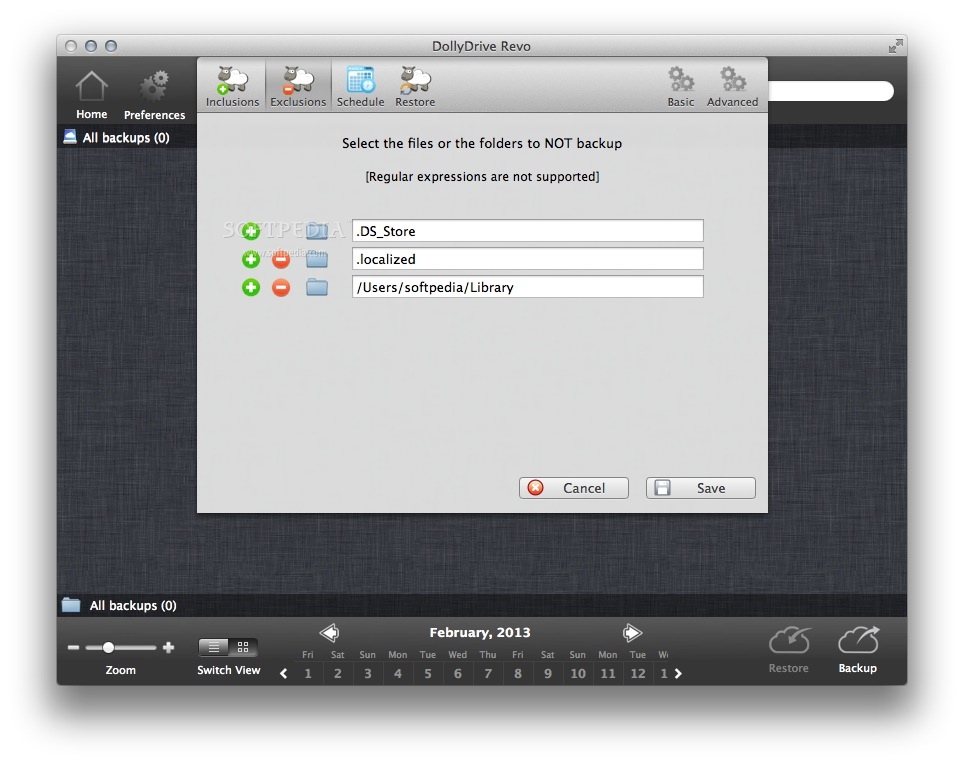
From your very first backup, DollyDrive auto-magically uploads your most important files – your documents, pictures, videos, music, and more. Dolly is default set to include your iPhoto, iMovie and iTunes folders.
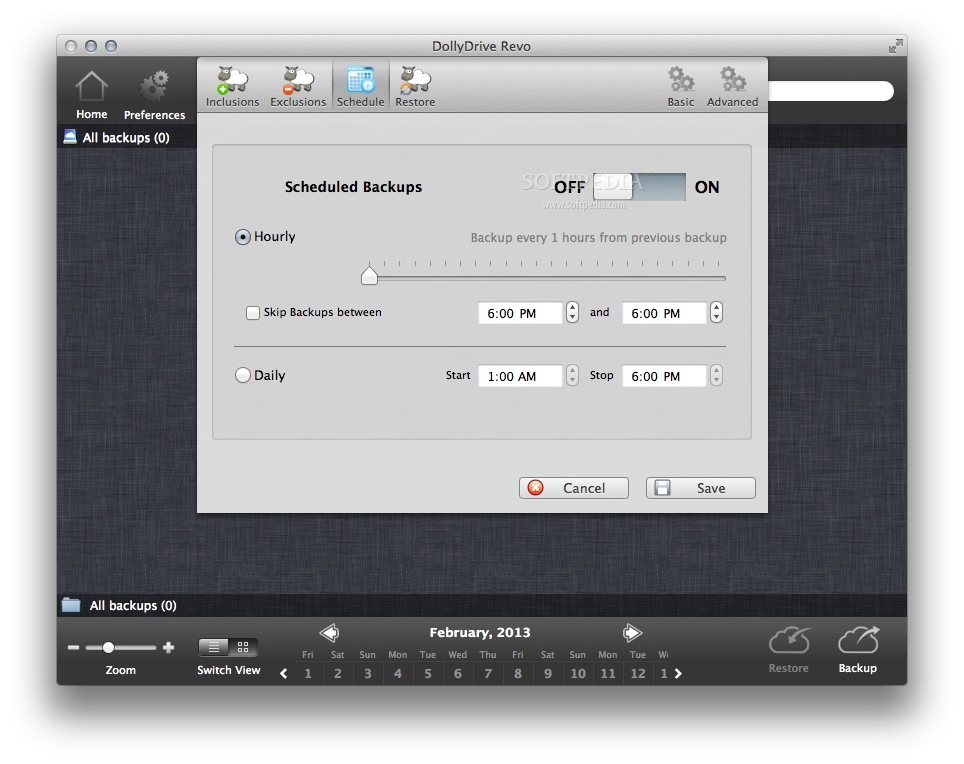
Dolly also offers unlimited versioning, meaning it saves every version of every backup giving you access to any version of any file, at any time, going back to the very first backup.
Dolly’s backup inclusions include your Sync folder, so that anything you access across your devices via Dolly Sync is being backed up too. Go back in time to retrieve past versions of synced files.
System requirements
- A Dolly Drive account
- 64-bit processor
Limitations in the unregistered version
- 100 GB cloud space
What's new in DollyDrive 4.02 Build 40020:
- Sparkle services update
- SDK 10.13
- Space snapshot update
- Overall improvements
DollyDrive 4.02 Build 40020
add to watchlist add to download basket send us an update REPORT- runs on:
- Mac OS X 10.7 or later (Intel only)
- file size:
- 19.3 MB
- filename:
- DollyDrive-latest.dmg
- main category:
- System Utilities
- developer:
- visit homepage
ShareX

calibre

Zoom Client

4k Video Downloader

Bitdefender Antivirus Free

paint.net

Microsoft Teams

Windows Sandbox Launcher

7-Zip

IrfanView

- Windows Sandbox Launcher
- 7-Zip
- IrfanView
- ShareX
- calibre
- Zoom Client
- 4k Video Downloader
- Bitdefender Antivirus Free
- paint.net
- Microsoft Teams