
A small application designed to give you full control over your Mac's display settings by allowing you to switch between all available resolutions and bit depths. #Resolution controller #Switch resolution #Select bit depth #Resolution #Color mode #Bit depth
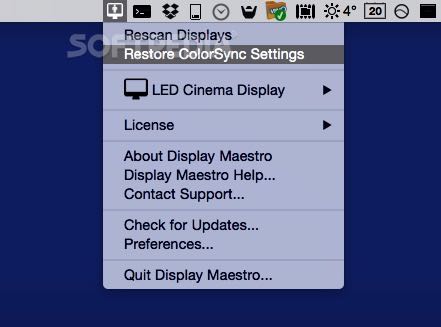
Display Maestro is a simple and small menu bar based OS X app that enables users to fully control the properties of their Mac’s display by enabling them to use all available or hidden resolutions and bit depths.
Like many other Mac applications, the installation procedure for Display Maestro is reduced to a simple drag and drop to the Applications directory.
Once you’ve done that, Display Maestro will instantly and seamlessly integrate itself into the menu bar, giving you the feeling that it’s a default component of OS X itself.
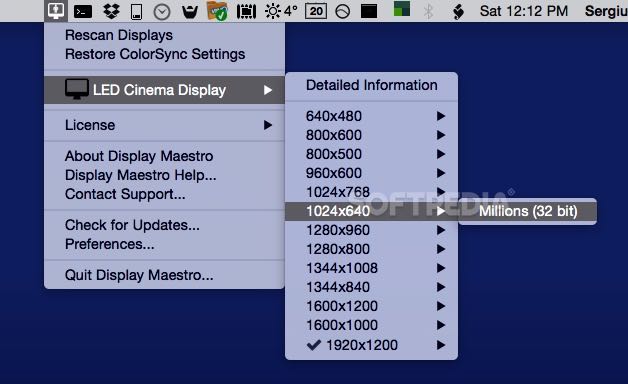
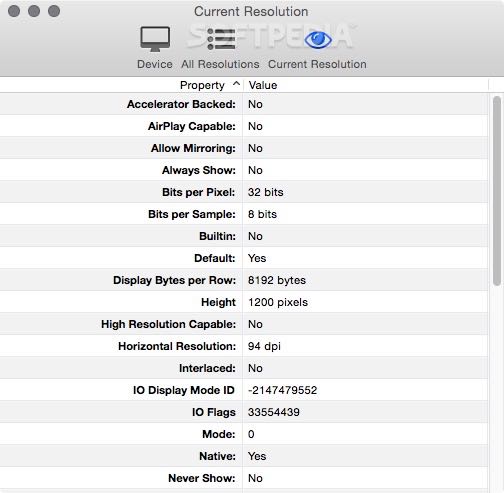
You can access Display Maestro’s capabilities quickly and with ease by clicking the icon from your Mac’s status bar. From there, you can choose from a list of display resolutions, choose to show or hide the unsafe resolutions, restore the ColorSync settings and check the current resolution.
Display Maestro comes in to help those who want to play old games, by enabling the use of 256-bit color mode, discontinued by Apple when it released OS 10.5 Leopard back in 26 October, 2007.
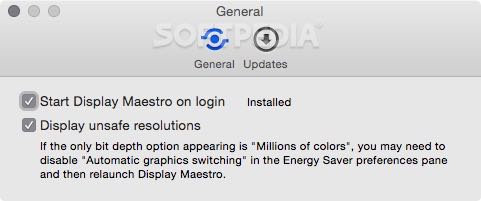
Also noteworthy is that you can setup the app to open and set your favorite display resolution at system start-up, while, once you’ve selected Quit Display Maestro from its drop-down menu, it will revert your screen resolution back to your previous setting.
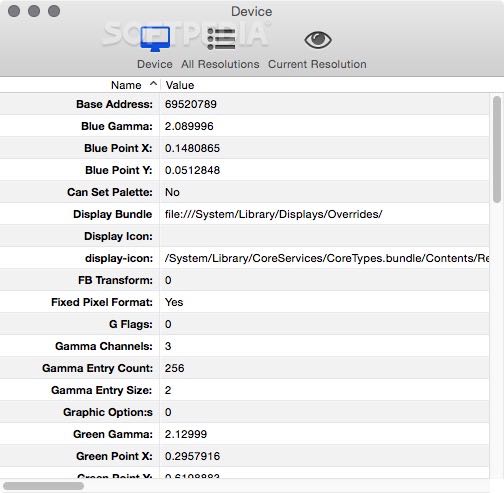
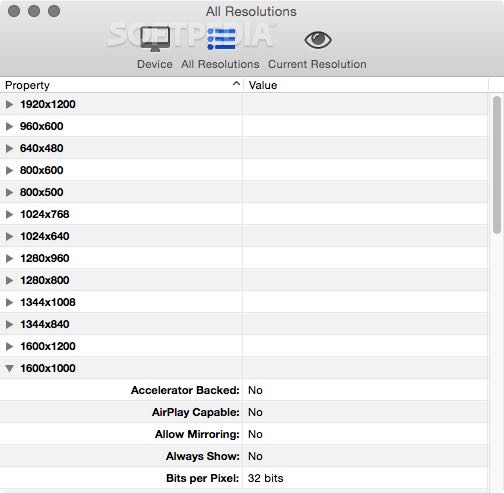
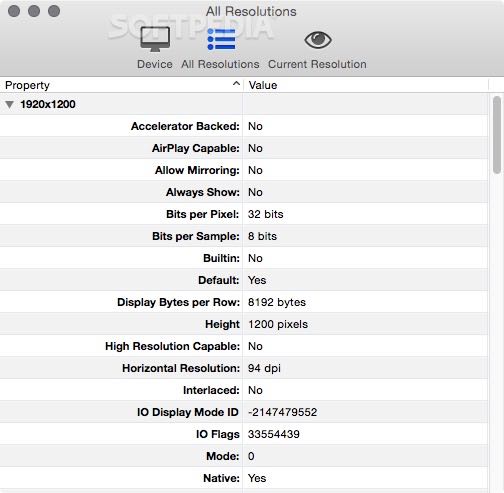
What’s more, Display Maestro comes with built-in support for multiple monitors and can help you get a quick overview of detailed information about each display device’s resolution.
To sum it all up, Display Maestro is a minimalist and user-friendly OS X utility that makes it possible for you to have better control over your Mac’s display resolutions and that brings back the possibility to effortlessly switch to the old time 256-color mode for backward game compatibility.
What's new in Display Maestro 5.1:
- Modification: Now handles displays without a custom display name .
- Modification: Will only show a display number if there's more than one display connected.
- Modification: Visual checkmark in the preferences window if the login item was successfully installed or not.
- Bug Fix: Numerous under-the-hood fixes.
Display Maestro 5.1
add to watchlist add to download basket send us an update REPORT- runs on:
- macOS 10.15 or later (Universal Binary)
- file size:
- 30.4 MB
- filename:
- displaymaestro.dmg
- main category:
- System Utilities
- developer:
- visit homepage
4k Video Downloader

Windows Sandbox Launcher

Bitdefender Antivirus Free

ShareX

Microsoft Teams

7-Zip

calibre

Zoom Client

Context Menu Manager

IrfanView

- Zoom Client
- Context Menu Manager
- IrfanView
- 4k Video Downloader
- Windows Sandbox Launcher
- Bitdefender Antivirus Free
- ShareX
- Microsoft Teams
- 7-Zip
- calibre