Softpedia
 

MAC CATEGORIES:


GLOBAL PAGES >>
NEWS ARCHIVE >>
SOFTPEDIA REVIEWS >>
MEET THE EDITORS >>
WEEK'S BEST
  • EarthDesk 5.8.5
  • GraphicConverter 8...
  • MacPorts 2.1.1
  • CCleaner 1.03.131
  • Quicksilver ß68 Bu...
  • TextWrangler 4.0.1...
  • Google Chrome 21.0...
  • Winclone 3.3
  • ScreenFlow 3.0.6
  • Apple Security Upd...
  • Home > Mac > Security
     Report malware

    SecureCRT 7.0 Build 281 Beta 1 / 6.7.5 Build 411

    Download button

    Downloads: 1,085  Tell us about an update
    User Rating:
    Rated by:
    NOT RATED
    0 user(s)
    Developer:

    License / Price:

    Size / OS:

    Binary Format:

    Last Updated:

    Category:
    VanDyke Software | More programs
    Trial / USD 99.00 buy button
    9.8 MB / Mac OS X 10.5 or later
    Intel only Intel only
    May 5th, 2012, 08:49 UTC [view history]
    Home / Security

     Read user reviews (0)  Refer to a friend  Subscribe

    SecureCRT description

    Terminal emulator for secure access to network devices and business applications on UNIX, Linux, or VMS systems

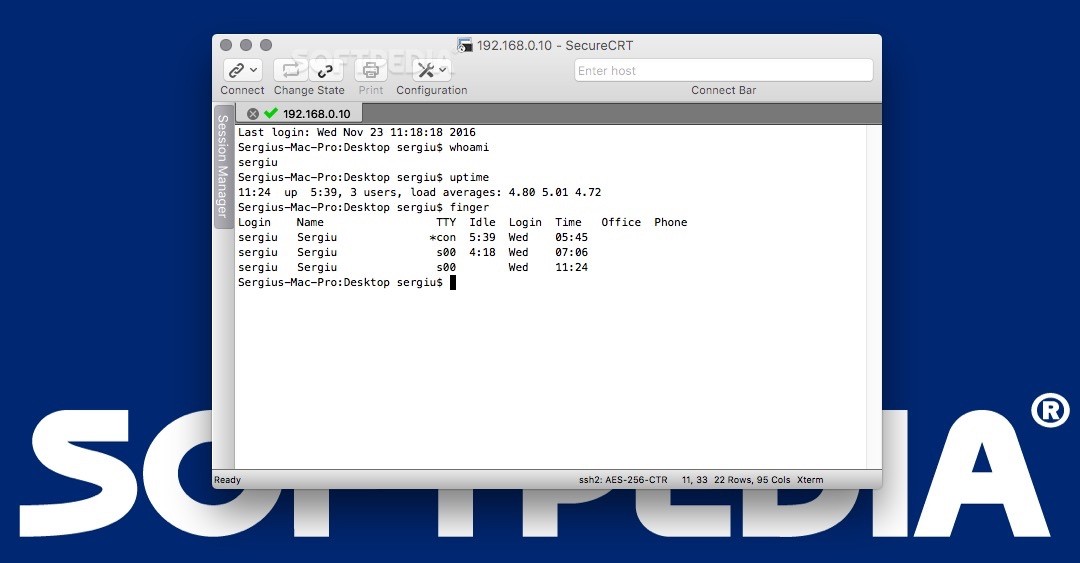
    SecureCRT is a cross-platform utility which provides rock-solid terminal emulation for computing professionals, raising productivity with advanced session management and a host of ways to save time and streamline repetitive tasks.

    SecureCRT provides secure remote access, file transfer, and data tunneling for everyone in your organization.

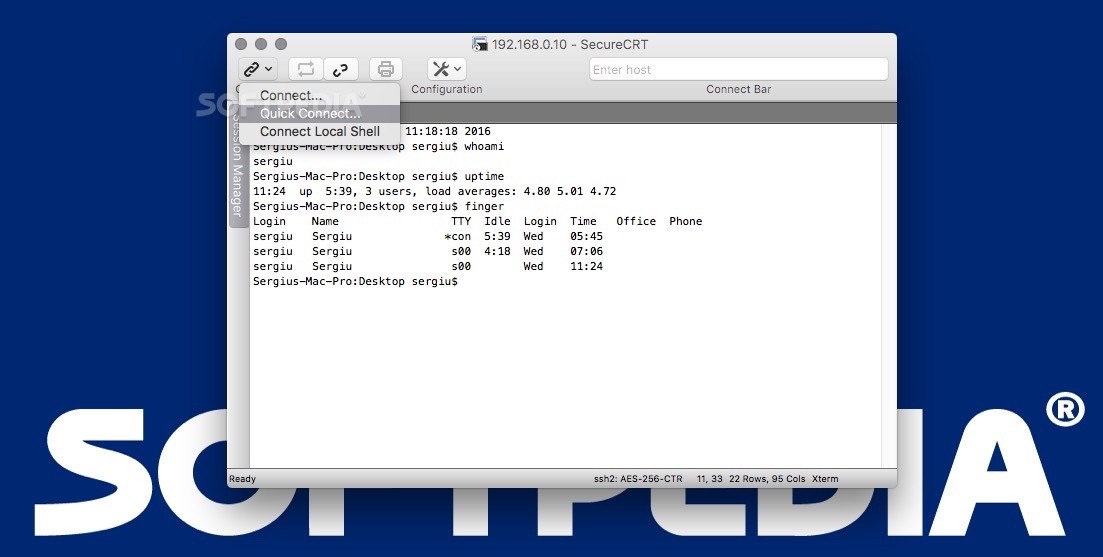
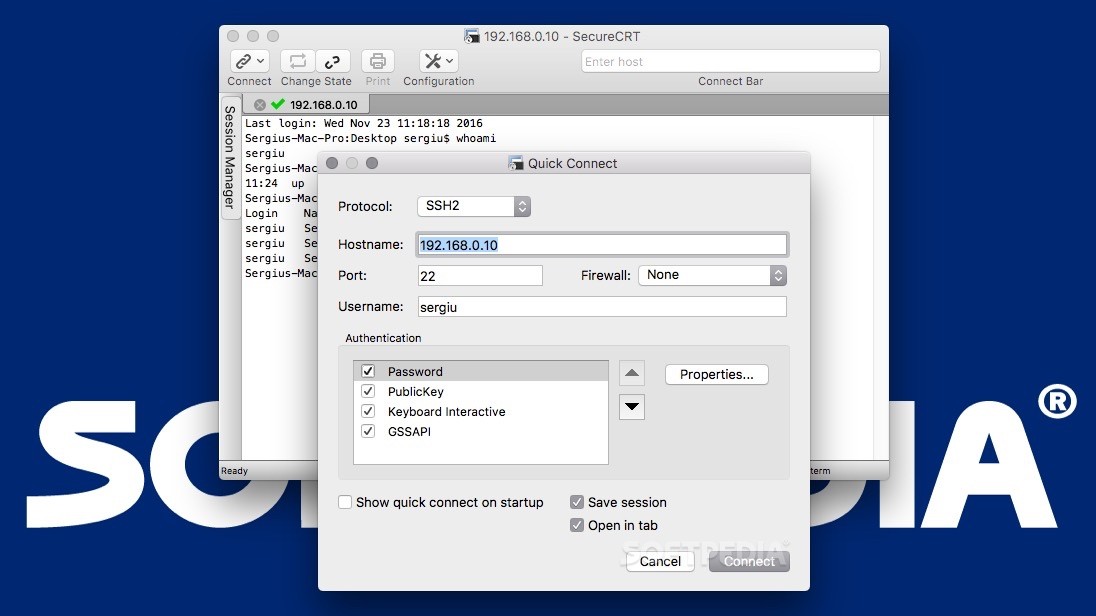
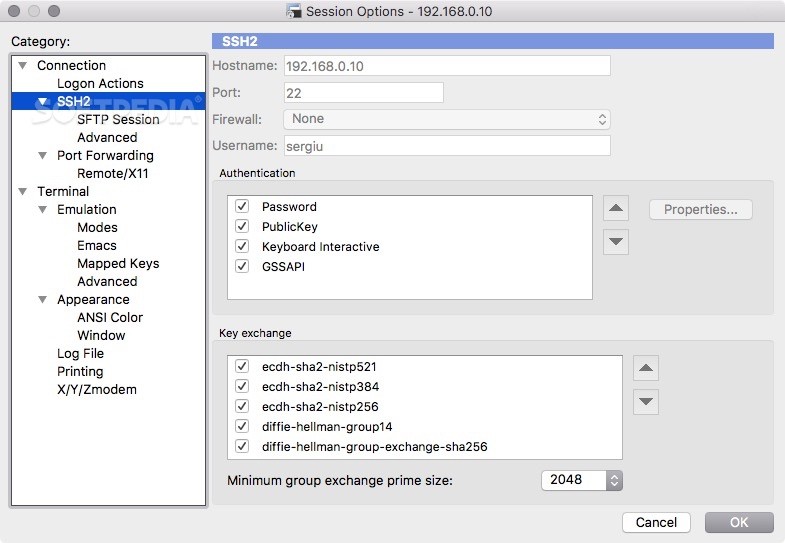
    Built on IETF standard protocols, SecureCRT supports SSH2, SSH1, Telnet, Telnet/SSL, Serial, and other protocols.

    Now network professionals can run SecureCRT on their favorite Mac systems, or switch back and forth easily between Mac OS X, Linux, and Windows.

    Whether you need a Terminal replacement with more powerful session management or advanced capabilities to help raise your productivity to the nth degree, SecureCRT is an application you can live in all day long.

    Here are some key features of "SecureCRT":

    · Securely access business applications on UNIX, Linux, or VMS from machines running Windows, Linux, and Mac — employ the rich emulation support for VT100/102/220, ANSI, SCO ANSI, Wyse 50/60, Xterm, and Linux console.
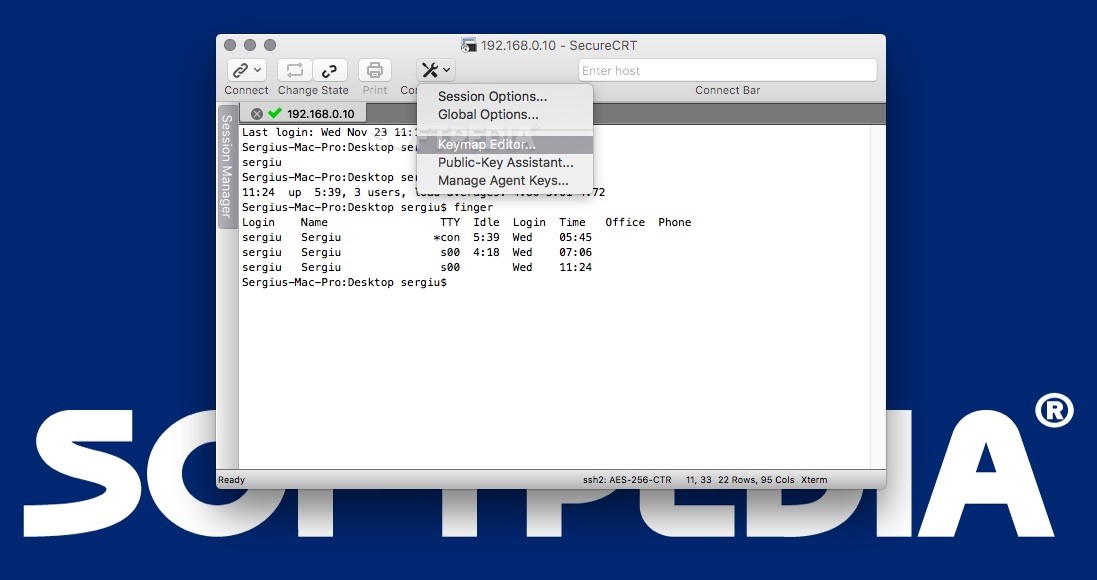
    · Configure, manage, and customize 1 to 5,000 sessions with full control over scrollback, key mappings, colors, fonts, and more.
    · Access your full array of network devices from one client with SSH2, SSH1, Telnet, Telnet/SSL, serial, and other protocols.
    · Leverage the high-productivity UI with time-saving capabilities including multi-session launch, tabbed sessions, cloned sessions, a button bar for repeated commands, and mapped keys.
    · Depend on the open standard Secure Shell protocol for encrypted logon and session data, flexible authentication options, and optional FIPS 140-2 -approved ciphers.
    · Automate repetitive tasks in SecureCRT by running scripts using VBScript, JScript, PerlScript, or Python. The script recorder builds your keystrokes into a VBScript or Python script.
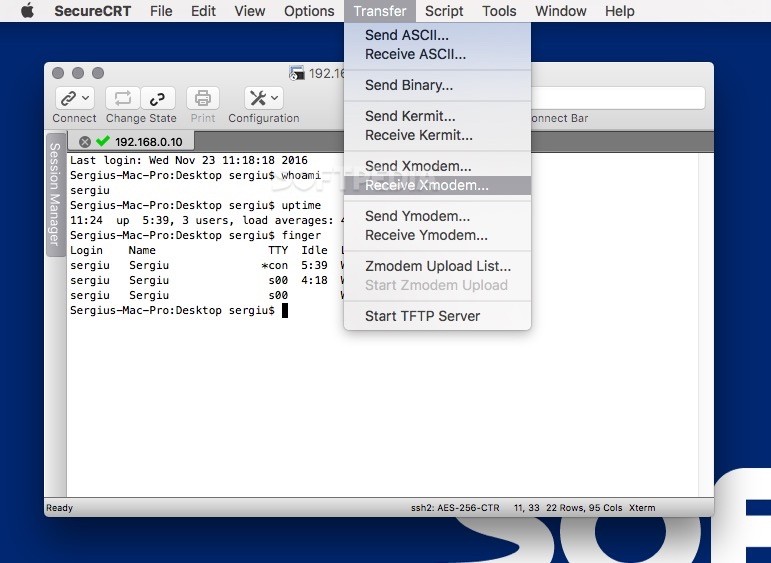
    · Transfer files between network devices with SFTP or Xmodem, Ymodem, and Zmodem protocols.
    · Save steps with the close integration of SecureCRT for Windows and the SecureFX® file transfer client, which share sessions and settings that let you run SFTP, FTP, SCP, and FTP/SSL file transfer sessions without reentering passwords.

    Limitations:

    · 30 days trial

    What's New in This Release: [ read full changelog ]

    New features:
    · Added the ability to start a built-in TFTP server when a session connects.
    · SSH2: Added the ability to skip authentication methods while authenticating.
    · When the mouse hovers over a button, the command the button is mapped to is shown as hover text.
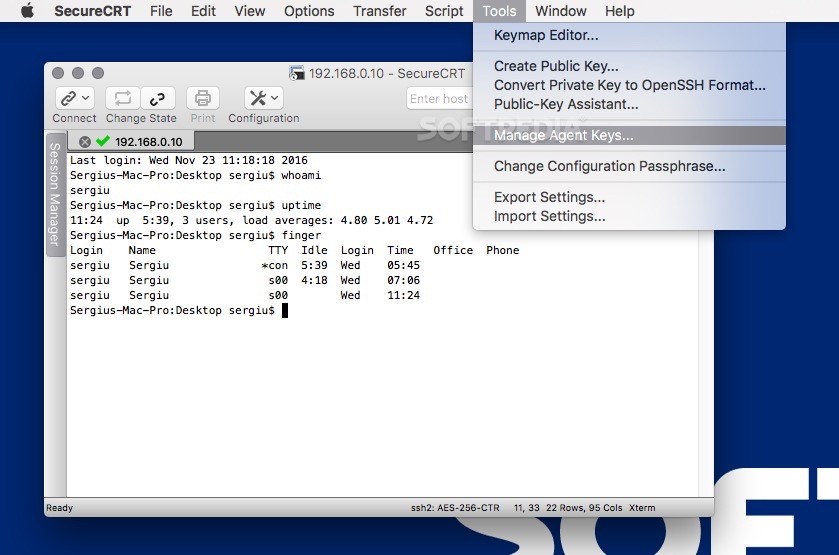
    · Added the ability to map the items on the "Tools" menu to a button or key.
    · Added the ability to map "Always on Top" to a key.
    · Added support for the "Insert" key to the Wyse 50/60 emulation.

    Changes:
    · Improved the performance of the "Connect" dialog when the configuration is located on the network.
    · It is now possible to close the last tab.
    · The port can now be specified in the "Connect" bar on the toolbar.
    · The chat window history limit has been increased to 32,000 commands.
    · When scrolling back into the scrollback buffer, empty lines (such as from the "clear" command) are not shown.
    · Added a way to access buttons that were not visible on the button bar if the configured buttons did not fit in the window.
    · Added "Send Break" to th...

     Softpedia guarantees that SecureCRT 7.0 Build 281 Beta 1 / 6.7.5 Build 411 is 100% CLEAN, which means it does not contain any form of malware, including spyware, viruses, trojans and backdoors. [read more >]


    TAGS:

    terminal emulator | secure remote access | file transfer | emulator | terminal | remote


    HTML code for linking to this page:


    Go to top

    WindowsGamesDriversMacLinuxScriptsMobileHandheldNews

    SUBMIT PROGRAM   |   ADVERTISE   |   GET HELP   |   SEND US FEEDBACK   |   RSS FEEDS   |   UPDATE YOUR SOFTWARE   |   ROMANIAN FORUM